Send enquiry ⏎

UI/UX Design Online Live Class by Experts

Our Training/Internship Process

UI/UX Design Online Live Classes in Varanasi | Free Demo Training

UI/UX Design - Syllabus, Fees & Duration

Figma Syllabus (15 Hours)

      Module 1: Figma Fundamentals (3 Hours)

        Introduction to Figma

      • Understanding the Figma interface and tools.
      • Layers, frames, and pages.
      • Shapes, text, and alignment.

        Design Basics

      • Color theory and typography basics.
      • Grids and layout principles.
      Module 2: Prototyping with Figma (3 Hours)

        Wireframing Basics

      • Creating low-fidelity wireframes for mobile and web apps.

        Prototyping Features

      • Adding interactions and transitions.
      • Clickable prototypes for user testing.
      Module 3: Mobile App Design Project (4 Hours)

        Designing a Mobile App

      • Screens for a sample app (e.g., task manager or food delivery).
      • Login, home, and profile pages.

        Components and Variants

      • Reusable buttons, icons, and cards.
      • Typography and color styles.

        Prototyping and Feedback

      • Linking screens and testing navigation.
      Module 4: Web App Design Project (5 Hours)

        Designing a Web App

      • Landing page, login screen, and dashboard for a web app.
      • Auto-layout for responsive designs.

        Final Prototype

      • Responsive breakpoints for desktop, tablet, and mobile.
      • Functional prototype with interactions.
    Web Development Syllabus (15 Hours)
      Module 1: HTML, CSS, and Bootstrap Basics (5 Hours)

        HTML Fundamentals (2 Hours)

      • Structuring web pages (header, footer, sections).
      • Essential tags: headings, lists, images, and links tables etc..

        CSS Basics (2 Hours)

      • Styling text and layout using CSS.
      • Box model, positioning, and Flexbox basics.

        Bootstrap Basics (1 Hour)

      • Setting up Bootstrap in a project.
      • Grid system and responsive layouts.
      • Common components: navbar, buttons, and cards.
      Module 2: Responsive Landing Page Conversion (5 Hours)

        Figma to Code Workflow (2 Hours)

      • Importing Figma designs for reference.
      • Structuring HTML and CSS with Bootstrap.

        Responsive Design (3 Hours)

      • Using media queries and Bootstrap utilities.
      • Creating a responsive navigation bar and hero section.
      • Ensuring design consistency with the Figma prototype.
      Module 3: Interactivity with JavaScript & Advanced Bootstrap (3 Hours)

        JavaScript Basics

      • Adding interactivity with JavaScript (e.g., form validation).
      • Bootstrap JavaScript components: modals, dropdowns, and carousels.

        CSS Animations & Transitions

      • Enhancing visuals with hover effects and animations.
      Module 4: Final Project and Deployment (2 Hours)

        Final Project: Responsive Landing Page

      • Convert a complete Figma design into a functional landing page.
      • Use Bootstrap and JavaScript for responsiveness and interactivity.

        Hosting and Deployment

      • Publish the project online using GitHub Pages or Netlify.
      Deliverables

        Figma:

      • Prototyped mobile app and web app designs.

        Web Development:

      • Fully responsive landing page with Bootstrap and interactivity.
      • Hosted live project link.

Download Syllabus - UI/UX Design
This syllabus is not final and can be customized as per needs/updates
   
10000+
20+
50+
25+

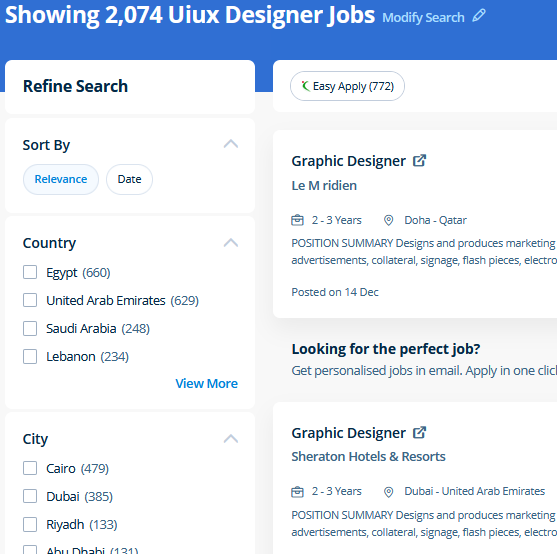
UI/UX Design Jobs in Varanasi

Enjoy the demand

Find jobs related to UI/UX Design in search engines (Google, Bing, Yahoo) and recruitment websites (monsterindia, placementindia, naukri, jobshybrid.com, indeed.co.in, shine.com etc.) based in Varanasi, chennai and europe countries. You can find many jobs for freshers related to the job positions in Varanasi.

  • ui designer
  • ux designer
  • ui/ux designer
  • ui/ux developer
  • graphic designer
  • multimedia creator
  • photoshop
  • adobe illustrator
  • web design
  • html developer

UI/UX Design Internship/Course Details

UI/UX Design internship jobs in Varanasi
UI/UX Design Get acquainted with the JavaScript Libraries solid understanding of Conditionals - else, if, if-else, ternary syntax, and switch for controlling the flow of the program in the Javascript. Your works on the projects make easier and more efficient by adding special effects or interesting features on plugins and you can use various tools like brushes, overlays, fonts, and textures etc. Files created in Adobe Photoshop can be easily transferred between totally different programs via creative Suite. Our aim is that each delegate leaves our InDesign Course with the confidence to apply their new skills effectively within the real world. Most of graphic designers use photoshop for their professional work because photoshop is one of the most professional editing software available today. The most recent unleash is compatible with each raincoat OS and Windows operating systems, permitting users to create the same workflow irrespective of what variety of computer they are using. knowledge of arrays and know-how of the data structure of the JavaScript is used for storing the data lists. CSS is currently the only standard in website design that plugs directly into your HTML, even the latest HTML5 standards. Our live online classes are a friendly and supportive alternative to looking at video tutorials – you’re ready to ask queries and receive answers from a skilled Nestsoft tutor in real time. Using Adobe Photoshop can allow you to design and discover something you want.


Meet a Few of our Industry Experts 🚀 Your Pathway to IT Career

Yogesh

Mobile: +91 8301010866
Location: Online (Varanasi, India)
Qualification: Graduate

Experience: Web designing php Angular Java script   more..

Hriday

Mobile: +91 9895490866
Location: Online (Varanasi, India)
Qualification: Master of computer application

Experience: Vapt ethical hacking hardware and software support   more..

Anandhu

Mobile: +91 91884 77559
Location: Online (Varanasi, India)
Qualification: BCA - Computer Application

Experience: I have a strong background in website development field and have been working in this field for 2+ years i  more..

vikas

Mobile: +91 98474 90866
Location: Online (Varanasi, India)
Qualification: Master degree

Experience: Customizing and configuring Odoo modules to meet client requirements Developing and implemeting new odoo modules providing technicel support and troubleshooting  more..

Vinu

Mobile: +91 9895490866
Location: Online (Varanasi, India)
Qualification: B.Tech

Experience: I am having 5 years in android application (java) and support for android projects in kotlin which utilizes sqlite database  more..

Tamilarasi

Mobile: +91 8301010866
Location: Online (Varanasi, India)
Qualification: Post graduate (M.Sc CS)

Experience: Java python No experience (Fresher)  more..

Santosh

Mobile: +91 8301010866
Location: Online (Varanasi, India)
Qualification: MSc Computer Science

Experience: Automation meeting selenium core java Test Driven Framework API testing With POSTMAN Database feeling with SQL Mandal Meeting Experience 3  more..

Gayathiri

Mobile: +91 91884 77559
Location: Online (Varanasi, India)
Qualification: MCA

Experience: Oracle SQL DBMS JAVA Mainframe and other front end and back end programming  more..

Abhinav

Mobile: +91 91884 77559
Location: Online (Varanasi, India)
Qualification: B. Tech cs

Experience: Html css php WordPress mysql jauery javascript   more..

Divyanshu

Mobile: +91 91884 77559
Location: Online (Varanasi, India)
Qualification: B.Tech

Experience: C++ Python Web Development using react Data Analyst using python Powerbi etc   more..

Adinath

Mobile: +91 91884 77559
Location: Online (Varanasi, India)
Qualification: 12 sci pass

Experience: 2 years billing And marketing Graphic design |   more..

prabhav

Mobile: +91 9895490866
Location: Online (Varanasi, India)
Qualification: graduate

Experience: Currently i am a fresher and i am practicing android development from past 1 year   more..

Yedhukrishna

Mobile: +91 98474 90866
Location: Online (Varanasi, India)
Qualification: Diploma in computer science

Experience: Automation and manual testing testcase preparation bug report smoke testing sanity testing testNG cucumber jira postman jmeter  more..

GOVIND

Mobile: +91 8301010866
Location: Online (Varanasi, India)
Qualification: M.Tech

Experience: I’m interested in the role you posted: Web developer Based on my experience as Leetcode(Solved 730+ problems) || GFG(Solved 340+  more..

Abhijit

Mobile: +91 91884 77559
Location: Online (Varanasi, India)
Qualification: Graduate

Experience: Hardware and networking and I am worked in sepl as a desktop support engineer experience in 1 year  more..

Nivedha

Mobile: +91 91884 77559
Location: Online (Varanasi, India)
Qualification: Msc

Experience: Devops (certification) Java python NLP   more..

Kaushal

Mobile: +91 9895490866
Location: Online (Varanasi, India)
Qualification: B.E CSE

Experience: iOS Developer with experience of 3 months I have not yet built any major project on iOS but I do  more..

Diksha

Mobile: +91 98474 90866
Location: Online (Varanasi, India)
Qualification: Btech

Experience: C c++ python web development by youtube Time management documentation  more..

Ekta

Mobile: +91 91884 77559
Location: Online (Varanasi, India)
Qualification: Bachelor of Computer Application

Experience: I am a fresher and I don't have any experience in any field but I did internship in data engineering  more..

Ankit

Mobile: +91 8301010866
Location: Online (Varanasi, India)
Qualification: B.Sc.Physical Science in computer science

Experience: Fresher Problem solving using python Microsoft azure 900 Analytical skills  more..

Johns

Mobile: +91 94975 90866
Location: Online (Varanasi, India)
Qualification: B tech computer science and engineering

Experience: I am Johns Thomas fresher Candidate looking forward to start career as a software engineer I am familiar with Java  more..

Arunkumar

Mobile: +91 94975 90866
Location: Online (Varanasi, India)
Qualification: BTECH IT

Experience: i am a frontend developer who i has 2 yeaApplication for Meanstack Developer Mean Stack  more..

Akil

Mobile: +91 8301010866
Location: Online (Varanasi, India)
Qualification: B.E

Experience: Manual Testing Automation Testing (Selenium+Java) Test planning Manual test case preparation Regression testing understanding Accessibility Azure DevOps Technical Support  more..

Harshalkumar

Mobile: +91 8301010866
Location: Online (Varanasi, India)
Qualification: ME

Experience: Angular front end development Javascript HTML CSS Bootstrap  more..

Success Stories

The enviable salary packages and track record of our previous students are the proof of our excellence. Please go through our students' reviews about our training methods and faculty and compare it to the recorded video classes that most of the other institutes offer. See for yourself how TechnoMaster is truly unique.

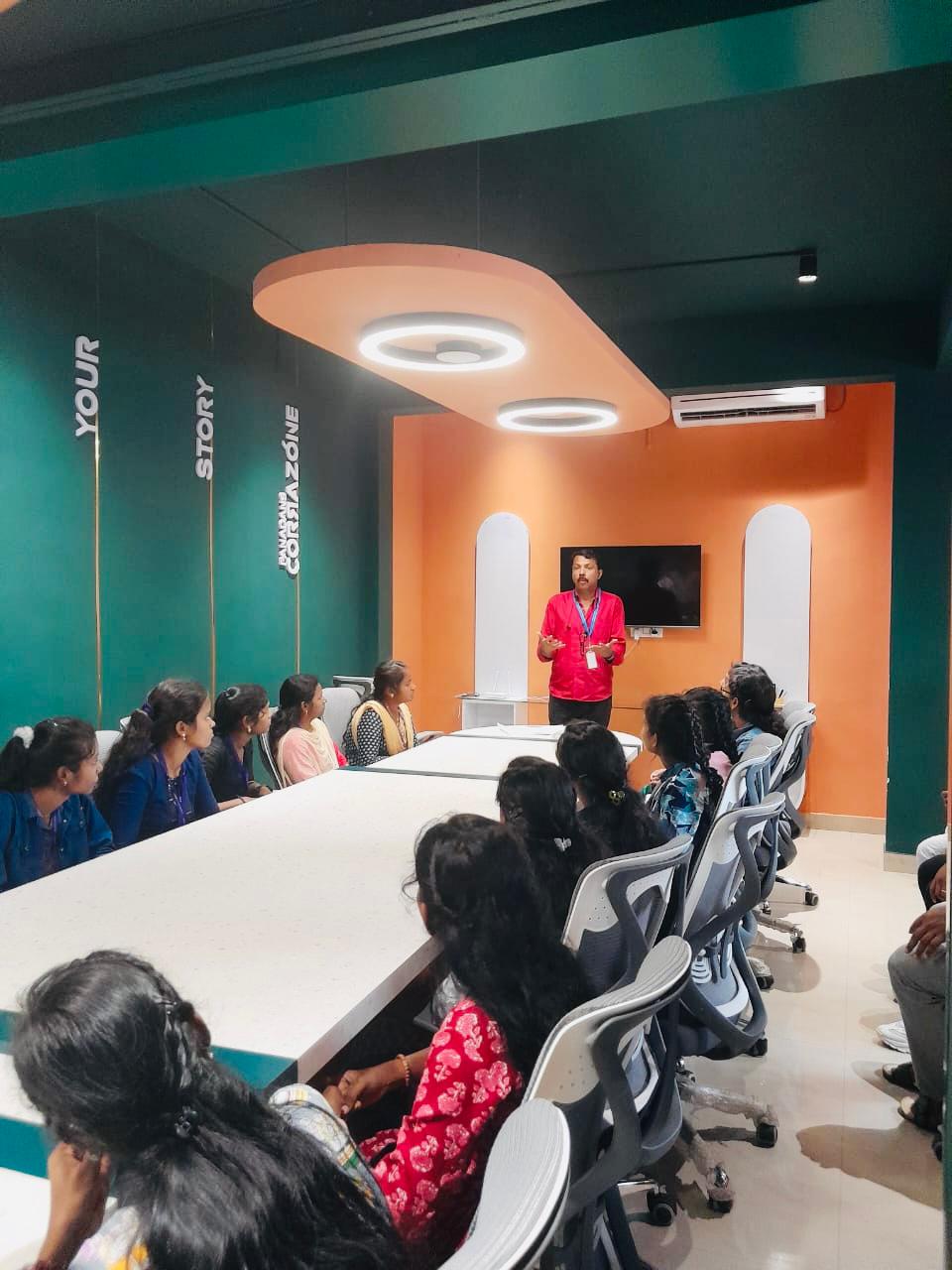
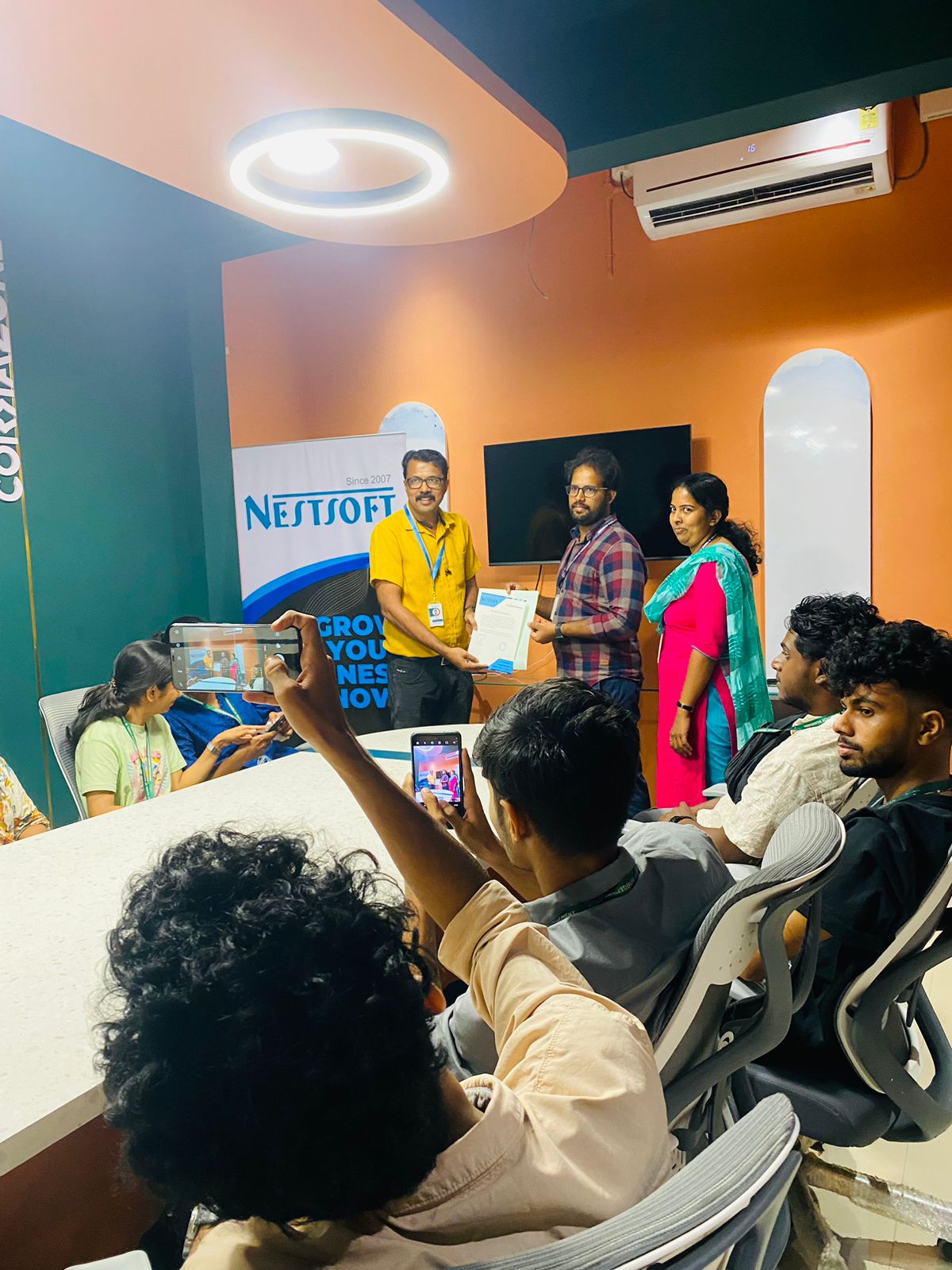
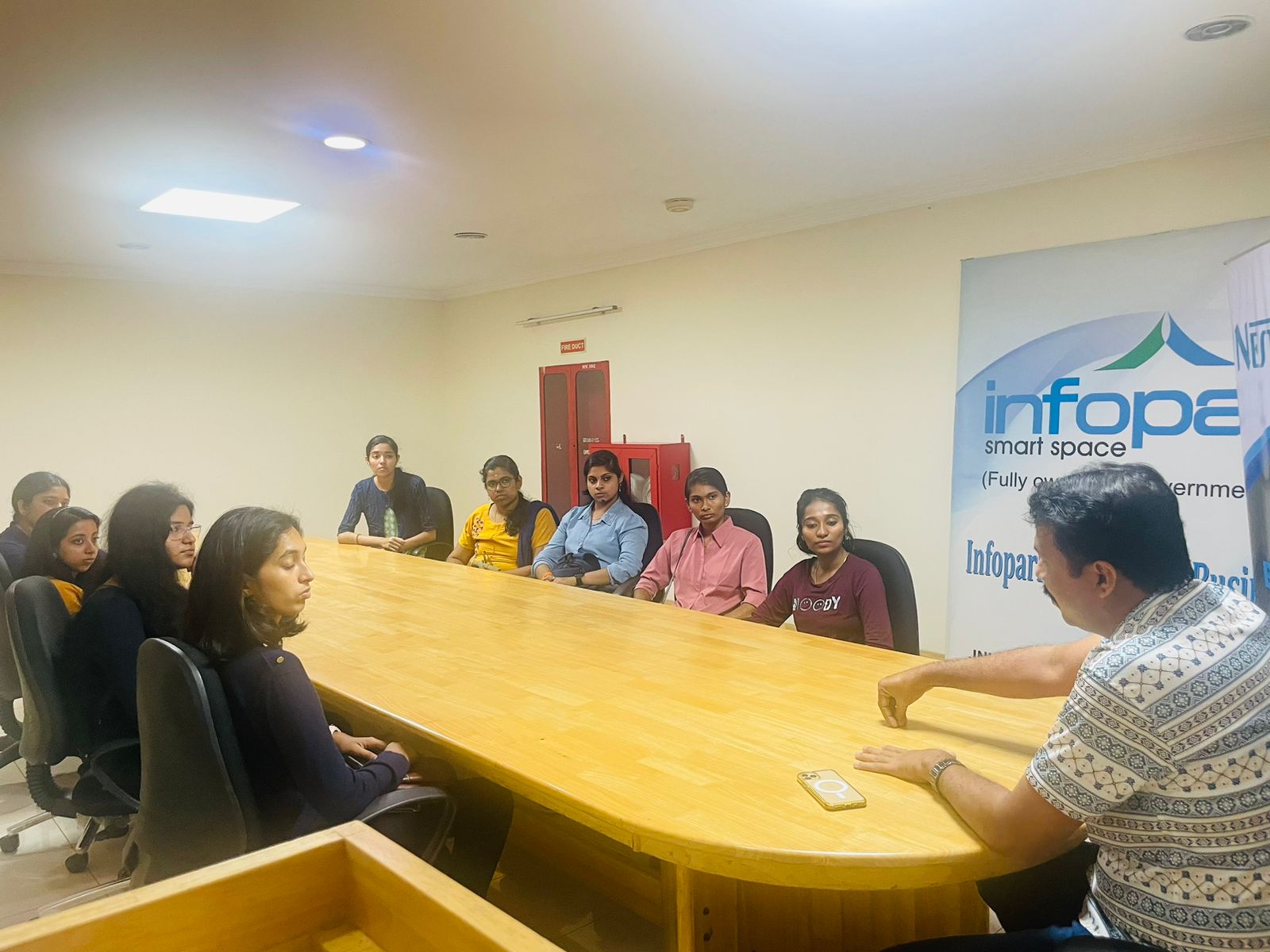
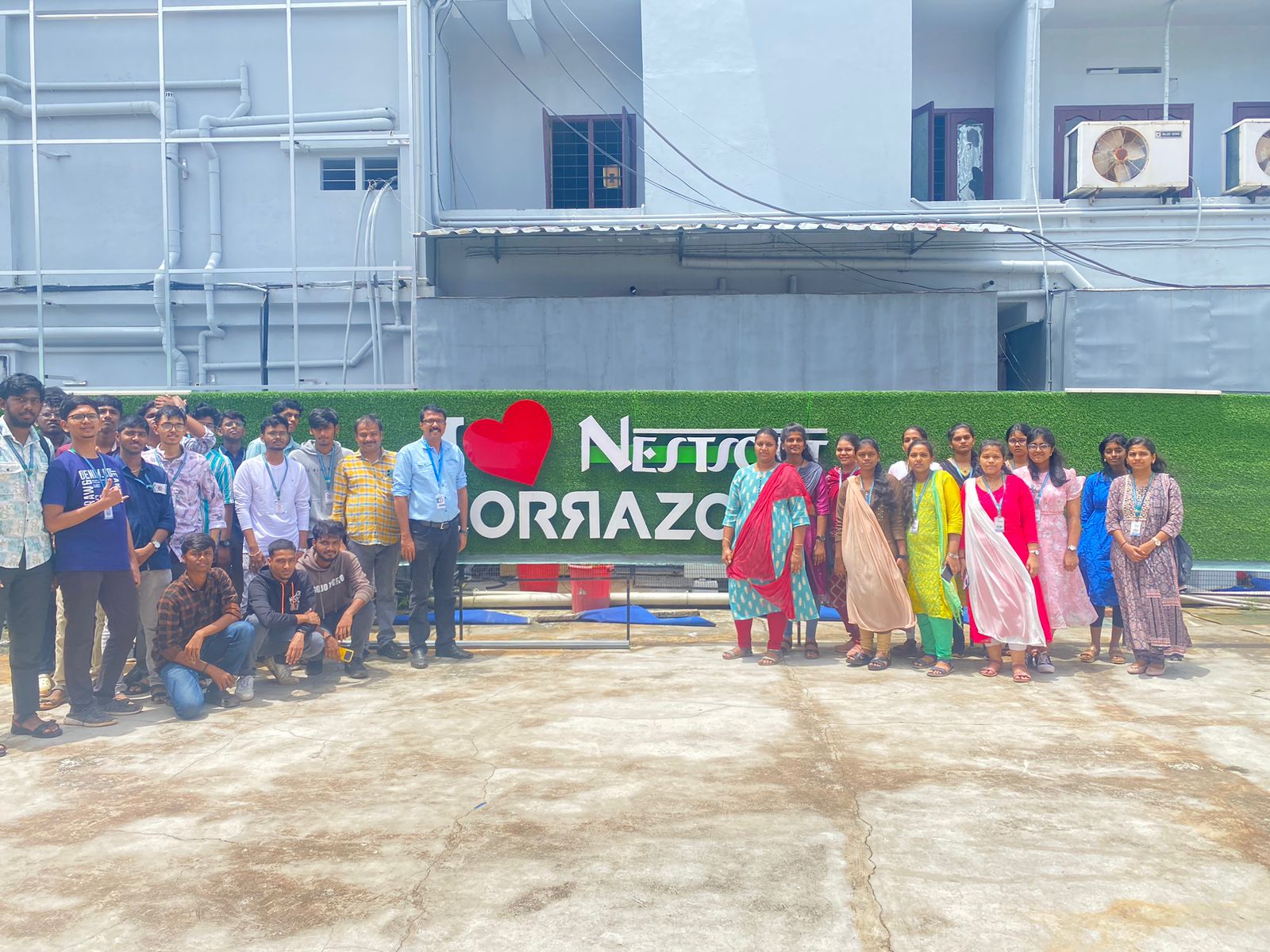
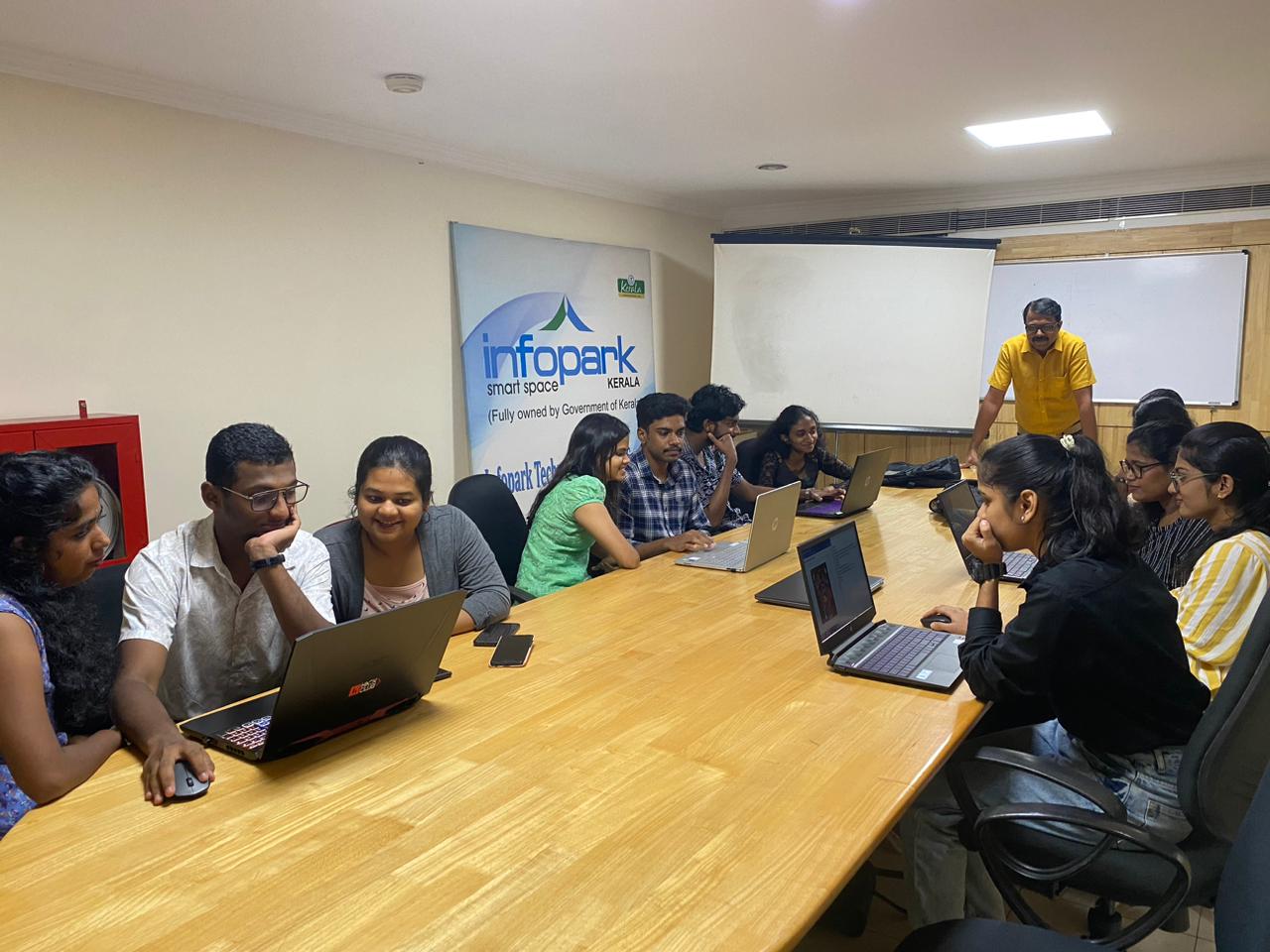
Photos of Training / Internships

Internship/projects in varanasi

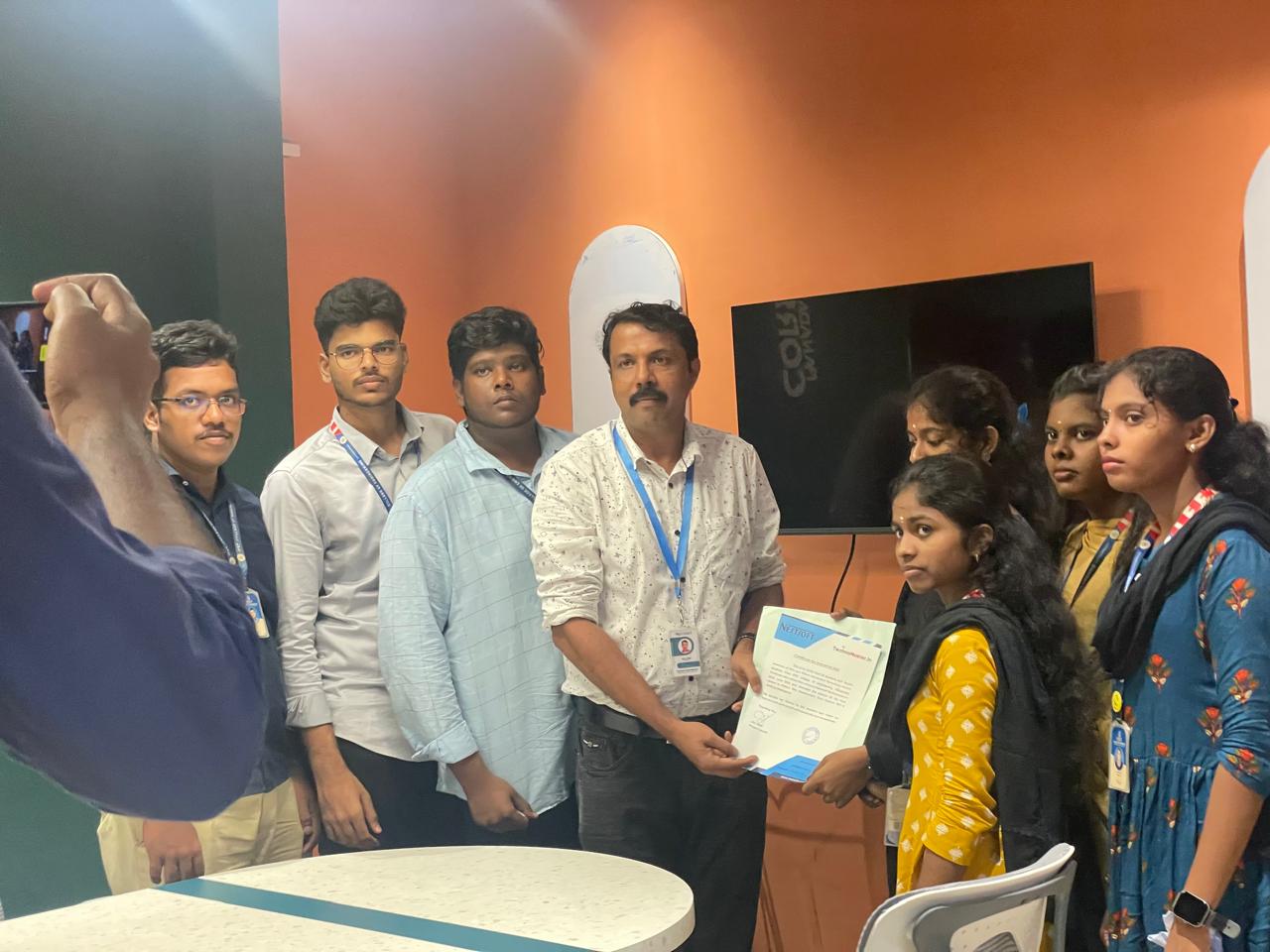
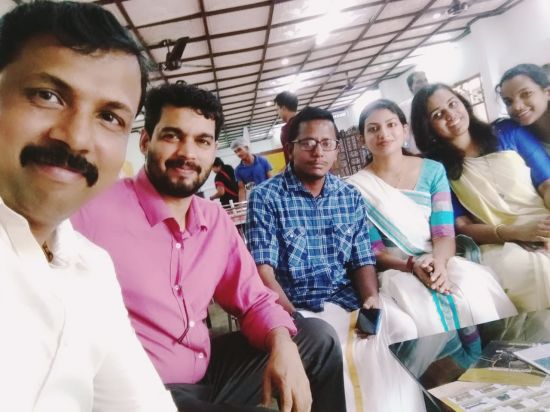
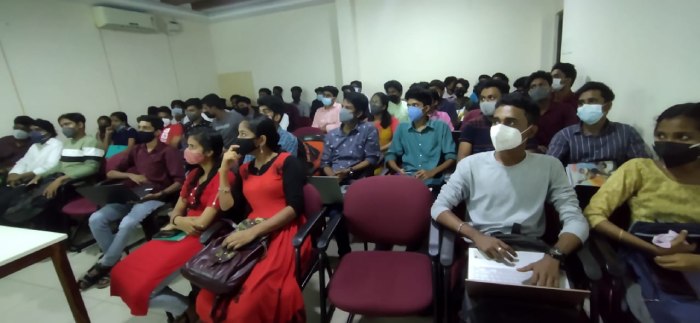
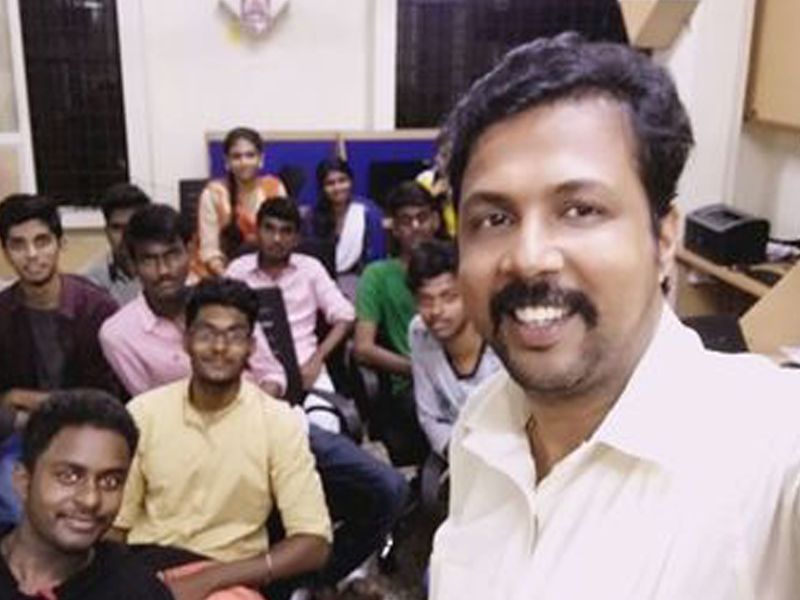
Trained more than 10000+ students who trust Nestsoft TechnoMaster

Get Your Personal Trainer