Send enquiry ⏎

Adobe Dreamweaver Online Live Class by Experts

Our Training/Internship Process

Adobe Dreamweaver Online Live Classes in Mumbai | Free Demo Training

Adobe Dreamweaver - Syllabus, Fees & Duration

Module 1: Introducing Dreamweaver

  • Understanding the course
  • Reviewing the course objectives and prerequisites
  • Reviewing the course format
  • Outlining the course content
  • Understanding static page architecture

Module 2: Getting Started

  • Introducing Dreamweaver
  • Learning the interface
  • Defining a local site
  • Creating a website

Module 3: Adding Content to a Site

  • Adding content
  • Controlling document structure
  • Making lists
  • Adding horizontal rules
  • Adding special characters

Module 4: Formatting with CSS

  • Formatting text
  • Introducing CSS
  • Creating styles
  • Exporting CSS rule definitions
  • Creating class styles
  • Attaching external style sheets
  • Creating advanced styles
  • Creating a new external style sheet
  • Displaying styles
  • Understanding cascading order and inheritance of styles
  • Creating internal styles with the Property inspector

Module 5: Working with Graphics

  • Using graphics on web pages
  • Placing graphics on the page
  • Modifying image properties
  • Editing images
  • Doing roundtrip editing with Fireworks
  • Customizing the Insert bar
  • Adding Flash content
  • Adding Flash Video

Module 6: Navigating Your Site

  • Understanding site navigation
  • Linking to files in your site
  • Linking to sites
  • Linking to named anchors
  • Adding e-mail links
  • Linking from images
  • Creating a jump menu

Module 7: Designing Page Layouts with CSS

  • Understanding page layout
  • Using layers for layout
  • Adding CSS to layers
  • Using absolute and relative positioning
  • Designing with DIV's
  • Designing navigation links with CSS
  • Importing tabular data
  • Using table layout view

Module 8: Using Libraries and Templates

  • Using site library items
  • Creating site templates
  • Defining editable regions
  • Using templates
  • Applying a template to an existing page
  • Modifying templates

Module 9: Creating Forms

  • Understanding forms
  • Processing a form
  • Setting focus in a form
  • Validating a form

Module 10: Testing, Maintenance, and Uploading

  • Testing your site
  • Maintaining your files and folders
  • Connecting to a remote site
  • Synchronizing files

Download Syllabus - Adobe Dreamweaver
This syllabus is not final and can be customized as per needs/updates
   
10000+
20+
50+
25+

Adobe Dreamweaver Jobs in Mumbai

Enjoy the demand

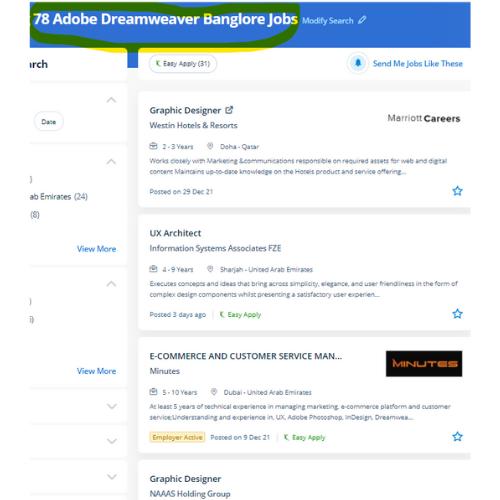
Find jobs related to Adobe Dreamweaver in search engines (Google, Bing, Yahoo) and recruitment websites (monsterindia, placementindia, naukri, jobshybrid.com, indeed.co.in, shine.com etc.) based in Mumbai, chennai and europe countries. You can find many jobs for freshers related to the job positions in Mumbai.

  • Graphic Designer
  • Creative Designer
  • CorelDraw Trainer
  • Web graphic designer
  • UI/UX Designer
  • Digital Designer
  • Designing Trainer
  • GUI Designer
  • Creative Graphic Designer
  • Web designer intern

Adobe Dreamweaver Internship/Course Details

Adobe Dreamweaver internship jobs in Mumbai
Adobe Dreamweaver Students can learn to spice up the web pages by suggests that of adding advanced functions like guidance controls, media parts, and forms. DreamWeaver has predesigned templates are offered or, alternatively, template files will be created by the user. This feature makes it possible for beginners to style websites as the work is reduced. Dreamweaver is not the only Adobe web design tool. Adobe, however, has stopped supporting Muse and the application will still be used. Students could register at any time. the corporate conjointly offers Adobe Muse, a somewhat restricted program in functions however terribly easy to use. easy and complex websites are going to be designed using a purpose and click-on technique. it is an especially useful time-saver in DW’s code suggestion feature. an intuitive application used for the event and elegance of websites, Dreamweaver is favored due to its simple user interface and built-in code editor.


Meet a Few of our Industry Experts 🚀 Your Pathway to IT Career

Sunil

Mobile: +91 9895490866
Location: Online (Mumbai, India)
Qualification: btecch

Experience: i have 1 5 years of experience as Web developer skills wordpress html css java script sql  more..

Shwetali

Mobile: +91 91884 77559
Location: Online (Mumbai, India)
Qualification: BE - IT

Experience: I have 2+ years of experience in web development currently working as a Angular developerApplication for Angular JS  more..

kamal

Mobile: +91 91884 77559
Location: Online (Mumbai, India)
Qualification: Btech in computer science

Experience: I am a WordPress developer having 3 years of experience I worked on multiple themes and plugins like elementor elementor  more..

sunil

Mobile: +91 91884 77559
Location: Online (Mumbai, India)
Qualification: Bachelor's degree

Experience: Hi I am sunil completed my front end developer trainee in AAVI LABS   more..

Tanu

Mobile: +91 9895490866
Location: Online (Mumbai, India)
Qualification: B.Tech

Experience: As a Junior Android Developer at Waterwala Labs Pvt Ltd I specialize in implementing the Model-View-ViewModel (MVVM) architecture and modern  more..

Arunkumar

Mobile: +91 98474 90866
Location: Online (Mumbai, India)
Qualification: BTECH IT

Experience: i am a frontend developer who i has 2 yeaApplication for Meanstack Developer Mean Stack  more..

Mansi

Mobile: +91 91884 77559
Location: Online (Mumbai, India)
Qualification: b.com

Experience: on-page seo off-page seo social media search engine  more..

DUSHYANT

Mobile: +91 91884 77559
Location: Online (Mumbai, India)
Qualification: B.Tech

Experience: i have 3 year web developement skill In wix specially i am doing coding part till now i handled to  more..

Nauman

Mobile: +91 89210 61945
Location: Online (Mumbai, India)
Qualification: BCA

Experience: Html css wordpress canva  more..

Karan

Mobile: +91 9895490866
Location: Online (Mumbai, India)
Qualification: B.Tech

Experience: Ability to work with DevOps best practices including improved scalability performance and reliability Configure automated builds and continuous software integration  more..

Ishfaq

Mobile: +91 91884 77559
Location: Online (Mumbai, India)
Qualification: MCA

Experience: 2 years of experience Two Years Experience in computer literacy customer service computer security data collection and equipment repairs installation  more..

Shithinkrishna

Mobile: +91 98474 90866
Location: Online (Mumbai, India)
Qualification: Be computer science and engineering

Experience: Javascript react manual testing automation testing html css  more..

Ajay

Mobile: +91 91884 77559
Location: Online (Mumbai, India)
Qualification: Btech

Experience: I have 3 months of Experience as Full stack web developer using Nodejs Mongodb HTML CSS Bootstrap J avascript Reactjs  more..

Takshashila

Mobile: +91 94975 90866
Location: Online (Mumbai, India)
Qualification: BE

Experience: Manual Testing Unit Testing Integration Testing System Testing user acceptance Testing test case test scenario SDLC STLC Defect life cycle  more..

Prince

Mobile: +91 9895490866
Location: Online (Mumbai, India)
Qualification: B.tech

Experience: I have a good knowledge of object oriented programming language (java) and along with database knowledge Oracle SQL Pl-SQL C  more..

Soumitra

Mobile: +91 91884 77559
Location: Online (Mumbai, India)
Qualification: B Tech

Experience: Understanding of cloud computing and hands-on experience of migrating workloads to Azure Deploy and manage Virtual Machines Storage Accounts (Blob  more..

rohini

Mobile: +91 8301010866
Location: Online (Mumbai, India)
Qualification: M. Sc. I. T

Experience: C# sql javascript- jquery asp Net wcf html css azure  more..

Manisha

Mobile: +91 91884 77559
Location: Online (Mumbai, India)
Qualification: Master

Experience: Hello there so basically i have 4+ years experience in web designing by using these skills languages HTML HTML5 css  more..

Harshvir

Mobile: +91 91884 77559
Location: Online (Mumbai, India)
Qualification: BE

Experience: EXPERIENCE - SAMAH : 2021- 2022 Job : Showroom Website (Website build Product photography Web design layouts Logo Design etc  more..

prabhav

Mobile: +91 8301010866
Location: Online (Mumbai, India)
Qualification: graduate

Experience: Currently i am a fresher and i am practicing android development from past 1 year   more..

priyanka

Mobile: +91 89210 61945
Location: Online (Mumbai, India)
Qualification: MBA

Experience: Android developer with Java  more..

D

Mobile: +91 91884 77559
Location: Online (Mumbai, India)
Qualification: Btech

Experience: 1 3 years of experience in Odoo development and support   more..

Arshan

Mobile: +91 9895490866
Location: Online (Mumbai, India)
Qualification: BCA SPECIALISATION IN CLOUD COMPUTING AND CYBER SECURITY

Experience: Cyber security cloud computing web development cyber threat management etc  more..

Shalvi

Mobile: +91 9895490866
Location: Online (Mumbai, India)
Qualification: Btech graduate

Experience: Fullstack developer Software engineer   more..

Success Stories

The enviable salary packages and track record of our previous students are the proof of our excellence. Please go through our students' reviews about our training methods and faculty and compare it to the recorded video classes that most of the other institutes offer. See for yourself how TechnoMaster is truly unique.


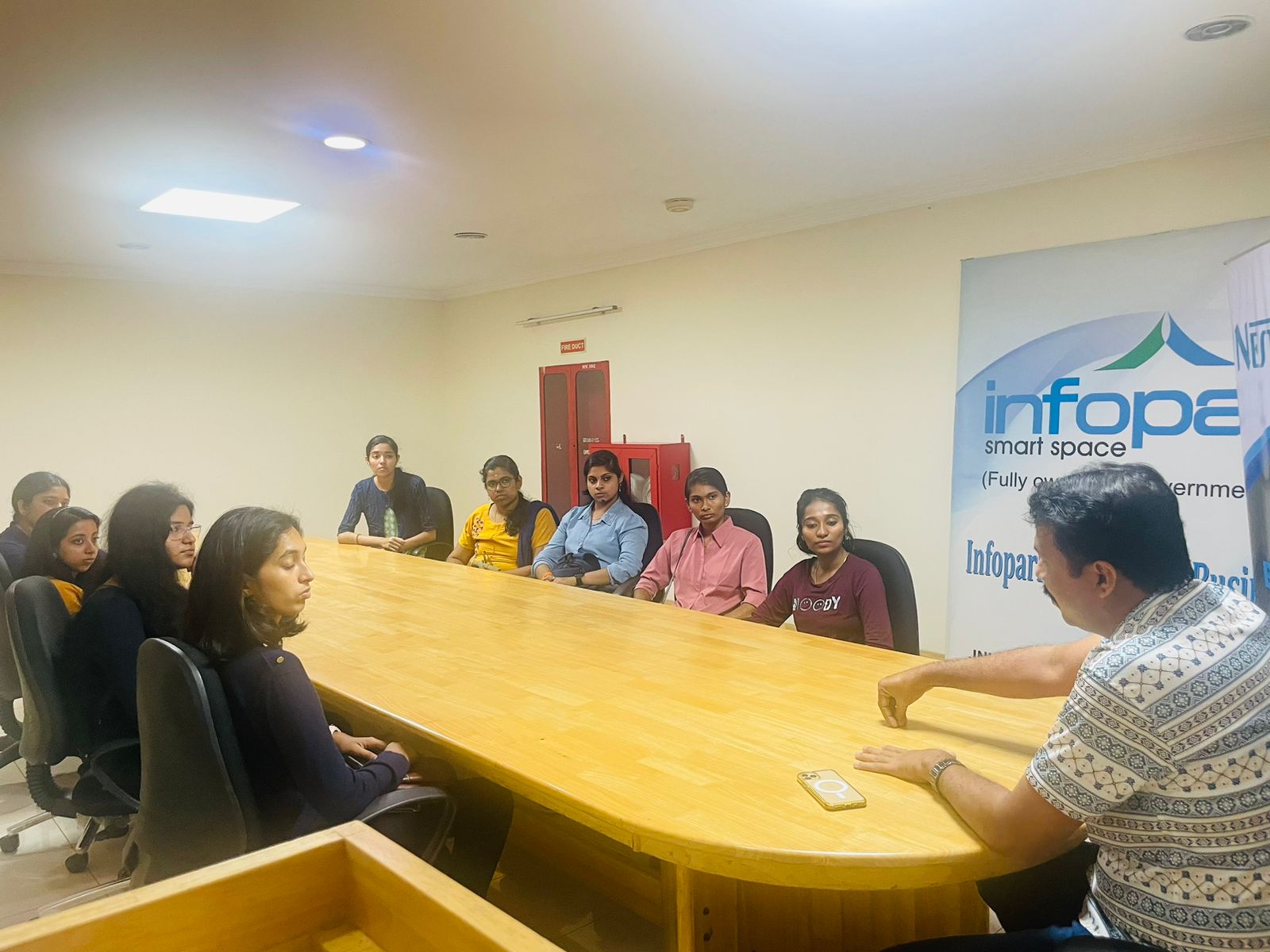
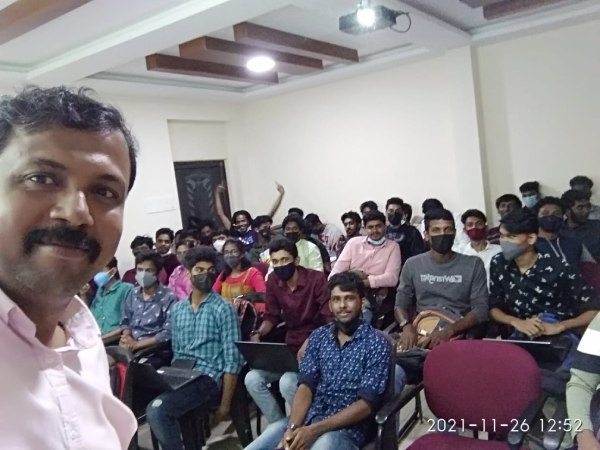
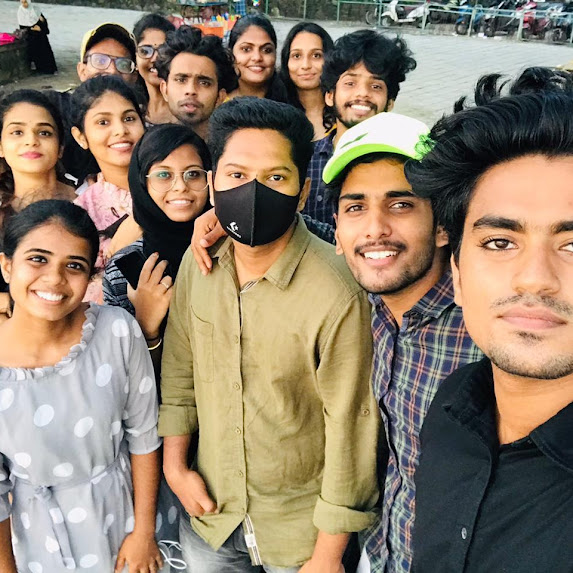
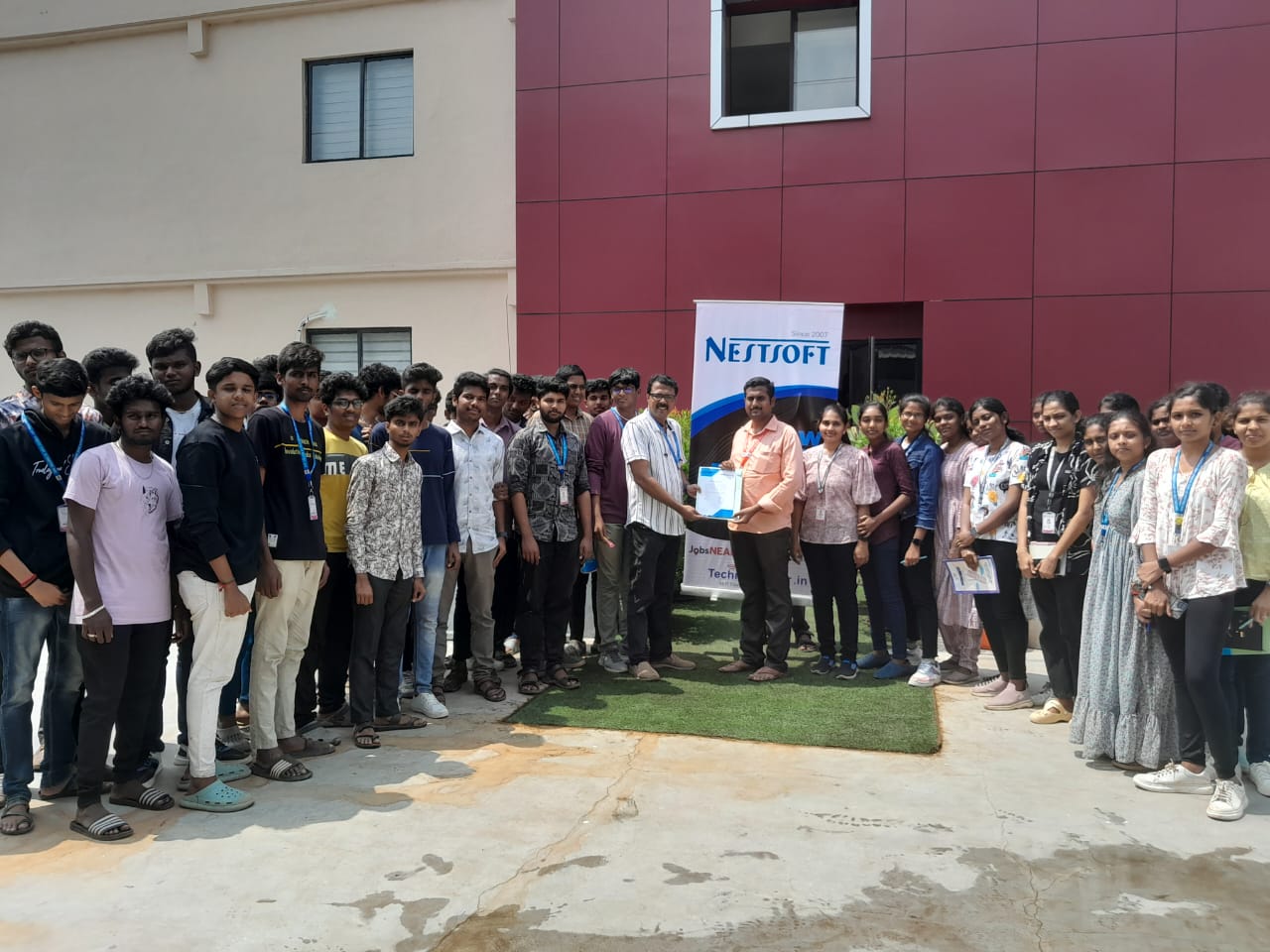
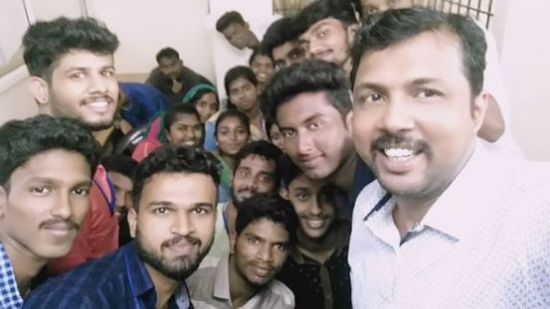
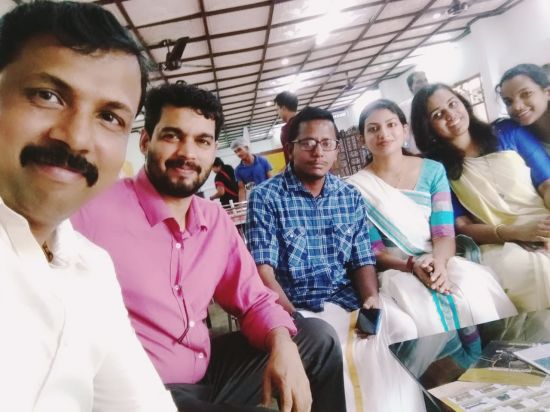
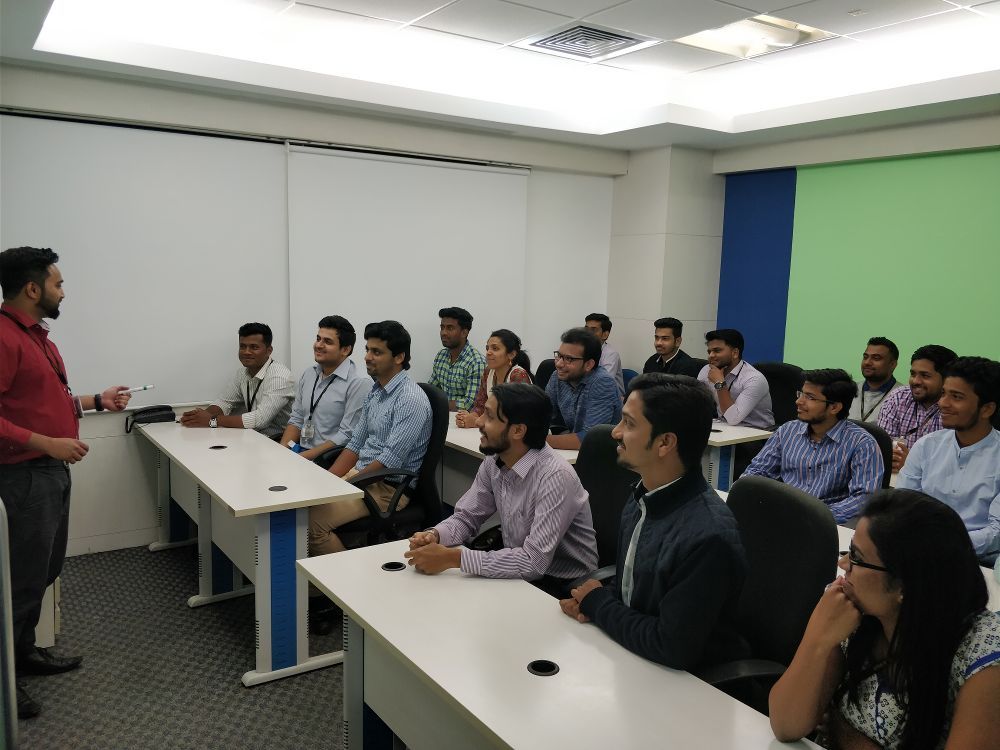
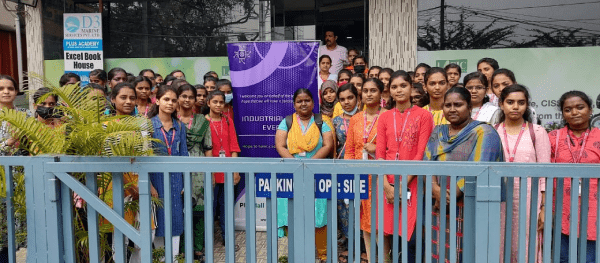
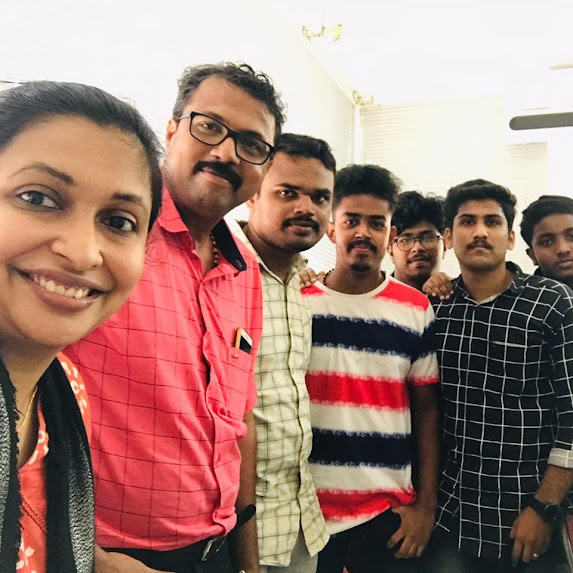
Photos of Training / Internships

Internship/projects in mumbai

Trained more than 10000+ students who trust Nestsoft TechnoMaster

Get Your Personal Trainer