Send enquiry ⏎

Adobe Dreamweaver Online Live Class by Experts

Our Training/Internship Process

Adobe Dreamweaver Online Live Classes in Vijayawada | Free Demo Training

Adobe Dreamweaver - Syllabus, Fees & Duration

Module 1: Introducing Dreamweaver

  • Understanding the course
  • Reviewing the course objectives and prerequisites
  • Reviewing the course format
  • Outlining the course content
  • Understanding static page architecture

Module 2: Getting Started

  • Introducing Dreamweaver
  • Learning the interface
  • Defining a local site
  • Creating a website

Module 3: Adding Content to a Site

  • Adding content
  • Controlling document structure
  • Making lists
  • Adding horizontal rules
  • Adding special characters

Module 4: Formatting with CSS

  • Formatting text
  • Introducing CSS
  • Creating styles
  • Exporting CSS rule definitions
  • Creating class styles
  • Attaching external style sheets
  • Creating advanced styles
  • Creating a new external style sheet
  • Displaying styles
  • Understanding cascading order and inheritance of styles
  • Creating internal styles with the Property inspector

Module 5: Working with Graphics

  • Using graphics on web pages
  • Placing graphics on the page
  • Modifying image properties
  • Editing images
  • Doing roundtrip editing with Fireworks
  • Customizing the Insert bar
  • Adding Flash content
  • Adding Flash Video

Module 6: Navigating Your Site

  • Understanding site navigation
  • Linking to files in your site
  • Linking to sites
  • Linking to named anchors
  • Adding e-mail links
  • Linking from images
  • Creating a jump menu

Module 7: Designing Page Layouts with CSS

  • Understanding page layout
  • Using layers for layout
  • Adding CSS to layers
  • Using absolute and relative positioning
  • Designing with DIV's
  • Designing navigation links with CSS
  • Importing tabular data
  • Using table layout view

Module 8: Using Libraries and Templates

  • Using site library items
  • Creating site templates
  • Defining editable regions
  • Using templates
  • Applying a template to an existing page
  • Modifying templates

Module 9: Creating Forms

  • Understanding forms
  • Processing a form
  • Setting focus in a form
  • Validating a form

Module 10: Testing, Maintenance, and Uploading

  • Testing your site
  • Maintaining your files and folders
  • Connecting to a remote site
  • Synchronizing files

Download Syllabus - Adobe Dreamweaver
This syllabus is not final and can be customized as per needs/updates
   
10000+
20+
50+
25+

Adobe Dreamweaver Jobs in Vijayawada

Enjoy the demand

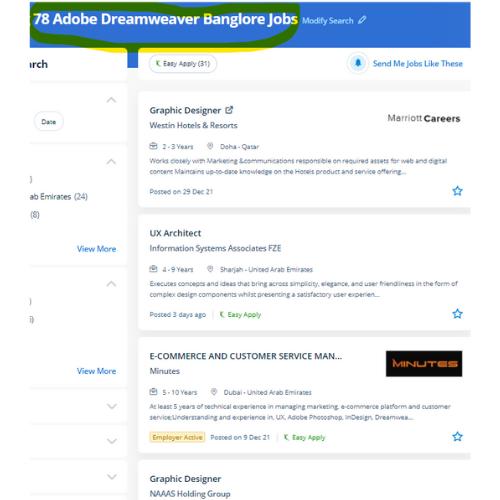
Find jobs related to Adobe Dreamweaver in search engines (Google, Bing, Yahoo) and recruitment websites (monsterindia, placementindia, naukri, jobshybrid.com, indeed.co.in, shine.com etc.) based in Vijayawada, chennai and europe countries. You can find many jobs for freshers related to the job positions in Vijayawada.

  • Graphic Designer
  • Creative Designer
  • CorelDraw Trainer
  • Web graphic designer
  • UI/UX Designer
  • Digital Designer
  • Designing Trainer
  • GUI Designer
  • Creative Graphic Designer
  • Web designer intern

Adobe Dreamweaver Internship/Course Details

Adobe Dreamweaver internship jobs in Vijayawada
Adobe Dreamweaver This software has not just for beginners but has also been designed with advanced level users in mind. it is an especially useful time-saver in DW’s code suggestion feature. The course materials are designed as self-study courses, however, if you have got any issues you will email our support service. Dreamweaver highlights your mistakes, If any, and rectifies them on an immediate basis. This software includes templates for websites to assist within the design method. . Students additionally can receive digital versions of their course books. Students can learn to spice up the web pages by suggests that of adding advanced functions like guidance controls, media parts, and forms. This course assumes no previous knowledge of HTML, CSS, or Dreamweaver we'll we'll offer you the advanced coaching which is able to assist you to become a talented web designer. The dashboard provides a one-pane read of multiple files and pages, whereas the split-view makes for easy refinement of code - making the work of designing and building a website much more economical.


Meet a Few of our Industry Experts 🚀 Your Pathway to IT Career

Mayank

Mobile: +91 89210 61945
Location: Online (Vijayawada, India)
Qualification: graduate

Experience: html css js react postgresql have done a internship  more..

Babita

Mobile: +91 98474 90866
Location: Online (Vijayawada, India)
Qualification: Diploma

Experience: I have 3 5 year experience as web developer Also making website responsive I have knowledge of html5 css3 bootstarap4  more..

Sushma

Mobile: +91 89210 61945
Location: Online (Vijayawada, India)
Qualification: MHA

Experience: Hospital operations HMIS implementation testing training quality insurance and prices designing and implementing   more..

Jitendra

Mobile: +91 98474 90866
Location: Online (Vijayawada, India)
Qualification: B.tech Mechincal engineering

Experience: Sap ERP Power Bi Inventory management Procurement operations Vendor development Localization of import  more..

Adwitiya

Mobile: +91 91884 77559
Location: Online (Vijayawada, India)
Qualification: Bachelor's

Experience: I am a motivated individual with a strong interest in learning and incorporating niche Cloud Technologies I have experience designing  more..

VIKRAM

Mobile: +91 98474 90866
Location: Online (Vijayawada, India)
Qualification: Graduation

Experience: Adobe photoshop illustration premiere after effect in design |   more..

Bhagyashree

Mobile: +91 91884 77559
Location: Online (Vijayawada, India)
Qualification: Master of computer Applications MCA

Experience: I have trained for six months in java full stack developer skills  more..

Bhavana

Mobile: +91 91884 77559
Location: Online (Vijayawada, India)
Qualification: Mca

Experience: Html5 Css3 Sass wordpress  more..

KUNDAN

Mobile: +91 98474 90866
Location: Online (Vijayawada, India)
Qualification: MBA ,CFP

Experience: As a stock market Expert my skills and experience include: 1 Market Analysis: - Technical analysis using chart patterns indicators  more..

kritika

Mobile: +91 89210 61945
Location: Online (Vijayawada, India)
Qualification: Graduated

Experience: Having more than 1 5 years of experience as Odoo developer Skills - python Odoo php MySQL django html css  more..

Christy

Mobile: +91 89210 61945
Location: Online (Vijayawada, India)
Qualification: Graduate

Experience: I am a recent graduate with a Bachelor's degree in Computer Science and Technology Throughout my academic journey I have  more..

Dhiraj

Mobile: +91 91884 77559
Location: Online (Vijayawada, India)
Qualification: BCA

Experience: Wordpress PHP Html css Jquery Ajax Quick learning Strong Read and development frontend backend  more..

Tejas

Mobile: +91 91884 77559
Location: Online (Vijayawada, India)
Qualification: B.E.

Experience: Java android studio firebase c c++ mysql  more..

Prashant

Mobile: +91 94975 90866
Location: Online (Vijayawada, India)
Qualification: Bca 2nd year

Experience: Me is Node js developer work experience is one year almost My first project is e-commerce   more..

BIBINA

Mobile: +91 8301010866
Location: Online (Vijayawada, India)
Qualification: bca

Experience: knowledge about automation testing and manual testing  more..

Shubham

Mobile: +91 98474 90866
Location: Online (Vijayawada, India)
Qualification: Bse Graduate

Experience: I have total 3 year and 9 month of experience in both manual and automation testing   more..

Shilpa

Mobile: +91 89210 61945
Location: Online (Vijayawada, India)
Qualification: Diploma in CS

Experience: I have don 6month internship as a software testing   more..

Gourav

Mobile: +91 91884 77559
Location: Online (Vijayawada, India)
Qualification: B.E.

Experience: C C++ core Java xml Android studio One year experience in Android application developer profile  more..

Ricky

Mobile: +91 9895490866
Location: Online (Vijayawada, India)
Qualification: Master in Computer Application

Experience: html css java script angular mysql  more..

Rosemerin

Mobile: +91 9895490866
Location: Online (Vijayawada, India)
Qualification: Mtech

Experience: Canva design angular development html java  more..

Febin

Mobile: +91 98474 90866
Location: Online (Vijayawada, India)
Qualification: Diploma in Web technology & Graphic designing

Experience: Graphic design skills web tech proficiency creative vision project management ability   more..

Navratn

Mobile: +91 89210 61945
Location: Online (Vijayawada, India)
Qualification: B.Tech

Experience: Skill: Penetration Testing Experience: I bring hands-on experience in penetration testing garnered from my role as a Security Intern at  more..

Anugya

Mobile: +91 91884 77559
Location: Online (Vijayawada, India)
Qualification: Btech

Experience: C cpp python  more..

Kanika

Mobile: +91 9895490866
Location: Online (Vijayawada, India)
Qualification: 3rd year BE.CS

Experience: HTML CSS JavaScript: Web development technologies for content design and interactivity Git: Version control for code management and collaboration Java:  more..

Success Stories

The enviable salary packages and track record of our previous students are the proof of our excellence. Please go through our students' reviews about our training methods and faculty and compare it to the recorded video classes that most of the other institutes offer. See for yourself how TechnoMaster is truly unique.

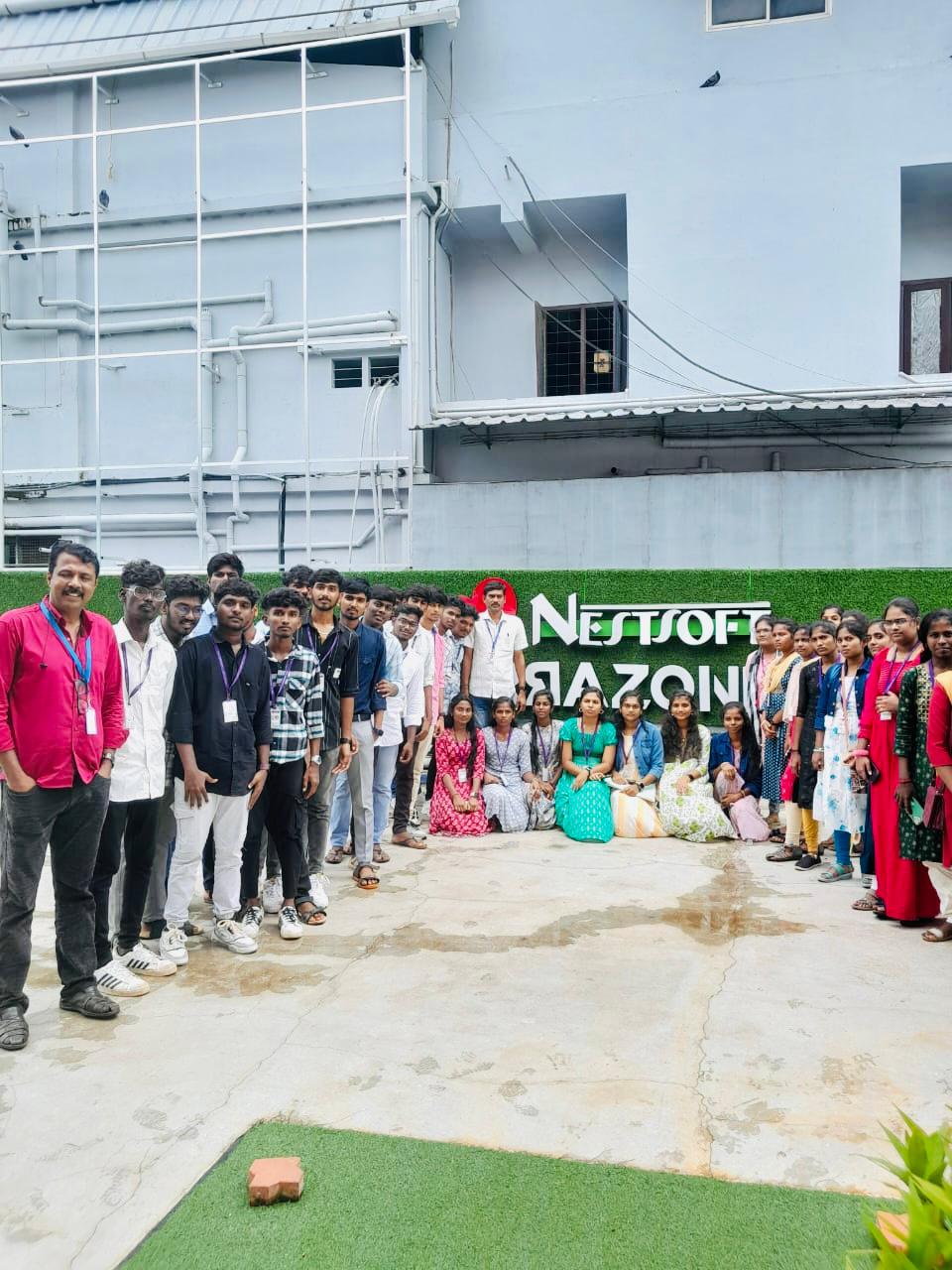
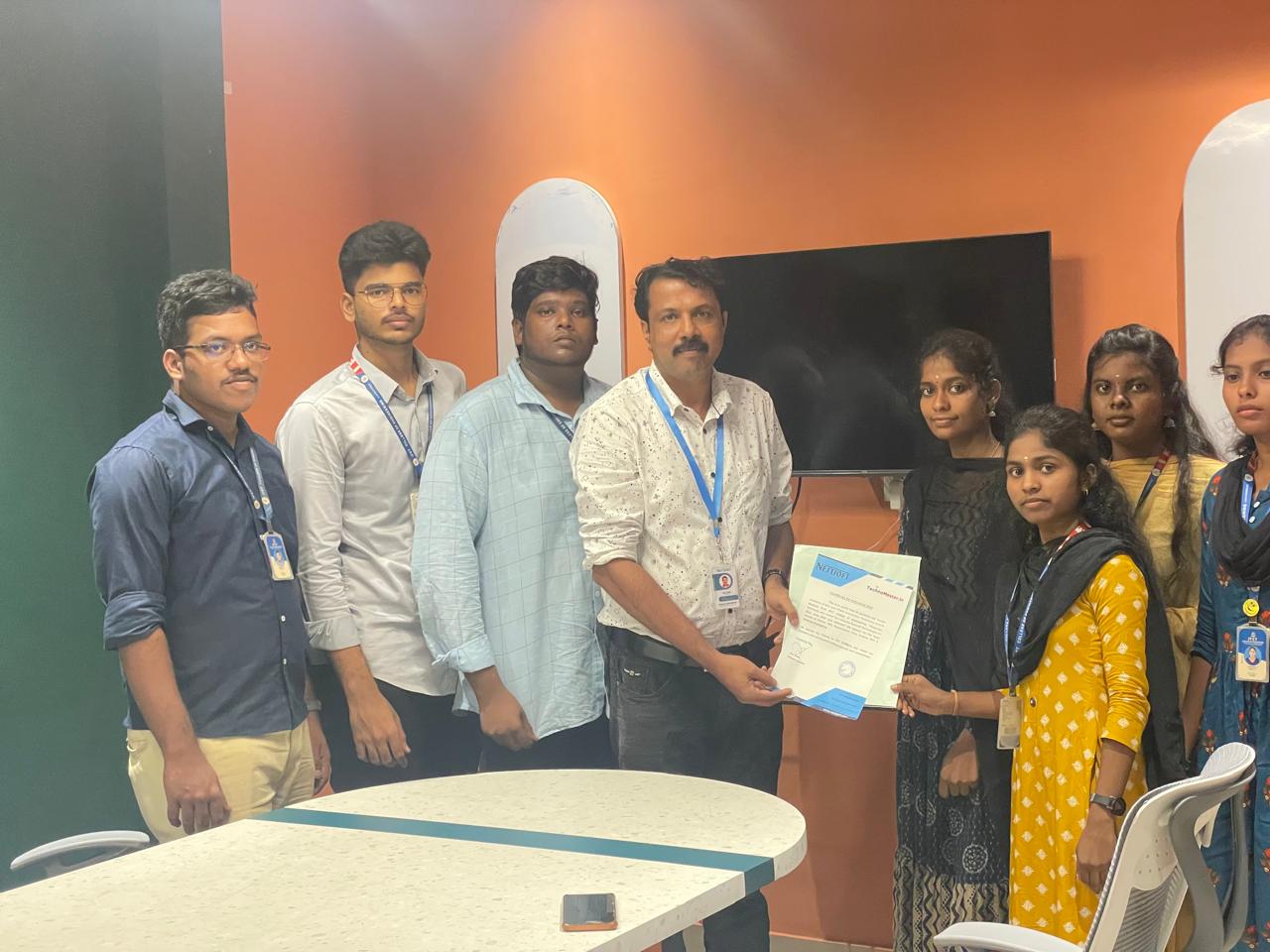
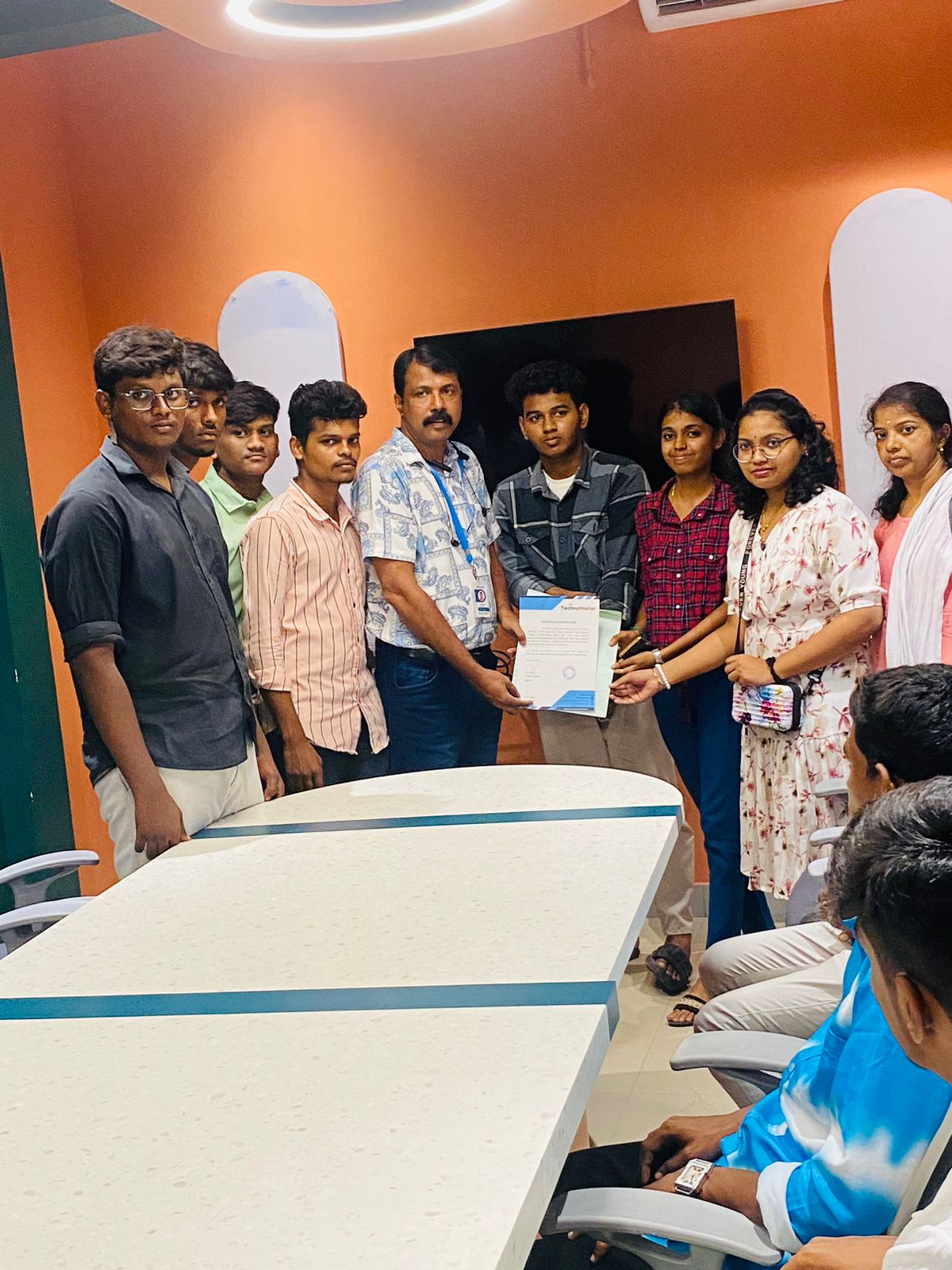
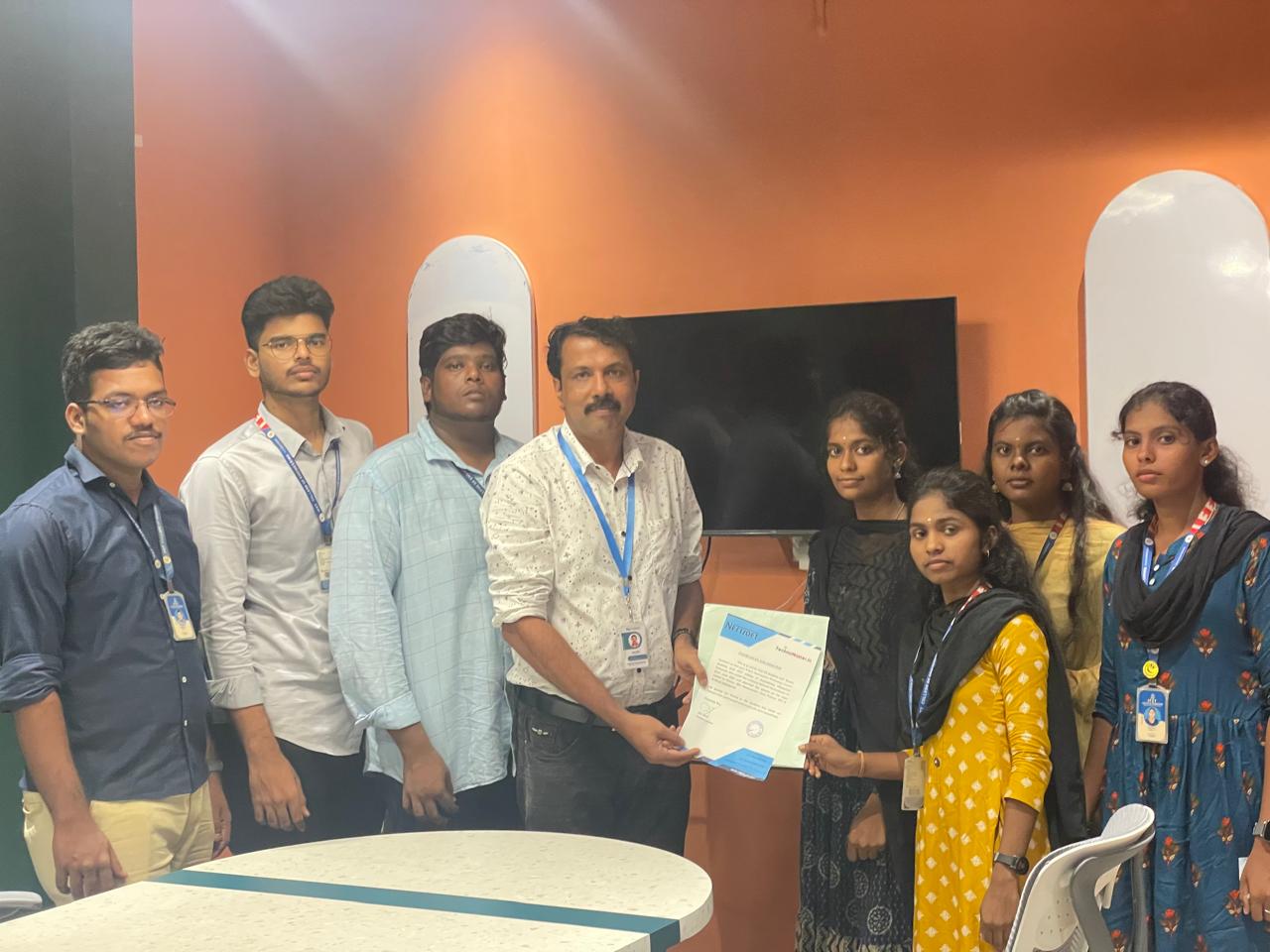
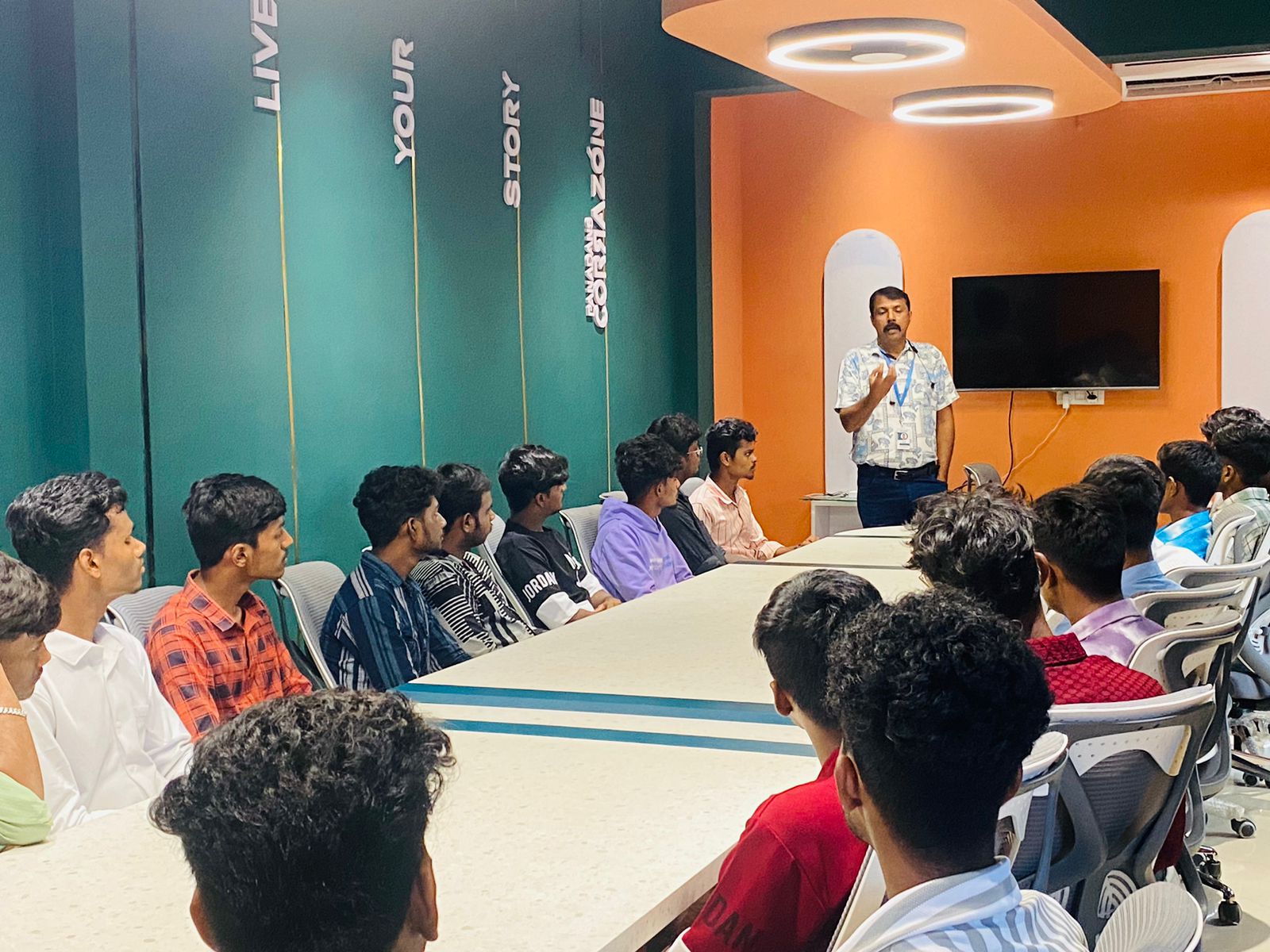
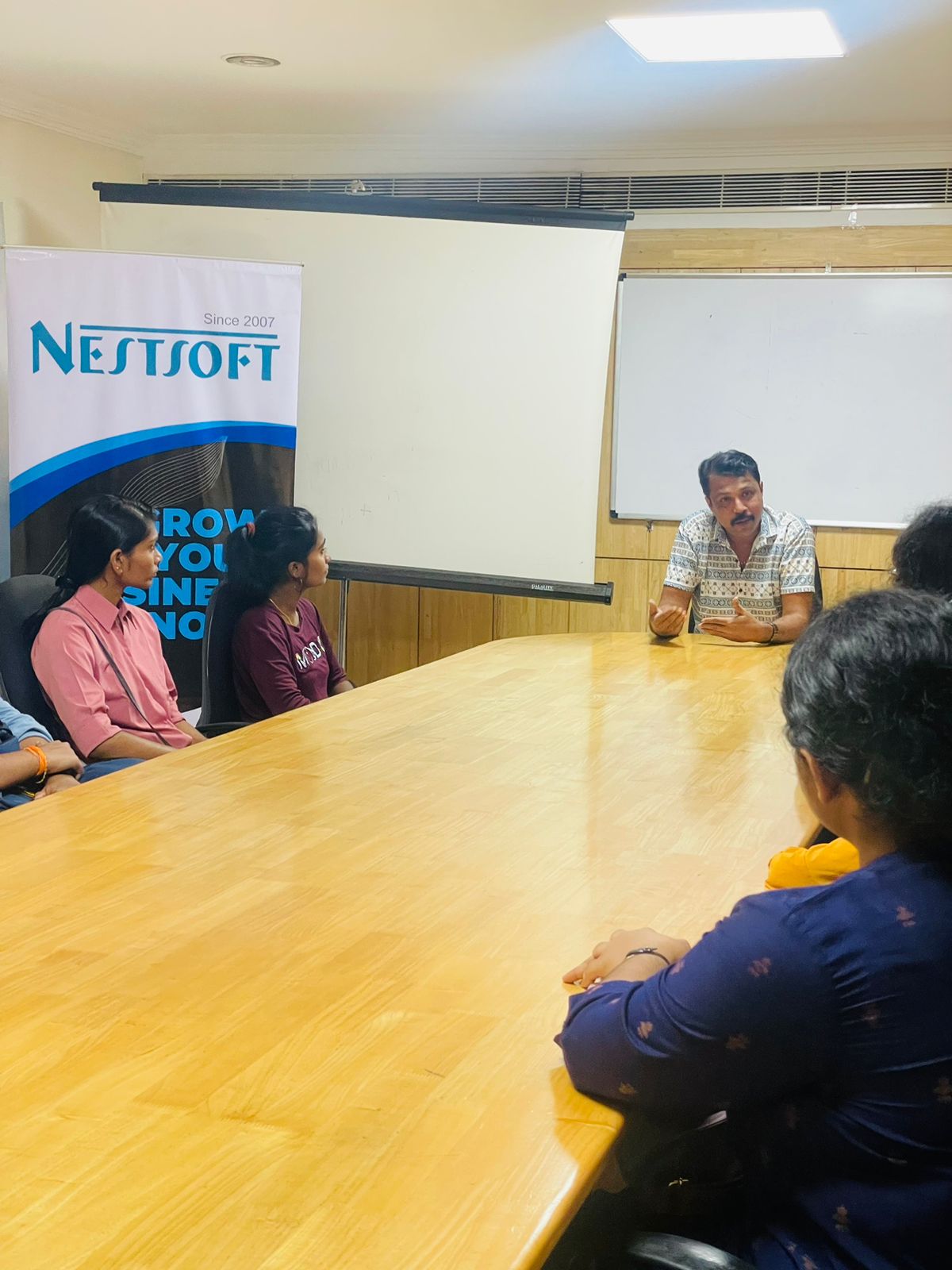
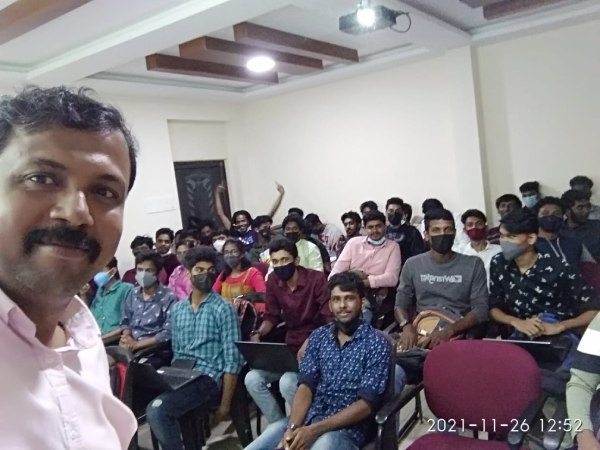
Photos of Training / Internships

Internship/projects in vijayawada

Trained more than 10000+ students who trust Nestsoft TechnoMaster

Get Your Personal Trainer