Send enquiry ⏎

Adobe Premier Pro CC Online Live Class by Experts

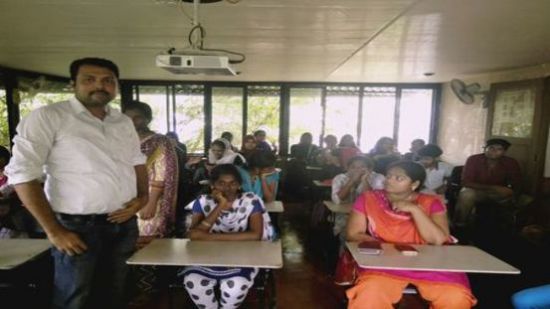
Our Training/Internship Process

Adobe Premier Pro CC Online Live Classes in Bangalore | Free Demo Training

Adobe Premier Pro CC - Syllabus, Fees & Duration

      Module 1: Introduction to Premiere Pro (1 Hour)

      Objective: Familiarize students with Premiere Pro’s interface and basic setup.

      • Overview of Premiere Pro and its applications
      • Interface tour: Workspace, Timeline, Source Monitor, and Program Monitor
      • Setting up a new project: Sequence settings and file organization
      • Importing media: Video, audio, and graphics
      • Keyboard shortcuts for efficient editing

      Practical: Create a new project and import media files.

      Module 2: Basic Video Editing Techniques (2 Hours)

      Objective: Learn essential tools and techniques for video editing.

      • Adding clips to the timeline and trimming
      • Working with the Razor tool for cutting clips
      • Using the Ripple Edit and Rolling Edit tools
      • Understanding the timeline: Tracks, markers, and snapping
      • Adjusting clip speed: Slow motion and fast motion

      Practical: Assemble and edit a short video sequence.

      Module 3: Audio Editing and Enhancements (1.5 Hours)

      Objective: Understand and apply audio editing techniques.

      • Importing and editing audio files
      • Adjusting audio levels and keyframes
      • Applying audio effects and transitions
      • Using the Essential Sound panel for audio cleanup
      • Syncing audio and video

      Practical: Add background music and adjust audio levels for a video.

        Module 4: Transitions and Effects (1.5 Hours)

        Objective: Enhance videos with transitions and effects.

        • Applying video transitions: Cut, dissolve, and wipe
        • Using the Effects panel: Blur, color effects, and distortions
        • Keyframing for animation effects
        • Adding and adjusting motion: Position, scale, and rotation
        • Introduction to nested sequences

        Practical: Apply transitions and effects to a video sequence.

        Module 5: Color Correction and Grading (1.5 Hours)

        Objective: Learn color correction and grading techniques.

        • Understanding Lumetri Color panel
        • Adjusting exposure, contrast, and saturation
        • Using color wheels and curves for grading
        • Creating and applying LUTs (Look-Up Tables)
        • Matching colors between clips

        Practical: Perform color correction and grading on a provided video.

        Module 6: Titles, Graphics, and Exporting (2.5 Hours)

        Objective: Create professional titles and graphics and export the final video.

        • Adding and customizing text with the Essential Graphics panel
        • Creating lower thirds and animated titles
        • Adding captions or subtitles
        • Export settings: File formats and presets (H.264, 4K, etc.)
        • Rendering and exporting the final video

        Practical: Create an end-to-end video project with titles, transitions, and audio, then export it.

    Download Syllabus - Adobe Premier Pro CC
    This syllabus is not final and can be customized as per needs/updates
   
10000+
20+
50+
25+

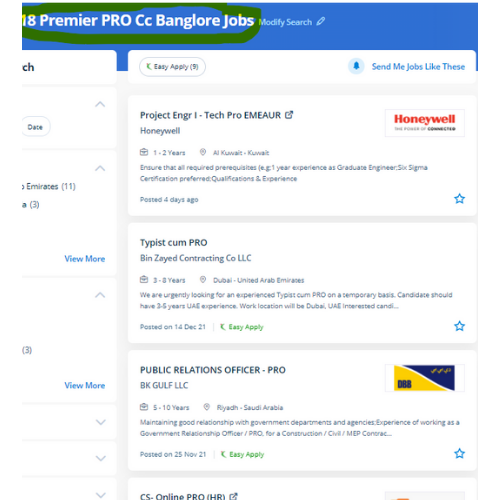
Adobe Premier Pro CC Jobs in Bangalore

Enjoy the demand

Find jobs related to Adobe Premier Pro CC in search engines (Google, Bing, Yahoo) and recruitment websites (monsterindia, placementindia, naukri, jobshybrid.com, indeed.co.in, shine.com etc.) based in Bangalore, chennai and europe countries. You can find many jobs for freshers related to the job positions in Bangalore.

  • Motion Graphic Designer
  • Motion Graphic Trainer
  • Video Editor
  • Motion Designer
  • Graphic Designer
  • Video Content Creator
  • Videographer
  • 2d Motion Designer
  • 2d And 3d Animator
  • Media Production

Adobe Premier Pro CC Internship/Course Details

Adobe Premier Pro CC internship jobs in Bangalore
Adobe Premier Pro CC it is widely used for film and tv to edit Motion photos. This full course is the most effective way to jump right in and start editing. . Contact us for additional details . Adobe Premiere Pro CC is used for video editing and is multimedia software. . If you get caught or have a question, you have the choice of sharing your display with the trainer who will deal with any questions. in this contemporary world, Premier pro is a powerful tool for editing videos. The Adobe Premiere Pro CC - essentials training course teaches you the way to best Premiere pro for your projects. Why Adobe Premiere Pro is Powerful? You'll be able to edit quicker Get professional result with greater editing precision Benefit from a versatile, connected workflow Automatically updated sequences setting to match clip Nestsoft typically scheduled, public Adobe Premiere Pro classes and Courses contain introductory via advanced training.


Meet a Few of our Industry Experts 🚀 Your Pathway to IT Career

Kevin

Mobile: +91 8301010866
Location: Online (Bangalore, India)
Qualification: BTech computer science

Experience: Java python Application for Java Spring  more..

Ganesh

Mobile: +91 91884 77559
Location: Online (Bangalore, India)
Qualification: BE in Electronics and Communication Engineering

Experience: Ethical Hacking Python Devops Data analysis Web development Cyber security  more..

KAVERI

Mobile: +91 89210 61945
Location: Online (Bangalore, India)
Qualification: Msc cyber security

Experience: vulnerability assessment penetration testing risk assessment threat modeling ethical hacking etc worked with kerala police red team and senselearner pvt  more..

Renuka

Mobile: +91 94975 90866
Location: Online (Bangalore, India)
Qualification: MCA

Experience: Hi I am Renuka Software Developer in php and mysql plat form presently looking for change  more..

Koppula

Mobile: +91 9895490866
Location: Online (Bangalore, India)
Qualification: BTech

Experience: I have 3 2 years of experience in selenium automation I have a good Knowledge on TestNG core Java SQL  more..

Mrinal

Mobile: +91 91884 77559
Location: Online (Bangalore, India)
Qualification: H. S

Experience: 3 years experience in computer hardware and networking field at jdb itcare 3 years experience in php development 6 month  more..

Linkan

Mobile: +91 91884 77559
Location: Online (Bangalore, India)
Qualification: Master of Engineering

Experience: Manual testing Automation testing BDD Framework Selenium Cucumber Xpath CSS Selector etc  more..

Samridhi

Mobile: +91 98474 90866
Location: Online (Bangalore, India)
Qualification: Bca

Experience: I am last year bca student at chitkara University Skills: Web development Digital marketing Leadership  more..

Abhai

Mobile: +91 91884 77559
Location: Online (Bangalore, India)
Qualification: D.Computer Science Engineering

Experience: 1 year and above experience in website development take a break from job to learn Node js Application for Node  more..

Anuja

Mobile: +91 91884 77559
Location: Online (Bangalore, India)
Qualification: B.E

Experience: C# asp net vb net MVC web api wcf wpf jquery ajax SQL dot net core azure javascript  more..

Chitransh

Mobile: +91 94975 90866
Location: Online (Bangalore, India)
Qualification: MCA

Experience: I'm working so many android projects bill payment apps education fun-based application freelancing platform and many more   more..

Rushi

Mobile: +91 91884 77559
Location: Online (Bangalore, India)
Qualification: Bachelor's

Experience: Figma web design ui ux design illustrator wix wordpress  more..

Karthiga

Mobile: +91 91884 77559
Location: Online (Bangalore, India)
Qualification: Mca

Experience: I'm a frontend developer with 1 6 yrs of professional experience in developing a user friendly website |   more..

Nikund

Mobile: +91 94975 90866
Location: Online (Bangalore, India)
Qualification: MCA

Experience: I have total 5 year of exp in angular and node js I have worked angular 2 to 11   more..

Pujari

Mobile: +91 98474 90866
Location: Online (Bangalore, India)
Qualification: 12 th pass and pursuing B tech

Experience: I have worked for 3 projects in wix and I am experienced in e-commerce community groups in wix Also I  more..

Anandapoorani

Mobile: +91 98474 90866
Location: Online (Bangalore, India)
Qualification: Bachelor of Engineering

Experience: QA Tester with 2 years of experience in both automation and manual testing Proven expertise in ensuring software Quality of  more..

Maaz

Mobile: +91 91884 77559
Location: Online (Bangalore, India)
Qualification: Bachelor

Experience: Vapt Metasploit Wireshark Nmap ethical Hacking tools security audits firewalls etc  more..

Nayana

Mobile: +91 98474 90866
Location: Online (Bangalore, India)
Qualification: BTech

Experience: 1 year experience as a software testing Trainee Manual Testing  more..

Paru

Mobile: +91 91884 77559
Location: Online (Bangalore, India)
Qualification: BE(computer science & engineering)

Experience: wordpress css java script jquery ajax html have experiance of all it field subjects as teaching purpose  more..

karthikeyan

Mobile: +91 89210 61945
Location: Online (Bangalore, India)
Qualification: Bachelor of Engineering

Experience: C C++ ASP NET python SQL HTML css Java  more..

PITTA

Mobile: +91 8301010866
Location: Online (Bangalore, India)
Qualification: BSC computers

Experience: Recently I completed my coaching in Java Adv java oracle html and CSS now I have good knowledge in it  more..

Bharat

Mobile: +91 91884 77559
Location: Online (Bangalore, India)
Qualification: Mca

Experience: On-page SEO off-page seo technical seo Backlink generation generate traffic and leads  more..

Ankita

Mobile: +91 8301010866
Location: Online (Bangalore, India)
Qualification: Graduate

Experience: 1 Year Experience of Data entry Diploma in computer basics Basic knowledge of programming   more..

Virendra

Mobile: +91 98474 90866
Location: Online (Bangalore, India)
Qualification: BCA

Experience: Thank you for giving me an aportunity to about my skills and experience My name is Virendra Mathur I am  more..

Success Stories

The enviable salary packages and track record of our previous students are the proof of our excellence. Please go through our students' reviews about our training methods and faculty and compare it to the recorded video classes that most of the other institutes offer. See for yourself how TechnoMaster is truly unique.

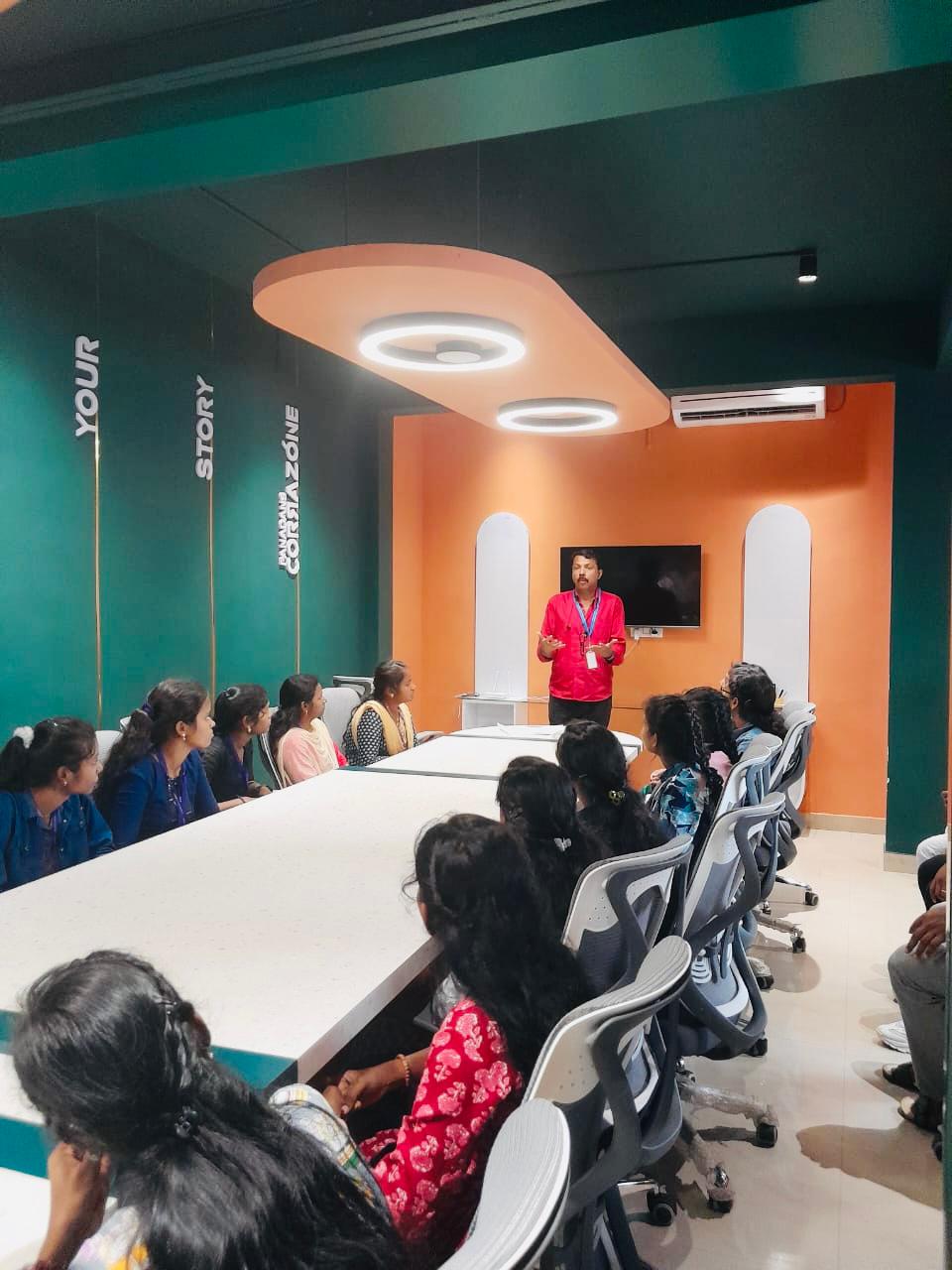
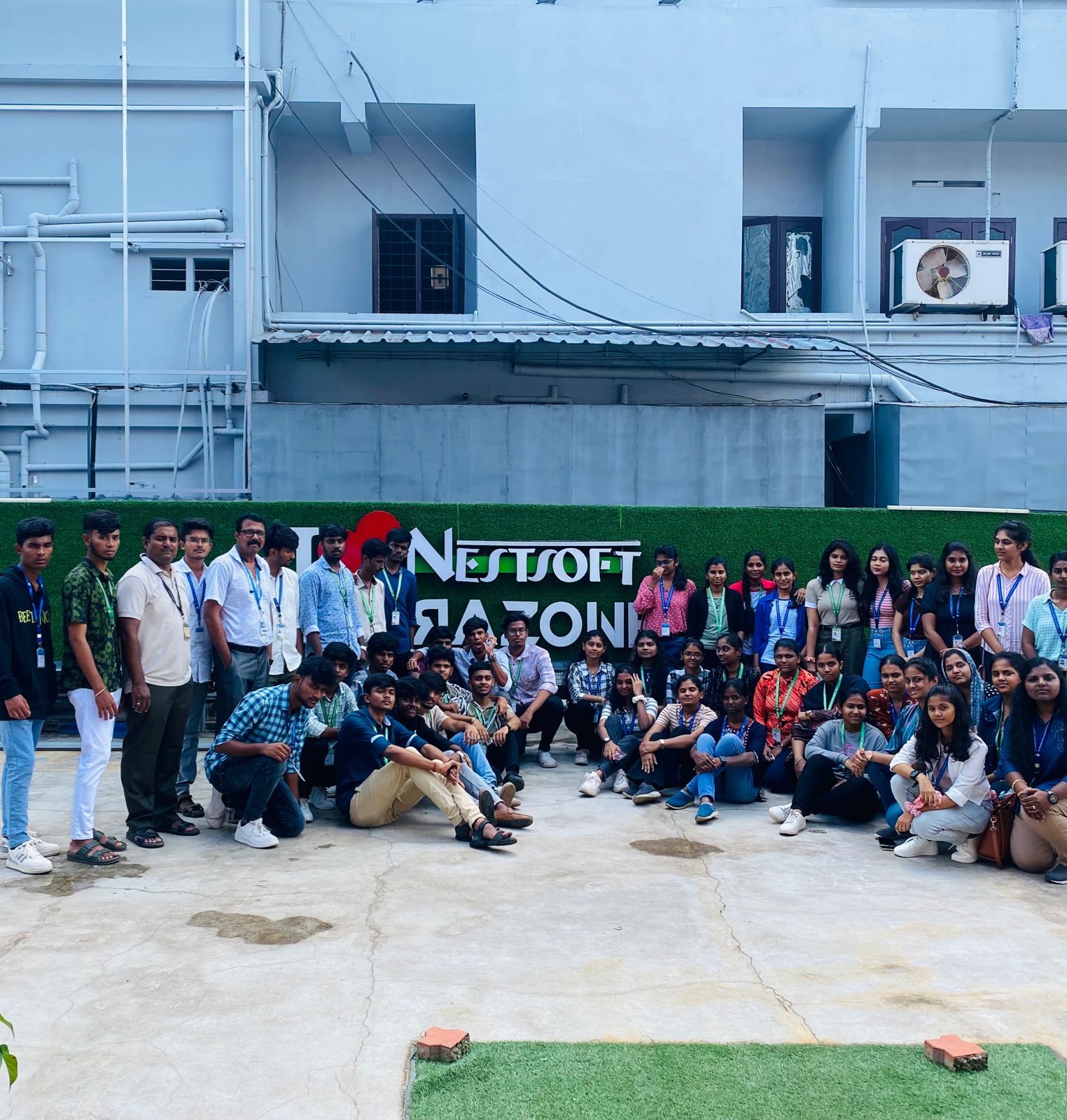
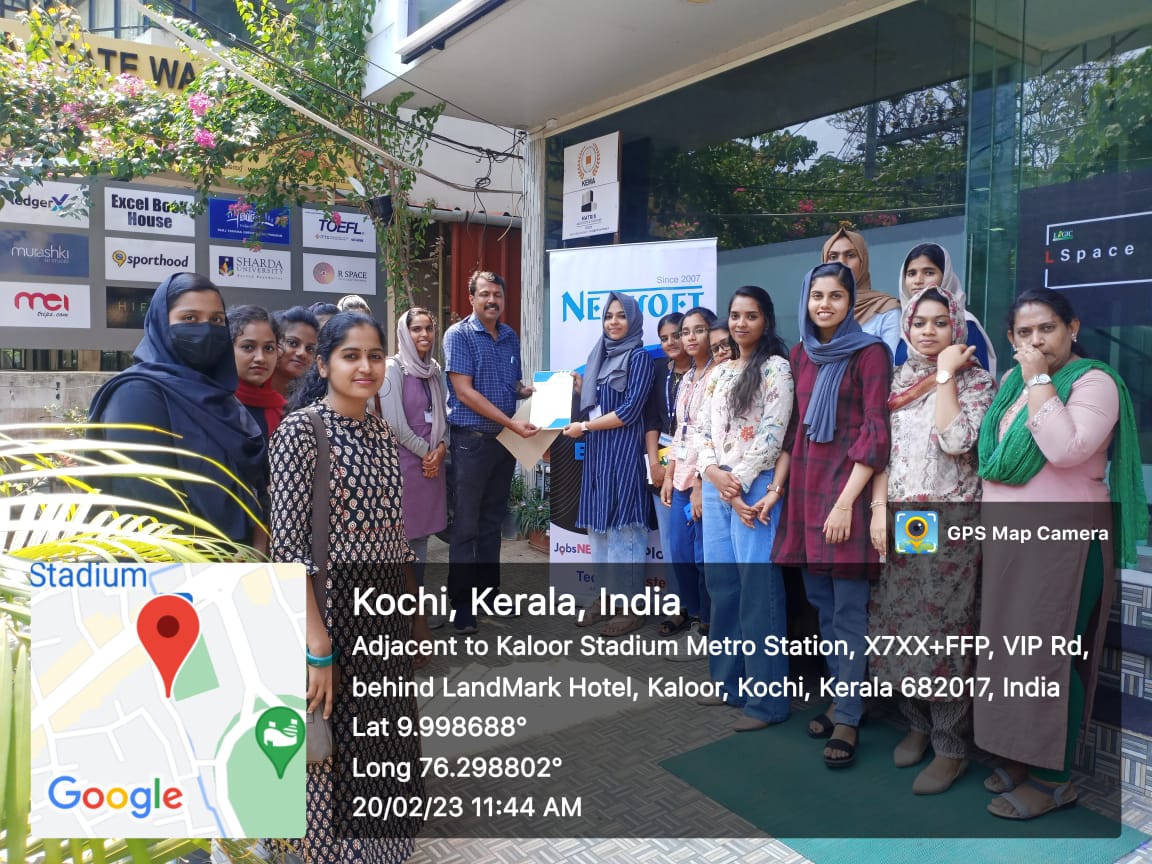
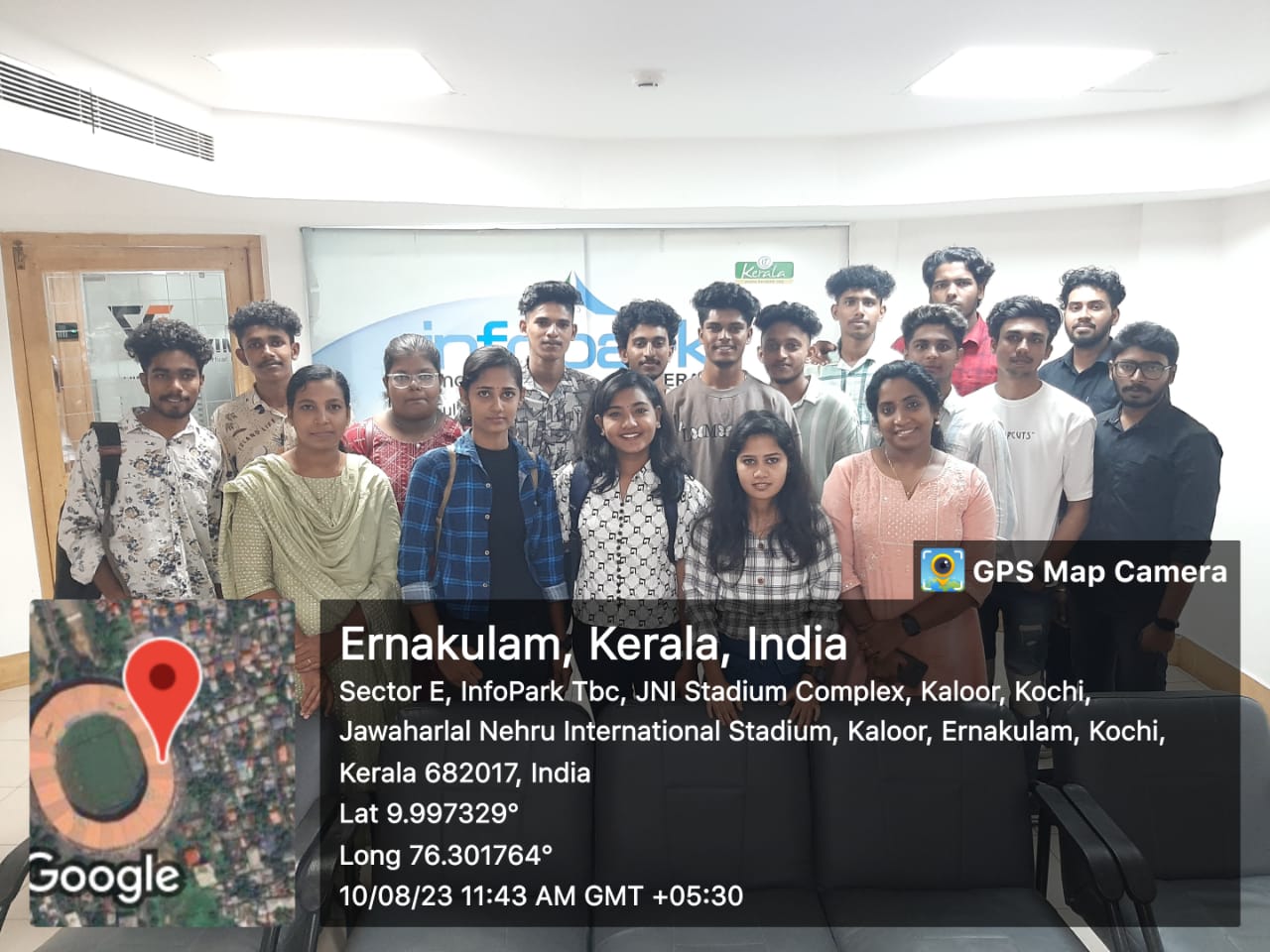
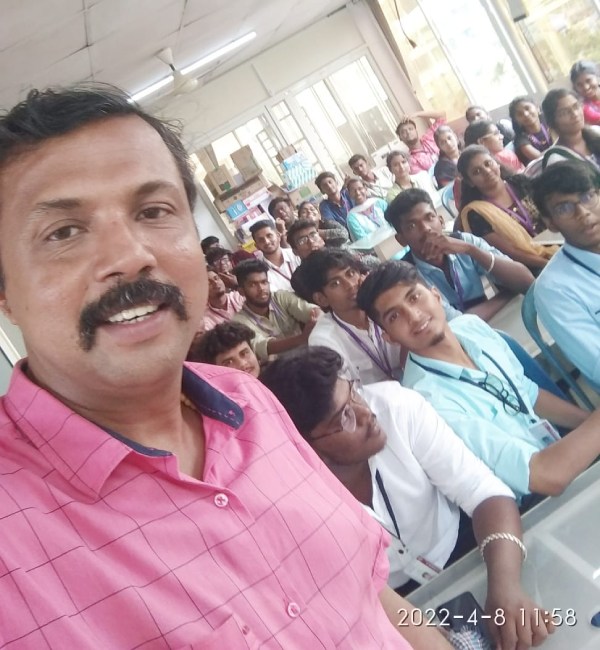
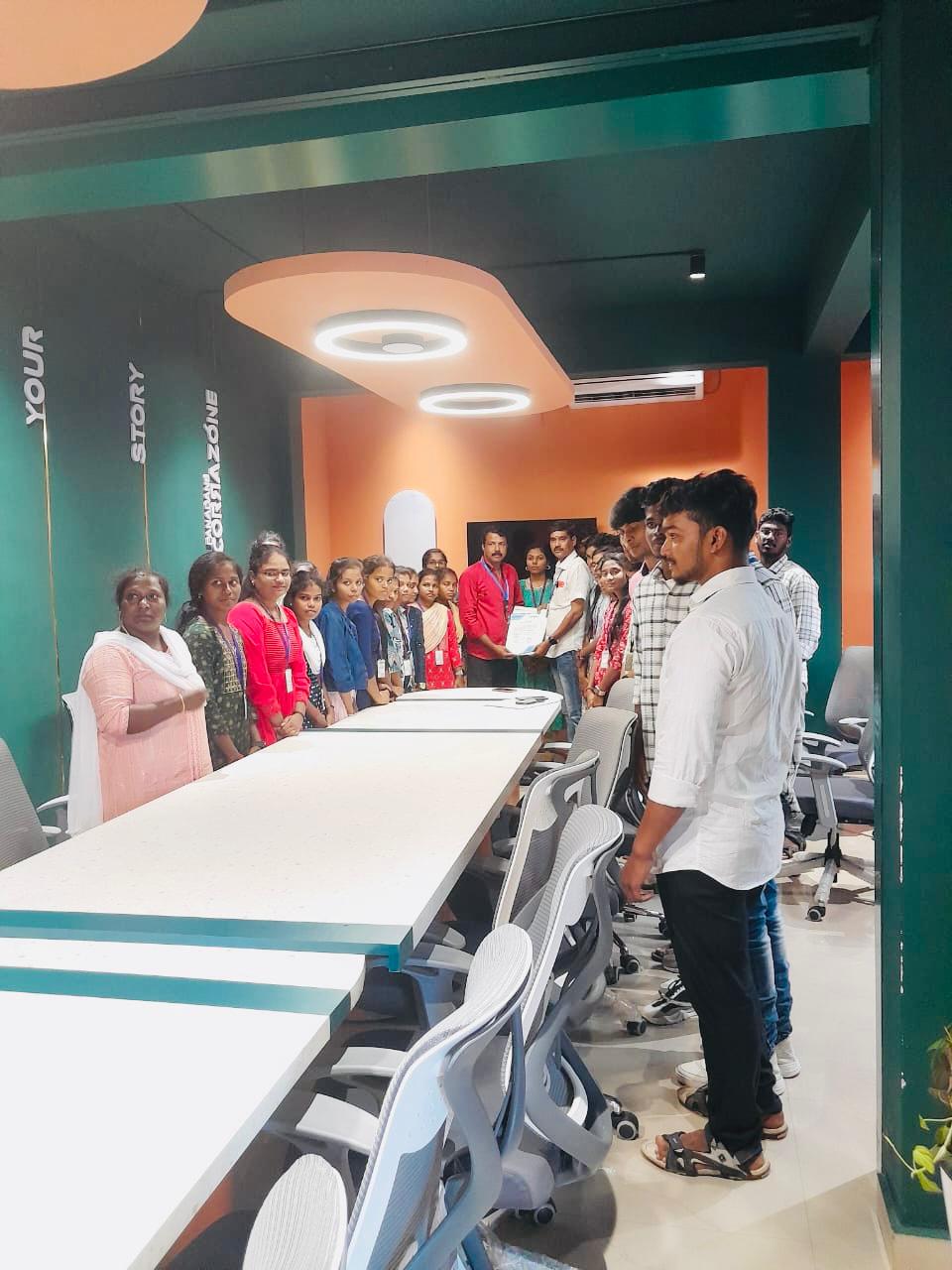
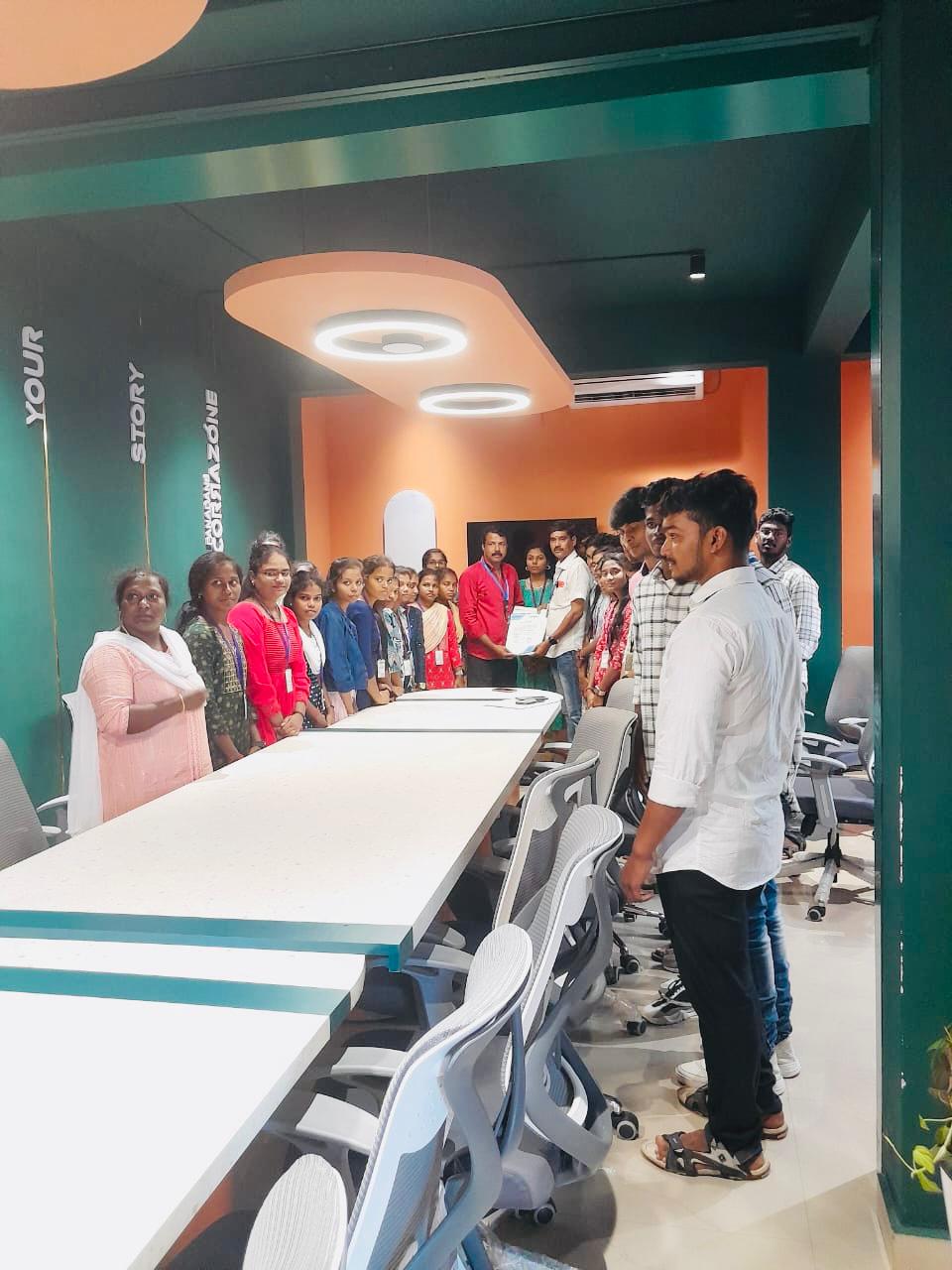
Photos of Training / Internships

Internship/projects in bangalore

Trained more than 10000+ students who trust Nestsoft TechnoMaster

Get Your Personal Trainer