Send enquiry ⏎

Adobe Premier Pro CC Online Live Class by Experts

Our Training/Internship Process

Adobe Premier Pro CC Online Live Classes in Kannur | Free Demo Training

Adobe Premier Pro CC - Syllabus, Fees & Duration

      Module 1: Introduction to Premiere Pro (1 Hour)

      Objective: Familiarize students with Premiere Pro’s interface and basic setup.

      • Overview of Premiere Pro and its applications
      • Interface tour: Workspace, Timeline, Source Monitor, and Program Monitor
      • Setting up a new project: Sequence settings and file organization
      • Importing media: Video, audio, and graphics
      • Keyboard shortcuts for efficient editing

      Practical: Create a new project and import media files.

      Module 2: Basic Video Editing Techniques (2 Hours)

      Objective: Learn essential tools and techniques for video editing.

      • Adding clips to the timeline and trimming
      • Working with the Razor tool for cutting clips
      • Using the Ripple Edit and Rolling Edit tools
      • Understanding the timeline: Tracks, markers, and snapping
      • Adjusting clip speed: Slow motion and fast motion

      Practical: Assemble and edit a short video sequence.

      Module 3: Audio Editing and Enhancements (1.5 Hours)

      Objective: Understand and apply audio editing techniques.

      • Importing and editing audio files
      • Adjusting audio levels and keyframes
      • Applying audio effects and transitions
      • Using the Essential Sound panel for audio cleanup
      • Syncing audio and video

      Practical: Add background music and adjust audio levels for a video.

        Module 4: Transitions and Effects (1.5 Hours)

        Objective: Enhance videos with transitions and effects.

        • Applying video transitions: Cut, dissolve, and wipe
        • Using the Effects panel: Blur, color effects, and distortions
        • Keyframing for animation effects
        • Adding and adjusting motion: Position, scale, and rotation
        • Introduction to nested sequences

        Practical: Apply transitions and effects to a video sequence.

        Module 5: Color Correction and Grading (1.5 Hours)

        Objective: Learn color correction and grading techniques.

        • Understanding Lumetri Color panel
        • Adjusting exposure, contrast, and saturation
        • Using color wheels and curves for grading
        • Creating and applying LUTs (Look-Up Tables)
        • Matching colors between clips

        Practical: Perform color correction and grading on a provided video.

        Module 6: Titles, Graphics, and Exporting (2.5 Hours)

        Objective: Create professional titles and graphics and export the final video.

        • Adding and customizing text with the Essential Graphics panel
        • Creating lower thirds and animated titles
        • Adding captions or subtitles
        • Export settings: File formats and presets (H.264, 4K, etc.)
        • Rendering and exporting the final video

        Practical: Create an end-to-end video project with titles, transitions, and audio, then export it.

    Download Syllabus - Adobe Premier Pro CC
    This syllabus is not final and can be customized as per needs/updates
   
10000+
20+
50+
25+

Adobe Premier Pro CC Jobs in Kannur

Enjoy the demand

Find jobs related to Adobe Premier Pro CC in search engines (Google, Bing, Yahoo) and recruitment websites (monsterindia, placementindia, naukri, jobshybrid.com, indeed.co.in, shine.com etc.) based in Kannur, chennai and europe countries. You can find many jobs for freshers related to the job positions in Kannur.

  • Motion Graphic Designer
  • Motion Graphic Trainer
  • Video Editor
  • Motion Designer
  • Graphic Designer
  • Video Content Creator
  • Videographer
  • 2d Motion Designer
  • 2d And 3d Animator
  • Media Production

Adobe Premier Pro CC Internship/Course Details

Adobe Premier Pro CC internship jobs in Kannur
Adobe Premier Pro CC we've Adobe Premiere Pro classes and Courses for each timetable and budget, led by skilled experts who assist you to quickly and easily attain skilled outcomes together with your work. With our online Premiere pro courses, you’ll have the power to examine the trainer’s display, listen to ideas and explanations, and whereas exercising as you study Premiere pro. . it is widely used for film and tv to edit Motion photos. The Adobe Premiere Pro CC - essentials training course teaches you the way to best Premiere pro for your projects. you can attend our live coaching session anyplace like from home, your office, or anywhere you have a broadband internet connection. This full course is the most effective way to jump right in and start editing. Adobe team members can share their work with others which creates a simple workflow with no interruptions. It is used in the main Video and film editors and post-production professionals, Motion graphics designers, etc. Contact us for additional details .

Meet a Few of our Industry Experts 🚀 Your Pathway to IT Career

Arjun

Mobile: +91 8301010866
Location: Online (Kannur, India)
Qualification: Bachelors in Visual design and comm

Experience: Proficiency in design and all fields of visual communication 4 years of working experience in the design industry  more..

Shubhangi

Mobile: +91 94975 90866
Location: Online (Kannur, India)
Qualification: BCS

Experience: I have 4 year experiance as UI Developer I work on html css bootstrap Jquery figma photoshop I learn gsap  more..

Shithinkrishna

Mobile: +91 9895490866
Location: Online (Kannur, India)
Qualification: Be computer science and engineering

Experience: Javascript react manual testing automation testing html css  more..

Siva

Mobile: +91 9895490866
Location: Online (Kannur, India)
Qualification: B.com and MBA

Experience: Finance Accounts Global Payroll I am interested in this position because I had worked on odoo couple of years back  more..

Snehal

Mobile: +91 98474 90866
Location: Online (Kannur, India)
Qualification: Msc computer science

Experience: I have 2 years of experience in web development   more..

Jyotika

Mobile: +91 91884 77559
Location: Online (Kannur, India)
Qualification: B.Sc (H) Computer Science

Experience: For the past 5 months I have been working as a UI UX Intern at Grey to Yellow and then  more..

Yatendra

Mobile: +91 9895490866
Location: Online (Kannur, India)
Qualification: Mba

Experience: I am good in smo and seo with graphic design  more..

Akshay

Mobile: +91 91884 77559
Location: Online (Kannur, India)
Qualification: Bsc Computerscience

Experience: Node js express js angular js react js mongidbApplication for Meanstack Developer Mean Stack  more..

saravanakumar

Mobile: +91 89210 61945
Location: Online (Kannur, India)
Qualification: BE cse

Experience: php jQuery laravel html css  more..

Mansi

Mobile: +91 91884 77559
Location: Online (Kannur, India)
Qualification: b.com

Experience: on-page seo off-page seo social media search engine  more..

Toshin

Mobile: +91 94975 90866
Location: Online (Kannur, India)
Qualification: Bachelor of technology

Experience: Full stack developer java python c++ html css javascript   more..

Rakesh

Mobile: +91 89210 61945
Location: Online (Kannur, India)
Qualification: btech

Experience: Dear Sir Madam I am applying for the position of QA in payment testing integration Currently working as an Software  more..

Renu

Mobile: +91 9895490866
Location: Online (Kannur, India)
Qualification: Diploma in electrical

Experience: CCNA routing switching wan lan network design configuration Mac binding password recovery |   more..

palanivelrajan

Mobile: +91 98474 90866
Location: Online (Kannur, India)
Qualification: be (cse)

Experience: php mysql html css javascript(5 years) jquery(4 years) wordpress opencart(2 years) codeigniter(1 year)   more..

Farhana

Mobile: +91 91884 77559
Location: Online (Kannur, India)
Qualification: Msc C. S

Experience: I have 2 years experience in software development Technical skills are PHP Laravel JS html css | Resume for   more..

Sameer

Mobile: +91 89210 61945
Location: Online (Kannur, India)
Qualification: Graduation

Experience: An enthusiastic learner with a strong will to give vision to exceptional ideas that communicate the brand’s mission at large  more..

Sanjay

Mobile: +91 91884 77559
Location: Online (Kannur, India)
Qualification: Btech

Experience: Almost 6 years experience in nodejs angular reactjs nextjs aws python etcApplication for Node JS  more..

athul

Mobile: +91 9895490866
Location: Online (Kannur, India)
Qualification: +2

Experience: angular nodejs expressjs mongodb ejs typescript javascript jquery html css aws docker jenkins  more..

sandhya

Mobile: +91 91884 77559
Location: Online (Kannur, India)
Qualification: be.computer

Experience: automation testing Selenium with java manual Testing jira zyphwr squard api with postman database testing basic knwoledge of rest assured  more..

Neha

Mobile: +91 98474 90866
Location: Online (Kannur, India)
Qualification: MBA-IT

Experience: 6 months experience at Synchronik as a jr developer and project co-ordinator   more..

Kamlesh

Mobile: +91 98474 90866
Location: Online (Kannur, India)
Qualification: B.Sc

Experience: Computer web design YouTube channel ms office excel PowerPoint etc  more..

Abhijit

Mobile: +91 91884 77559
Location: Online (Kannur, India)
Qualification: Graduate

Experience: Hardware and networking and I am worked in sepl as a desktop support engineer experience in 1 year  more..

Mrunal

Mobile: +91 8301010866
Location: Online (Kannur, India)
Qualification: BEIT

Experience: 4+ years of experience in Android application development Design and develop android applications as per the business requirements Also worked  more..

nilam

Mobile: +91 94975 90866
Location: Online (Kannur, India)
Qualification: B.E

Experience: I have 2 years of experience in odoo knowledge of e-commerce sales apps and also good knowledge of odoo development  more..

Success Stories

The enviable salary packages and track record of our previous students are the proof of our excellence. Please go through our students' reviews about our training methods and faculty and compare it to the recorded video classes that most of the other institutes offer. See for yourself how TechnoMaster is truly unique.

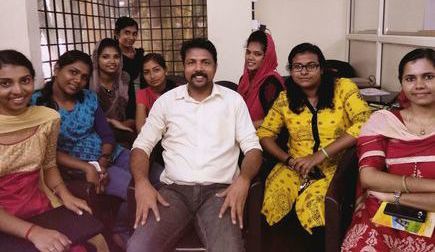
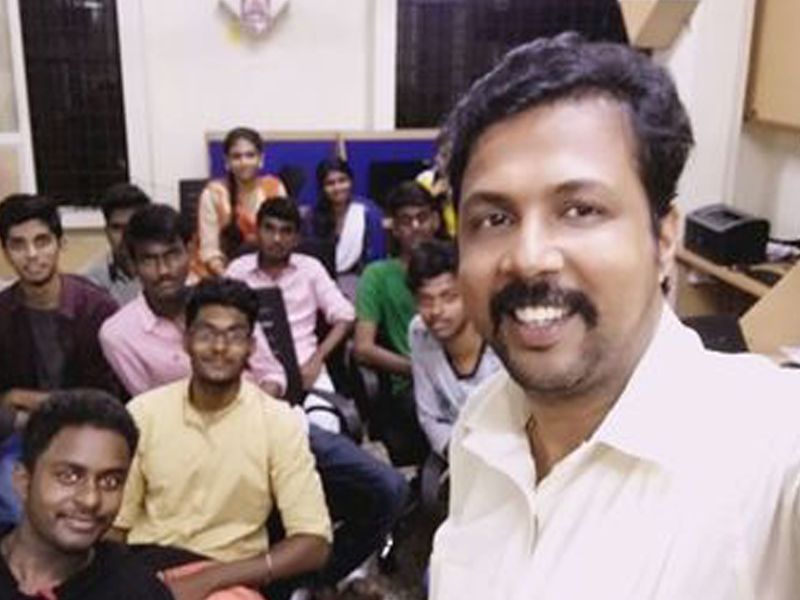
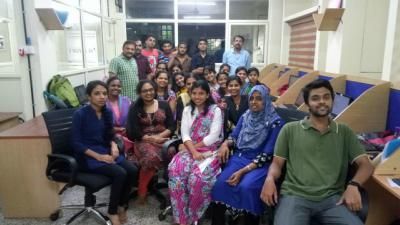
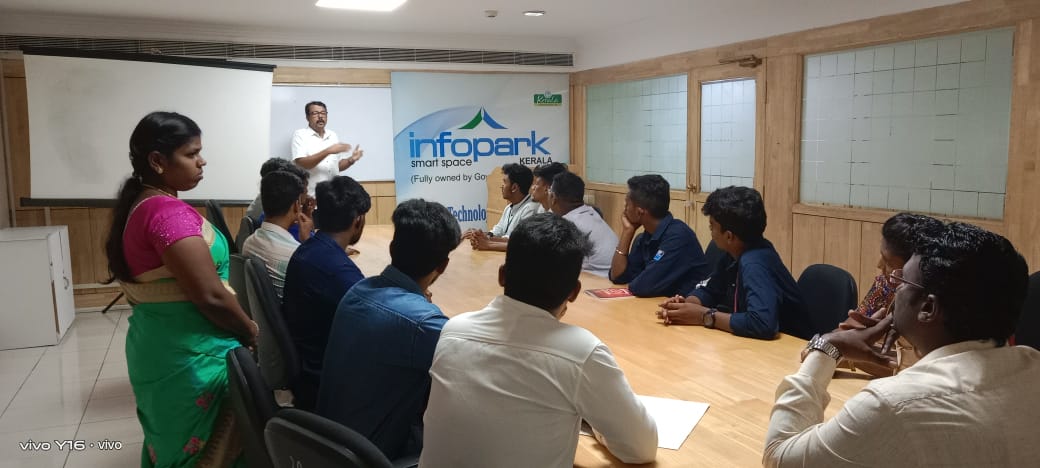
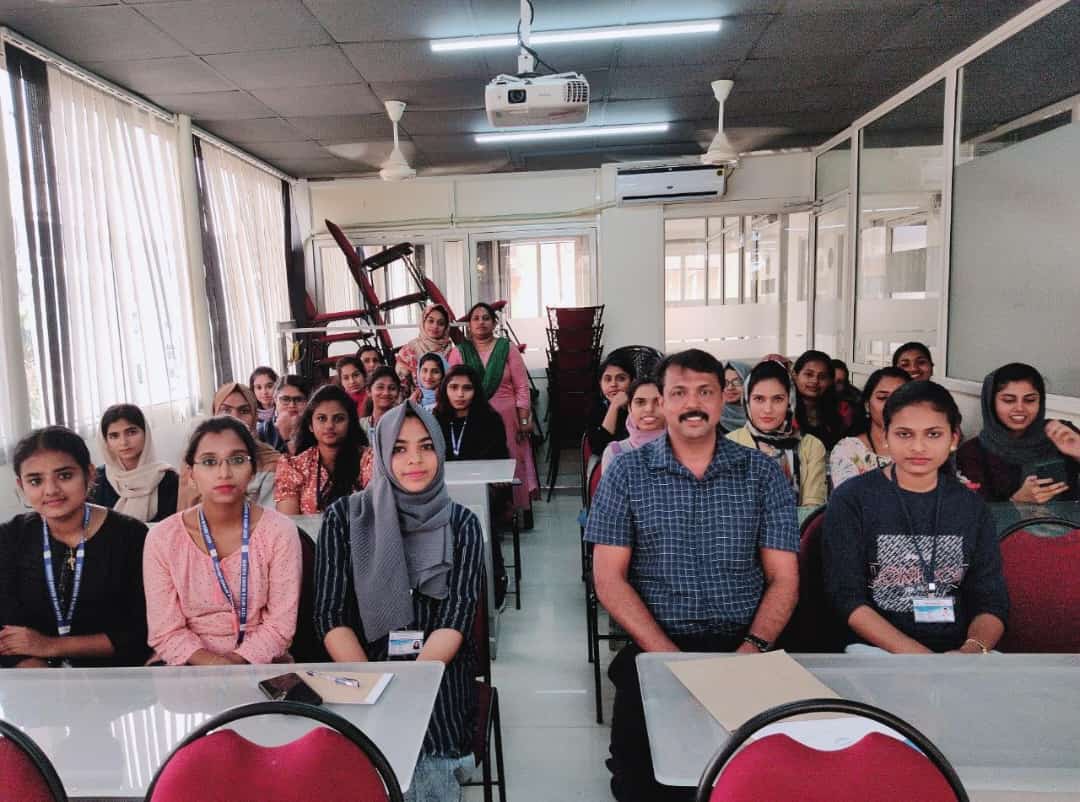
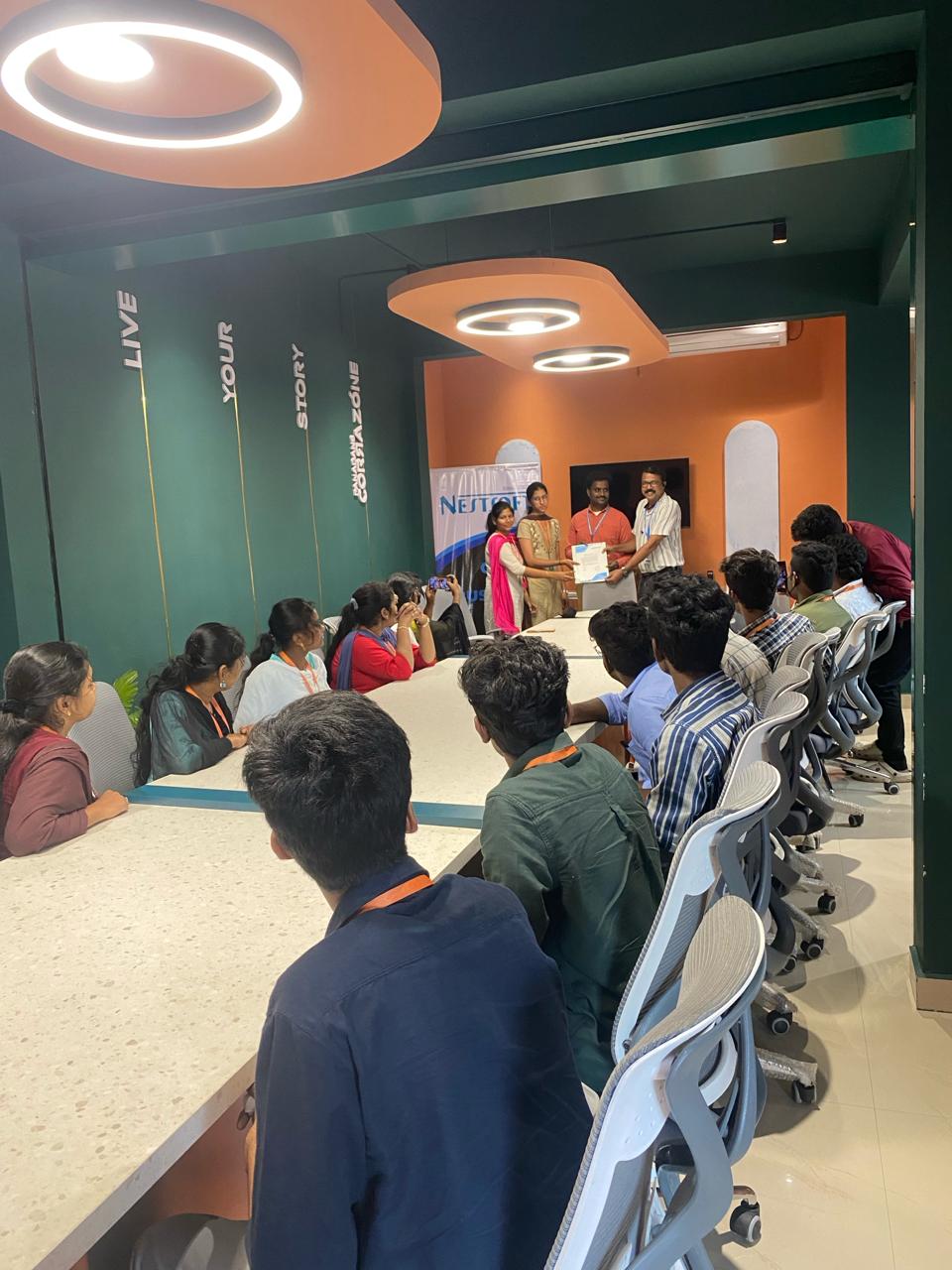
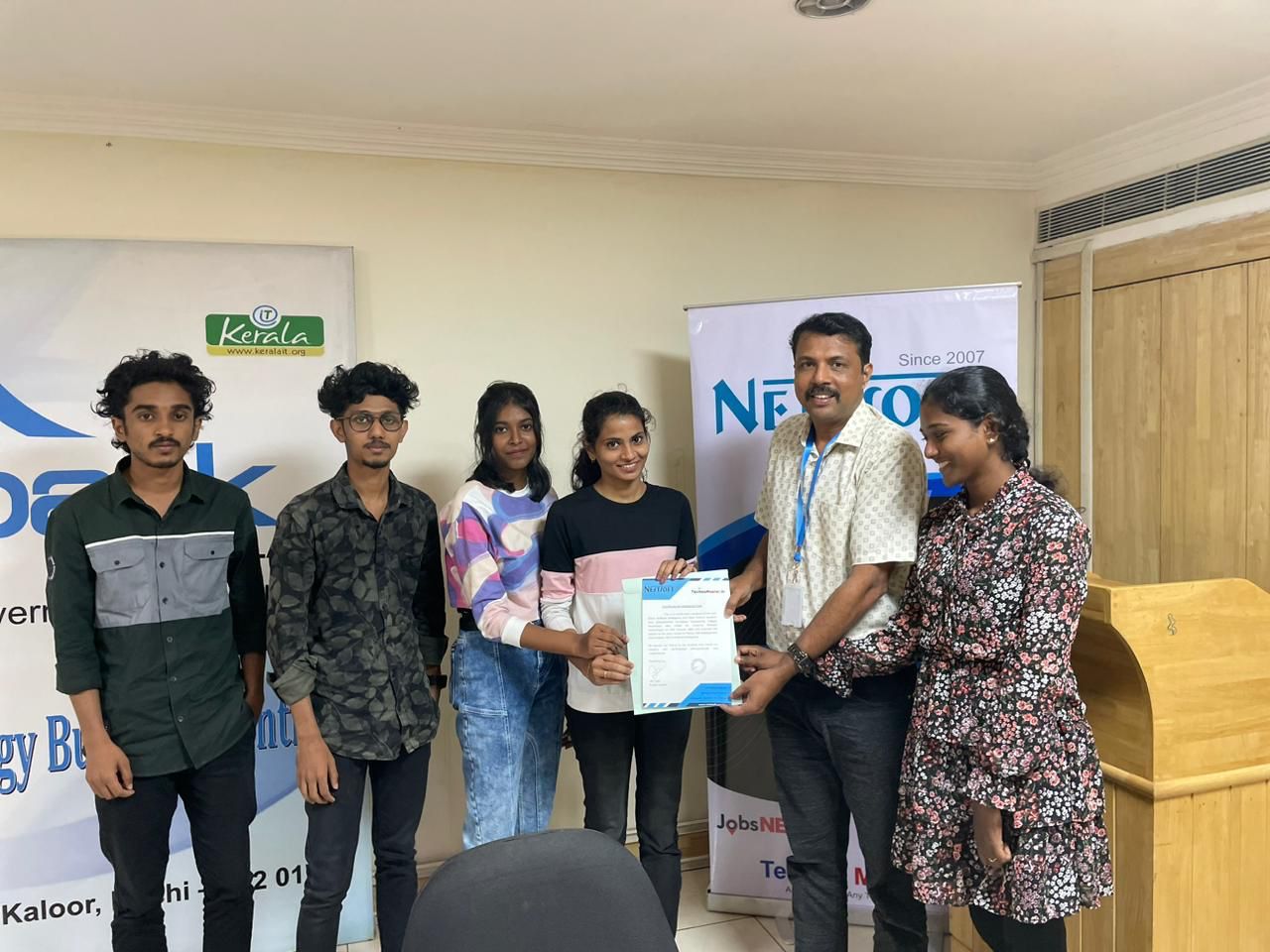
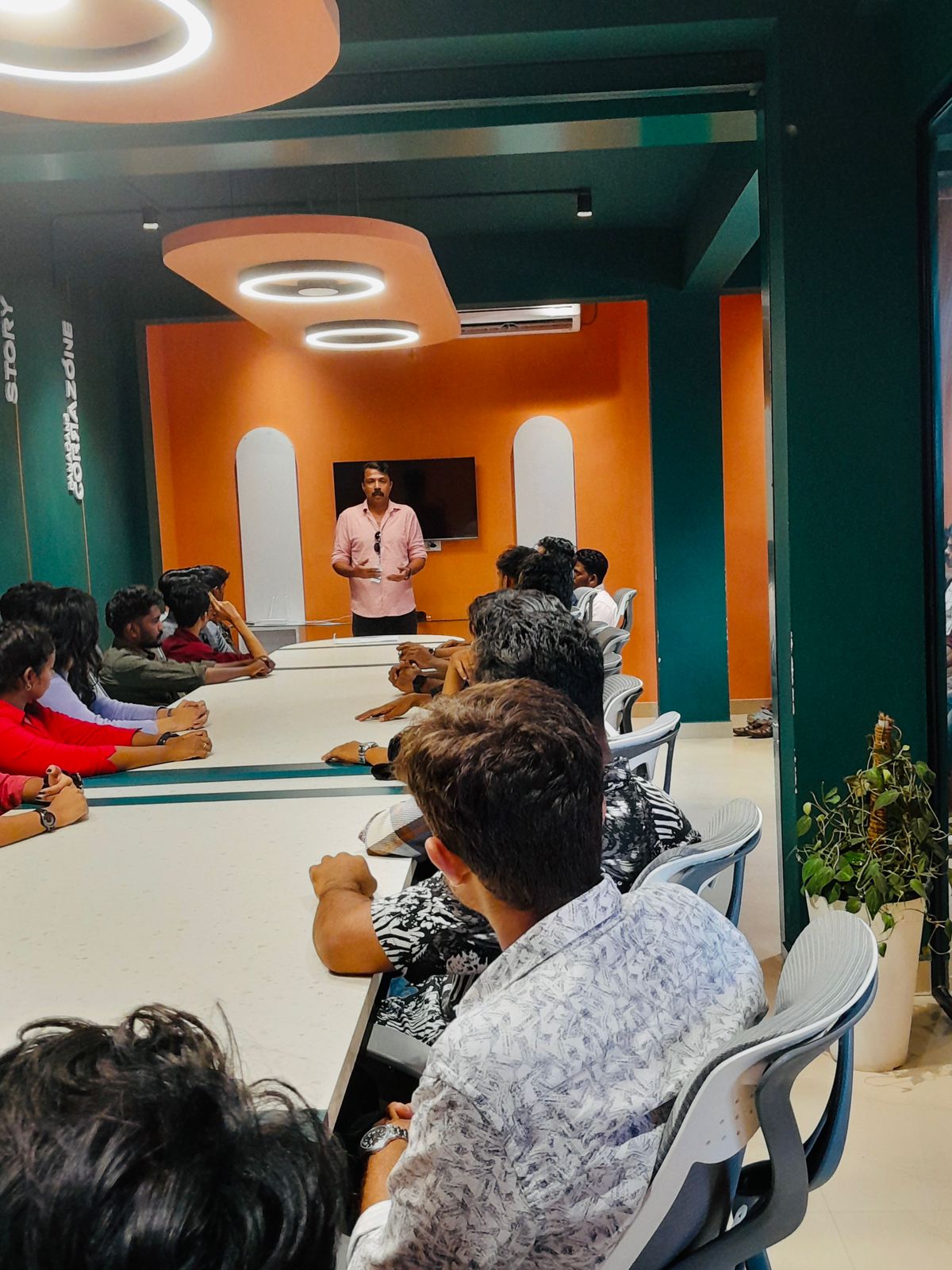
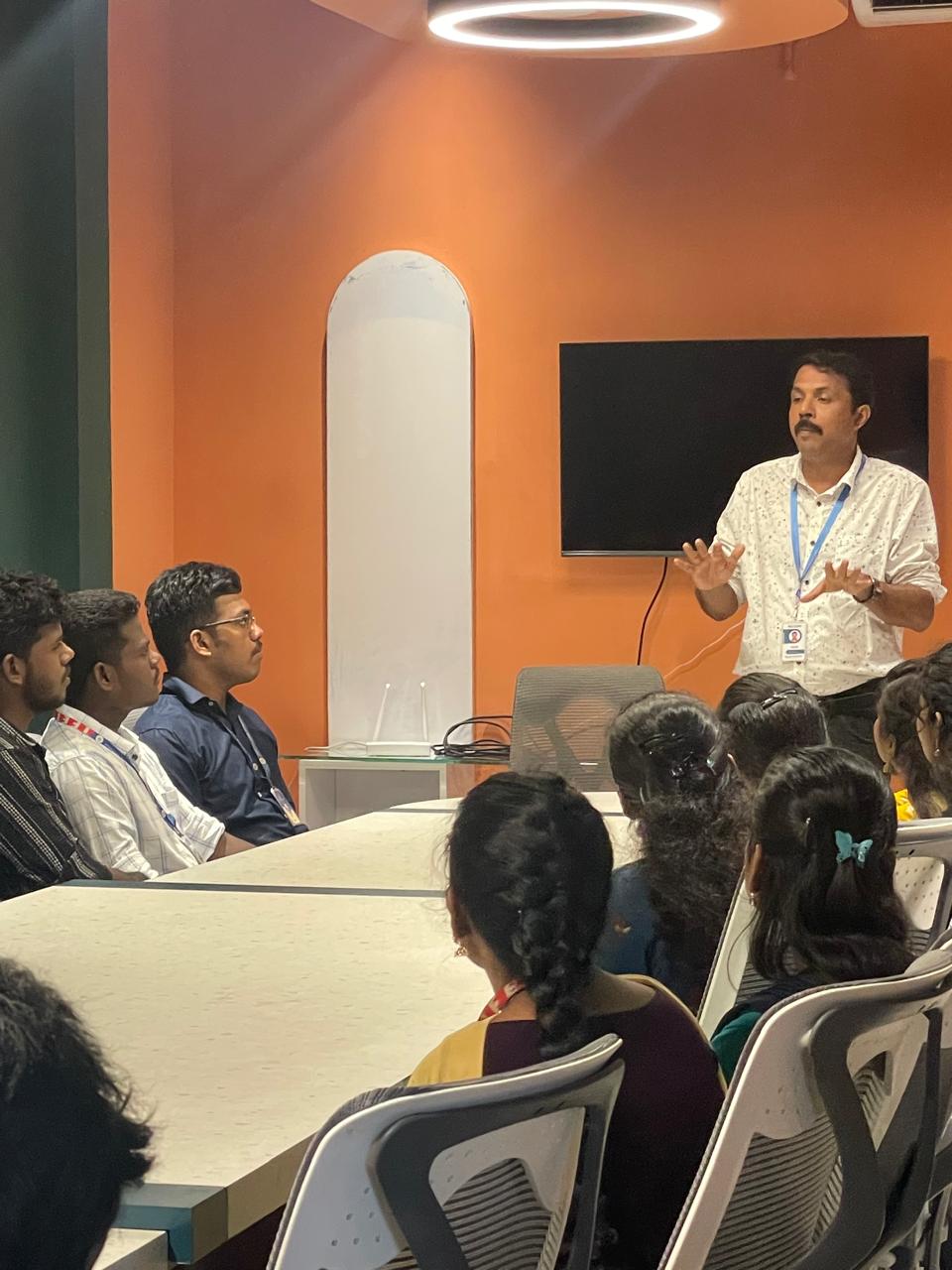
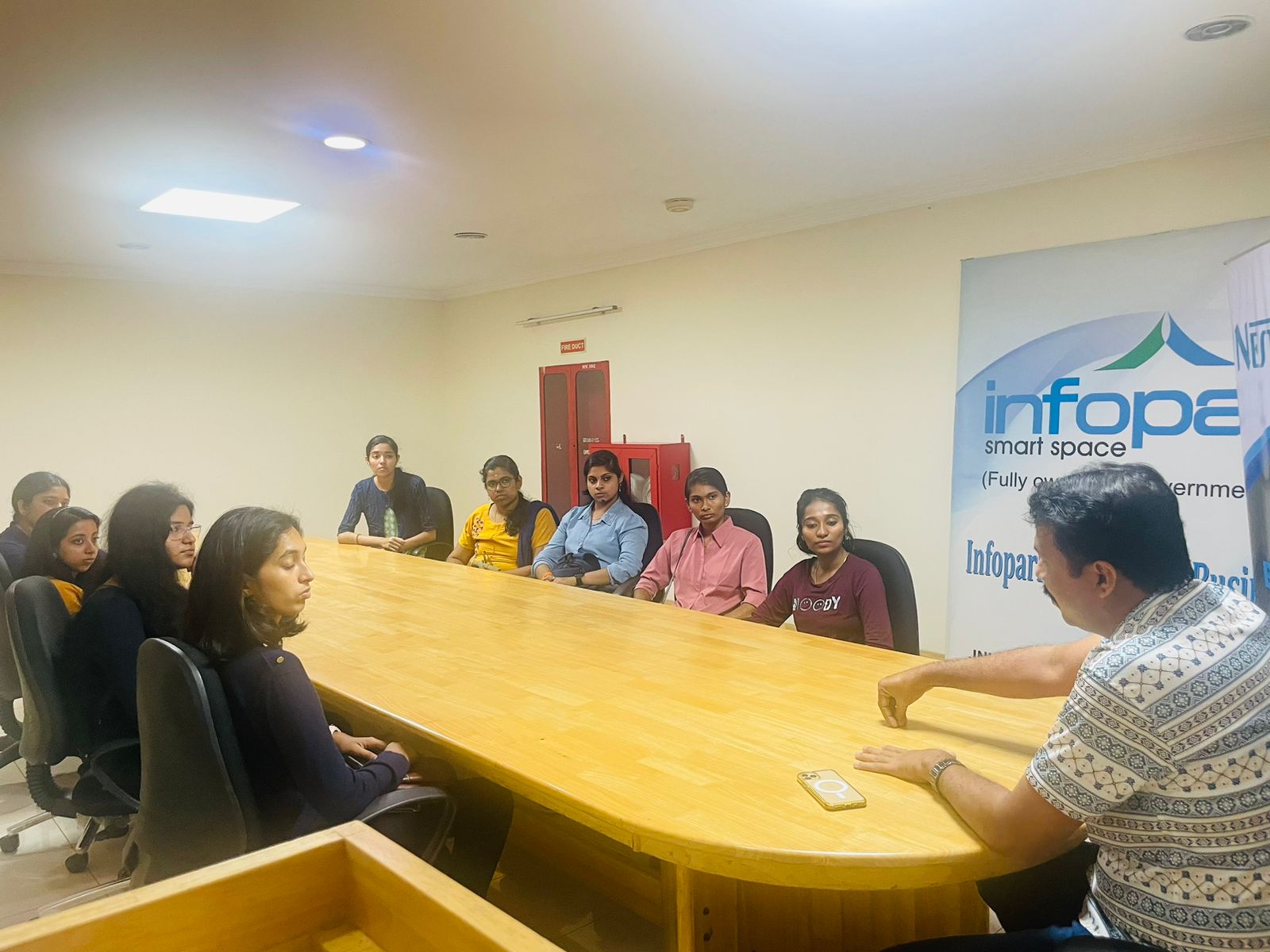
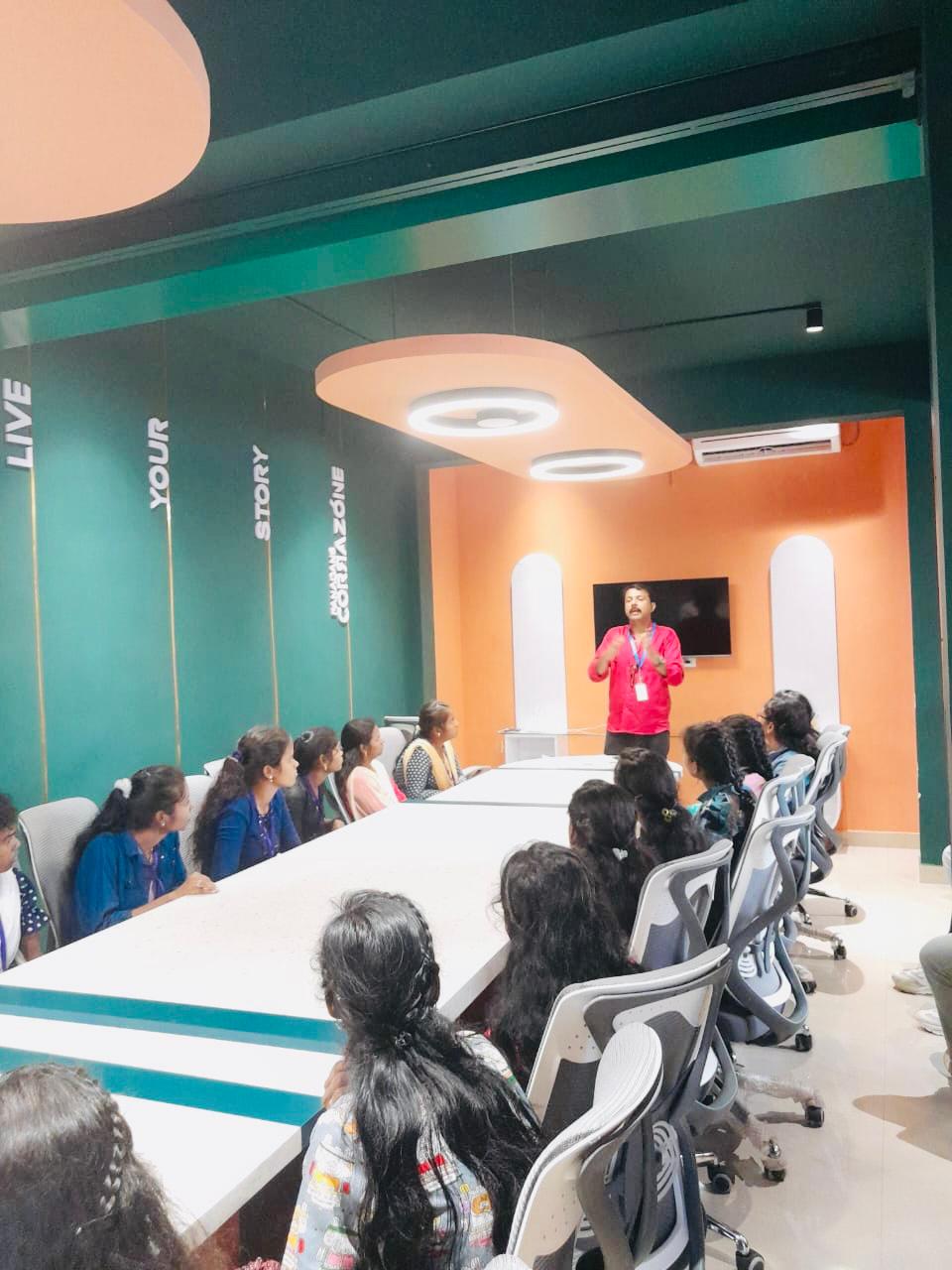
Photos of Training / Internships

Internship/projects in kannur

Trained more than 10000+ students who trust Nestsoft TechnoMaster

Get Your Personal Trainer