Send enquiry ⏎

Adobe Premier Pro CC Online Live Class by Experts

Our Training/Internship Process

Adobe Premier Pro CC Online Live Classes in Vijayawada | Free Demo Training

Adobe Premier Pro CC - Syllabus, Fees & Duration

      Module 1: Introduction to Premiere Pro (1 Hour)

      Objective: Familiarize students with Premiere Pro’s interface and basic setup.

      • Overview of Premiere Pro and its applications
      • Interface tour: Workspace, Timeline, Source Monitor, and Program Monitor
      • Setting up a new project: Sequence settings and file organization
      • Importing media: Video, audio, and graphics
      • Keyboard shortcuts for efficient editing

      Practical: Create a new project and import media files.

      Module 2: Basic Video Editing Techniques (2 Hours)

      Objective: Learn essential tools and techniques for video editing.

      • Adding clips to the timeline and trimming
      • Working with the Razor tool for cutting clips
      • Using the Ripple Edit and Rolling Edit tools
      • Understanding the timeline: Tracks, markers, and snapping
      • Adjusting clip speed: Slow motion and fast motion

      Practical: Assemble and edit a short video sequence.

      Module 3: Audio Editing and Enhancements (1.5 Hours)

      Objective: Understand and apply audio editing techniques.

      • Importing and editing audio files
      • Adjusting audio levels and keyframes
      • Applying audio effects and transitions
      • Using the Essential Sound panel for audio cleanup
      • Syncing audio and video

      Practical: Add background music and adjust audio levels for a video.

        Module 4: Transitions and Effects (1.5 Hours)

        Objective: Enhance videos with transitions and effects.

        • Applying video transitions: Cut, dissolve, and wipe
        • Using the Effects panel: Blur, color effects, and distortions
        • Keyframing for animation effects
        • Adding and adjusting motion: Position, scale, and rotation
        • Introduction to nested sequences

        Practical: Apply transitions and effects to a video sequence.

        Module 5: Color Correction and Grading (1.5 Hours)

        Objective: Learn color correction and grading techniques.

        • Understanding Lumetri Color panel
        • Adjusting exposure, contrast, and saturation
        • Using color wheels and curves for grading
        • Creating and applying LUTs (Look-Up Tables)
        • Matching colors between clips

        Practical: Perform color correction and grading on a provided video.

        Module 6: Titles, Graphics, and Exporting (2.5 Hours)

        Objective: Create professional titles and graphics and export the final video.

        • Adding and customizing text with the Essential Graphics panel
        • Creating lower thirds and animated titles
        • Adding captions or subtitles
        • Export settings: File formats and presets (H.264, 4K, etc.)
        • Rendering and exporting the final video

        Practical: Create an end-to-end video project with titles, transitions, and audio, then export it.

    Download Syllabus - Adobe Premier Pro CC
    This syllabus is not final and can be customized as per needs/updates
   
10000+
20+
50+
25+

Adobe Premier Pro CC Jobs in Vijayawada

Enjoy the demand

Find jobs related to Adobe Premier Pro CC in search engines (Google, Bing, Yahoo) and recruitment websites (monsterindia, placementindia, naukri, jobshybrid.com, indeed.co.in, shine.com etc.) based in Vijayawada, chennai and europe countries. You can find many jobs for freshers related to the job positions in Vijayawada.

  • Motion Graphic Designer
  • Motion Graphic Trainer
  • Video Editor
  • Motion Designer
  • Graphic Designer
  • Video Content Creator
  • Videographer
  • 2d Motion Designer
  • 2d And 3d Animator
  • Media Production

Adobe Premier Pro CC Internship/Course Details

Adobe Premier Pro CC internship jobs in Vijayawada
Adobe Premier Pro CC If you get caught or have a question, you have the choice of sharing your display with the trainer who will deal with any questions. Adobe team members can share their work with others which creates a simple workflow with no interruptions. Nestsoft can cover essential topics like creating time-lapse videos, building a rough cut, working with audio, and incorporating motion and titles in your videos. Why Adobe Premiere Pro is Powerful? You'll be able to edit quicker Get professional result with greater editing precision Benefit from a versatile, connected workflow Automatically updated sequences setting to match clip Nestsoft typically scheduled, public Adobe Premiere Pro classes and Courses contain introductory via advanced training. Nestsoft offers often scheduled Premiere pro online live ca. in this contemporary world, Premier pro is a powerful tool for editing videos. With our online Premiere pro courses, you’ll have the power to examine the trainer’s display, listen to ideas and explanations, and whereas exercising as you study Premiere pro. It is used in the main Video and film editors and post-production professionals, Motion graphics designers, etc. today it's widely used across the world for each kind of production from business & promoting videos, music videos to documentaries, feature films. you can attend our live coaching session anyplace like from home, your office, or anywhere you have a broadband internet connection.


Meet a Few of our Industry Experts 🚀 Your Pathway to IT Career

Priyanka

Mobile: +91 94975 90866
Location: Online (Vijayawada, India)
Qualification: ECE

Experience: 1 ) 2 2 years of overall Quality Executive experience including 1Year of Automation Testing Experience (Selenium Web Driver) 2  more..

Abdul

Mobile: +91 9895490866
Location: Online (Vijayawada, India)
Qualification: B.Tech IT

Experience: Skill : Java programming Experience level: Fresher  more..

Siddangouda

Mobile: +91 8301010866
Location: Online (Vijayawada, India)
Qualification: B.E Computer Science

Experience: Seo on page off page technical seo back links link building Google Analytics   more..

Shamna

Mobile: +91 8301010866
Location: Online (Vijayawada, India)
Qualification: Under Graduate

Experience: I am a self taught MERN Stack developer In the period of 1 year i have completed several mini projects  more..

Navjot

Mobile: +91 91884 77559
Location: Online (Vijayawada, India)
Qualification: M.tech

Experience: I am very good in html css and wordpress I made website for my client I also have knowledge of  more..

Yash

Mobile: +91 9895490866
Location: Online (Vijayawada, India)
Qualification: Bachelor's

Experience: Professional Canva Designer did my past Job in Designer field and i use to create design using canva Clients i  more..

Jagadeesh

Mobile: +91 9895490866
Location: Online (Vijayawada, India)
Qualification: MVM TRANSPORT

Experience: AWS Cloud networking CCNA troubleshooting devops VMware ms office git hub pycharm |   more..

Keshav

Mobile: +91 94975 90866
Location: Online (Vijayawada, India)
Qualification: MCA

Experience: I have knowledge of C C++ OOP's Database I have done project in my academic which are inventory management system  more..

Dhruv

Mobile: +91 9895490866
Location: Online (Vijayawada, India)
Qualification: Master of science in Information Technology

Experience: Android development Java API Integration Firebase Retrofit version control API Testing postman UI UX design figma  more..

ganga

Mobile: +91 91884 77559
Location: Online (Vijayawada, India)
Qualification: be.civil

Experience: advance ms excel python sql  more..

Regz

Mobile: +91 98474 90866
Location: Online (Vijayawada, India)
Qualification: BE

Experience: dot net php sql java perl python  more..

ARYA

Mobile: +91 94975 90866
Location: Online (Vijayawada, India)
Qualification: B tech in ECE

Experience: I have 6 month experience in electronic firm as a PCB testing engineer I have computer knowledge and know  more..

Aniket

Mobile: +91 91884 77559
Location: Online (Vijayawada, India)
Qualification: Bsc computer science

Experience: Software testing agile methodology API testing hardware software trabulshooting project management  more..

Nayan

Mobile: +91 9895490866
Location: Online (Vijayawada, India)
Qualification: B.tech Computer science engineering

Experience: Android developer Java advance Python data mining Linux Oracle Firebase C++ Unity Game development Done 4 running projects in android  more..

Darshana

Mobile: +91 89210 61945
Location: Online (Vijayawada, India)
Qualification: BE

Experience: Skills - Good Communication Have knowledge in Web development HTML CSS JS Experience - Have worked as a trainer in  more..

Kavitha

Mobile: +91 91884 77559
Location: Online (Vijayawada, India)
Qualification: B.tech

Experience: Selenium with java bdd TTD j meter Api postman and swagger (manually) version control CI CD Jira ajile methodology scrum  more..

Shenia

Mobile: +91 89210 61945
Location: Online (Vijayawada, India)
Qualification: BSC comp science& MCA

Experience: hi I was a software Engineer After marriage due to some personnel reason I took a Career break Web development  more..

Anant

Mobile: +91 91884 77559
Location: Online (Vijayawada, India)
Qualification: B.TECH

Experience: I have 1 4 years of experience in Android development I have key knowledge of Java Kotlin and Android Development  more..

Yatendra

Mobile: +91 91884 77559
Location: Online (Vijayawada, India)
Qualification: Mba

Experience: I am good in smo and seo with graphic design  more..

Adarsh

Mobile: +91 91884 77559
Location: Online (Vijayawada, India)
Qualification: HSc

Experience: Website design app Design prototype   more..

lingudu

Mobile: +91 91884 77559
Location: Online (Vijayawada, India)
Qualification: B.tech

Experience: AUTO CAD CATIA ANSYS basic C python  more..

Vishal

Mobile: +91 89210 61945
Location: Online (Vijayawada, India)
Qualification: b.tech

Experience: avaScript react js redux js Redux Toolkit redux-saga react hooks cypress react native es6 dnd mobex Apollo next js storybook  more..

Diksha

Mobile: +91 91884 77559
Location: Online (Vijayawada, India)
Qualification: Btech

Experience: C c++ python web development by youtube Time management documentation  more..

Abhishek

Mobile: +91 91884 77559
Location: Online (Vijayawada, India)
Qualification: B.Tech in computer science

Experience: I'm an experienced mobile app developer with 6 months experience in developing real world applications and loves to make cutting  more..

Success Stories

The enviable salary packages and track record of our previous students are the proof of our excellence. Please go through our students' reviews about our training methods and faculty and compare it to the recorded video classes that most of the other institutes offer. See for yourself how TechnoMaster is truly unique.

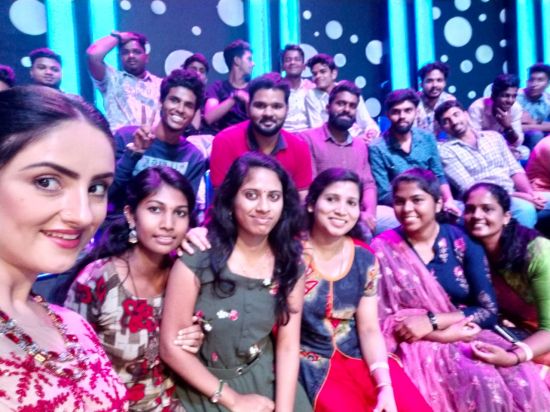
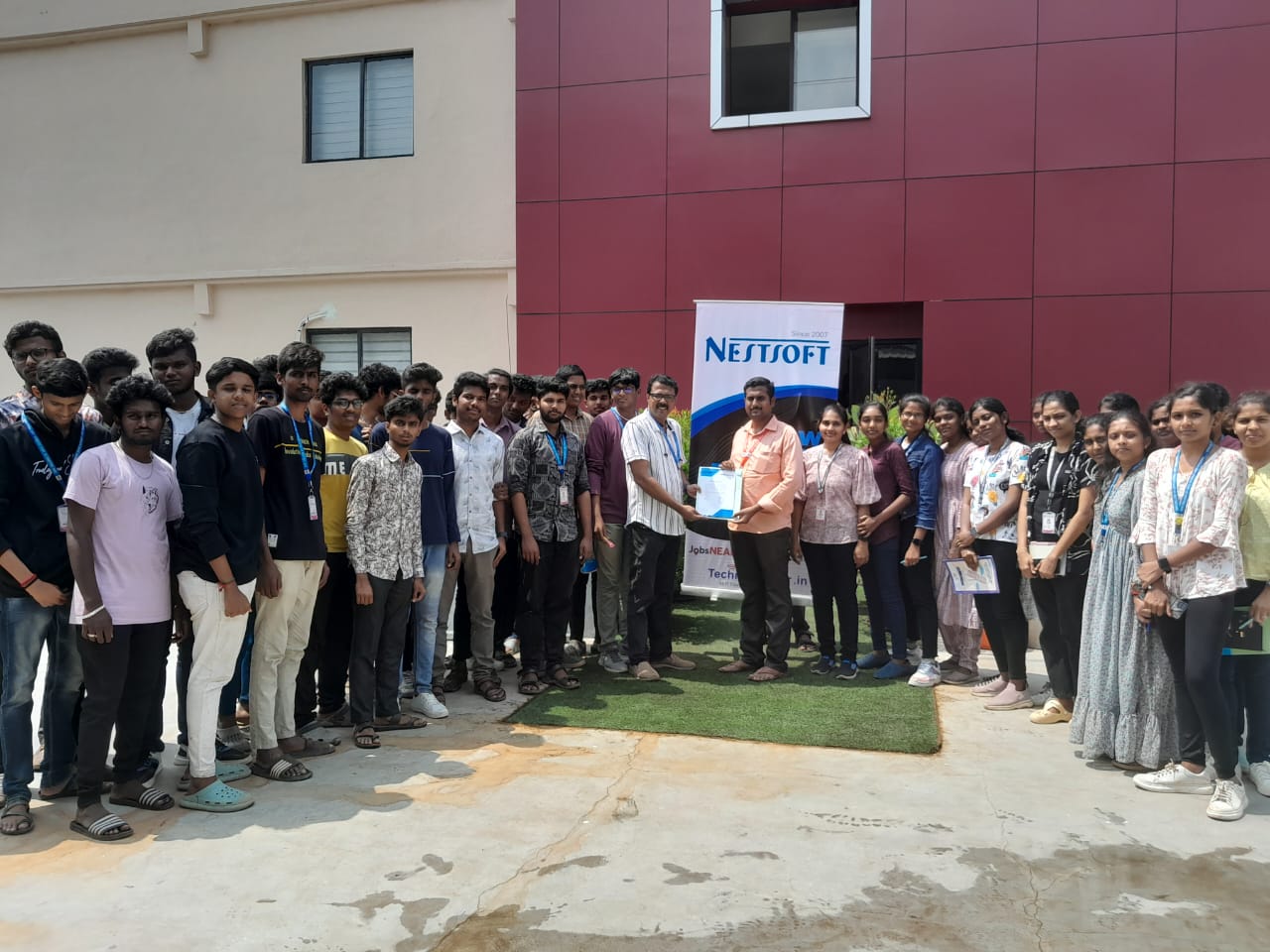
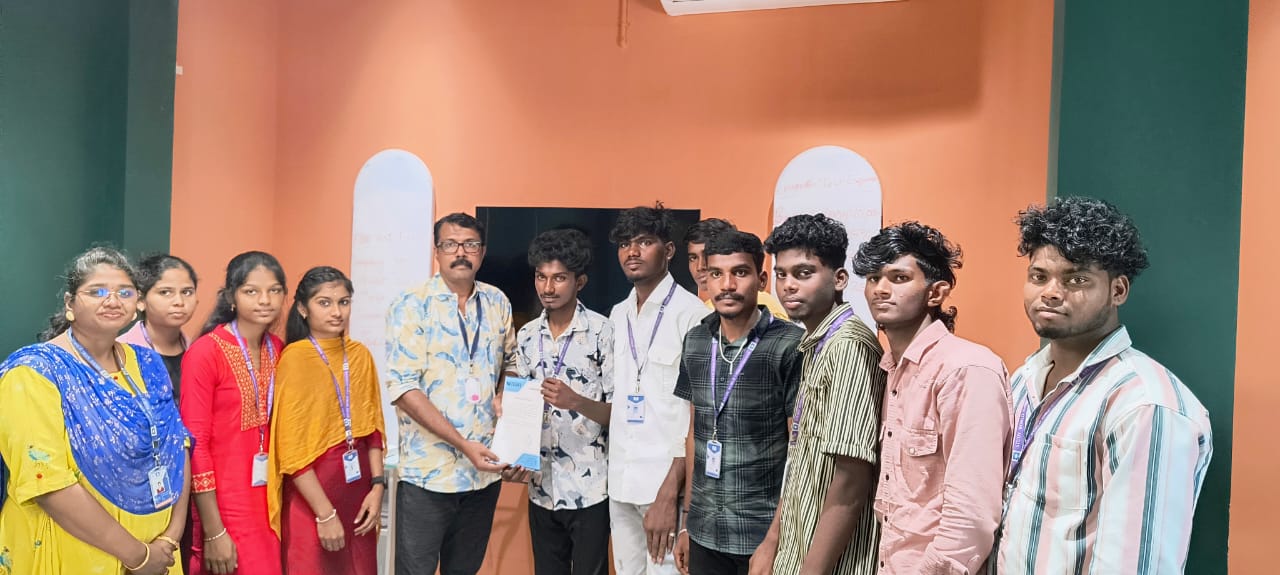
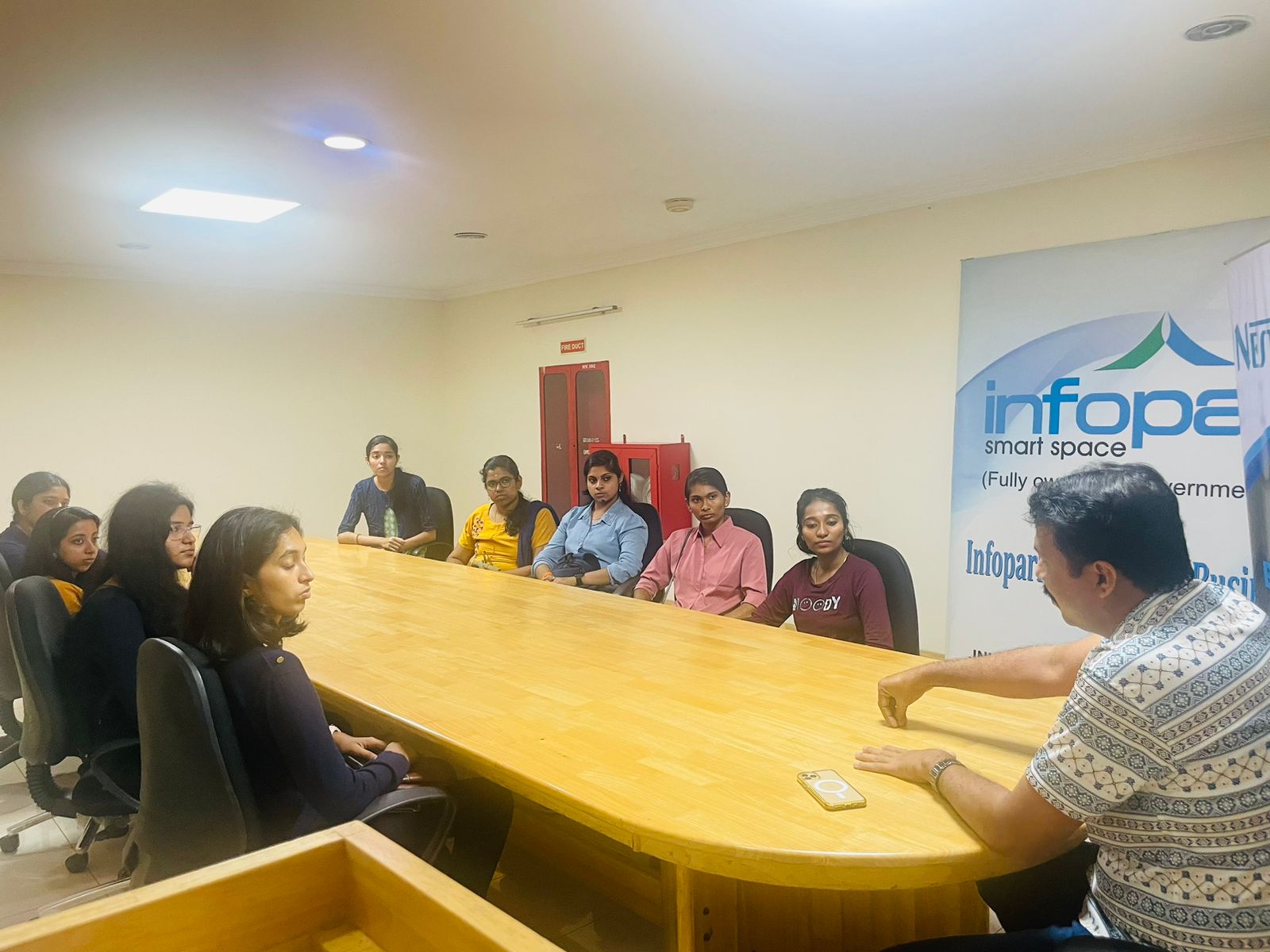
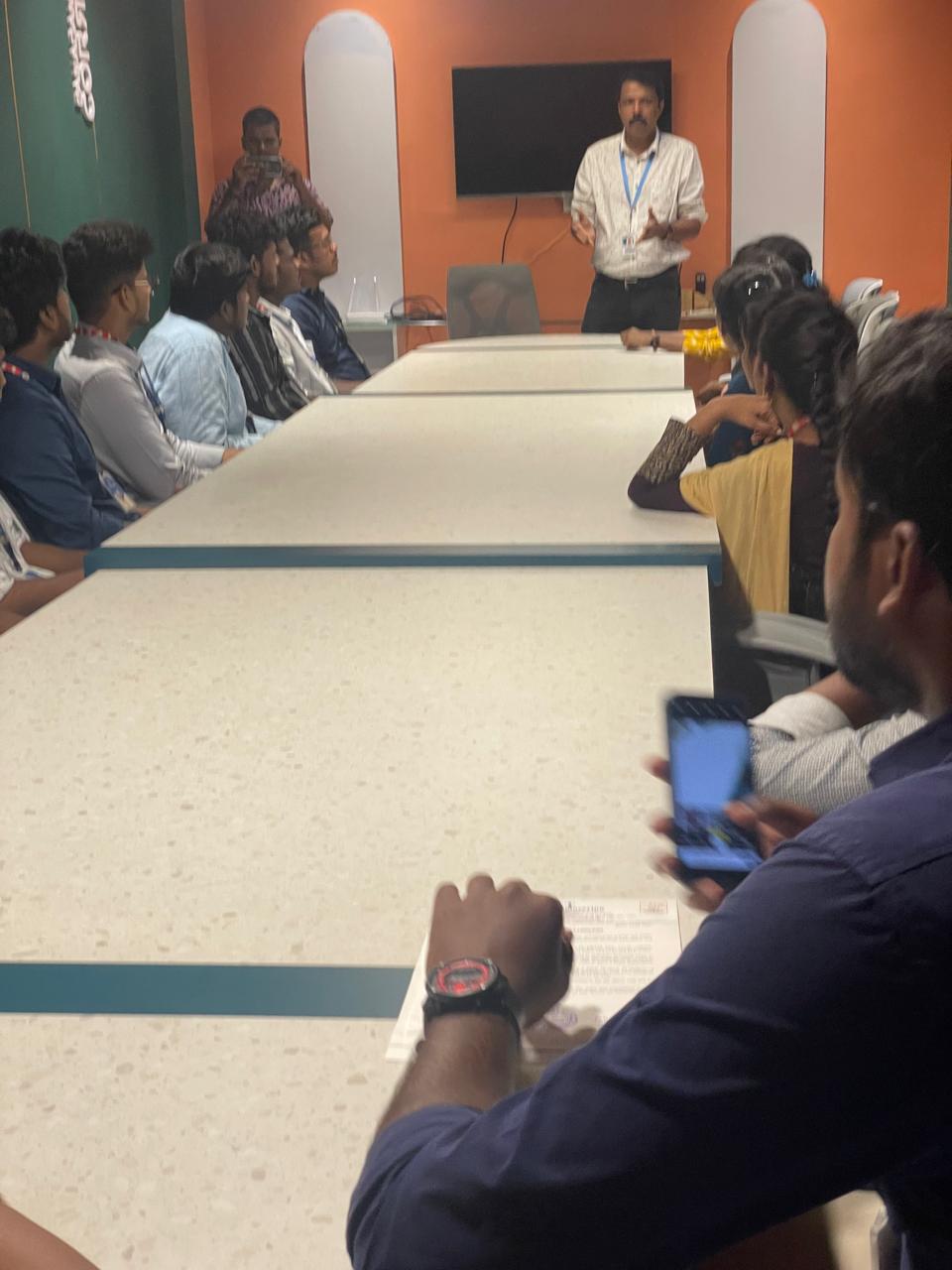
Photos of Training / Internships

Internship/projects in vijayawada

Trained more than 10000+ students who trust Nestsoft TechnoMaster

Get Your Personal Trainer