Send enquiry ⏎

Adobe Dreamweaver Online Live Class by Experts

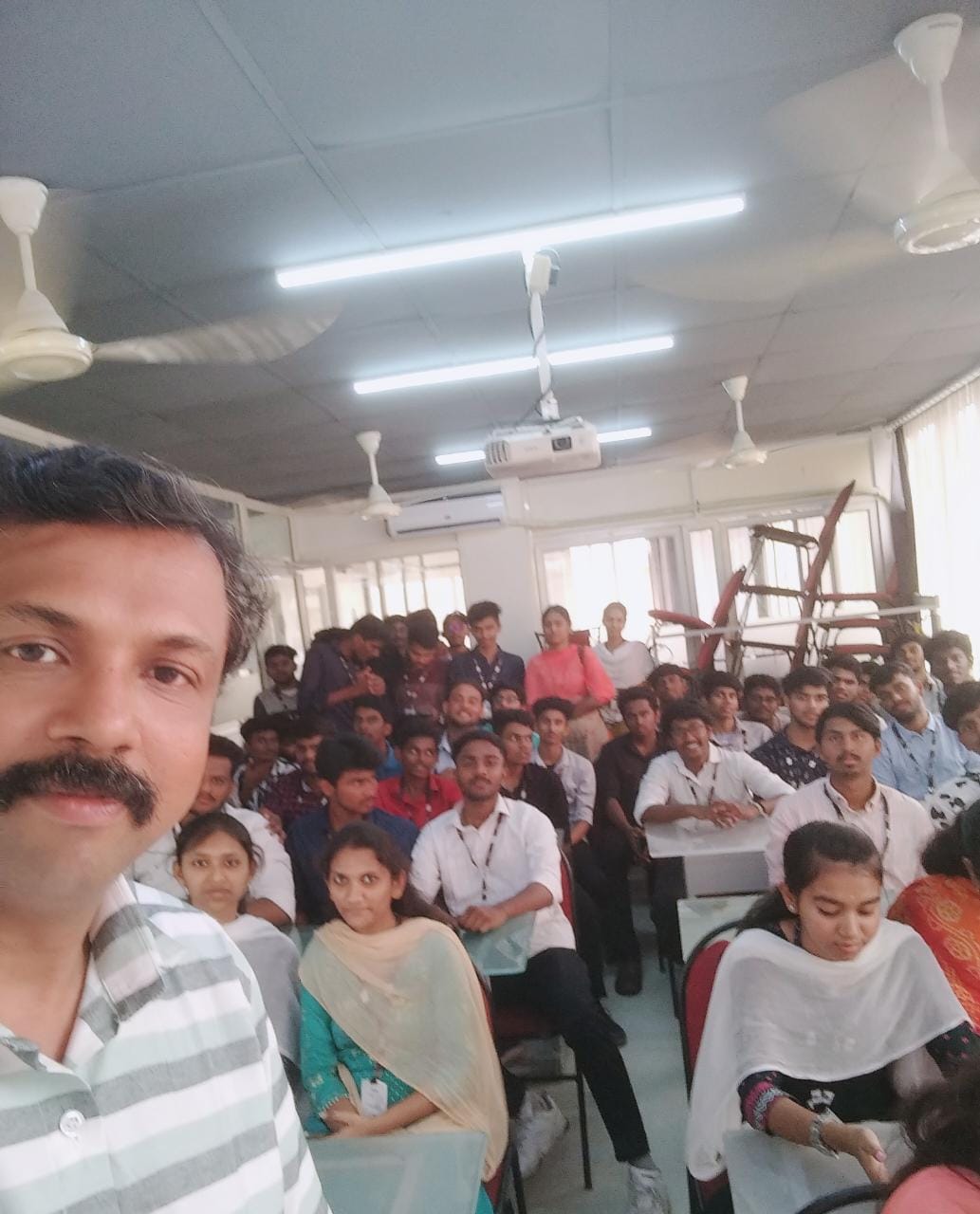
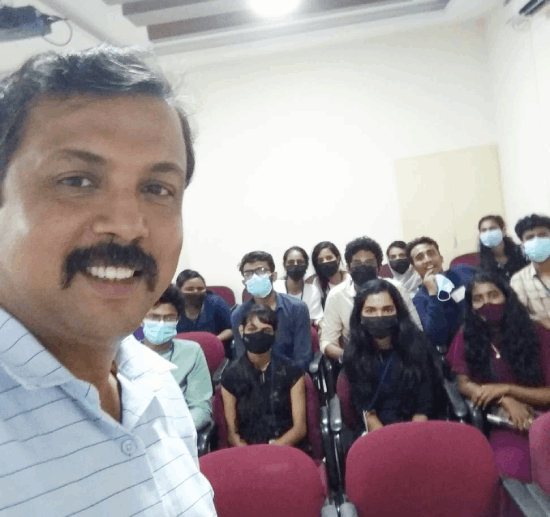
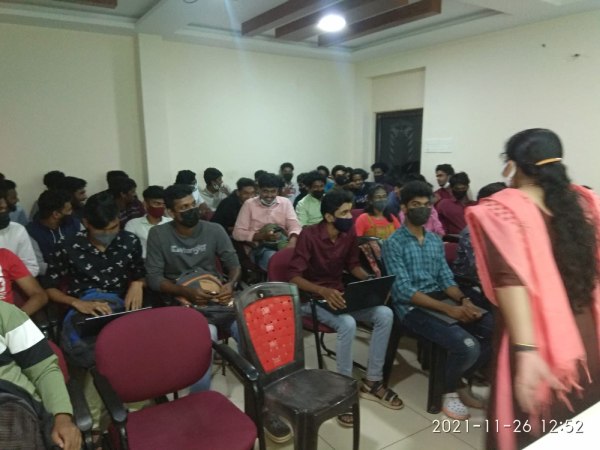
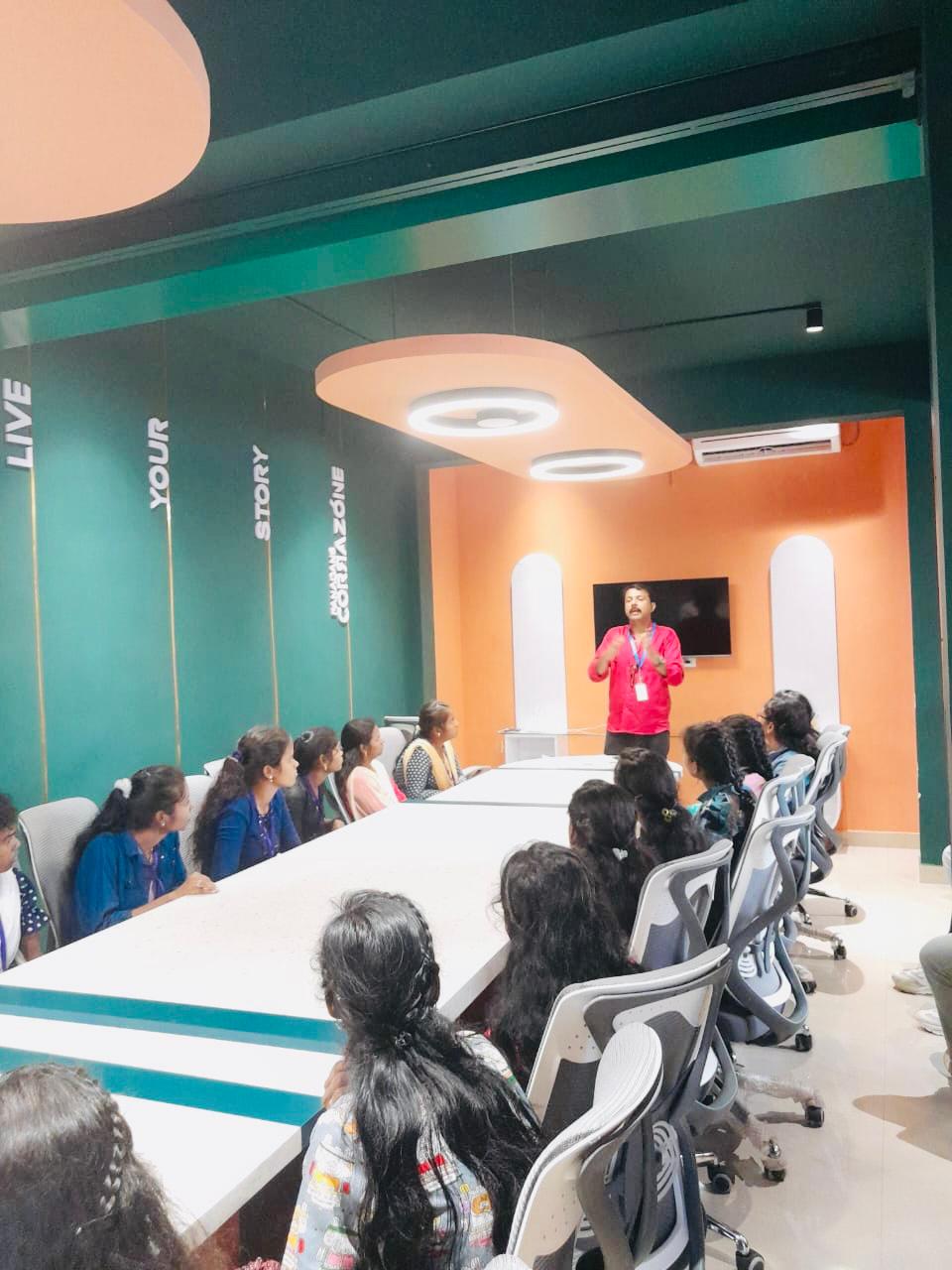
Our Training/Internship Process

Adobe Dreamweaver Online Live Classes in Wayanad | Free Demo Training

Adobe Dreamweaver - Syllabus, Fees & Duration

Module 1: Introducing Dreamweaver

  • Understanding the course
  • Reviewing the course objectives and prerequisites
  • Reviewing the course format
  • Outlining the course content
  • Understanding static page architecture

Module 2: Getting Started

  • Introducing Dreamweaver
  • Learning the interface
  • Defining a local site
  • Creating a website

Module 3: Adding Content to a Site

  • Adding content
  • Controlling document structure
  • Making lists
  • Adding horizontal rules
  • Adding special characters

Module 4: Formatting with CSS

  • Formatting text
  • Introducing CSS
  • Creating styles
  • Exporting CSS rule definitions
  • Creating class styles
  • Attaching external style sheets
  • Creating advanced styles
  • Creating a new external style sheet
  • Displaying styles
  • Understanding cascading order and inheritance of styles
  • Creating internal styles with the Property inspector

Module 5: Working with Graphics

  • Using graphics on web pages
  • Placing graphics on the page
  • Modifying image properties
  • Editing images
  • Doing roundtrip editing with Fireworks
  • Customizing the Insert bar
  • Adding Flash content
  • Adding Flash Video

Module 6: Navigating Your Site

  • Understanding site navigation
  • Linking to files in your site
  • Linking to sites
  • Linking to named anchors
  • Adding e-mail links
  • Linking from images
  • Creating a jump menu

Module 7: Designing Page Layouts with CSS

  • Understanding page layout
  • Using layers for layout
  • Adding CSS to layers
  • Using absolute and relative positioning
  • Designing with DIV's
  • Designing navigation links with CSS
  • Importing tabular data
  • Using table layout view

Module 8: Using Libraries and Templates

  • Using site library items
  • Creating site templates
  • Defining editable regions
  • Using templates
  • Applying a template to an existing page
  • Modifying templates

Module 9: Creating Forms

  • Understanding forms
  • Processing a form
  • Setting focus in a form
  • Validating a form

Module 10: Testing, Maintenance, and Uploading

  • Testing your site
  • Maintaining your files and folders
  • Connecting to a remote site
  • Synchronizing files

Download Syllabus - Adobe Dreamweaver
This syllabus is not final and can be customized as per needs/updates
   
10000+
20+
50+
25+

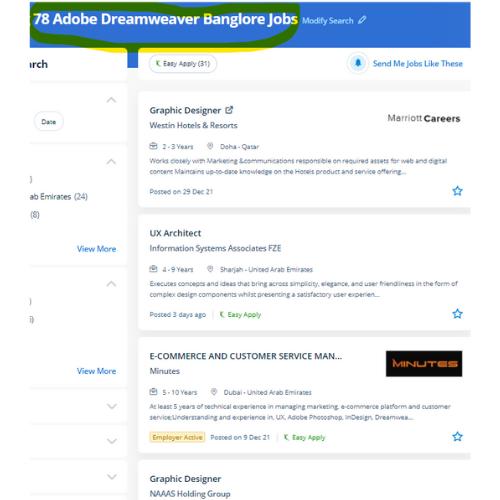
Adobe Dreamweaver Jobs in Wayanad

Enjoy the demand

Find jobs related to Adobe Dreamweaver in search engines (Google, Bing, Yahoo) and recruitment websites (monsterindia, placementindia, naukri, jobshybrid.com, indeed.co.in, shine.com etc.) based in Wayanad, chennai and europe countries. You can find many jobs for freshers related to the job positions in Wayanad.

  • Graphic Designer
  • Creative Designer
  • CorelDraw Trainer
  • Web graphic designer
  • UI/UX Designer
  • Digital Designer
  • Designing Trainer
  • GUI Designer
  • Creative Graphic Designer
  • Web designer intern

Adobe Dreamweaver Internship/Course Details

Adobe Dreamweaver internship jobs in Wayanad
Adobe Dreamweaver Students could register at any time. easy and complex websites are going to be designed using a purpose and click-on technique. . The coding is checked whenever you're incorporating one as there may be a typo error. This tool is unbelievably useful because it'll allow us to figure directly on a style terribly like visitors to the future website. The course materials are designed as self-study courses, however, if you have got any issues you will email our support service. during this comprehensive course, Nestsoft can give you the in-depth data needed to alter you to perform creative and skilled web design techniques while working on your own material. Students additionally can receive digital versions of their course books. an intuitive application used for the event and elegance of websites, Dreamweaver is favored due to its simple user interface and built-in code editor. This feature makes it possible for beginners to style websites as the work is reduced.


Meet a Few of our Industry Experts 🚀 Your Pathway to IT Career

Mallari

Mobile: +91 9895490866
Location: Online (Wayanad, India)
Qualification: BCA

Experience: Hello good day sir ma'am I have a basic knowledge of python html css sql  more..

Achutha

Mobile: +91 91884 77559
Location: Online (Wayanad, India)
Qualification: B.Sc

Experience: I have experience in manual testing and automation testing with jira software Jenkins automation testing of Selenium with Java testNG  more..

SOUVIK

Mobile: +91 9895490866
Location: Online (Wayanad, India)
Qualification: m,tech

Experience: c++ java net stack developer aaaaaaaaaaaaaaaaaaaaaaa  more..

Stephy

Mobile: +91 8301010866
Location: Online (Wayanad, India)
Qualification: MCA

Experience: MCA fresher graduate Skills in SQL php Java Microsoft office  more..

Sushma

Mobile: +91 8301010866
Location: Online (Wayanad, India)
Qualification: MHA

Experience: Hospital operations HMIS implementation testing training quality insurance and prices designing and implementing   more..

Anirudh

Mobile: +91 94975 90866
Location: Online (Wayanad, India)
Qualification: Bsc.it

Experience: I have 10 months of experience as an odoo developer   more..

Hetvi

Mobile: +91 91884 77559
Location: Online (Wayanad, India)
Qualification: BCA

Experience: I am skilled wordpress developer with intesne knowledge of digital marketing and SEO I have high proficiency in english language  more..

Saurabh

Mobile: +91 9895490866
Location: Online (Wayanad, India)
Qualification: B.tech cse

Experience: With experience in Software Development I have worked as a Node js and Solidity developer at Nineteen Realtech My expertise  more..

Dipak

Mobile: +91 89210 61945
Location: Online (Wayanad, India)
Qualification: Bachelor of computer application

Experience: Firstly I want to said that if you mentally strong to your work then no work hard for you self  more..

Dhrishya

Mobile: +91 89210 61945
Location: Online (Wayanad, India)
Qualification: B.Tech

Experience: Dear Sir Iam Dhrishya recent ECE graduate from ktu I am a designer Why I choose design is my profession?  more..

Uma

Mobile: +91 91884 77559
Location: Online (Wayanad, India)
Qualification: NSc

Experience: Looking for opportunities in manual and automation testing to expand my skills knowledge and learnings   more..

Arjun

Mobile: +91 91884 77559
Location: Online (Wayanad, India)
Qualification: Bachelors in Visual design and comm

Experience: Proficiency in design and all fields of visual communication 4 years of working experience in the design industry  more..

Nayan

Mobile: +91 98474 90866
Location: Online (Wayanad, India)
Qualification: B.tech Computer science engineering

Experience: Android developer Java advance Python data mining Linux Oracle Firebase C++ Unity Game development Done 4 running projects in android  more..

Moksh

Mobile: +91 8301010866
Location: Online (Wayanad, India)
Qualification: Undergraduate

Experience: I am a Computer Science Engineering student with great proficiency in front end development skills such as react js css  more..

Abhishek

Mobile: +91 94975 90866
Location: Online (Wayanad, India)
Qualification: MCA

Experience: Have Experience in wordpress(ACF custom theme builder like elemetor divi WPbakery braver builder) 3 year in Html css bootstrap jQuery  more..

Calvin

Mobile: +91 91884 77559
Location: Online (Wayanad, India)
Qualification: Integrated MCA

Experience: I am currently working as a software developer intern (PHP) with a Bangalore based company I am passionate about working  more..

Sowmya

Mobile: +91 91884 77559
Location: Online (Wayanad, India)
Qualification: BCA

Experience: I have learnt basic programming language s |   more..

Shubham

Mobile: +91 94975 90866
Location: Online (Wayanad, India)
Qualification: B.E.

Experience: 1 3 years experience in Python development skills - Html CSS Bootstrap  more..

KHAJARAFI

Mobile: +91 94975 90866
Location: Online (Wayanad, India)
Qualification: mca

Experience: This is khajarafi Shaik having 8+experience as a TechnicalTrainer I can able to deliver the training on Corejava Advjava Struts  more..

Shruti

Mobile: +91 9895490866
Location: Online (Wayanad, India)
Qualification: PGDHRM

Experience: I am an experienced trainer proficient in both online and in-person environments with a specialization in spoken English My expertise  more..

Logeshwaran

Mobile: +91 91884 77559
Location: Online (Wayanad, India)
Qualification: BE

Experience: Test planning Manual testing Regression and Automation  more..

siddharth

Mobile: +91 8301010866
Location: Online (Wayanad, India)
Qualification: 12th,BCA

Experience: i can work in C C++ python html css   more..

Rohini

Mobile: +91 8301010866
Location: Online (Wayanad, India)
Qualification: Btech

Experience: Core java android framework android studio Web Services json rest kotlin Sqlite room db  more..

Tomin

Mobile: +91 98474 90866
Location: Online (Wayanad, India)
Qualification: MCA

Experience: Nearly 3 year experience in php CodeIgniter Working Technologies - PHP CodeIgniter JavaScript jQuery Ajax LAMP Stack Postman REST APIs  more..

Success Stories

The enviable salary packages and track record of our previous students are the proof of our excellence. Please go through our students' reviews about our training methods and faculty and compare it to the recorded video classes that most of the other institutes offer. See for yourself how TechnoMaster is truly unique.

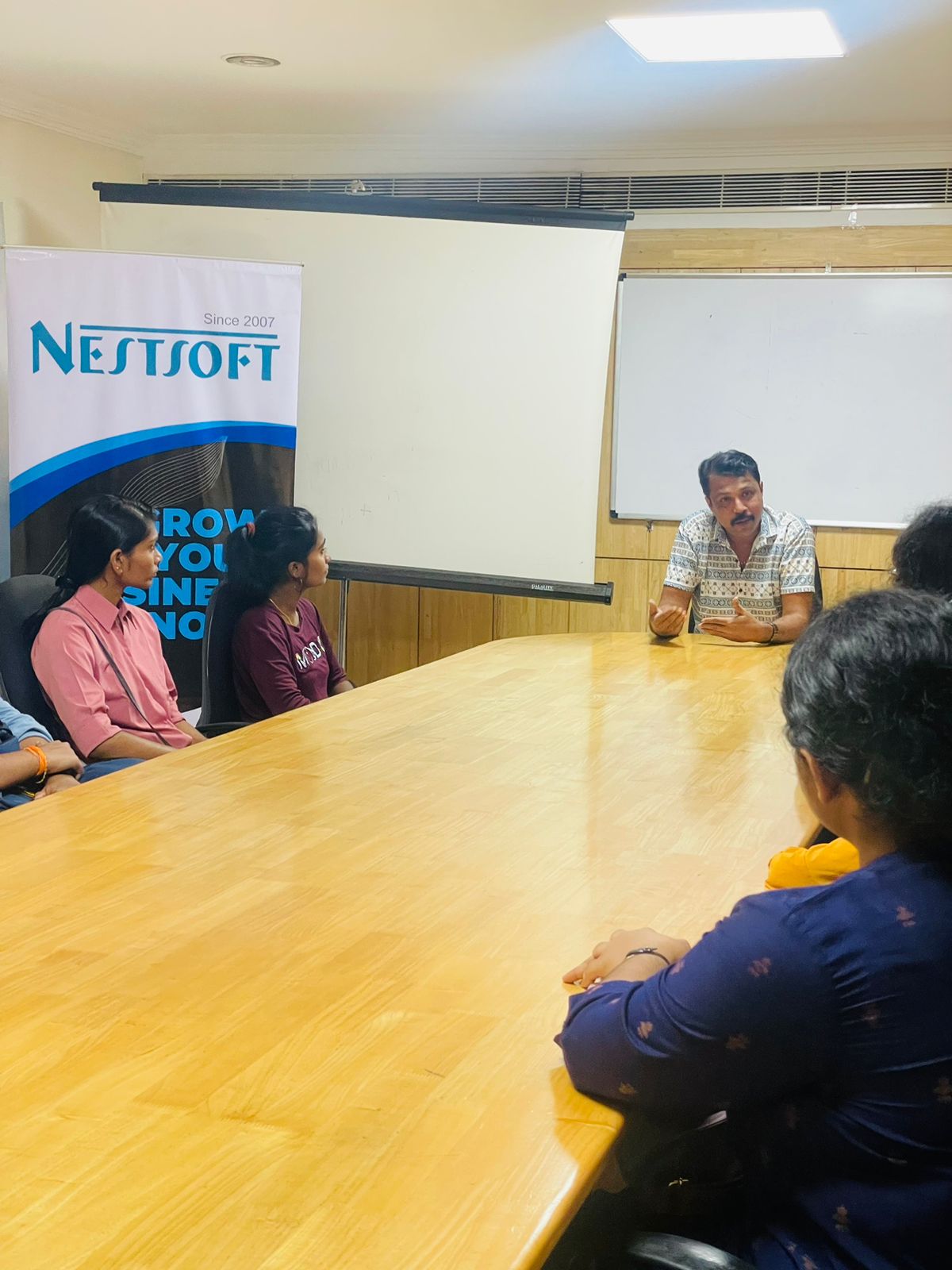
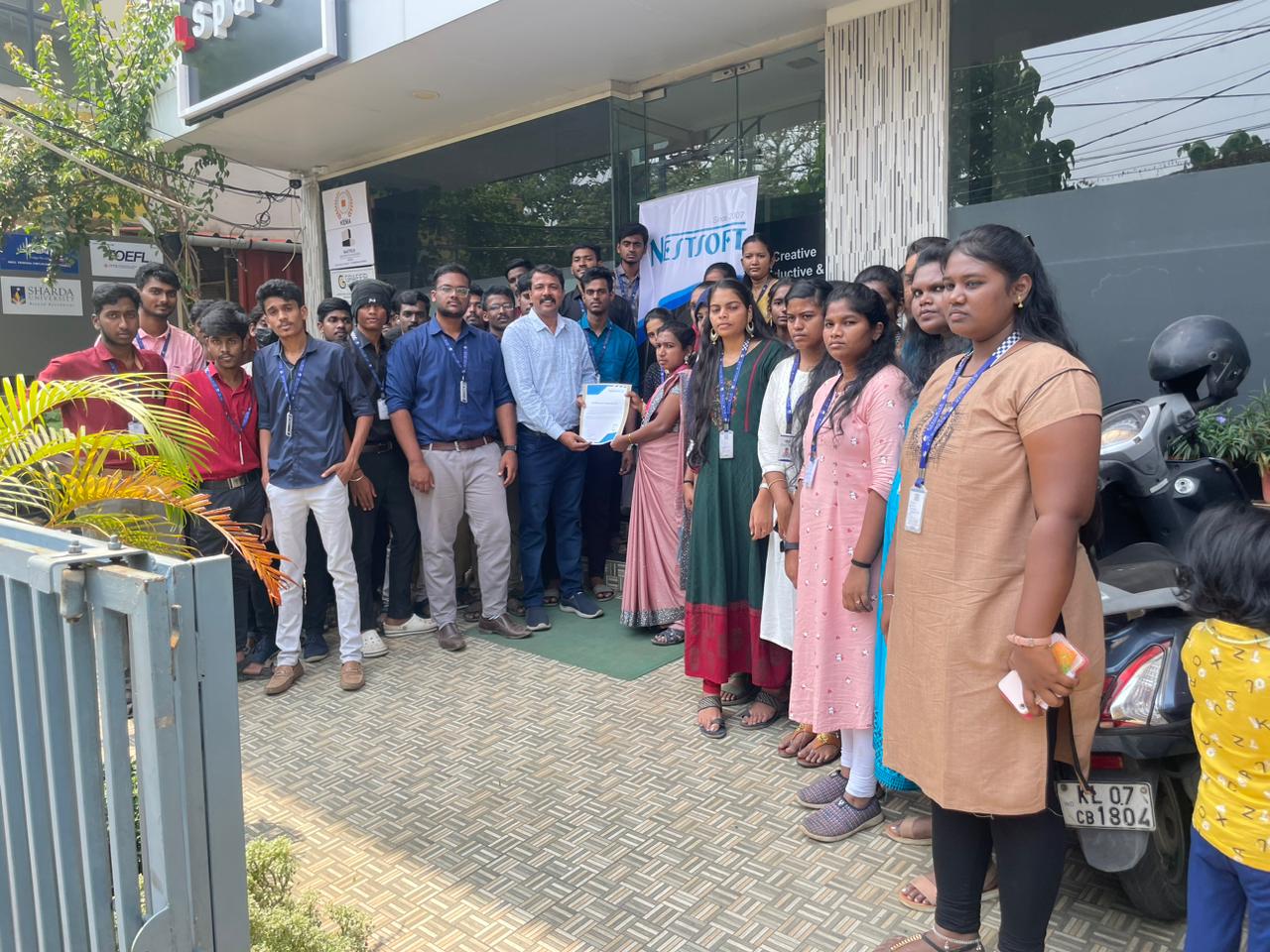
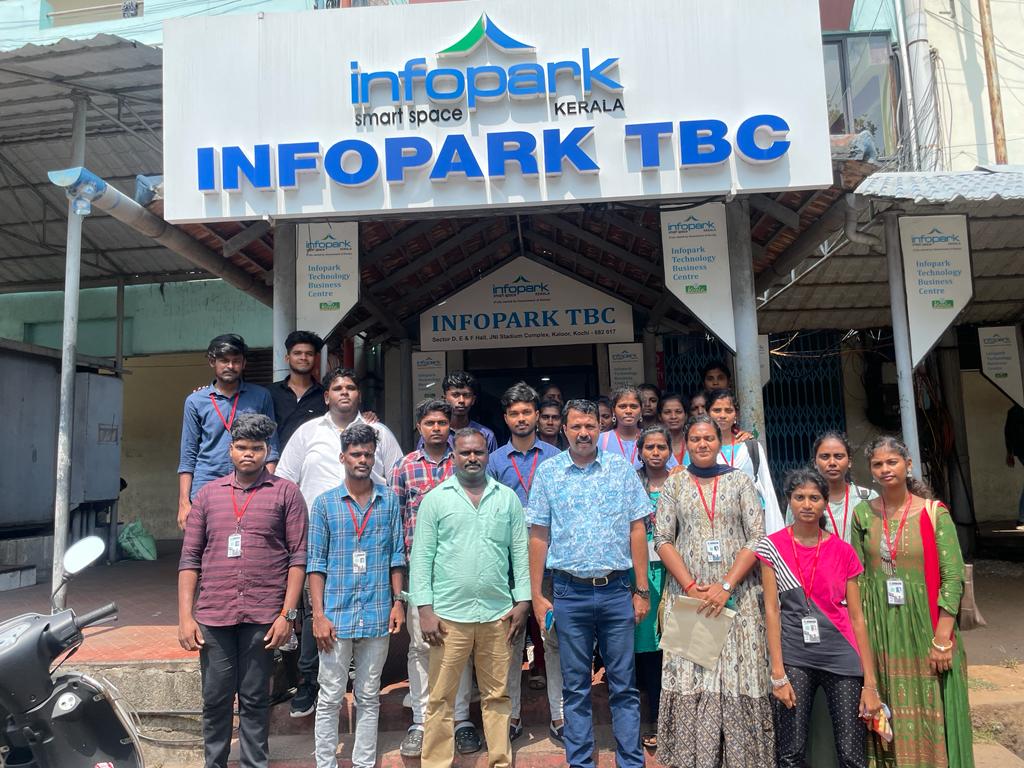
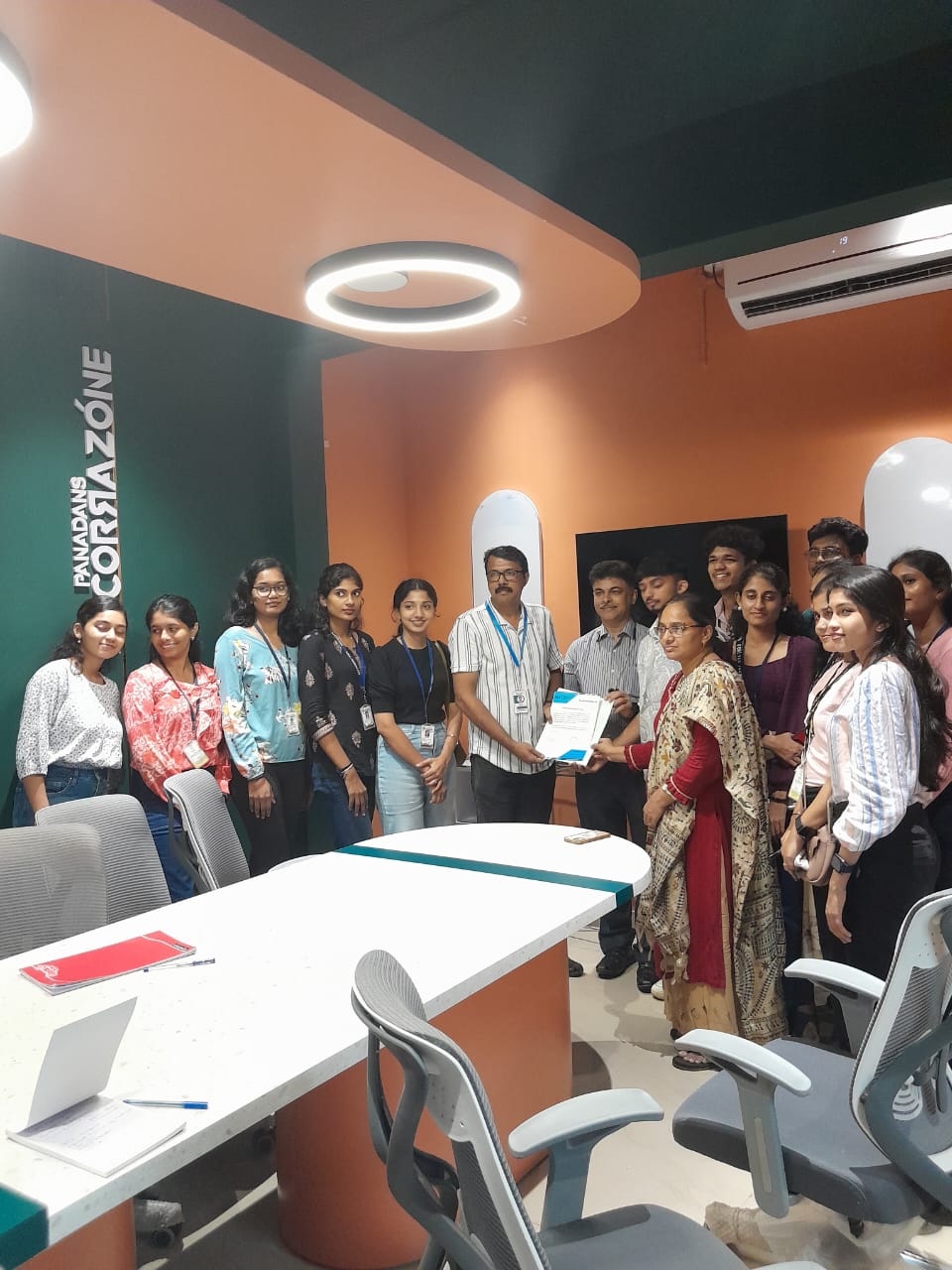
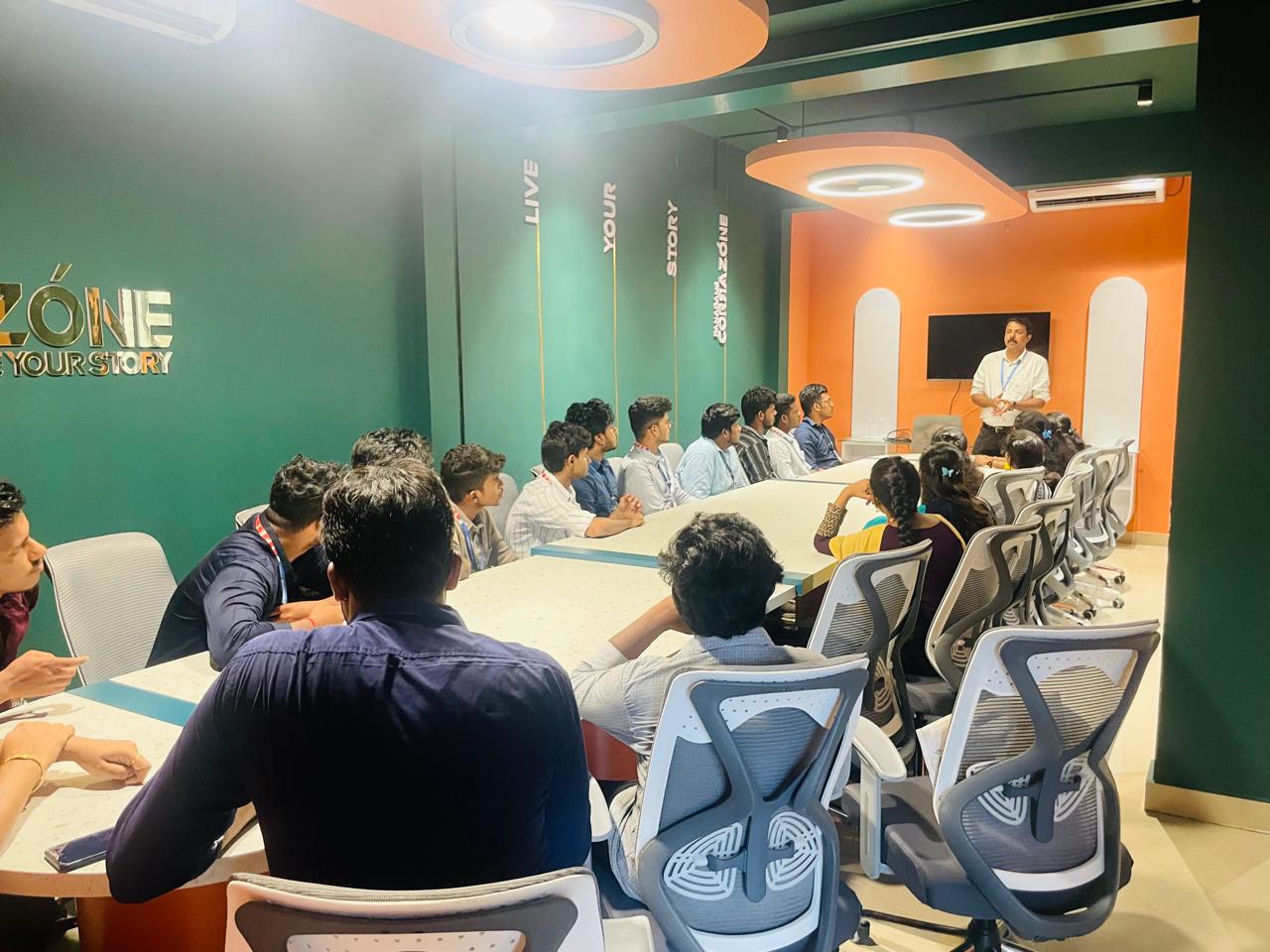
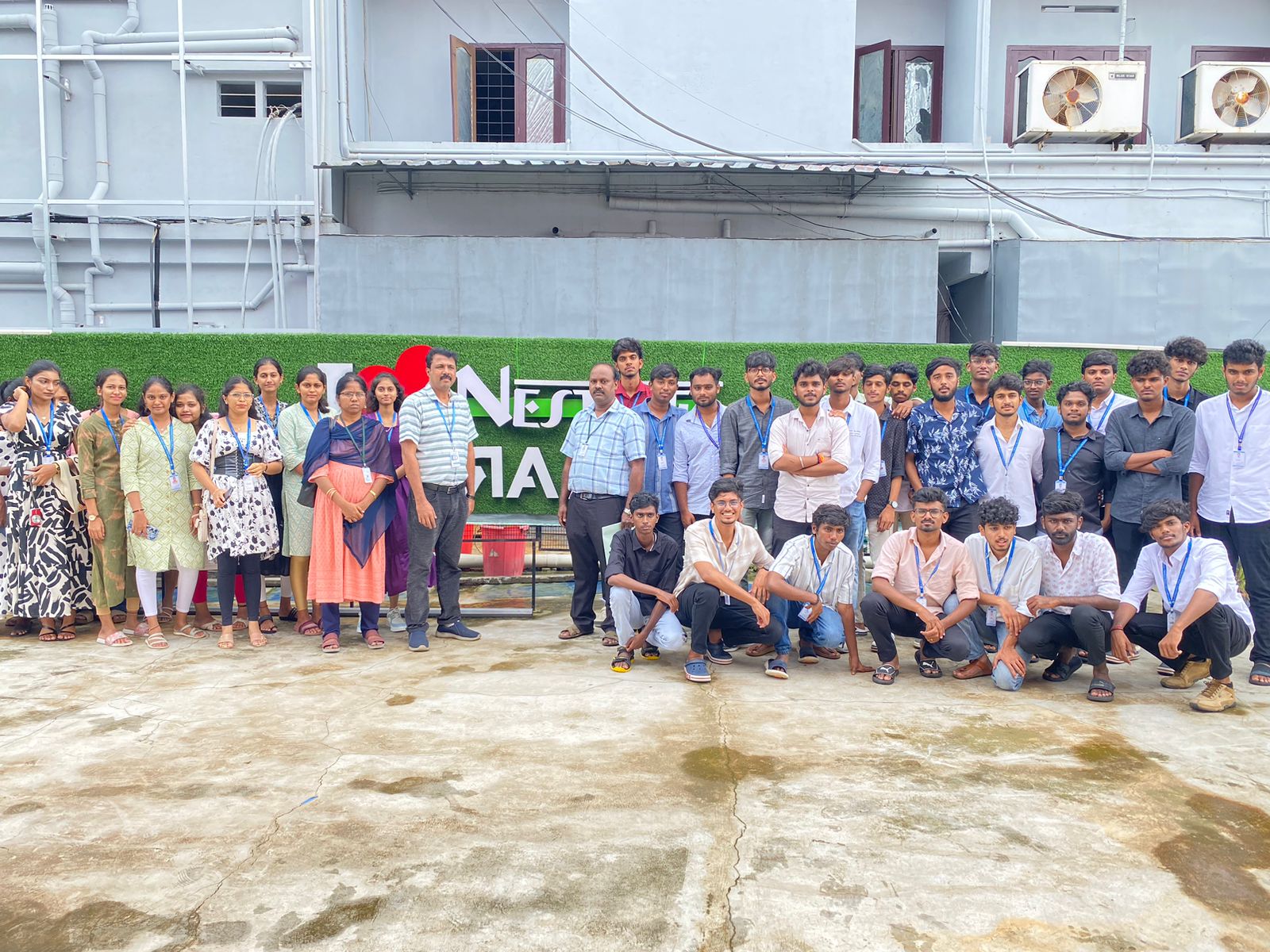
Photos of Training / Internships

Internship/projects in wayanad

Trained more than 10000+ students who trust Nestsoft TechnoMaster

Get Your Personal Trainer