Send enquiry ⏎

Adobe After Effects Online Live Class by Experts

Our Training/Internship Process

Adobe After Effects Online Live Classes in Indore | Free Demo Training

Adobe After Effects - Syllabus, Fees & Duration

MODULE 1: Fundamentals of Motion Graphics

  • RGB Color Model
  • Frame Size
  • Resolution
  • Pixel Aspect Ratio
  • Alpha Channels
  • Frame Rate
  • Time Code
  • Interpreting Footage

MODULE 2: Getting to Know the Workflow

  • How After Effects Works
  • Overview of panels
  • Creating a project and importing footage
  • Creating a composition and arranging layers
  • Adding effects and modifying layer properties
  • Animating the composition
  • Previewing your work
  • Optimizing performance in After Effects
  • Customizing workspaces
  • Controlling the brightness of the user interface
  • Finding resources for using After Effects

MODULE 3:Creating a Basic Animation Using Effects and Presets

  • Importing footage using Adobe Bridge
  • Importing video clips
  • Importing stills
  • Importing a sequence of stills (interpreting)
  • Importing multilayered photoshop and illustrator files
  • Creating a new composition
  • Applying effects to a layer
  • Changing parameters globally
  • Creating keyframes
  • Keyframe interpolation: auto, continuous, and Bezier interpolation
  • Temporal and spatial Interpolation
  • Roving in time for spatial properties
  • Creating and applying an animation preset
  • Previewing your work

MODULE 4:Working With Masks

  • About masks
  • Creating a mask with the Pen tool
  • Editing a mask
  • Feathering the edges of a mask
  • Replacing the content of the mask
  • Mask interpolation
  • Using masks from Illustrator and Photoshop
  • Masks for spatial keyframes

MODULE 5:Animating Text

  • About text layers
  • Creating and formatting point text vs paragraph text
  • Using a text animation preset
  • Text on a path
  • Animating imported Photoshop text
  • Animating text using a path animation preset
  • Using a text animators
  • Adding properties
  • Adding a range selector
  • Using a text animator group

MODULE 6: Working with Shape Layers

  • Adding a shape layer
  • Creating custom shapes
  • Creating stars
  • Default properties of shape layers
  • Add properties
  • Creating Groups
  • Stack your shapes & properties
  • Using Brainstorm to experiment

MODULE 7: Other Effects

  • Time remapping
  • Motion sketch
  • The smoother
  • The wiggler
  • Auto orient
  • Splitting a layer
  • Adjustment layers
  • The effects and presets panel

MODULE 8: Distorting Objects with the Puppet Tools

  • About the Puppet tools
  • Adding Deform pins
  • Defining areas of overlap
  • Stiffening an area
  • Animating pin positions
  • Recording animation

MODULE 9: Rendering and Output

  • Creating templates for the Render Queue
  • Exporting using the Render Queue
  • Rendering movies with Adobe Media Encoder

MODULE 10: Transfer Controls

  • Understanding Layer Blending Modes and how to change those using shortcuts
  • Using Track Mattes
  • Understanding precomposing and nesting
  • Stencil and Silhouette
  • Preserve Transparency

Download Syllabus - Adobe After Effects
This syllabus is not final and can be customized as per needs/updates
   
10000+
20+
50+
25+

Adobe After Effects Jobs in Indore

Enjoy the demand

Find jobs related to Adobe After Effects in search engines (Google, Bing, Yahoo) and recruitment websites (monsterindia, placementindia, naukri, jobshybrid.com, indeed.co.in, shine.com etc.) based in Indore, chennai and europe countries. You can find many jobs for freshers related to the job positions in Indore.

  • 3D Interior Designer
  • Graphic Designer
  • Motion Graphics Designer
  • UI/UX Trainer
  • Freelance Graphic Designer
  • After Effects Trainer
  • After Effects Editor
  • Motion Video Editor
  • Video Editing Trainer
  • 2d Motion Designer

Adobe After Effects Internship/Course Details

Adobe After Effects internship jobs in Indore
Adobe After Effects In Nestsoft, you'll learn the way to merge text, graphics, and effects on films. although it will do these items, it is not similar to a movie editing program. Nestsoft helps you to learn this powerful motion graphics application In hands-on live classes, and thru this you’ll work on various real-world animation projects, consisting of GIFs, ads, title sequences, and logos. Nestsoft's live online After Effects Courses assist you to learn advanced After Effects topics such as chroma keying, motion tracking, rotoscoping, VFX, and motion design. the simultaneous accomplishment of the after Effects Program, they’ll gain an exceptional understanding of the menu and tools in After Effects and be ready to complete work with a high level of management. Why is Adobe After Effects are best?: It will handle complicated animations Create video game Effects. . the main applications of After Effects are going to be classified into three categories: Animation, Effects, and compositing. After Effects is the most generally used kind of animation in motion graphics. Our live training session can assist you not only raise your data but conjointly adding more volume to your resume.


Meet a Few of our Industry Experts 🚀 Your Pathway to IT Career

Parvathy

Mobile: +91 8301010866
Location: Online (Indore, India)
Qualification: Btech in electrical and electronics engineering

Experience: Manual testing Automation testing selenium JMeter Jira postman SQL Java testcase preperation bug report   more..

Dhanalakshmi

Mobile: +91 98474 90866
Location: Online (Indore, India)
Qualification: BE

Experience: Back end developer C c++ AI ML  more..

Baswannolla

Mobile: +91 91884 77559
Location: Online (Indore, India)
Qualification: Btech

Experience: 2yrs experience as a net fullsatck developer working for innovative software solutions  more..

Sabna

Mobile: +91 89210 61945
Location: Online (Indore, India)
Qualification: 3yr diploma in computer engineering at IPT & GPTC Shoranur

Experience: I have one year experience in php and am currently working as a node js developer I have experience in  more..

Anjali

Mobile: +91 91884 77559
Location: Online (Indore, India)
Qualification: B.E in computer engineering

Experience: I have 2 6 years of experience in insurance domain and I successfully perform functinal smoke sanity and regression testing  more..

Aswathy

Mobile: +91 89210 61945
Location: Online (Indore, India)
Qualification: MTech Electronics and communication engineering

Experience: My specialization is on Robotics and artificial intellegence And i have the skill in python c language and ROS is  more..

vishal

Mobile: +91 98474 90866
Location: Online (Indore, India)
Qualification: graduation(bba ca)

Experience: fresher good team leafing English written and spoken languages-hindi English malayalam seo beginner   more..

Ridhin

Mobile: +91 94975 90866
Location: Online (Indore, India)
Qualification: BTech(IT)

Experience: odoo python javascript psql xml and git  more..

Datta

Mobile: +91 91884 77559
Location: Online (Indore, India)
Qualification: BE Computer

Experience: I have a total 8 plus years of hands-on experience in web development with backend technology PHP framework CodeIgniter &  more..

Veena

Mobile: +91 91884 77559
Location: Online (Indore, India)
Qualification: B tech

Experience: Seo smm Done 3 months training in seo   more..

Kavita

Mobile: +91 89210 61945
Location: Online (Indore, India)
Qualification: B.E.Computer

Experience: I have total 4 year experience I am work as Android developer for 2 years 1 year work as Redhat  more..

Vijesh

Mobile: +91 9895490866
Location: Online (Indore, India)
Qualification: Bachelor Degree in IT

Experience: 12 years of experience in native iOS development   more..

Mohit

Mobile: +91 8301010866
Location: Online (Indore, India)
Qualification: BE

Experience: Lean Manufacturing Front end developer  more..

Johns

Mobile: +91 8301010866
Location: Online (Indore, India)
Qualification: B tech computer science and engineering

Experience: I am Johns Thomas fresher Candidate looking forward to start career as a software engineer I am familiar with Java  more..

saema

Mobile: +91 9895490866
Location: Online (Indore, India)
Qualification: BCA

Experience: 5 years of experience in graphic design   more..

Aayush

Mobile: +91 94975 90866
Location: Online (Indore, India)
Qualification: 12pass

Experience: I used for canava for 2year experience for logo design   more..

NITHIN

Mobile: +91 91884 77559
Location: Online (Indore, India)
Qualification: Bachelors Degree

Experience: Python Django Mongodb SQL NSQL DBMS C programming java HTML PHP   more..

Siva

Mobile: +91 8301010866
Location: Online (Indore, India)
Qualification: B.com and MBA

Experience: Finance Accounts Global Payroll I am interested in this position because I had worked on odoo couple of years back  more..

Nitesh

Mobile: +91 9895490866
Location: Online (Indore, India)
Qualification: Bachelor's Degree in Computer Applications

Experience: I have a strong track record of designing user-friendly and visually appealing interfaces for both web and mobile applications As  more..

ABHIRAMI

Mobile: +91 91884 77559
Location: Online (Indore, India)
Qualification: Btech

Experience: Done software testing internship of 6 months in TECHMASTERS  more..

Shilpa

Mobile: +91 91884 77559
Location: Online (Indore, India)
Qualification: B. Tech

Experience: 4years of experience in digital marketing Skilla card design using canva seo techniques social media video uploading and positive thinker  more..

Aditya

Mobile: +91 91884 77559
Location: Online (Indore, India)
Qualification: B.Tech Computer science engineering

Experience: Enthusiastic and results-driven Graduate Web Developer with a proven track record in delivering high-quality website functionality and web application solutions  more..

Febin

Mobile: +91 94975 90866
Location: Online (Indore, India)
Qualification: Diploma in Web technology & Graphic designing

Experience: Graphic design skills web tech proficiency creative vision project management ability   more..

Chandana

Mobile: +91 91884 77559
Location: Online (Indore, India)
Qualification: MCA

Experience: SIEM Splunk IBM Qrader firewall |   more..

Success Stories

The enviable salary packages and track record of our previous students are the proof of our excellence. Please go through our students' reviews about our training methods and faculty and compare it to the recorded video classes that most of the other institutes offer. See for yourself how TechnoMaster is truly unique.


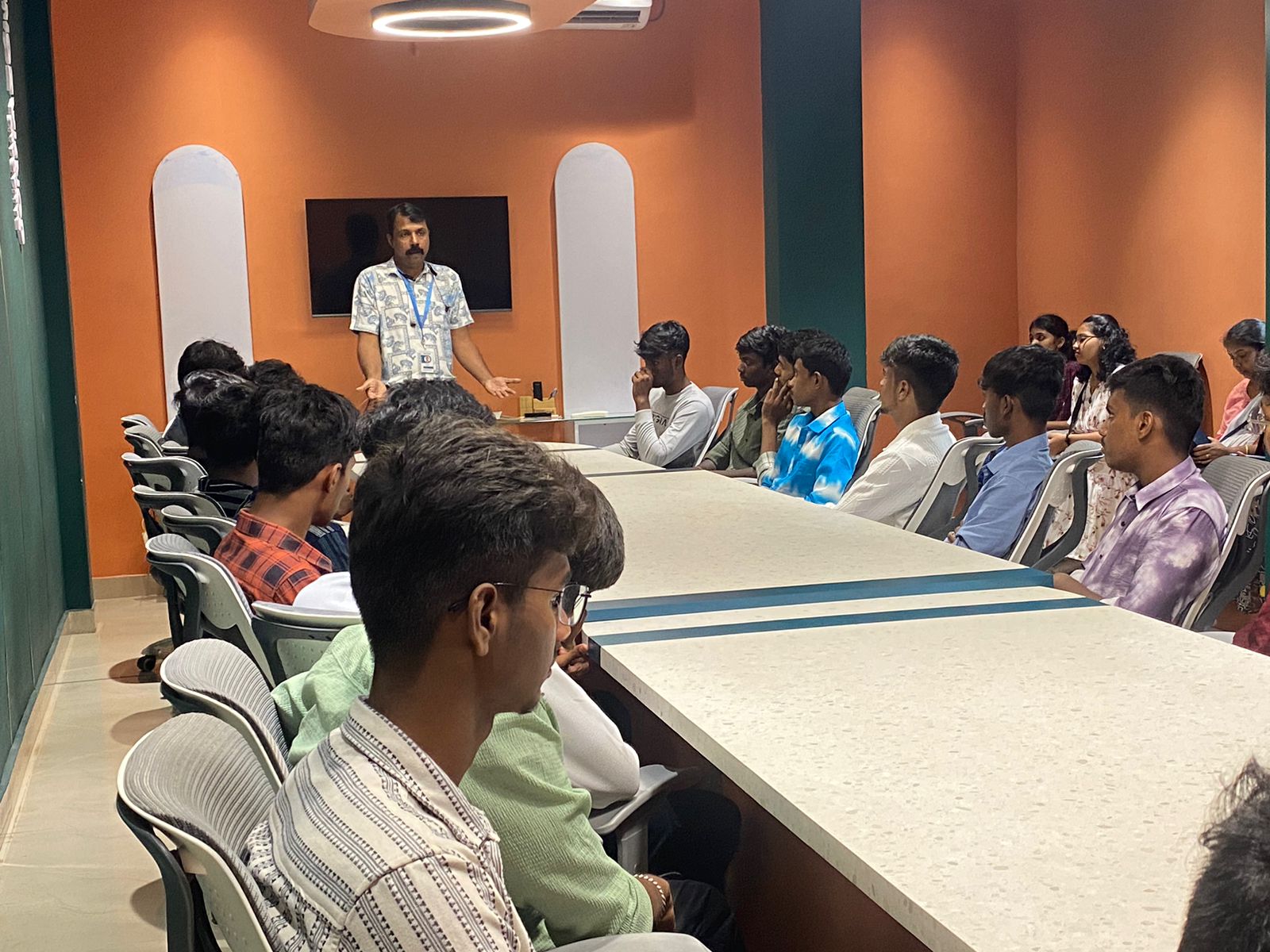
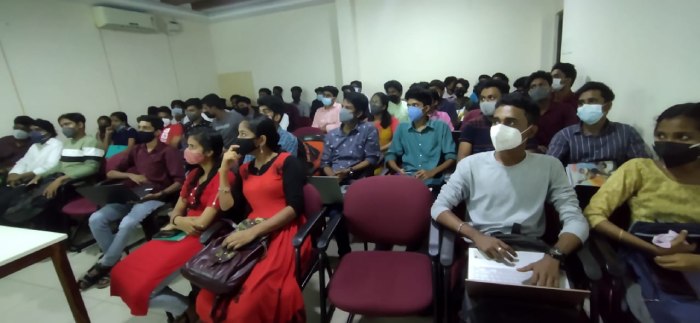
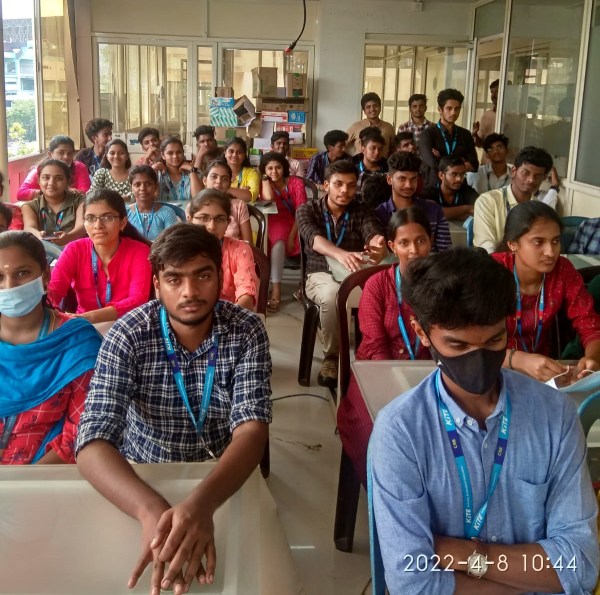
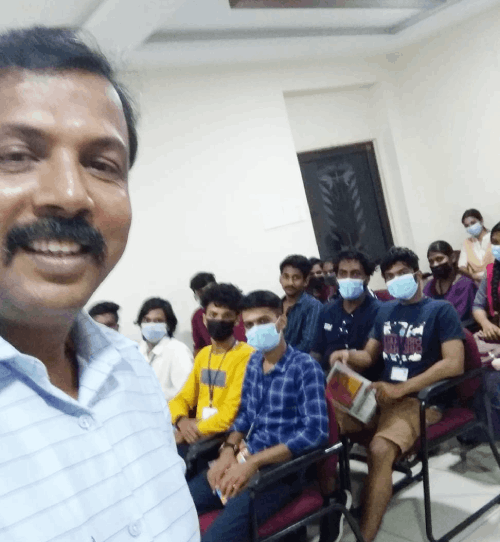
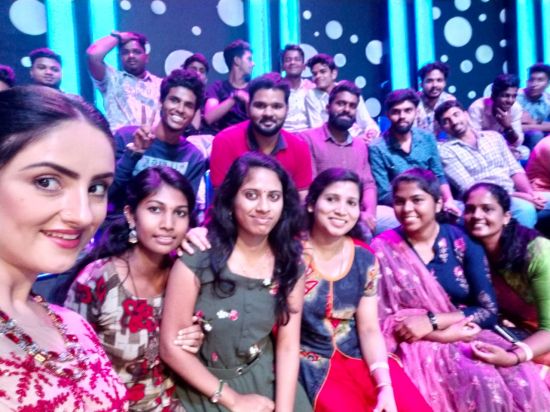
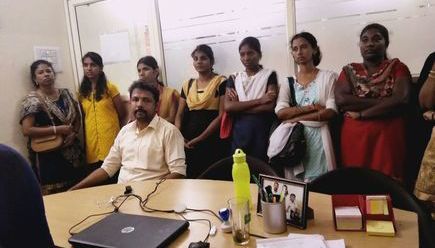
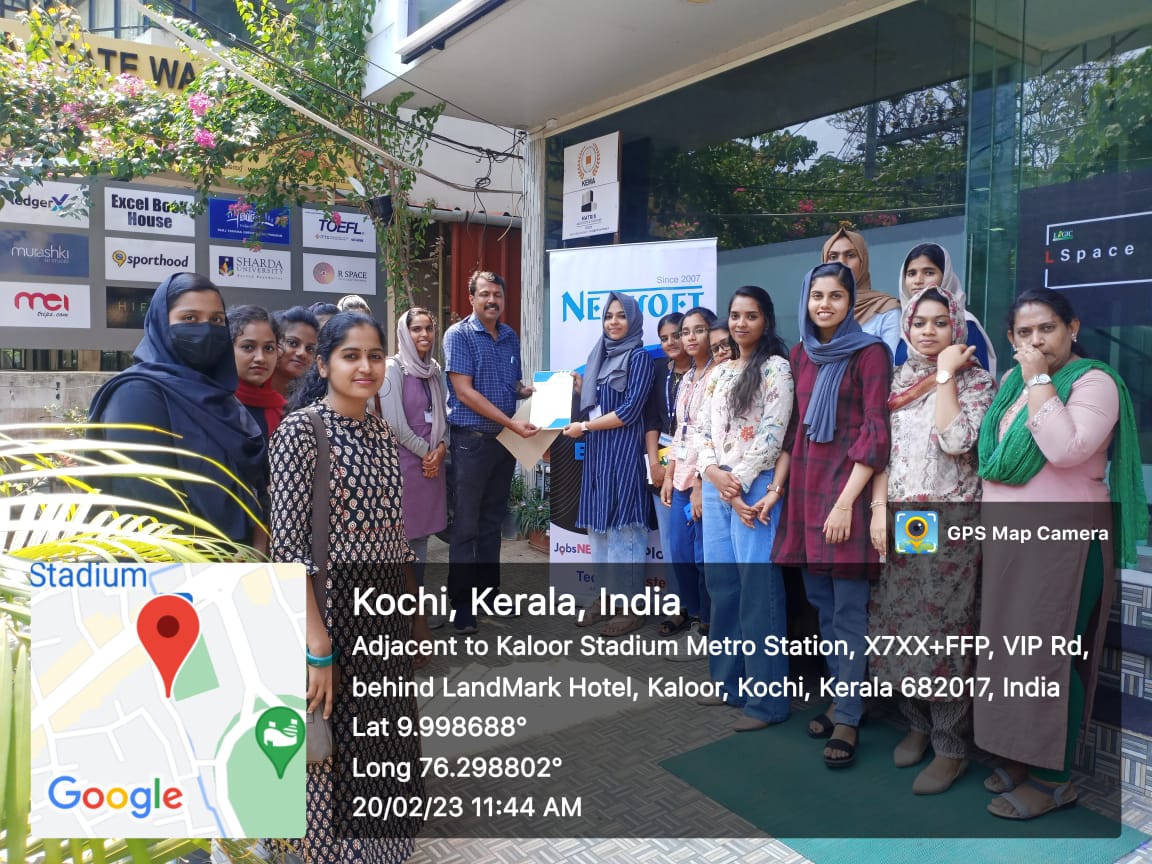
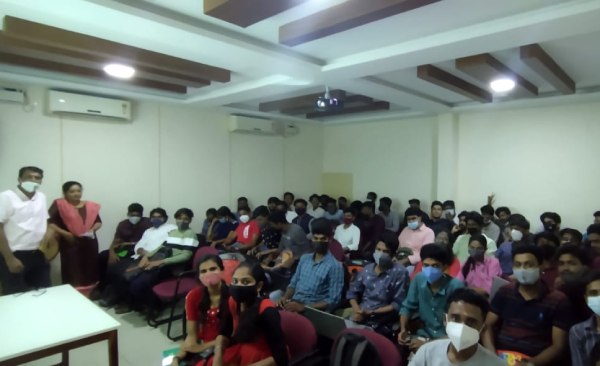
Photos of Training / Internships

Internship/projects in indore

Trained more than 10000+ students who trust Nestsoft TechnoMaster

Get Your Personal Trainer