Send enquiry ⏎

Adobe After Effects Online Live Class by Experts

Our Training/Internship Process

Adobe After Effects Online Live Classes in Salem | Free Demo Training

Adobe After Effects - Syllabus, Fees & Duration

MODULE 1: Fundamentals of Motion Graphics

  • RGB Color Model
  • Frame Size
  • Resolution
  • Pixel Aspect Ratio
  • Alpha Channels
  • Frame Rate
  • Time Code
  • Interpreting Footage

MODULE 2: Getting to Know the Workflow

  • How After Effects Works
  • Overview of panels
  • Creating a project and importing footage
  • Creating a composition and arranging layers
  • Adding effects and modifying layer properties
  • Animating the composition
  • Previewing your work
  • Optimizing performance in After Effects
  • Customizing workspaces
  • Controlling the brightness of the user interface
  • Finding resources for using After Effects

MODULE 3:Creating a Basic Animation Using Effects and Presets

  • Importing footage using Adobe Bridge
  • Importing video clips
  • Importing stills
  • Importing a sequence of stills (interpreting)
  • Importing multilayered photoshop and illustrator files
  • Creating a new composition
  • Applying effects to a layer
  • Changing parameters globally
  • Creating keyframes
  • Keyframe interpolation: auto, continuous, and Bezier interpolation
  • Temporal and spatial Interpolation
  • Roving in time for spatial properties
  • Creating and applying an animation preset
  • Previewing your work

MODULE 4:Working With Masks

  • About masks
  • Creating a mask with the Pen tool
  • Editing a mask
  • Feathering the edges of a mask
  • Replacing the content of the mask
  • Mask interpolation
  • Using masks from Illustrator and Photoshop
  • Masks for spatial keyframes

MODULE 5:Animating Text

  • About text layers
  • Creating and formatting point text vs paragraph text
  • Using a text animation preset
  • Text on a path
  • Animating imported Photoshop text
  • Animating text using a path animation preset
  • Using a text animators
  • Adding properties
  • Adding a range selector
  • Using a text animator group

MODULE 6: Working with Shape Layers

  • Adding a shape layer
  • Creating custom shapes
  • Creating stars
  • Default properties of shape layers
  • Add properties
  • Creating Groups
  • Stack your shapes & properties
  • Using Brainstorm to experiment

MODULE 7: Other Effects

  • Time remapping
  • Motion sketch
  • The smoother
  • The wiggler
  • Auto orient
  • Splitting a layer
  • Adjustment layers
  • The effects and presets panel

MODULE 8: Distorting Objects with the Puppet Tools

  • About the Puppet tools
  • Adding Deform pins
  • Defining areas of overlap
  • Stiffening an area
  • Animating pin positions
  • Recording animation

MODULE 9: Rendering and Output

  • Creating templates for the Render Queue
  • Exporting using the Render Queue
  • Rendering movies with Adobe Media Encoder

MODULE 10: Transfer Controls

  • Understanding Layer Blending Modes and how to change those using shortcuts
  • Using Track Mattes
  • Understanding precomposing and nesting
  • Stencil and Silhouette
  • Preserve Transparency

Download Syllabus - Adobe After Effects
This syllabus is not final and can be customized as per needs/updates
   
10000+
20+
50+
25+

Adobe After Effects Jobs in Salem

Enjoy the demand

Find jobs related to Adobe After Effects in search engines (Google, Bing, Yahoo) and recruitment websites (monsterindia, placementindia, naukri, jobshybrid.com, indeed.co.in, shine.com etc.) based in Salem, chennai and europe countries. You can find many jobs for freshers related to the job positions in Salem.

  • 3D Interior Designer
  • Graphic Designer
  • Motion Graphics Designer
  • UI/UX Trainer
  • Freelance Graphic Designer
  • After Effects Trainer
  • After Effects Editor
  • Motion Video Editor
  • Video Editing Trainer
  • 2d Motion Designer

Adobe After Effects Internship/Course Details

Adobe After Effects internship jobs in Salem
Adobe After Effects the simultaneous accomplishment of the after Effects Program, they’ll gain an exceptional understanding of the menu and tools in After Effects and be ready to complete work with a high level of management. For titles, shapes, second cartoons, additionally as computer graphics, After Effects is your tool. to apply effects after the footage has been edited, or to make animation and motion graphics from otherwise static objects this program will be used effectively. The Adobe After Effects course Intermediate and Adobe after Effects – High-level training Course is meant for videographers, graphic artists, and animators with basic level Adobe After Effects experience. Our live training session can assist you not only raise your data but conjointly adding more volume to your resume. Why is Adobe After Effects are best?: It will handle complicated animations Create video game Effects. the main applications of After Effects are going to be classified into three categories: Animation, Effects, and compositing. although it will do these items, it is not similar to a movie editing program. one of the most features is it is used for editing graphics inside the video, usually oriented to special effects and animations and it's it has a variety of plugins designed by third parties therefore which might facilitate to cut back work. when completion of the course if you have got any doubt regarding it our experts are forever available for resolution your doubts.


Meet a Few of our Industry Experts 🚀 Your Pathway to IT Career

Aayush

Mobile: +91 91884 77559
Location: Online (Salem, India)
Qualification: BCA

Experience: I have 3 month experience of manual testing in grafo software dehradun   more..

Gincy

Mobile: +91 94975 90866
Location: Online (Salem, India)
Qualification: B.Tech

Experience: Angular Ionic developer with 9+ year experienceApplication for Angular JS  more..

Varshini

Mobile: +91 9895490866
Location: Online (Salem, India)
Qualification: Bachelor of Arts in Mass media and Communications

Experience: I can work well in photoshop premiere pro and after effects I freelance (motion) graphics design for a couple of  more..

Ratnaparkhe

Mobile: +91 91884 77559
Location: Online (Salem, India)
Qualification: Bsc computers

Experience: Skills: 1 Manual & Automation Testing 2 selenium Java Experience: Developed automation for POC for SAP Fiori web application involves  more..

Gyanappa

Mobile: +91 94975 90866
Location: Online (Salem, India)
Qualification: BE

Experience: 2 5 years of experience in Automation testing skills are selenium Java testng appium MySQL Rest Assured postman   more..

Akhilesh

Mobile: +91 98474 90866
Location: Online (Salem, India)
Qualification: Btech IT

Experience: I have experience with saas based erp softwares Products :- Erpnext Freepaace erp I have basic python knowledge I have  more..

Krishna

Mobile: +91 91884 77559
Location: Online (Salem, India)
Qualification: MCA

Experience: Manual testing -1+ years of experience in Testing Mobile testing JIRA Automation selenium-c#   more..

Sreerag.

Mobile: +91 98474 90866
Location: Online (Salem, India)
Qualification: Bca

Experience: Html css javascript mingodb express nodejs angular react Currrntly I have completed mearn stack web development course from luminar technolab  more..

Narasimha

Mobile: +91 91884 77559
Location: Online (Salem, India)
Qualification: B.Tech

Experience: 2 years experience in Automation testing having worked in a product based company I have deep understanding in test strategies  more..

Shrikant

Mobile: +91 89210 61945
Location: Online (Salem, India)
Qualification: BCA

Experience: As A wordpress developer and Canva Designing also I having frontend skills like html CSS like that   more..

Mohamad

Mobile: +91 98474 90866
Location: Online (Salem, India)
Qualification: Bsc computer science

Experience: 1 year experience in software test engineer at maxpi technologies Skills: Java selenium api manual testing automation testing jira rest  more..

DRISHYA

Mobile: +91 8301010866
Location: Online (Salem, India)
Qualification: MCA

Experience: Having experience in doing programming skills as well as teaching experience The teaching method of triggering the basic will in  more..

Hala

Mobile: +91 9895490866
Location: Online (Salem, India)
Qualification: Btech computer science

Experience: Having 1 year and 5 month experience as odoo developer Strong knowledge in odoo modules and customization  more..

Hemant

Mobile: +91 91884 77559
Location: Online (Salem, India)
Qualification: Btech in computer science

Experience: Graphic design Web design Content writing and rewriting Social media management Canva   more..

Pooja

Mobile: +91 9895490866
Location: Online (Salem, India)
Qualification: BE

Experience: Manual testing automation testing selenium BDD Java SQL jira tool postman tool etc  more..

Navjot

Mobile: +91 9895490866
Location: Online (Salem, India)
Qualification: BTech CSE

Experience: I have 3 years of experience as Angular developer I am ready to start from today onwards Please revert if  more..

Ajmiyamol

Mobile: +91 9895490866
Location: Online (Salem, India)
Qualification: BSC,MSC, PGDCA

Experience: Php java html python  more..

Anusaya

Mobile: +91 89210 61945
Location: Online (Salem, India)
Qualification: B.E

Experience: Web development graphics design Digital marketing C C++ Aws Devops  more..

vaishnavi

Mobile: +91 8301010866
Location: Online (Salem, India)
Qualification: Bsc(computer science)

Experience: Software developer at pawani web technologies | Ex junior Software Developer at IRB  more..

vaishnavi

Mobile: +91 9895490866
Location: Online (Salem, India)
Qualification: BE

Experience: I have 2+ years of experience in software testing with core skills of selenium tool automation testing Java Eclipse IDE  more..

Chintan

Mobile: +91 8301010866
Location: Online (Salem, India)
Qualification: Diploma in computer engineering

Experience: I'm a have good knowledge about professional android deployment like jetpack component MVVM Kotlin  more..

Rahul

Mobile: +91 9895490866
Location: Online (Salem, India)
Qualification: B. Tech in CSE

Experience: Skills: HTML css js Jquery react hooks basic in WordPress  more..

kummari

Mobile: +91 91884 77559
Location: Online (Salem, India)
Qualification: bachelors of commerce

Experience: html css Javascript React js Github Sql python and by using the frotend technologies i can build interactive and dynamic  more..

suhasini

Mobile: +91 91884 77559
Location: Online (Salem, India)
Qualification: M.Sc., M.Ed.

Experience: With over 13 years of teaching experience in schools and colleges I bring a diverse expertise in subjects ranging from  more..

Success Stories

The enviable salary packages and track record of our previous students are the proof of our excellence. Please go through our students' reviews about our training methods and faculty and compare it to the recorded video classes that most of the other institutes offer. See for yourself how TechnoMaster is truly unique.

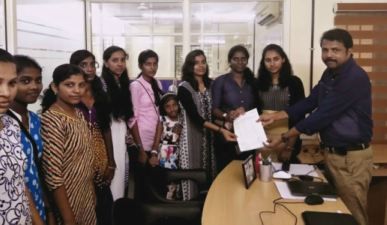
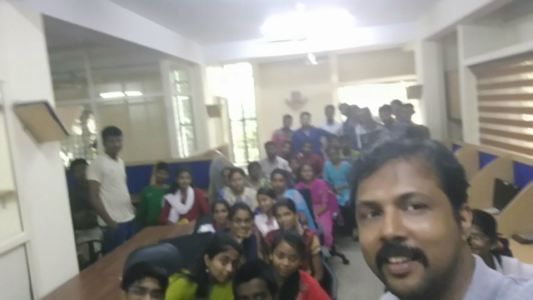
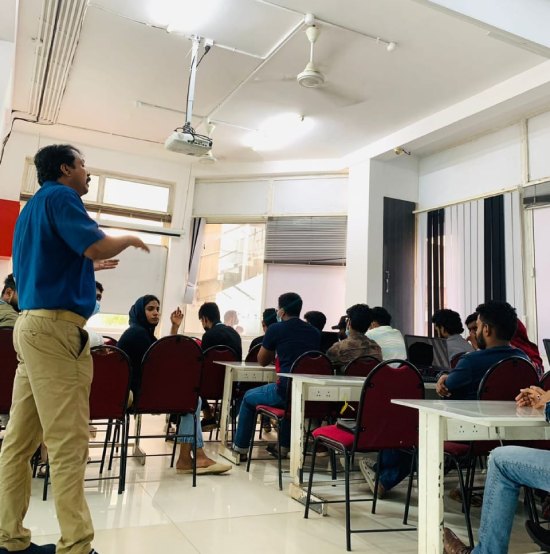
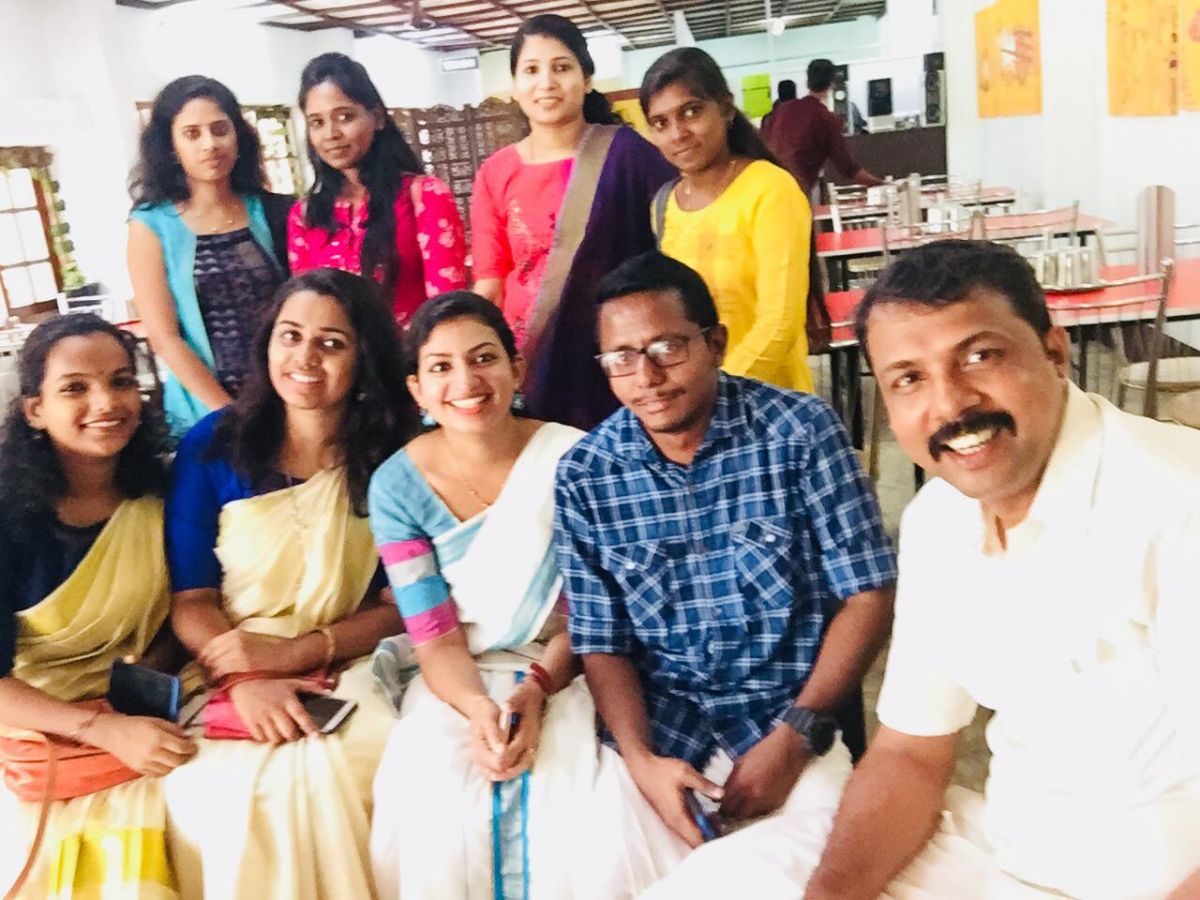
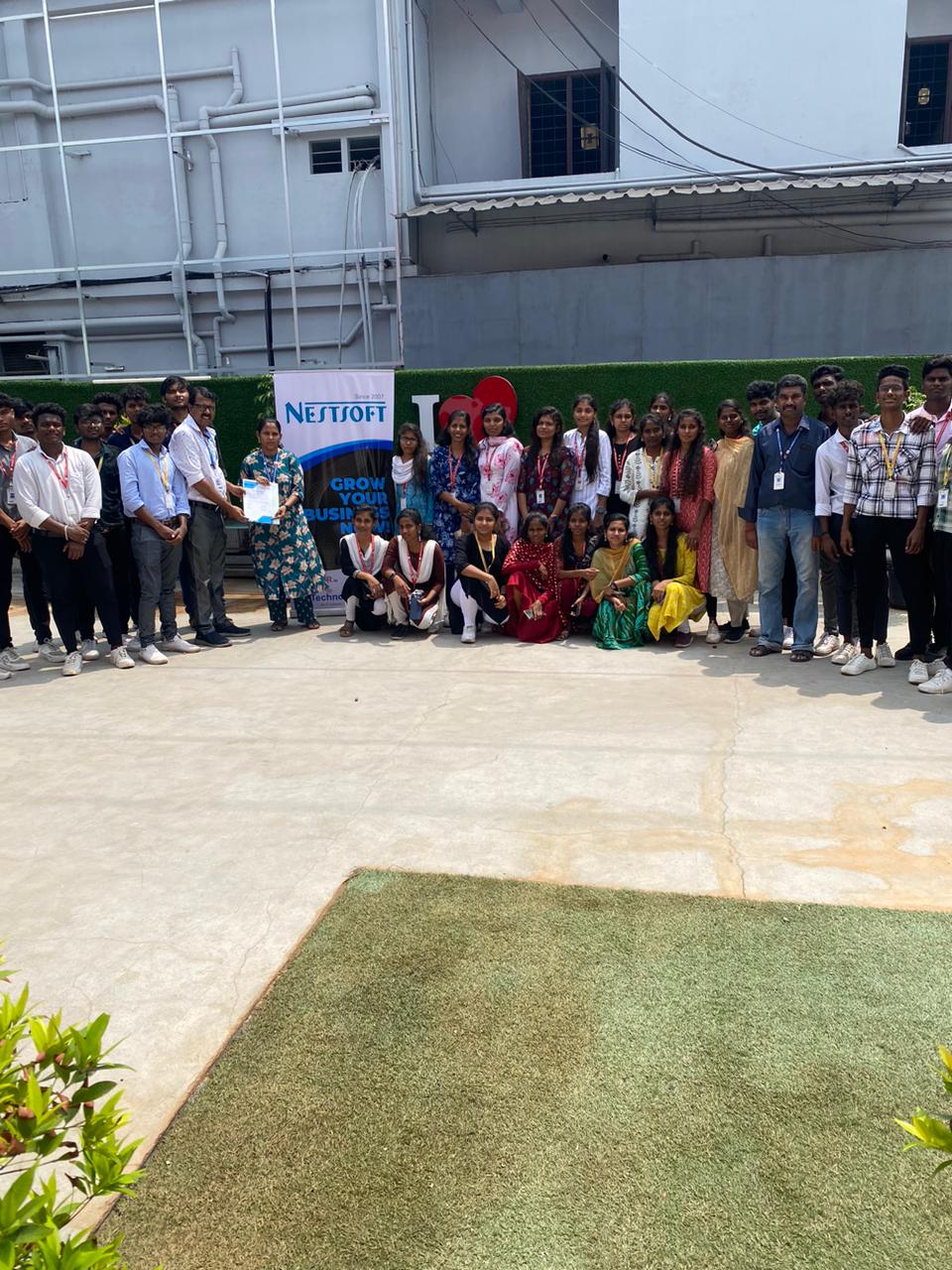
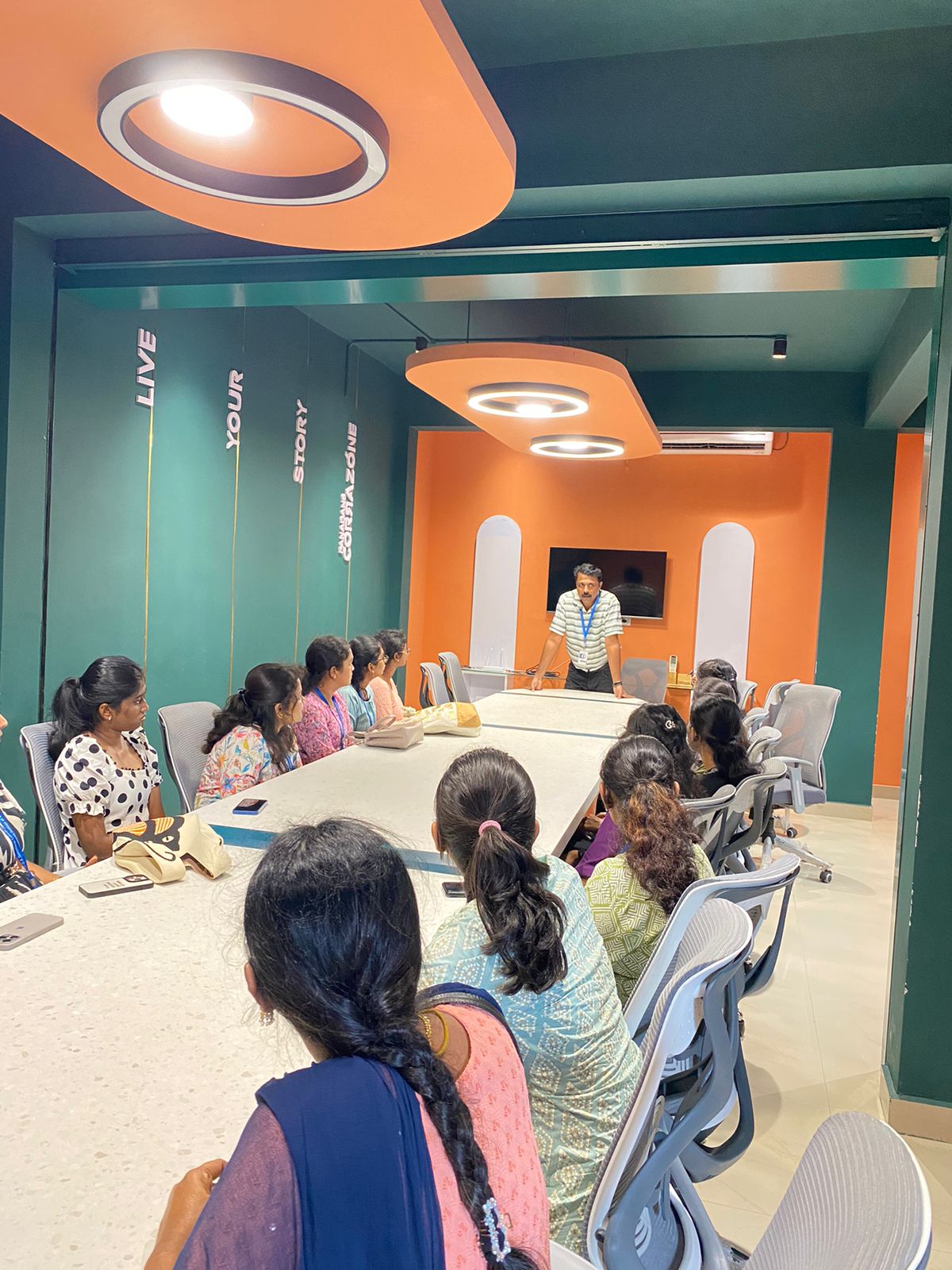
Photos of Training / Internships

Internship/projects in salem

Trained more than 10000+ students who trust Nestsoft TechnoMaster

Get Your Personal Trainer