Send enquiry ⏎

Adobe After Effects Online Live Class by Experts

Our Training/Internship Process

Adobe After Effects Online Live Classes in Thane | Free Demo Training

Adobe After Effects - Syllabus, Fees & Duration

MODULE 1: Fundamentals of Motion Graphics

  • RGB Color Model
  • Frame Size
  • Resolution
  • Pixel Aspect Ratio
  • Alpha Channels
  • Frame Rate
  • Time Code
  • Interpreting Footage

MODULE 2: Getting to Know the Workflow

  • How After Effects Works
  • Overview of panels
  • Creating a project and importing footage
  • Creating a composition and arranging layers
  • Adding effects and modifying layer properties
  • Animating the composition
  • Previewing your work
  • Optimizing performance in After Effects
  • Customizing workspaces
  • Controlling the brightness of the user interface
  • Finding resources for using After Effects

MODULE 3:Creating a Basic Animation Using Effects and Presets

  • Importing footage using Adobe Bridge
  • Importing video clips
  • Importing stills
  • Importing a sequence of stills (interpreting)
  • Importing multilayered photoshop and illustrator files
  • Creating a new composition
  • Applying effects to a layer
  • Changing parameters globally
  • Creating keyframes
  • Keyframe interpolation: auto, continuous, and Bezier interpolation
  • Temporal and spatial Interpolation
  • Roving in time for spatial properties
  • Creating and applying an animation preset
  • Previewing your work

MODULE 4:Working With Masks

  • About masks
  • Creating a mask with the Pen tool
  • Editing a mask
  • Feathering the edges of a mask
  • Replacing the content of the mask
  • Mask interpolation
  • Using masks from Illustrator and Photoshop
  • Masks for spatial keyframes

MODULE 5:Animating Text

  • About text layers
  • Creating and formatting point text vs paragraph text
  • Using a text animation preset
  • Text on a path
  • Animating imported Photoshop text
  • Animating text using a path animation preset
  • Using a text animators
  • Adding properties
  • Adding a range selector
  • Using a text animator group

MODULE 6: Working with Shape Layers

  • Adding a shape layer
  • Creating custom shapes
  • Creating stars
  • Default properties of shape layers
  • Add properties
  • Creating Groups
  • Stack your shapes & properties
  • Using Brainstorm to experiment

MODULE 7: Other Effects

  • Time remapping
  • Motion sketch
  • The smoother
  • The wiggler
  • Auto orient
  • Splitting a layer
  • Adjustment layers
  • The effects and presets panel

MODULE 8: Distorting Objects with the Puppet Tools

  • About the Puppet tools
  • Adding Deform pins
  • Defining areas of overlap
  • Stiffening an area
  • Animating pin positions
  • Recording animation

MODULE 9: Rendering and Output

  • Creating templates for the Render Queue
  • Exporting using the Render Queue
  • Rendering movies with Adobe Media Encoder

MODULE 10: Transfer Controls

  • Understanding Layer Blending Modes and how to change those using shortcuts
  • Using Track Mattes
  • Understanding precomposing and nesting
  • Stencil and Silhouette
  • Preserve Transparency

Download Syllabus - Adobe After Effects
This syllabus is not final and can be customized as per needs/updates
   
10000+
20+
50+
25+

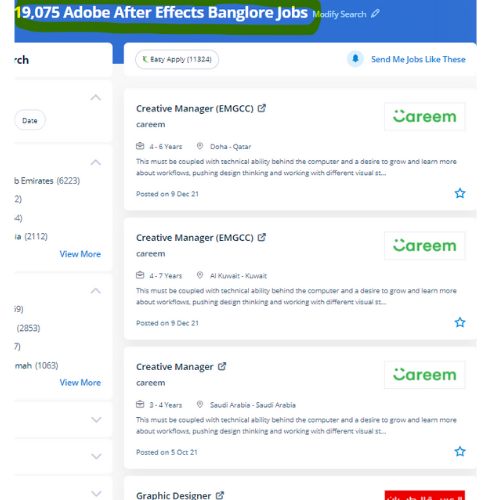
Adobe After Effects Jobs in Thane

Enjoy the demand

Find jobs related to Adobe After Effects in search engines (Google, Bing, Yahoo) and recruitment websites (monsterindia, placementindia, naukri, jobshybrid.com, indeed.co.in, shine.com etc.) based in Thane, chennai and europe countries. You can find many jobs for freshers related to the job positions in Thane.

  • 3D Interior Designer
  • Graphic Designer
  • Motion Graphics Designer
  • UI/UX Trainer
  • Freelance Graphic Designer
  • After Effects Trainer
  • After Effects Editor
  • Motion Video Editor
  • Video Editing Trainer
  • 2d Motion Designer

Adobe After Effects Internship/Course Details

Adobe After Effects internship jobs in Thane
Adobe After Effects Adobe After Effects could be a motion graphics, visual result, and virtual compositing software used withinside the post-production of movie and television productions. The Adobe After Effects course Intermediate and Adobe after Effects – High-level training Course is meant for videographers, graphic artists, and animators with basic level Adobe After Effects experience. . Nestsoft helps you to learn this powerful motion graphics application In hands-on live classes, and thru this you’ll work on various real-world animation projects, consisting of GIFs, ads, title sequences, and logos. Interested candidates might register in our Adobe once Effects coaching course. one of the most features is it is used for editing graphics inside the video, usually oriented to special effects and animations and it's it has a variety of plugins designed by third parties therefore which might facilitate to cut back work. the main applications of After Effects are going to be classified into three categories: Animation, Effects, and compositing. lots experts use the After-effect tool for animation and video post-production, which allows users to design and deliver knowledgeable motion pix and visual effects for film, TV, video, and web. the simultaneous accomplishment of the after Effects Program, they’ll gain an exceptional understanding of the menu and tools in After Effects and be ready to complete work with a high level of management. Nestsoft's live online After Effects Courses assist you to learn advanced After Effects topics such as chroma keying, motion tracking, rotoscoping, VFX, and motion design.


Meet a Few of our Industry Experts 🚀 Your Pathway to IT Career

Narasimha

Mobile: +91 98474 90866
Location: Online (Thane, India)
Qualification: B.Tech

Experience: 2 years experience in Automation testing having worked in a product based company I have deep understanding in test strategies  more..

Gopika

Mobile: +91 91884 77559
Location: Online (Thane, India)
Qualification: Btech

Experience: Python developer software developer  more..

Saksham

Mobile: +91 9895490866
Location: Online (Thane, India)
Qualification: B.Tech

Experience: I have 1 year of experience as dotnet developer  more..

Anisha

Mobile: +91 9895490866
Location: Online (Thane, India)
Qualification: Masters

Experience: Basic computer knowledge - Excel Powerpoint presentqtion Word 9 and half months experience in Analytical testing lab as junior Analyst  more..

Tarunvarma

Mobile: +91 9895490866
Location: Online (Thane, India)
Qualification: Designeer Academy

Experience: Hey this is Tarun varma I'm a certified from the designerrs academy on basis of UX UI Designer I'm good  more..

Akbar

Mobile: +91 89210 61945
Location: Online (Thane, India)
Qualification: B.Tech

Experience: Computer hardware and networking CCNA |   more..

Abinisha

Mobile: +91 94975 90866
Location: Online (Thane, India)
Qualification: B.Tech

Experience: SQL python Pandas Numpy PowerBI Excel Matplotlib Seaborn Scikit-learn multilingual polyglot adaptive team player problem solving skills   more..

krushi

Mobile: +91 94975 90866
Location: Online (Thane, India)
Qualification: mca

Experience: 6 months in amisys software experience android developer use in Java php MySQL postman xampp  more..

Safal

Mobile: +91 91884 77559
Location: Online (Thane, India)
Qualification: B.Tech CSE with specialisation Cyber Security

Experience: In the last three years I've immersed myself in cybersecurity gaining expertise as a campaign leader and active Mozilla community  more..

Navneet

Mobile: +91 98474 90866
Location: Online (Thane, India)
Qualification: Bsc

Experience: nthusiastic BCA graduate with a strong foundation in computer science and a passion for digital innovation Certified in SEO practices  more..

Rahul

Mobile: +91 94975 90866
Location: Online (Thane, India)
Qualification: BCA Bachelor Degree

Experience: I am an android developer I have 5 years plus experience and android with kotlin viper architecture  more..

Nilava

Mobile: +91 91884 77559
Location: Online (Thane, India)
Qualification: Btech cse

Experience: Programming Languages: C and C++ (Proficient) JavaScript (Intermediate) Python (Beginner) Database and Language: Experience in Mongo DB SQL {Intermediate) Frameworks:  more..

Putta

Mobile: +91 89210 61945
Location: Online (Thane, India)
Qualification: B.tech

Experience: HTML Java SQL Python programming languages  more..

vrushti

Mobile: +91 89210 61945
Location: Online (Thane, India)
Qualification: currently pursuing bachelors in computer engineering

Experience: learnt about how to configured fortinet next generation firewall at Beekayit net sec solutions pvt ltd Ahmedabad  more..

Tamilarasi

Mobile: +91 91884 77559
Location: Online (Thane, India)
Qualification: Post graduate (M.Sc CS)

Experience: Java python No experience (Fresher)  more..

Ankita

Mobile: +91 98474 90866
Location: Online (Thane, India)
Qualification: B-Tech (Information Technology)

Experience: Skill:-C programming language CPP SQL CoreJava HTML CSS Exprience:-Recently I completed My 6 month Internship in August from National Institute  more..

Mandeep

Mobile: +91 98474 90866
Location: Online (Thane, India)
Qualification: M.E in information security

Experience: - Leading information security domain that includes Application security Compliance Network security and Security incident response - Provide consulting for  more..

GAYATRI

Mobile: +91 89210 61945
Location: Online (Thane, India)
Qualification: B.Tech(pursuing)

Experience: Skills:-java web development Experience:-0  more..

Sukhmanpreet

Mobile: +91 98474 90866
Location: Online (Thane, India)
Qualification: B.Tech

Experience: Detail-oriented recent Computer Science graduate with a solid foundation in JavaScript React MongoDB Node js and Express js Completed hands-on  more..

Neeraj

Mobile: +91 89210 61945
Location: Online (Thane, India)
Qualification: Mca

Experience: Laravl php jquery html css 3+Application for PHP Laravel  more..

Sivagami

Mobile: +91 94975 90866
Location: Online (Thane, India)
Qualification: BE

Experience: Manual testing  more..

Shafeeque

Mobile: +91 9895490866
Location: Online (Thane, India)
Qualification: Bca Ongoing

Experience: 3+ years experience in php mysql fullstack development   more..

vikas

Mobile: +91 89210 61945
Location: Online (Thane, India)
Qualification: Master degree

Experience: Customizing and configuring Odoo modules to meet client requirements Developing and implemeting new odoo modules providing technicel support and troubleshooting  more..

Bhuvaneswari

Mobile: +91 91884 77559
Location: Online (Thane, India)
Qualification: Bsc

Experience: I learned java selenium automation testing i have good skills on the automation testing I'm a fresher i completed my  more..

Success Stories

The enviable salary packages and track record of our previous students are the proof of our excellence. Please go through our students' reviews about our training methods and faculty and compare it to the recorded video classes that most of the other institutes offer. See for yourself how TechnoMaster is truly unique.

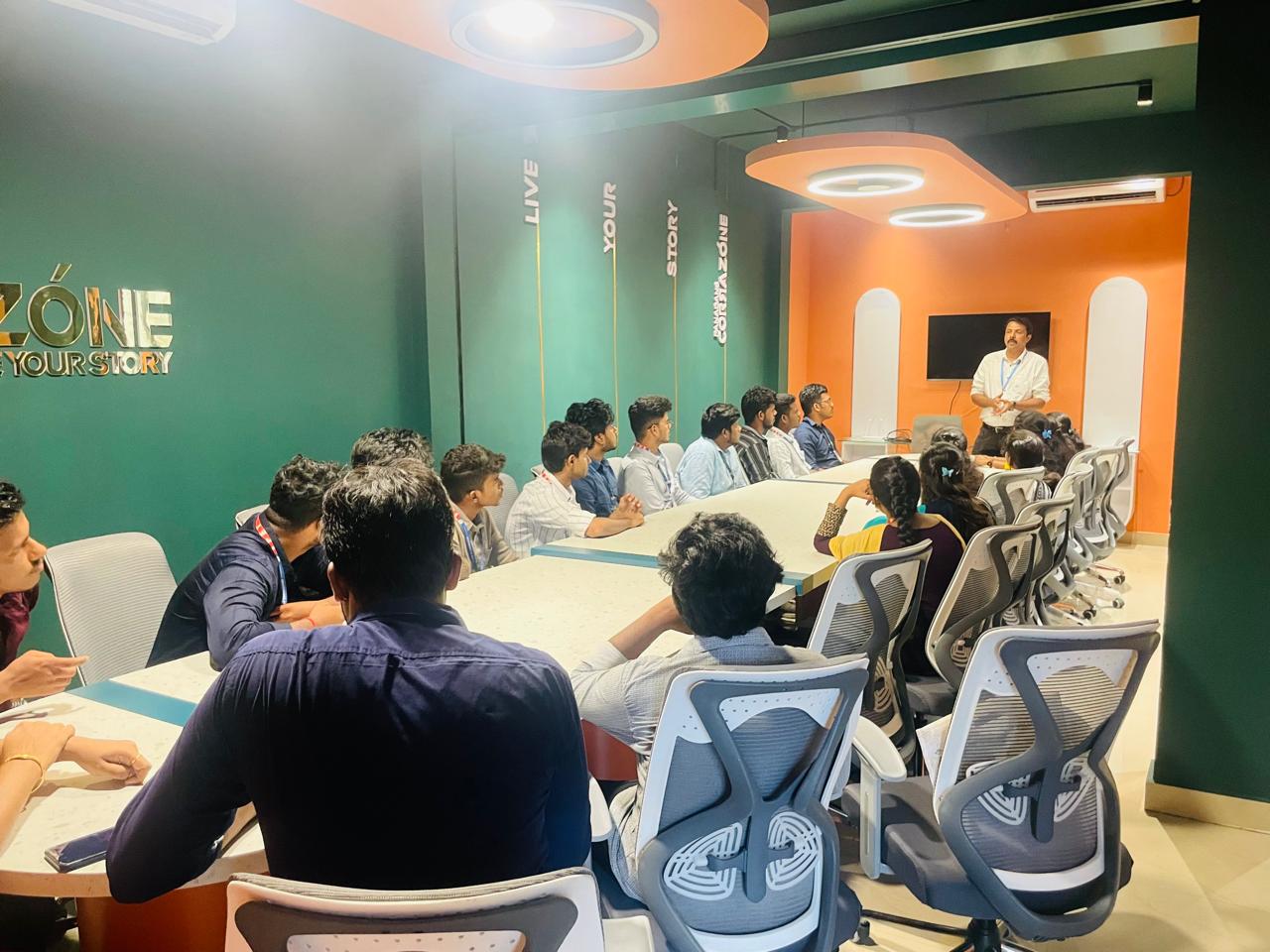
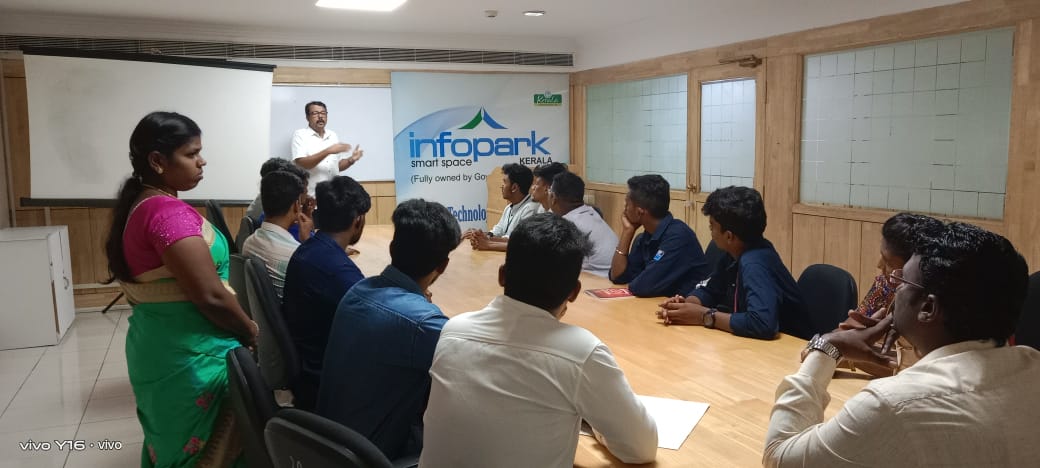
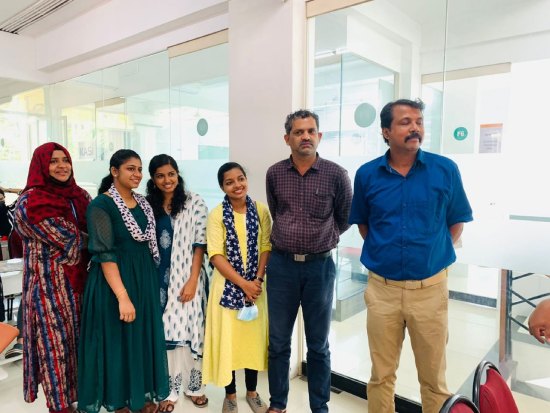
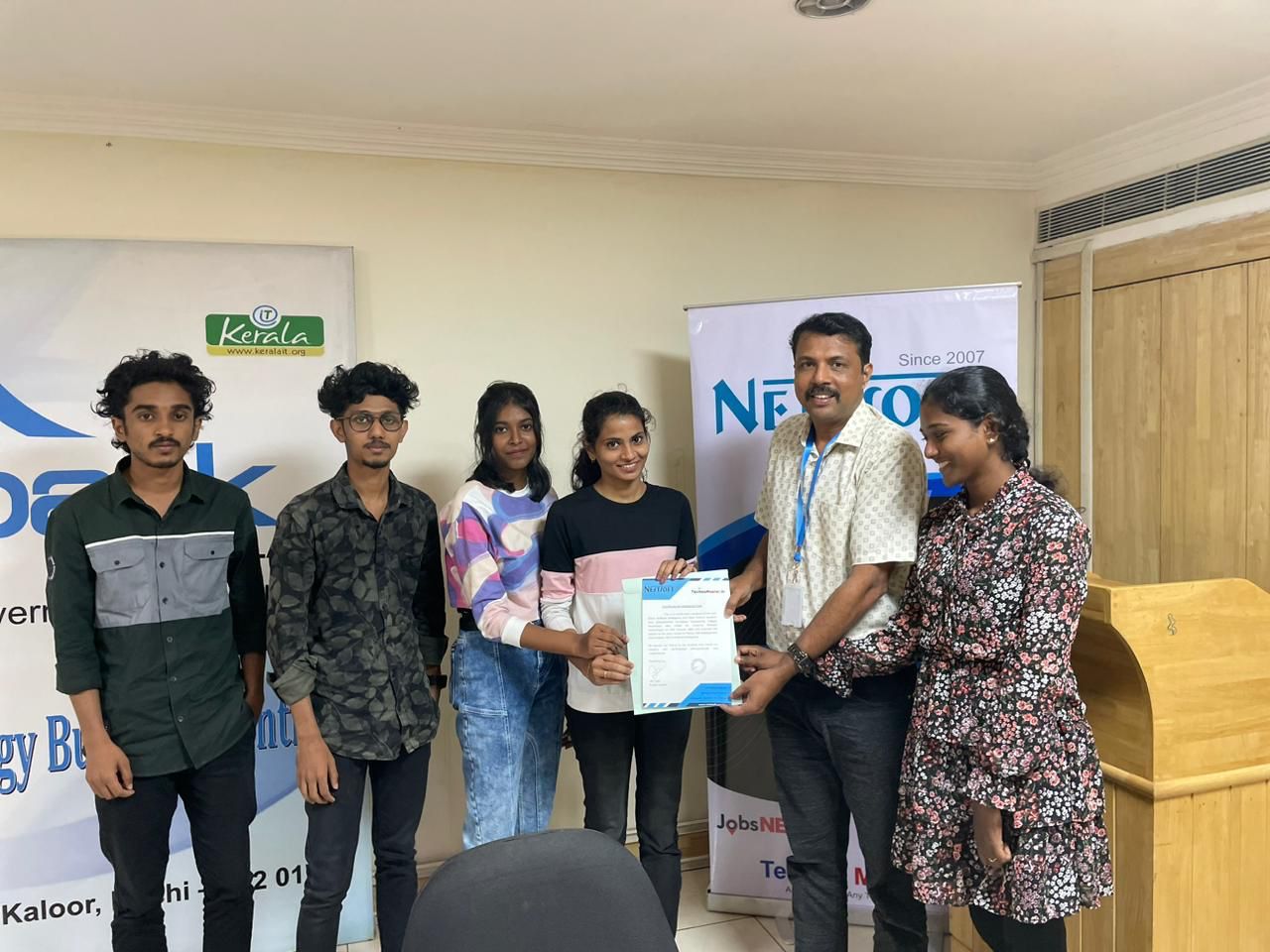
Photos of Training / Internships

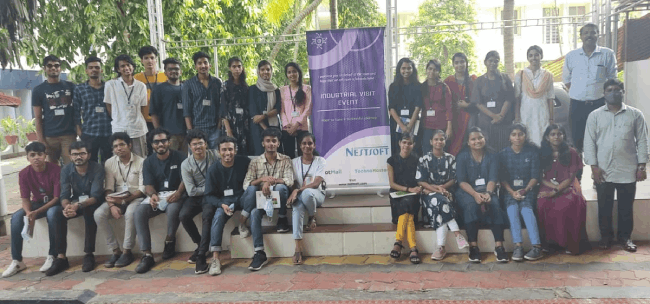
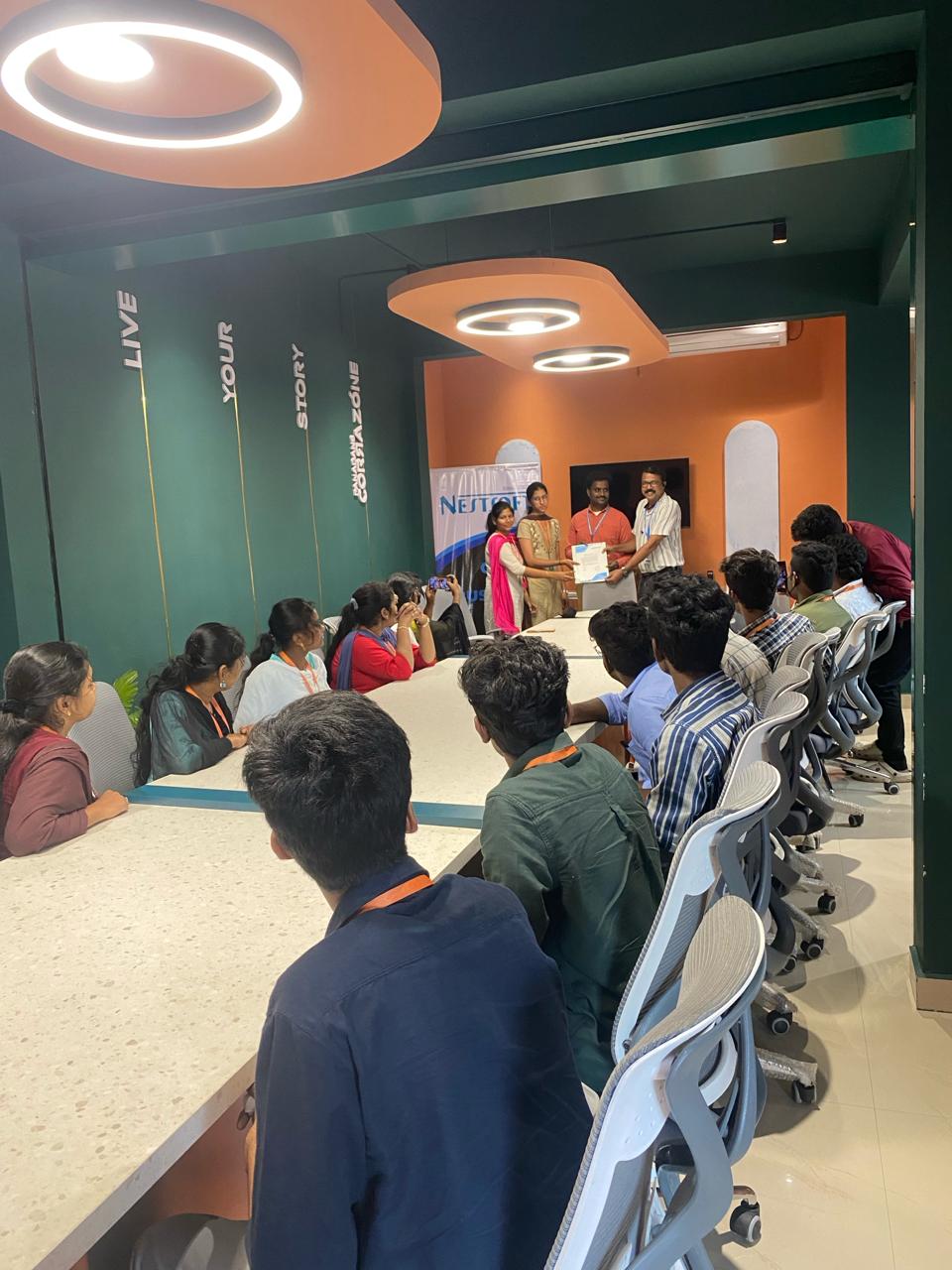
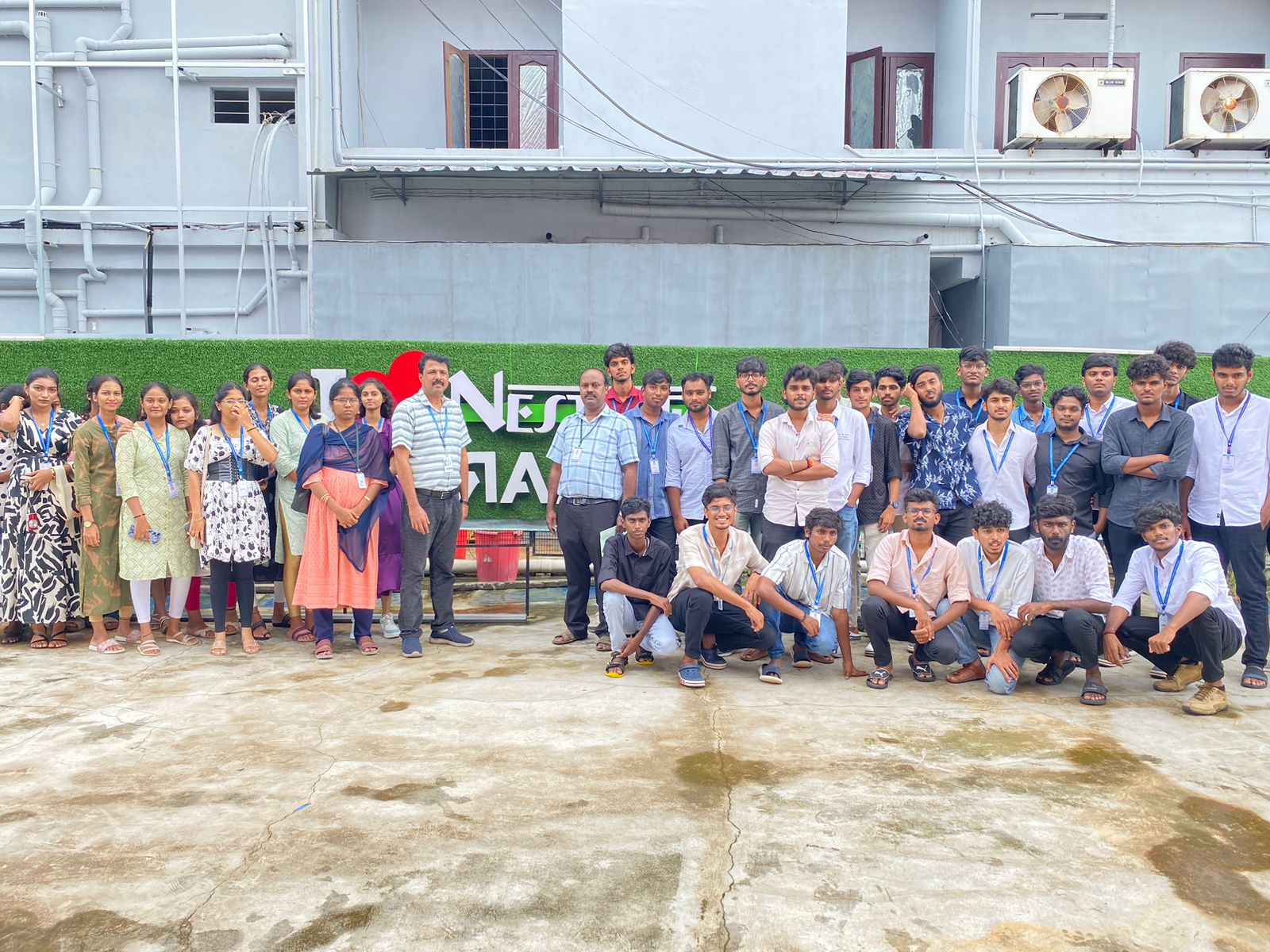
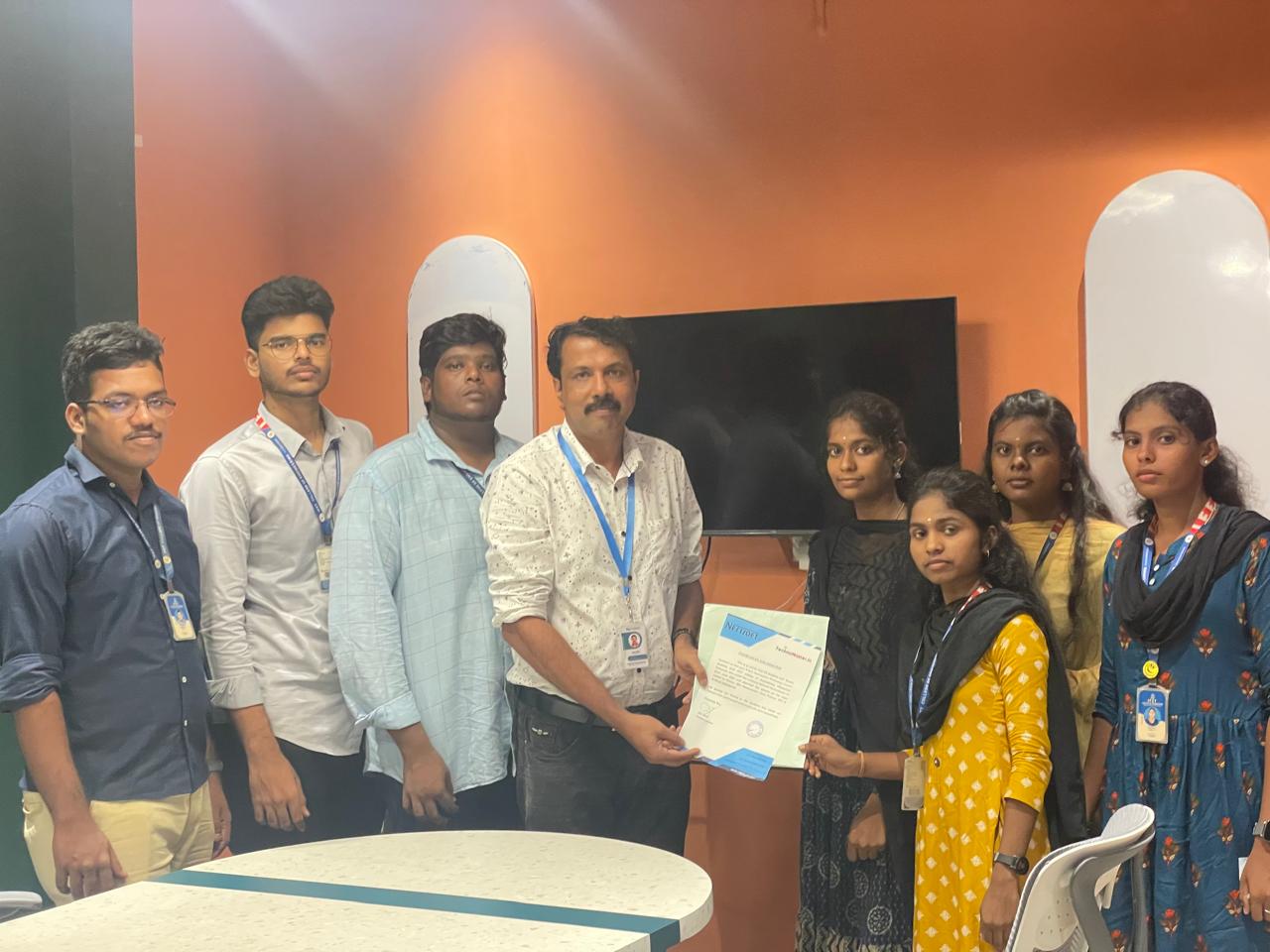
Internship/projects in thane

Trained more than 10000+ students who trust Nestsoft TechnoMaster

Get Your Personal Trainer