Send enquiry ⏎

Adobe After Effects Online Live Class by Experts

Our Training/Internship Process

Adobe After Effects Online Live Classes in Mangaluru | Free Demo Training

Adobe After Effects - Syllabus, Fees & Duration

MODULE 1: Fundamentals of Motion Graphics

  • RGB Color Model
  • Frame Size
  • Resolution
  • Pixel Aspect Ratio
  • Alpha Channels
  • Frame Rate
  • Time Code
  • Interpreting Footage

MODULE 2: Getting to Know the Workflow

  • How After Effects Works
  • Overview of panels
  • Creating a project and importing footage
  • Creating a composition and arranging layers
  • Adding effects and modifying layer properties
  • Animating the composition
  • Previewing your work
  • Optimizing performance in After Effects
  • Customizing workspaces
  • Controlling the brightness of the user interface
  • Finding resources for using After Effects

MODULE 3:Creating a Basic Animation Using Effects and Presets

  • Importing footage using Adobe Bridge
  • Importing video clips
  • Importing stills
  • Importing a sequence of stills (interpreting)
  • Importing multilayered photoshop and illustrator files
  • Creating a new composition
  • Applying effects to a layer
  • Changing parameters globally
  • Creating keyframes
  • Keyframe interpolation: auto, continuous, and Bezier interpolation
  • Temporal and spatial Interpolation
  • Roving in time for spatial properties
  • Creating and applying an animation preset
  • Previewing your work

MODULE 4:Working With Masks

  • About masks
  • Creating a mask with the Pen tool
  • Editing a mask
  • Feathering the edges of a mask
  • Replacing the content of the mask
  • Mask interpolation
  • Using masks from Illustrator and Photoshop
  • Masks for spatial keyframes

MODULE 5:Animating Text

  • About text layers
  • Creating and formatting point text vs paragraph text
  • Using a text animation preset
  • Text on a path
  • Animating imported Photoshop text
  • Animating text using a path animation preset
  • Using a text animators
  • Adding properties
  • Adding a range selector
  • Using a text animator group

MODULE 6: Working with Shape Layers

  • Adding a shape layer
  • Creating custom shapes
  • Creating stars
  • Default properties of shape layers
  • Add properties
  • Creating Groups
  • Stack your shapes & properties
  • Using Brainstorm to experiment

MODULE 7: Other Effects

  • Time remapping
  • Motion sketch
  • The smoother
  • The wiggler
  • Auto orient
  • Splitting a layer
  • Adjustment layers
  • The effects and presets panel

MODULE 8: Distorting Objects with the Puppet Tools

  • About the Puppet tools
  • Adding Deform pins
  • Defining areas of overlap
  • Stiffening an area
  • Animating pin positions
  • Recording animation

MODULE 9: Rendering and Output

  • Creating templates for the Render Queue
  • Exporting using the Render Queue
  • Rendering movies with Adobe Media Encoder

MODULE 10: Transfer Controls

  • Understanding Layer Blending Modes and how to change those using shortcuts
  • Using Track Mattes
  • Understanding precomposing and nesting
  • Stencil and Silhouette
  • Preserve Transparency

Download Syllabus - Adobe After Effects
This syllabus is not final and can be customized as per needs/updates
   
10000+
20+
50+
25+

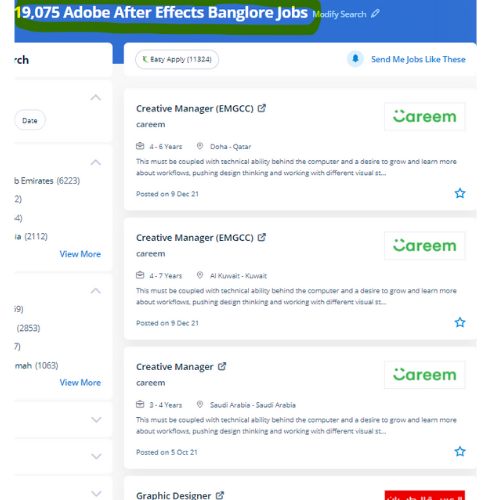
Adobe After Effects Jobs in Mangaluru

Enjoy the demand

Find jobs related to Adobe After Effects in search engines (Google, Bing, Yahoo) and recruitment websites (monsterindia, placementindia, naukri, jobshybrid.com, indeed.co.in, shine.com etc.) based in Mangaluru, chennai and europe countries. You can find many jobs for freshers related to the job positions in Mangaluru.

  • 3D Interior Designer
  • Graphic Designer
  • Motion Graphics Designer
  • UI/UX Trainer
  • Freelance Graphic Designer
  • After Effects Trainer
  • After Effects Editor
  • Motion Video Editor
  • Video Editing Trainer
  • 2d Motion Designer

Adobe After Effects Internship/Course Details

Adobe After Effects internship jobs in Mangaluru
Adobe After Effects Video editing Vector based animations You can combine this with Photoshop and essentially all of the different products in the Adobe suite Adobe provides tutorials for better understanding Nestsoft Adobe after-effects coaching will teach you our industry-experienced Adobe suite certified trainers. For titles, shapes, second cartoons, additionally as computer graphics, After Effects is your tool. although it will do these items, it is not similar to a movie editing program. the main applications of After Effects are going to be classified into three categories: Animation, Effects, and compositing. Our live training session can assist you not only raise your data but conjointly adding more volume to your resume. one of the most features is it is used for editing graphics inside the video, usually oriented to special effects and animations and it's it has a variety of plugins designed by third parties therefore which might facilitate to cut back work. lots experts use the After-effect tool for animation and video post-production, which allows users to design and deliver knowledgeable motion pix and visual effects for film, TV, video, and web. to apply effects after the footage has been edited, or to make animation and motion graphics from otherwise static objects this program will be used effectively. After Effects is the most generally used kind of animation in motion graphics. The Adobe After Effects course Intermediate and Adobe after Effects – High-level training Course is meant for videographers, graphic artists, and animators with basic level Adobe After Effects experience.


Meet a Few of our Industry Experts 🚀 Your Pathway to IT Career

Trupti

Mobile: +91 89210 61945
Location: Online (Mangaluru, India)
Qualification: B.E in computer science

Experience: I have 1+ experience in application development skills java kotlin Android sdk rest api intergation roomdatabase and firebase   more..

Gopika

Mobile: +91 94975 90866
Location: Online (Mangaluru, India)
Qualification: Btech in Computer Science and Engineering

Experience: Software testing manual testing test case preparation Bug report preparation sdlc STLC  more..

Rahul

Mobile: +91 9895490866
Location: Online (Mangaluru, India)
Qualification: MBA in marketing

Experience: On-page seo Off-page seo Website Audits Keyword research Content analysis   more..

Pavan

Mobile: +91 98474 90866
Location: Online (Mangaluru, India)
Qualification: BE Computer

Experience: Highly skilled and creative UI UX designer with 3 years of experience designing and developing intuitive and user-friendly interfaces for  more..

Kashish

Mobile: +91 8301010866
Location: Online (Mangaluru, India)
Qualification: M.com

Experience: With two years of experience as a dedicated PTE (Pearson Test of English) trainer I bring comprehensive expertise to my  more..

Sneha

Mobile: +91 91884 77559
Location: Online (Mangaluru, India)
Qualification: Bachelor of technology

Experience: C c# net asp net and angular and html CSS and JavaScript  more..

Umesh

Mobile: +91 91884 77559
Location: Online (Mangaluru, India)
Qualification: BE

Experience: Recently i did my software testing courses and i was a top performer in the courses Also i have the  more..

Nebi

Mobile: +91 91884 77559
Location: Online (Mangaluru, India)
Qualification: Btech EC

Experience: I have completed my btech in 2018 And i have experience as a business development executive(2yrs)and also as embedded engineer(1yr)  more..

Kartik

Mobile: +91 8301010866
Location: Online (Mangaluru, India)
Qualification: mscit

Experience: wordpress html css js sql  more..

Y

Mobile: +91 91884 77559
Location: Online (Mangaluru, India)
Qualification: B Tech

Experience: Html css javascript react js basics photoshop illustrator canvas figma I have 3 and half yrs experience in web designing  more..

sukriti

Mobile: +91 89210 61945
Location: Online (Mangaluru, India)
Qualification: B.Tech CSE

Experience: skills: Kotlin Android MVVM Permissions API Gson Notifications Android Components Live Data View and Data Binding I am currently doing  more..

REETHA

Mobile: +91 9895490866
Location: Online (Mangaluru, India)
Qualification: BE ECE

Experience: Oops Selenium web driver Core java Manual testing Api Appium Cucumber Agile Jira  more..

Fahid

Mobile: +91 9895490866
Location: Online (Mangaluru, India)
Qualification: Diploma

Experience: Strong analytical skills >Troubleshooting computer problems and solutions > Information security > Burp suite > Mobile Security Framework >Wireshark >  more..

Sherin

Mobile: +91 98474 90866
Location: Online (Mangaluru, India)
Qualification: B com

Experience: I am a mern stack developer with good understanding of the work I do and do it thoroughly and fastly  more..

Yash

Mobile: +91 98474 90866
Location: Online (Mangaluru, India)
Qualification: Btech

Experience: Front end developer Data structures and algorithms backend developer C++ programming  more..

kuldeep

Mobile: +91 91884 77559
Location: Online (Mangaluru, India)
Qualification: MCA

Experience: Hello sir madam First of all thank you for giving me this opportunity I am Kuldeep Dubey from Indore (Madhya  more..

Abhishekh

Mobile: +91 94975 90866
Location: Online (Mangaluru, India)
Qualification: Post Graduate

Experience: With a passion for Hindi language and culture I bring extensive experience and expertise as a Hindi teacher Over the  more..

Mahesh

Mobile: +91 94975 90866
Location: Online (Mangaluru, India)
Qualification: BTech(cs)

Experience: I have used Java and Kotlin with MVVM MVC Architecture I have integrated Metamask ( Blockchain Wallet) Stripe Payment Sdk  more..

Sreerag.

Mobile: +91 91884 77559
Location: Online (Mangaluru, India)
Qualification: Bca

Experience: Html css javascript mingodb express nodejs angular react Currrntly I have completed mearn stack web development course from luminar technolab  more..

Vishal

Mobile: +91 8301010866
Location: Online (Mangaluru, India)
Qualification: Graduation

Experience: My skills in seo and smo- onpage off page tecnical seo local seo organically grow social media and paid ads  more..

Abhay

Mobile: +91 8301010866
Location: Online (Mangaluru, India)
Qualification: MCA

Experience: I have 2+ years of experience as Frontend developer with these skills HTML CSS Javascript jQuery bootstrap tailwindcss WordPress and  more..

Snekha

Mobile: +91 9895490866
Location: Online (Mangaluru, India)
Qualification: B.Tech IT

Experience: Having 0–1 year of experience as a backend developer in Tata Consultancy Services I proactively upskilled myself by learning Python  more..

Priti

Mobile: +91 98474 90866
Location: Online (Mangaluru, India)
Qualification: MCA

Experience: HTML CSS javascript php laravel MVC bootstrap mongodb MYSQL  more..

Govind

Mobile: +91 98474 90866
Location: Online (Mangaluru, India)
Qualification: Diploma

Experience: Hi i am govind parmar i am looking for new opportunities and Experienced Web development and WordPress developer with 4  more..

Success Stories

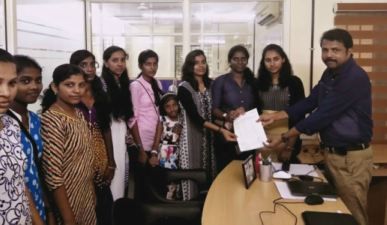
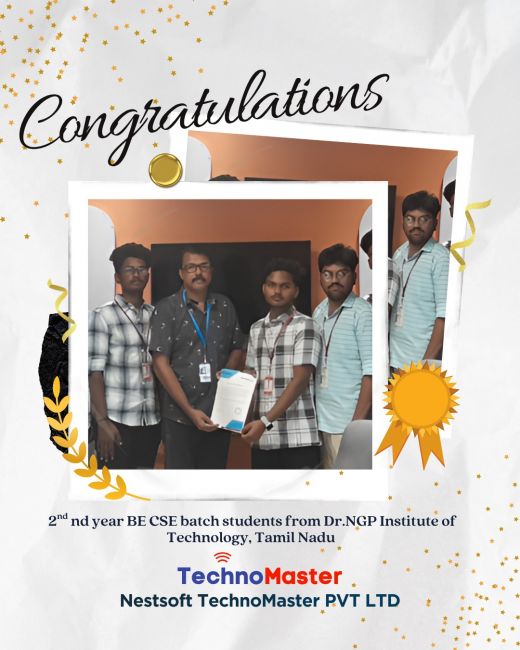
The enviable salary packages and track record of our previous students are the proof of our excellence. Please go through our students' reviews about our training methods and faculty and compare it to the recorded video classes that most of the other institutes offer. See for yourself how TechnoMaster is truly unique.


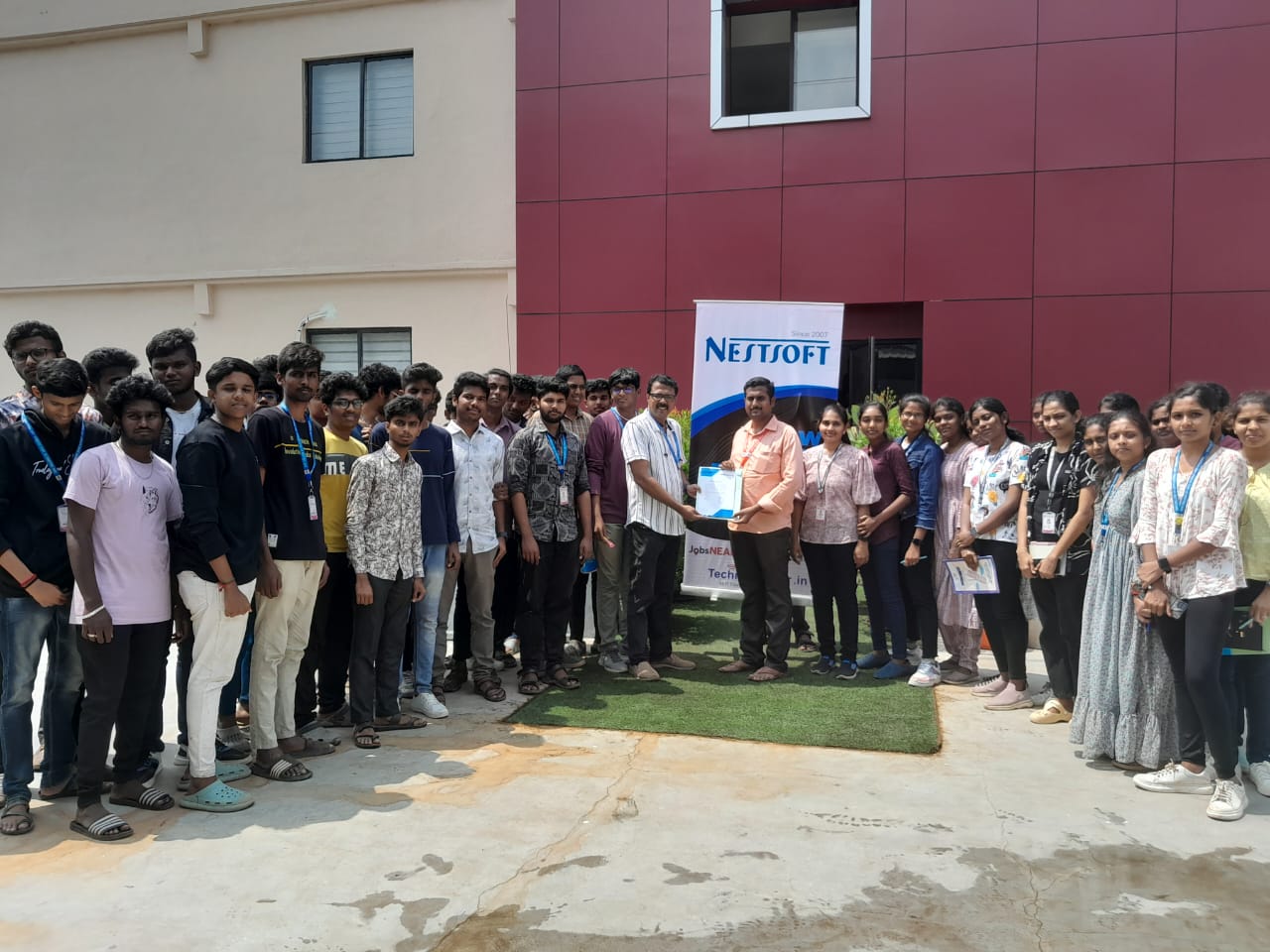
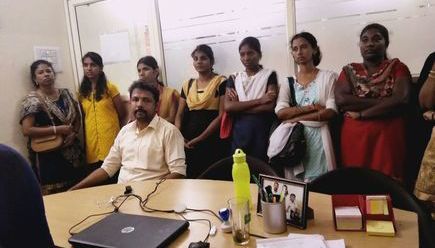
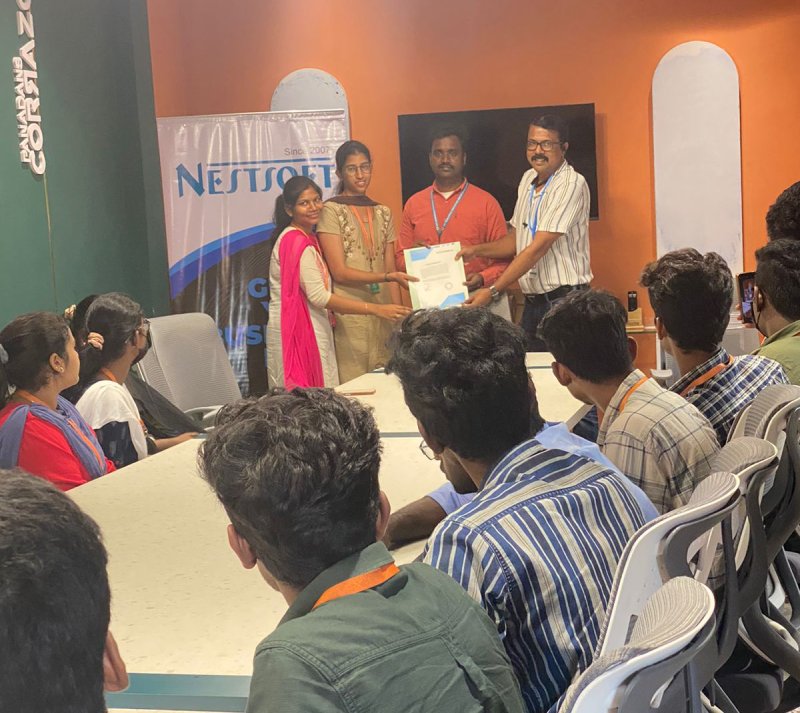
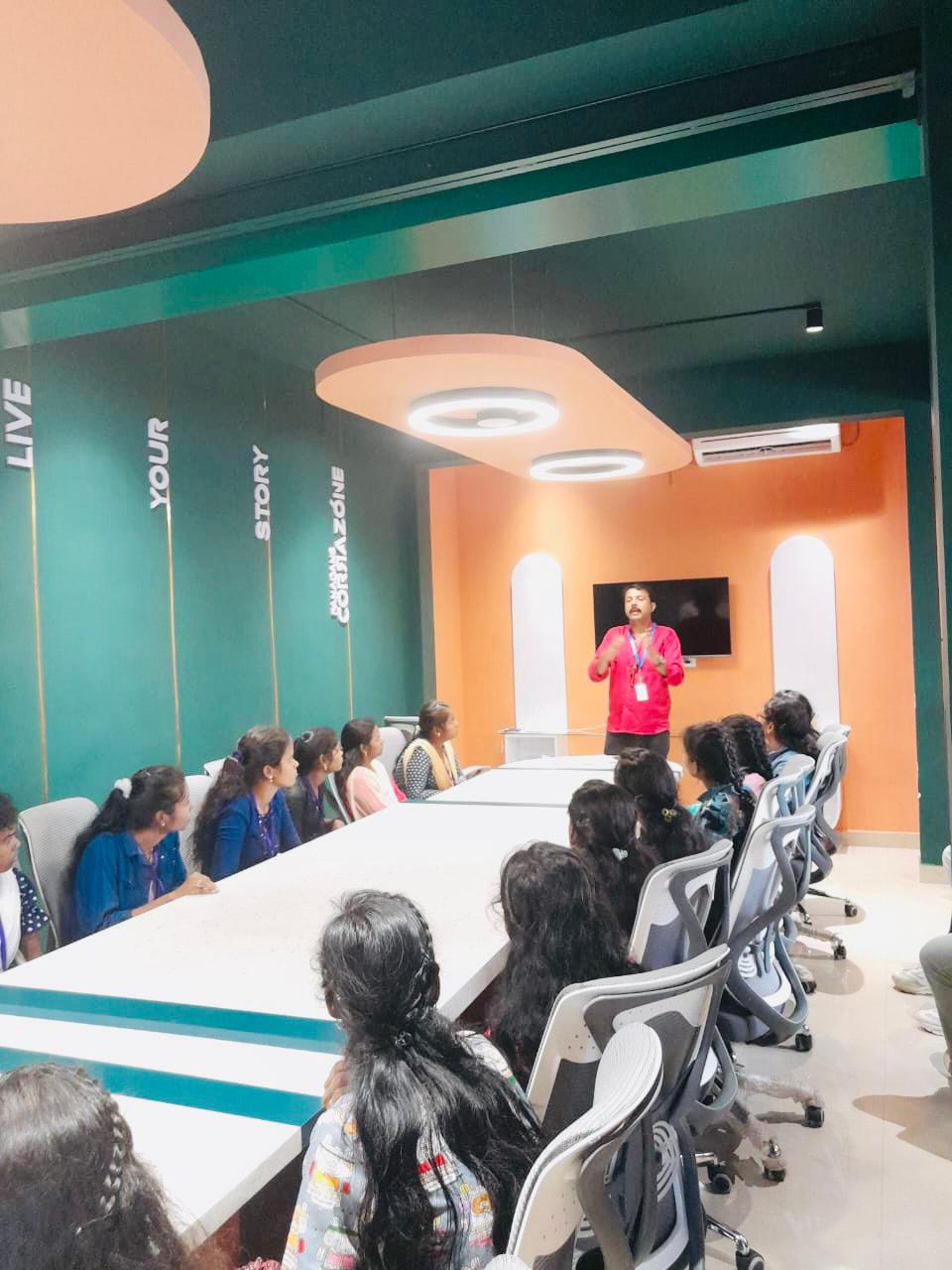
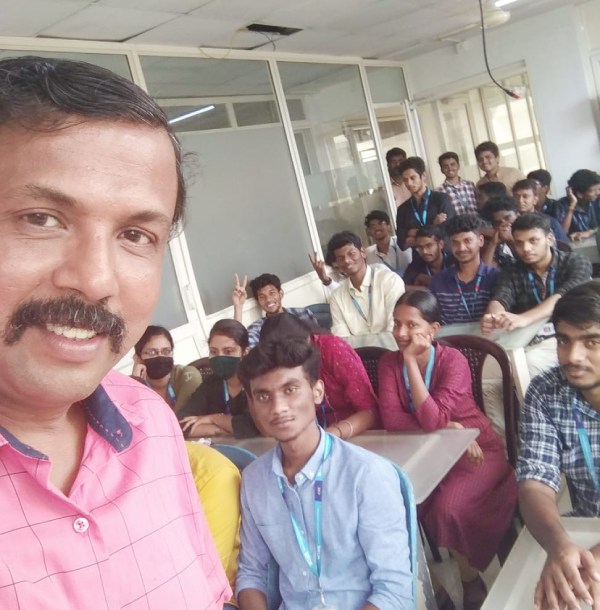
Photos of Training / Internships

Internship/projects in mangaluru

Trained more than 10000+ students who trust Nestsoft TechnoMaster

Get Your Personal Trainer