Send enquiry ⏎

Fortinet Firewall Online Live Class by Experts

Our Training/Internship Process

Fortinet Firewall Online Live Classes in Mangaluru | Free Demo Training

Fortinet Firewall - Syllabus, Fees & Duration

MODULE 1

  • System setup
  • Fort guard subscription services
  • Logging
  • Firewall policies
  • Policies
  • Policies lab

MODULE 2

  • Firewall
  • Firewall types
  • How to control access
  • Managing firewall
  • NAT
  • Denial of service (DoS)

MODULE 3

  • Basic VPN
  • VPN uses, advantages and types
  • Need of firewall in VPN
  • Threat free tunneling
  • VPN Bandwidth management
  • SSL VPN
  • SSL VPN with RADIUS and forti token
  • SSL VPN using web and tunnel mode
  • Dialup IPsec VPN

MODULE 4

  • Authentication
  • Requirement and types of authentication
  • Group authentication
  • Traffic discovery
  • AD, LD AP, OR RADIUS

MODULE 5

  • Antivirus
  • Functioning of Anti-Virus & Anti-Spam
  • Basics of Virus, Spyware, Malware, Phishing, and Pharming.
  • Web/Mail/FTP Anti-Virus
  • Gateway level Anti-Virus/Anti-Spam
  • Instant Messaging
  • Virus Outbreak Detection
  • Recurrent Pattern Detection
  • RBL, IP Reputation
  • Understanding of Intrusion
  • Signature-based detection
  • Statistical anomaly-based detection
  • Stately protocol analysis detection
  • Network-Based IPS & Wireless Based IPS
  • Network Behaviour Analysis
  • Host-Based IPS

MODULE 6

  • Spam filtering
  • Web filtering
  • Need for web filtering
  • Web 2.0 filtering
  • Filtering with keywords, URL
  • Filtering web traffics

MODULE 7

  • Application firewall
  • Evolution of Application Firewall
  • File Filtering
  • Application & P2P Filtering
  • Instant Messaging Filters
  • Custom Filters
  • Compliance based filtering

MODULE 8

  • WiFi
  • Wifi settings
  • Wifi MAC filter
  • Wifi monitoring

MODULE 9

  • Network availability
  • High availability
  • Load balancing
  • Understand balancing
  • Multilink manager
  • Active-Active load balancing and gateway failover
  • Active – Passive configuration and gateway failover
  • MPLS failover to VPN
  • Automatic ISP failover detection

Download Syllabus - Fortinet Firewall
This syllabus is not final and can be customized as per needs/updates
   
10000+
20+
50+
25+

Fortinet Firewall Jobs in Mangaluru

Enjoy the demand

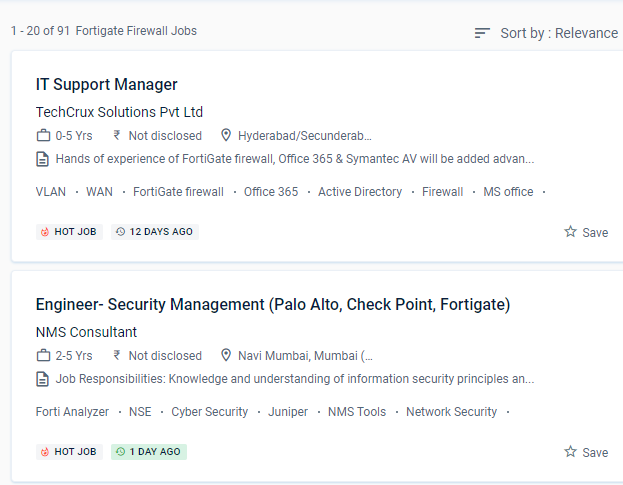
Find jobs related to Fortinet Firewall in search engines (Google, Bing, Yahoo) and recruitment websites (monsterindia, placementindia, naukri, jobshybrid.com, indeed.co.in, shine.com etc.) based in Mangaluru, chennai and europe countries. You can find many jobs for freshers related to the job positions in Mangaluru.

  • Network engineer Fortinet firewall
  • Network security
  • Domain Specialist Oracle Cloud Infrastructure
  • Cybersecurity-Engineer
  • Network security -specialist
  • Fortinet engineer
  • Network Engineer
  • Technical account manager
  • Information security manager
  • System engineer- Fortinet

Fortinet Firewall Internship/Course Details

Fortinet Firewall internship jobs in Mangaluru
Fortinet Firewall This system may be customized to fit any business environment while preserving cutting-edge security features. And, as malware and threats grow more difficult to detect at the access point, security must be extended across the network to monitor behaviors and reveal intent. For administration, use the GUI and CLI. After completing the course from Mangaluru you should be able to: Implement the right mode of operation for your network after completing this course. This will necessitate a wide range of capabilities, including high-performance decryption, post-decryption deep packet inspection, detection of malicious URLs, identification of command and control operations, malware download, and threat correlation. Examine SSL/TLS-protected communication for evidence of encryption being used to circumvent security restrictions. Firewall policies are used to control network access to configured networks. Firewall policies are used to authenticate users. Based on the Fortinet course in Mangaluru learn how to manage setup, monitoring, and operations with FortiGate appliances. Furthermore, these security strategies can achieve roles such as firewalls, web filtering, intrusion detection, and malware or spam prevention.


Meet a Few of our Industry Experts 🚀 Your Pathway to IT Career

Krishna

Mobile: +91 89210 61945
Location: Online (Mangaluru, India)
Qualification: MCA

Experience: Manual testing -1+ years of experience in Testing Mobile testing JIRA Automation selenium-c#   more..

Sachin

Mobile: +91 8301010866
Location: Online (Mangaluru, India)
Qualification: Mcom

Experience: rocessed all orders for Machining part supply packaging supplies office supplies maintenance safety supplies research & development and capital expense  more..

Rubina

Mobile: +91 9895490866
Location: Online (Mangaluru, India)
Qualification: Btech

Experience: java python JUnit5 SQL HTML SEO AWS  more..

Veena

Mobile: +91 98474 90866
Location: Online (Mangaluru, India)
Qualification: B tech

Experience: Seo smm Done 3 months training in seo   more..

MADAN

Mobile: +91 91884 77559
Location: Online (Mangaluru, India)
Qualification: MCA

Experience: 13 5 Years exp in programming and teaching  more..

Rinil

Mobile: +91 94975 90866
Location: Online (Mangaluru, India)
Qualification: 3year diploma in software engneering &digital marketing

Experience: Ms office seo Google ads social media marketing email marketing 1year experience in jiopoint assistant manager   more..

Anuj

Mobile: +91 8301010866
Location: Online (Mangaluru, India)
Qualification: B tech

Experience: Html css javascript react js python   more..

Aravindh

Mobile: +91 91884 77559
Location: Online (Mangaluru, India)
Qualification: BE

Experience: Experience - 1 year Skill : 1 Manual Testing (Functional testing) 2 Automation Testing ( Selenium Maven Junit Testing BDD  more..

Hammad

Mobile: +91 8301010866
Location: Online (Mangaluru, India)
Qualification: Bachelor

Experience: I am skilled in various areas including: * **Language understanding and generation:** I can process information from text and respond  more..

Rakesh

Mobile: +91 91884 77559
Location: Online (Mangaluru, India)
Qualification: btech

Experience: Dear Sir Madam I am applying for the position of QA in payment testing integration Currently working as an Software  more..

Niharika

Mobile: +91 98474 90866
Location: Online (Mangaluru, India)
Qualification: Bca

Experience: Digital marketing Web development frontend  more..

Dhiraj

Mobile: +91 8301010866
Location: Online (Mangaluru, India)
Qualification: MSc Computer science

Experience: I have a good knowledge in web development and coding language I worked on some college projects in my academic  more..

Evelin

Mobile: +91 91884 77559
Location: Online (Mangaluru, India)
Qualification: MA English/TESOL/OET Teacher training

Experience: As an experienced OET trainer I bring a comprehensive set of skills to the table My expertise lies in navigating  more..

TARUNKUMAR

Mobile: +91 8301010866
Location: Online (Mangaluru, India)
Qualification: B.E-ECE

Experience: python java Networking HTML CSS JavaScript React js Node js AWS  more..

Ansari

Mobile: +91 9895490866
Location: Online (Mangaluru, India)
Qualification: B.E Computer

Experience: Skills : WIX HTML CSS Javascript Experience: I have 3 years of experience as WIX developer |   more..

divya

Mobile: +91 9895490866
Location: Online (Mangaluru, India)
Qualification: btech mtech

Experience: software testing   more..

Vaishali

Mobile: +91 89210 61945
Location: Online (Mangaluru, India)
Qualification: Diploma in graphic design

Experience: Hello there! I'm vaishali a passionate graphic designer with a love for transfarming ideas into visual stories I've had the  more..

Janish

Mobile: +91 89210 61945
Location: Online (Mangaluru, India)
Qualification: Under Graduation

Experience: Expert poster making in canva Expert in video editing in Capcut VN Expert in web design logo crration |   more..

Hema

Mobile: +91 89210 61945
Location: Online (Mangaluru, India)
Qualification: B.E

Experience: net c# MVC angular SQL html css git cicd pipel7  more..

vaishnavi

Mobile: +91 98474 90866
Location: Online (Mangaluru, India)
Qualification: BE

Experience: I have 2+ years of experience in software testing with core skills of selenium tool automation testing Java Eclipse IDE  more..

sirajudheeen

Mobile: +91 91884 77559
Location: Online (Mangaluru, India)
Qualification: Bca

Experience: python angular ionic C# Asp Net Django Flask Mysql SqlServer 6 month python internshp 4 month fullstack developerApplication for Meanstack  more..

Namita

Mobile: +91 8301010866
Location: Online (Mangaluru, India)
Qualification: Post graduate diploma in business administration and learning from crio.do as fr

Experience: I am from non tech background but recently started learning in frontend development role from crio do which is helping  more..

Kashish

Mobile: +91 98474 90866
Location: Online (Mangaluru, India)
Qualification: M.com

Experience: With two years of experience as a dedicated PTE (Pearson Test of English) trainer I bring comprehensive expertise to my  more..

nimagalu

Mobile: +91 89210 61945
Location: Online (Mangaluru, India)
Qualification: Btech

Experience: javascript react js html css  more..

Success Stories

The enviable salary packages and track record of our previous students are the proof of our excellence. Please go through our students' reviews about our training methods and faculty and compare it to the recorded video classes that most of the other institutes offer. See for yourself how TechnoMaster is truly unique.

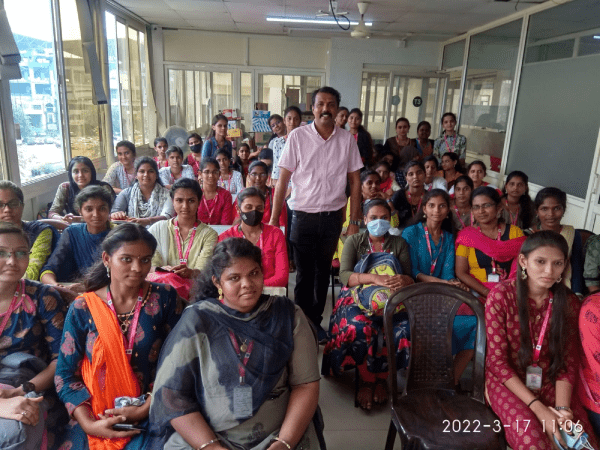
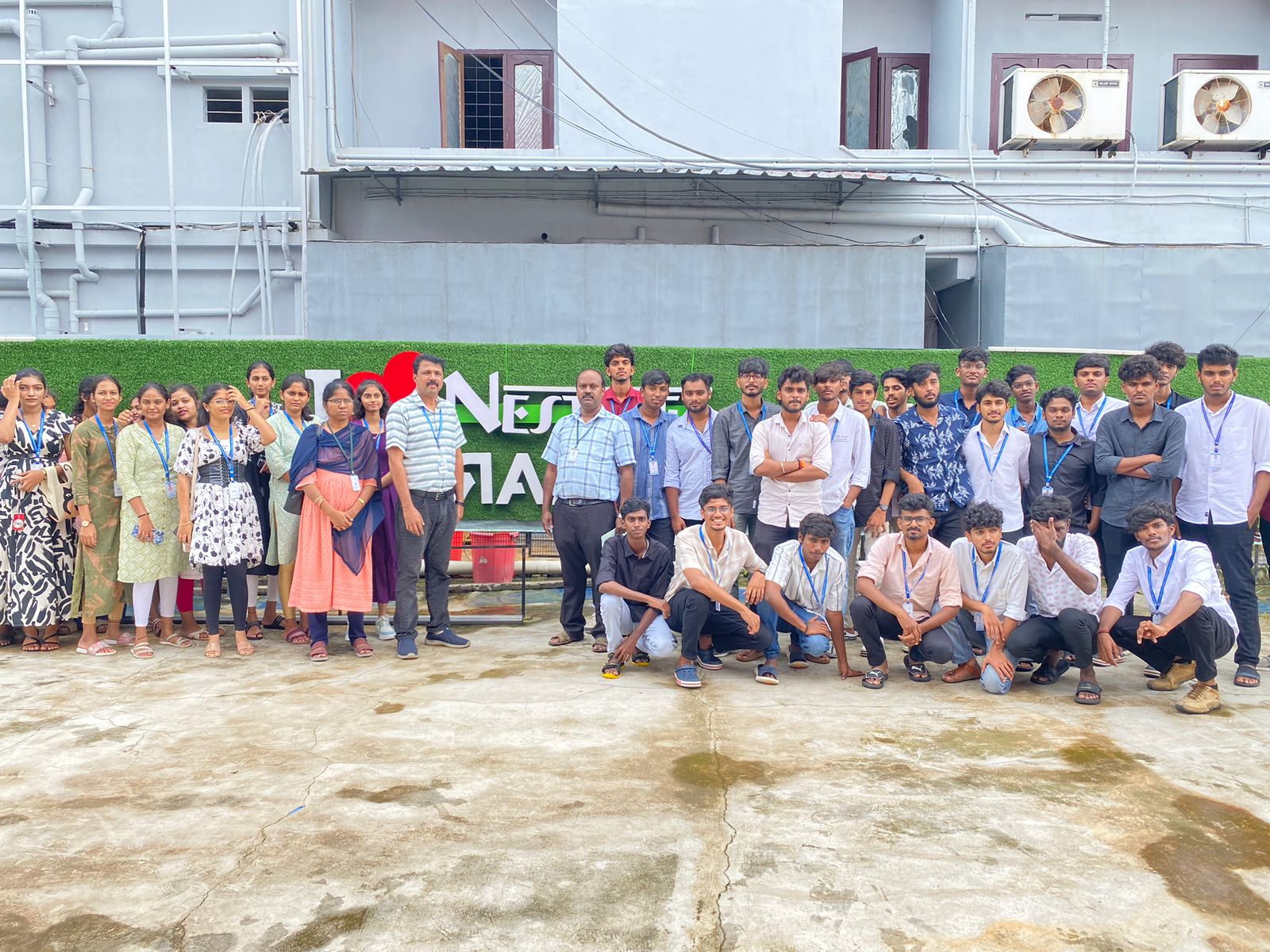
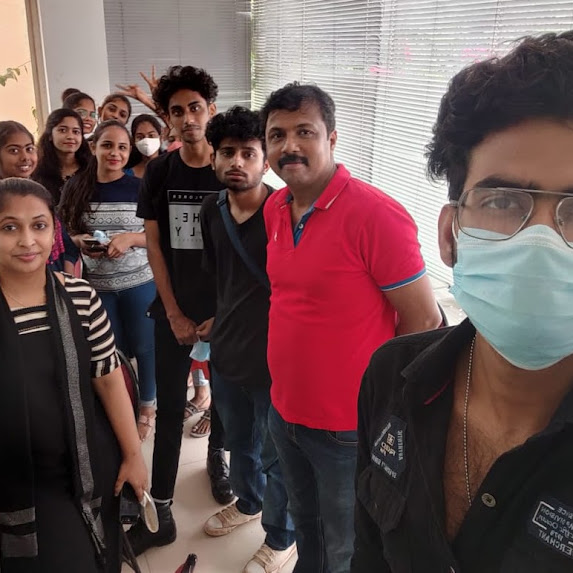
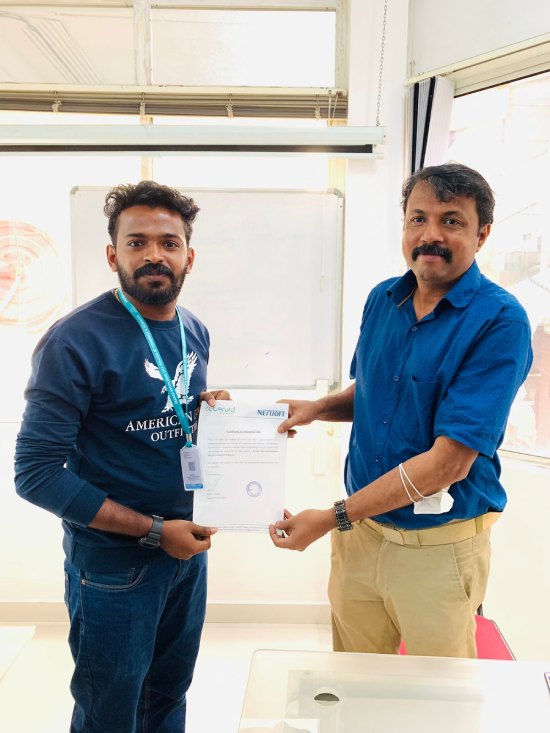
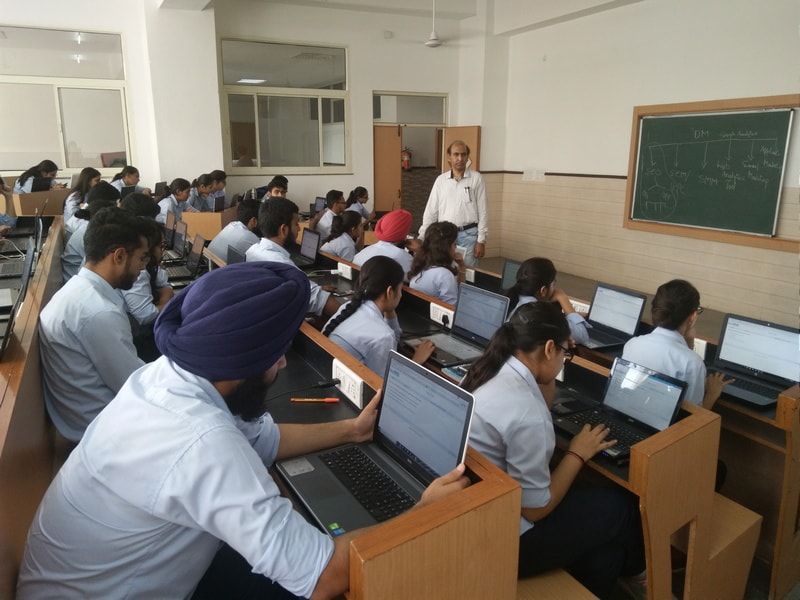
Photos of Training / Internships

Internship/projects in mangaluru

Trained more than 10000+ students who trust Nestsoft TechnoMaster

Get Your Personal Trainer