Send enquiry ⏎

Fortinet Firewall Online Live Class by Experts

Our Training/Internship Process

Fortinet Firewall Online Live Classes in Kerala | Free Demo Training

Fortinet Firewall - Syllabus, Fees & Duration

MODULE 1

  • System setup
  • Fort guard subscription services
  • Logging
  • Firewall policies
  • Policies
  • Policies lab

MODULE 2

  • Firewall
  • Firewall types
  • How to control access
  • Managing firewall
  • NAT
  • Denial of service (DoS)

MODULE 3

  • Basic VPN
  • VPN uses, advantages and types
  • Need of firewall in VPN
  • Threat free tunneling
  • VPN Bandwidth management
  • SSL VPN
  • SSL VPN with RADIUS and forti token
  • SSL VPN using web and tunnel mode
  • Dialup IPsec VPN

MODULE 4

  • Authentication
  • Requirement and types of authentication
  • Group authentication
  • Traffic discovery
  • AD, LD AP, OR RADIUS

MODULE 5

  • Antivirus
  • Functioning of Anti-Virus & Anti-Spam
  • Basics of Virus, Spyware, Malware, Phishing, and Pharming.
  • Web/Mail/FTP Anti-Virus
  • Gateway level Anti-Virus/Anti-Spam
  • Instant Messaging
  • Virus Outbreak Detection
  • Recurrent Pattern Detection
  • RBL, IP Reputation
  • Understanding of Intrusion
  • Signature-based detection
  • Statistical anomaly-based detection
  • Stately protocol analysis detection
  • Network-Based IPS & Wireless Based IPS
  • Network Behaviour Analysis
  • Host-Based IPS

MODULE 6

  • Spam filtering
  • Web filtering
  • Need for web filtering
  • Web 2.0 filtering
  • Filtering with keywords, URL
  • Filtering web traffics

MODULE 7

  • Application firewall
  • Evolution of Application Firewall
  • File Filtering
  • Application & P2P Filtering
  • Instant Messaging Filters
  • Custom Filters
  • Compliance based filtering

MODULE 8

  • WiFi
  • Wifi settings
  • Wifi MAC filter
  • Wifi monitoring

MODULE 9

  • Network availability
  • High availability
  • Load balancing
  • Understand balancing
  • Multilink manager
  • Active-Active load balancing and gateway failover
  • Active – Passive configuration and gateway failover
  • MPLS failover to VPN
  • Automatic ISP failover detection

Download Syllabus - Fortinet Firewall
This syllabus is not final and can be customized as per needs/updates
   
10000+
20+
50+
25+

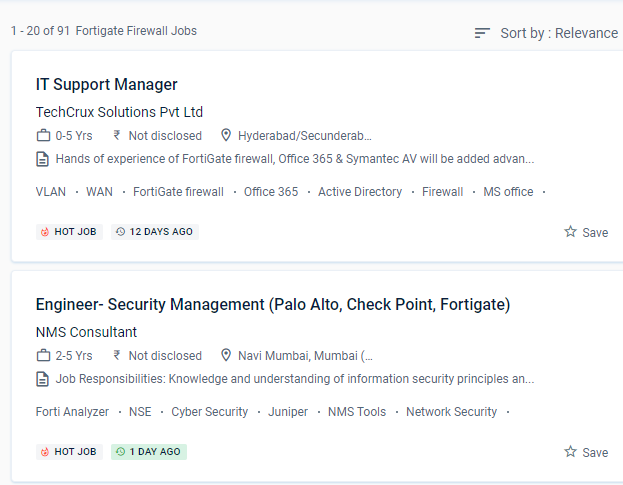
Fortinet Firewall Jobs in Kerala

Enjoy the demand

Find jobs related to Fortinet Firewall in search engines (Google, Bing, Yahoo) and recruitment websites (monsterindia, placementindia, naukri, jobshybrid.com, indeed.co.in, shine.com etc.) based in Kerala, chennai and europe countries. You can find many jobs for freshers related to the job positions in Kerala.

  • Network engineer Fortinet firewall
  • Network security
  • Domain Specialist Oracle Cloud Infrastructure
  • Cybersecurity-Engineer
  • Network security -specialist
  • Fortinet engineer
  • Network Engineer
  • Technical account manager
  • Information security manager
  • System engineer- Fortinet

Fortinet Firewall Internship/Course Details

Fortinet Firewall internship jobs in Kerala
Fortinet Firewall Understand the responsibilities of encryption and certificates. After completing the course from Kerala you should be able to: Implement the right mode of operation for your network after completing this course. This will necessitate a wide range of capabilities, including high-performance decryption, post-decryption deep packet inspection, detection of malicious URLs, identification of command and control operations, malware download, and threat correlation. Rather than being borderless, networks have become porous, with unprecedented numbers of points of access and endpoints. Examine SSL/TLS-protected communication for evidence of encryption being used to circumvent security restrictions. The networking landscape of today is more sophisticated than it has ever been. Firewall policies are used to authenticate users. Based on the Fortinet course in Kerala learn how to manage setup, monitoring, and operations with FortiGate appliances. According to the latest Anti-Phishing Working Group (APWG) report, SSL was employed by 75% of all phishing sites in the first quarter of 2020. This system may be customized to fit any business environment while preserving cutting-edge security features.


Meet a Few of our Industry Experts 🚀 Your Pathway to IT Career

Himani

Mobile: +91 91884 77559
Location: Online (Kerala, India)
Qualification: BE Computer

Experience: Experience with all stages of development life cycle for dynamic project Develop project concepts and maintain optimal workflow Mostly interaction  more..

Nitin

Mobile: +91 89210 61945
Location: Online (Kerala, India)
Qualification: MCA

Experience: Experienced Lead Mobile Developer with a proven track record of delivering cutting-edge mobile applications Proficient in Android (Kotlin Java) I  more..

Tejaswini

Mobile: +91 91884 77559
Location: Online (Kerala, India)
Qualification: BE E&TC

Experience: Java my SQL react Android iOS  more..

Sneha

Mobile: +91 9895490866
Location: Online (Kerala, India)
Qualification: Bachelor of technology

Experience: C c# net asp net and angular and html CSS and JavaScript  more..

Akash

Mobile: +91 8301010866
Location: Online (Kerala, India)
Qualification: B Tech (Mechanical)

Experience: C programming language C++  more..

Vignesh

Mobile: +91 91884 77559
Location: Online (Kerala, India)
Qualification: BCA

Experience: My Skills are Html Css Python Django and My strength are honesty open minded listener good mentor My talents are  more..

jalpa

Mobile: +91 9895490866
Location: Online (Kerala, India)
Qualification: BE IT

Experience: I am writing to express my strong interest in the WordPress Developer position as advertised With over 6 years of  more..

Murali

Mobile: +91 94975 90866
Location: Online (Kerala, India)
Qualification: Bsc computer science

Experience: Fresher Web design i know   more..

Abinisha

Mobile: +91 9895490866
Location: Online (Kerala, India)
Qualification: B.Tech

Experience: SQL python Pandas Numpy PowerBI Excel Matplotlib Seaborn Scikit-learn multilingual polyglot adaptive team player problem solving skills   more..

Rinil

Mobile: +91 8301010866
Location: Online (Kerala, India)
Qualification: 3year diploma in software engneering &digital marketing

Experience: Ms office seo Google ads social media marketing email marketing 1year experience in jiopoint assistant manager   more..

Mehdi

Mobile: +91 9895490866
Location: Online (Kerala, India)
Qualification: Bachelor's in computer science

Experience: HTML CSS javascript jQuery Ajax PHP wordpress and woocommerce   more..

Neeraj.k

Mobile: +91 89210 61945
Location: Online (Kerala, India)
Qualification: BBA graduate,digital marketing complete

Experience: Img sharing Blog sharing Social book marking Content writing On page seo All type of off page seo   more..

Ande

Mobile: +91 91884 77559
Location: Online (Kerala, India)
Qualification: B-Tech

Experience: Programming skills : python C HTML EXCEL Communication skill   more..

Niveditha

Mobile: +91 9895490866
Location: Online (Kerala, India)
Qualification: Bsc computer science

Experience: AWS python   more..

Suraj

Mobile: +91 94975 90866
Location: Online (Kerala, India)
Qualification: B.Tech in CS

Experience: My role in current project involves developing applications using Angular and creating APIs through serverless function apps I possess valuable  more..

Nayana

Mobile: +91 94975 90866
Location: Online (Kerala, India)
Qualification: BTech

Experience: 1 year experience as a software testing Trainee Manual Testing  more..

Suhel

Mobile: +91 91884 77559
Location: Online (Kerala, India)
Qualification: MBA

Experience: Search engine optimization social media marketing PPC SEM Graphic designing Experience in seo content writer from 6 months  more..

Linkan

Mobile: +91 91884 77559
Location: Online (Kerala, India)
Qualification: M.E

Experience: Manual testing Automation Testing API Testing SQL  more..

Kantha

Mobile: +91 94975 90866
Location: Online (Kerala, India)
Qualification: B.E.Computer Science

Experience: I have 4 years experience in frontend development And i working awesome technologies html css bootstrap and wordpress   more..

Madhuri

Mobile: +91 94975 90866
Location: Online (Kerala, India)
Qualification: MSC computer science

Experience: Completed software testing course  more..

Mohammed

Mobile: +91 91884 77559
Location: Online (Kerala, India)
Qualification: Bachelor of computer applications

Experience: Basic knowledge of Html Css javascript Mongo db Etc I have completed UI FULL STACK WEB DEVELOPMENT Course at Naresh  more..

ABIN

Mobile: +91 91884 77559
Location: Online (Kerala, India)
Qualification: MCA

Experience: Java javascript html css bootstrap jQuery react js SQL mongo db photoshop python Attend web development training Attend react js  more..

S.M.Iftykhar

Mobile: +91 94975 90866
Location: Online (Kerala, India)
Qualification: Graduate Fresher

Experience: Beginner at Laravel and PHP Medium level Experienced with HTML and CSS Hands on experience on MySQL working on  more..

Avnish

Mobile: +91 98474 90866
Location: Online (Kerala, India)
Qualification: B. E.

Experience: I have experience in front end developer and I want to change my job in software testing my skills are  more..

Success Stories

The enviable salary packages and track record of our previous students are the proof of our excellence. Please go through our students' reviews about our training methods and faculty and compare it to the recorded video classes that most of the other institutes offer. See for yourself how TechnoMaster is truly unique.

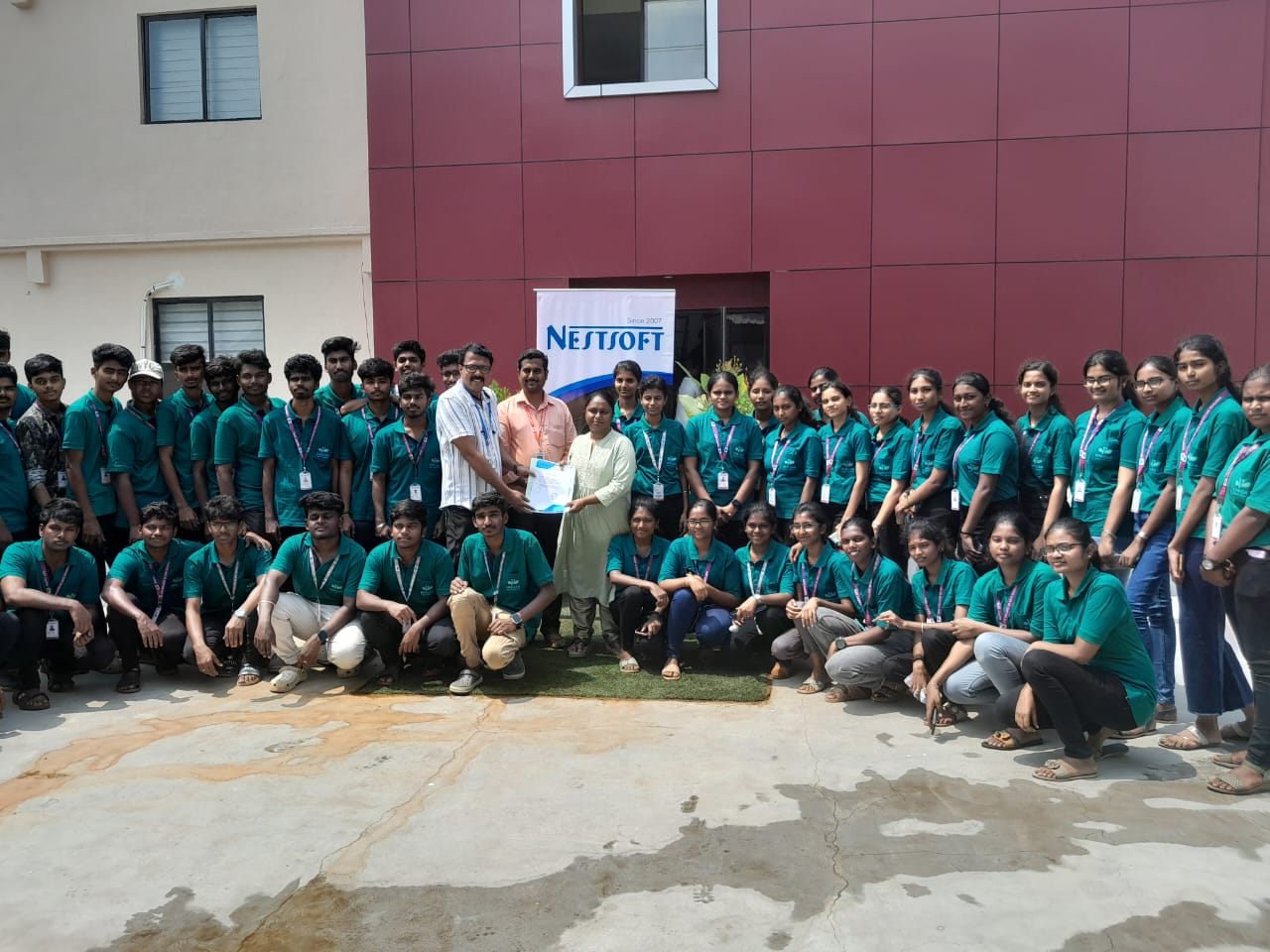
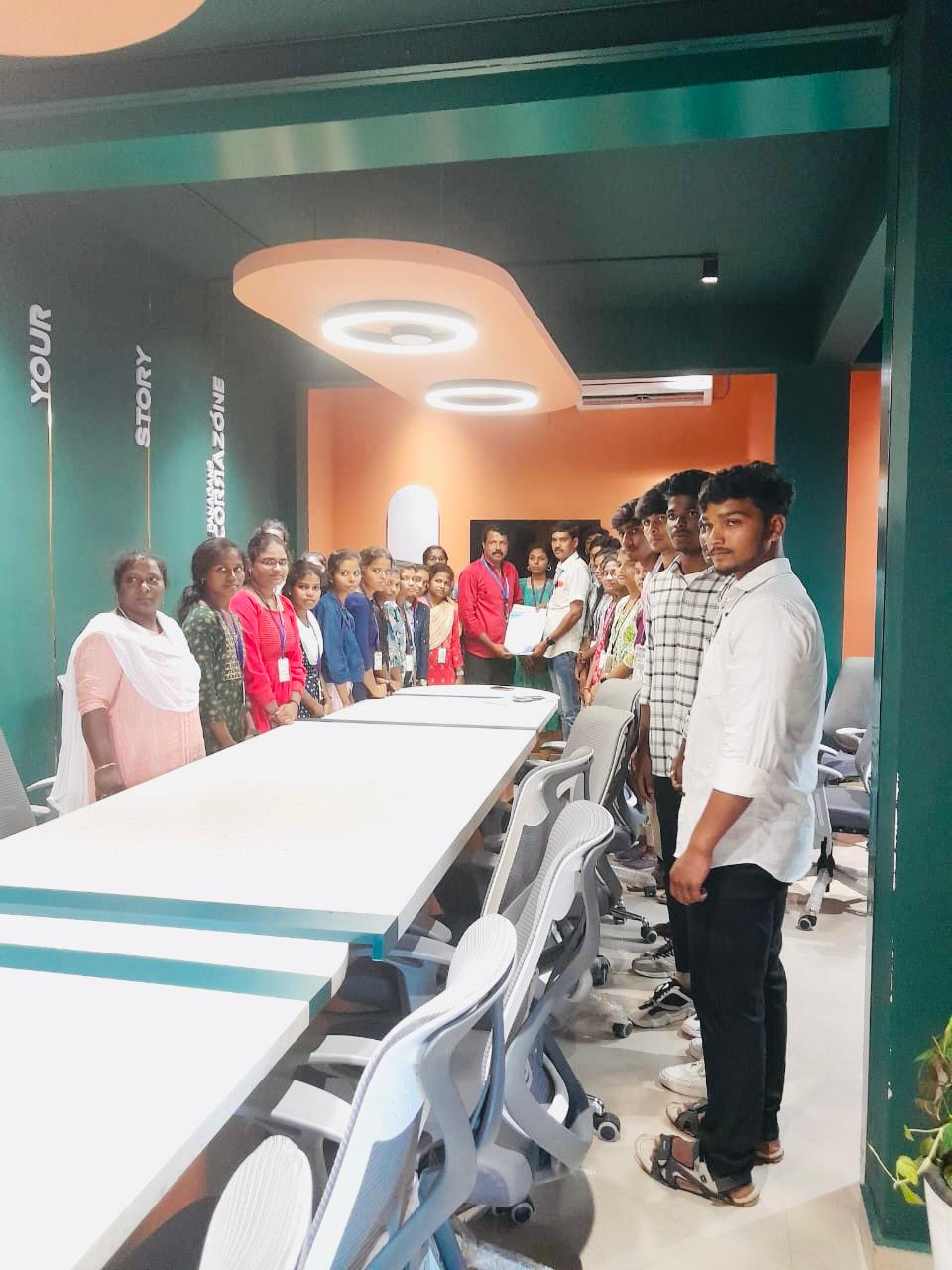
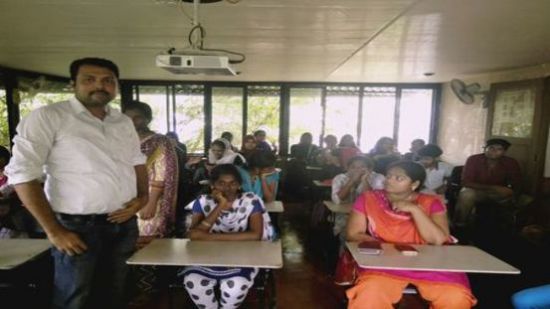
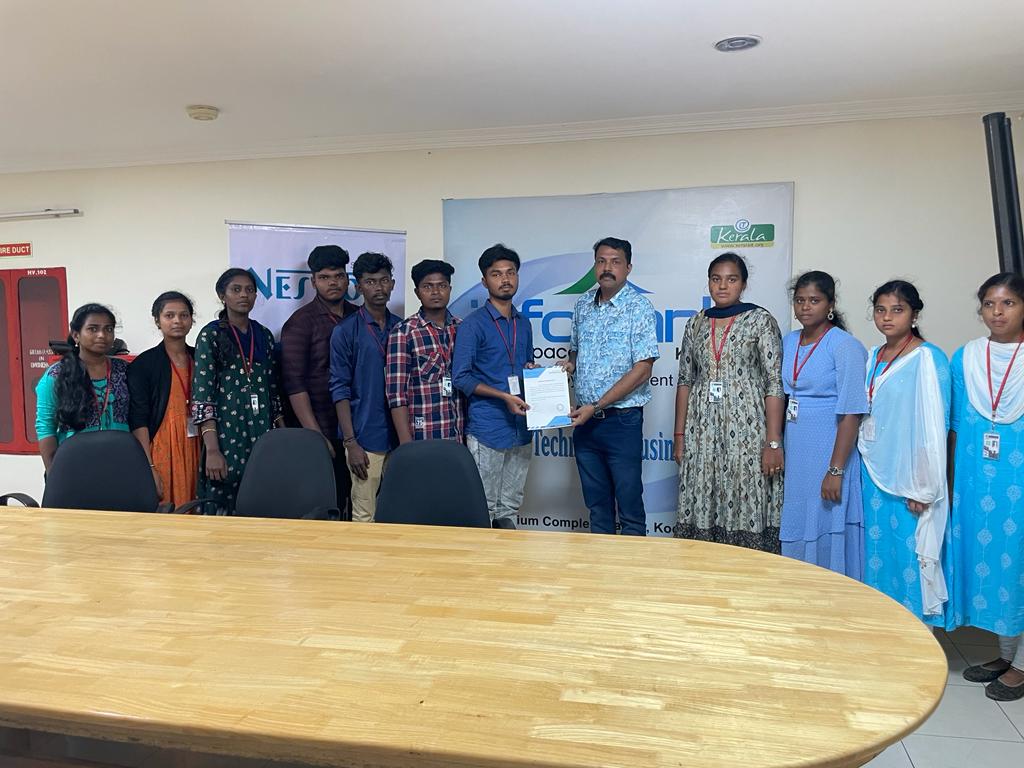
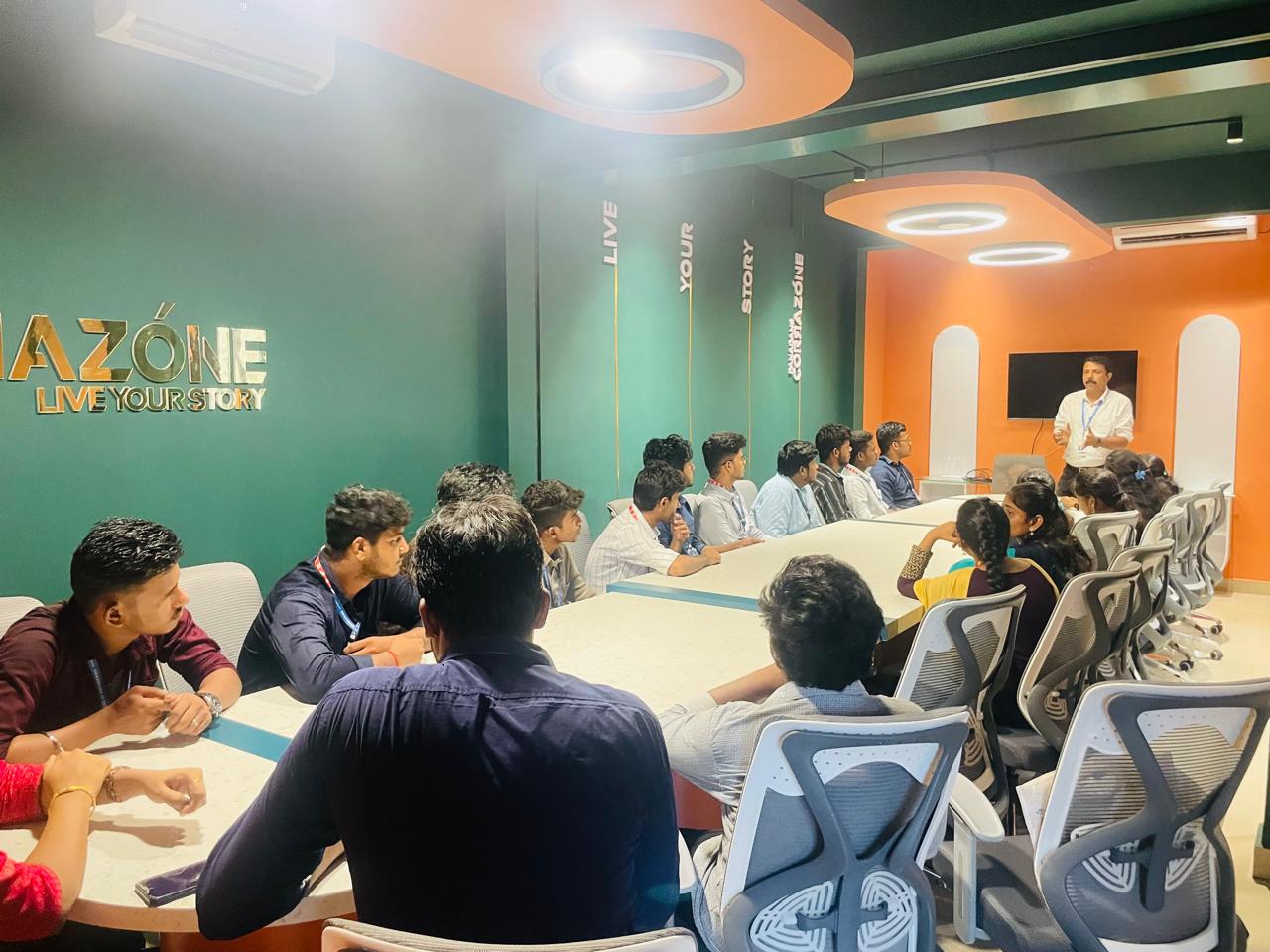
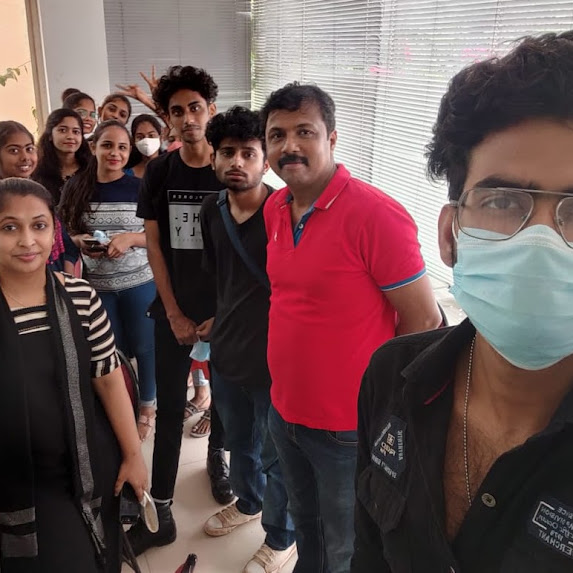
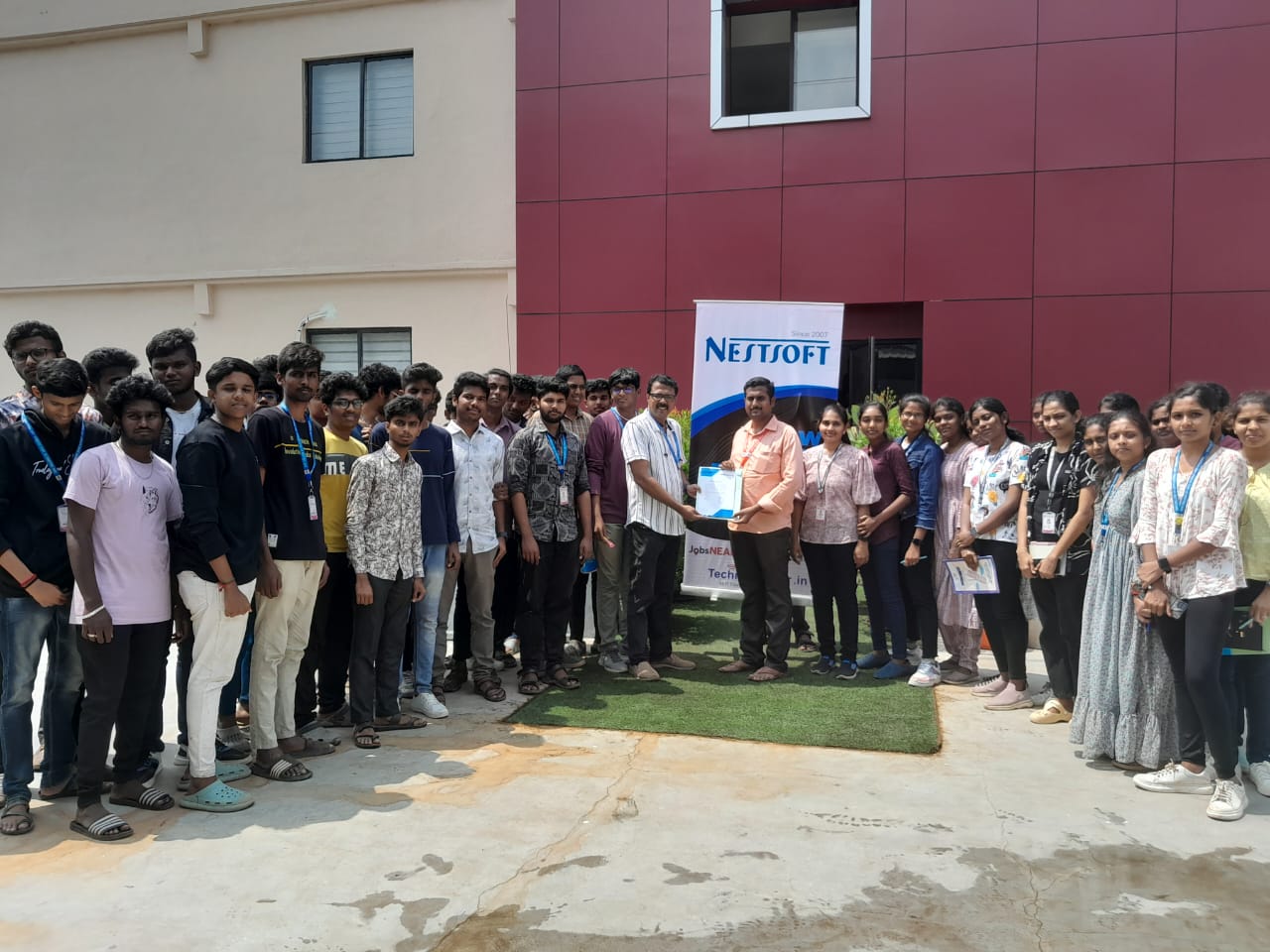
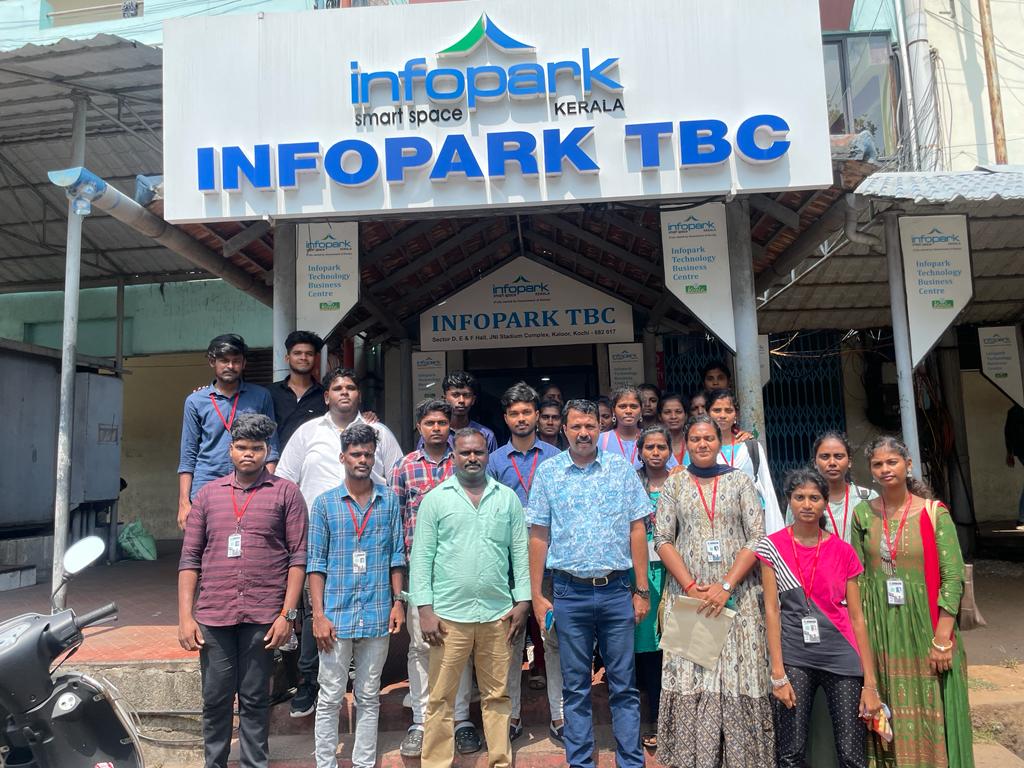
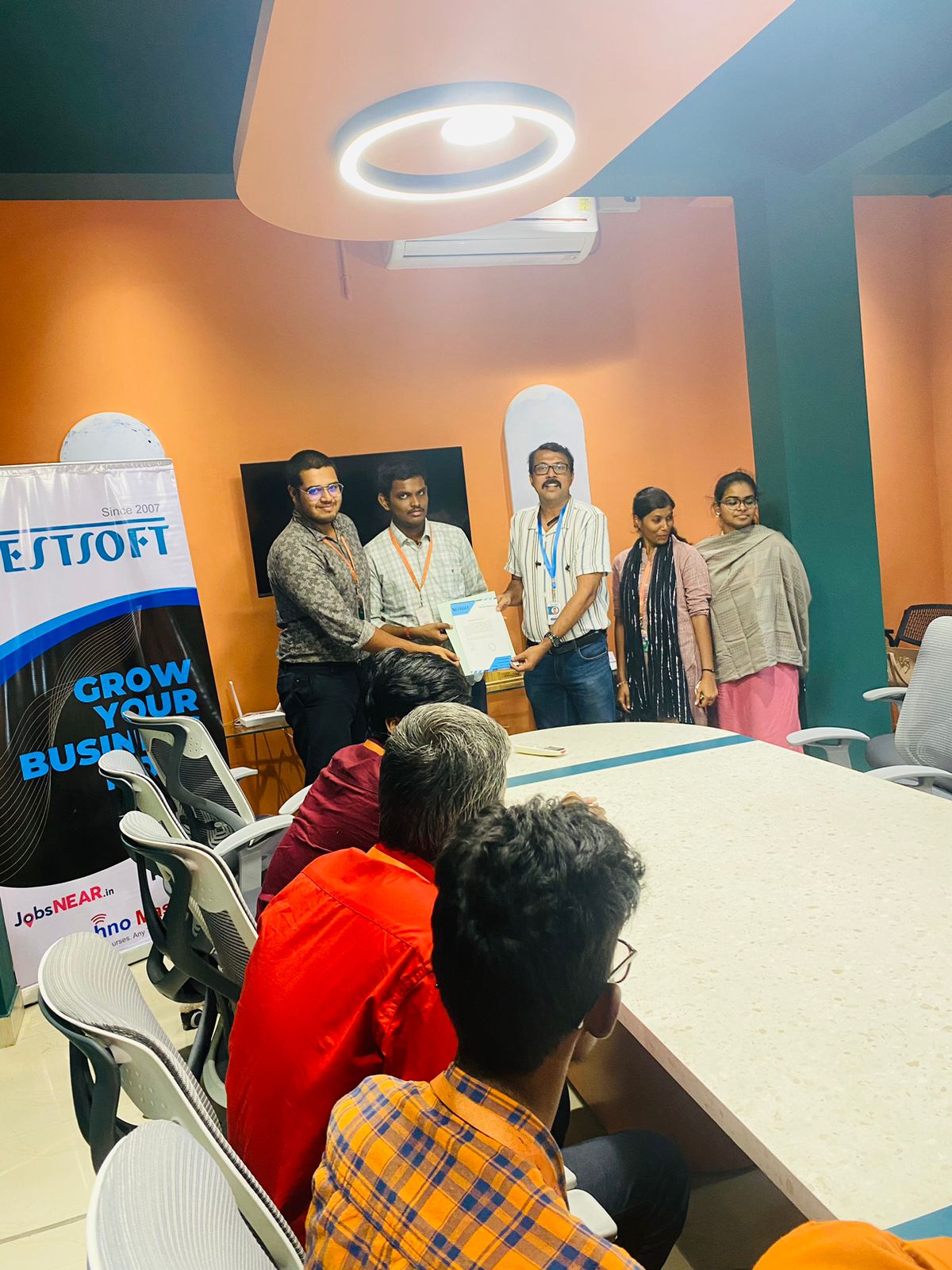
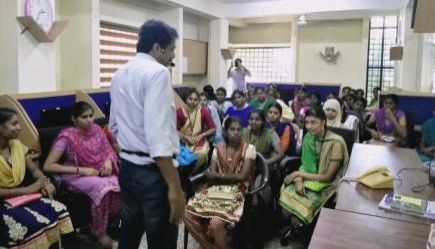
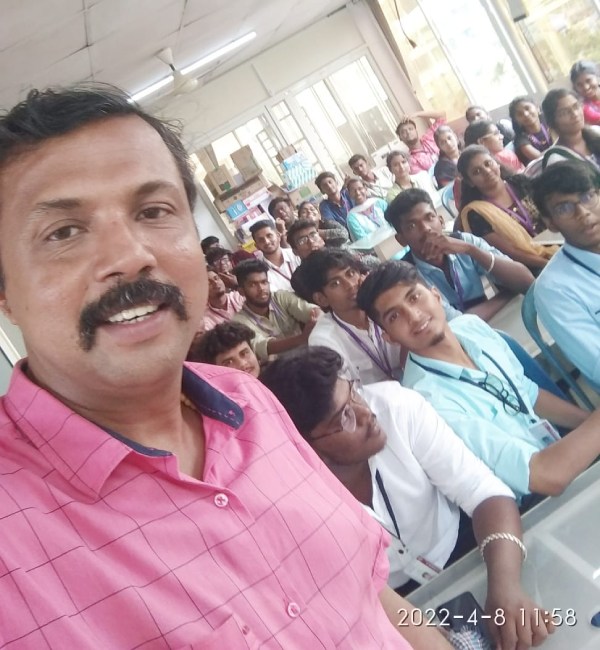
Photos of Training / Internships

Internship/projects in kerala

Trained more than 10000+ students who trust Nestsoft TechnoMaster

Get Your Personal Trainer