Send enquiry ⏎

UI/UX Design Online Live Class by Experts

Our Training/Internship Process

UI/UX Design Online Live Classes in Mumbai | Free Demo Training

UI/UX Design - Syllabus, Fees & Duration

Figma Syllabus (15 Hours)

      Module 1: Figma Fundamentals (3 Hours)

        Introduction to Figma

      • Understanding the Figma interface and tools.
      • Layers, frames, and pages.
      • Shapes, text, and alignment.

        Design Basics

      • Color theory and typography basics.
      • Grids and layout principles.
      Module 2: Prototyping with Figma (3 Hours)

        Wireframing Basics

      • Creating low-fidelity wireframes for mobile and web apps.

        Prototyping Features

      • Adding interactions and transitions.
      • Clickable prototypes for user testing.
      Module 3: Mobile App Design Project (4 Hours)

        Designing a Mobile App

      • Screens for a sample app (e.g., task manager or food delivery).
      • Login, home, and profile pages.

        Components and Variants

      • Reusable buttons, icons, and cards.
      • Typography and color styles.

        Prototyping and Feedback

      • Linking screens and testing navigation.
      Module 4: Web App Design Project (5 Hours)

        Designing a Web App

      • Landing page, login screen, and dashboard for a web app.
      • Auto-layout for responsive designs.

        Final Prototype

      • Responsive breakpoints for desktop, tablet, and mobile.
      • Functional prototype with interactions.
    Web Development Syllabus (15 Hours)
      Module 1: HTML, CSS, and Bootstrap Basics (5 Hours)

        HTML Fundamentals (2 Hours)

      • Structuring web pages (header, footer, sections).
      • Essential tags: headings, lists, images, and links tables etc..

        CSS Basics (2 Hours)

      • Styling text and layout using CSS.
      • Box model, positioning, and Flexbox basics.

        Bootstrap Basics (1 Hour)

      • Setting up Bootstrap in a project.
      • Grid system and responsive layouts.
      • Common components: navbar, buttons, and cards.
      Module 2: Responsive Landing Page Conversion (5 Hours)

        Figma to Code Workflow (2 Hours)

      • Importing Figma designs for reference.
      • Structuring HTML and CSS with Bootstrap.

        Responsive Design (3 Hours)

      • Using media queries and Bootstrap utilities.
      • Creating a responsive navigation bar and hero section.
      • Ensuring design consistency with the Figma prototype.
      Module 3: Interactivity with JavaScript & Advanced Bootstrap (3 Hours)

        JavaScript Basics

      • Adding interactivity with JavaScript (e.g., form validation).
      • Bootstrap JavaScript components: modals, dropdowns, and carousels.

        CSS Animations & Transitions

      • Enhancing visuals with hover effects and animations.
      Module 4: Final Project and Deployment (2 Hours)

        Final Project: Responsive Landing Page

      • Convert a complete Figma design into a functional landing page.
      • Use Bootstrap and JavaScript for responsiveness and interactivity.

        Hosting and Deployment

      • Publish the project online using GitHub Pages or Netlify.
      Deliverables

        Figma:

      • Prototyped mobile app and web app designs.

        Web Development:

      • Fully responsive landing page with Bootstrap and interactivity.
      • Hosted live project link.

Download Syllabus - UI/UX Design
This syllabus is not final and can be customized as per needs/updates
   
10000+
20+
50+
25+

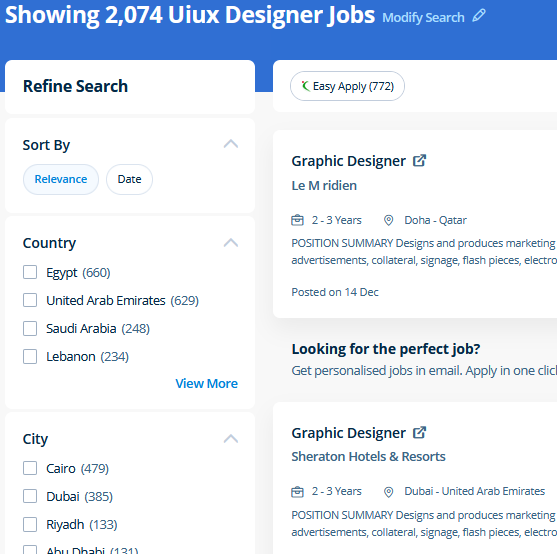
UI/UX Design Jobs in Mumbai

Enjoy the demand

Find jobs related to UI/UX Design in search engines (Google, Bing, Yahoo) and recruitment websites (monsterindia, placementindia, naukri, jobshybrid.com, indeed.co.in, shine.com etc.) based in Mumbai, chennai and europe countries. You can find many jobs for freshers related to the job positions in Mumbai.

  • ui designer
  • ux designer
  • ui/ux designer
  • ui/ux developer
  • graphic designer
  • multimedia creator
  • photoshop
  • adobe illustrator
  • web design
  • html developer

UI/UX Design Internship/Course Details

UI/UX Design internship jobs in Mumbai
UI/UX Design Nestsoft, Mumbai provides practical training on UI/UX Design course contains graphics software, html5, css, javascript, jquery etc. The outline of the course also contains the productive and helpful info on the correct and applicable utilization of the gradients, swatches and colors. For anyone who wants to do something productive in computers, Adobe Photoshop provides options that explore creativity . Nestsoft come up with the best bootstrap training inDubai include all the major topics such as HTML, and CSS, essentials, Bootstrap 3, Bootstrap 4, UI Bootstrap components, Bootstrap themes and will prepare strong fundamentals and proficient in bootstrap web development. Our live online classes are a friendly and supportive alternative to looking at video tutorials – you’re ready to ask queries and receive answers from a skilled Nestsoft tutor in real time. Usually, it produces the best products for a majority of the processing effects. knowledge of arrays and know-how of the data structure of the JavaScript is used for storing the data lists. Our JavaScript training course inDubai includes all the core Core topics such as Data Types, Object-oriented concepts, Variables, Functions, Conditions, HTML, CSS3, Loops, Syntax, and DOM Scripting under the training of Expert JavaScript professionals . Additionally as people who want to boost their current workflows to work quicker and more efficiently. Anatomy of a CSS ruleset Selecting multiple elements Different types of a selector Fonts and text Boxes, boxes, it’s all about boxes Changing the page color Sorting the body out Positioning and styling our main page title Centering the image Backgrounds and Borders Image values and replaced Content Text Effects 2D/3D Transformations Animations Multiple Column Layout User Interface .


Meet a Few of our Industry Experts 🚀 Your Pathway to IT Career

KAVERI

Mobile: +91 89210 61945
Location: Online (Mumbai, India)
Qualification: Msc cyber security

Experience: vulnerability assessment penetration testing risk assessment threat modeling ethical hacking etc worked with kerala police red team and senselearner pvt  more..

Aaryan

Mobile: +91 89210 61945
Location: Online (Mumbai, India)
Qualification: Graduate

Experience: I specialise in Java python and DSA and on the development side I'm proficient in android development in Java flutter  more..

Narendra

Mobile: +91 9895490866
Location: Online (Mumbai, India)
Qualification: Bsc

Experience: I have 6 months experience in muanal testing basics knowledge of automation testing  more..

Aditya

Mobile: +91 94975 90866
Location: Online (Mumbai, India)
Qualification: B.Tech

Experience: I'm good at C++ python java and also good in web development and Have achieved Good ratings in different different  more..

Vismaya

Mobile: +91 89210 61945
Location: Online (Mumbai, India)
Qualification: BCA + MEAN Fullstack Development

Experience: Completed MEAN fullstack development courseApplication for Meanstack Developer Mean Stack  more..

Anju

Mobile: +91 91884 77559
Location: Online (Mumbai, India)
Qualification: Btech

Experience: Python & django proficiency Frontend technologies Version controlling API development DBMS  more..

Yedhukrishna

Mobile: +91 89210 61945
Location: Online (Mumbai, India)
Qualification: Diploma in computer science

Experience: Automation and manual testing testcase preparation bug report smoke testing sanity testing testNG cucumber jira postman jmeter  more..

Soja

Mobile: +91 94975 90866
Location: Online (Mumbai, India)
Qualification: Btech

Experience: Software testing  more..

Tushar

Mobile: +91 94975 90866
Location: Online (Mumbai, India)
Qualification: Masters in computer science

Experience: Java Kotlin Android Studio UI design RoomDB Retrofit for Third party RestFul APIs and JSON Integration  more..

Sadiq

Mobile: +91 8301010866
Location: Online (Mumbai, India)
Qualification: B.E Electrical and electronics

Experience: WordPress design SEO SOCIAL MEDIA MARKETING GOOGLE ADS  more..

Rahul

Mobile: +91 91884 77559
Location: Online (Mumbai, India)
Qualification: BE/ECE

Experience: 5 month networking side overall troubleshooting network issue  more..

Rutuja

Mobile: +91 91884 77559
Location: Online (Mumbai, India)
Qualification: BE civil

Experience: 7 month experience in AutoCAD design consultant - HTJA and associates nashik  more..

Doigobinda

Mobile: +91 89210 61945
Location: Online (Mumbai, India)
Qualification: B-tech

Experience: Creation and modification storage account of azure vault creation File & Folder shearing with on premises system knowledge of Azure  more..

Mandeep

Mobile: +91 91884 77559
Location: Online (Mumbai, India)
Qualification: M.E in information security

Experience: - Leading information security domain that includes Application security Compliance Network security and Security incident response - Provide consulting for  more..

Praveen

Mobile: +91 98474 90866
Location: Online (Mumbai, India)
Qualification: Final year BBA, Digital marketing Executive

Experience: Working for two companies (Vedic Flavors Al- thahbya events Dubai) and 7month experience in Google Ads Campaigns and Website development  more..

Sona

Mobile: +91 98474 90866
Location: Online (Mumbai, India)
Qualification: B tech

Experience: Html css react l fresher  more..

Priyanka

Mobile: +91 9895490866
Location: Online (Mumbai, India)
Qualification: Bachelor’s of Engineering

Experience: Having 2 5 year of experience with software developer   more..

Sourab

Mobile: +91 91884 77559
Location: Online (Mumbai, India)
Qualification: B.Tech

Experience: Having 2 years of Experience in Android Development Worked with medical sector public sector and IT Sector Developed 7+ Android  more..

lingudu

Mobile: +91 9895490866
Location: Online (Mumbai, India)
Qualification: B.tech

Experience: AUTO CAD CATIA ANSYS basic C python  more..

ISHANI

Mobile: +91 8301010866
Location: Online (Mumbai, India)
Qualification: B. Tech

Experience: I have 2years working experience in android developer   more..

Amol

Mobile: +91 8301010866
Location: Online (Mumbai, India)
Qualification: Bsc computer science

Experience: I have 3 years of experience in software testing   more..

SUBHAM

Mobile: +91 8301010866
Location: Online (Mumbai, India)
Qualification: B.tech

Experience: 1 year work experience in cognizant technology solution' proficient in design Banner Poster leflets Facebook post by using Canva   more..

SUGANYA

Mobile: +91 91884 77559
Location: Online (Mumbai, India)
Qualification: BE

Experience: I have 6 month experience for software testing  more..

saurav

Mobile: +91 8301010866
Location: Online (Mumbai, India)
Qualification: BCA

Experience: Golang python Rust Backend postgres mongodb linux  more..

Success Stories

The enviable salary packages and track record of our previous students are the proof of our excellence. Please go through our students' reviews about our training methods and faculty and compare it to the recorded video classes that most of the other institutes offer. See for yourself how TechnoMaster is truly unique.

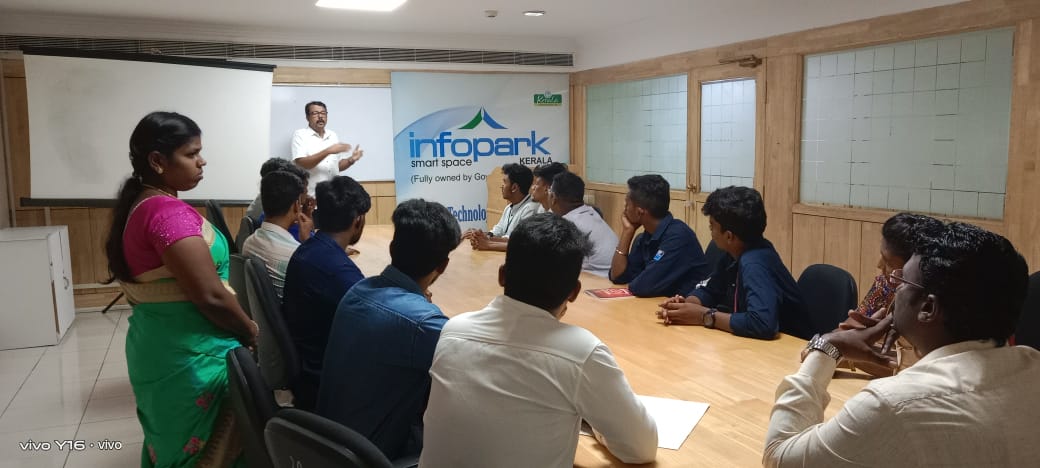
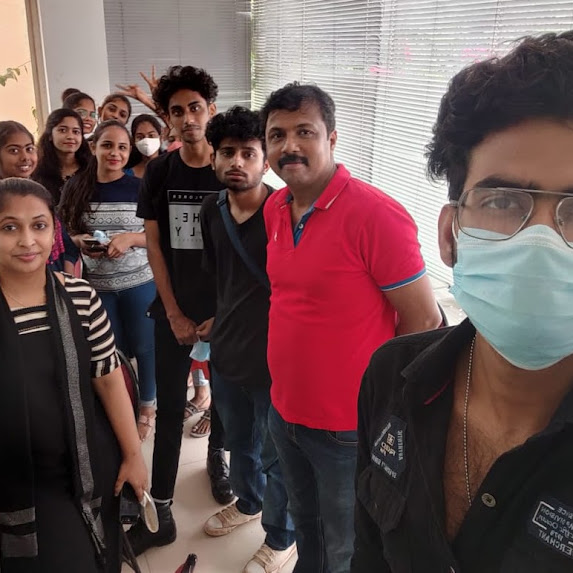
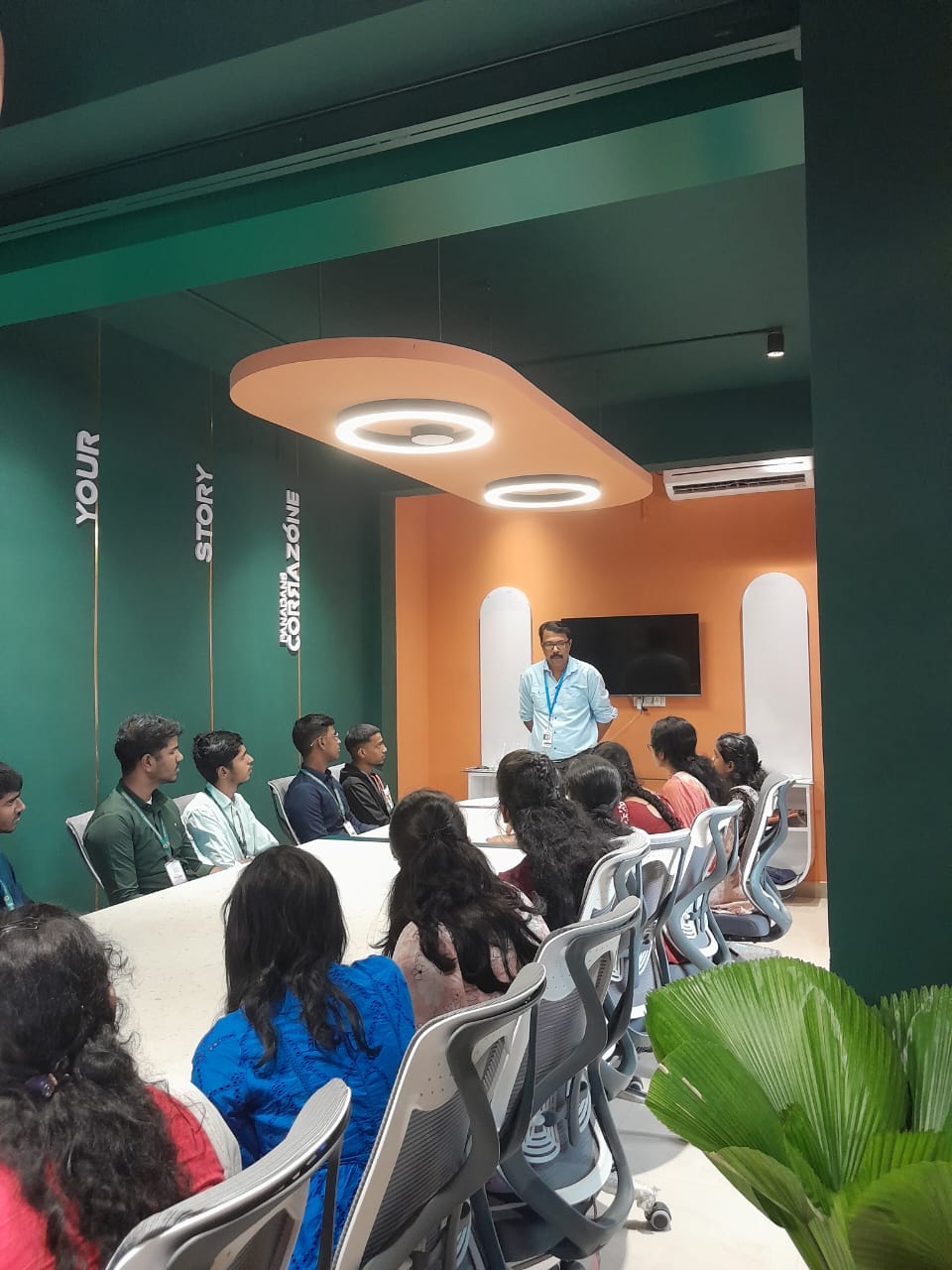
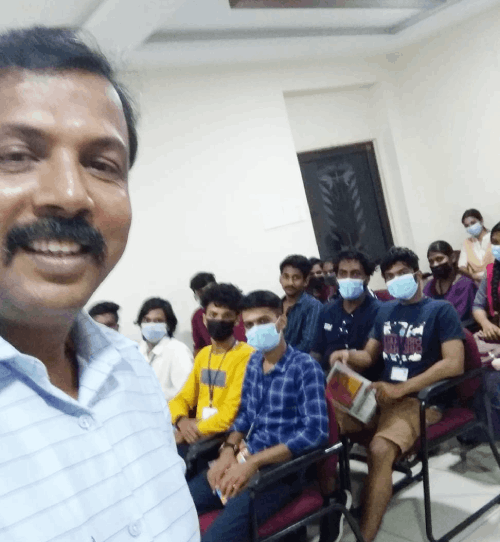
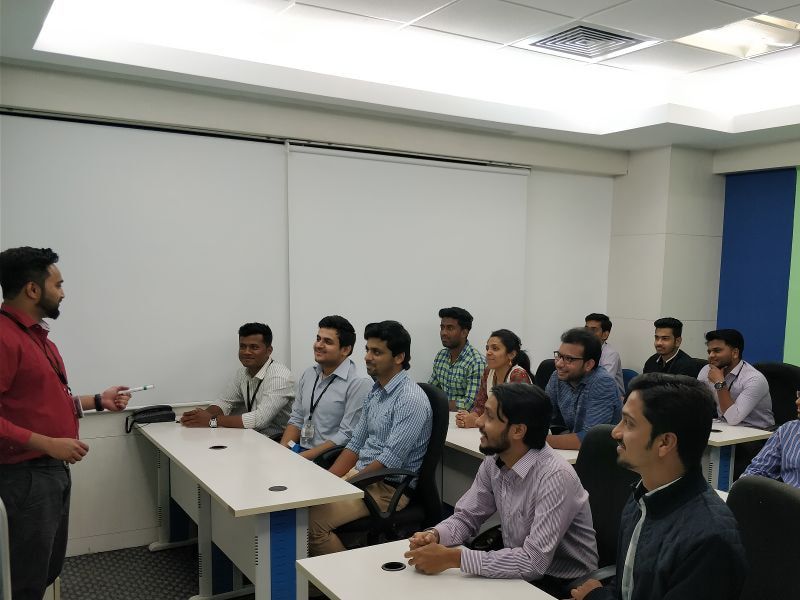
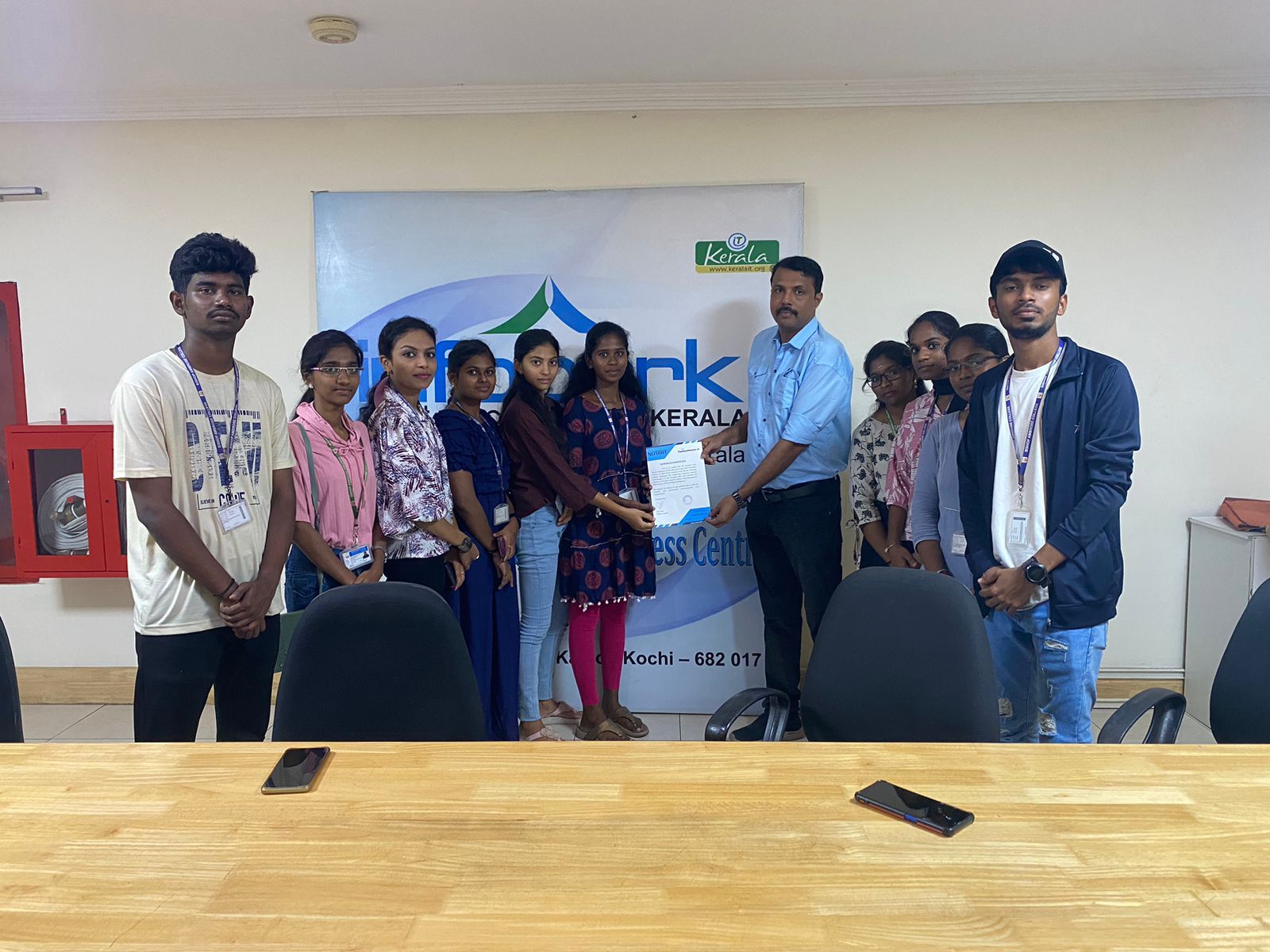
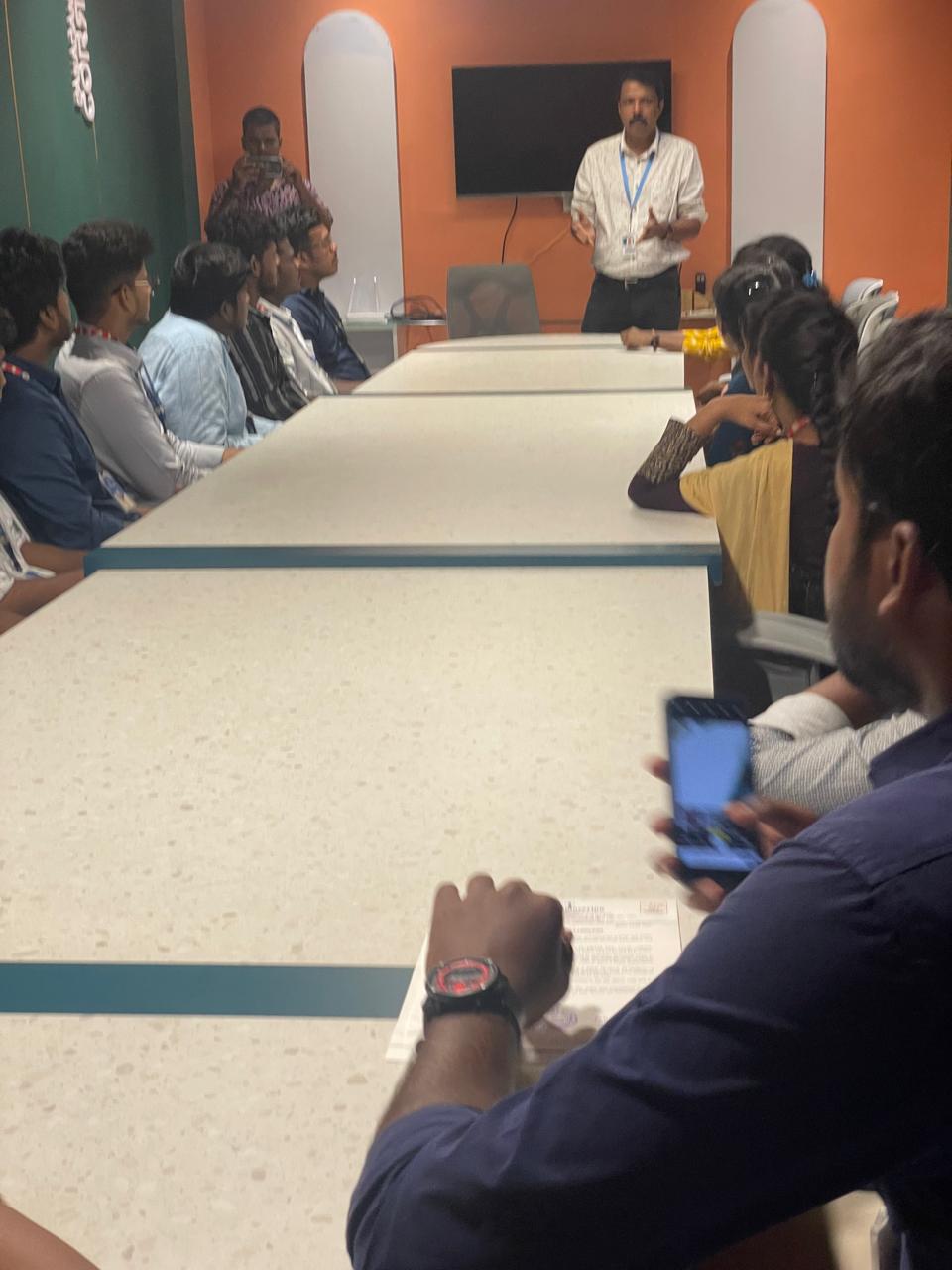
Photos of Training / Internships

Internship/projects in mumbai

Trained more than 10000+ students who trust Nestsoft TechnoMaster

Get Your Personal Trainer