Send enquiry ⏎

UI/UX Design Online Live Class by Experts

Our Training/Internship Process

UI/UX Design Online Live Classes in Kerala | Free Demo Training

UI/UX Design - Syllabus, Fees & Duration

Figma Syllabus (15 Hours)

      Module 1: Figma Fundamentals (3 Hours)

        Introduction to Figma

      • Understanding the Figma interface and tools.
      • Layers, frames, and pages.
      • Shapes, text, and alignment.

        Design Basics

      • Color theory and typography basics.
      • Grids and layout principles.
      Module 2: Prototyping with Figma (3 Hours)

        Wireframing Basics

      • Creating low-fidelity wireframes for mobile and web apps.

        Prototyping Features

      • Adding interactions and transitions.
      • Clickable prototypes for user testing.
      Module 3: Mobile App Design Project (4 Hours)

        Designing a Mobile App

      • Screens for a sample app (e.g., task manager or food delivery).
      • Login, home, and profile pages.

        Components and Variants

      • Reusable buttons, icons, and cards.
      • Typography and color styles.

        Prototyping and Feedback

      • Linking screens and testing navigation.
      Module 4: Web App Design Project (5 Hours)

        Designing a Web App

      • Landing page, login screen, and dashboard for a web app.
      • Auto-layout for responsive designs.

        Final Prototype

      • Responsive breakpoints for desktop, tablet, and mobile.
      • Functional prototype with interactions.
    Web Development Syllabus (15 Hours)
      Module 1: HTML, CSS, and Bootstrap Basics (5 Hours)

        HTML Fundamentals (2 Hours)

      • Structuring web pages (header, footer, sections).
      • Essential tags: headings, lists, images, and links tables etc..

        CSS Basics (2 Hours)

      • Styling text and layout using CSS.
      • Box model, positioning, and Flexbox basics.

        Bootstrap Basics (1 Hour)

      • Setting up Bootstrap in a project.
      • Grid system and responsive layouts.
      • Common components: navbar, buttons, and cards.
      Module 2: Responsive Landing Page Conversion (5 Hours)

        Figma to Code Workflow (2 Hours)

      • Importing Figma designs for reference.
      • Structuring HTML and CSS with Bootstrap.

        Responsive Design (3 Hours)

      • Using media queries and Bootstrap utilities.
      • Creating a responsive navigation bar and hero section.
      • Ensuring design consistency with the Figma prototype.
      Module 3: Interactivity with JavaScript & Advanced Bootstrap (3 Hours)

        JavaScript Basics

      • Adding interactivity with JavaScript (e.g., form validation).
      • Bootstrap JavaScript components: modals, dropdowns, and carousels.

        CSS Animations & Transitions

      • Enhancing visuals with hover effects and animations.
      Module 4: Final Project and Deployment (2 Hours)

        Final Project: Responsive Landing Page

      • Convert a complete Figma design into a functional landing page.
      • Use Bootstrap and JavaScript for responsiveness and interactivity.

        Hosting and Deployment

      • Publish the project online using GitHub Pages or Netlify.
      Deliverables

        Figma:

      • Prototyped mobile app and web app designs.

        Web Development:

      • Fully responsive landing page with Bootstrap and interactivity.
      • Hosted live project link.

Download Syllabus - UI/UX Design
This syllabus is not final and can be customized as per needs/updates
   
10000+
20+
50+
25+

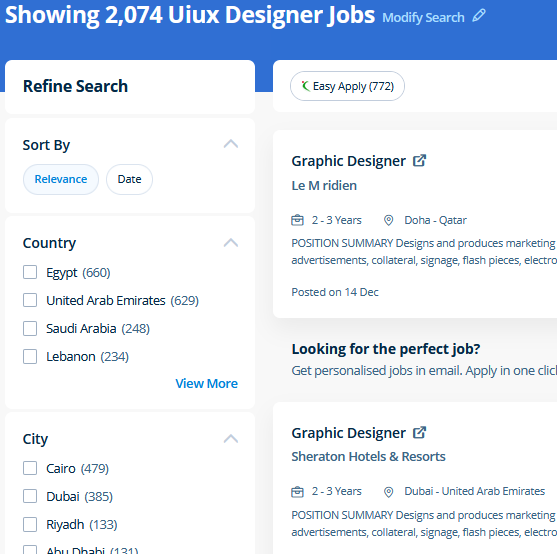
UI/UX Design Jobs in Kerala

Enjoy the demand

Find jobs related to UI/UX Design in search engines (Google, Bing, Yahoo) and recruitment websites (monsterindia, placementindia, naukri, jobshybrid.com, indeed.co.in, shine.com etc.) based in Kerala, chennai and europe countries. You can find many jobs for freshers related to the job positions in Kerala.

  • ui designer
  • ux designer
  • ui/ux designer
  • ui/ux developer
  • graphic designer
  • multimedia creator
  • photoshop
  • adobe illustrator
  • web design
  • html developer

UI/UX Design Internship/Course Details

UI/UX Design internship jobs in Kerala
UI/UX Design We offer Adobe InDesign training online that will prepare you for the Adobe Certified skilled Exam. Photoshop includes a selection of quality tools and is easily customizable to fit your work style. Our JavaScript training course inDubai includes all the core Core topics such as Data Types, Object-oriented concepts, Variables, Functions, Conditions, HTML, CSS3, Loops, Syntax, and DOM Scripting under the training of Expert JavaScript professionals . Nestsoft come up with the best bootstrap training inDubai include all the major topics such as HTML, and CSS, essentials, Bootstrap 3, Bootstrap 4, UI Bootstrap components, Bootstrap themes and will prepare strong fundamentals and proficient in bootstrap web development. Most of the print and screen designers use illustrator to create designs and artwork. Adobe Illustrators is a vector-based creative program designed for those involved with graphic design. Literally, you'll create anything with Adobe Photoshop software. Completing this CSS training at nessoft inDubai u can step ahead in your career as a website designer and create the latest interactive pages for your website viewers. Our CSS training course includes common CSS styling that you'll need when you start off designing your pages ,to position your elements, lay out your elements relative to your documents, and style your HTML using predefined CSS values. Our online training course in Dubai learn how a Vector application Creates shapes Composed of points, lines, and curves that are stored as mathematical instructions as opposed to a bitmap application, which creates shapes composed of pixel dots.


Meet a Few of our Industry Experts 🚀 Your Pathway to IT Career

RITHIKA

Mobile: +91 8301010866
Location: Online (Kerala, India)
Qualification: B.Tech

Experience: I am an aspiring UX Designer To boldly purse continuous learning and personal growth while creating user friendly products that  more..

Sinsy

Mobile: +91 98474 90866
Location: Online (Kerala, India)
Qualification: Btech IT

Experience: iOS developer  more..

Rutuja

Mobile: +91 89210 61945
Location: Online (Kerala, India)
Qualification: BE civil

Experience: 7 month experience in AutoCAD design consultant - HTJA and associates nashik  more..

Anuja

Mobile: +91 89210 61945
Location: Online (Kerala, India)
Qualification: B.E

Experience: C# asp net vb net MVC web api wcf wpf jquery ajax SQL dot net core azure javascript  more..

Gopika

Mobile: +91 91884 77559
Location: Online (Kerala, India)
Qualification: Btech in Computer Science and Engineering

Experience: Software testing manual testing test case preparation Bug report preparation sdlc STLC  more..

kummari

Mobile: +91 91884 77559
Location: Online (Kerala, India)
Qualification: bachelors of commerce

Experience: html css Javascript React js Github Sql python and by using the frotend technologies i can build interactive and dynamic  more..

AKash

Mobile: +91 89210 61945
Location: Online (Kerala, India)
Qualification: B.Tech in CSE-AI/ML

Experience: I am Akash Meruva currently pursuing a Computer Science degree at SRM University AP I am specialized in the exciting  more..

Suhaila

Mobile: +91 91884 77559
Location: Online (Kerala, India)
Qualification: Btech in computer science and engineering

Experience: Android application developer Java developer  more..

Kavya

Mobile: +91 8301010866
Location: Online (Kerala, India)
Qualification: MCA

Experience: java programing php mysql java Script css ML cloud computing and network security  more..

Gagandeep

Mobile: +91 94975 90866
Location: Online (Kerala, India)
Qualification: B. Sc animation multimedia

Experience: 4+ years experience in video editor line and also in graphic design line |   more..

Nikita

Mobile: +91 94975 90866
Location: Online (Kerala, India)
Qualification: Finally year

Experience: I am a CCNA developer and i have certified in CCNA training I am seeking for a job opportunity which  more..

Simran

Mobile: +91 91884 77559
Location: Online (Kerala, India)
Qualification: Bcom

Experience: I am seo executive for over last 9 5 months I am responsible for handling and overseeing on page off  more..

Aditya

Mobile: +91 9895490866
Location: Online (Kerala, India)
Qualification: B.Tech Computer science engineering

Experience: Enthusiastic and results-driven Graduate Web Developer with a proven track record in delivering high-quality website functionality and web application solutions  more..

Rahul

Mobile: +91 8301010866
Location: Online (Kerala, India)
Qualification: BE

Experience: Java c# net react node css html javascript  more..

Anubhav

Mobile: +91 91884 77559
Location: Online (Kerala, India)
Qualification: Msc (cs)

Experience: 2 years of Experience in website devlopment and also wordpress theme intregration knowledge of html css php core plugins payment  more..

Sandip

Mobile: +91 94975 90866
Location: Online (Kerala, India)
Qualification: Mca

Experience: C and cop Core java android flutter   more..

pratiksha

Mobile: +91 9895490866
Location: Online (Kerala, India)
Qualification: BE

Experience: Html5 CSS javascript jQuery bootstrap5 angular js api wordpress laravel php I have 4 years experience in web technologies nd  more..

nimagalu

Mobile: +91 98474 90866
Location: Online (Kerala, India)
Qualification: Btech

Experience: javascript react js html css  more..

Piyush

Mobile: +91 91884 77559
Location: Online (Kerala, India)
Qualification: BTech computer science and engineering

Experience: I have experience in problem solving through c++ and web development through mern stack where I have used react js  more..

Saumadip

Mobile: +91 98474 90866
Location: Online (Kerala, India)
Qualification: B.tech

Experience: Experienced Cyber Security Analyst with a passion for ethical hacking vulnerability assessment and penetration testing Skilled in delivering impactful cybersecurity  more..

Roshani

Mobile: +91 8301010866
Location: Online (Kerala, India)
Qualification: B.E

Experience: Kotlin android GitHub coroutine jetpack compose compose test rule  more..

Austin

Mobile: +91 8301010866
Location: Online (Kerala, India)
Qualification: Graduation

Experience: Experience No: 1 Digital Marketing Intern - Nearly 1 year of experience in digital marketing I had assisted in eCommerce  more..

Hala

Mobile: +91 94975 90866
Location: Online (Kerala, India)
Qualification: Btech computer science

Experience: Having 1 year and 5 month experience as odoo developer Strong knowledge in odoo modules and customization  more..

Nikita

Mobile: +91 94975 90866
Location: Online (Kerala, India)
Qualification: MCA

Experience: Quickblox • Retrofit • Asynctask • Stripe • Sms gateway • RoomDatabase • SQLite • Razorpay Integration • Push Notification  more..

Success Stories

The enviable salary packages and track record of our previous students are the proof of our excellence. Please go through our students' reviews about our training methods and faculty and compare it to the recorded video classes that most of the other institutes offer. See for yourself how TechnoMaster is truly unique.

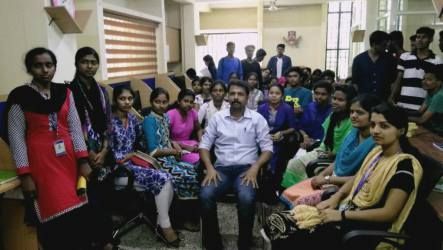
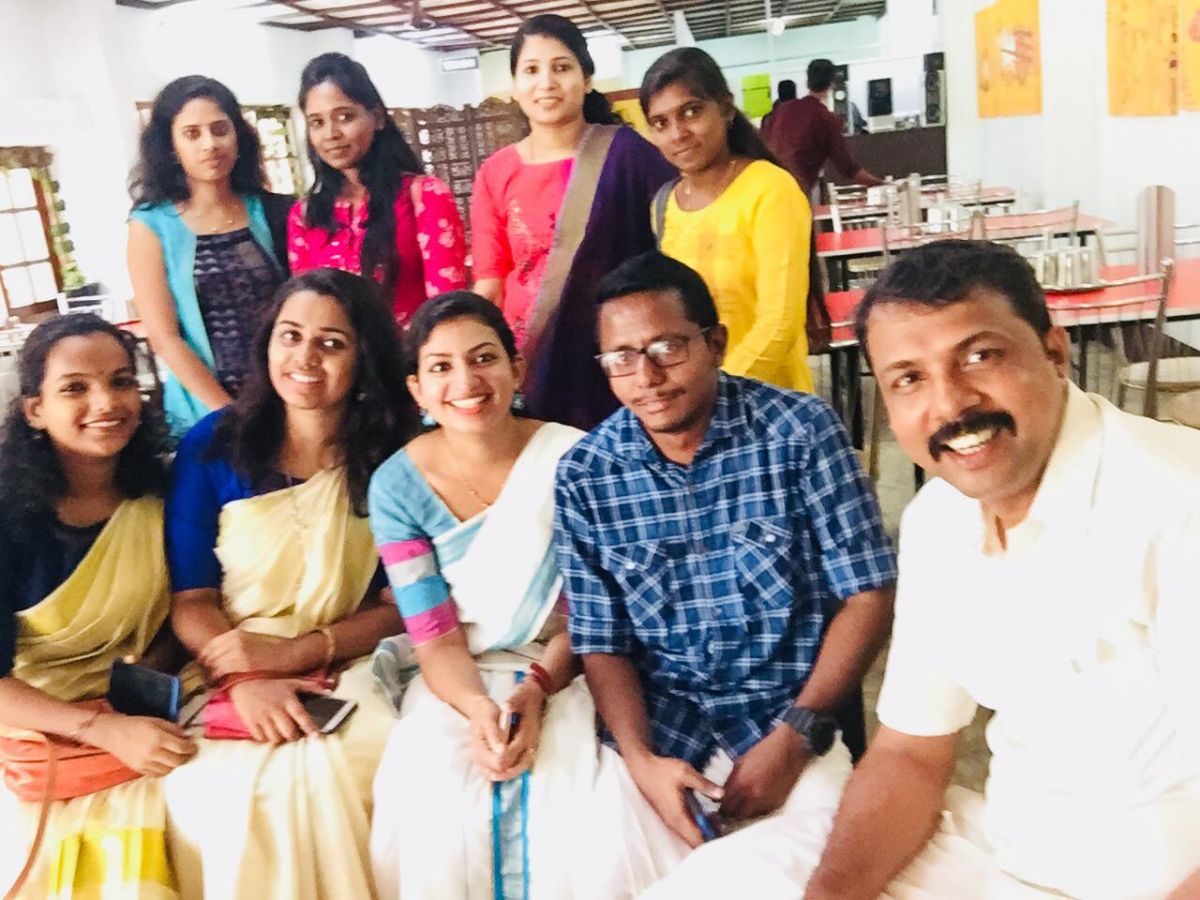
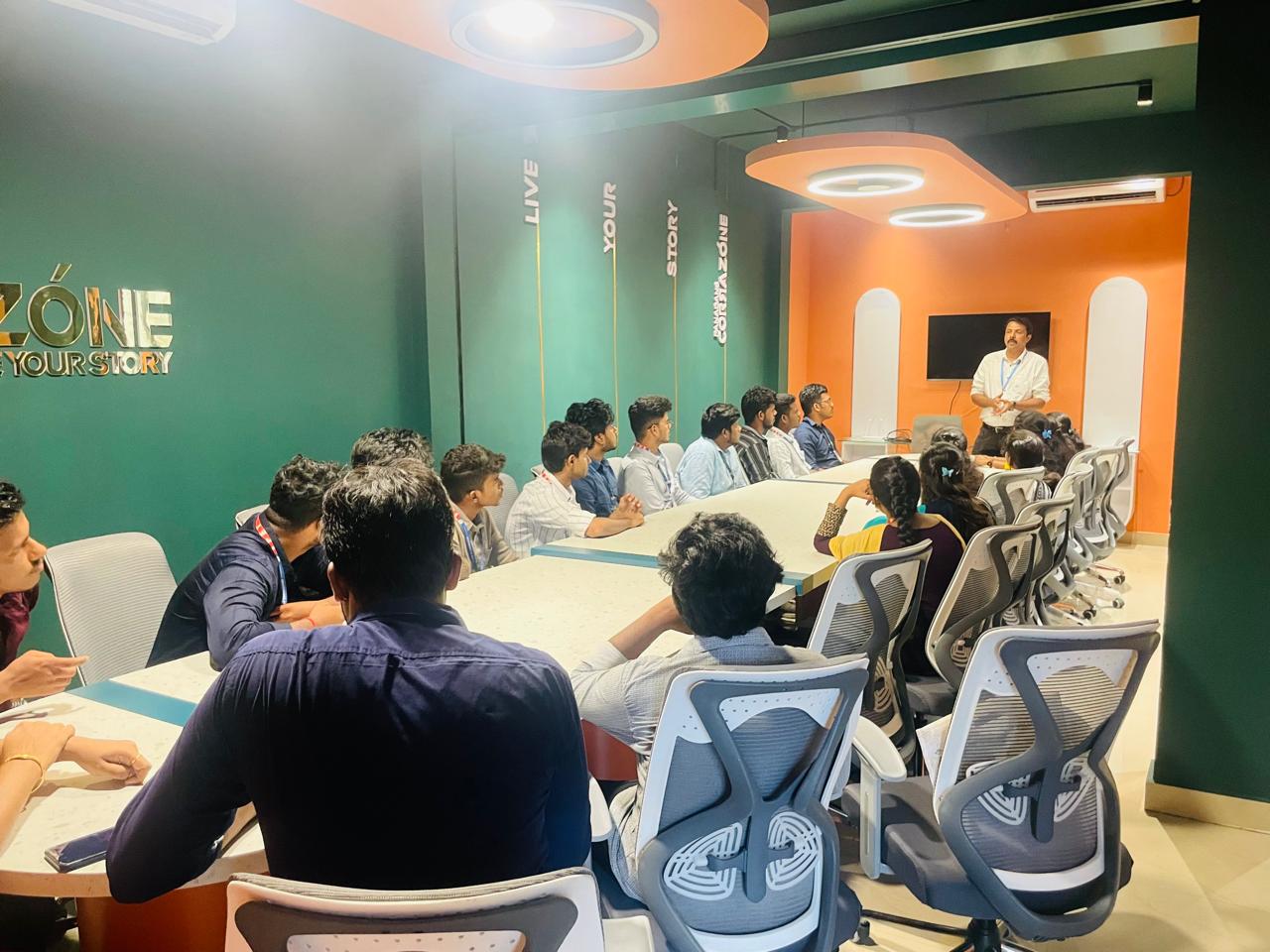
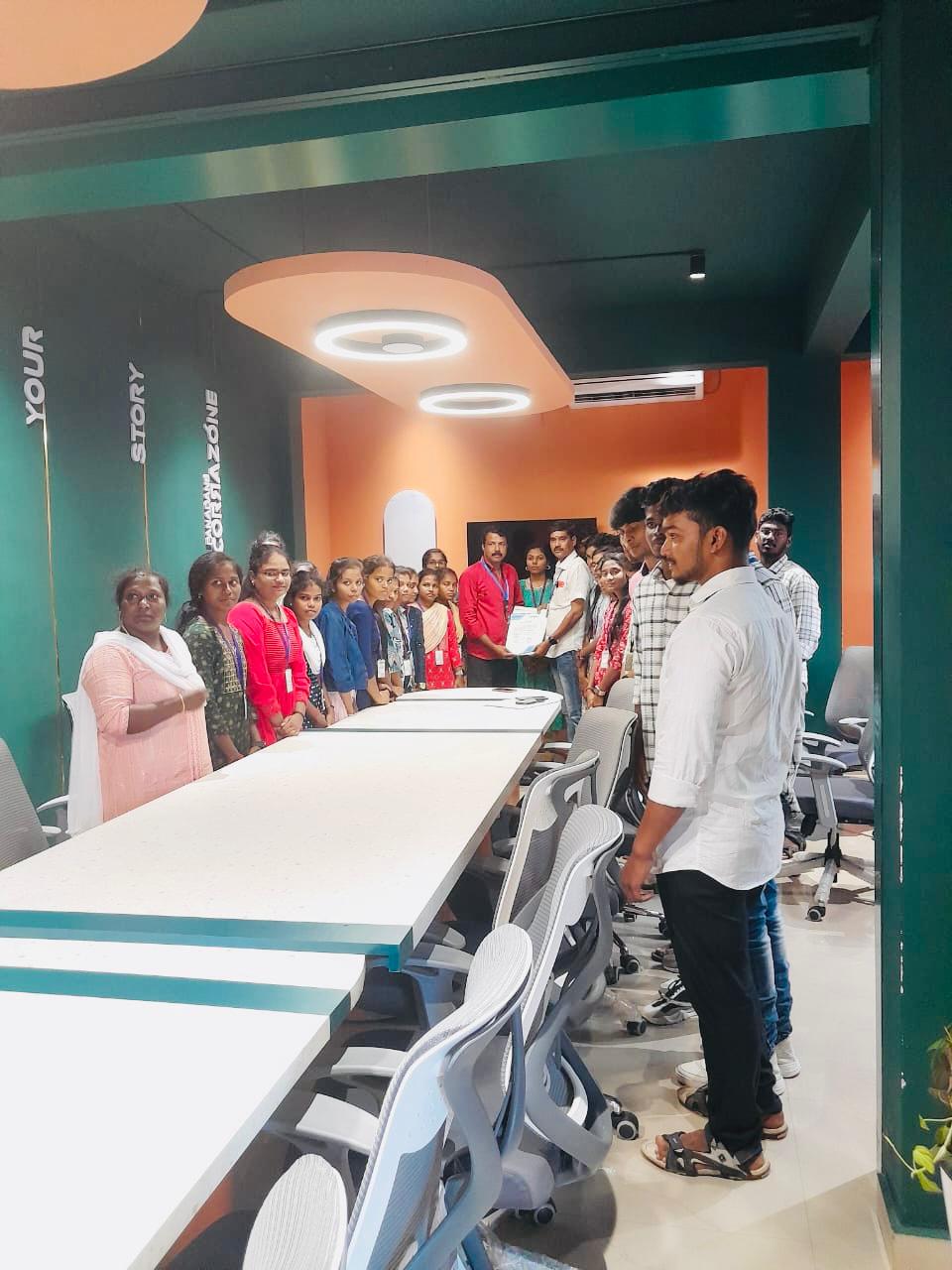
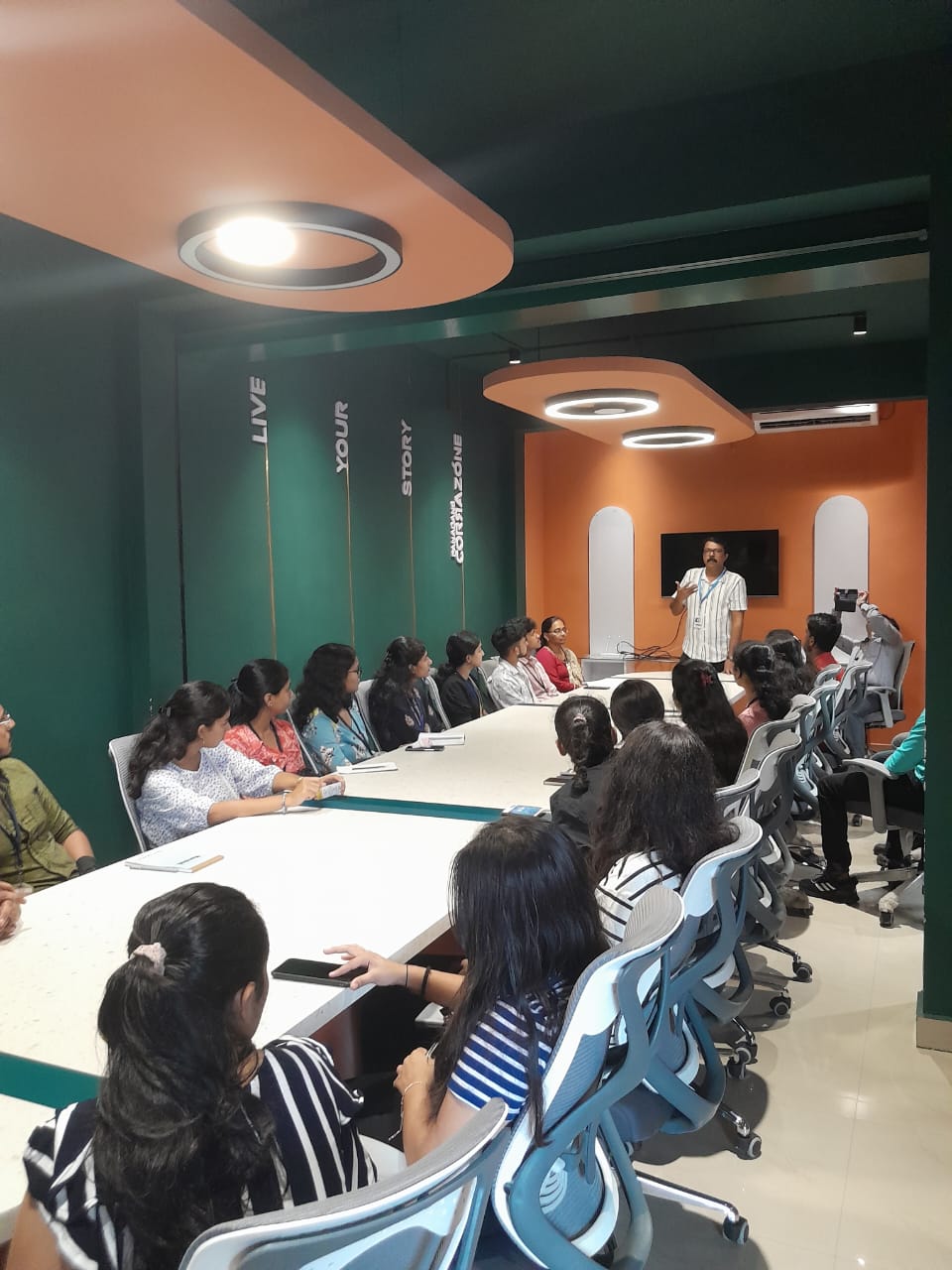
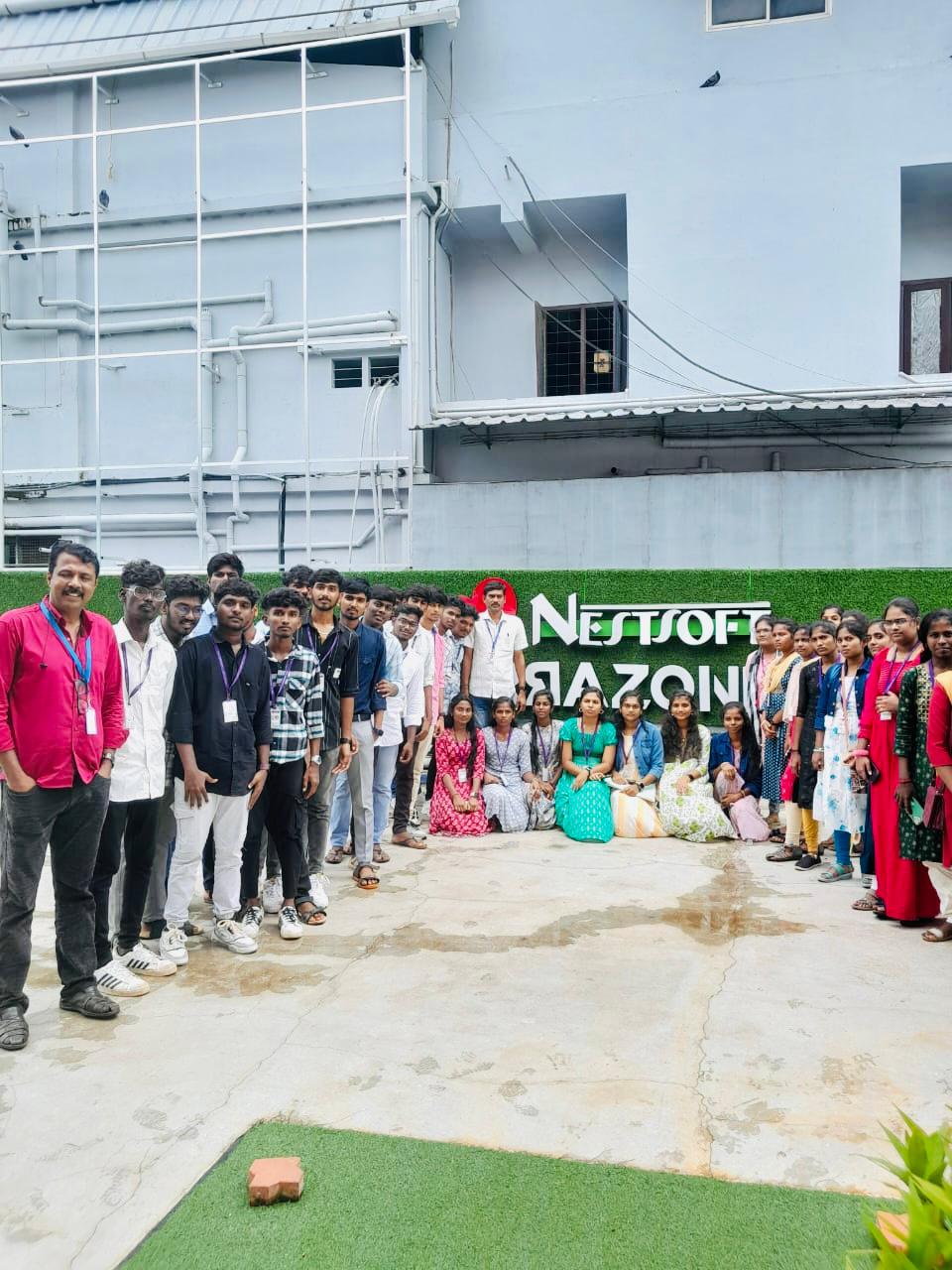
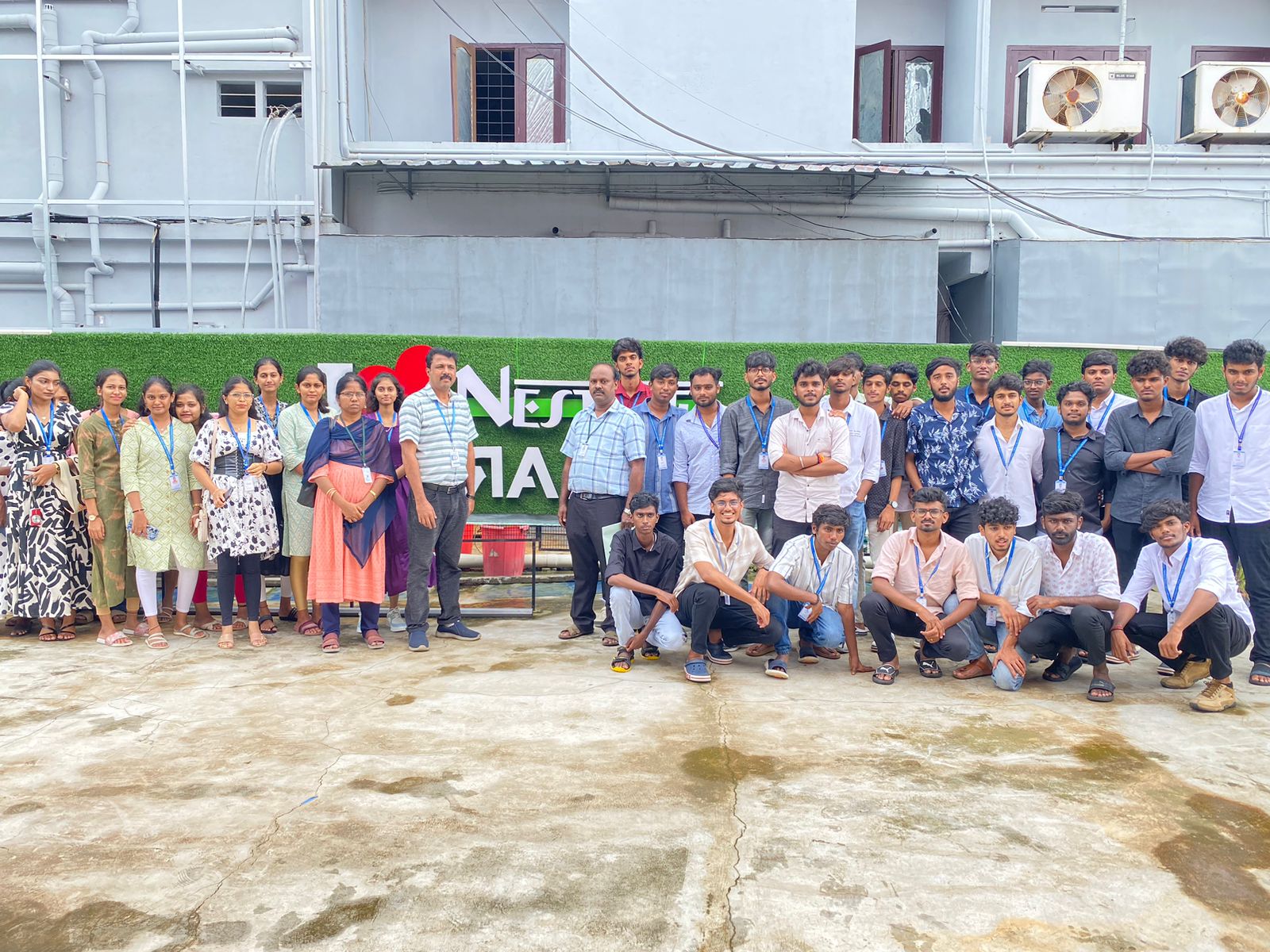
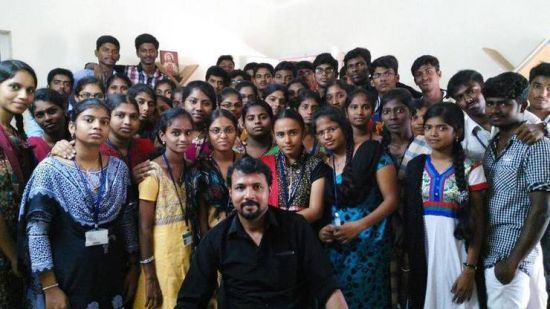
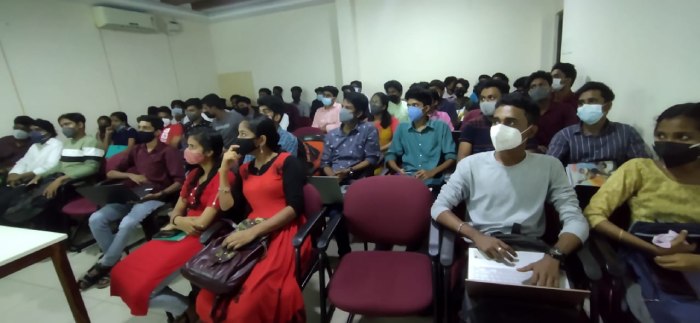
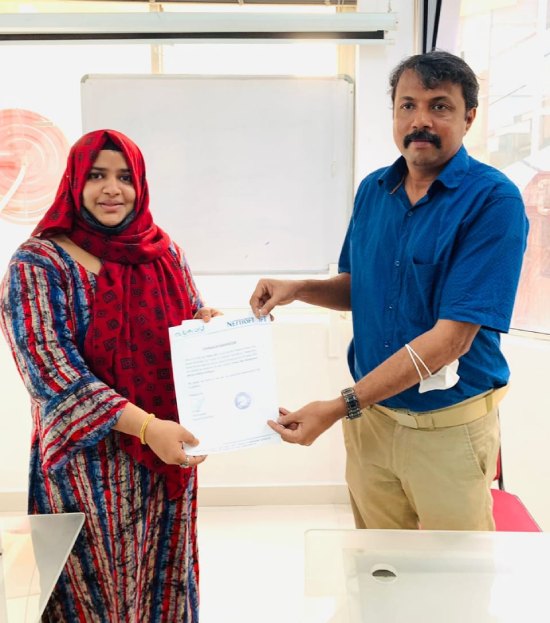
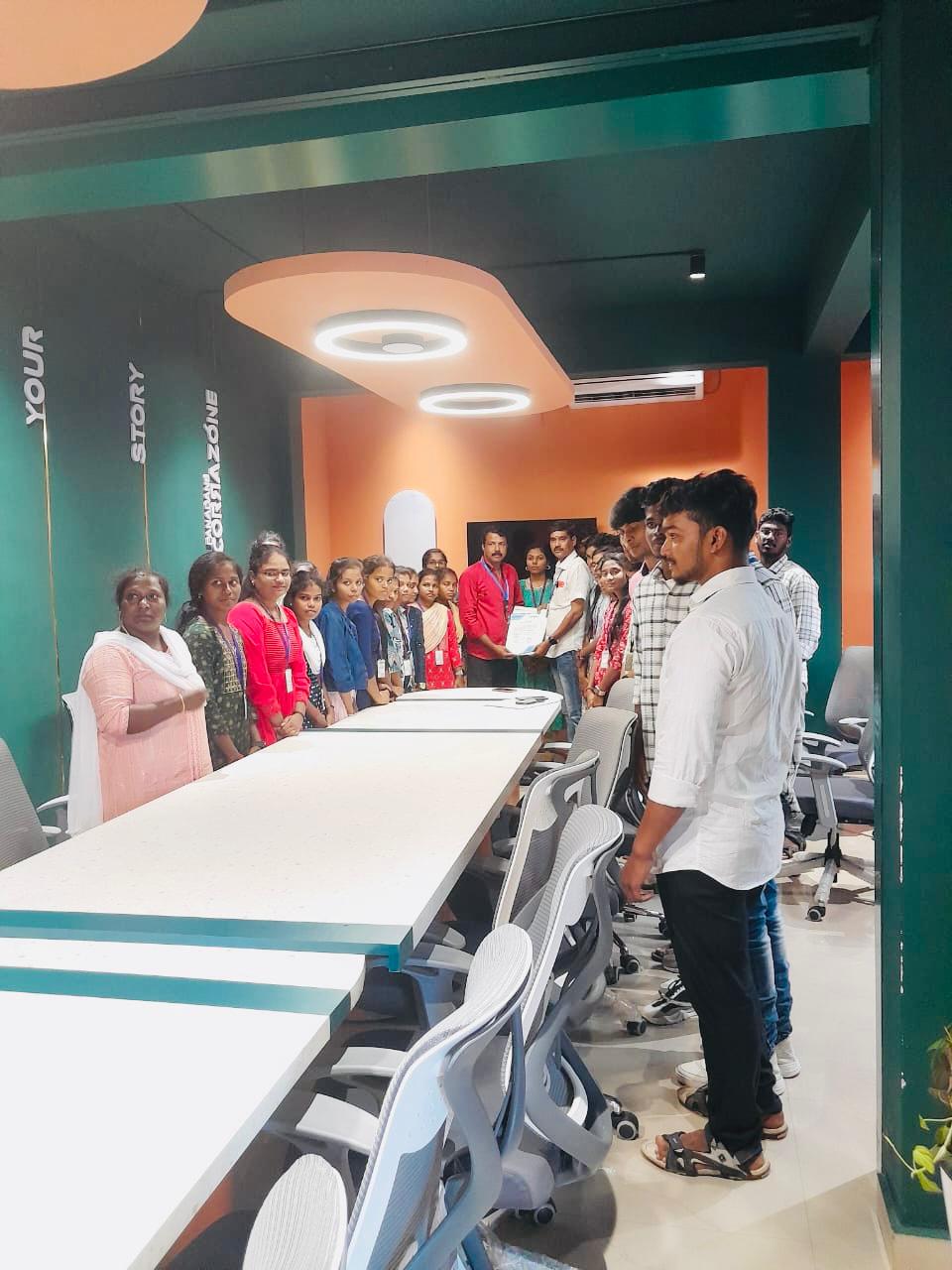
Photos of Training / Internships

Internship/projects in kerala

Trained more than 10000+ students who trust Nestsoft TechnoMaster

Get Your Personal Trainer