Send enquiry ⏎

UI/UX Design Online Live Class by Experts

Our Training/Internship Process

UI/UX Design Online Live Classes in Madurai | Free Demo Training

UI/UX Design - Syllabus, Fees & Duration

Figma Syllabus (15 Hours)

      Module 1: Figma Fundamentals (3 Hours)

        Introduction to Figma

      • Understanding the Figma interface and tools.
      • Layers, frames, and pages.
      • Shapes, text, and alignment.

        Design Basics

      • Color theory and typography basics.
      • Grids and layout principles.
      Module 2: Prototyping with Figma (3 Hours)

        Wireframing Basics

      • Creating low-fidelity wireframes for mobile and web apps.

        Prototyping Features

      • Adding interactions and transitions.
      • Clickable prototypes for user testing.
      Module 3: Mobile App Design Project (4 Hours)

        Designing a Mobile App

      • Screens for a sample app (e.g., task manager or food delivery).
      • Login, home, and profile pages.

        Components and Variants

      • Reusable buttons, icons, and cards.
      • Typography and color styles.

        Prototyping and Feedback

      • Linking screens and testing navigation.
      Module 4: Web App Design Project (5 Hours)

        Designing a Web App

      • Landing page, login screen, and dashboard for a web app.
      • Auto-layout for responsive designs.

        Final Prototype

      • Responsive breakpoints for desktop, tablet, and mobile.
      • Functional prototype with interactions.
    Web Development Syllabus (15 Hours)
      Module 1: HTML, CSS, and Bootstrap Basics (5 Hours)

        HTML Fundamentals (2 Hours)

      • Structuring web pages (header, footer, sections).
      • Essential tags: headings, lists, images, and links tables etc..

        CSS Basics (2 Hours)

      • Styling text and layout using CSS.
      • Box model, positioning, and Flexbox basics.

        Bootstrap Basics (1 Hour)

      • Setting up Bootstrap in a project.
      • Grid system and responsive layouts.
      • Common components: navbar, buttons, and cards.
      Module 2: Responsive Landing Page Conversion (5 Hours)

        Figma to Code Workflow (2 Hours)

      • Importing Figma designs for reference.
      • Structuring HTML and CSS with Bootstrap.

        Responsive Design (3 Hours)

      • Using media queries and Bootstrap utilities.
      • Creating a responsive navigation bar and hero section.
      • Ensuring design consistency with the Figma prototype.
      Module 3: Interactivity with JavaScript & Advanced Bootstrap (3 Hours)

        JavaScript Basics

      • Adding interactivity with JavaScript (e.g., form validation).
      • Bootstrap JavaScript components: modals, dropdowns, and carousels.

        CSS Animations & Transitions

      • Enhancing visuals with hover effects and animations.
      Module 4: Final Project and Deployment (2 Hours)

        Final Project: Responsive Landing Page

      • Convert a complete Figma design into a functional landing page.
      • Use Bootstrap and JavaScript for responsiveness and interactivity.

        Hosting and Deployment

      • Publish the project online using GitHub Pages or Netlify.
      Deliverables

        Figma:

      • Prototyped mobile app and web app designs.

        Web Development:

      • Fully responsive landing page with Bootstrap and interactivity.
      • Hosted live project link.

Download Syllabus - UI/UX Design
This syllabus is not final and can be customized as per needs/updates
   
10000+
20+
50+
25+

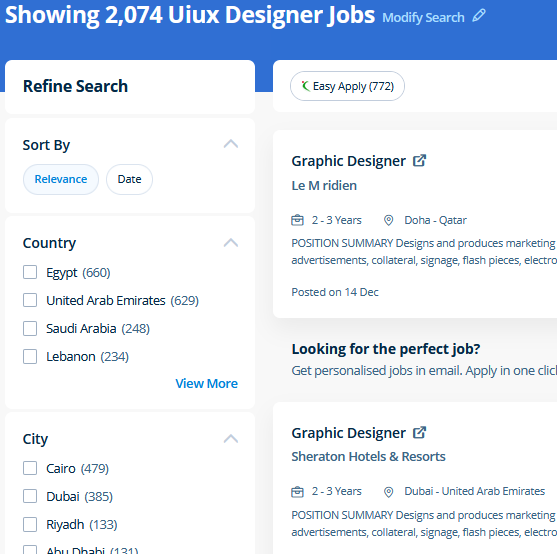
UI/UX Design Jobs in Madurai

Enjoy the demand

Find jobs related to UI/UX Design in search engines (Google, Bing, Yahoo) and recruitment websites (monsterindia, placementindia, naukri, jobshybrid.com, indeed.co.in, shine.com etc.) based in Madurai, chennai and europe countries. You can find many jobs for freshers related to the job positions in Madurai.

  • ui designer
  • ux designer
  • ui/ux designer
  • ui/ux developer
  • graphic designer
  • multimedia creator
  • photoshop
  • adobe illustrator
  • web design
  • html developer

UI/UX Design Internship/Course Details

UI/UX Design internship jobs in Madurai
UI/UX Design Our aim is that each delegate leaves our InDesign Course with the confidence to apply their new skills effectively within the real world. Adobe Illustrators is a vector-based creative program designed for those involved with graphic design. Our featured training constitute: Object Oriented JavaScript Functional Programming Asynchronous Programming in JavaScript sync with the recent standards that are set in the Web Development industry. Our core features of the bootstrap training in Dubai includes: Design layouts adhering to a fluid grid Understand how the HTML, CSS and JavaScript components of Bootstrap work Customise a Bootstrap installation Optimise a Bootstrap design for target device features Create responsive images and graphics . Completing this CSS training at nessoft inDubai u can step ahead in your career as a website designer and create the latest interactive pages for your website viewers. concepts such as clusters, variables, operators, functions, and control structure in JavaScript Demonstrable knowledge of Functions - Passing the data to functions, JavaScript Function Syntax, Concise Body syntax, Return Keyword, and ES6 arrow functions basics of jQuery that assist you to boost your skills in Scriptwriting. Our CSS training course includes common CSS styling that you'll need when you start off designing your pages ,to position your elements, lay out your elements relative to your documents, and style your HTML using predefined CSS values. The outline of the course also contains the productive and helpful info on the correct and applicable utilization of the gradients, swatches and colors. You make changes to the files using Photoshop and directly use the outputs from that software. There are numerous extra capabilities to be had to personalize the graphics being created via this system as well.


Meet a Few of our Industry Experts 🚀 Your Pathway to IT Career

Ravi

Mobile: +91 89210 61945
Location: Online (Madurai, India)
Qualification: Diploma

Experience: I have a Total 2 years of experience 6 months internship for MEAN stack 1st year worked as a mean  more..

ABHIRAMI

Mobile: +91 89210 61945
Location: Online (Madurai, India)
Qualification: Btech

Experience: Done software testing internship of 6 months in TECHMASTERS  more..

Rajakani

Mobile: +91 8301010866
Location: Online (Madurai, India)
Qualification: Mca

Experience: As im fresher I did my software testing Java selenium python   more..

Pooja

Mobile: +91 91884 77559
Location: Online (Madurai, India)
Qualification: BE

Experience: 7+ Experience in QA testing Manual Testing Mobile Application testing (Android & IOS) JIRA HPALM SDLC STLC Exposure to Mainframe  more..

Bhavani

Mobile: +91 91884 77559
Location: Online (Madurai, India)
Qualification: B Tech

Experience: I am writing to express my interest in the Dot Net developer position and I am excited about the opportunity  more..

Isha

Mobile: +91 9895490866
Location: Online (Madurai, India)
Qualification: Mca

Experience: I have a good technical knowledge of java C my sql and well versed with web technology like html css  more..

Sanu

Mobile: +91 98474 90866
Location: Online (Madurai, India)
Qualification: Graduation On Going

Experience: I have 3+ years of experience in web design field In Web I Know Html CSS JavaScript jQuery Bootstrap Framework  more..

uttam

Mobile: +91 98474 90866
Location: Online (Madurai, India)
Qualification: Btech in electrical engineering

Experience: technical support vmware win server networking active drectory   more..

Shaik

Mobile: +91 89210 61945
Location: Online (Madurai, India)
Qualification: Bcom computers

Experience: 1 year of experience in front end development my skills are html css javascript react js wix   more..

Dnyaneshwar

Mobile: +91 91884 77559
Location: Online (Madurai, India)
Qualification: BE E& TC

Experience: Palo alto firewall ccna course vlan VTP ipsec ip tcp switch &router configuration |   more..

Hetvi

Mobile: +91 89210 61945
Location: Online (Madurai, India)
Qualification: BCA

Experience: I am skilled wordpress developer with intesne knowledge of digital marketing and SEO I have high proficiency in english language  more..

KHAJARAFI

Mobile: +91 98474 90866
Location: Online (Madurai, India)
Qualification: mca

Experience: This is khajarafi Shaik having 8+experience as a TechnicalTrainer I can able to deliver the training on Corejava Advjava Struts  more..

Vishal

Mobile: +91 94975 90866
Location: Online (Madurai, India)
Qualification: Diploma

Experience: I have 2 years of experience in product designing I use framer and Figma for Ui design I’m curr Working  more..

Yash

Mobile: +91 98474 90866
Location: Online (Madurai, India)
Qualification: Btech

Experience: Front end developer Data structures and algorithms backend developer C++ programming  more..

Siddhardha

Mobile: +91 91884 77559
Location: Online (Madurai, India)
Qualification: Btech

Experience: I know python language sql   more..

Aparna

Mobile: +91 89210 61945
Location: Online (Madurai, India)
Qualification: Btech CSE

Experience: Skilled with core java automation testing with selenium java objective c  more..

Ankita

Mobile: +91 91884 77559
Location: Online (Madurai, India)
Qualification: B-Tech (Information Technology)

Experience: Skill:-C programming language CPP SQL CoreJava HTML CSS Exprience:-Recently I completed My 6 month Internship in August from National Institute  more..

Mohammed

Mobile: +91 91884 77559
Location: Online (Madurai, India)
Qualification: MBA

Experience: I have 5 years of hands-on experience in supply chain management covering international shipping logistics warehousing process analytics and operations  more..

RITIK

Mobile: +91 9895490866
Location: Online (Madurai, India)
Qualification: B. Tech

Experience: I am a computer science graduate with a strong passion for software engineering My goal is to secure a challenging  more..

Prachi

Mobile: +91 8301010866
Location: Online (Madurai, India)
Qualification: B.Tech

Experience: Dear HR I'm pursuing Bachelor's of Technology in Computer Science from Shambhunath Institute of Engineering and Technology Allahabad I have  more..

KOMAL

Mobile: +91 9895490866
Location: Online (Madurai, India)
Qualification: Masters in Electronics and Telecommunication Engineering

Experience: Azure Data Factory Azure Databricks synapse keyvault pyspark SQL python  more..

Bhuvan

Mobile: +91 91884 77559
Location: Online (Madurai, India)
Qualification: BE

Experience: Web developer java python  more..

Nikita

Mobile: +91 98474 90866
Location: Online (Madurai, India)
Qualification: MCA

Experience: Quickblox • Retrofit • Asynctask • Stripe • Sms gateway • RoomDatabase • SQLite • Razorpay Integration • Push Notification  more..

Pavan

Mobile: +91 8301010866
Location: Online (Madurai, India)
Qualification: Bachelor of computer science

Experience: Java Developer Spring Spring Boot Jsp Servlet Html css java script react js mysql  more..

Success Stories

The enviable salary packages and track record of our previous students are the proof of our excellence. Please go through our students' reviews about our training methods and faculty and compare it to the recorded video classes that most of the other institutes offer. See for yourself how TechnoMaster is truly unique.

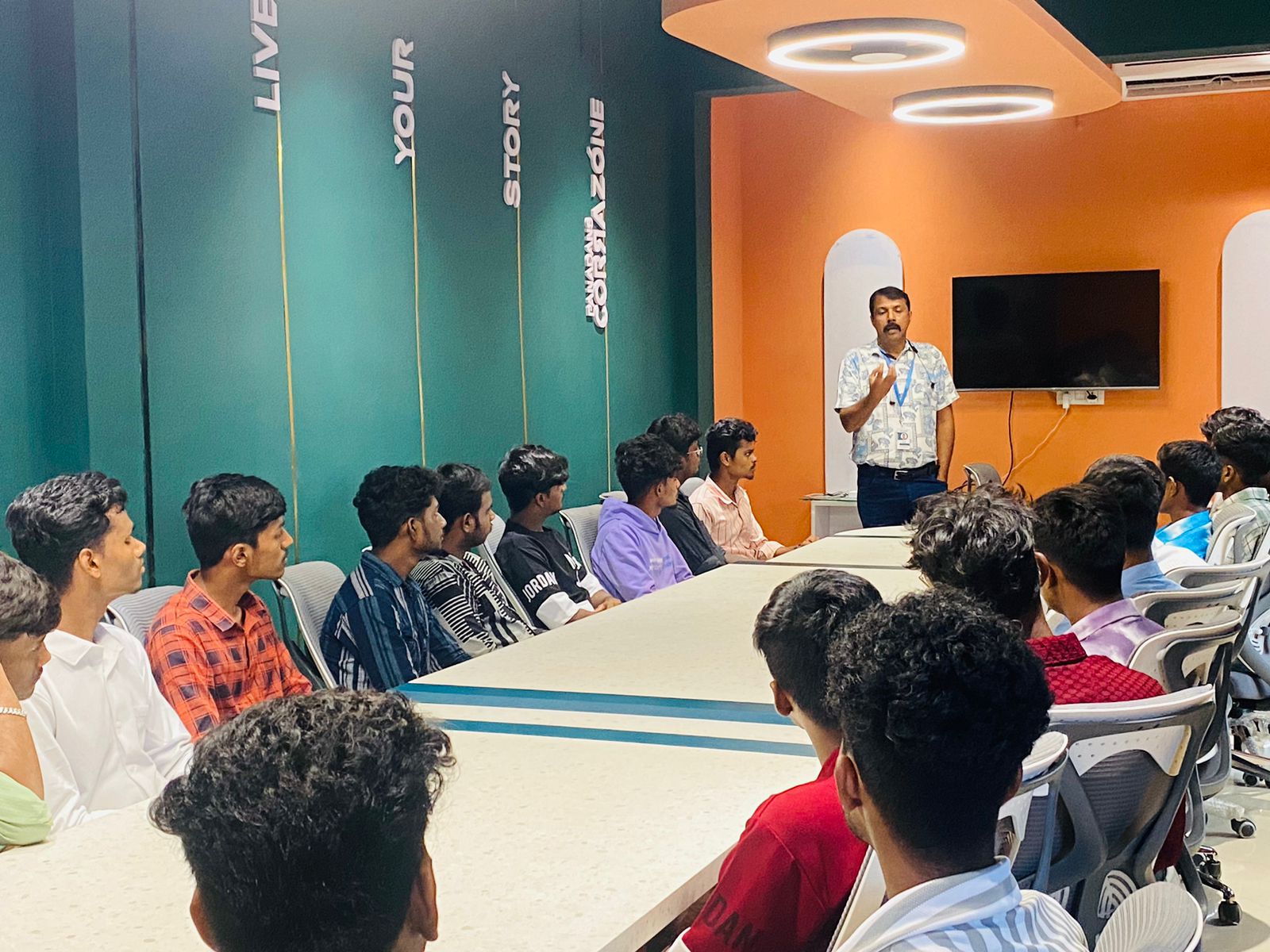
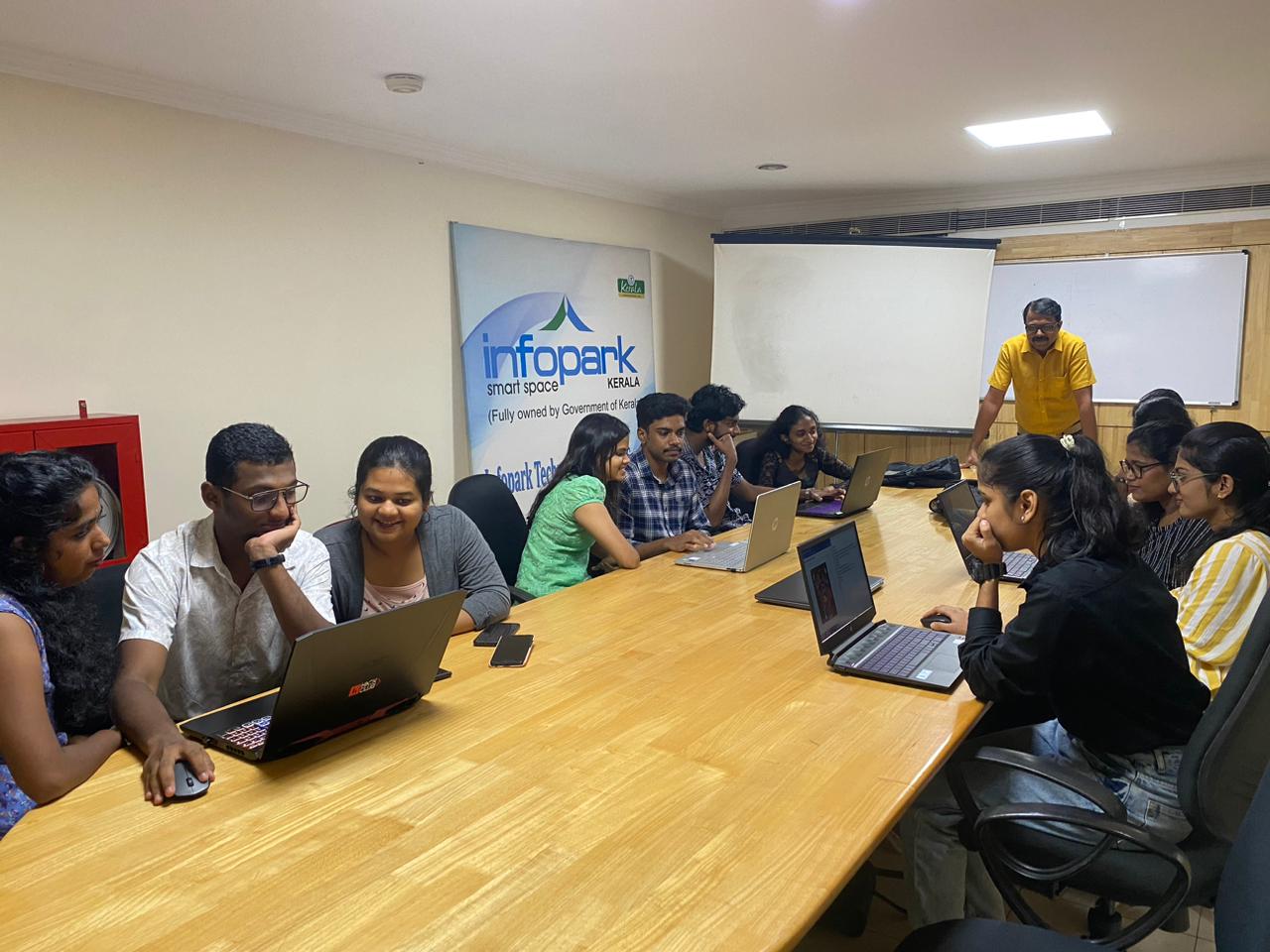
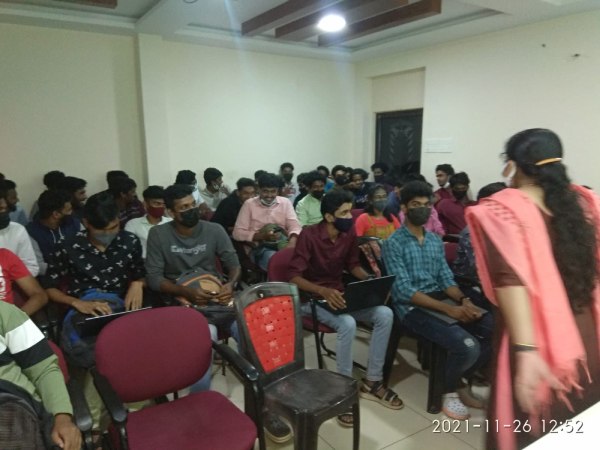
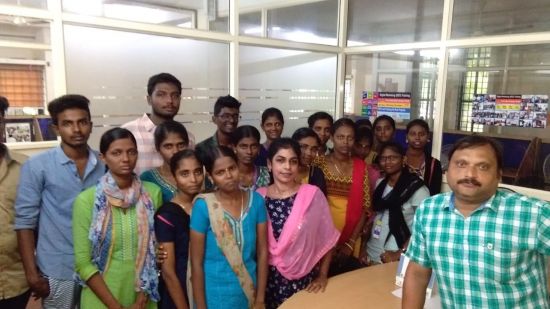
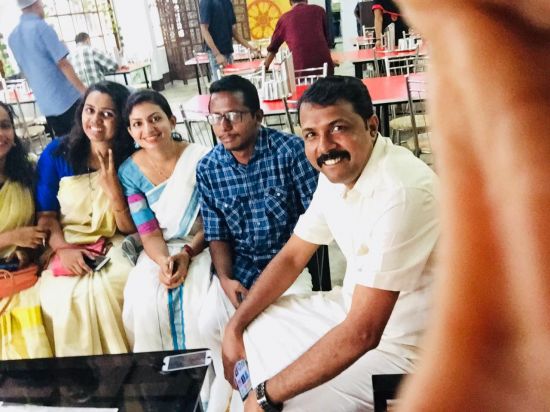
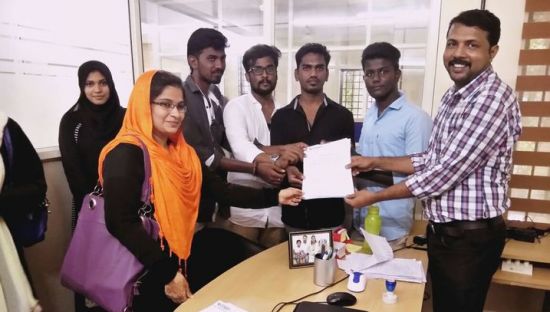
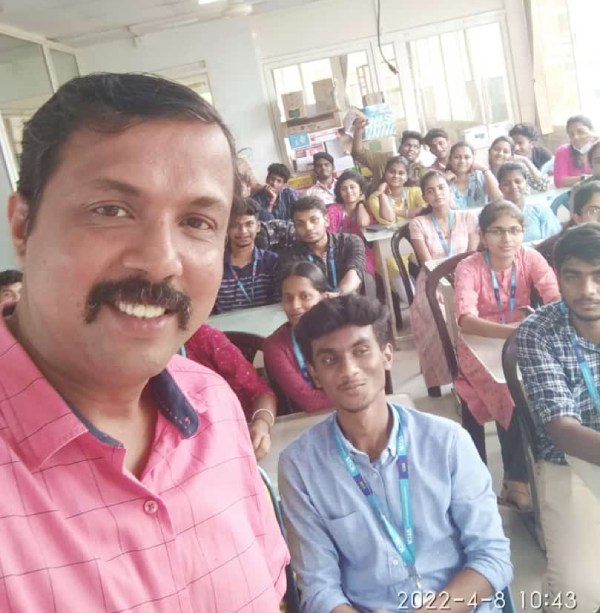
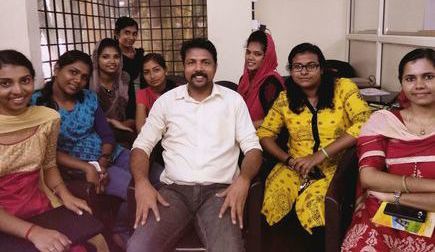
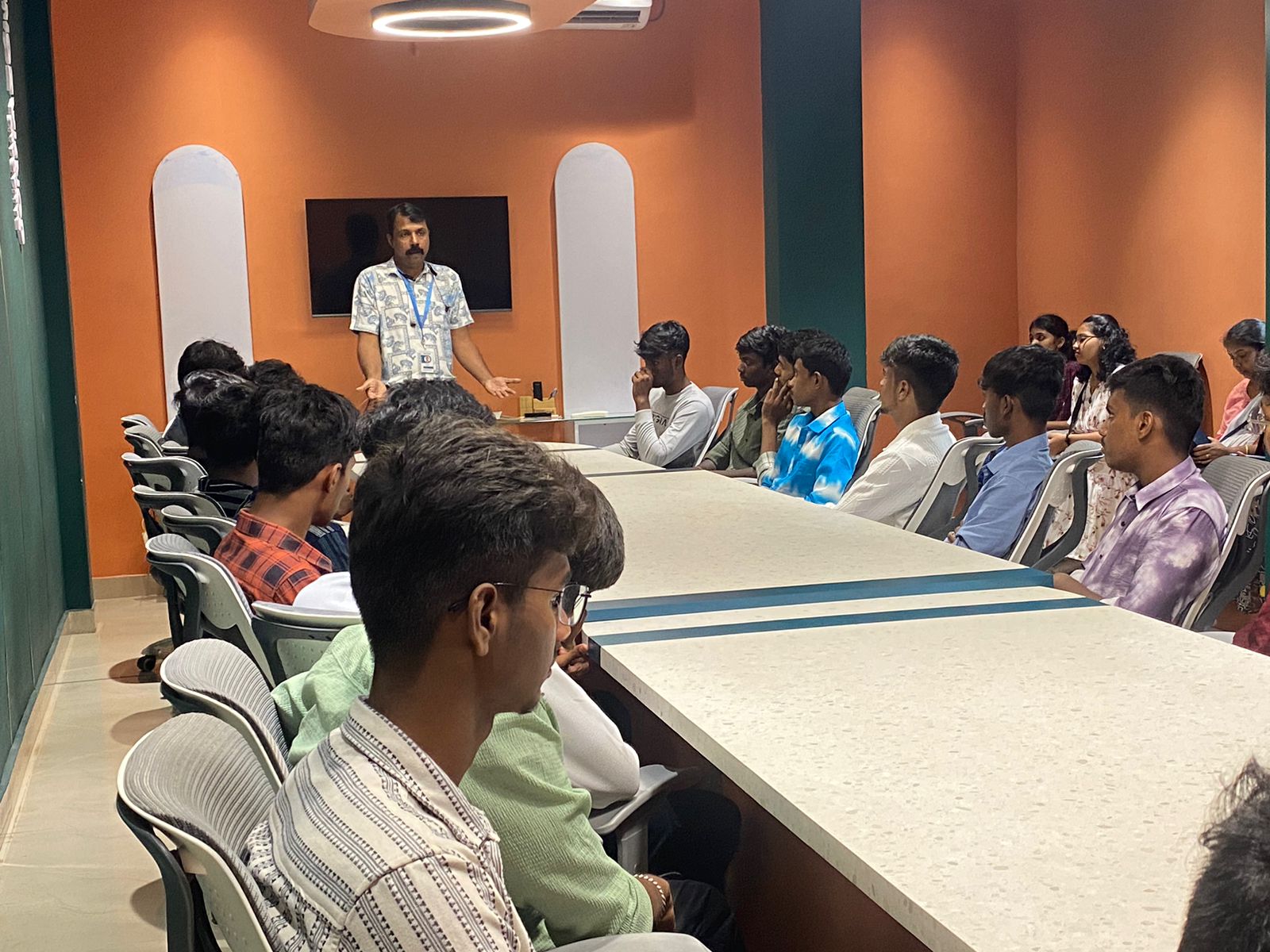
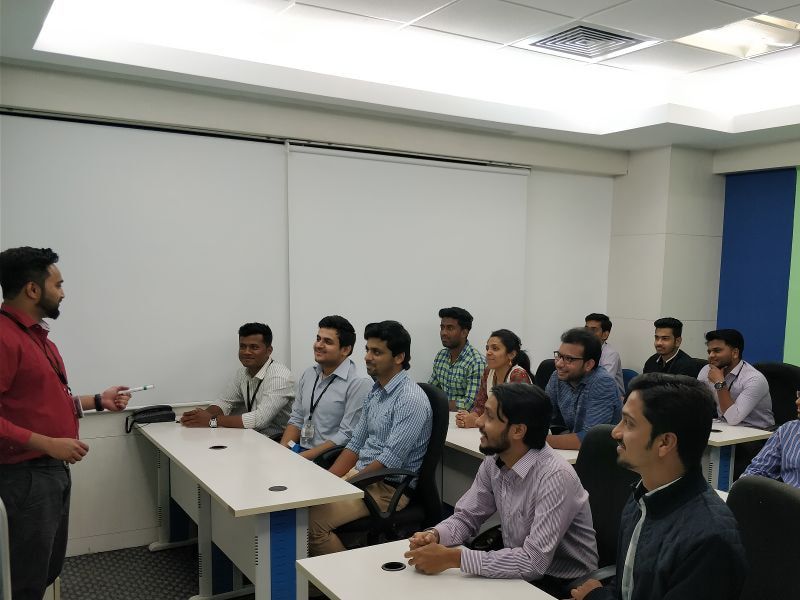
Photos of Training / Internships

Internship/projects in madurai

Trained more than 10000+ students who trust Nestsoft TechnoMaster

Get Your Personal Trainer