Send enquiry ⏎

UI/UX Design Online Live Class by Experts

Our Training/Internship Process

UI/UX Design Online Live Classes in Nashik | Free Demo Training

UI/UX Design - Syllabus, Fees & Duration

Figma Syllabus (15 Hours)

      Module 1: Figma Fundamentals (3 Hours)

        Introduction to Figma

      • Understanding the Figma interface and tools.
      • Layers, frames, and pages.
      • Shapes, text, and alignment.

        Design Basics

      • Color theory and typography basics.
      • Grids and layout principles.
      Module 2: Prototyping with Figma (3 Hours)

        Wireframing Basics

      • Creating low-fidelity wireframes for mobile and web apps.

        Prototyping Features

      • Adding interactions and transitions.
      • Clickable prototypes for user testing.
      Module 3: Mobile App Design Project (4 Hours)

        Designing a Mobile App

      • Screens for a sample app (e.g., task manager or food delivery).
      • Login, home, and profile pages.

        Components and Variants

      • Reusable buttons, icons, and cards.
      • Typography and color styles.

        Prototyping and Feedback

      • Linking screens and testing navigation.
      Module 4: Web App Design Project (5 Hours)

        Designing a Web App

      • Landing page, login screen, and dashboard for a web app.
      • Auto-layout for responsive designs.

        Final Prototype

      • Responsive breakpoints for desktop, tablet, and mobile.
      • Functional prototype with interactions.
    Web Development Syllabus (15 Hours)
      Module 1: HTML, CSS, and Bootstrap Basics (5 Hours)

        HTML Fundamentals (2 Hours)

      • Structuring web pages (header, footer, sections).
      • Essential tags: headings, lists, images, and links tables etc..

        CSS Basics (2 Hours)

      • Styling text and layout using CSS.
      • Box model, positioning, and Flexbox basics.

        Bootstrap Basics (1 Hour)

      • Setting up Bootstrap in a project.
      • Grid system and responsive layouts.
      • Common components: navbar, buttons, and cards.
      Module 2: Responsive Landing Page Conversion (5 Hours)

        Figma to Code Workflow (2 Hours)

      • Importing Figma designs for reference.
      • Structuring HTML and CSS with Bootstrap.

        Responsive Design (3 Hours)

      • Using media queries and Bootstrap utilities.
      • Creating a responsive navigation bar and hero section.
      • Ensuring design consistency with the Figma prototype.
      Module 3: Interactivity with JavaScript & Advanced Bootstrap (3 Hours)

        JavaScript Basics

      • Adding interactivity with JavaScript (e.g., form validation).
      • Bootstrap JavaScript components: modals, dropdowns, and carousels.

        CSS Animations & Transitions

      • Enhancing visuals with hover effects and animations.
      Module 4: Final Project and Deployment (2 Hours)

        Final Project: Responsive Landing Page

      • Convert a complete Figma design into a functional landing page.
      • Use Bootstrap and JavaScript for responsiveness and interactivity.

        Hosting and Deployment

      • Publish the project online using GitHub Pages or Netlify.
      Deliverables

        Figma:

      • Prototyped mobile app and web app designs.

        Web Development:

      • Fully responsive landing page with Bootstrap and interactivity.
      • Hosted live project link.

Download Syllabus - UI/UX Design
This syllabus is not final and can be customized as per needs/updates
   
10000+
20+
50+
25+

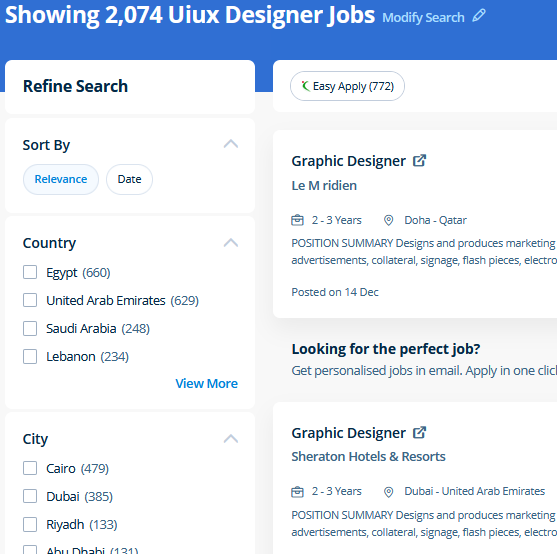
UI/UX Design Jobs in Nashik

Enjoy the demand

Find jobs related to UI/UX Design in search engines (Google, Bing, Yahoo) and recruitment websites (monsterindia, placementindia, naukri, jobshybrid.com, indeed.co.in, shine.com etc.) based in Nashik, chennai and europe countries. You can find many jobs for freshers related to the job positions in Nashik.

  • ui designer
  • ux designer
  • ui/ux designer
  • ui/ux developer
  • graphic designer
  • multimedia creator
  • photoshop
  • adobe illustrator
  • web design
  • html developer

UI/UX Design Internship/Course Details

UI/UX Design internship jobs in Nashik
UI/UX Design Additionally as people who want to boost their current workflows to work quicker and more efficiently. Most of the print and screen designers use illustrator to create designs and artwork. Our aim is that each delegate leaves our InDesign Course with the confidence to apply their new skills effectively within the real world. Anatomy of a CSS ruleset Selecting multiple elements Different types of a selector Fonts and text Boxes, boxes, it’s all about boxes Changing the page color Sorting the body out Positioning and styling our main page title Centering the image Backgrounds and Borders Image values and replaced Content Text Effects 2D/3D Transformations Animations Multiple Column Layout User Interface . Photographers, web designers, or graphic designers must know how to use Adobe Photoshop. The Illustrator CC interface contains the tools, panels, menu, commanda, document, window, and artboards you will use when creating or editing an illustrator document. CSS is currently the only standard in website design that plugs directly into your HTML, even the latest HTML5 standards. Our CSS training course includes common CSS styling that you'll need when you start off designing your pages ,to position your elements, lay out your elements relative to your documents, and style your HTML using predefined CSS values. knowledge of arrays and know-how of the data structure of the JavaScript is used for storing the data lists. Our live online classes are a friendly and supportive alternative to looking at video tutorials – you’re ready to ask queries and receive answers from a skilled Nestsoft tutor in real time.


Meet a Few of our Industry Experts 🚀 Your Pathway to IT Career

Rahul

Mobile: +91 94975 90866
Location: Online (Nashik, India)
Qualification: Bsc.IT

Experience: Automation testing as well As Manual Testing POM Design Patterns TestNG SQL Stored procedure API Testing Using Postman   more..

vaishnavi

Mobile: +91 89210 61945
Location: Online (Nashik, India)
Qualification: Bsc(computer science)

Experience: Software developer at pawani web technologies | Ex junior Software Developer at IRB  more..

Sumayya

Mobile: +91 89210 61945
Location: Online (Nashik, India)
Qualification: B.tech

Experience: Attented python bootcamp Java HtmlApplication for Java Spring  more..

Asesh

Mobile: +91 98474 90866
Location: Online (Nashik, India)
Qualification: Bca

Experience: C C++ python  more..

neethu

Mobile: +91 8301010866
Location: Online (Nashik, India)
Qualification: MCA

Experience: Myself Neethu a freelance web developer and trainer with 5 years of experience and ready to take online classes in  more..

Rohit

Mobile: +91 98474 90866
Location: Online (Nashik, India)
Qualification: Graduate in Bachelor of commerce with computer application

Experience: I have an experienced with HTML CSS Javascript Bootstrap React and UI UX tools like figma I made several projects  more..

Kamlesh

Mobile: +91 9895490866
Location: Online (Nashik, India)
Qualification: B.Sc

Experience: Computer web design YouTube channel ms office excel PowerPoint etc  more..

laxmanneela

Mobile: +91 91884 77559
Location: Online (Nashik, India)
Qualification: Bsc computers

Experience: Having 2 6 years of experience as oracle database administrator My skills are oracle rman asm datapump dataguard  more..

John

Mobile: +91 9895490866
Location: Online (Nashik, India)
Qualification: BCA

Experience: Ceh networking networking security  more..

Rahul

Mobile: +91 91884 77559
Location: Online (Nashik, India)
Qualification: B. Tech in CSE

Experience: Skills: HTML css js Jquery react hooks basic in WordPress  more..

Mohamed

Mobile: +91 94975 90866
Location: Online (Nashik, India)
Qualification: NA

Experience: Core programming Principles:  Objected-Oriented Programming (OPP) Data Structures and Algorithms Programming Languages:  Python Java C++ C# JavaScript HTML  more..

Vishnu

Mobile: +91 91884 77559
Location: Online (Nashik, India)
Qualification: MCA

Experience: Html css puthon c c++ php mysql These are my programming skills and my other computer skills are ms office  more..

Sreejith

Mobile: +91 89210 61945
Location: Online (Nashik, India)
Qualification: Diploma/degree

Experience: On page seo Keyword optimization Offpage Hardware and networking   more..

Purvesh

Mobile: +91 91884 77559
Location: Online (Nashik, India)
Qualification: B.tech

Experience: Currently pursuing a Bachelor's degree in Information Technology at the prestigious Indian Institute of Information Technology Vadodara (IIIT-Vadodara) I have  more..

Gagandeep

Mobile: +91 89210 61945
Location: Online (Nashik, India)
Qualification: B. Sc animation multimedia

Experience: 4+ years experience in video editor line and also in graphic design line |   more..

Jitendra

Mobile: +91 91884 77559
Location: Online (Nashik, India)
Qualification: MCA

Experience: HTML CSS JavaScript Tailwind CSS Java MySQL Fresher Looking for Job Passionate about Web development  more..

Vishnu

Mobile: +91 98474 90866
Location: Online (Nashik, India)
Qualification: B tech

Experience: I have 8 month internship experience in manual and automation testing   more..

Sameer

Mobile: +91 89210 61945
Location: Online (Nashik, India)
Qualification: Currently pursuing my Bachelors

Experience: I have a certificate from cisco networking academy you can check it on my linkedin |   more..

Shafeeque

Mobile: +91 98474 90866
Location: Online (Nashik, India)
Qualification: Bca Ongoing

Experience: 3+ years experience in php mysql fullstack development   more..

Polanki

Mobile: +91 91884 77559
Location: Online (Nashik, India)
Qualification: b.tech

Experience: • Developed and executed targeted email marketing campaigns achieving an average open rate of 25% and a click-through rate of  more..

Nidhinsha

Mobile: +91 9895490866
Location: Online (Nashik, India)
Qualification: bsc

Experience: As a recent graduate with a BSc in Electronics I bring a comprehensive understanding of web development to the table  more..

abin

Mobile: +91 91884 77559
Location: Online (Nashik, India)
Qualification: bca

Experience: just complete a 3 month software testing course from rogersoft technologies   more..

Yeswanthkumar

Mobile: +91 94975 90866
Location: Online (Nashik, India)
Qualification: Bsc computer science

Experience: I have 2 years of experience in front office associate in hotel industry later I have completed data analyst course  more..

Nihala

Mobile: +91 91884 77559
Location: Online (Nashik, India)
Qualification: M. Tech

Experience: Web design python Django HTML  more..

Success Stories

The enviable salary packages and track record of our previous students are the proof of our excellence. Please go through our students' reviews about our training methods and faculty and compare it to the recorded video classes that most of the other institutes offer. See for yourself how TechnoMaster is truly unique.


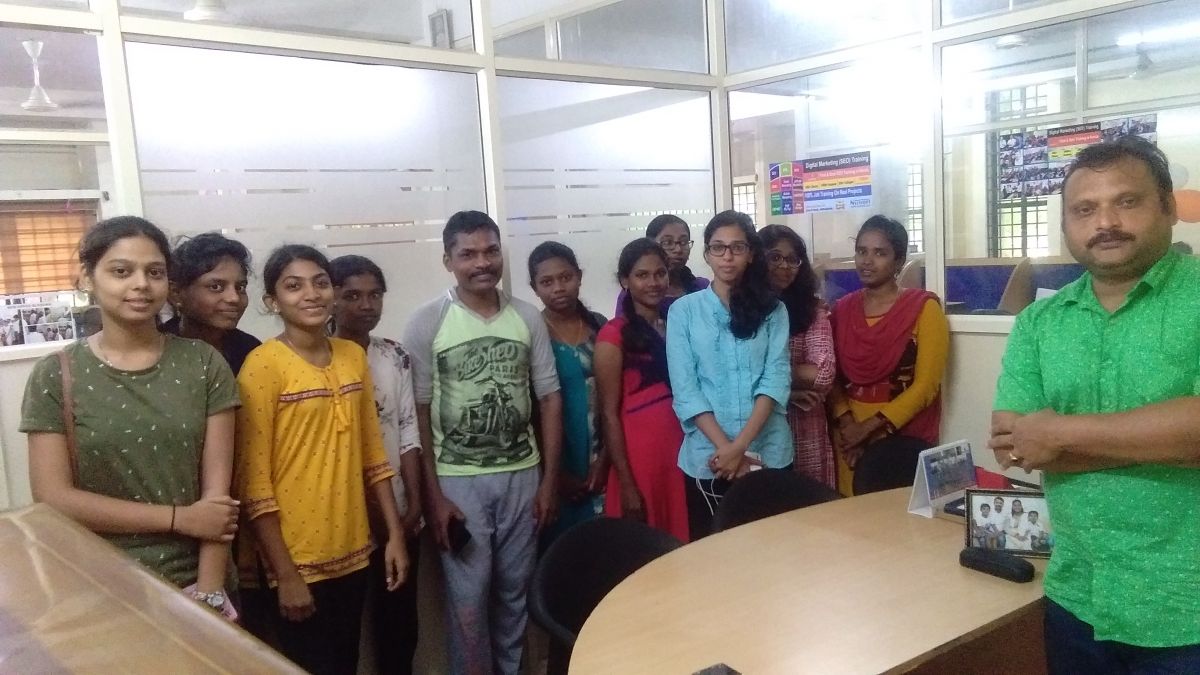
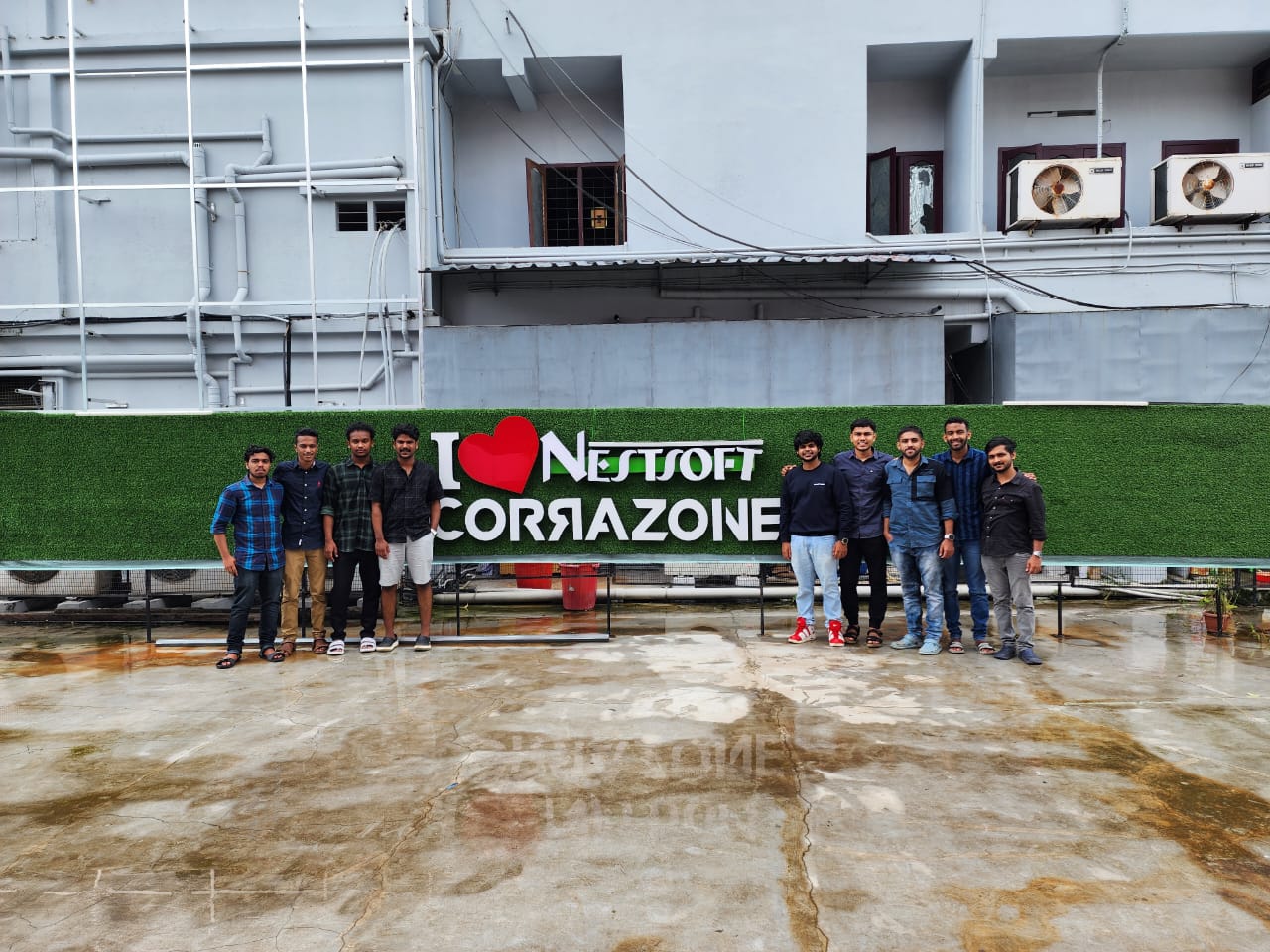
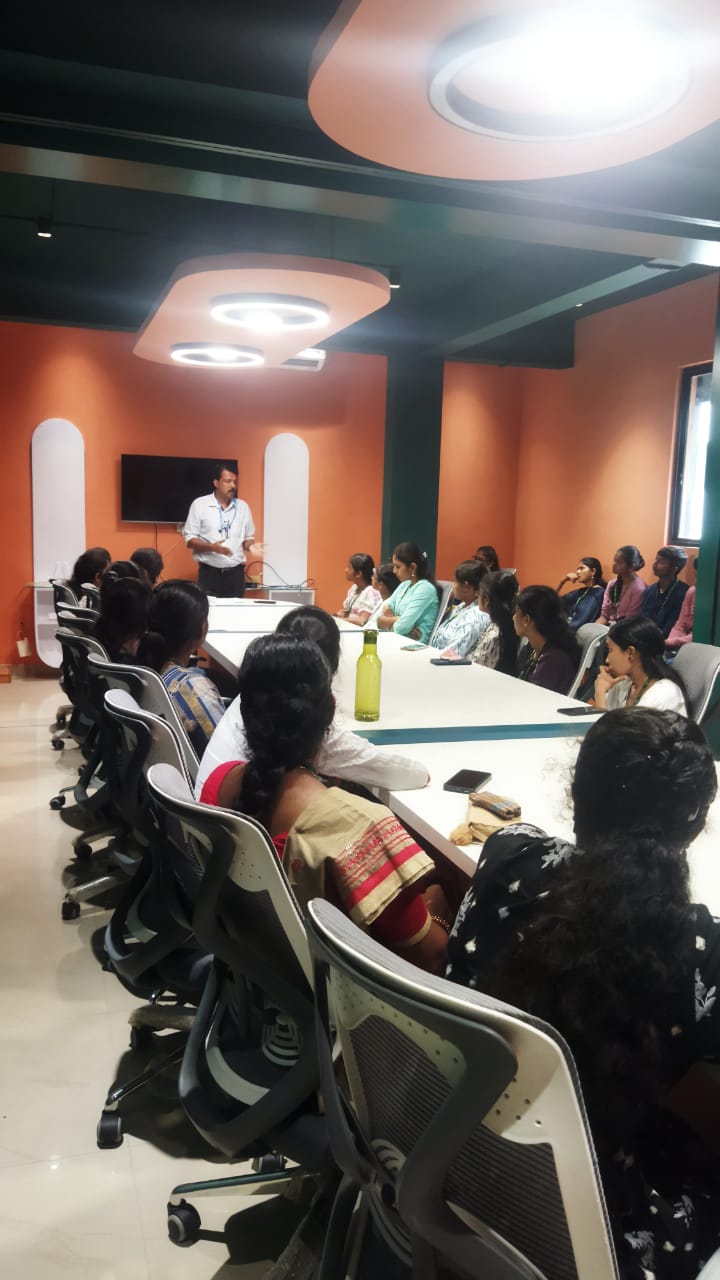
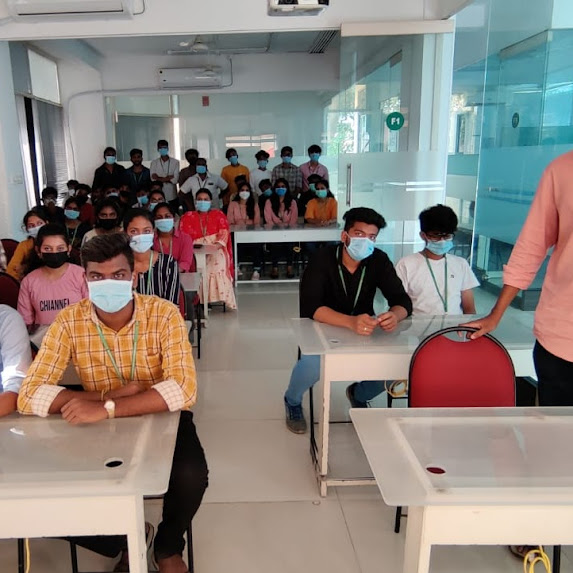
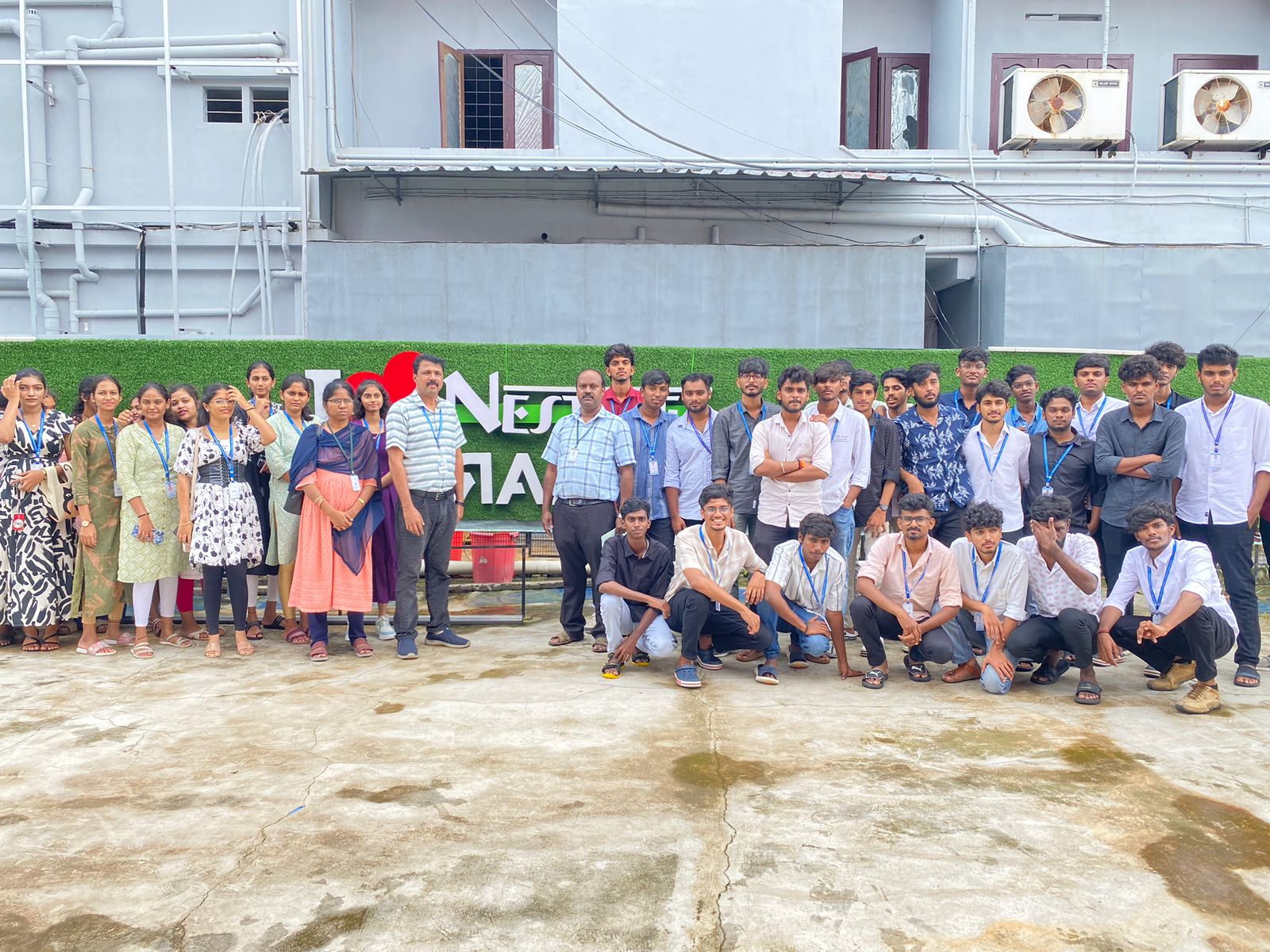
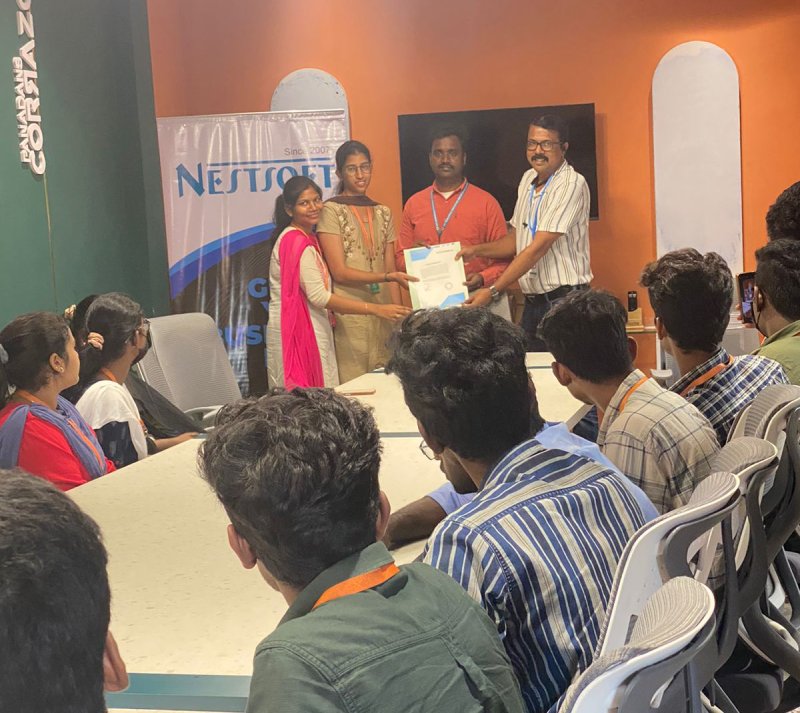
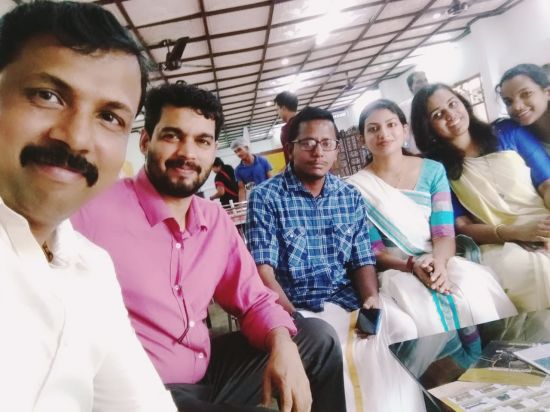
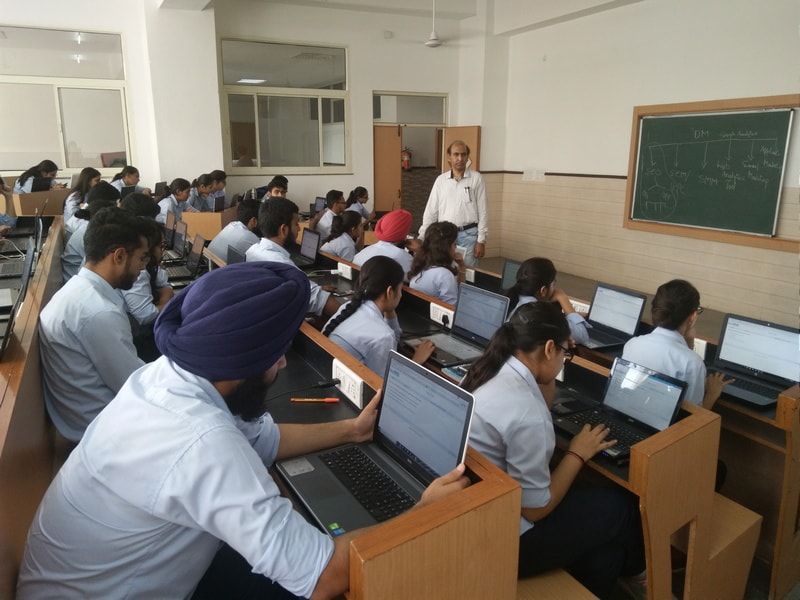
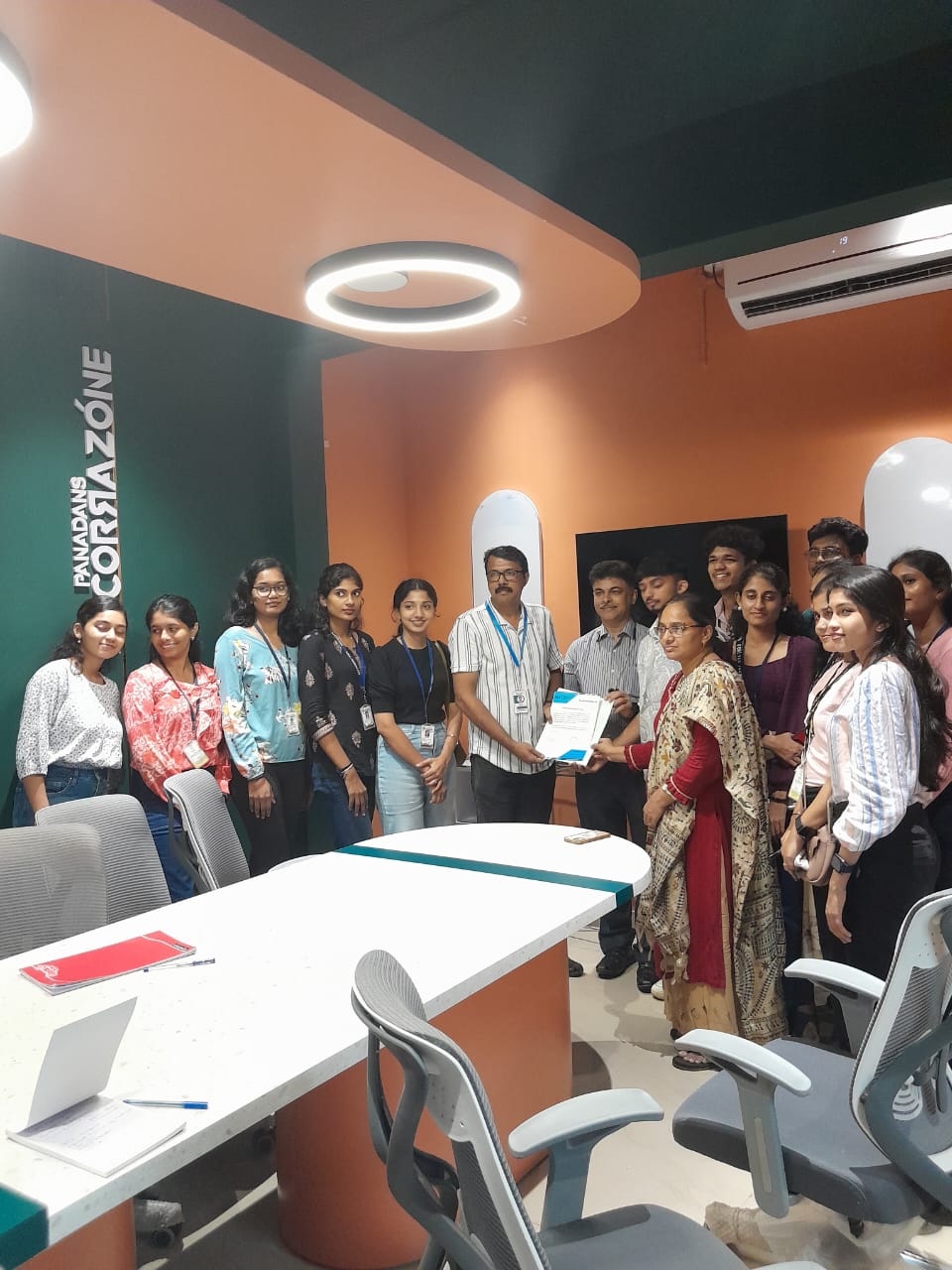
Photos of Training / Internships

Internship/projects in nashik

Trained more than 10000+ students who trust Nestsoft TechnoMaster

Get Your Personal Trainer