Send enquiry ⏎

UI/UX Design Online Live Class by Experts

Our Training/Internship Process

UI/UX Design Online Live Classes in Hyderabad | Free Demo Training

UI/UX Design - Syllabus, Fees & Duration

Figma Syllabus (15 Hours)

      Module 1: Figma Fundamentals (3 Hours)

        Introduction to Figma

      • Understanding the Figma interface and tools.
      • Layers, frames, and pages.
      • Shapes, text, and alignment.

        Design Basics

      • Color theory and typography basics.
      • Grids and layout principles.
      Module 2: Prototyping with Figma (3 Hours)

        Wireframing Basics

      • Creating low-fidelity wireframes for mobile and web apps.

        Prototyping Features

      • Adding interactions and transitions.
      • Clickable prototypes for user testing.
      Module 3: Mobile App Design Project (4 Hours)

        Designing a Mobile App

      • Screens for a sample app (e.g., task manager or food delivery).
      • Login, home, and profile pages.

        Components and Variants

      • Reusable buttons, icons, and cards.
      • Typography and color styles.

        Prototyping and Feedback

      • Linking screens and testing navigation.
      Module 4: Web App Design Project (5 Hours)

        Designing a Web App

      • Landing page, login screen, and dashboard for a web app.
      • Auto-layout for responsive designs.

        Final Prototype

      • Responsive breakpoints for desktop, tablet, and mobile.
      • Functional prototype with interactions.
    Web Development Syllabus (15 Hours)
      Module 1: HTML, CSS, and Bootstrap Basics (5 Hours)

        HTML Fundamentals (2 Hours)

      • Structuring web pages (header, footer, sections).
      • Essential tags: headings, lists, images, and links tables etc..

        CSS Basics (2 Hours)

      • Styling text and layout using CSS.
      • Box model, positioning, and Flexbox basics.

        Bootstrap Basics (1 Hour)

      • Setting up Bootstrap in a project.
      • Grid system and responsive layouts.
      • Common components: navbar, buttons, and cards.
      Module 2: Responsive Landing Page Conversion (5 Hours)

        Figma to Code Workflow (2 Hours)

      • Importing Figma designs for reference.
      • Structuring HTML and CSS with Bootstrap.

        Responsive Design (3 Hours)

      • Using media queries and Bootstrap utilities.
      • Creating a responsive navigation bar and hero section.
      • Ensuring design consistency with the Figma prototype.
      Module 3: Interactivity with JavaScript & Advanced Bootstrap (3 Hours)

        JavaScript Basics

      • Adding interactivity with JavaScript (e.g., form validation).
      • Bootstrap JavaScript components: modals, dropdowns, and carousels.

        CSS Animations & Transitions

      • Enhancing visuals with hover effects and animations.
      Module 4: Final Project and Deployment (2 Hours)

        Final Project: Responsive Landing Page

      • Convert a complete Figma design into a functional landing page.
      • Use Bootstrap and JavaScript for responsiveness and interactivity.

        Hosting and Deployment

      • Publish the project online using GitHub Pages or Netlify.
      Deliverables

        Figma:

      • Prototyped mobile app and web app designs.

        Web Development:

      • Fully responsive landing page with Bootstrap and interactivity.
      • Hosted live project link.

Download Syllabus - UI/UX Design
This syllabus is not final and can be customized as per needs/updates
   
10000+
20+
50+
25+

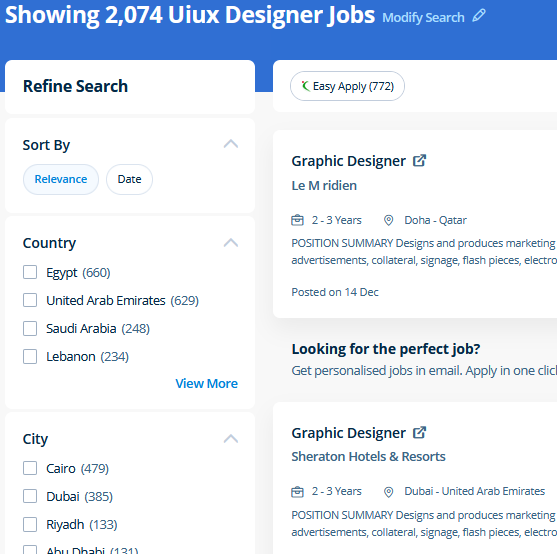
UI/UX Design Jobs in Hyderabad

Enjoy the demand

Find jobs related to UI/UX Design in search engines (Google, Bing, Yahoo) and recruitment websites (monsterindia, placementindia, naukri, jobshybrid.com, indeed.co.in, shine.com etc.) based in Hyderabad, chennai and europe countries. You can find many jobs for freshers related to the job positions in Hyderabad.

  • ui designer
  • ux designer
  • ui/ux designer
  • ui/ux developer
  • graphic designer
  • multimedia creator
  • photoshop
  • adobe illustrator
  • web design
  • html developer

UI/UX Design Internship/Course Details

UI/UX Design internship jobs in Hyderabad
UI/UX Design Live classes are recorded, so you'll be able to review them in your own time or log in to learn at a time that works best for you. . Files created in Adobe Photoshop can be easily transferred between totally different programs via creative Suite. Completing this CSS training at nessoft inDubai u can step ahead in your career as a website designer and create the latest interactive pages for your website viewers. concepts such as clusters, variables, operators, functions, and control structure in JavaScript Demonstrable knowledge of Functions - Passing the data to functions, JavaScript Function Syntax, Concise Body syntax, Return Keyword, and ES6 arrow functions basics of jQuery that assist you to boost your skills in Scriptwriting. Nestsoft, Hyderabad provides practical training on UI/UX Design course contains graphics software, html5, css, javascript, jquery etc. Photoshop may be a powerful and widespread image editing software that helps you to apply numerous effects easily and acquire consistent results. Most of graphic designers use photoshop for their professional work because photoshop is one of the most professional editing software available today. Anatomy of a CSS ruleset Selecting multiple elements Different types of a selector Fonts and text Boxes, boxes, it’s all about boxes Changing the page color Sorting the body out Positioning and styling our main page title Centering the image Backgrounds and Borders Image values and replaced Content Text Effects 2D/3D Transformations Animations Multiple Column Layout User Interface . Nestsoft come up with the best bootstrap training inDubai include all the major topics such as HTML, and CSS, essentials, Bootstrap 3, Bootstrap 4, UI Bootstrap components, Bootstrap themes and will prepare strong fundamentals and proficient in bootstrap web development.


Meet a Few of our Industry Experts 🚀 Your Pathway to IT Career

Smrithiraj

Mobile: +91 98474 90866
Location: Online (Hyderabad, India)
Qualification: MCA

Experience: Angular php  more..

Arun

Mobile: +91 89210 61945
Location: Online (Hyderabad, India)
Qualification: BE

Experience: Dear Sir Madam Hope you are doing well I am interested in applying for the position of Odoo Python developer  more..

Priyanka

Mobile: +91 91884 77559
Location: Online (Hyderabad, India)
Qualification: ECE

Experience: 1 ) 2 2 years of overall Quality Executive experience including 1Year of Automation Testing Experience (Selenium Web Driver) 2  more..

Suraj

Mobile: +91 94975 90866
Location: Online (Hyderabad, India)
Qualification: B.Tech in CS

Experience: My role in current project involves developing applications using Angular and creating APIs through serverless function apps I possess valuable  more..

Sumanth

Mobile: +91 91884 77559
Location: Online (Hyderabad, India)
Qualification: B tech

Experience: I have 3 years experience in cyber security analyst soc L1 and L2 firewall siem azure ips ids firewall |  more..

Mahalakshmi

Mobile: +91 8301010866
Location: Online (Hyderabad, India)
Qualification: B.Tech

Experience: 1 HTML 2 CSS 3 Java Programming 4 Web development 5 Microsoft word 6 Video editing 7 Git and github  more..

Mandeep

Mobile: +91 9895490866
Location: Online (Hyderabad, India)
Qualification: M.E in information security

Experience: - Leading information security domain that includes Application security Compliance Network security and Security incident response - Provide consulting for  more..

Prathmesh

Mobile: +91 91884 77559
Location: Online (Hyderabad, India)
Qualification: Mca

Experience: HTML css javascript php   more..

Sreejith

Mobile: +91 9895490866
Location: Online (Hyderabad, India)
Qualification: Diploma/degree

Experience: On page seo Keyword optimization Offpage Hardware and networking   more..

Aarti

Mobile: +91 98474 90866
Location: Online (Hyderabad, India)
Qualification: BTech graduate

Experience: Fullstack software developer   more..

KAVERI

Mobile: +91 94975 90866
Location: Online (Hyderabad, India)
Qualification: Msc cyber security

Experience: vulnerability assessment penetration testing risk assessment threat modeling ethical hacking etc worked with kerala police red team and senselearner pvt  more..

Suresh

Mobile: +91 8301010866
Location: Online (Hyderabad, India)
Qualification: Btech( computer science and engineering)

Experience: Skills:seo html js css and c lang Experience: now I'm working in government sector for developing website and one us  more..

Sourabh

Mobile: +91 89210 61945
Location: Online (Hyderabad, India)
Qualification: B.COM (Computer Application)

Experience: PHP web developer having 10+ years of experience in PHP including various CMS (like Wordpress Joomla Drupal) Frameworks (like Laravel  more..

Harsh

Mobile: +91 91884 77559
Location: Online (Hyderabad, India)
Qualification: Pursuing B.Tech IT

Experience: My skills and experience encompass a solid foundation in IT security principles bolstered by my Fortinet Certified Fundamentals (FCF) cybersecurity  more..

Sidharth

Mobile: +91 9895490866
Location: Online (Hyderabad, India)
Qualification: B tech

Experience: Manual testing Good in test case writing Well knowledge in integration and regression testing Java basics  more..

varre

Mobile: +91 98474 90866
Location: Online (Hyderabad, India)
Qualification: M.Tech

Experience: angular javascript c#Application for Angular JS  more..

Smruti

Mobile: +91 94975 90866
Location: Online (Hyderabad, India)
Qualification: Master in Application

Experience: Coding(c c++ java javascript php python) Photo Video editting Logo poster quote post design  more..

Anurag

Mobile: +91 91884 77559
Location: Online (Hyderabad, India)
Qualification: Btech

Experience: Myself Anurag J Raj I am a 4th year undergraduate of Mechanical engineering studying in IIT KHARAGPUR I am an  more..

Pratik

Mobile: +91 89210 61945
Location: Online (Hyderabad, India)
Qualification: Graduate

Experience: Networking ethical hacking SQL Linux Burpsuite c++ HTML css  more..

vipin

Mobile: +91 89210 61945
Location: Online (Hyderabad, India)
Qualification: Graduation

Experience: My name is vipin and I am a frontend developer and I am proficient in programming langiage such as c  more..

kumavat

Mobile: +91 98474 90866
Location: Online (Hyderabad, India)
Qualification: bca

Experience: microsoft office html css javascript php mysql bootstrap  more..

Salmanul

Mobile: +91 8301010866
Location: Online (Hyderabad, India)
Qualification: Plus two in computer science

Experience: I have acquired expertise in javascript Html css and various components of mean stack development past year i am working  more..

Rishabh

Mobile: +91 91884 77559
Location: Online (Hyderabad, India)
Qualification: B.SC.Computer Science and PGDCA

Experience: Python c c++ front-end development sql  more..

kalkani

Mobile: +91 98474 90866
Location: Online (Hyderabad, India)
Qualification: B.E. E.C.

Experience: i have 6 + year experience in android and year experience in flutter  more..

Success Stories

The enviable salary packages and track record of our previous students are the proof of our excellence. Please go through our students' reviews about our training methods and faculty and compare it to the recorded video classes that most of the other institutes offer. See for yourself how TechnoMaster is truly unique.

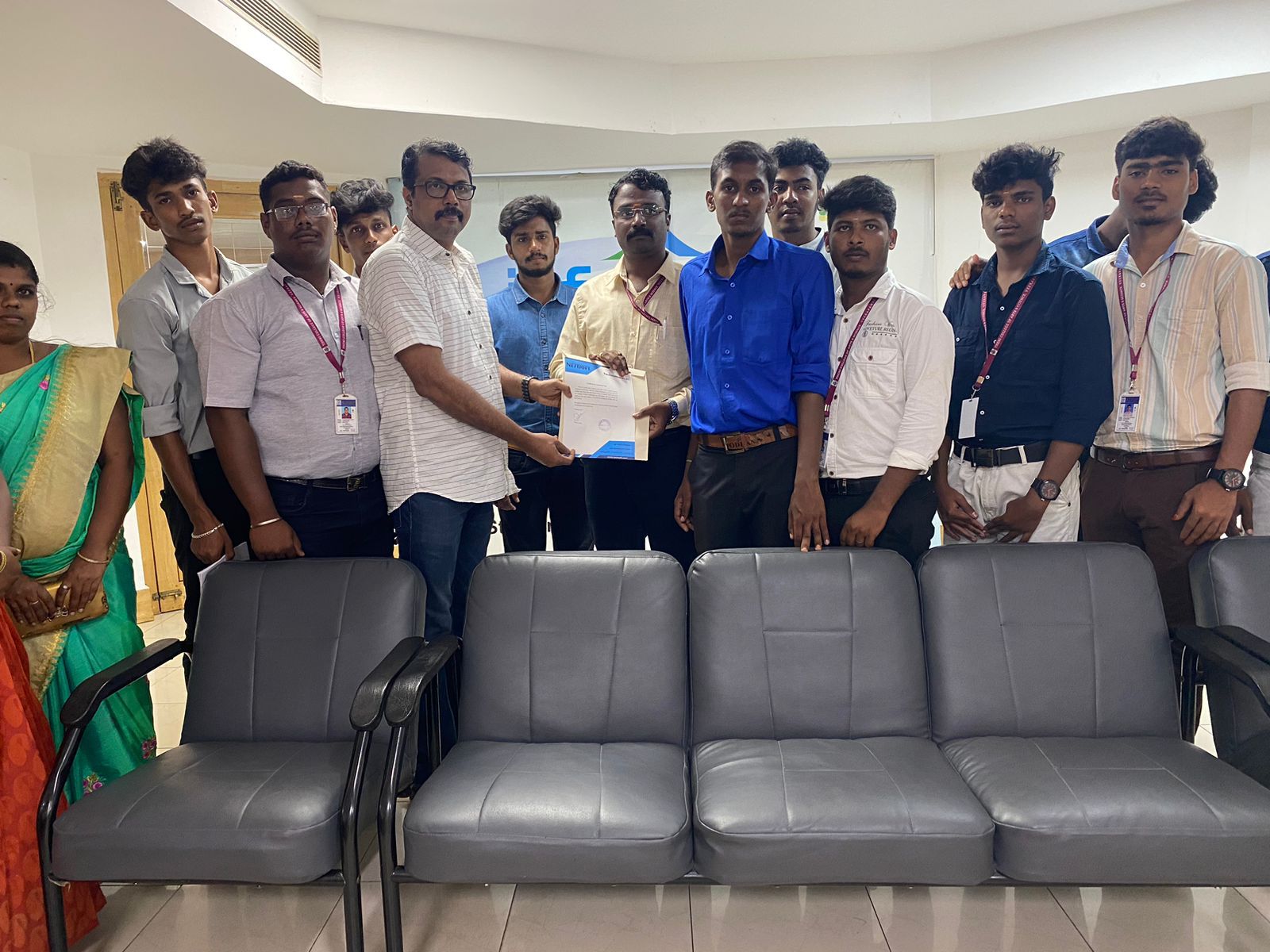
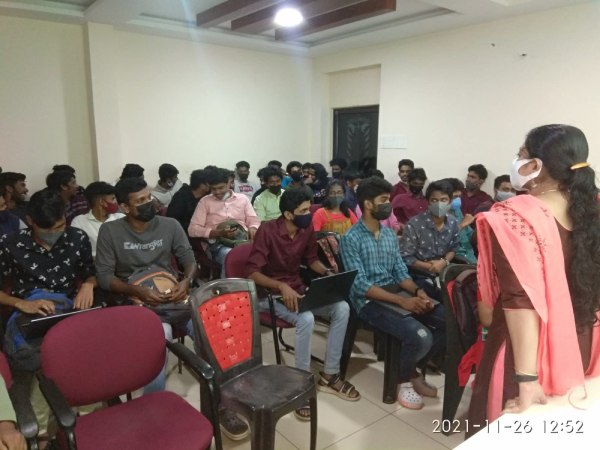
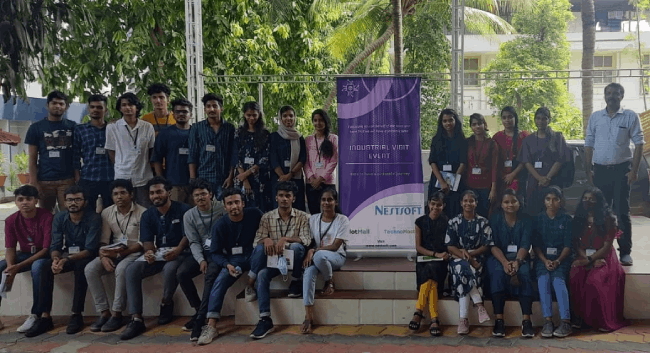
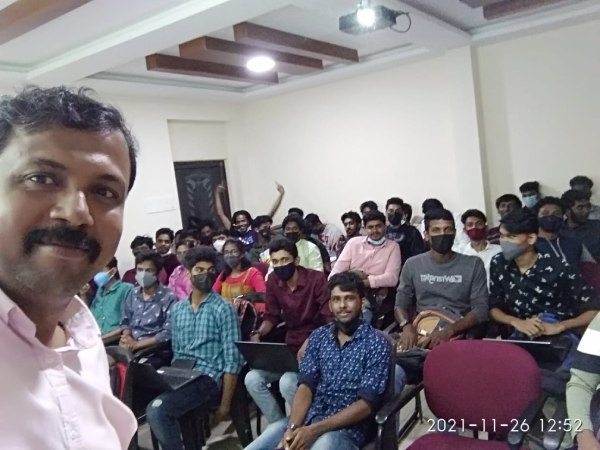
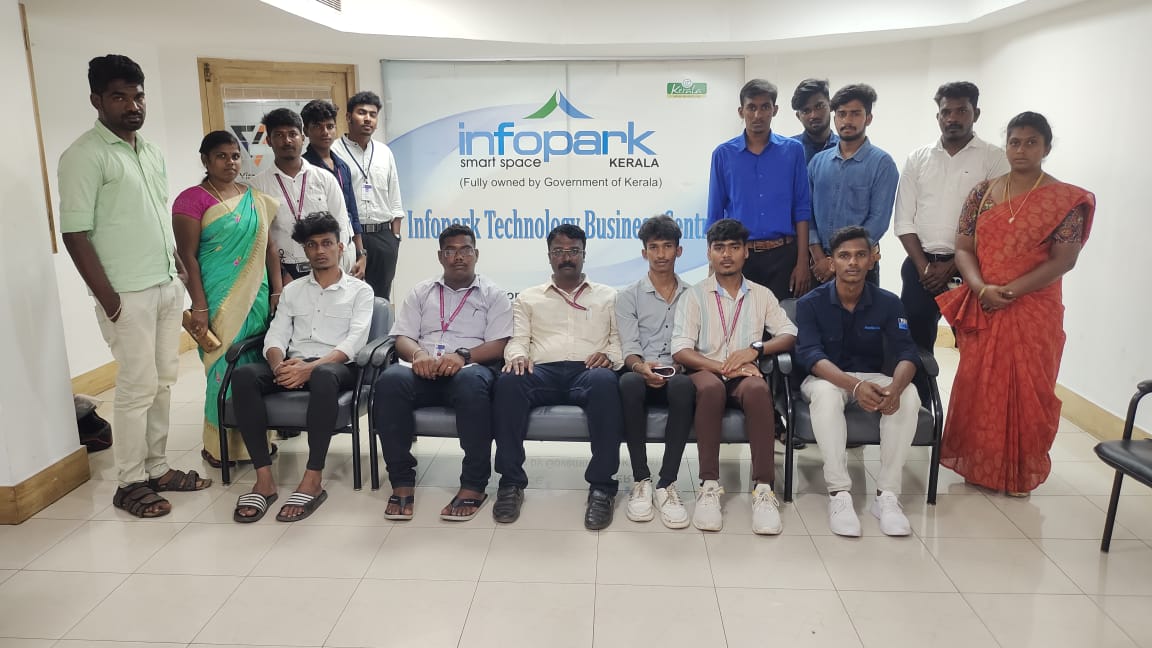
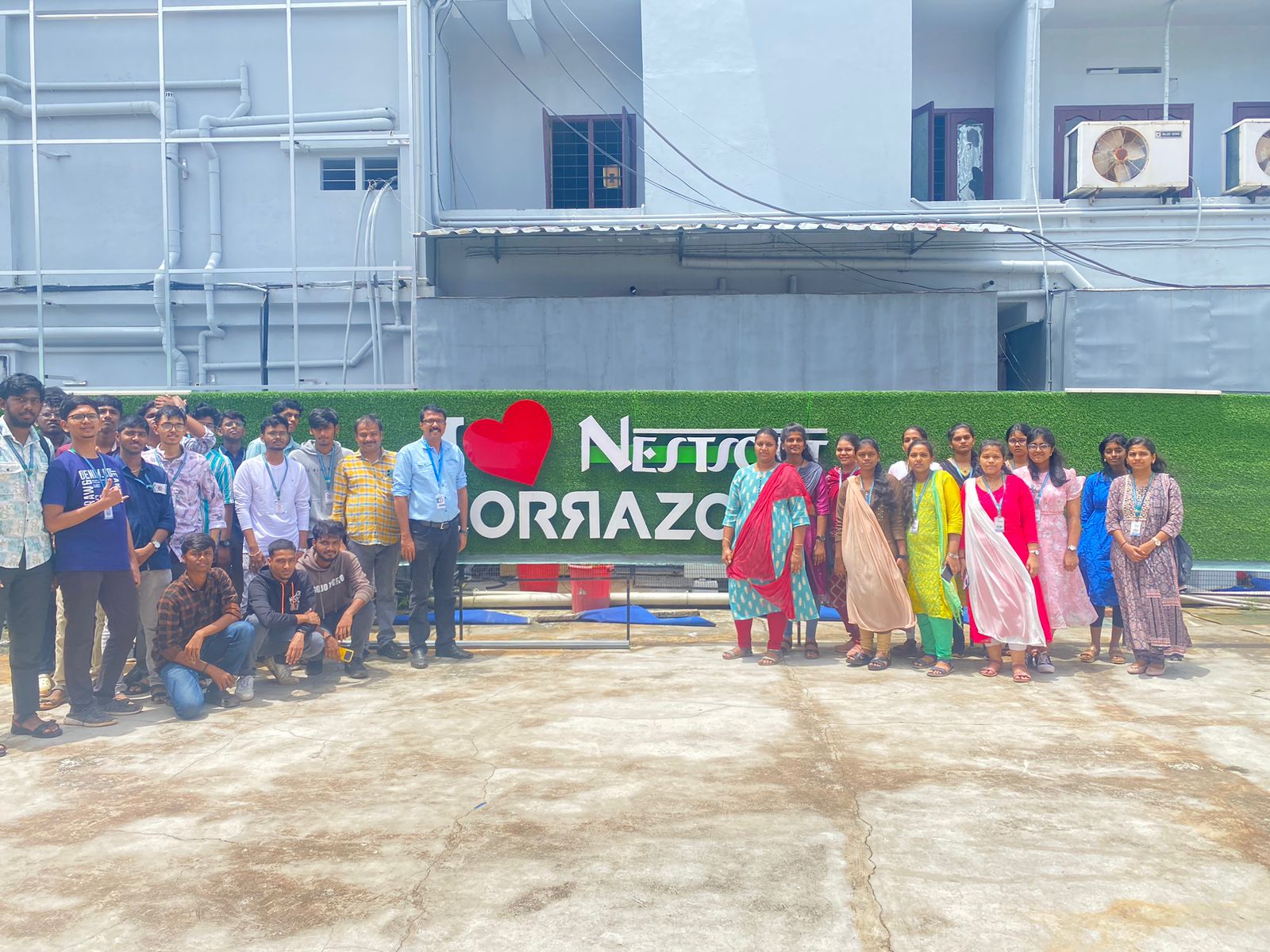
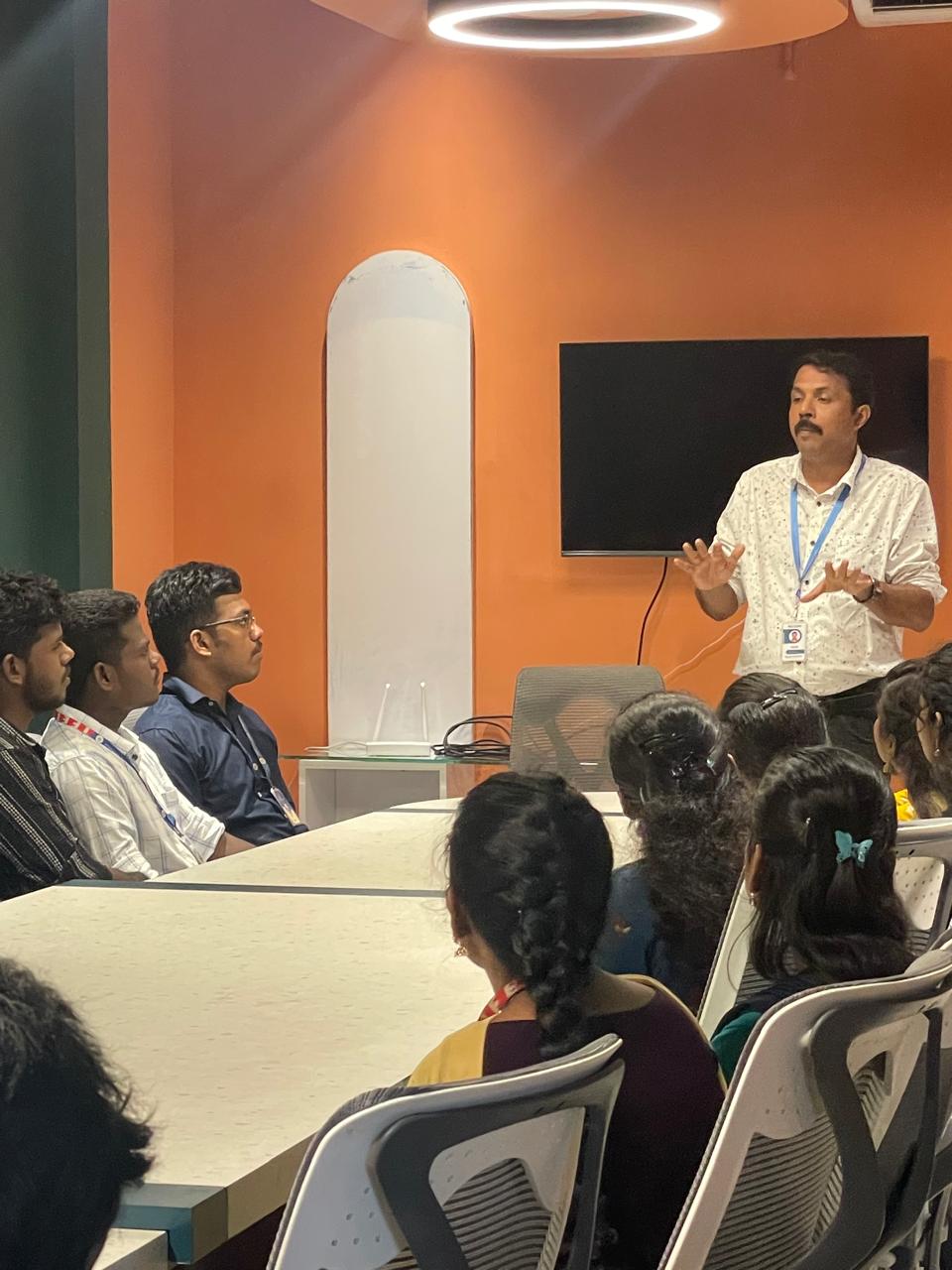
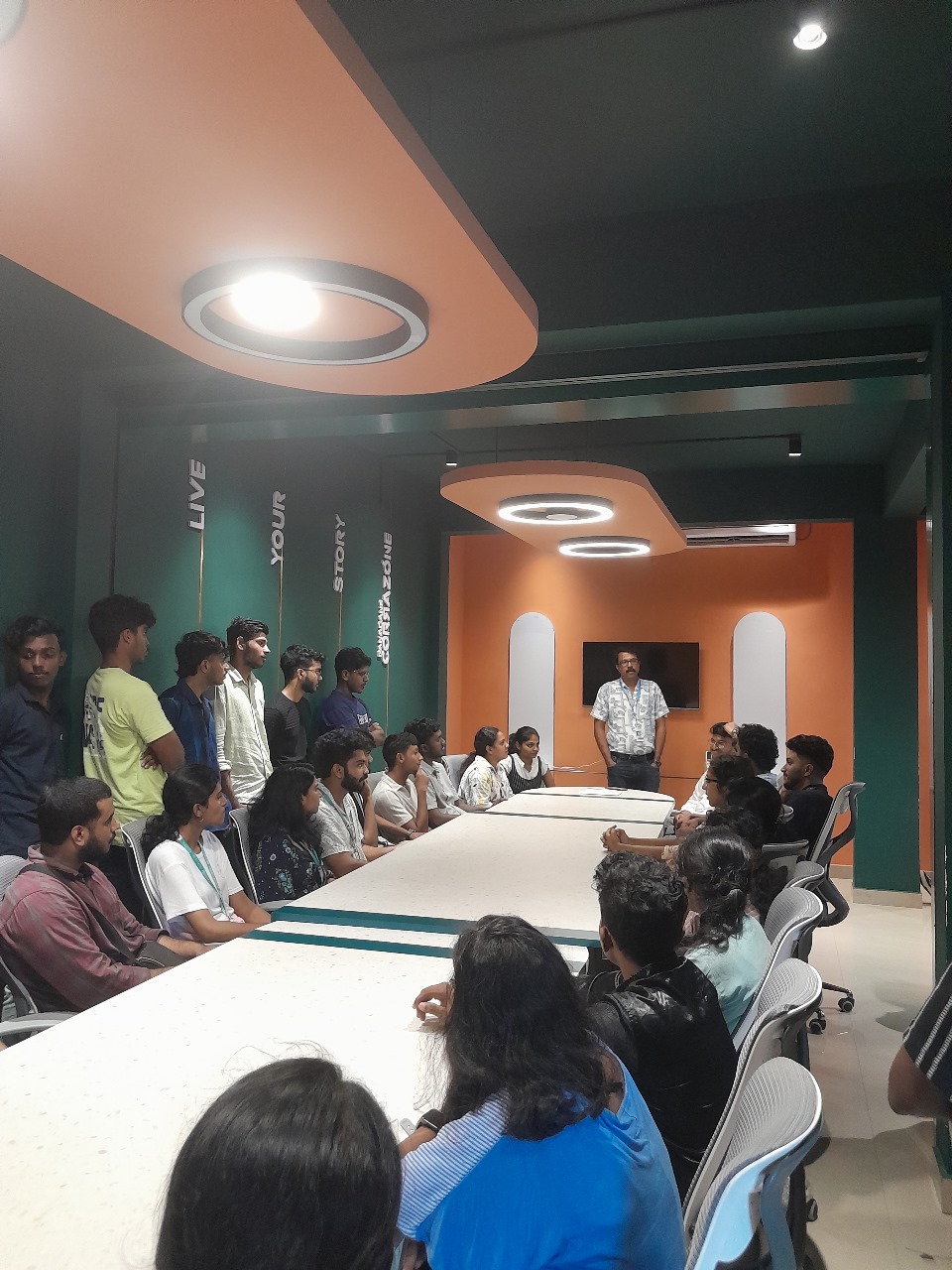
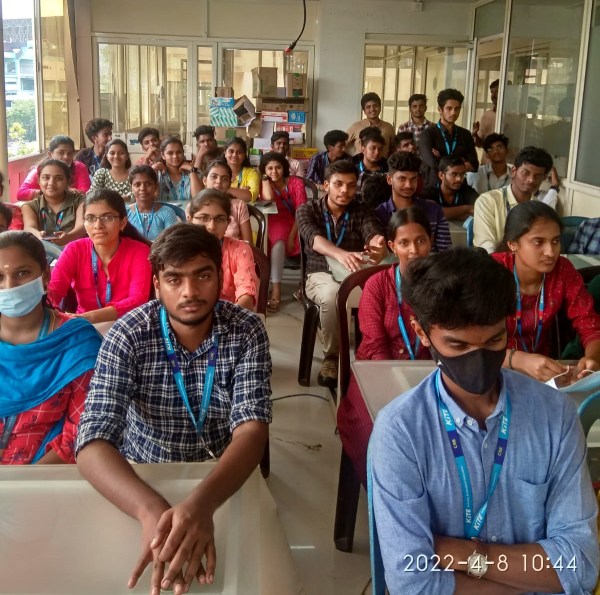
Photos of Training / Internships

Internship/projects in hyderabad

Trained more than 10000+ students who trust Nestsoft TechnoMaster

Get Your Personal Trainer