Send enquiry ⏎

Android Online Live Class by Experts

Our Training/Internship Process

Android Online Live Classes in Delhi | Free Demo Training

Android - Syllabus, Fees & Duration

Getting Started with Kotlin

  • Define Kotlin
  • Environment Setup
  • First Program Concept
  • Kotlin Variable and Data Type
  • Kotlin Type Conversion
  • Kotlin Operator
  • Input/Output

Control Flow

  • if Expression
  • when Expression
  • for Loop and while Loop
  • Do while Loop
  • Return and Jump
  • Continue Structure

Exploring Kotlin Functions

  • Kotlin Function
  • Recursion Function
  • Default and Named Argument
  • Kotlin Lambdas
  • Higher-Order Function
  • Kotlin Inline Function

Exception Handling

  • Kotlin Try Catch
  • Multiple Catch Block
  • Nested Try Block
  • Kotlin Finally Block
  • Kotlin Throw Keyword

Overview of Collections

  • Mutable Array
  • Kotlin Collections
  • List: listOf()
  • mutableListOf()
  • Kotlin ArrayList
  • arrayListOf()
  • Map: mapOf()
  • Kotlin HashMap
  • hashMapOf() and mutableMapOf()
  • Set: setOf()
  • mutableSetOf() and hashSetOf()

Exploring Kotlin OOPs

  • Class and Object
  • Nested and Inner Class
  • Kotlin Constructor
  • Visibility Modifier
  • Kotlin Inheritance
  • Abstract Class
  • Kotlin Interface
  • Data and Sealed Class
  • Extension Function
  • Kotlin Generics

Introduction to Ranges

  • Integer Type Range
  • Working Ranges
  • Utility Function

Get Started with Kotlin Android

  • Install Android Studio
  • Hello World App
  • Android TextView and EditText
  • Kotlin Android Toast
  • Android Button and Custom Toast
  • Android Explicit and Implicit Intent
  • Android ListView and AlertDialog
  • Android Context Menu and Custom ListView
  • Android Options Menu and Android Popup Menu
  • Android WebView and SeekBar
  • TabLayout with FrameLayout and ViewPager
  • XML Parsing using DOM Parser and SAX Parsers
  • Android XMLPullParser

Download Syllabus - Android
This syllabus is not final and can be customized as per needs/updates
   
10000+
20+
50+
25+

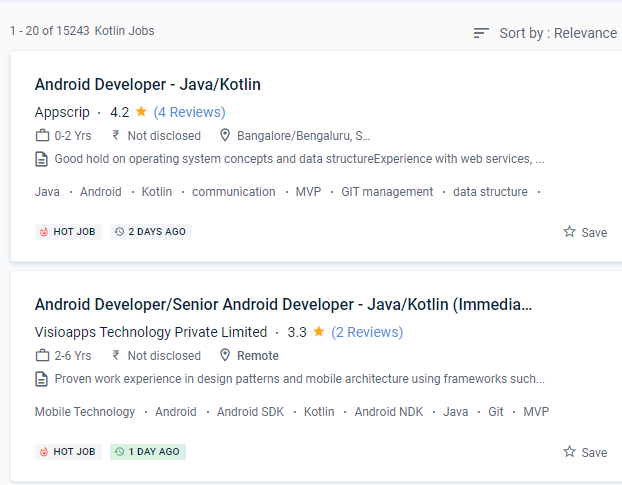
Android Jobs in Delhi

Enjoy the demand

Find jobs related to Android in search engines (Google, Bing, Yahoo) and recruitment websites (monsterindia, placementindia, naukri, jobshybrid.com, indeed.co.in, shine.com etc.) based in Delhi, chennai and europe countries. You can find many jobs for freshers related to the job positions in Delhi.

  • Android Developer
  • Mobile Application developer
  • IOS/Android App Developer
  • Android Trainer
  • Mobile Application Architect
  • Android Kotlin Engineer
  • Kotlin Developer
  • Native Android Developer
  • Mobile Security Engineer
  • Lead Android Engineer

Android Internship/Course Details

Android internship jobs in Delhi
Android Many ideas, including Android Studio and a variety of alternative SDKs, support it, and more will undoubtedly be added in the future. Because Kotlin is utilized for both web and server-side programming, you'll be able to add a lot of strings to your bow. Kotlin is a simple and clear syntax that is designed to provide a seamless learning path for Java developers. The most effective aspect of the apps was that they were most useful and entertaining. Kotlin is proving to be a pragmatic, modern, and intuitive programming language, with Google declaring it to be the most popular language for android app developers. If you're familiar with Kotlin, you'll have no trouble understanding. Kotlin includes several simple ideas and strategies that can help developers cut needless code and build apps more quickly. You can utilize Kotlin from Java without taking any substantial steps, such as changing a complete project to Kotlin. This means that creators will continue to use the same toolbox for all of their Kotlin requests. Even if you make a mistake when coding the code, you can fix it right away.

Meet a Few of our Industry Experts 🚀 Your Pathway to IT Career

Kajal

Mobile: +91 94975 90866
Location: Online (Delhi, India)
Qualification: BE Computer

Experience: Search Engine Optimization Social media marketing Graphic design Website Developer   more..

Sharon

Mobile: +91 94975 90866
Location: Online (Delhi, India)
Qualification: Bsc CS ,Mearn stack

Experience: Html css bootstrap javascript angular react python Application for Meanstack Developer Mean Stack  more..

Pravat

Mobile: +91 91884 77559
Location: Online (Delhi, India)
Qualification: Btech

Experience: 2+ of experience in website designing Using HTML5 CSS3 Bootstrap 5 JavaScript wordpress React MySQL   more..

Regz

Mobile: +91 8301010866
Location: Online (Delhi, India)
Qualification: BE

Experience: dot net php sql java perl python  more..

Gosai

Mobile: +91 91884 77559
Location: Online (Delhi, India)
Qualification: Diploma

Experience: 3 months internship Canva design web design seo  more..

Dheeraj

Mobile: +91 91884 77559
Location: Online (Delhi, India)
Qualification: B.Sc. Information Technology

Experience: As a seasoned Java Developer I bring a diverse skill set and a proven track record of success in designing  more..

Shaikh

Mobile: +91 89210 61945
Location: Online (Delhi, India)
Qualification: Diploma in IT

Experience: Web development Multimedia Graphics Editing Wix  more..

Mahip

Mobile: +91 98474 90866
Location: Online (Delhi, India)
Qualification: B.Tech

Experience: Mahip Sureja Rajkot Gujarat Email: mahipsureja@gmail com Phone: 8469677383 LinkedIn: linkedin com in mahip-sureja-a80653198 I am a motivated and detail-oriented  more..

Yedhukrishna

Mobile: +91 91884 77559
Location: Online (Delhi, India)
Qualification: Diploma in computer science

Experience: Automation and manual testing testcase preparation bug report smoke testing sanity testing testNG cucumber jira postman jmeter  more..

Bharat

Mobile: +91 91884 77559
Location: Online (Delhi, India)
Qualification: Bsc

Experience: angular typescript CSS3 HTML JAVASCRIPT NODEJS MYSQLApplication for Angular JS  more..

Muhabath

Mobile: +91 91884 77559
Location: Online (Delhi, India)
Qualification: Btech

Experience: Manual testing Selenium Java Automation testing  more..

Samanta

Mobile: +91 94975 90866
Location: Online (Delhi, India)
Qualification: Graduate

Experience: I am a commerce graduate with expertise in financial analysis accounting and business management As a professional teacher I excel  more..

Akhil

Mobile: +91 91884 77559
Location: Online (Delhi, India)
Qualification: BTech in ECE

Experience: 3 years in manual testing and automation testing  more..

Ankita

Mobile: +91 91884 77559
Location: Online (Delhi, India)
Qualification: M E

Experience: Selenium testing functional testing regression testing core java jira  more..

Niveda

Mobile: +91 98474 90866
Location: Online (Delhi, India)
Qualification: MSc Computer science with specialization in Data analytics

Experience: A Final yearbMSc computer science with specialization in data analytics student from Kerala Digital University of Science and innovation (  more..

Dharshini

Mobile: +91 94975 90866
Location: Online (Delhi, India)
Qualification: B.E CSE

Experience: I am confident that my dedication to continuous learning coupled with my technical expertise aligns well with the innovative and  more..

Rahul

Mobile: +91 91884 77559
Location: Online (Delhi, India)
Qualification: Graduated Degree

Experience: Proficient in design and prototyping tools: Sketch Adobe XD Figma Strong understanding of user-centered design principles and information architecture Experience  more..

Kamlesh

Mobile: +91 8301010866
Location: Online (Delhi, India)
Qualification: B.Sc

Experience: Computer web design YouTube channel ms office excel PowerPoint etc  more..

Manish

Mobile: +91 89210 61945
Location: Online (Delhi, India)
Qualification: B.Tech

Experience: During my time at SafeSend Technology I was responsible for developing and maintaining web applications using C# ASP NET and  more..

Vishnu

Mobile: +91 8301010866
Location: Online (Delhi, India)
Qualification: MCA

Experience: Html css puthon c c++ php mysql These are my programming skills and my other computer skills are ms office  more..

Gopika

Mobile: +91 91884 77559
Location: Online (Delhi, India)
Qualification: Btech

Experience: Python developer software developer  more..

Pakala

Mobile: +91 9895490866
Location: Online (Delhi, India)
Qualification: B. Tech(CSE)

Experience: C python java html css javascript mysql bootstrap  more..

Vidyasree

Mobile: +91 89210 61945
Location: Online (Delhi, India)
Qualification: B.Tech in IT

Experience: Odoo Django python javascript jQuery Psql  more..

Sreenath

Mobile: +91 91884 77559
Location: Online (Delhi, India)
Qualification: Bsc computer science

Experience: I have completed a course in python and django and also have basic knowledge in web development   more..

Success Stories

The enviable salary packages and track record of our previous students are the proof of our excellence. Please go through our students' reviews about our training methods and faculty and compare it to the recorded video classes that most of the other institutes offer. See for yourself how TechnoMaster is truly unique.

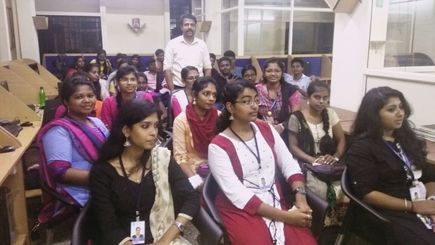
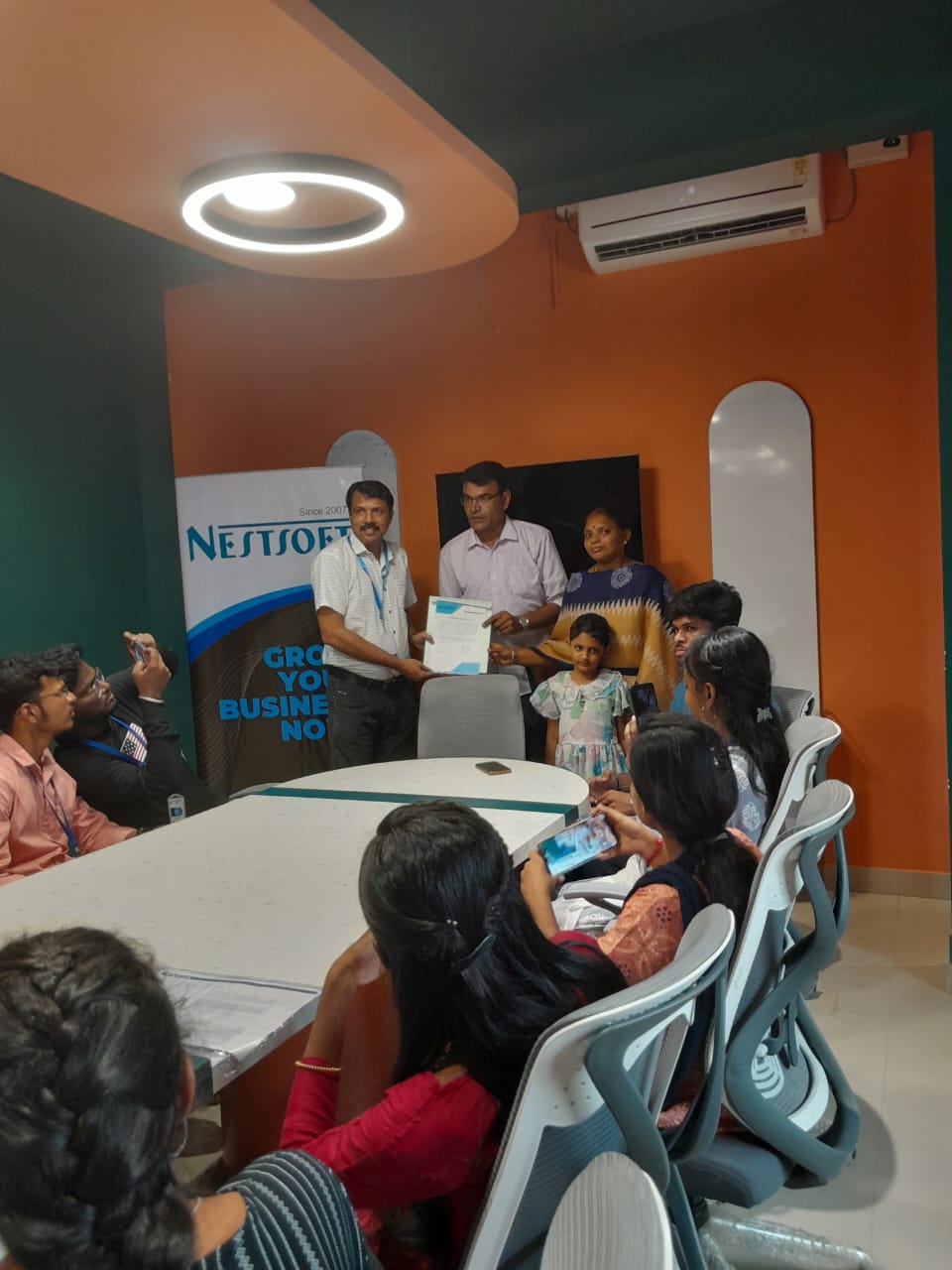
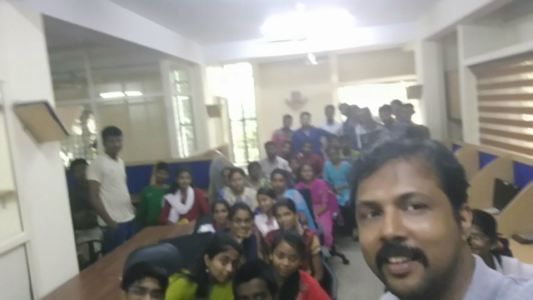
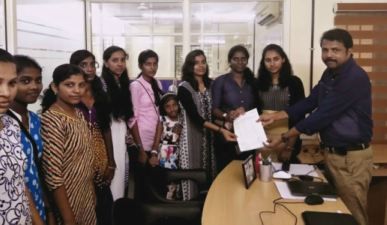
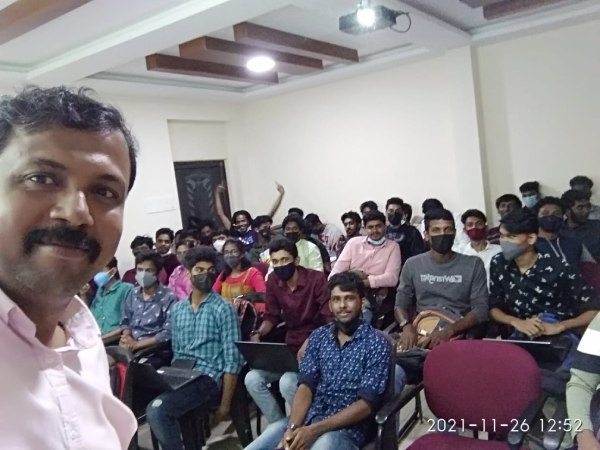
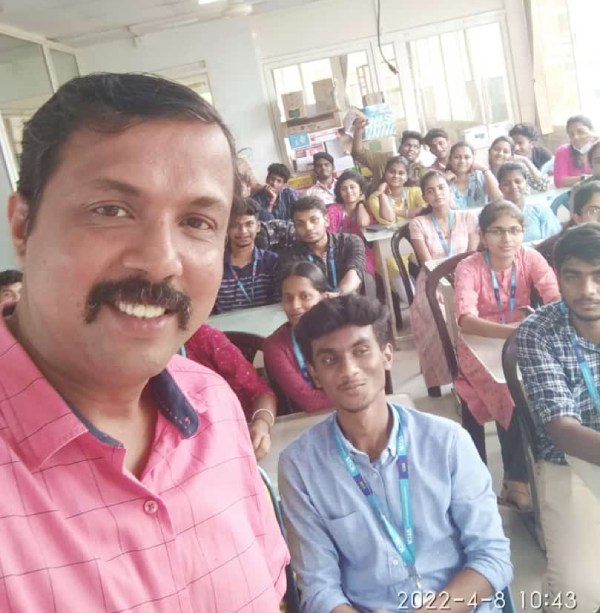
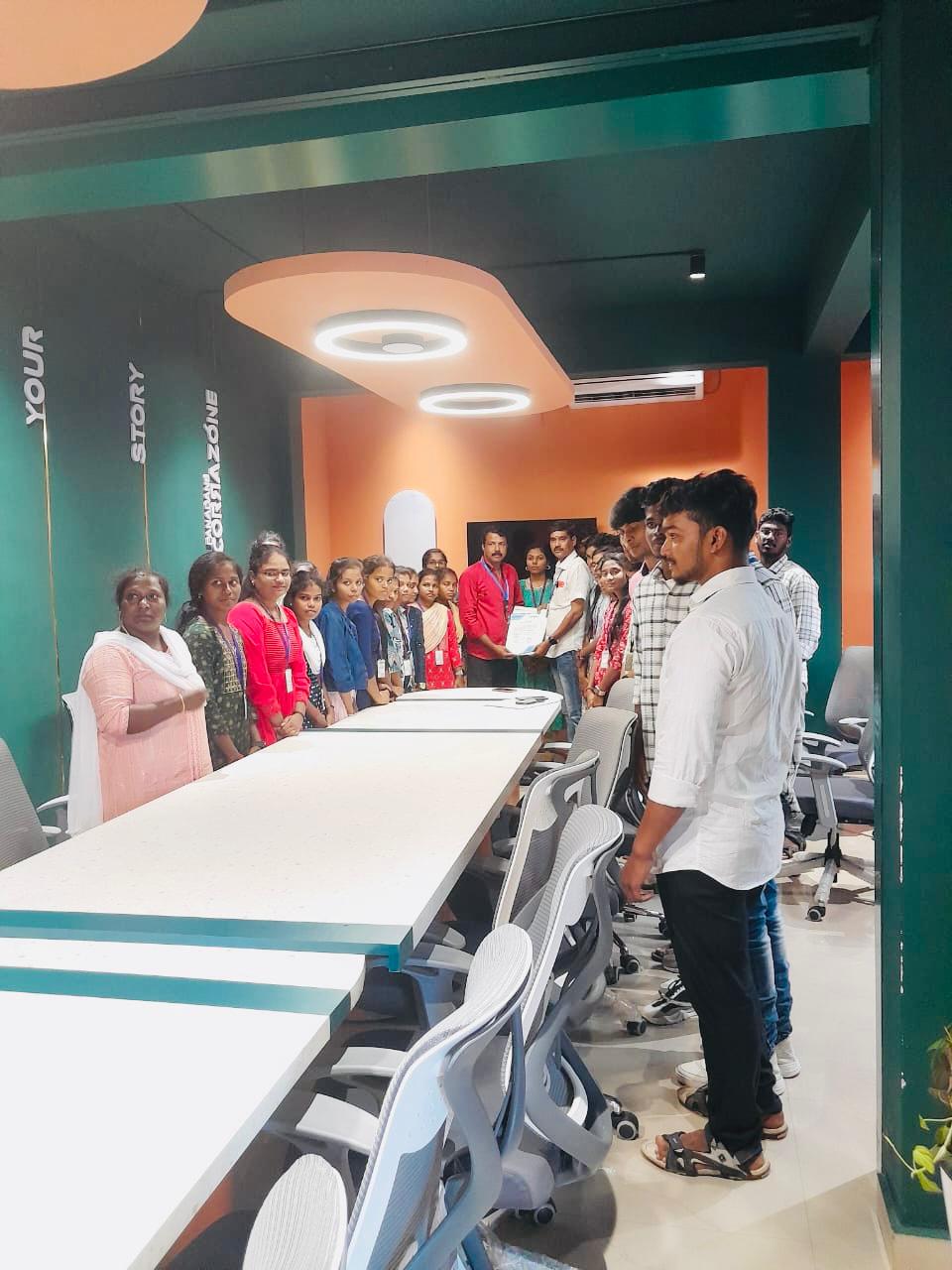
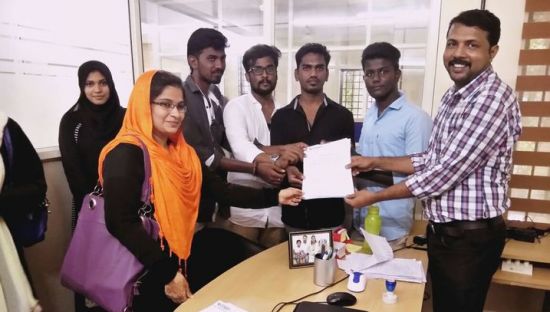
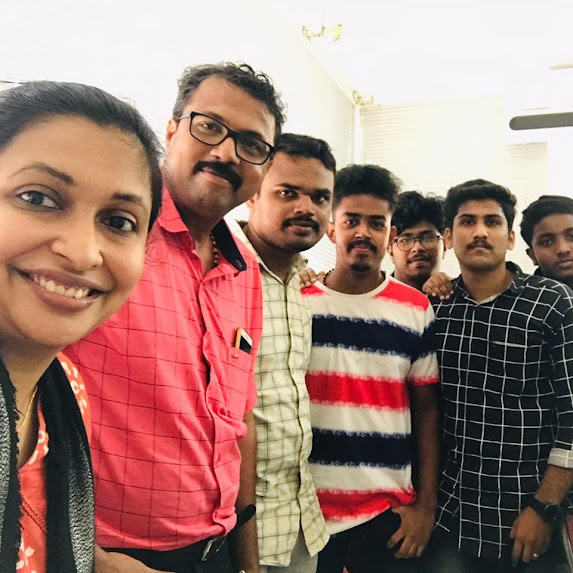
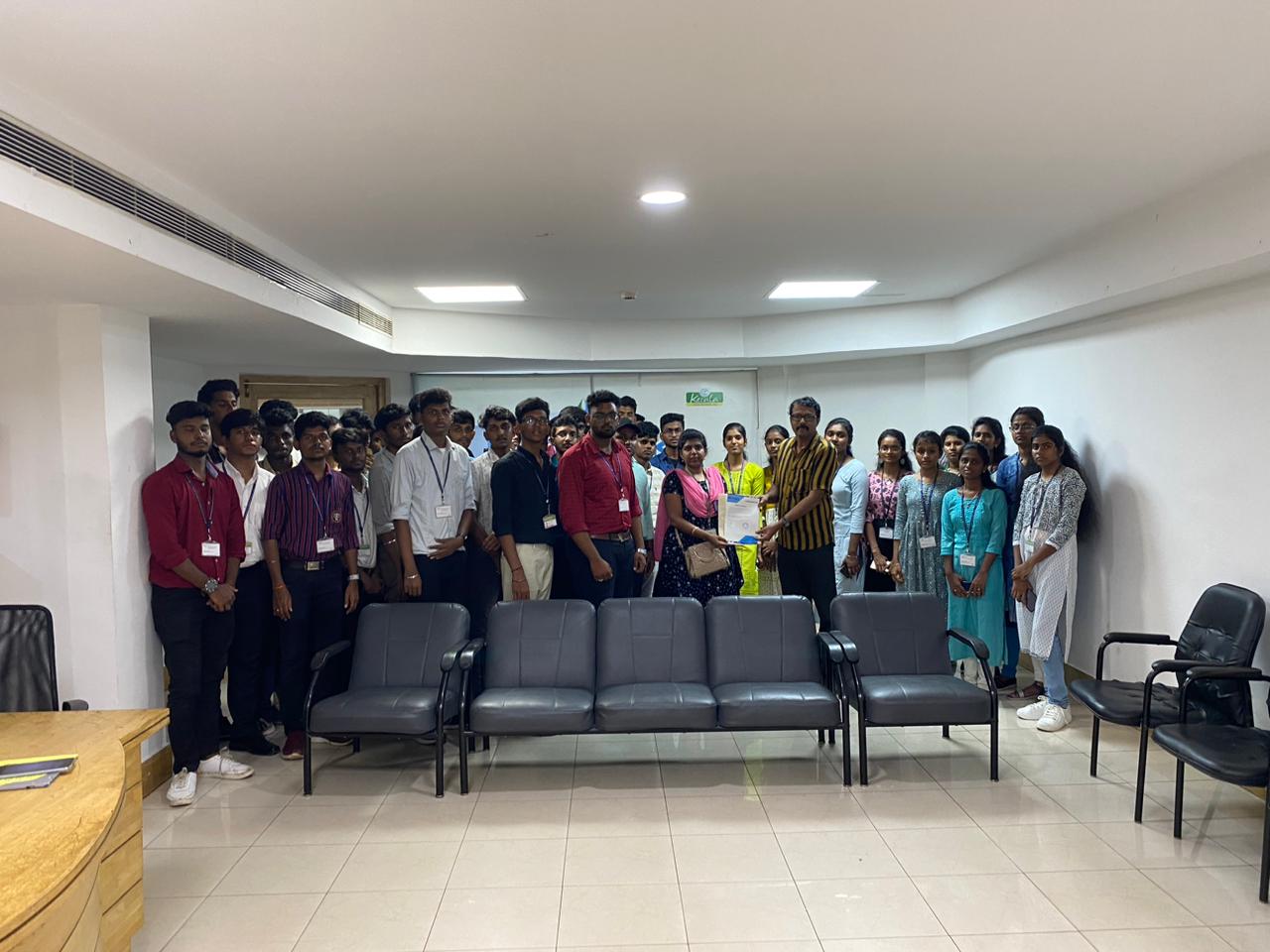
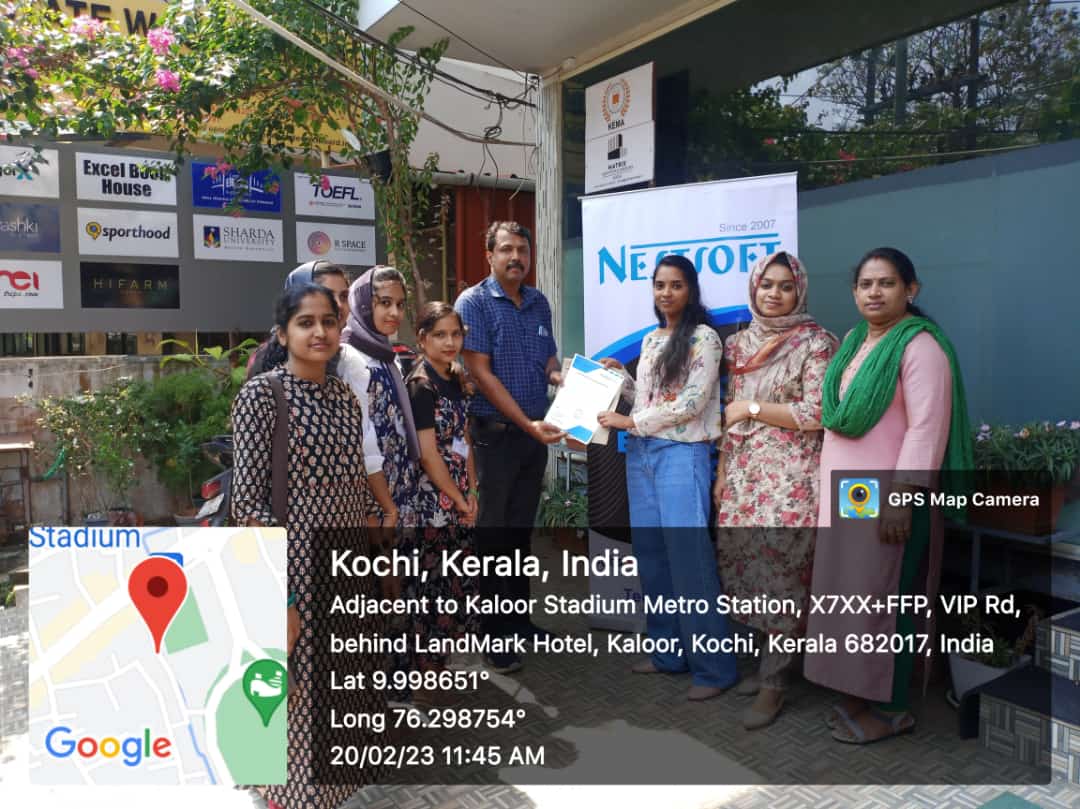
Photos of Training / Internships

Internship/projects in delhi

Trained more than 10000+ students who trust Nestsoft TechnoMaster

Get Your Personal Trainer