Send enquiry ⏎

Android Online Live Class by Experts

Our Training/Internship Process

Android Online Live Classes in Dindigul | Free Demo Training

Android - Syllabus, Fees & Duration

Getting Started with Kotlin

  • Define Kotlin
  • Environment Setup
  • First Program Concept
  • Kotlin Variable and Data Type
  • Kotlin Type Conversion
  • Kotlin Operator
  • Input/Output

Control Flow

  • if Expression
  • when Expression
  • for Loop and while Loop
  • Do while Loop
  • Return and Jump
  • Continue Structure

Exploring Kotlin Functions

  • Kotlin Function
  • Recursion Function
  • Default and Named Argument
  • Kotlin Lambdas
  • Higher-Order Function
  • Kotlin Inline Function

Exception Handling

  • Kotlin Try Catch
  • Multiple Catch Block
  • Nested Try Block
  • Kotlin Finally Block
  • Kotlin Throw Keyword

Overview of Collections

  • Mutable Array
  • Kotlin Collections
  • List: listOf()
  • mutableListOf()
  • Kotlin ArrayList
  • arrayListOf()
  • Map: mapOf()
  • Kotlin HashMap
  • hashMapOf() and mutableMapOf()
  • Set: setOf()
  • mutableSetOf() and hashSetOf()

Exploring Kotlin OOPs

  • Class and Object
  • Nested and Inner Class
  • Kotlin Constructor
  • Visibility Modifier
  • Kotlin Inheritance
  • Abstract Class
  • Kotlin Interface
  • Data and Sealed Class
  • Extension Function
  • Kotlin Generics

Introduction to Ranges

  • Integer Type Range
  • Working Ranges
  • Utility Function

Get Started with Kotlin Android

  • Install Android Studio
  • Hello World App
  • Android TextView and EditText
  • Kotlin Android Toast
  • Android Button and Custom Toast
  • Android Explicit and Implicit Intent
  • Android ListView and AlertDialog
  • Android Context Menu and Custom ListView
  • Android Options Menu and Android Popup Menu
  • Android WebView and SeekBar
  • TabLayout with FrameLayout and ViewPager
  • XML Parsing using DOM Parser and SAX Parsers
  • Android XMLPullParser

Download Syllabus - Android
This syllabus is not final and can be customized as per needs/updates
   
10000+
20+
50+
25+

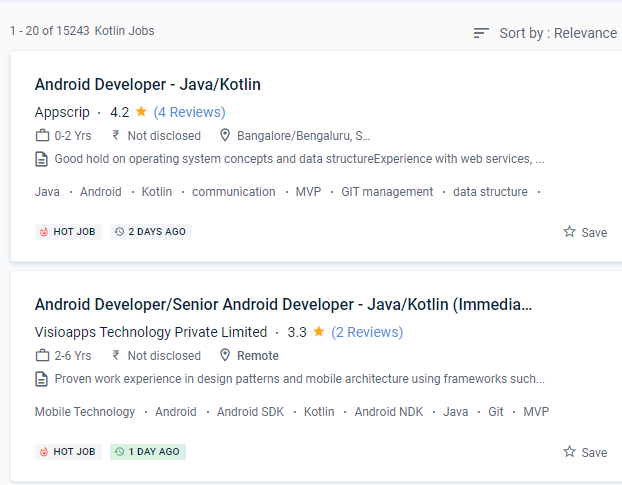
Android Jobs in Dindigul

Enjoy the demand

Find jobs related to Android in search engines (Google, Bing, Yahoo) and recruitment websites (monsterindia, placementindia, naukri, jobshybrid.com, indeed.co.in, shine.com etc.) based in Dindigul, chennai and europe countries. You can find many jobs for freshers related to the job positions in Dindigul.

  • Android Developer
  • Mobile Application developer
  • IOS/Android App Developer
  • Android Trainer
  • Mobile Application Architect
  • Android Kotlin Engineer
  • Kotlin Developer
  • Native Android Developer
  • Mobile Security Engineer
  • Lead Android Engineer

Android Internship/Course Details

Android internship jobs in Dindigul
Android If you're familiar with Kotlin, you'll have no trouble understanding. Kotlin is a simple and clear syntax that is designed to provide a seamless learning path for Java developers. You can utilize Kotlin from Java without taking any substantial steps, such as changing a complete project to Kotlin. Even if you make a mistake when coding the code, you can fix it right away. Kotlin is a cross-platform programming language that will be used to develop Android apps as an alternative to Java. Kotlin includes several simple ideas and strategies that can help developers cut needless code and build apps more quickly. When developing using Kotlin, you may prevent mistakes like NullPoint Exceptions. It also encourages test-driven development, which minimizes the number of bugs. Kotlin has a diverse range of work options in today's globe. The library needed to create Kotlin Apps is quite tiny, and Kotlin compilation times are already comparable to Java.


Meet a Few of our Industry Experts 🚀 Your Pathway to IT Career

Vaibhav

Mobile: +91 98474 90866
Location: Online (Dindigul, India)
Qualification: Diploma

Experience: I have a great knowledge in the field of designing and developing both for designing I use Figma and Adobe  more..

Rohan

Mobile: +91 91884 77559
Location: Online (Dindigul, India)
Qualification: Bca

Experience: I worked on node js angular js javascript mongo dB server also completed core java html css webtect certification from  more..

Arun

Mobile: +91 94975 90866
Location: Online (Dindigul, India)
Qualification: BE

Experience: Dear Sir Madam Hope you are doing well I am interested in applying for the position of Odoo Python developer  more..

Mohtasham

Mobile: +91 8301010866
Location: Online (Dindigul, India)
Qualification: 12th

Experience: Digital marketer social media marketer seo brand marketing google ads meta ads  more..

Anusha

Mobile: +91 94975 90866
Location: Online (Dindigul, India)
Qualification: BTECH IT

Experience: Hi This is Anusha And I've two years of experience thru WordPress and Shopify I created a UI design and  more..

Arjun

Mobile: +91 9895490866
Location: Online (Dindigul, India)
Qualification: Bachelors in Visual design and comm

Experience: Proficiency in design and all fields of visual communication 4 years of working experience in the design industry  more..

Jincy

Mobile: +91 98474 90866
Location: Online (Dindigul, India)
Qualification: B.SC

Experience: Project management Strong decision-maker Complex problem solver Creative design Innovative Service-focused 3 Years experience in Front End and Back  more..

Vishnu

Mobile: +91 91884 77559
Location: Online (Dindigul, India)
Qualification: B.com and HDCA programming

Experience: I have technical skills c c++ python HTML & CSS sql developer excel I am a fresher I don't have  more..

Kajal

Mobile: +91 91884 77559
Location: Online (Dindigul, India)
Qualification: mca

Experience: Html css js react js basic cloud zure  more..

Gurpreet

Mobile: +91 91884 77559
Location: Online (Dindigul, India)
Qualification: Mca

Experience: 1year experience php devolper  more..

Harsh

Mobile: +91 9895490866
Location: Online (Dindigul, India)
Qualification: bachelors

Experience: google ads google search seo google analytics etc  more..

Visal

Mobile: +91 91884 77559
Location: Online (Dindigul, India)
Qualification: BSc Computer Science

Experience: Experienced in Software testing from Cognizant Technology Solutions Has skills in Manual testing design and execution Selenium automation based on  more..

Muthukamaleswari

Mobile: +91 91884 77559
Location: Online (Dindigul, India)
Qualification: BE

Experience: 1year and 4 months of working experience as a Frontend developer   more..

Vismaya

Mobile: +91 94975 90866
Location: Online (Dindigul, India)
Qualification: BCA + MEAN Fullstack Development

Experience: Completed MEAN fullstack development courseApplication for Meanstack Developer Mean Stack  more..

Shalmi

Mobile: +91 8301010866
Location: Online (Dindigul, India)
Qualification: Bsc. Computer science

Experience: Html css javascript react js  more..

ABI.

Mobile: +91 91884 77559
Location: Online (Dindigul, India)
Qualification: Mca

Experience: Html css Java script react js redux dca  more..

Rishabh

Mobile: +91 91884 77559
Location: Online (Dindigul, India)
Qualification: B.SC.Computer Science and PGDCA

Experience: Python c c++ front-end development sql  more..

abin

Mobile: +91 9895490866
Location: Online (Dindigul, India)
Qualification: bca

Experience: just complete a 3 month software testing course from rogersoft technologies   more..

Abhishek

Mobile: +91 89210 61945
Location: Online (Dindigul, India)
Qualification: BCA

Experience: C++ programming Html Css SQL Udemy Certified AWS Cloud practitioner   more..

Anjali

Mobile: +91 91884 77559
Location: Online (Dindigul, India)
Qualification: Bachelor of Science

Experience: I am a fresher who is well versed with python language and its packages and frameworks i have good technical  more..

Chippy

Mobile: +91 89210 61945
Location: Online (Dindigul, India)
Qualification: Bsc computer science

Experience: knowledge in HTML PYTHON PHP JAVA Good design skill and communication skill   more..

kamal

Mobile: +91 89210 61945
Location: Online (Dindigul, India)
Qualification: Btech in computer science

Experience: I am a WordPress developer having 3 years of experience I worked on multiple themes and plugins like elementor elementor  more..

Sumanth

Mobile: +91 91884 77559
Location: Online (Dindigul, India)
Qualification: B tech

Experience: I have 3 years experience in cyber security analyst soc L1 and L2 firewall siem azure ips ids firewall |  more..

Salman

Mobile: +91 89210 61945
Location: Online (Dindigul, India)
Qualification: 12+

Experience: I have total 5+ years expirence Desktop support and networking in Wipro DNA |   more..

Success Stories

The enviable salary packages and track record of our previous students are the proof of our excellence. Please go through our students' reviews about our training methods and faculty and compare it to the recorded video classes that most of the other institutes offer. See for yourself how TechnoMaster is truly unique.

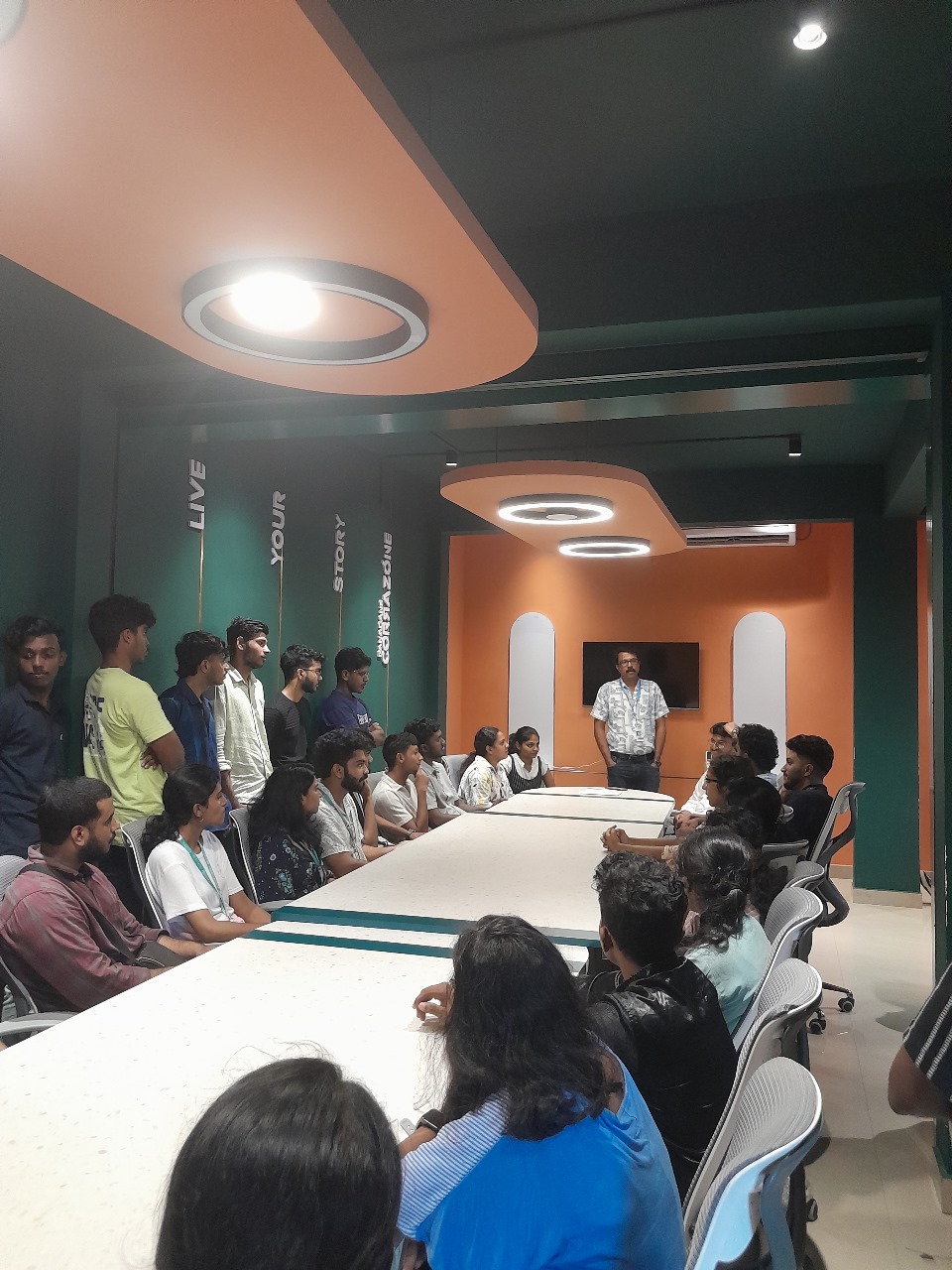
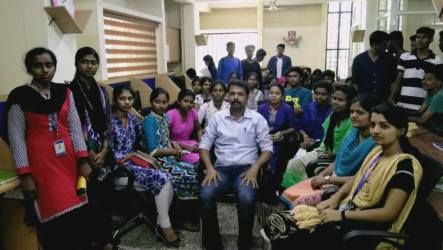
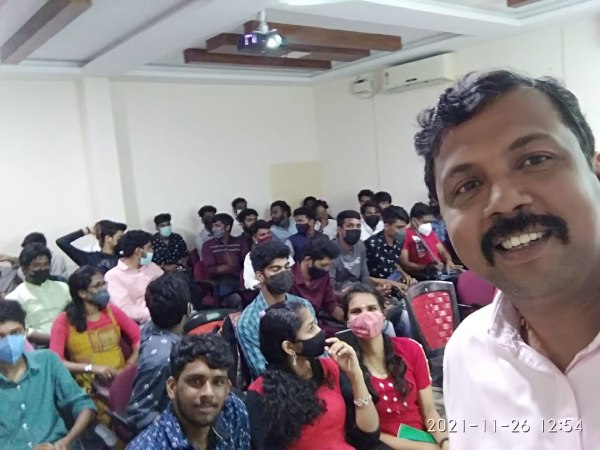
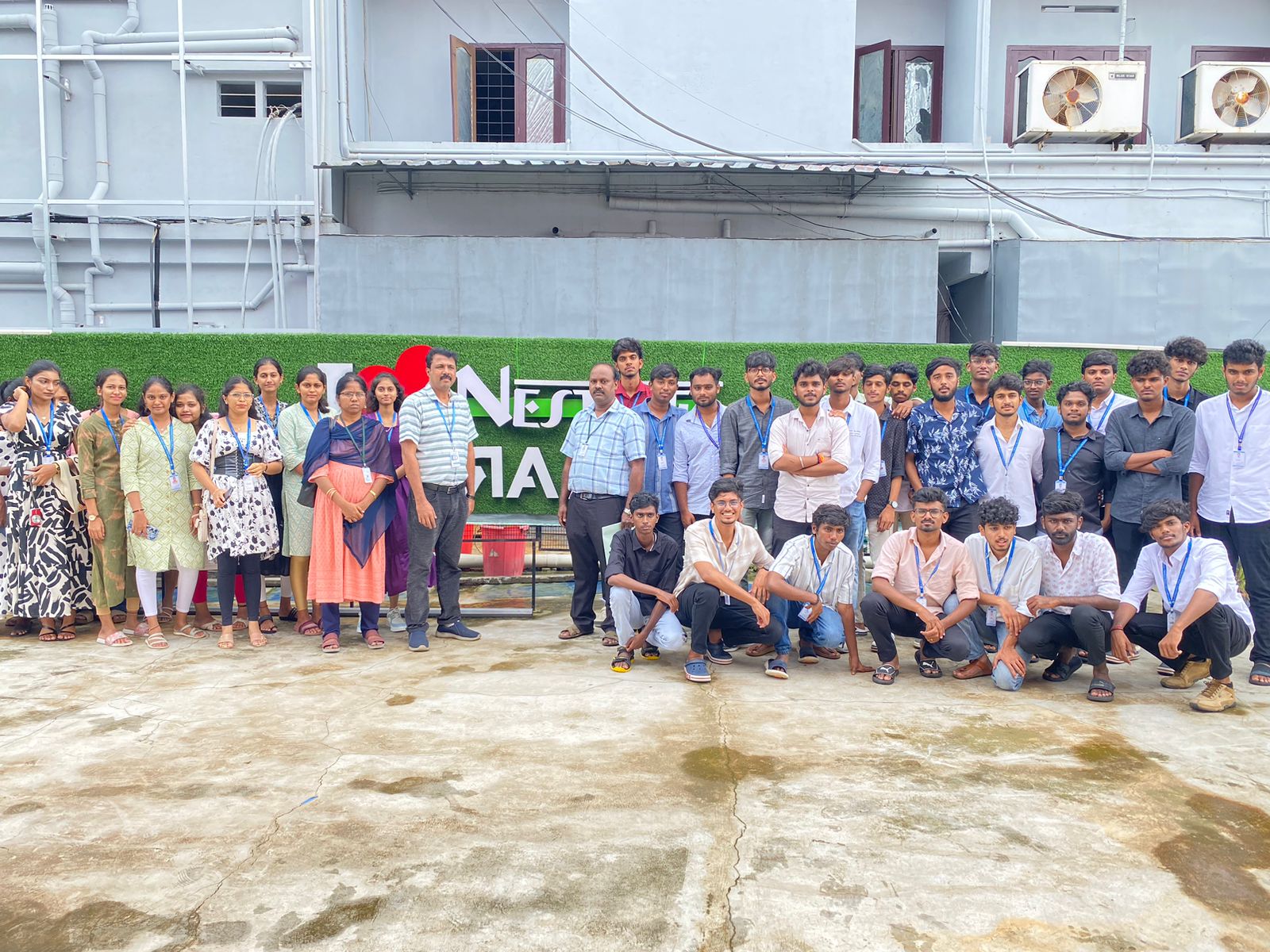
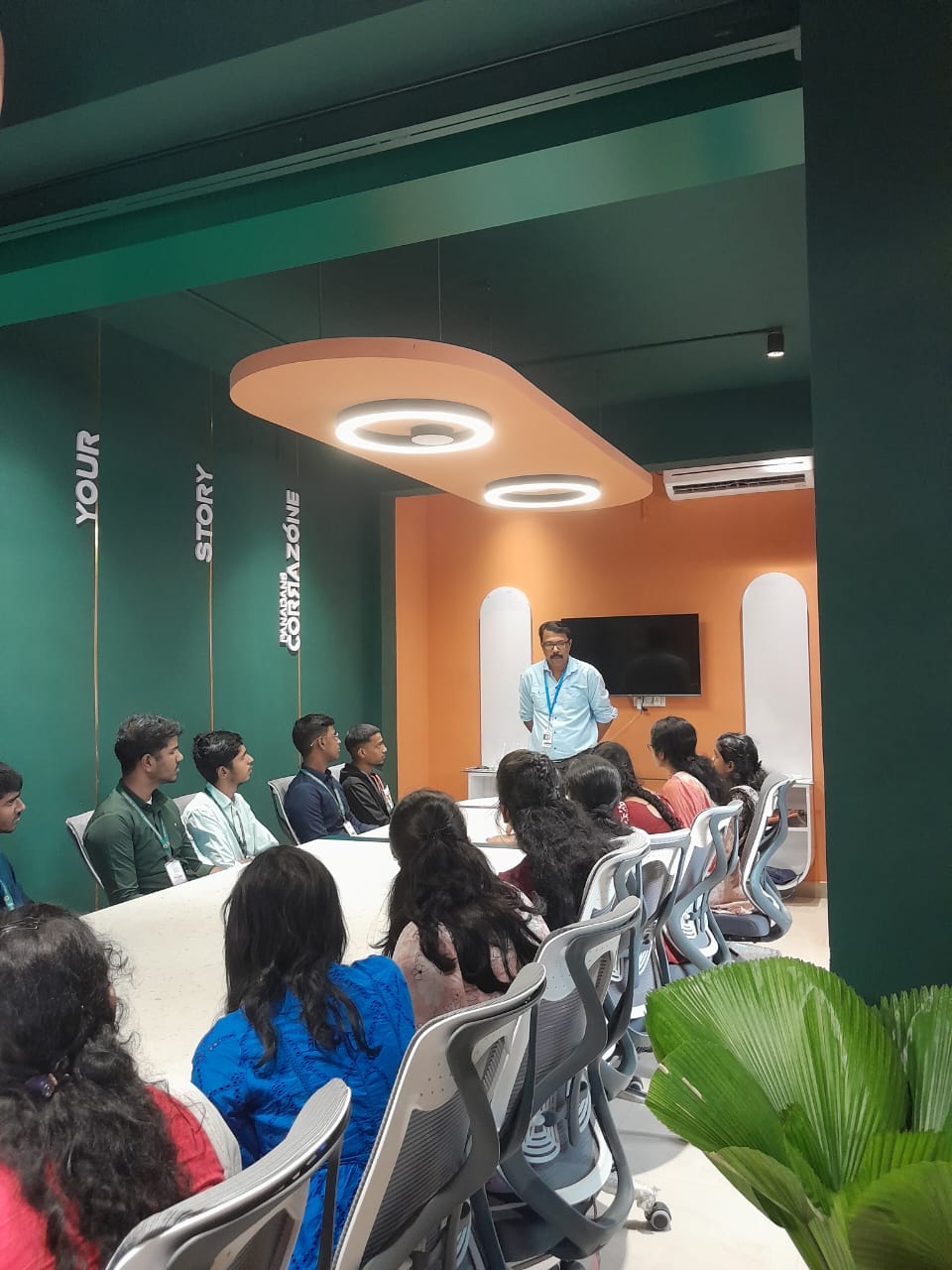
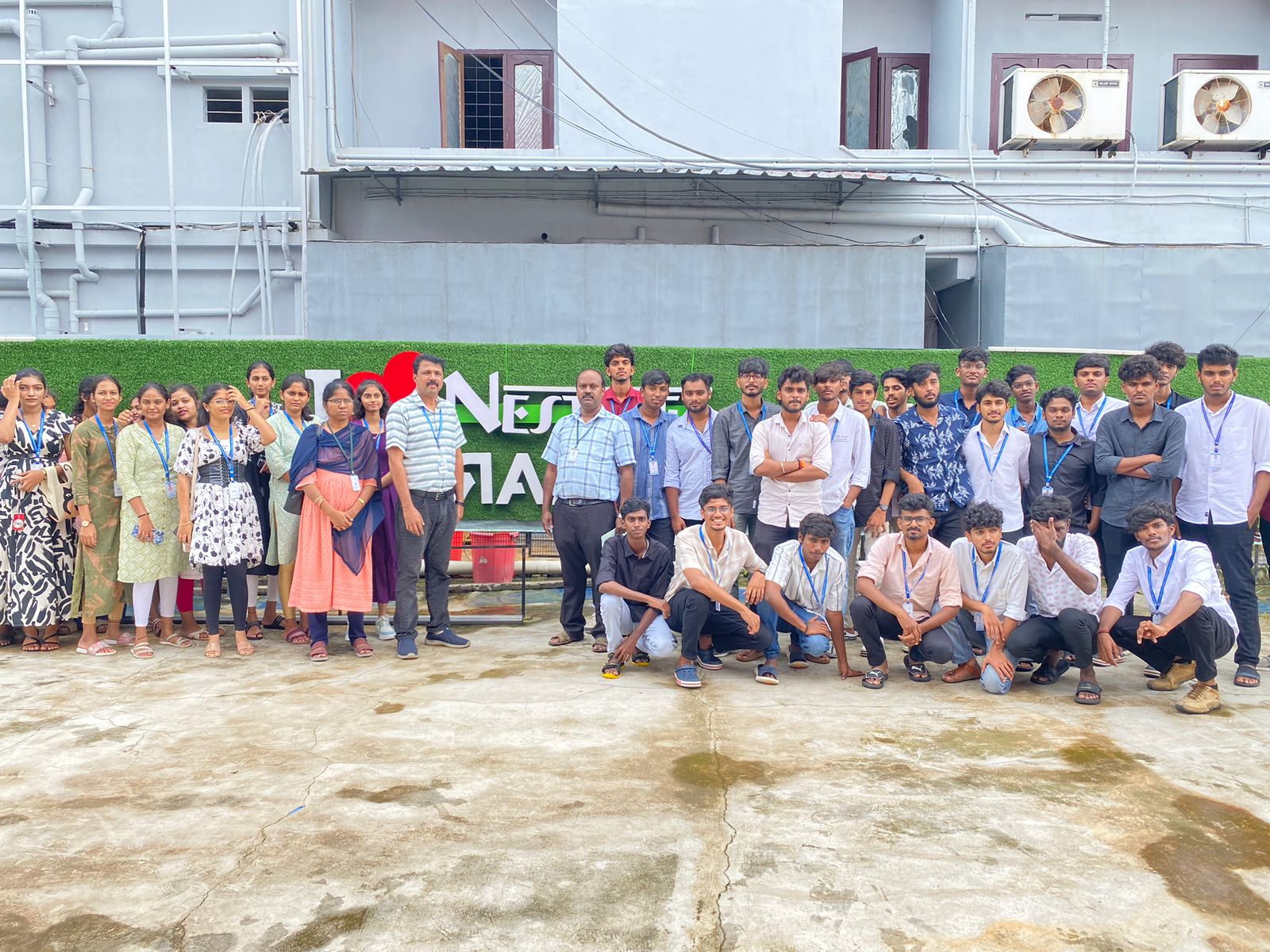
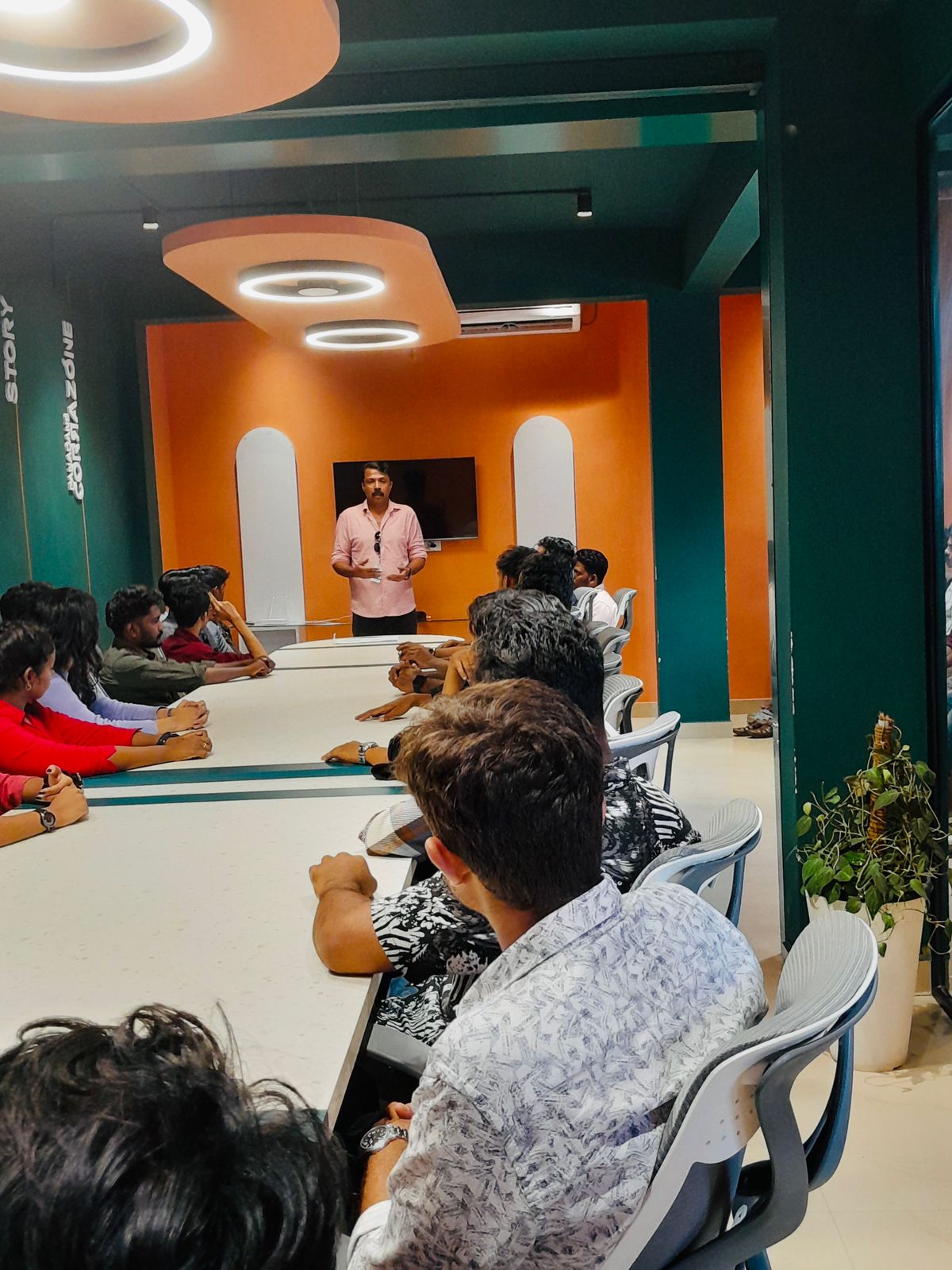
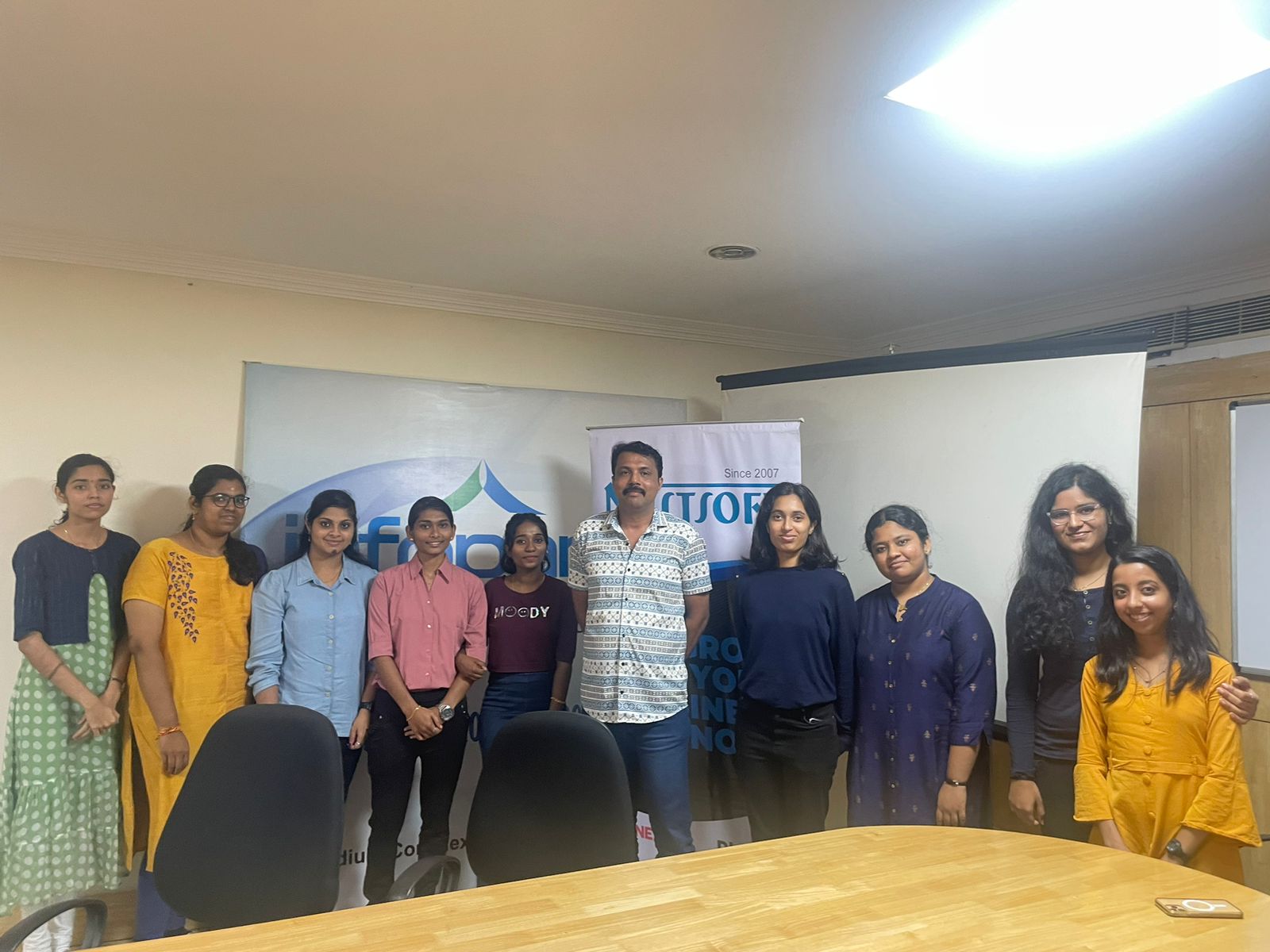
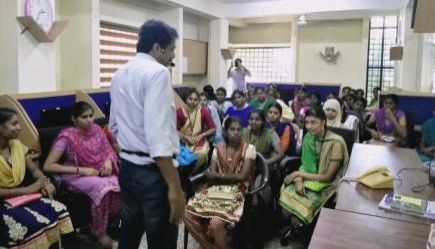
Photos of Training / Internships

Internship/projects in dindigul

Trained more than 10000+ students who trust Nestsoft TechnoMaster

Get Your Personal Trainer