Send enquiry ⏎

Android Online Live Class by Experts

Our Training/Internship Process

Android Online Live Classes in Mangaluru | Free Demo Training

Android - Syllabus, Fees & Duration

Getting Started with Kotlin

  • Define Kotlin
  • Environment Setup
  • First Program Concept
  • Kotlin Variable and Data Type
  • Kotlin Type Conversion
  • Kotlin Operator
  • Input/Output

Control Flow

  • if Expression
  • when Expression
  • for Loop and while Loop
  • Do while Loop
  • Return and Jump
  • Continue Structure

Exploring Kotlin Functions

  • Kotlin Function
  • Recursion Function
  • Default and Named Argument
  • Kotlin Lambdas
  • Higher-Order Function
  • Kotlin Inline Function

Exception Handling

  • Kotlin Try Catch
  • Multiple Catch Block
  • Nested Try Block
  • Kotlin Finally Block
  • Kotlin Throw Keyword

Overview of Collections

  • Mutable Array
  • Kotlin Collections
  • List: listOf()
  • mutableListOf()
  • Kotlin ArrayList
  • arrayListOf()
  • Map: mapOf()
  • Kotlin HashMap
  • hashMapOf() and mutableMapOf()
  • Set: setOf()
  • mutableSetOf() and hashSetOf()

Exploring Kotlin OOPs

  • Class and Object
  • Nested and Inner Class
  • Kotlin Constructor
  • Visibility Modifier
  • Kotlin Inheritance
  • Abstract Class
  • Kotlin Interface
  • Data and Sealed Class
  • Extension Function
  • Kotlin Generics

Introduction to Ranges

  • Integer Type Range
  • Working Ranges
  • Utility Function

Get Started with Kotlin Android

  • Install Android Studio
  • Hello World App
  • Android TextView and EditText
  • Kotlin Android Toast
  • Android Button and Custom Toast
  • Android Explicit and Implicit Intent
  • Android ListView and AlertDialog
  • Android Context Menu and Custom ListView
  • Android Options Menu and Android Popup Menu
  • Android WebView and SeekBar
  • TabLayout with FrameLayout and ViewPager
  • XML Parsing using DOM Parser and SAX Parsers
  • Android XMLPullParser

Download Syllabus - Android
This syllabus is not final and can be customized as per needs/updates
   
10000+
20+
50+
25+

Android Jobs in Mangaluru

Enjoy the demand

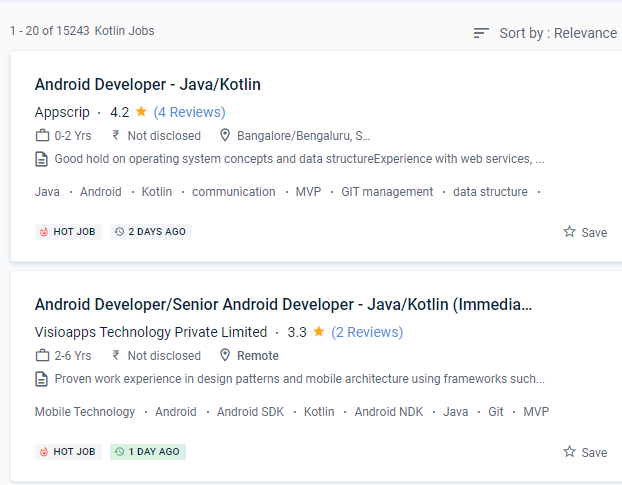
Find jobs related to Android in search engines (Google, Bing, Yahoo) and recruitment websites (monsterindia, placementindia, naukri, jobshybrid.com, indeed.co.in, shine.com etc.) based in Mangaluru, chennai and europe countries. You can find many jobs for freshers related to the job positions in Mangaluru.

  • Android Developer
  • Mobile Application developer
  • IOS/Android App Developer
  • Android Trainer
  • Mobile Application Architect
  • Android Kotlin Engineer
  • Kotlin Developer
  • Native Android Developer
  • Mobile Security Engineer
  • Lead Android Engineer

Android Internship/Course Details

Android internship jobs in Mangaluru
Android The downloadable gear for the gadgets came in a variety of shapes and sizes, and it was enough to keep you enthralled for hours. Kotlin is proving to be a pragmatic, modern, and intuitive programming language, with Google declaring it to be the most popular language for android app developers. Since the platform was originally set up, android apps have been rolling in thick and fast through Nestsoft android online training in Mangaluru. The library needed to create Kotlin Apps is quite tiny, and Kotlin compilation times are already comparable to Java. Developers that utilize mobile app development can use a single codebase for both iOS and Android apps. Many ideas, including Android Studio and a variety of alternative SDKs, support it, and more will undoubtedly be added in the future. Because Kotlin is utilized for both web and server-side programming, you'll be able to add a lot of strings to your bow. You can utilize Kotlin from Java without taking any substantial steps, such as changing a complete project to Kotlin. The ability to use and share information from Java in a variety of ways is Kotlin's most powerful feature. It also encourages test-driven development, which minimizes the number of bugs.


Meet a Few of our Industry Experts 🚀 Your Pathway to IT Career

Sanu

Mobile: +91 91884 77559
Location: Online (Mangaluru, India)
Qualification: Graduation On Going

Experience: I have 3+ years of experience in web design field In Web I Know Html CSS JavaScript jQuery Bootstrap Framework  more..

Bhavesh

Mobile: +91 89210 61945
Location: Online (Mangaluru, India)
Qualification: Btech

Experience: i have interest in tech field and especially in cyber security I have basic knowledge about computer fundamental networking  more..

Kanchana

Mobile: +91 8301010866
Location: Online (Mangaluru, India)
Qualification: MCA

Experience: Hello Hope you are doing well I am currently working in School salad since November 2023 and done 3 projects  more..

Trupti

Mobile: +91 8301010866
Location: Online (Mangaluru, India)
Qualification: B.E in computer science

Experience: I have 1+ experience in application development skills java kotlin Android sdk rest api intergation roomdatabase and firebase   more..

swarada

Mobile: +91 98474 90866
Location: Online (Mangaluru, India)
Qualification: Masters

Experience: Skills-Java Selenium Testng API testing Experience-working as quality analyst in Ephanti Ince from Sep-2022 Writing manual test cases executing automation  more..

saurav

Mobile: +91 94975 90866
Location: Online (Mangaluru, India)
Qualification: BCA

Experience: Golang python Rust Backend postgres mongodb linux  more..

Sidharth

Mobile: +91 91884 77559
Location: Online (Mangaluru, India)
Qualification: B tech

Experience: Manual testing Good in test case writing Well knowledge in integration and regression testing Java basics  more..

umakanta

Mobile: +91 9895490866
Location: Online (Mangaluru, India)
Qualification: Diploma in Computer Science & Technology

Experience: php laravel mysql mongodb javascript jquery rest api soap api bootstrap aws react node js express jsApplication for PHP Laravel  more..

JEBIN

Mobile: +91 91884 77559
Location: Online (Mangaluru, India)
Qualification: Diploma and web and graphic designer

Experience: Web (front end developer) 1year experience Graphic designer 4year experience  more..

S

Mobile: +91 89210 61945
Location: Online (Mangaluru, India)
Qualification: PURUSING GRADUATION

Experience: HTML css Javascript ReactJs AngularJs Flask Java python php mysql mongodb  more..

Souvick

Mobile: +91 94975 90866
Location: Online (Mangaluru, India)
Qualification: Doctorate

Experience: Problem Solving Business development Leadership coaching Analysis Optimization  more..

Prabhakaran.J

Mobile: +91 91884 77559
Location: Online (Mangaluru, India)
Qualification: B.tech

Experience: AD administration firewall proxy server maintenance   more..

Aparna

Mobile: +91 8301010866
Location: Online (Mangaluru, India)
Qualification: Btech CSE

Experience: Skilled with core java automation testing with selenium java objective c  more..

Lukhman

Mobile: +91 91884 77559
Location: Online (Mangaluru, India)
Qualification: Be computer science

Experience: Java sql html css networking  more..

PRIYA

Mobile: +91 9895490866
Location: Online (Mangaluru, India)
Qualification: MCA

Experience: I am a MCA Graduate I am interested to work as a junior Php developer  more..

Kavya

Mobile: +91 8301010866
Location: Online (Mangaluru, India)
Qualification: MCA

Experience: java programing php mysql java Script css ML cloud computing and network security  more..

Santhiya

Mobile: +91 89210 61945
Location: Online (Mangaluru, India)
Qualification: MCA

Experience: EXPERIENCE Intern Java Master Class May 2023 - Sep 2023 Java Analyst Java Master Class Oct 2023 - Dec 2023  more..

Bussa

Mobile: +91 94975 90866
Location: Online (Mangaluru, India)
Qualification: B tech

Experience: I have a solid understanding of both Java and python In Java I am comfortable with concepts such as object  more..

Siddangouda

Mobile: +91 91884 77559
Location: Online (Mangaluru, India)
Qualification: B.E Computer Science

Experience: Seo on page off page technical seo back links link building Google Analytics   more..

Mahendran

Mobile: +91 9895490866
Location: Online (Mangaluru, India)
Qualification: Btech

Experience: Skills : 1 User interface design 2 User experience design 3 Wireframing and prototyping 4 Interaction design 5 Usability testing  more..

Priyanka

Mobile: +91 91884 77559
Location: Online (Mangaluru, India)
Qualification: MCA

Experience: Application for php DeveloperApplication for PHP Laravel  more..

Kiran

Mobile: +91 98474 90866
Location: Online (Mangaluru, India)
Qualification: Diploma in computer Engineering

Experience: Ethical Hacking Vulnerability Assessment C programming (basics) HTML SQL |   more..

Lavanya

Mobile: +91 9895490866
Location: Online (Mangaluru, India)
Qualification: MSc Computer Science

Experience: Web development photoshop Java c c++ SQL  more..

Smruti

Mobile: +91 91884 77559
Location: Online (Mangaluru, India)
Qualification: Master in Application

Experience: Coding(c c++ java javascript php python) Photo Video editting Logo poster quote post design  more..

Success Stories

The enviable salary packages and track record of our previous students are the proof of our excellence. Please go through our students' reviews about our training methods and faculty and compare it to the recorded video classes that most of the other institutes offer. See for yourself how TechnoMaster is truly unique.

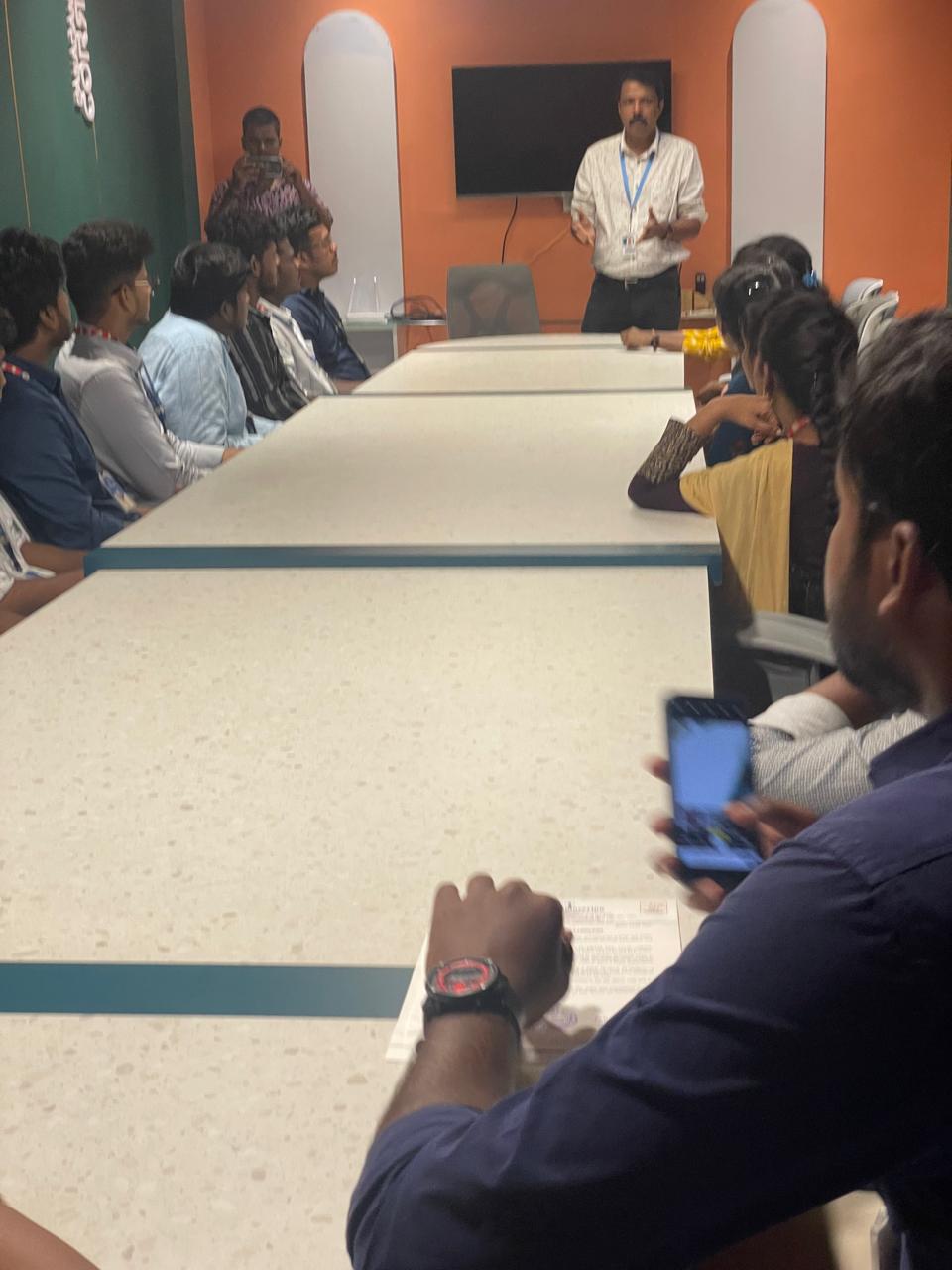
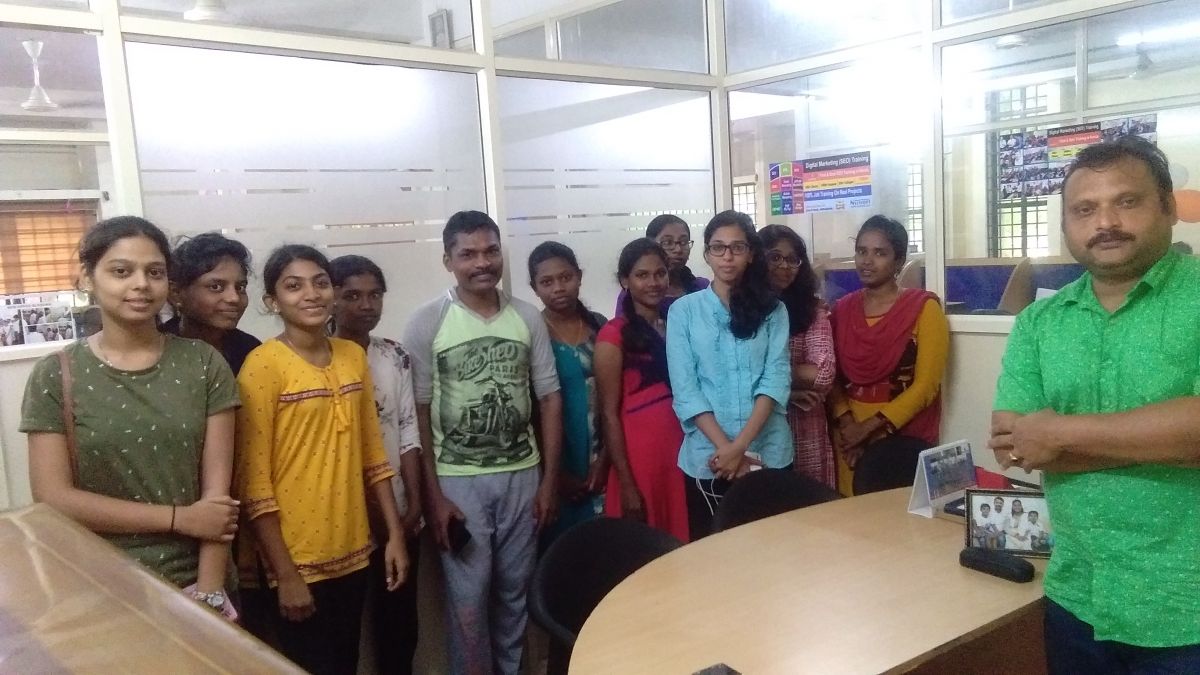
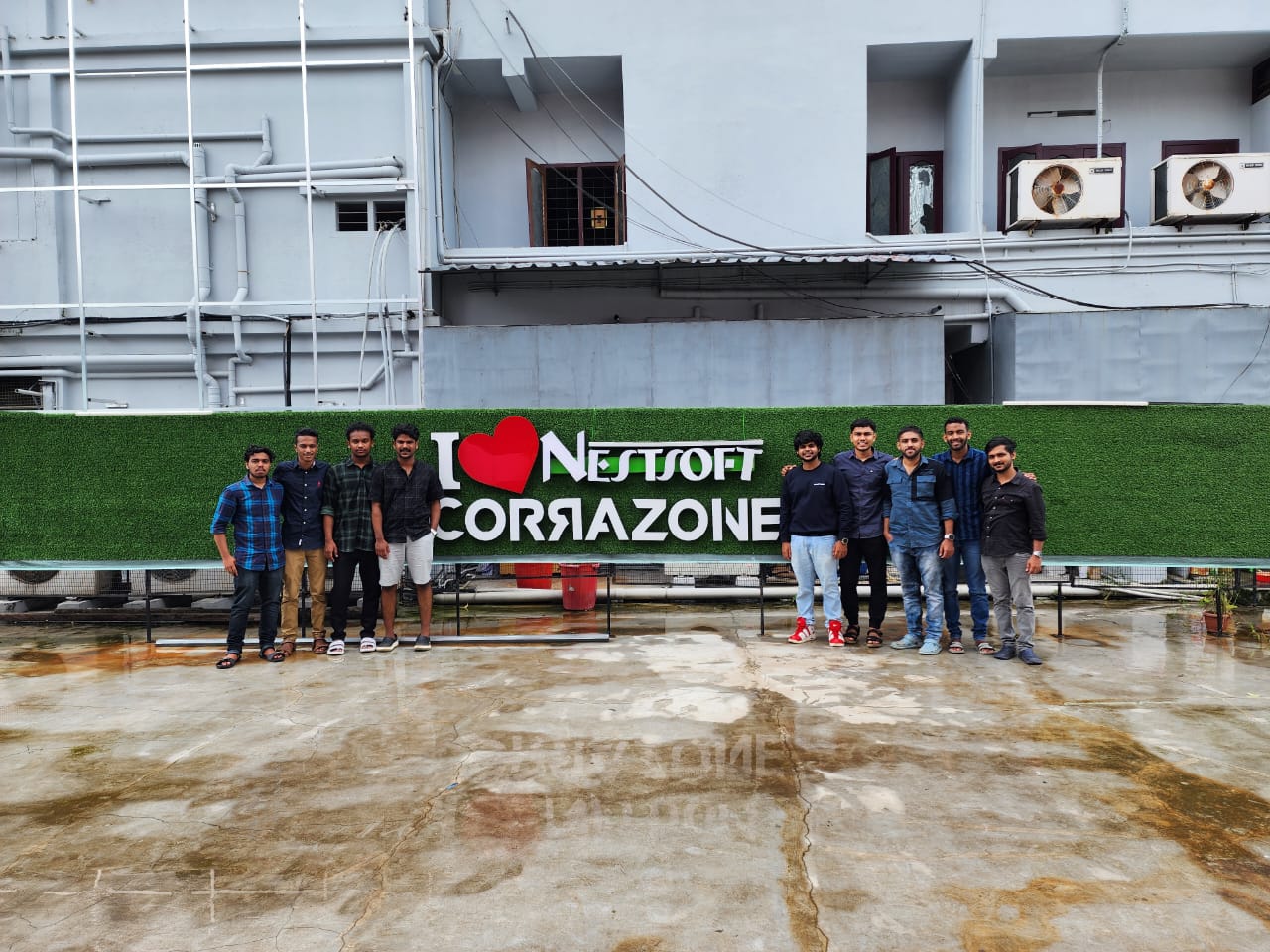
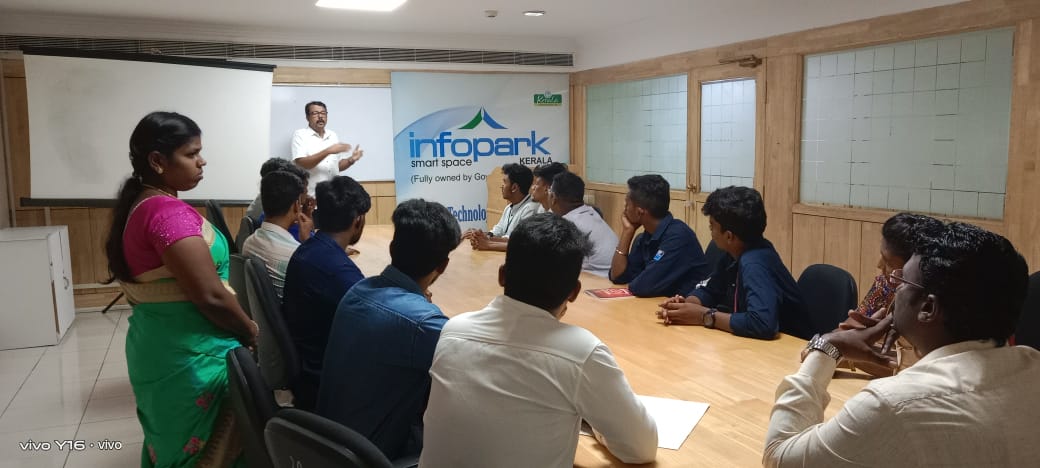
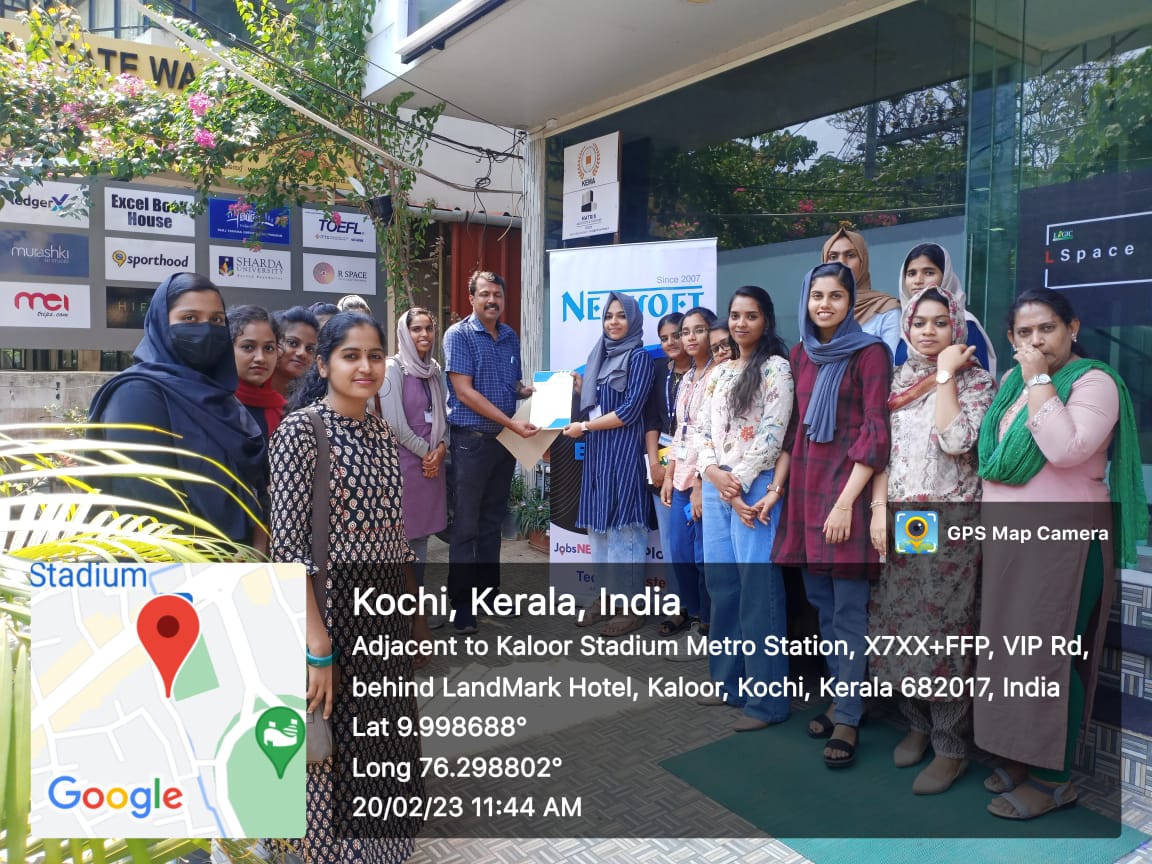
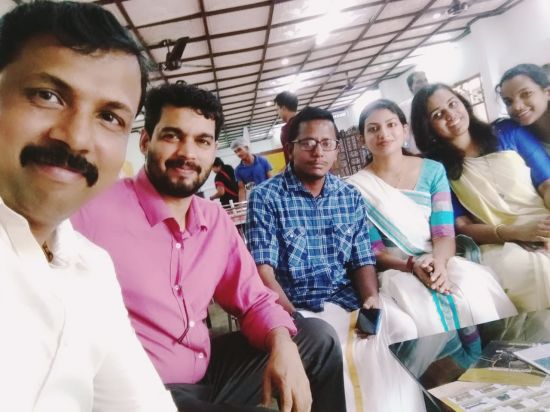
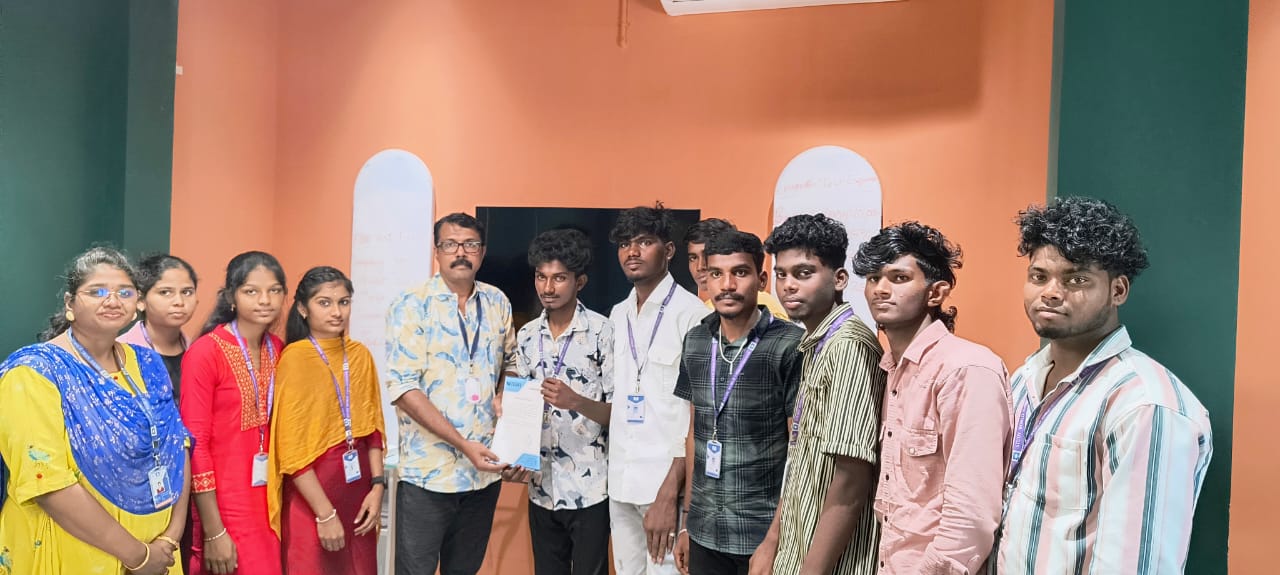
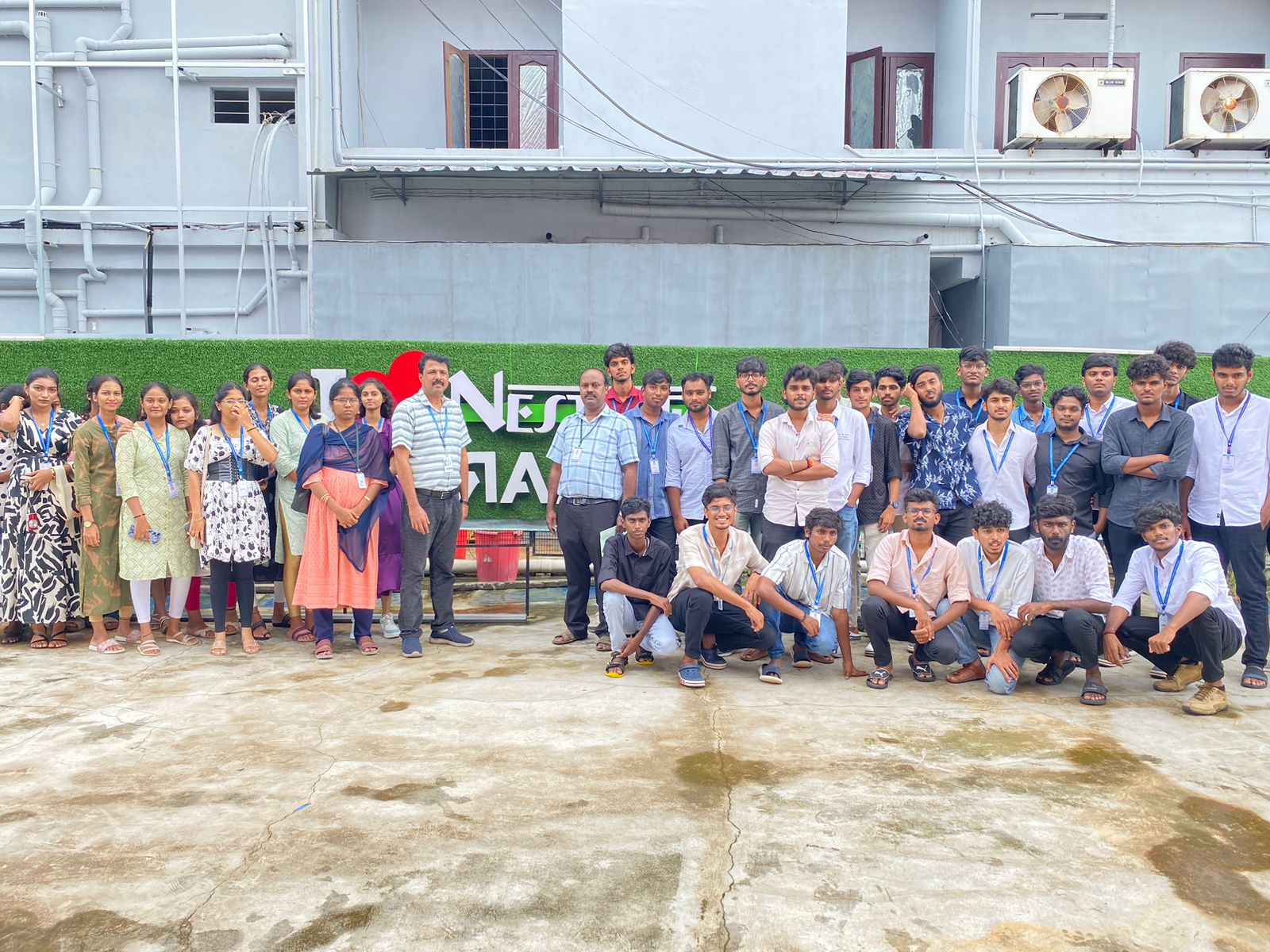
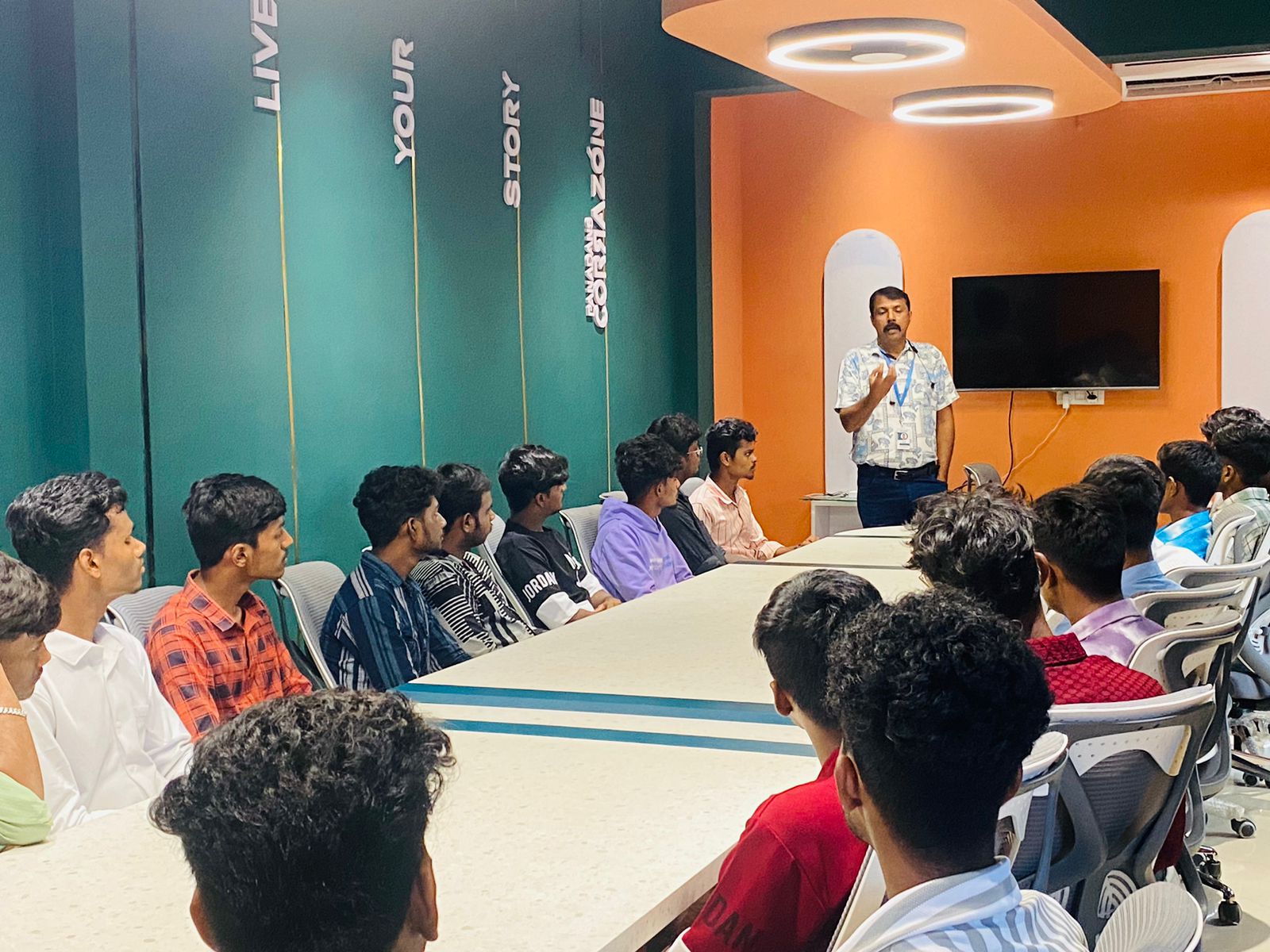
Photos of Training / Internships

Internship/projects in mangaluru

Trained more than 10000+ students who trust Nestsoft TechnoMaster

Get Your Personal Trainer