Send enquiry ⏎

Android Online Live Class by Experts

Our Training/Internship Process

Android Online Live Classes in Kerala | Free Demo Training

Android - Syllabus, Fees & Duration

Getting Started with Kotlin

  • Define Kotlin
  • Environment Setup
  • First Program Concept
  • Kotlin Variable and Data Type
  • Kotlin Type Conversion
  • Kotlin Operator
  • Input/Output

Control Flow

  • if Expression
  • when Expression
  • for Loop and while Loop
  • Do while Loop
  • Return and Jump
  • Continue Structure

Exploring Kotlin Functions

  • Kotlin Function
  • Recursion Function
  • Default and Named Argument
  • Kotlin Lambdas
  • Higher-Order Function
  • Kotlin Inline Function

Exception Handling

  • Kotlin Try Catch
  • Multiple Catch Block
  • Nested Try Block
  • Kotlin Finally Block
  • Kotlin Throw Keyword

Overview of Collections

  • Mutable Array
  • Kotlin Collections
  • List: listOf()
  • mutableListOf()
  • Kotlin ArrayList
  • arrayListOf()
  • Map: mapOf()
  • Kotlin HashMap
  • hashMapOf() and mutableMapOf()
  • Set: setOf()
  • mutableSetOf() and hashSetOf()

Exploring Kotlin OOPs

  • Class and Object
  • Nested and Inner Class
  • Kotlin Constructor
  • Visibility Modifier
  • Kotlin Inheritance
  • Abstract Class
  • Kotlin Interface
  • Data and Sealed Class
  • Extension Function
  • Kotlin Generics

Introduction to Ranges

  • Integer Type Range
  • Working Ranges
  • Utility Function

Get Started with Kotlin Android

  • Install Android Studio
  • Hello World App
  • Android TextView and EditText
  • Kotlin Android Toast
  • Android Button and Custom Toast
  • Android Explicit and Implicit Intent
  • Android ListView and AlertDialog
  • Android Context Menu and Custom ListView
  • Android Options Menu and Android Popup Menu
  • Android WebView and SeekBar
  • TabLayout with FrameLayout and ViewPager
  • XML Parsing using DOM Parser and SAX Parsers
  • Android XMLPullParser

Download Syllabus - Android
This syllabus is not final and can be customized as per needs/updates
   
10000+
20+
50+
25+

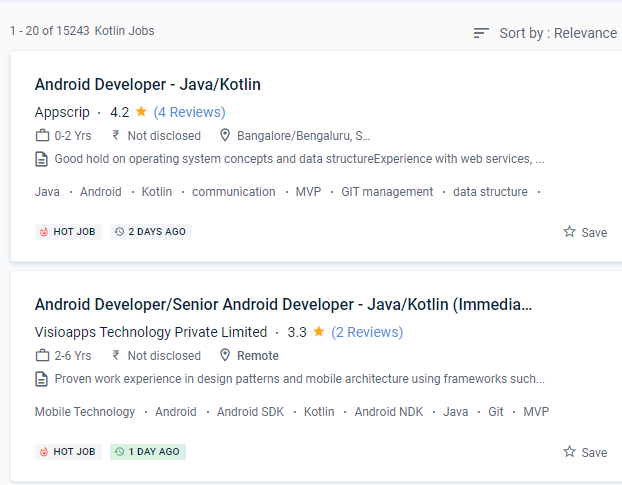
Android Jobs in Kerala

Enjoy the demand

Find jobs related to Android in search engines (Google, Bing, Yahoo) and recruitment websites (monsterindia, placementindia, naukri, jobshybrid.com, indeed.co.in, shine.com etc.) based in Kerala, chennai and europe countries. You can find many jobs for freshers related to the job positions in Kerala.

  • Android Developer
  • Mobile Application developer
  • IOS/Android App Developer
  • Android Trainer
  • Mobile Application Architect
  • Android Kotlin Engineer
  • Kotlin Developer
  • Native Android Developer
  • Mobile Security Engineer
  • Lead Android Engineer

Android Internship/Course Details

Android internship jobs in Kerala
Android We anticipate that first-class Android support will attract a large number of users to Kotlin and that the community will grow dramatically. Many ideas, including Android Studio and a variety of alternative SDKs, support it, and more will undoubtedly be added in the future. The ability to use and share information from Java in a variety of ways is Kotlin's most powerful feature. It’s a Java Virtual Machine (JVM) and JavaScript programming language written statically. The most effective aspect of the apps was that they were most useful and entertaining. Kotlin is a simple and clear syntax that is designed to provide a seamless learning path for Java developers. When developing using Kotlin, you may prevent mistakes like NullPoint Exceptions. Kotlin has a diverse range of work options in today's globe. With the help of this program may convert difficult code into a more basic form without wasting time. It is used in the manufacture of several well-known firms.


Meet a Few of our Industry Experts 🚀 Your Pathway to IT Career

Reshma

Mobile: +91 8301010866
Location: Online (Kerala, India)
Qualification: B.Tech

Experience: UX UI design - 2 years User research Figma Wireframing Prototyping Design system  more..

Shraddha

Mobile: +91 9895490866
Location: Online (Kerala, India)
Qualification: Bacholer of computer engineering

Experience: I have good knowledge of cyber security and ethical Hacking I have also done internship in cyber security and Ethical  more..

Nitesh

Mobile: +91 9895490866
Location: Online (Kerala, India)
Qualification: B.tech

Experience: Ticketing System tools Windows administration Multiple O S envirnment experience firewall and access point lab experience networking Over 7 years  more..

Rahul

Mobile: +91 9895490866
Location: Online (Kerala, India)
Qualification: BE/ECE

Experience: 5 month networking side overall troubleshooting network issue  more..

himanti

Mobile: +91 9895490866
Location: Online (Kerala, India)
Qualification: Mca

Experience: 2 years canva design experience |   more..

Rajkumar

Mobile: +91 94975 90866
Location: Online (Kerala, India)
Qualification: MBA

Experience: Software testing in 4 7 years experience of selenium automation testing tool   more..

Nikhil

Mobile: +91 8301010866
Location: Online (Kerala, India)
Qualification: msc

Experience: manual and automation testing  more..

RITHIKA

Mobile: +91 9895490866
Location: Online (Kerala, India)
Qualification: B.Tech

Experience: I am an aspiring UX Designer To boldly purse continuous learning and personal growth while creating user friendly products that  more..

nilam

Mobile: +91 91884 77559
Location: Online (Kerala, India)
Qualification: BE(E&TC)

Experience: As a web devloper design a creative website  more..

Avnish

Mobile: +91 91884 77559
Location: Online (Kerala, India)
Qualification: B. E.

Experience: I have experience in front end developer and I want to change my job in software testing my skills are  more..

Tanuj

Mobile: +91 91884 77559
Location: Online (Kerala, India)
Qualification: B.E. in ECE

Experience: I have worked as an Academic counsellor in inurture Skills: Technical skills including Computer programming and MS Excel my soft  more..

Josmy

Mobile: +91 91884 77559
Location: Online (Kerala, India)
Qualification: BCA

Experience: One year of experience in software testing   more..

Logeshwaran

Mobile: +91 8301010866
Location: Online (Kerala, India)
Qualification: BE

Experience: Test planning Manual testing Regression and Automation  more..

Afeefa

Mobile: +91 91884 77559
Location: Online (Kerala, India)
Qualification: BCA

Experience: Python full stack developer  more..

Kiran

Mobile: +91 9895490866
Location: Online (Kerala, India)
Qualification: B.com final year

Experience: I have multiple skills like fast learner creative mind problem solving design communication content creator and smar worker and I  more..

Abhishek

Mobile: +91 98474 90866
Location: Online (Kerala, India)
Qualification: int mtech

Experience: 2 years of work experience in frontend angular development currently working in payment gateway systemsApplication for Angular JS  more..

Raj

Mobile: +91 94975 90866
Location: Online (Kerala, India)
Qualification: BcA

Experience: This Email is to express my interest in the post of Android Developer With a Bachelor’s degree in Computer Applications(BCA)  more..

Mayuri

Mobile: +91 94975 90866
Location: Online (Kerala, India)
Qualification: BE in Computer Engineering

Experience: I am an experienced software developer skills with angular (RXJS Reactive forms routing) Javascript(Promises) Typescript HTML CSS Git Bitbukcet Jira  more..

Subashkumar

Mobile: +91 91884 77559
Location: Online (Kerala, India)
Qualification: B.E

Experience: Software testing QA Software developy  more..

Priyesh

Mobile: +91 94975 90866
Location: Online (Kerala, India)
Qualification: BCA ,

Experience: I worked on a dubai based company last 2 years as a software engineer currently iam resign and stay back  more..

Ramalakshmi

Mobile: +91 91884 77559
Location: Online (Kerala, India)
Qualification: B.E(ECE)

Experience: Manual testing Java core basic queries in SQL  more..

K.RAKHI

Mobile: +91 8301010866
Location: Online (Kerala, India)
Qualification: BTECH

Experience: Manual testting Automation-Selenium testing postman Agile technology Jira(basic concepts) Html Css Bootstrap  more..

Yatendra

Mobile: +91 8301010866
Location: Online (Kerala, India)
Qualification: Mba

Experience: I am good in smo and seo with graphic design  more..

Sandip

Mobile: +91 91884 77559
Location: Online (Kerala, India)
Qualification: Mca

Experience: C and cop Core java android flutter   more..

Success Stories

The enviable salary packages and track record of our previous students are the proof of our excellence. Please go through our students' reviews about our training methods and faculty and compare it to the recorded video classes that most of the other institutes offer. See for yourself how TechnoMaster is truly unique.

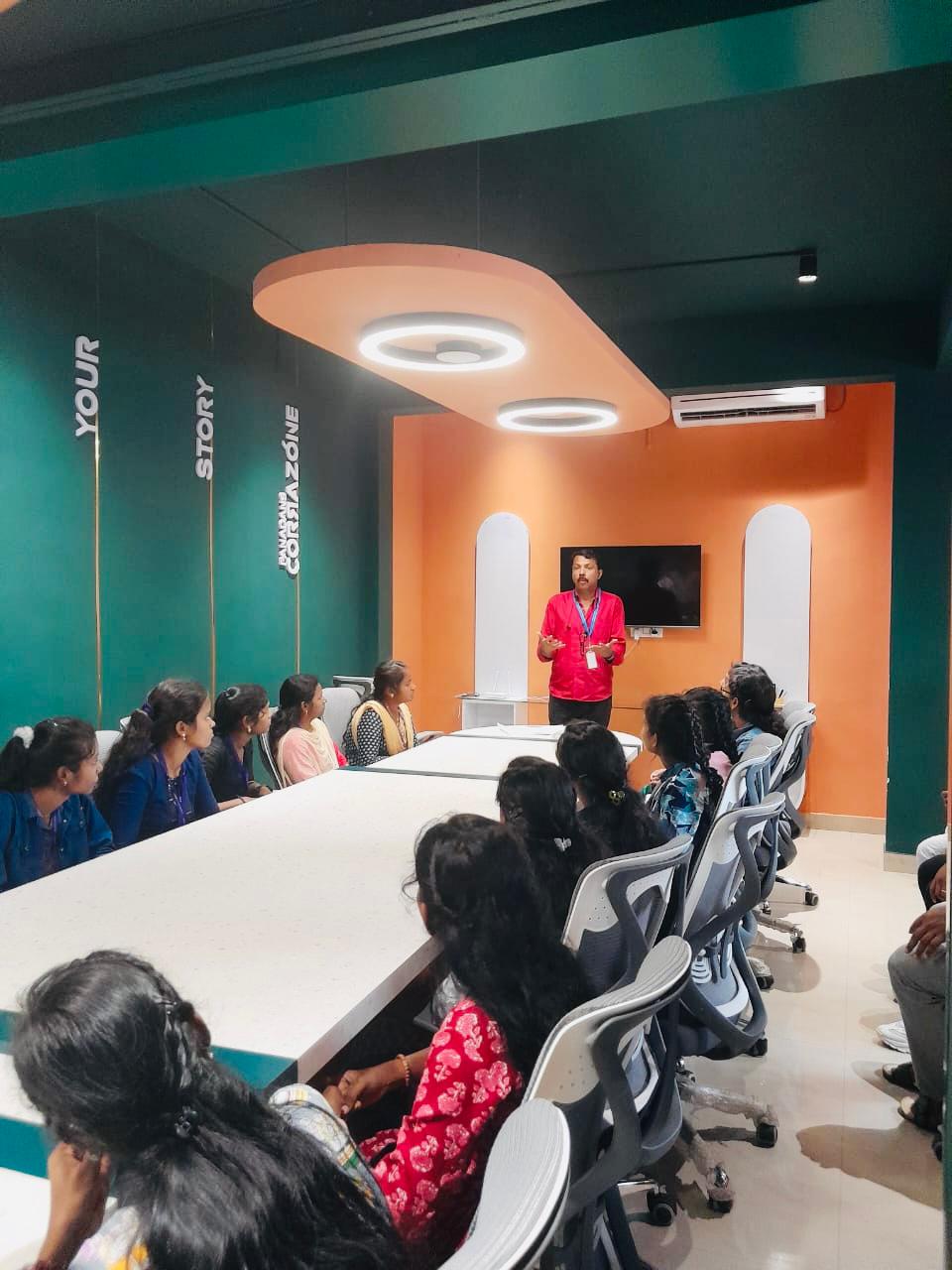
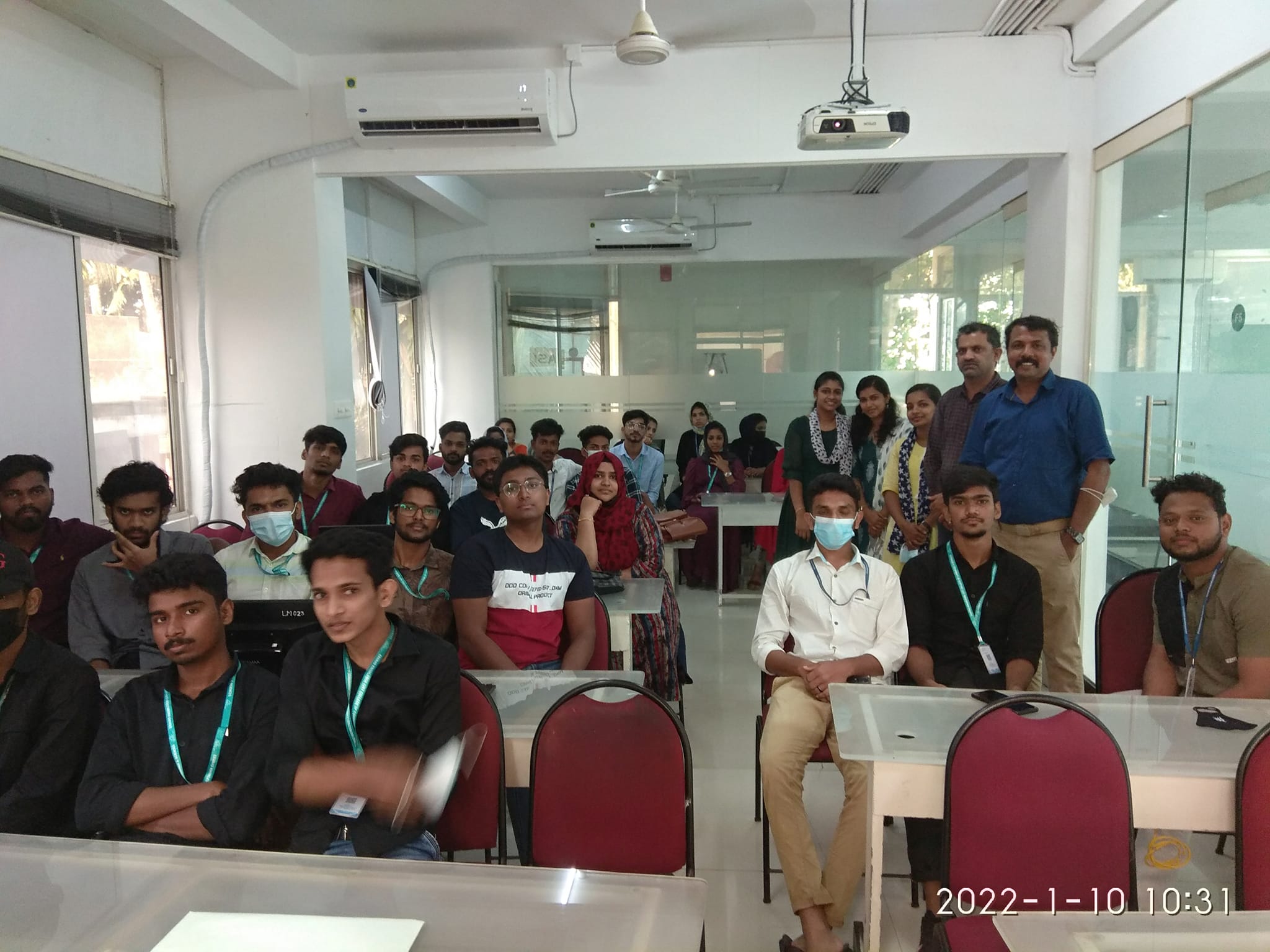
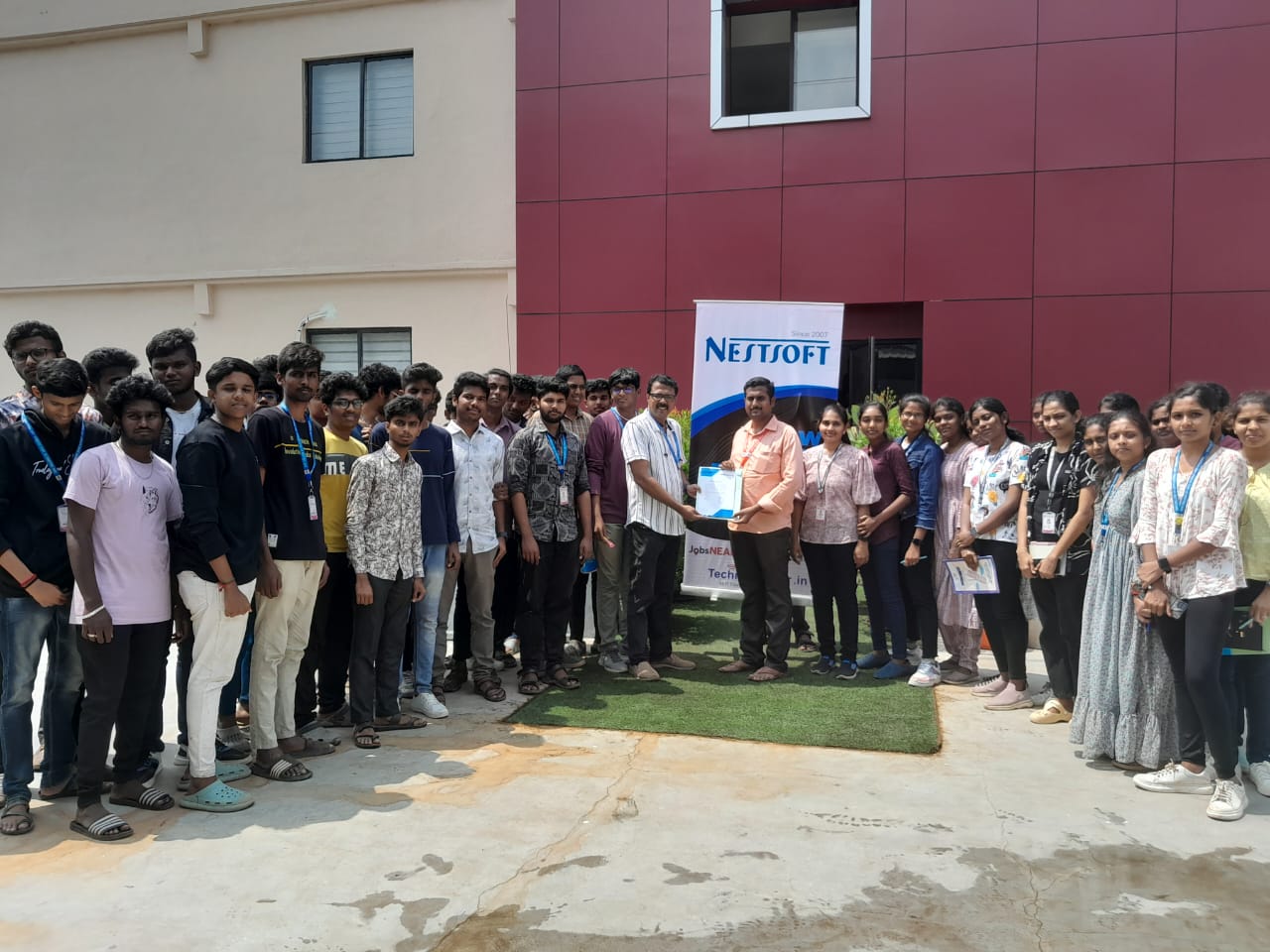
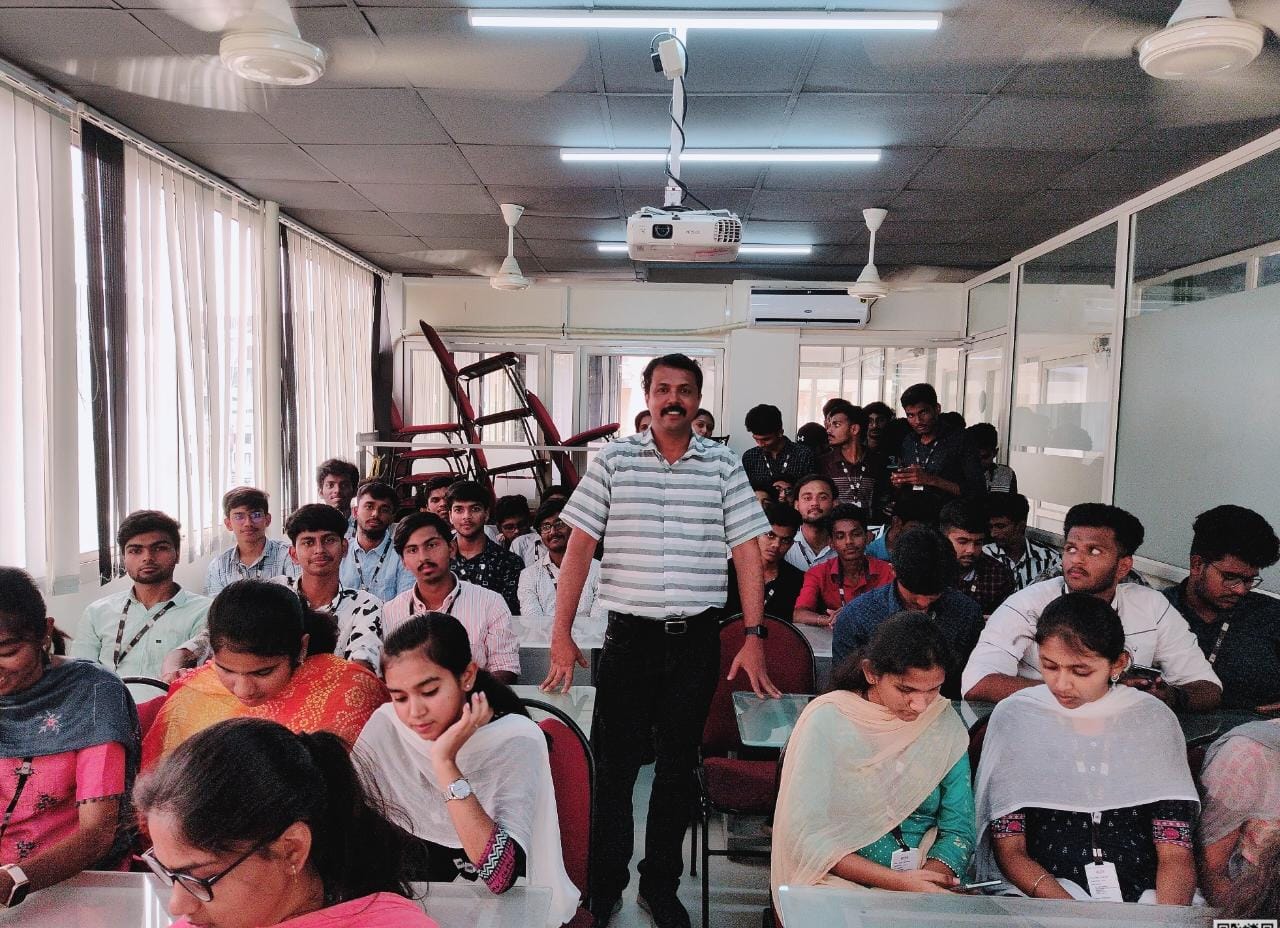
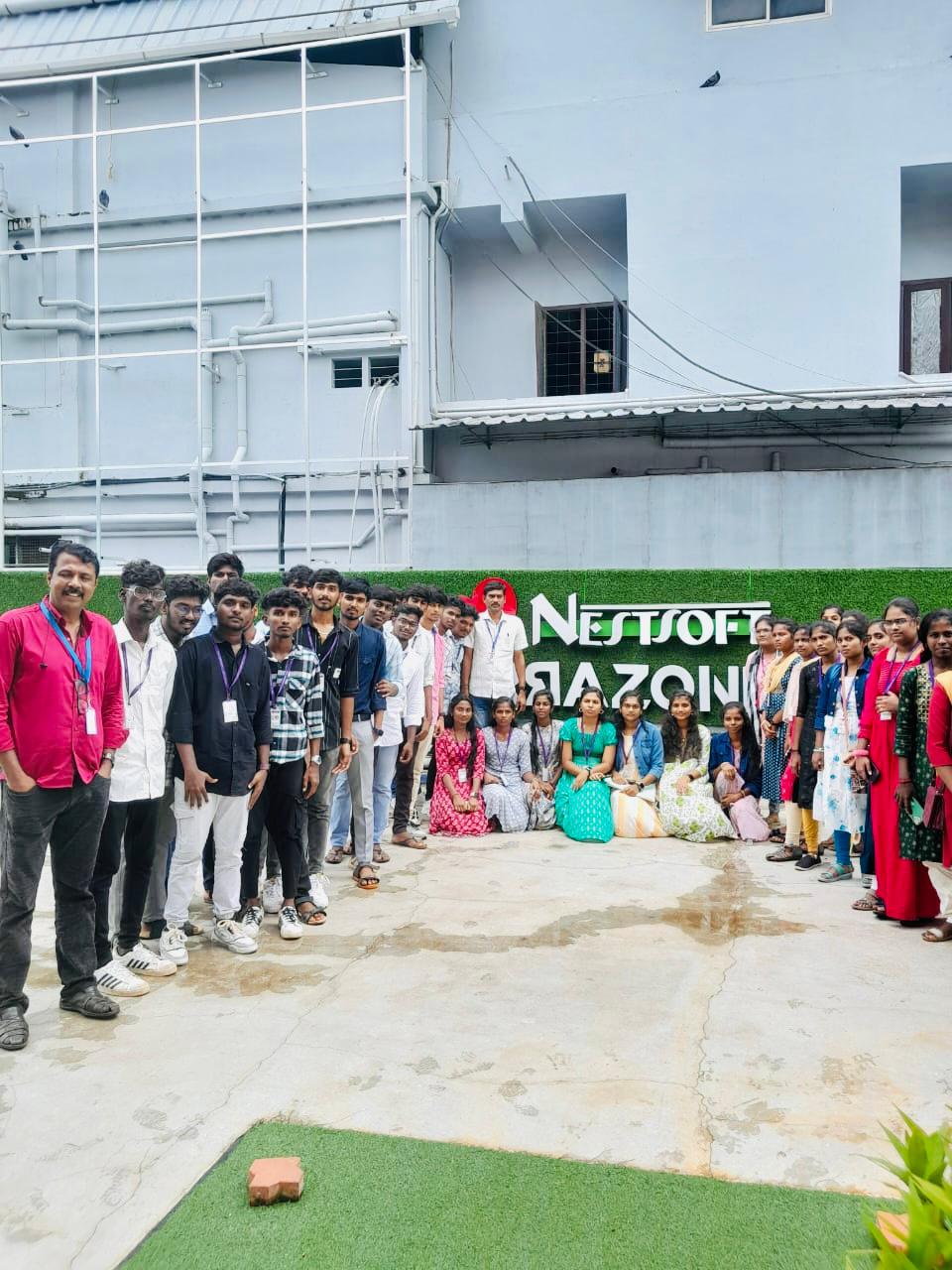
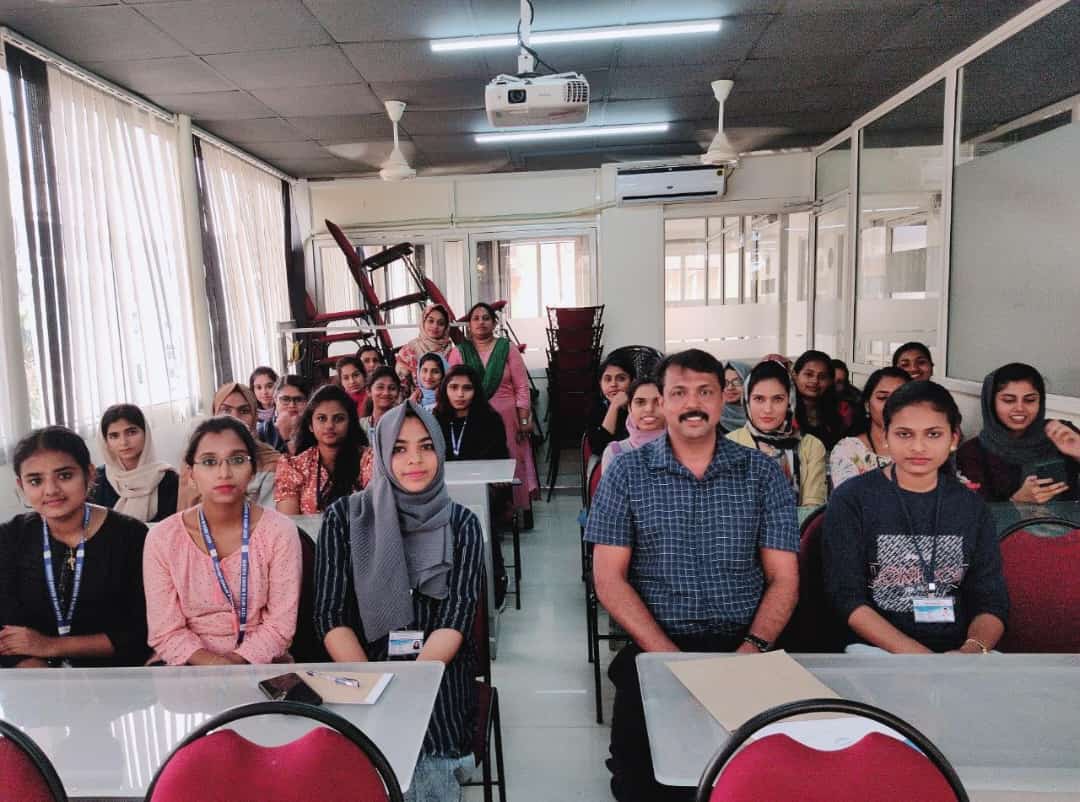
Photos of Training / Internships

Internship/projects in kerala

Trained more than 10000+ students who trust Nestsoft TechnoMaster

Get Your Personal Trainer