Send enquiry ⏎

UI/UX Design Online Live Class by Experts

Our Training/Internship Process

UI/UX Design Online Live Classes in Kollam | Free Demo Training

UI/UX Design - Syllabus, Fees & Duration

Figma Syllabus (15 Hours)

      Module 1: Figma Fundamentals (3 Hours)

        Introduction to Figma

      • Understanding the Figma interface and tools.
      • Layers, frames, and pages.
      • Shapes, text, and alignment.

        Design Basics

      • Color theory and typography basics.
      • Grids and layout principles.
      Module 2: Prototyping with Figma (3 Hours)

        Wireframing Basics

      • Creating low-fidelity wireframes for mobile and web apps.

        Prototyping Features

      • Adding interactions and transitions.
      • Clickable prototypes for user testing.
      Module 3: Mobile App Design Project (4 Hours)

        Designing a Mobile App

      • Screens for a sample app (e.g., task manager or food delivery).
      • Login, home, and profile pages.

        Components and Variants

      • Reusable buttons, icons, and cards.
      • Typography and color styles.

        Prototyping and Feedback

      • Linking screens and testing navigation.
      Module 4: Web App Design Project (5 Hours)

        Designing a Web App

      • Landing page, login screen, and dashboard for a web app.
      • Auto-layout for responsive designs.

        Final Prototype

      • Responsive breakpoints for desktop, tablet, and mobile.
      • Functional prototype with interactions.
    Web Development Syllabus (15 Hours)
      Module 1: HTML, CSS, and Bootstrap Basics (5 Hours)

        HTML Fundamentals (2 Hours)

      • Structuring web pages (header, footer, sections).
      • Essential tags: headings, lists, images, and links tables etc..

        CSS Basics (2 Hours)

      • Styling text and layout using CSS.
      • Box model, positioning, and Flexbox basics.

        Bootstrap Basics (1 Hour)

      • Setting up Bootstrap in a project.
      • Grid system and responsive layouts.
      • Common components: navbar, buttons, and cards.
      Module 2: Responsive Landing Page Conversion (5 Hours)

        Figma to Code Workflow (2 Hours)

      • Importing Figma designs for reference.
      • Structuring HTML and CSS with Bootstrap.

        Responsive Design (3 Hours)

      • Using media queries and Bootstrap utilities.
      • Creating a responsive navigation bar and hero section.
      • Ensuring design consistency with the Figma prototype.
      Module 3: Interactivity with JavaScript & Advanced Bootstrap (3 Hours)

        JavaScript Basics

      • Adding interactivity with JavaScript (e.g., form validation).
      • Bootstrap JavaScript components: modals, dropdowns, and carousels.

        CSS Animations & Transitions

      • Enhancing visuals with hover effects and animations.
      Module 4: Final Project and Deployment (2 Hours)

        Final Project: Responsive Landing Page

      • Convert a complete Figma design into a functional landing page.
      • Use Bootstrap and JavaScript for responsiveness and interactivity.

        Hosting and Deployment

      • Publish the project online using GitHub Pages or Netlify.
      Deliverables

        Figma:

      • Prototyped mobile app and web app designs.

        Web Development:

      • Fully responsive landing page with Bootstrap and interactivity.
      • Hosted live project link.

Download Syllabus - UI/UX Design
This syllabus is not final and can be customized as per needs/updates
   
10000+
20+
50+
25+

UI/UX Design Jobs in Kollam

Enjoy the demand

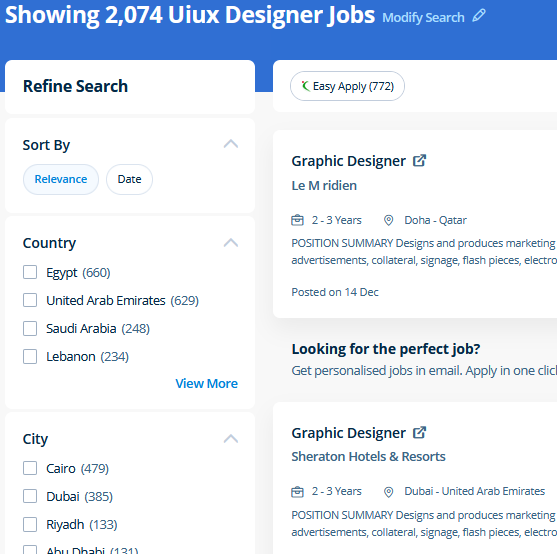
Find jobs related to UI/UX Design in search engines (Google, Bing, Yahoo) and recruitment websites (monsterindia, placementindia, naukri, jobshybrid.com, indeed.co.in, shine.com etc.) based in Kollam, chennai and europe countries. You can find many jobs for freshers related to the job positions in Kollam.

  • ui designer
  • ux designer
  • ui/ux designer
  • ui/ux developer
  • graphic designer
  • multimedia creator
  • photoshop
  • adobe illustrator
  • web design
  • html developer

UI/UX Design Internship/Course Details

UI/UX Design internship jobs in Kollam
UI/UX Design Adobe Illustrators is a vector-based creative program designed for those involved with graphic design. Completing this CSS training at nessoft inDubai u can step ahead in your career as a website designer and create the latest interactive pages for your website viewers. You make changes to the files using Photoshop and directly use the outputs from that software. Our CSS training course includes common CSS styling that you'll need when you start off designing your pages ,to position your elements, lay out your elements relative to your documents, and style your HTML using predefined CSS values. The outline of the course also contains the productive and helpful info on the correct and applicable utilization of the gradients, swatches and colors. Photoshop may be a powerful and widespread image editing software that helps you to apply numerous effects easily and acquire consistent results. CSS is currently the only standard in website design that plugs directly into your HTML, even the latest HTML5 standards. In this course you will learn too use the Bootstrap 3 CSS framework to build websites with fluid and adaptive grid layouts. Our online live training in Kollam includes practical training on internships in adobe photoshop, adobe in design, adobe illustrator and canva graphics tools. Nestsoft, Kollam provides practical training on UI/UX Design course contains graphics software, html5, css, javascript, jquery etc.


Meet a Few of our Industry Experts 🚀 Your Pathway to IT Career

Kajal

Mobile: +91 98474 90866
Location: Online (Kollam, India)
Qualification: BTECH

Experience: NodeJS ExpressJS javascript python AWS Socket IO HTML CSS TypeScript  more..

Balachandar

Mobile: +91 98474 90866
Location: Online (Kollam, India)
Qualification: B.Tech IT

Experience: Core Java c# basics of PHP and Android app development and 9 years of experience  more..

Abhijeet

Mobile: +91 9895490866
Location: Online (Kollam, India)
Qualification: BBA

Experience: Figma I have done I have done UI &UX design  more..

Swathi

Mobile: +91 91884 77559
Location: Online (Kollam, India)
Qualification: B-Tech

Experience: User interface design User persona creation Wireframing Prototyping Empathy mapping Competitive analysis User research Adobe xd Figma Sketch Adobe photoshop  more..

Suryamol

Mobile: +91 98474 90866
Location: Online (Kollam, India)
Qualification: Btech

Experience: Hi myself suryamol m s currently working as a php developer l have good knowledge in HTML CSS bootstrap jQuery  more..

Silpa

Mobile: +91 91884 77559
Location: Online (Kollam, India)
Qualification: BTech

Experience: Python Full stack development training and SAP CRM consultant Client Handling  more..

Manoj

Mobile: +91 89210 61945
Location: Online (Kollam, India)
Qualification: Btech

Experience: android developer firebase retrofit java kotlin flutter dart  more..

Gincy

Mobile: +91 89210 61945
Location: Online (Kollam, India)
Qualification: B.Tech

Experience: Angular Ionic developer with 9+ year experienceApplication for Angular JS  more..

Diya

Mobile: +91 9895490866
Location: Online (Kollam, India)
Qualification: B. Tech, ECE

Experience: Good in C C++ programming beginner level python and Java knowledge Web designing basics  more..

Purba

Mobile: +91 94975 90866
Location: Online (Kollam, India)
Qualification: Graduate

Experience: I am working both seo and smo I have total 3 yr experience I am good in client menagement I  more..

Bharat

Mobile: +91 94975 90866
Location: Online (Kollam, India)
Qualification: Mca

Experience: On-page SEO off-page seo technical seo Backlink generation generate traffic and leads  more..

V

Mobile: +91 94975 90866
Location: Online (Kollam, India)
Qualification: B tech

Experience: Android developer 5 year Kotlin e year Mvvm 2 years  more..

Praveen

Mobile: +91 94975 90866
Location: Online (Kollam, India)
Qualification: Final year BBA, Digital marketing Executive

Experience: Working for two companies (Vedic Flavors Al- thahbya events Dubai) and 7month experience in Google Ads Campaigns and Website development  more..

Narasimha

Mobile: +91 91884 77559
Location: Online (Kollam, India)
Qualification: B.Tech

Experience: 2 years experience in Automation testing having worked in a product based company I have deep understanding in test strategies  more..

K.

Mobile: +91 8301010866
Location: Online (Kollam, India)
Qualification: Btech

Experience: Python Web development |   more..

Shalini

Mobile: +91 91884 77559
Location: Online (Kollam, India)
Qualification: b.tech

Experience: I am working on the php laravel and wordpress development  more..

Bijitha

Mobile: +91 98474 90866
Location: Online (Kollam, India)
Qualification: MCA

Experience: I have a total work experience of 1 year 1 month I worked as a System administrator (Oracle support) during  more..

Mohammed

Mobile: +91 94975 90866
Location: Online (Kollam, India)
Qualification: MBA

Experience: I have 5 years of hands-on experience in supply chain management covering international shipping logistics warehousing process analytics and operations  more..

Nandhini

Mobile: +91 98474 90866
Location: Online (Kollam, India)
Qualification: BE

Experience: I have 1 year experience in website developer side My skills Html css bootstrap javascript wordpress basic photoshop   more..

Keshav

Mobile: +91 94975 90866
Location: Online (Kollam, India)
Qualification: Graduate

Experience: Complete Ms office and knowledge of multiple programming language with html data entry content writer and customer support  more..

Aswin

Mobile: +91 94975 90866
Location: Online (Kollam, India)
Qualification: Bsc computer science

Experience: Selenium testing manual testing automation testing java php css html python sql web automation using selenium c++ corejava SDLC STLC  more..

Veeresha

Mobile: +91 9895490866
Location: Online (Kollam, India)
Qualification: Bachelor of engineering

Experience: I have 2 plus year experience in dotnet developer in  more..

Rashee

Mobile: +91 8301010866
Location: Online (Kollam, India)
Qualification: B. Tech

Experience: HTM CSS JavaScript ReactJS Redux MongoDB WordPress Blender Adobe Photoshop Illustrator Canva Web Developer Intern Assist Design Automation Pvt Ltd  more..

Shalvi

Mobile: +91 91884 77559
Location: Online (Kollam, India)
Qualification: Btech graduate

Experience: Fullstack developer Software engineer   more..

Success Stories

The enviable salary packages and track record of our previous students are the proof of our excellence. Please go through our students' reviews about our training methods and faculty and compare it to the recorded video classes that most of the other institutes offer. See for yourself how TechnoMaster is truly unique.

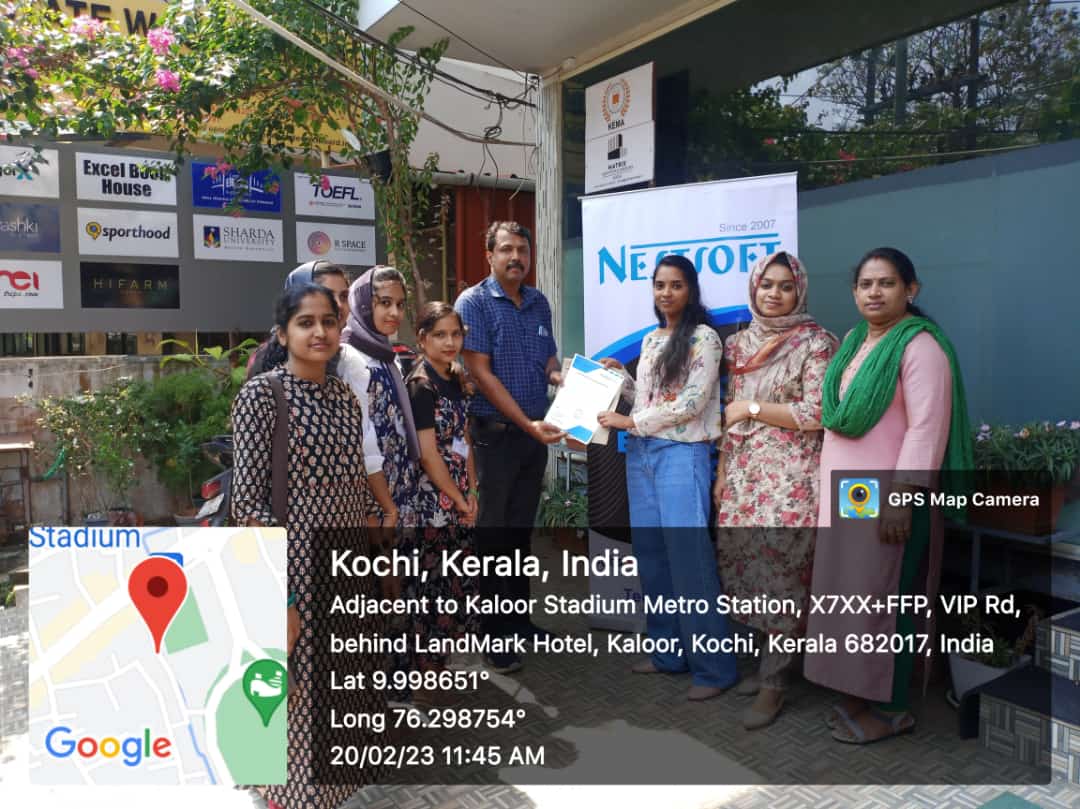
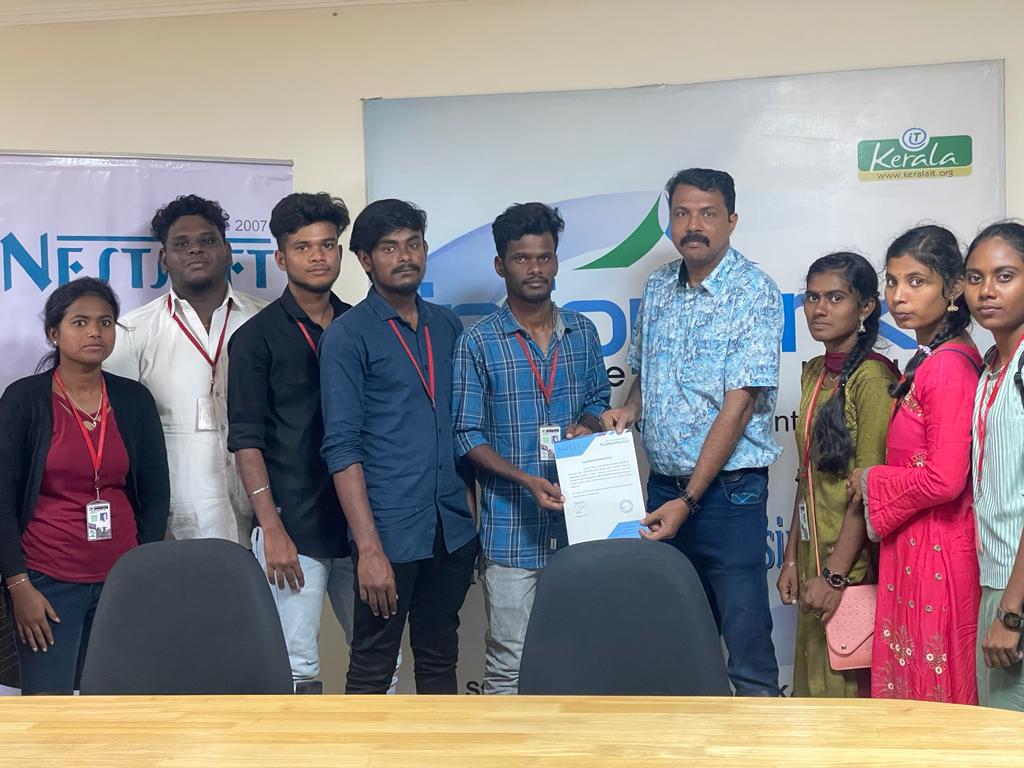
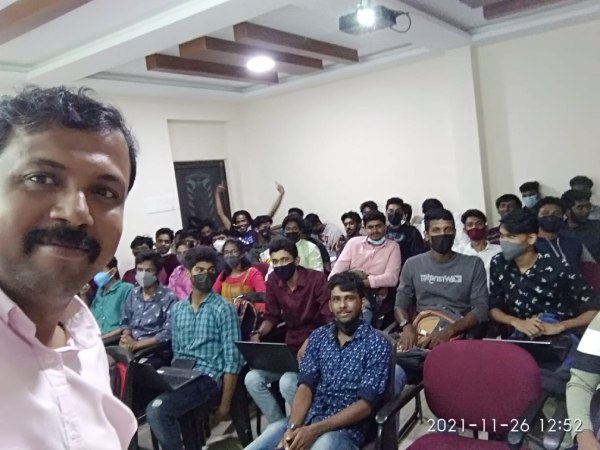
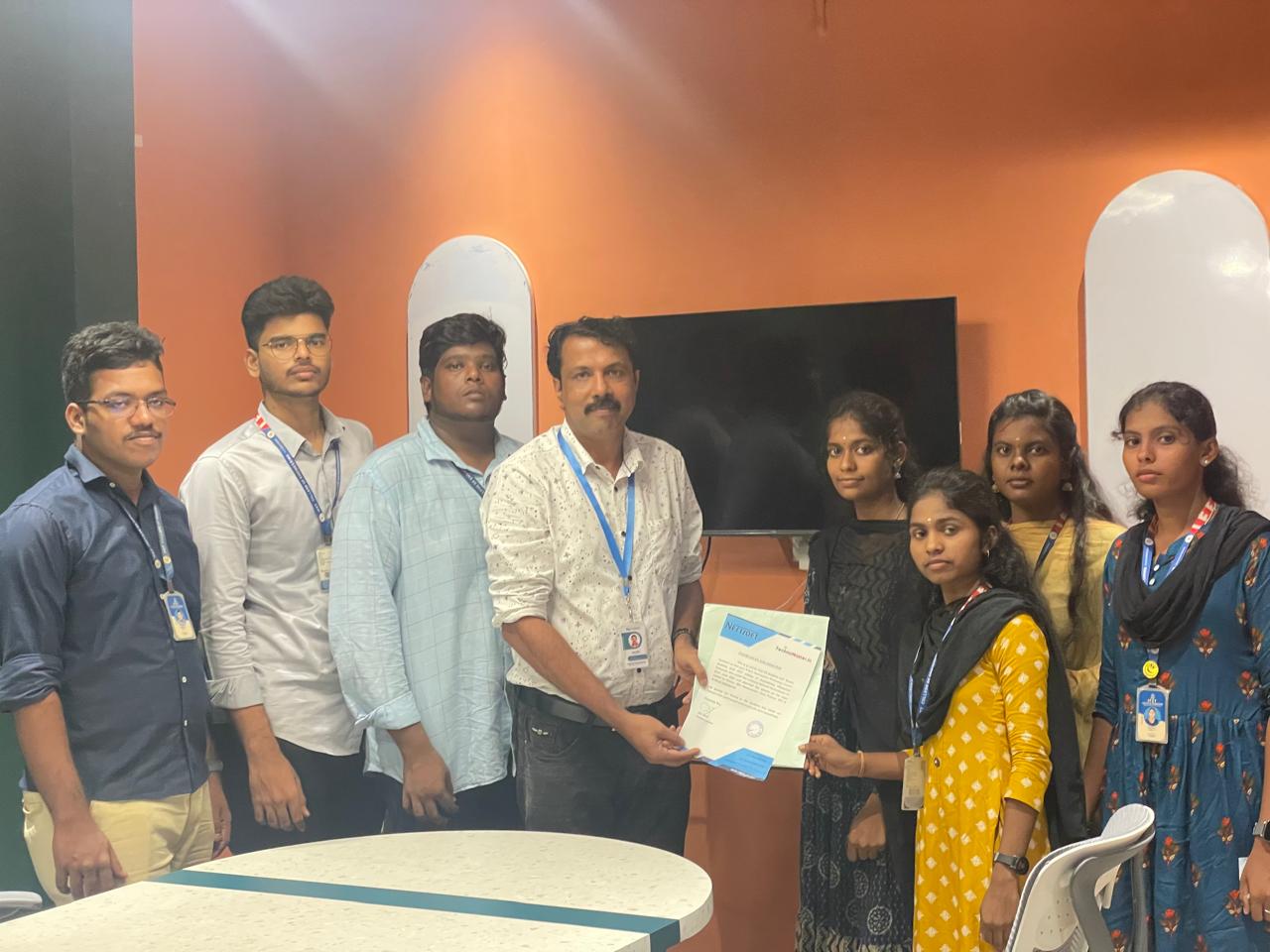
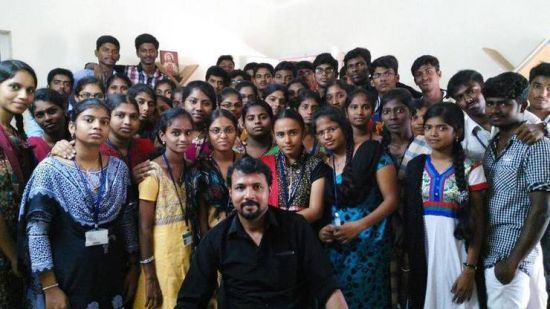
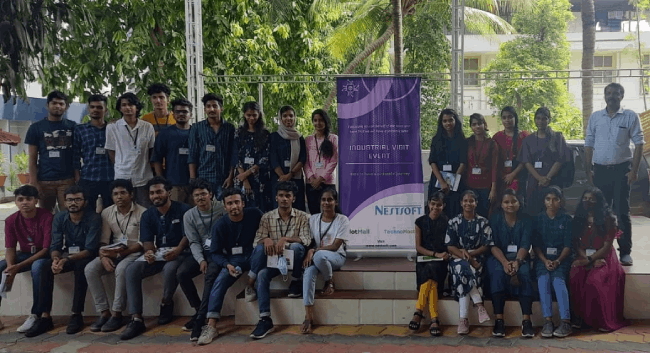
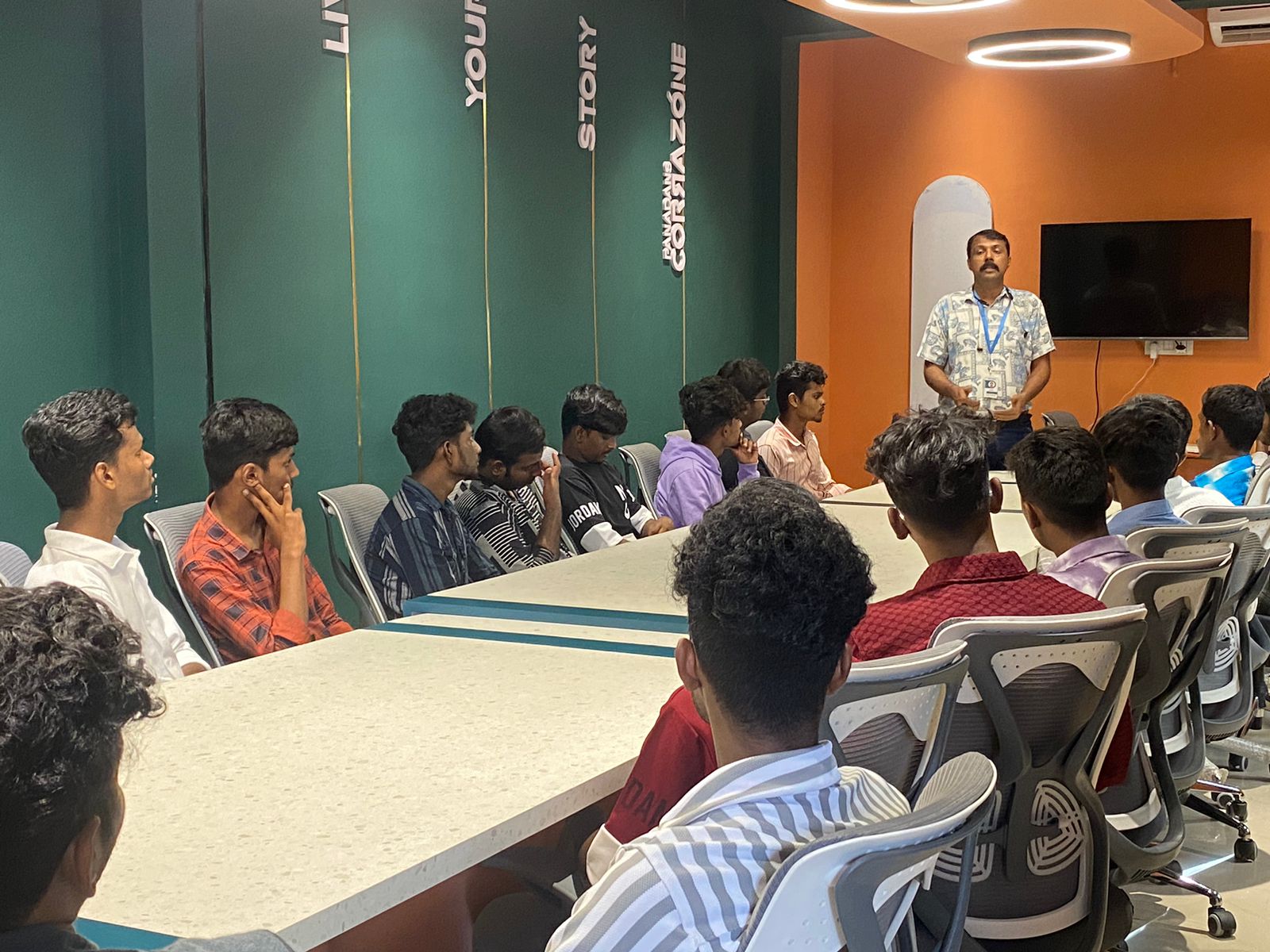
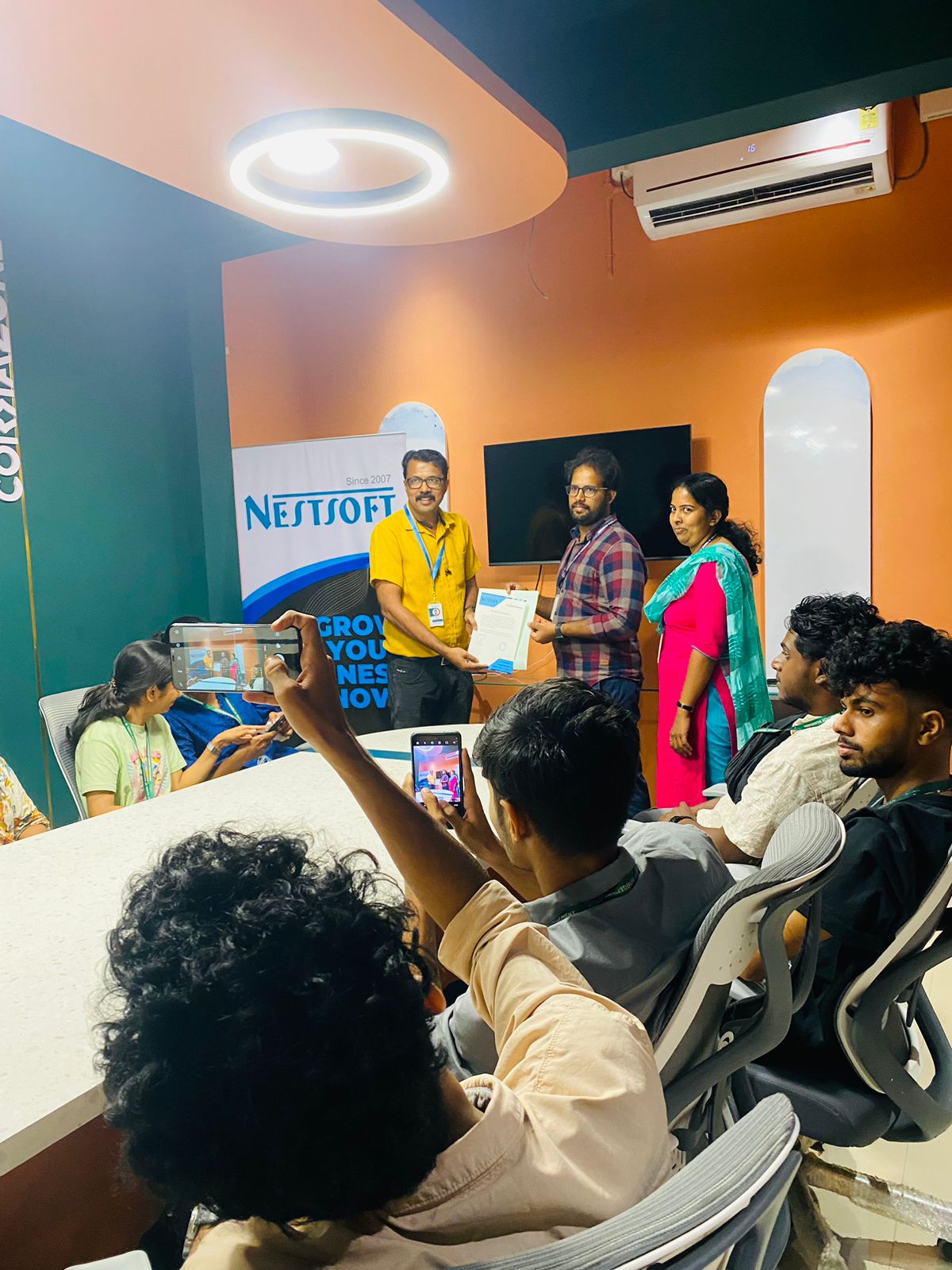
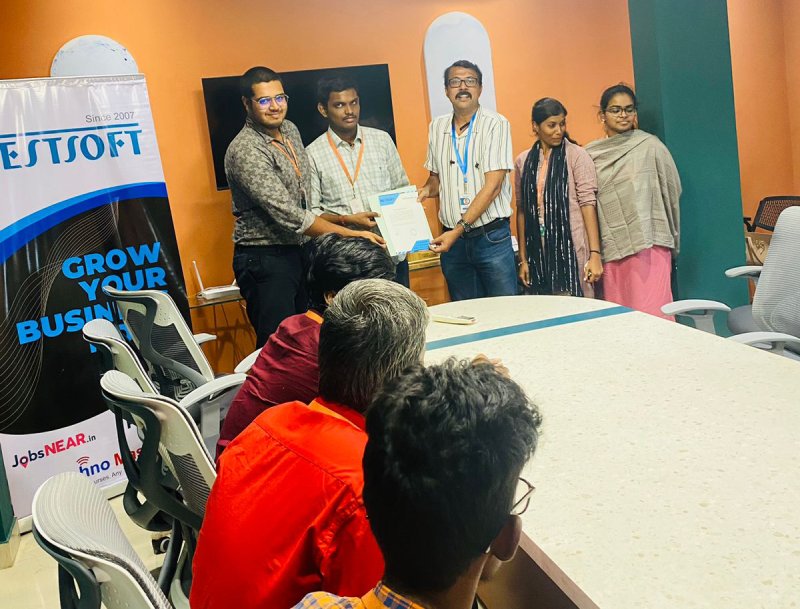
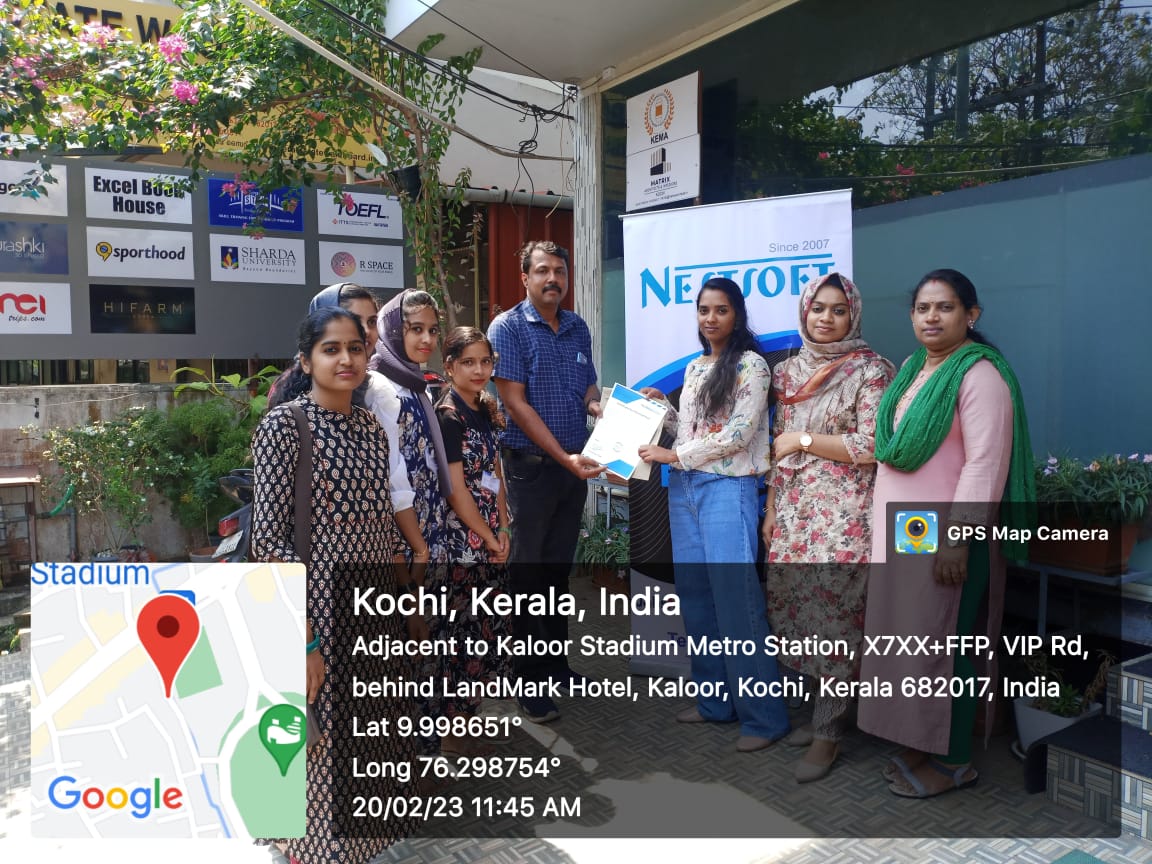
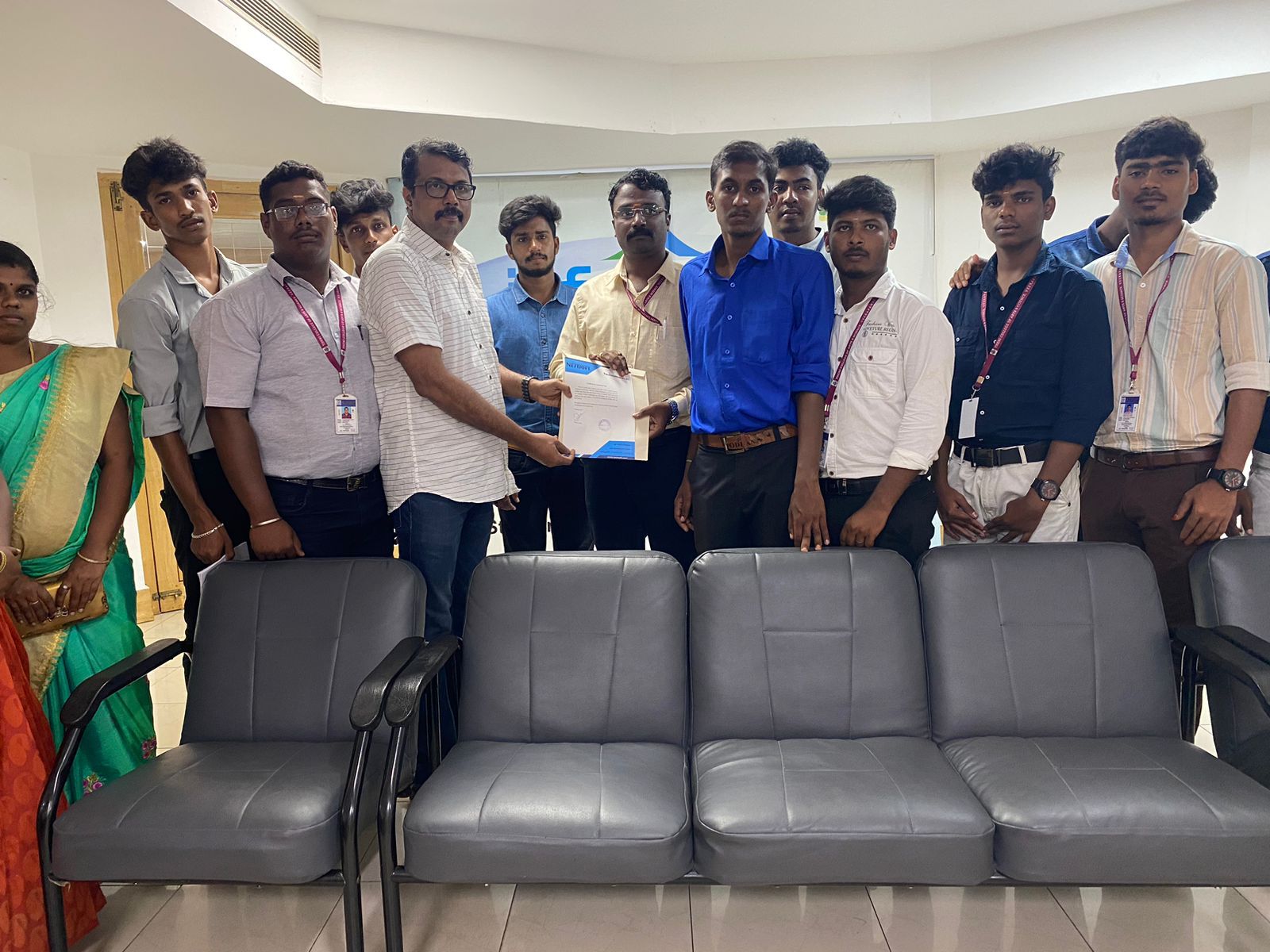
Photos of Training / Internships

Internship/projects in kollam

Trained more than 10000+ students who trust Nestsoft TechnoMaster

Get Your Personal Trainer