Send enquiry ⏎

AR/VR Development (Unity) Online Live Class by Experts

Our Training/Internship Process

AR/VR Development (Unity) Online Live Classes in Mangaluru | Free Demo Training

AR/VR Development (Unity) - Syllabus, Fees & Duration

Introduction

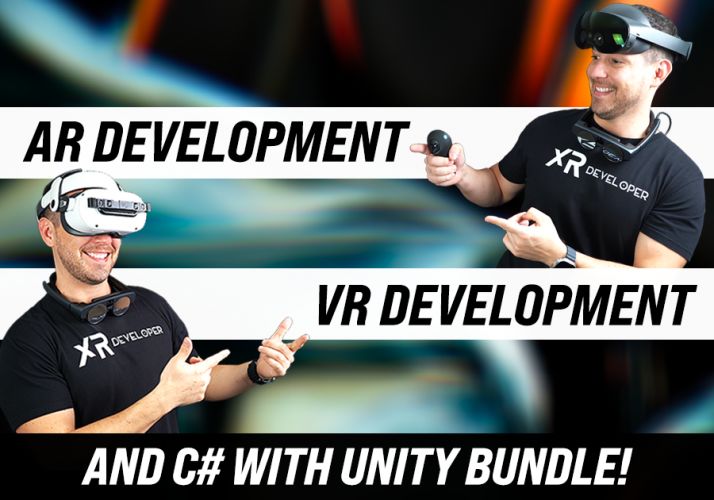
The AR/VR Development (Unity) course is a 5-month practical training program designed to teach learners how to create immersive Augmented Reality (AR), Virtual Reality (VR), and Extended Reality (XR) applications using Unity and modern 3D development technologies. Students will learn Unity development, C# programming, 3D environments, AR/VR interactions, and real-world immersive application development.

Course Syllabus

Month 1: Unity & 3D Development Fundamentals

Introduction to AR VR Technology

  • Introduction to Augmented Reality (AR)
  • Introduction to Virtual Reality (VR)
  • Mixed Reality (MR) and Extended Reality (XR)
  • AR vs VR vs MR
  • Applications of AR/VR Technologies
  • Future Scope of Immersive Technologies

Unity Game Engine Fundamentals

  • Introduction to Unity Engine
  • Unity Hub Installation and Setup
  • Unity Interface and Workspace
  • Game Objects and Components
  • Scenes and Assets
  • Unity Project Structure
  • Build and Deployment Basics

C# Programming for Unity

  • Introduction to C# Programming
  • Variables and Data Types
  • Operators and Control Statements
  • Classes and Objects
  • Methods and Functions
  • Object-Oriented Programming Concepts
  • Writing Scripts in Unity

3D Graphics Fundamentals

  • Introduction to 3D Modeling
  • 3D Coordinates and Transformations
  • Materials and Textures
  • Lighting and Rendering
  • Camera Systems
  • Animation Basics

Month 2: Unity Development & Interactive Applications

Unity Game Development

  • Unity Physics System
  • Collision Detection
  • Input Handling
  • User Interaction
  • Prefabs and Components
  • Animation Controllers
  • UI Design in Unity

Advanced C# Programming

  • Inheritance
  • Polymorphism
  • Encapsulation
  • Interfaces
  • Events and Delegates
  • Data Structures
  • Error Handling

3D Environment Creation

  • Creating 3D Scenes
  • Terrain Design
  • Asset Management
  • Environment Optimization
  • Particle Systems
  • Sound Integration

Month 3: Augmented Reality Development

AR Development Fundamentals

  • AR Concepts and Workflow
  • AR Applications Overview
  • AR Foundation Introduction
  • Device Tracking
  • Plane Detection
  • Object Placement

AR Application Development

  • Marker-Based AR
  • Markerless AR
  • Image Recognition
  • AR Object Interaction
  • AR User Interface Development
  • Mobile AR Deployment

AR Tools and Platforms

  • Unity AR Foundation
  • Google ARCore Overview
  • Apple ARKit Overview
  • XR Interaction Toolkit
  • Mobile AR Testing

Month 4: Virtual Reality Development

VR Development Fundamentals

  • Introduction to Virtual Reality
  • VR Hardware Overview
  • VR Interaction Design
  • VR User Experience Principles
  • VR Scene Development

VR Application Development

  • VR Camera Setup
  • VR Controllers
  • Hand Tracking
  • Object Interaction
  • VR Physics
  • Immersive Environment Creation

XR Development

  • Extended Reality Concepts
  • XR Interaction Toolkit
  • VR Performance Optimization
  • Cross Platform XR Development
  • VR Application Deployment

Month 5: Advanced AR VR & Projects

Advanced AR VR Concepts

  • Real-Time 3D Applications
  • Multiplayer XR Experiences
  • AI Integration with AR/VR
  • Spatial Computing Basics
  • AR/VR Optimization Techniques

Industry Applications

  • AR/VR in Gaming
  • AR/VR in Education
  • AR/VR in Healthcare
  • AR/VR in Architecture
  • AR/VR in Training Simulations

Final Projects

  • AR Mobile Application Project
  • VR Interactive Environment Project
  • Unity 3D Game Project
  • Virtual Simulation Project
  • Complete AR/VR Application Deployment

Tools and Technologies

  • Unity Engine
  • C# Programming
  • Blender
  • AR Foundation
  • ARCore
  • ARKit
  • XR Interaction Toolkit
  • Meta Quest SDK
  • Visual Studio
  • 3D Modeling Tools

Download Syllabus - AR/VR Development (Unity)
This syllabus is not final and can be customized as per needs/updates
   
10000+
20+
50+
25+

AR/VR Development (Unity) Jobs in Mangaluru

Enjoy the demand

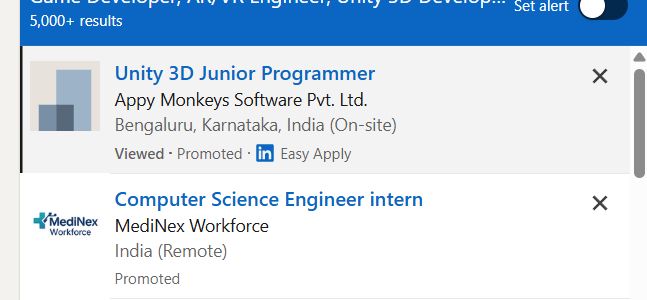
Find jobs related to AR/VR Development (Unity) in search engines (Google, Bing, Yahoo) and recruitment websites (monsterindia, placementindia, naukri, jobshybrid.com, indeed.co.in, shine.com etc.) based in Mangaluru, chennai and europe countries. You can find many jobs for freshers related to the job positions in Mangaluru.

  • AR Developer
  • VR Developer
  • Unity Developer
  • XR Developer
  • 3D Application Developer
  • Game Developer
  • AR/VR Engineer
  • Unity 3D Developer
  • Immersive Technology Developer
  • Simulation Developer

AR/VR Development (Unity) Internship/Course Details

AR/VR Development (Unity) internship jobs in Mangaluru
AR/VR Development (Unity) **Course Description (Use Mangaluru)** Our **AR/VR Development (Unity) Course in Mangaluru** is a 5-month practical training program designed to teach learners how to build immersive Augmented Reality, Virtual Reality, and Extended Reality applications using Unity, C#, and modern 3D development technologies. This course provides hands-on experience in developing interactive AR applications, VR environments, 3D simulations, and immersive experiences for gaming, education, healthcare, architecture, and industrial applications. Join our **AR/VR Unity Training in Mangaluru** to gain industry-ready skills and start a career in emerging XR technologies. Students will learn Unity game engine, 3D modeling, AR/VR interactions, XR development, and real-world application creation. .

Meet a Few of our Industry Experts 🚀 Your Pathway to IT Career

Prashant

Mobile: +91 89210 61945
Location: Online (Mangaluru, India)
Qualification: MCA

Experience: With 2 3 year of experience in Android development Kotlin java Dagger Hilt MVVM Spring Boot Retrofit Volley Awareness in  more..

Hammad

Mobile: +91 91884 77559
Location: Online (Mangaluru, India)
Qualification: Bachelor

Experience: I am skilled in various areas including: * **Language understanding and generation:** I can process information from text and respond  more..

Vinita

Mobile: +91 91884 77559
Location: Online (Mangaluru, India)
Qualification: Mca

Experience: I have 1 5 years of experience in graphic design  more..

PRINCE

Mobile: +91 8301010866
Location: Online (Mangaluru, India)
Qualification: BCA

Experience: Html css javascript react angular  more..

Manish

Mobile: +91 98474 90866
Location: Online (Mangaluru, India)
Qualification: BE

Experience: jetpack components Clean Architecture SQLite design patterns OneSignal Fireabase Google map Chat social integration of mobile application module Testing and  more..

jalpa

Mobile: +91 91884 77559
Location: Online (Mangaluru, India)
Qualification: BE IT

Experience: I am writing to express my strong interest in the WordPress Developer position as advertised With over 6 years of  more..

Kavitha

Mobile: +91 9895490866
Location: Online (Mangaluru, India)
Qualification: B.tech

Experience: Selenium with java bdd TTD j meter Api postman and swagger (manually) version control CI CD Jira ajile methodology scrum  more..

Nitesh

Mobile: +91 91884 77559
Location: Online (Mangaluru, India)
Qualification: B.tech

Experience: Ticketing System tools Windows administration Multiple O S envirnment experience firewall and access point lab experience networking Over 7 years  more..

Suhail

Mobile: +91 8301010866
Location: Online (Mangaluru, India)
Qualification: Bsc computer science

Experience: I have contributed in e-commerce website as a developer using html css Java script and node js and mongo db  more..

RAHIL

Mobile: +91 9895490866
Location: Online (Mangaluru, India)
Qualification: B.TECH

Experience: Java developer with 10 years of experience that includes working as Programmer Analyst and in Associate Role in Cognizant Technology  more..

kritika

Mobile: +91 98474 90866
Location: Online (Mangaluru, India)
Qualification: Graduated

Experience: Having more than 1 5 years of experience as Odoo developer Skills - python Odoo php MySQL django html css  more..

Sreejith

Mobile: +91 91884 77559
Location: Online (Mangaluru, India)
Qualification: Diploma/degree

Experience: On page seo Keyword optimization Offpage Hardware and networking   more..

Anisha

Mobile: +91 91884 77559
Location: Online (Mangaluru, India)
Qualification: M. Tech in Computer Science and Engineering

Experience: I have recently completed a certification course in Advanced Software Testing from SMEC Labs Kochi My knowledge in Agile  more..

kishor

Mobile: +91 9895490866
Location: Online (Mangaluru, India)
Qualification: BCCA

Experience: As a React Native Developer i have 1 2 years of experience of building cross platform application where i have  more..

Rudra

Mobile: +91 94975 90866
Location: Online (Mangaluru, India)
Qualification: B.tech

Experience: - Onpage seo - offpage seo - technical seo - semrush ahref - looker studio raven seranking - Social Media  more..

Rohini

Mobile: +91 89210 61945
Location: Online (Mangaluru, India)
Qualification: Btech

Experience: Core java android framework android studio Web Services json rest kotlin Sqlite room db  more..

Polanki

Mobile: +91 98474 90866
Location: Online (Mangaluru, India)
Qualification: b.tech

Experience: • Developed and executed targeted email marketing campaigns achieving an average open rate of 25% and a click-through rate of  more..

Reshma

Mobile: +91 98474 90866
Location: Online (Mangaluru, India)
Qualification: B.E. Agriculture Engineering

Experience: Data cleaning Data exploration Data visualisation and predictive analysis and also know basics of python and I familiar with working  more..

Himna

Mobile: +91 94975 90866
Location: Online (Mangaluru, India)
Qualification: MSc Computer Science with specialization in Data Science

Experience: I am confident that with my strong technical skills and experience in both full-stack development and data science I possess  more..

Anisha

Mobile: +91 8301010866
Location: Online (Mangaluru, India)
Qualification: Masters

Experience: Basic computer knowledge - Excel Powerpoint presentqtion Word 9 and half months experience in Analytical testing lab as junior Analyst  more..

Samuel

Mobile: +91 94975 90866
Location: Online (Mangaluru, India)
Qualification: MBA in finance and marketing

Experience: Completed DTP including ms excel word and power point Hardware and networking Tally and accounting ERP9 |   more..

Prince

Mobile: +91 89210 61945
Location: Online (Mangaluru, India)
Qualification: B.tech

Experience: I have a good knowledge of object oriented programming language (java) and along with database knowledge Oracle SQL Pl-SQL C  more..

Shamna

Mobile: +91 91884 77559
Location: Online (Mangaluru, India)
Qualification: Under Graduate

Experience: I am a self taught MERN Stack developer In the period of 1 year i have completed several mini projects  more..

Venkata

Mobile: +91 8301010866
Location: Online (Mangaluru, India)
Qualification: B com computers

Experience: Core java adv java oracle |   more..

Success Stories

The enviable salary packages and track record of our previous students are the proof of our excellence. Please go through our students' reviews about our training methods and faculty and compare it to the recorded video classes that most of the other institutes offer. See for yourself how TechnoMaster is truly unique.

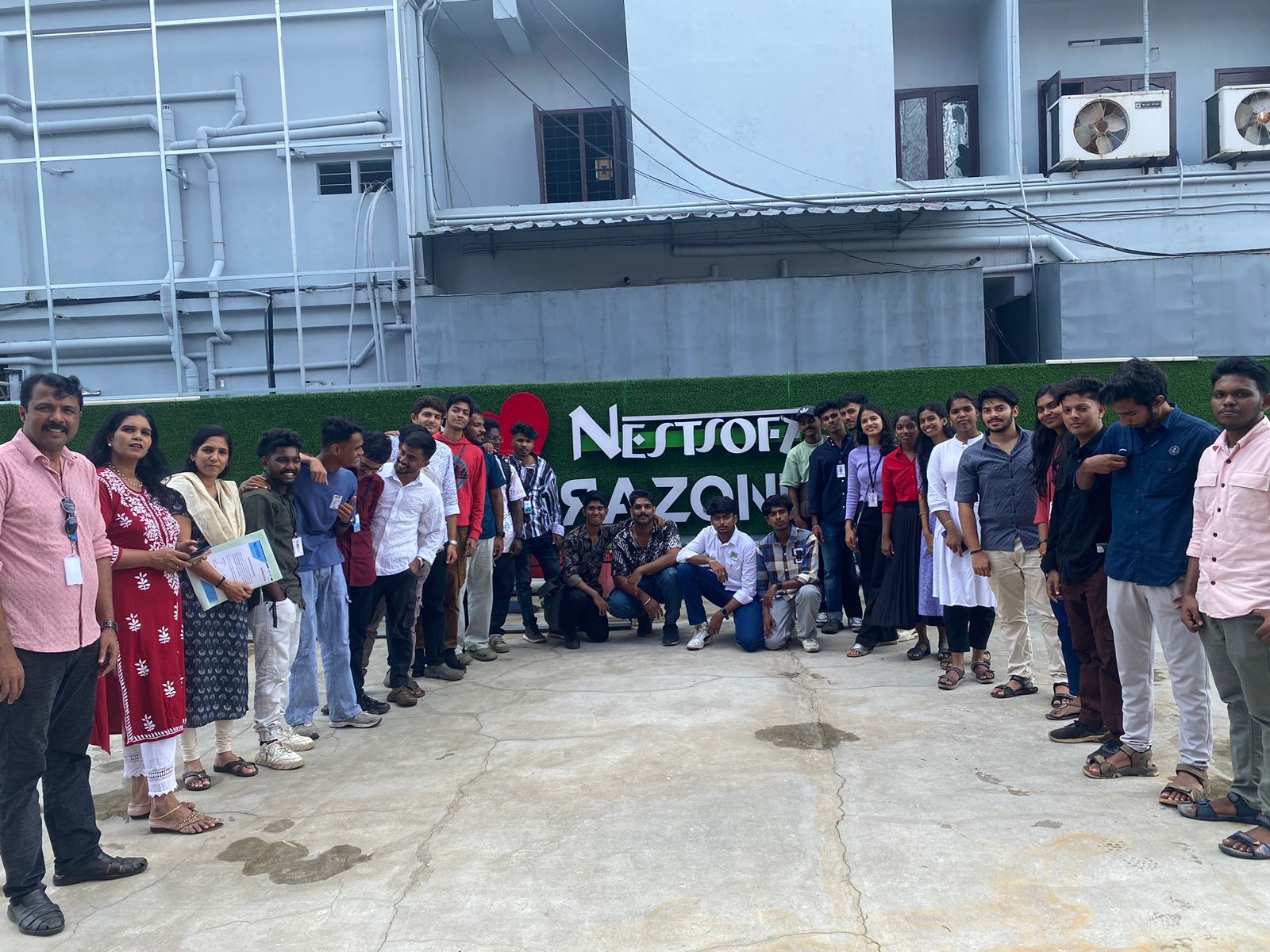
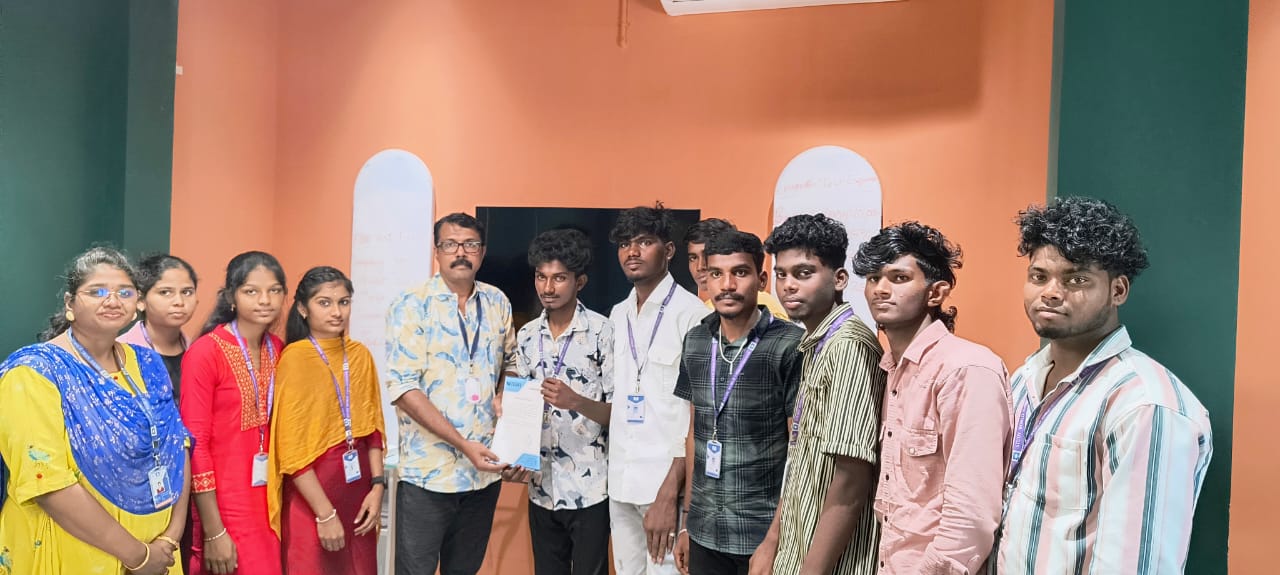
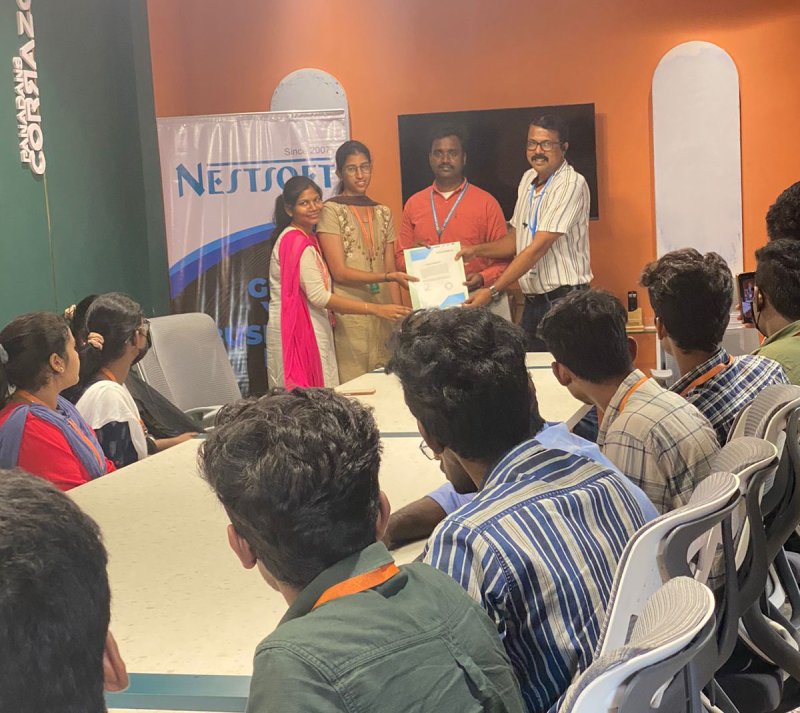
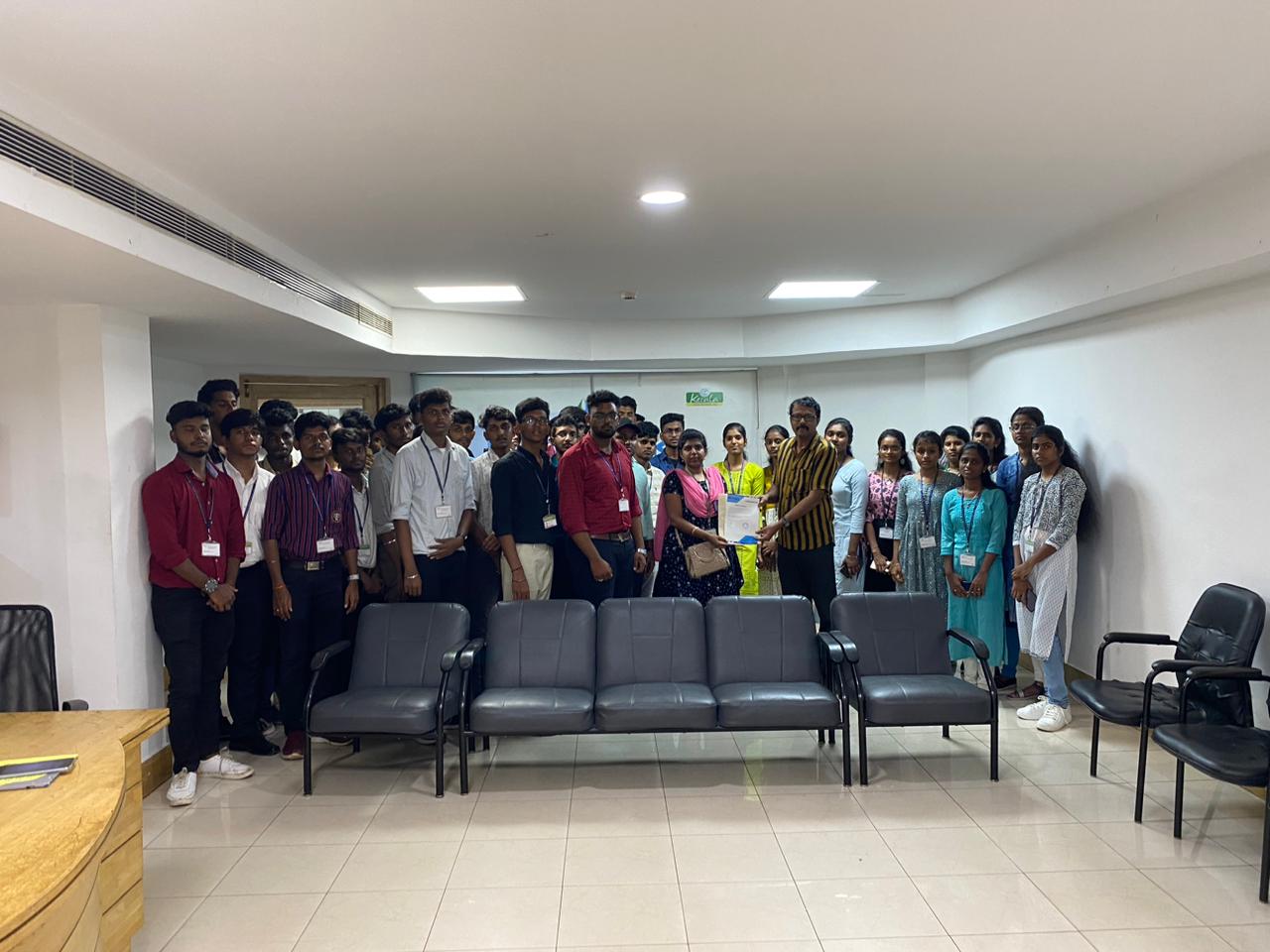
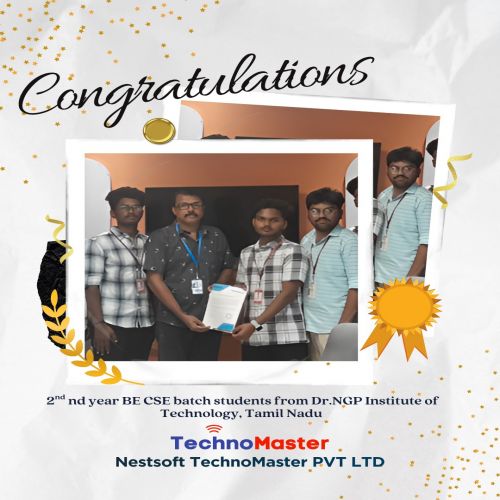
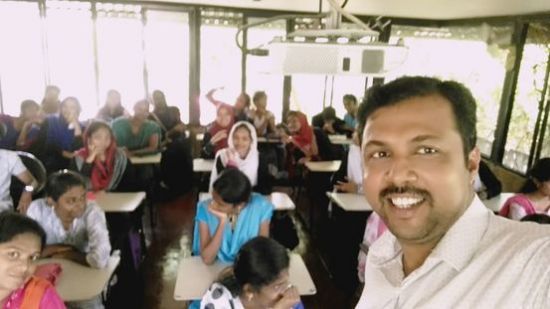
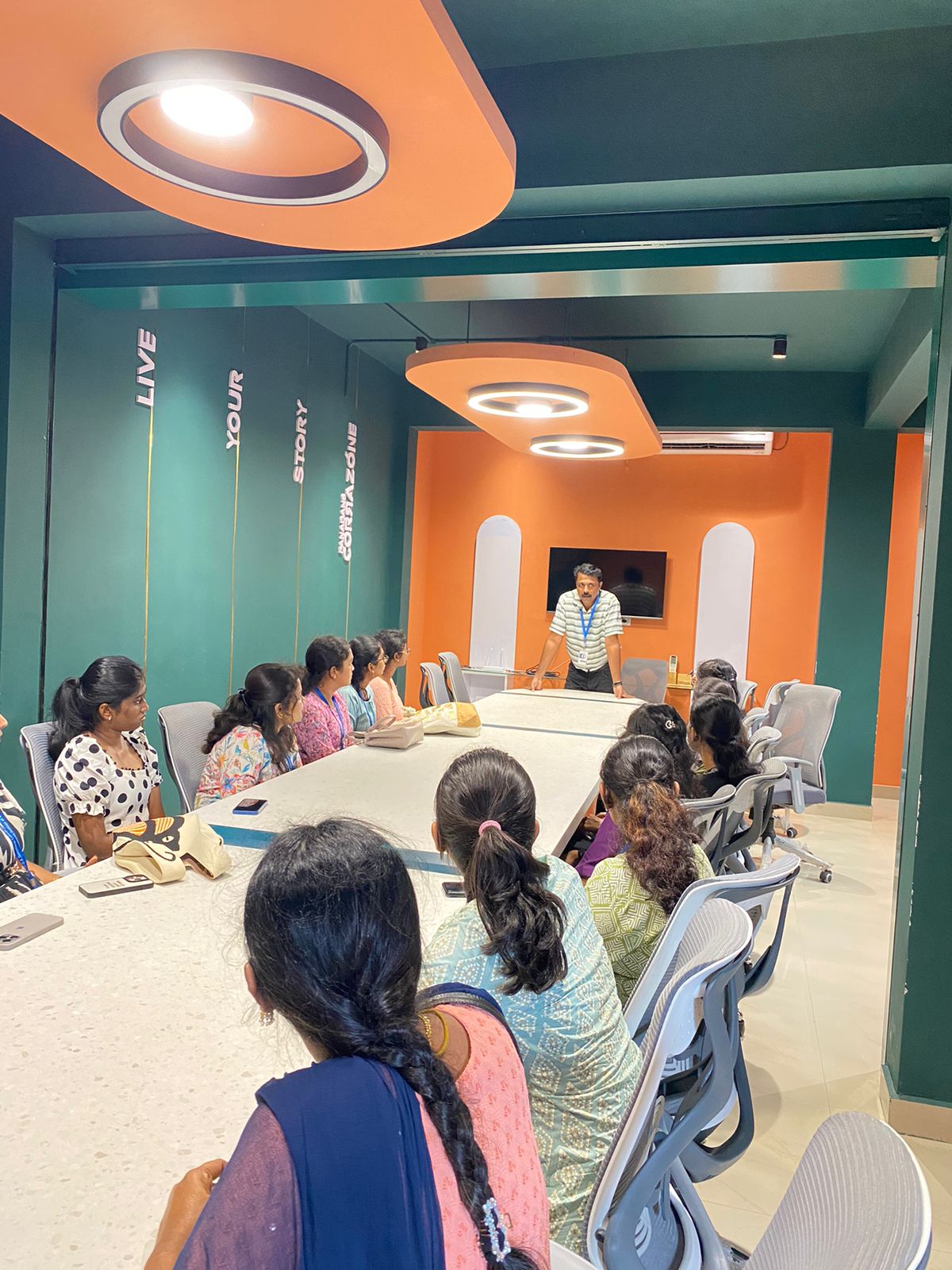
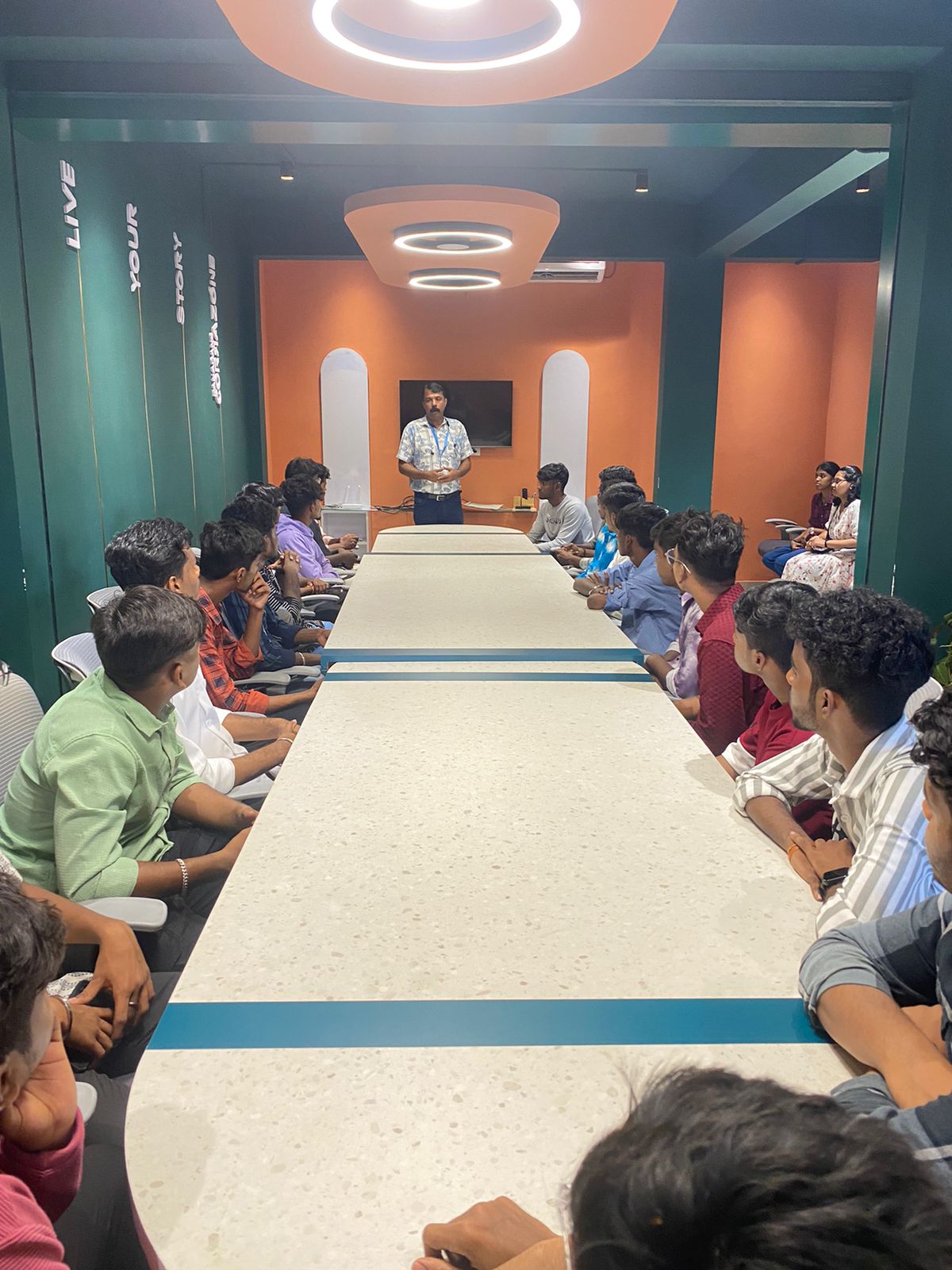
Photos of Training / Internships

Internship/projects in mangaluru

Trained more than 10000+ students who trust Nestsoft TechnoMaster

Get Your Personal Trainer