Send enquiry ⏎

AR/VR Development (Unity) Online Live Class by Experts

Our Training/Internship Process

AR/VR Development (Unity) Online Live Classes in Bellary | Free Demo Training

AR/VR Development (Unity) - Syllabus, Fees & Duration

Introduction

The AR/VR Development (Unity) course is a 5-month practical training program designed to teach learners how to create immersive Augmented Reality (AR), Virtual Reality (VR), and Extended Reality (XR) applications using Unity and modern 3D development technologies. Students will learn Unity development, C# programming, 3D environments, AR/VR interactions, and real-world immersive application development.

Course Syllabus

Month 1: Unity & 3D Development Fundamentals

Introduction to AR VR Technology

  • Introduction to Augmented Reality (AR)
  • Introduction to Virtual Reality (VR)
  • Mixed Reality (MR) and Extended Reality (XR)
  • AR vs VR vs MR
  • Applications of AR/VR Technologies
  • Future Scope of Immersive Technologies

Unity Game Engine Fundamentals

  • Introduction to Unity Engine
  • Unity Hub Installation and Setup
  • Unity Interface and Workspace
  • Game Objects and Components
  • Scenes and Assets
  • Unity Project Structure
  • Build and Deployment Basics

C# Programming for Unity

  • Introduction to C# Programming
  • Variables and Data Types
  • Operators and Control Statements
  • Classes and Objects
  • Methods and Functions
  • Object-Oriented Programming Concepts
  • Writing Scripts in Unity

3D Graphics Fundamentals

  • Introduction to 3D Modeling
  • 3D Coordinates and Transformations
  • Materials and Textures
  • Lighting and Rendering
  • Camera Systems
  • Animation Basics

Month 2: Unity Development & Interactive Applications

Unity Game Development

  • Unity Physics System
  • Collision Detection
  • Input Handling
  • User Interaction
  • Prefabs and Components
  • Animation Controllers
  • UI Design in Unity

Advanced C# Programming

  • Inheritance
  • Polymorphism
  • Encapsulation
  • Interfaces
  • Events and Delegates
  • Data Structures
  • Error Handling

3D Environment Creation

  • Creating 3D Scenes
  • Terrain Design
  • Asset Management
  • Environment Optimization
  • Particle Systems
  • Sound Integration

Month 3: Augmented Reality Development

AR Development Fundamentals

  • AR Concepts and Workflow
  • AR Applications Overview
  • AR Foundation Introduction
  • Device Tracking
  • Plane Detection
  • Object Placement

AR Application Development

  • Marker-Based AR
  • Markerless AR
  • Image Recognition
  • AR Object Interaction
  • AR User Interface Development
  • Mobile AR Deployment

AR Tools and Platforms

  • Unity AR Foundation
  • Google ARCore Overview
  • Apple ARKit Overview
  • XR Interaction Toolkit
  • Mobile AR Testing

Month 4: Virtual Reality Development

VR Development Fundamentals

  • Introduction to Virtual Reality
  • VR Hardware Overview
  • VR Interaction Design
  • VR User Experience Principles
  • VR Scene Development

VR Application Development

  • VR Camera Setup
  • VR Controllers
  • Hand Tracking
  • Object Interaction
  • VR Physics
  • Immersive Environment Creation

XR Development

  • Extended Reality Concepts
  • XR Interaction Toolkit
  • VR Performance Optimization
  • Cross Platform XR Development
  • VR Application Deployment

Month 5: Advanced AR VR & Projects

Advanced AR VR Concepts

  • Real-Time 3D Applications
  • Multiplayer XR Experiences
  • AI Integration with AR/VR
  • Spatial Computing Basics
  • AR/VR Optimization Techniques

Industry Applications

  • AR/VR in Gaming
  • AR/VR in Education
  • AR/VR in Healthcare
  • AR/VR in Architecture
  • AR/VR in Training Simulations

Final Projects

  • AR Mobile Application Project
  • VR Interactive Environment Project
  • Unity 3D Game Project
  • Virtual Simulation Project
  • Complete AR/VR Application Deployment

Tools and Technologies

  • Unity Engine
  • C# Programming
  • Blender
  • AR Foundation
  • ARCore
  • ARKit
  • XR Interaction Toolkit
  • Meta Quest SDK
  • Visual Studio
  • 3D Modeling Tools

Download Syllabus - AR/VR Development (Unity)
This syllabus is not final and can be customized as per needs/updates
   
10000+
20+
50+
25+

AR/VR Development (Unity) Jobs in Bellary

Enjoy the demand

Find jobs related to AR/VR Development (Unity) in search engines (Google, Bing, Yahoo) and recruitment websites (monsterindia, placementindia, naukri, jobshybrid.com, indeed.co.in, shine.com etc.) based in Bellary, chennai and europe countries. You can find many jobs for freshers related to the job positions in Bellary.

  • AR Developer
  • VR Developer
  • Unity Developer
  • XR Developer
  • 3D Application Developer
  • Game Developer
  • AR/VR Engineer
  • Unity 3D Developer
  • Immersive Technology Developer
  • Simulation Developer

AR/VR Development (Unity) Internship/Course Details

AR/VR Development (Unity) internship jobs in Bellary
AR/VR Development (Unity) . **Course Description (Use Bellary)** Our **AR/VR Development (Unity) Course in Bellary** is a 5-month practical training program designed to teach learners how to build immersive Augmented Reality, Virtual Reality, and Extended Reality applications using Unity, C#, and modern 3D development technologies. Join our **AR/VR Unity Training in Bellary** to gain industry-ready skills and start a career in emerging XR technologies. Students will learn Unity game engine, 3D modeling, AR/VR interactions, XR development, and real-world application creation. This course provides hands-on experience in developing interactive AR applications, VR environments, 3D simulations, and immersive experiences for gaming, education, healthcare, architecture, and industrial applications.


Meet a Few of our Industry Experts 🚀 Your Pathway to IT Career

priyanshu

Mobile: +91 8301010866
Location: Online (Bellary, India)
Qualification: BCA

Experience: Experienced full stack android application developer with expertise in front-end and back-end development experienced in leading cross-functional teams   more..

Suryamol

Mobile: +91 94975 90866
Location: Online (Bellary, India)
Qualification: Btech

Experience: Hi myself suryamol m s currently working as a php developer l have good knowledge in HTML CSS bootstrap jQuery  more..

Ankita

Mobile: +91 94975 90866
Location: Online (Bellary, India)
Qualification: Graduate

Experience: 1 Year Experience of Data entry Diploma in computer basics Basic knowledge of programming   more..

Ashik

Mobile: +91 9895490866
Location: Online (Bellary, India)
Qualification: Btech in Mechanical Engineering

Experience: Software testing Automated software testing Software manual testing Software testing tools Software testing process Quick leaner Problem solving skills  more..

Mrunal

Mobile: +91 91884 77559
Location: Online (Bellary, India)
Qualification: BEIT

Experience: 4+ years of experience in Android application development Design and develop android applications as per the business requirements Also worked  more..

Abhay

Mobile: +91 9895490866
Location: Online (Bellary, India)
Qualification: MCA

Experience: I have 2+ years of experience as Frontend developer with these skills HTML CSS Javascript jQuery bootstrap tailwindcss WordPress and  more..

Harsh

Mobile: +91 98474 90866
Location: Online (Bellary, India)
Qualification: Pursuing B.Tech IT

Experience: My skills and experience encompass a solid foundation in IT security principles bolstered by my Fortinet Certified Fundamentals (FCF) cybersecurity  more..

MADAN

Mobile: +91 91884 77559
Location: Online (Bellary, India)
Qualification: MCA

Experience: 13 5 Years exp in programming and teaching  more..

Naga

Mobile: +91 8301010866
Location: Online (Bellary, India)
Qualification: Bsc information Technology

Experience: Dear Hiring Manager I am writing to express my keep interest in the Automation Tester position at your company which  more..

Arya

Mobile: +91 9895490866
Location: Online (Bellary, India)
Qualification: Msc Computer science specialization in Cyber security

Experience: Worked as VAPT intern in Techbyheart Pvt ltd and have done a project in web application penetration testing Discovered vulnerabilities  more..

Kamlesh

Mobile: +91 89210 61945
Location: Online (Bellary, India)
Qualification: B.Sc

Experience: Computer web design YouTube channel ms office excel PowerPoint etc  more..

Aswini

Mobile: +91 98474 90866
Location: Online (Bellary, India)
Qualification: B-tech

Experience: Hands on experience in Software Testing o Hands on experience in Jira o Hands on experience in both Manual  more..

Manohar

Mobile: +91 89210 61945
Location: Online (Bellary, India)
Qualification: B. Tech

Experience: Android kotlin jetpack flutter dart  more..

Subashchandrabose

Mobile: +91 98474 90866
Location: Online (Bellary, India)
Qualification: MCA

Experience: HTML CSS bootstrap angular sql python  more..

Aiswarya

Mobile: +91 94975 90866
Location: Online (Bellary, India)
Qualification: BTech

Experience: Java Core java Manual Testing Functional and non-functional testing Basics of Git and Maven Project   more..

Arjun

Mobile: +91 89210 61945
Location: Online (Bellary, India)
Qualification: Bachelors in Visual design and comm

Experience: Proficiency in design and all fields of visual communication 4 years of working experience in the design industry  more..

Komal

Mobile: +91 98474 90866
Location: Online (Bellary, India)
Qualification: B tech

Experience: I have 4 years experience and my skills is php html css WordPress cms  more..

Infant

Mobile: +91 91884 77559
Location: Online (Bellary, India)
Qualification: B. E. CSE

Experience: nearly 1 year of experience in odoo python development worked in Product pricelist items and Xero Odoo Integration   more..

Pratiksha

Mobile: +91 9895490866
Location: Online (Bellary, India)
Qualification: UI/UX Design

Experience: I’m skilled in understanding user needs through research interviews surveys I design user-friendly interfaces and ensure information is organized logically  more..

Pavan

Mobile: +91 9895490866
Location: Online (Bellary, India)
Qualification: BE Computer

Experience: Highly skilled and creative UI UX designer with 3 years of experience designing and developing intuitive and user-friendly interfaces for  more..

Priyanshi

Mobile: +91 98474 90866
Location: Online (Bellary, India)
Qualification: B.TECH in computer science

Experience: Designed vector logos marketing assets and social media creatives for small businesses individuals and university events Designed marketing collateral such  more..

guddu

Mobile: +91 91884 77559
Location: Online (Bellary, India)
Qualification: B.tech CSE

Experience: Java kotlin dart flutter  more..

mohammad

Mobile: +91 91884 77559
Location: Online (Bellary, India)
Qualification: diploma in mechanical

Experience: I am pursuing BSc it #rd year from Mumbai University I have worked on Fortinet firewall I got total Experience  more..

Vanshika

Mobile: +91 98474 90866
Location: Online (Bellary, India)
Qualification: B.Tech

Experience: Computer Skills C & python Programming language  more..

Success Stories

The enviable salary packages and track record of our previous students are the proof of our excellence. Please go through our students' reviews about our training methods and faculty and compare it to the recorded video classes that most of the other institutes offer. See for yourself how TechnoMaster is truly unique.

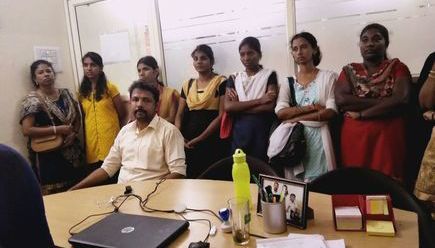
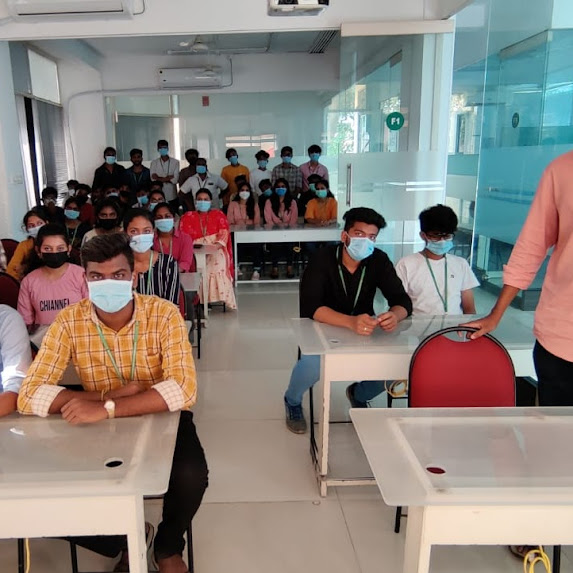
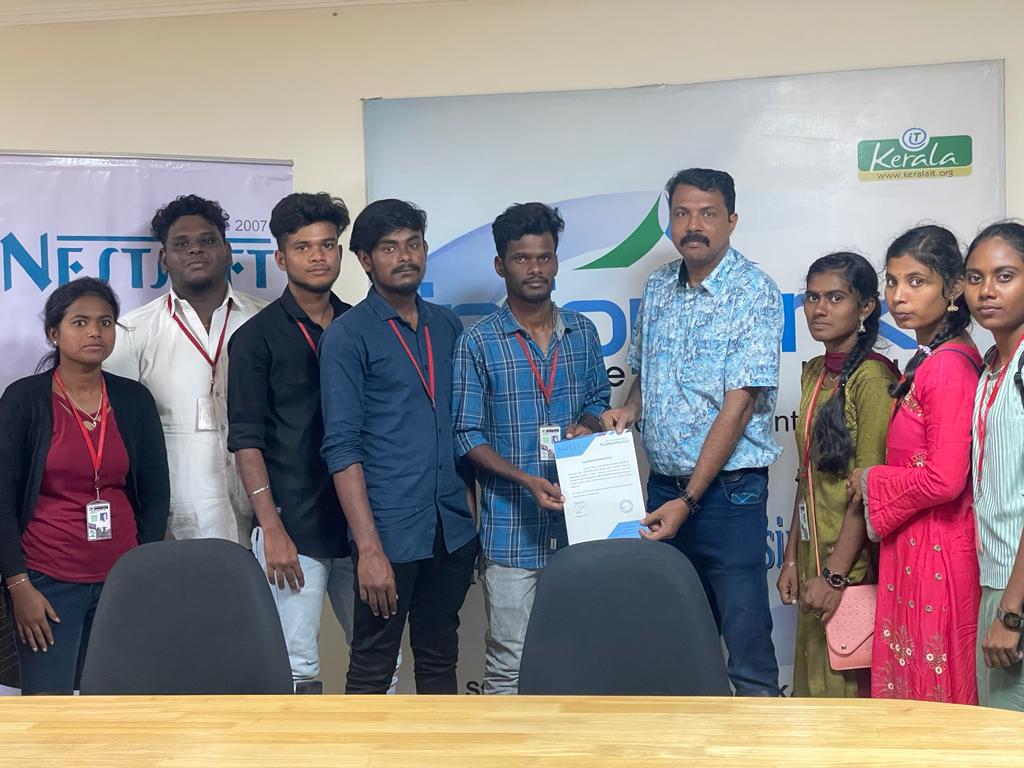
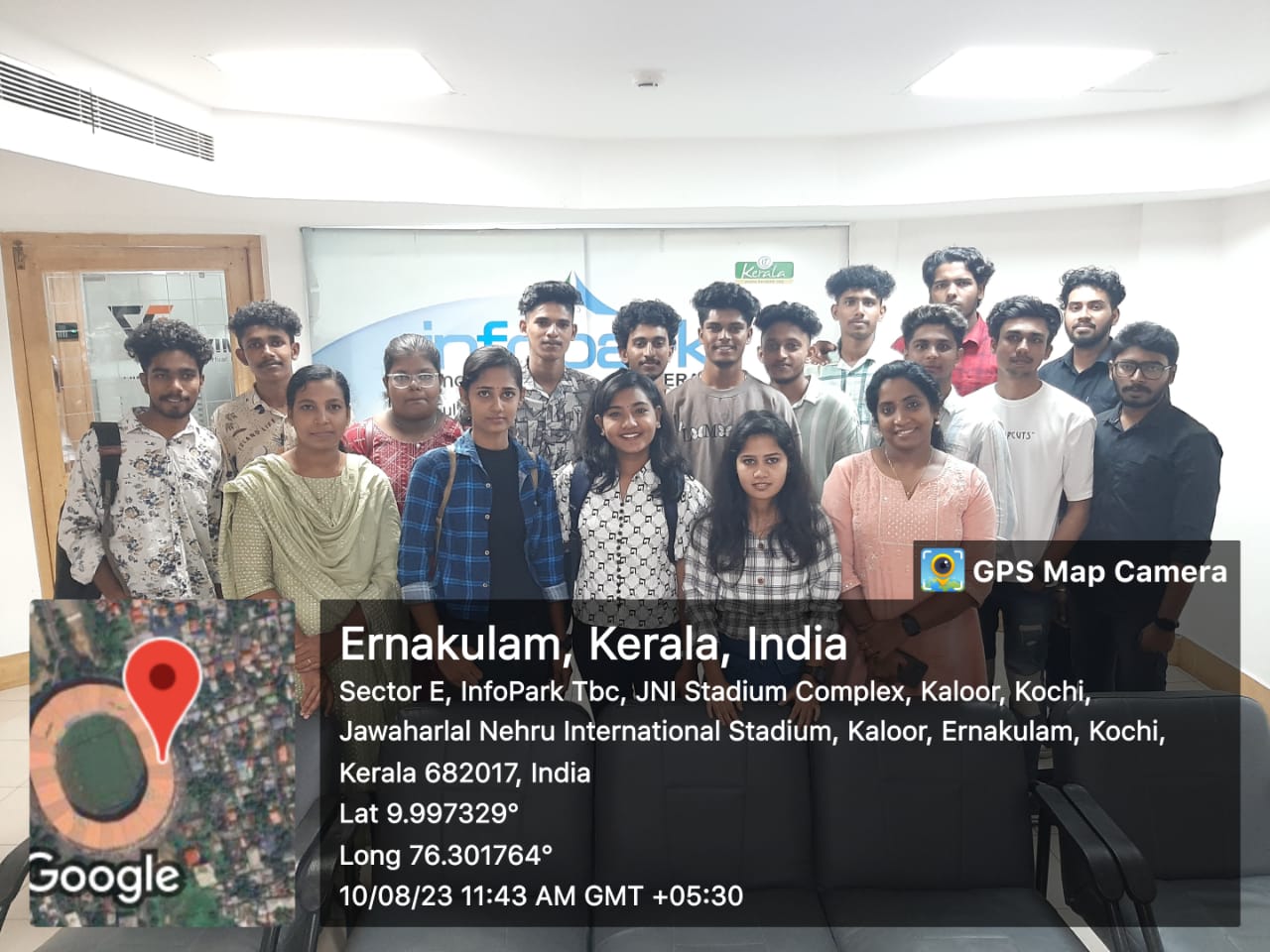
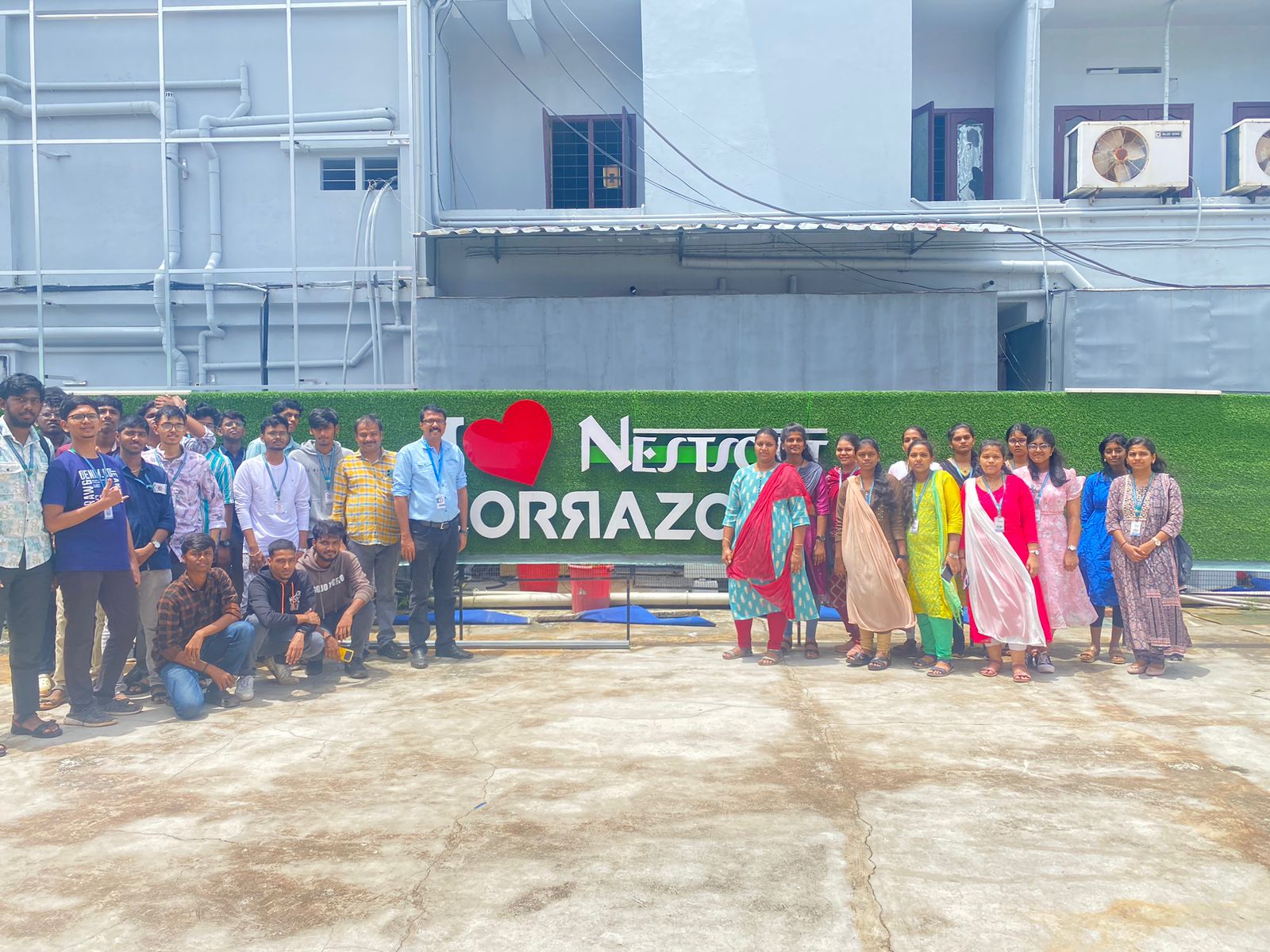
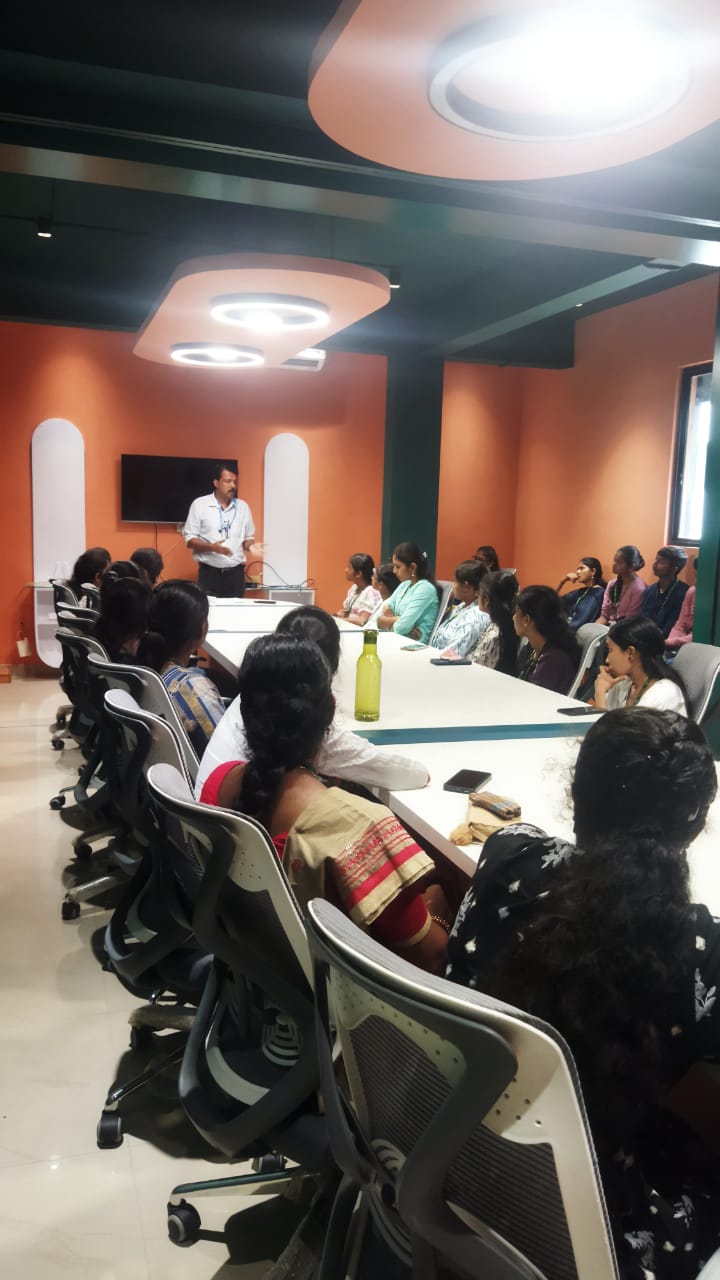
Photos of Training / Internships

Internship/projects in bellary

Trained more than 10000+ students who trust Nestsoft TechnoMaster

Get Your Personal Trainer