Send enquiry ⏎

CorelDRAW Online Live Class by Experts

Our Training/Internship Process

CorelDRAW Online Live Classes in Kozhikode | Free Demo Training

CorelDRAW - Syllabus, Fees & Duration

Module 1: Introduction to CorelDRAW

  • Installing CorelDRAW Graphics Suite 2019
  • Basics of CorelDRAW
    • Vector Graphics and Bitmaps
    • Starting and Opening Drawings
    • Previewing Drawings
    • Viewing Modes
    • Saving and Closing Drawings
  • CorelDRAW Workspace
  • Creative Tools and Content
  • Touchscreen and Wheel Devices

Module 2: Lines, Shapes, and Outlines

  • Lines, Outlines, and Brushstrokes
  • Shapes and Shape Objects
  • Symmetrical Drawing

Module 3: Working with Objects, Symbols, and Layers

  • Introduction to Objects
  • Linking and Embedding Objects
  • Layers and Symbols
  • Managing and Tracking Projects

Module 4: Colour, Fills, and Transparencies

  • Colour
    • Colour Models and Depth
    • Choosing Colours
    • Creating and Editing Colour Palettes
  • Uniform Fills and Fountain Fills
  • Vector and Bitmap Pattern Fills
  • Texture, PostScript, and Mesh Fills
  • Object Transparency
  • Managing Colours

Module 5: Exploring Special Effects

  • Lenses
  • Adding 3D Effects
  • Mosaics

Module 6: Working with Text

  • Adding and Manipulating Text
  • Formatting Text
  • Managing Fonts
  • Writing Tools

Module 7: Templates and Styles

  • Templates
    • Using and Finding Templates
    • Managing Templates
    • Creating and Editing Templates
  • Introducing Styles and Style Sets
    • Creating, Applying, and Editing Styles and Style Sets
    • Managing Default Object Properties
    • Importing and Exporting Style Sheets
  • Colour Styles
    • Creating and Applying Colour Styles
    • Editing and Viewing Colour Styles
    • Exporting and Importing Colour Styles

Module 8: Pages and Layout

  • Pages and Layout Tools
    • Page Layout and Background
    • Adding and Deleting Pages
    • Rulers
    • Document Grid and Pixel Grid
  • Tables
    • Adding Tables
    • Selecting, Moving, and Navigating Table Components
    • Inserting and Deleting Table Rows and Columns
    • Formatting Tables and Cells
    • Converting Tables to Text

Module 9: Introduction to Bitmaps

  • Working with Bitmaps
    • Converting Vector Graphics to Bitmaps
    • Importing and Cropping Bitmaps
    • Bitmap Dimensions and Resolution
    • Straightening Bitmaps
    • Image Adjustment Lab
    • Adjusting Colour and Tone
    • Tone Curve Filter
  • Special Effects Categories
  • Bitmap Colour Modes
  • Introducing Trace
    • RAW Camera Files

Module 10: Web Graphics

  • File Formats
    • Importing and Exporting Files
    • Exporting to PDF
    • Supported File Formats
  • Customising and Automating
    • Setting Basic Preferences
    • Customising CorelDRAW
    • Using Macros and Scripts for Automating Ta
  • Download Syllabus - CorelDRAW
    This syllabus is not final and can be customized as per needs/updates
   
10000+
20+
50+
25+

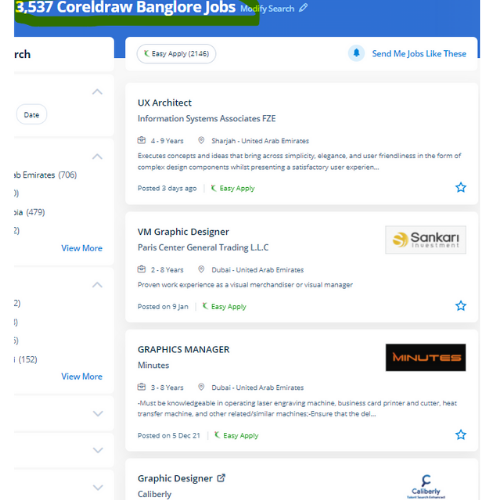
CorelDRAW Jobs in Kozhikode

Enjoy the demand

Find jobs related to CorelDRAW in search engines (Google, Bing, Yahoo) and recruitment websites (monsterindia, placementindia, naukri, jobshybrid.com, indeed.co.in, shine.com etc.) based in Kozhikode, chennai and europe countries. You can find many jobs for freshers related to the job positions in Kozhikode.

  • Corel Draw Designer
  • Graphic Designer
  • CorelDraw trainer
  • UI/UX Designer
  • Digital graphic designer
  • Multimedia designer
  • Graphics manager
  • Layout artist
  • Creative graphic designer
  • Interior designer

CorelDRAW Internship/Course Details

CorelDRAW internship jobs in Kozhikode
CorelDRAW small businesses that turn out in-house promoting materials also benefit from the amazing capabilities of this software. We will train you remotely, after completion of the course if you have got any doubt then our team can always assist you. Our coaching session is taken in pleasant surroundings and thus members will perceive the ideas simply. it is a mixture of advanced illustration, image editing, designing planning, vector graphics, page layout designing, typography, pre-press layout designing, and plenty of extra options in one pack. . it is simply accessible in other designing software because It works with file format PNG and CDR. we know CorelDraw could be a Vector graphics editor and designer computer code software it offers us a variety of exciting tools that creates the operating of CorelDraw software simple. It's quite probably the foremost thought of illustrations progressing to a program accessible on the lookout. Similarly, the software supports Hairline, with zero line-width. it is meant to change two-dimensional pictures, for example, logos, banners, and so on.


Meet a Few of our Industry Experts 🚀 Your Pathway to IT Career

Nomankhan

Mobile: +91 9895490866
Location: Online (Kozhikode, India)
Qualification: B.E in Computer Engineering

Experience: C# Java python ASP NET netcore SQL DataStructures Entity Framework Hibernate   more..

jaimin

Mobile: +91 91884 77559
Location: Online (Kozhikode, India)
Qualification: BCA

Experience: Completed Internship as a php devloper   more..

Silpa

Mobile: +91 91884 77559
Location: Online (Kozhikode, India)
Qualification: Advanced diploma in digital marketing

Experience: Onpage seo technical SEO off page seo broken link building social media marketing & Optimization content marketing canva Keyword research  more..

sreelakshmi

Mobile: +91 91884 77559
Location: Online (Kozhikode, India)
Qualification: MCA

Experience: I have recently completed software testing course & Training from STC Technology and i have completed my postgraduation in MCA  more..

Mahesh

Mobile: +91 8301010866
Location: Online (Kozhikode, India)
Qualification: BTech(cs)

Experience: I have used Java and Kotlin with MVVM MVC Architecture I have integrated Metamask ( Blockchain Wallet) Stripe Payment Sdk  more..

Abinisha

Mobile: +91 91884 77559
Location: Online (Kozhikode, India)
Qualification: B.Tech

Experience: SQL python Pandas Numpy PowerBI Excel Matplotlib Seaborn Scikit-learn multilingual polyglot adaptive team player problem solving skills   more..

Rakesh

Mobile: +91 89210 61945
Location: Online (Kozhikode, India)
Qualification: btech

Experience: Dear Sir Madam I am applying for the position of QA in payment testing integration Currently working as an Software  more..

Fathimath

Mobile: +91 8301010866
Location: Online (Kozhikode, India)
Qualification: Bsc computer science

Experience: 6month internship of software testing   more..

Sonali

Mobile: +91 91884 77559
Location: Online (Kozhikode, India)
Qualification: B.tech

Experience: 6 years experience in php   more..

Mohamad

Mobile: +91 94975 90866
Location: Online (Kozhikode, India)
Qualification: Bsc computer science

Experience: 1 year experience in software test engineer at maxpi technologies Skills: Java selenium api manual testing automation testing jira rest  more..

Rani

Mobile: +91 91884 77559
Location: Online (Kozhikode, India)
Qualification: The act of measuring or judging the size or ammount of something

Experience: I completed degree in Karnataka My skills are python C programming Data Science Java Excl Powerponi and computer I experience  more..

Anusha

Mobile: +91 94975 90866
Location: Online (Kozhikode, India)
Qualification: M.E

Experience: I'm Anusha a content designer with a passion for learning Over the past one and a half years I've been  more..

AKASH

Mobile: +91 89210 61945
Location: Online (Kozhikode, India)
Qualification: Diploma

Experience: Manual testing Stlc Sdlc Testing  more..

Ankita

Mobile: +91 94975 90866
Location: Online (Kozhikode, India)
Qualification: BE

Experience: Automation testing and manual testing   more..

Manish

Mobile: +91 8301010866
Location: Online (Kozhikode, India)
Qualification: BE

Experience: jetpack components Clean Architecture SQLite design patterns OneSignal Fireabase Google map Chat social integration of mobile application module Testing and  more..

Rahul

Mobile: +91 8301010866
Location: Online (Kozhikode, India)
Qualification: B.sc computer science

Experience: Html css javascript jQuery Core php codeignter framework and MySQL database   more..

Aparna

Mobile: +91 94975 90866
Location: Online (Kozhikode, India)
Qualification: Btech CSE

Experience: Skilled with core java automation testing with selenium java objective c  more..

Adarsh

Mobile: +91 98474 90866
Location: Online (Kozhikode, India)
Qualification: Bsc computer science

Experience: Writing test cases manual testing automation testing J meter API testing Postman bugzilla jira  more..

Utkarsha

Mobile: +91 8301010866
Location: Online (Kozhikode, India)
Qualification: Bachelor of engineering

Experience: Ms word Excel html css php  more..

Deependra

Mobile: +91 91884 77559
Location: Online (Kozhikode, India)
Qualification: M.Tech

Experience: Selenium with java Html Manual testing automation testing Cucumber testNG Junit and MySQL  more..

Nayak

Mobile: +91 91884 77559
Location: Online (Kozhikode, India)
Qualification: BCA

Experience: I have a experience of total 4 mnc company's as a web developer   more..

Manish

Mobile: +91 8301010866
Location: Online (Kozhikode, India)
Qualification: B.Tech

Experience: During my time at SafeSend Technology I was responsible for developing and maintaining web applications using C# ASP NET and  more..

Mehdi

Mobile: +91 91884 77559
Location: Online (Kozhikode, India)
Qualification: Bachelor's in computer science

Experience: HTML CSS javascript jQuery Ajax PHP wordpress and woocommerce   more..

Akhil

Mobile: +91 8301010866
Location: Online (Kozhikode, India)
Qualification: BTech in ECE

Experience: 3 years in manual testing and automation testing  more..

Success Stories

The enviable salary packages and track record of our previous students are the proof of our excellence. Please go through our students' reviews about our training methods and faculty and compare it to the recorded video classes that most of the other institutes offer. See for yourself how TechnoMaster is truly unique.

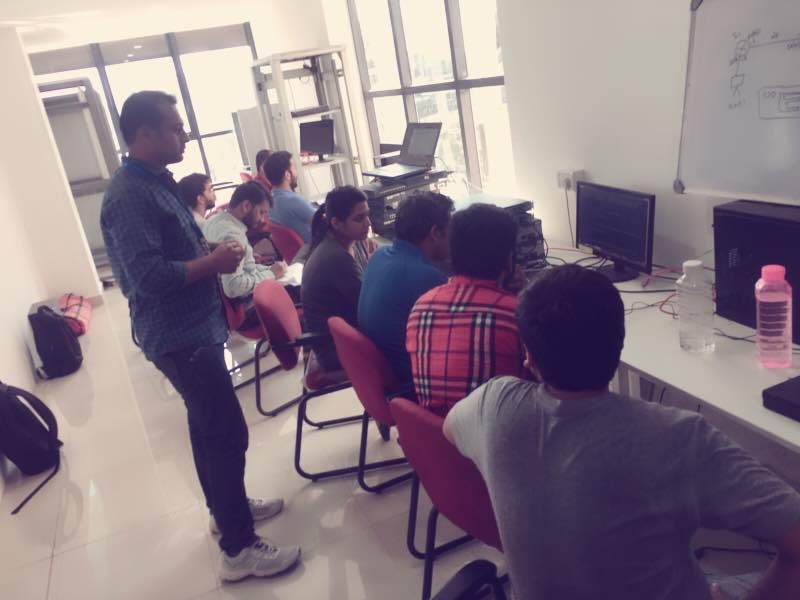
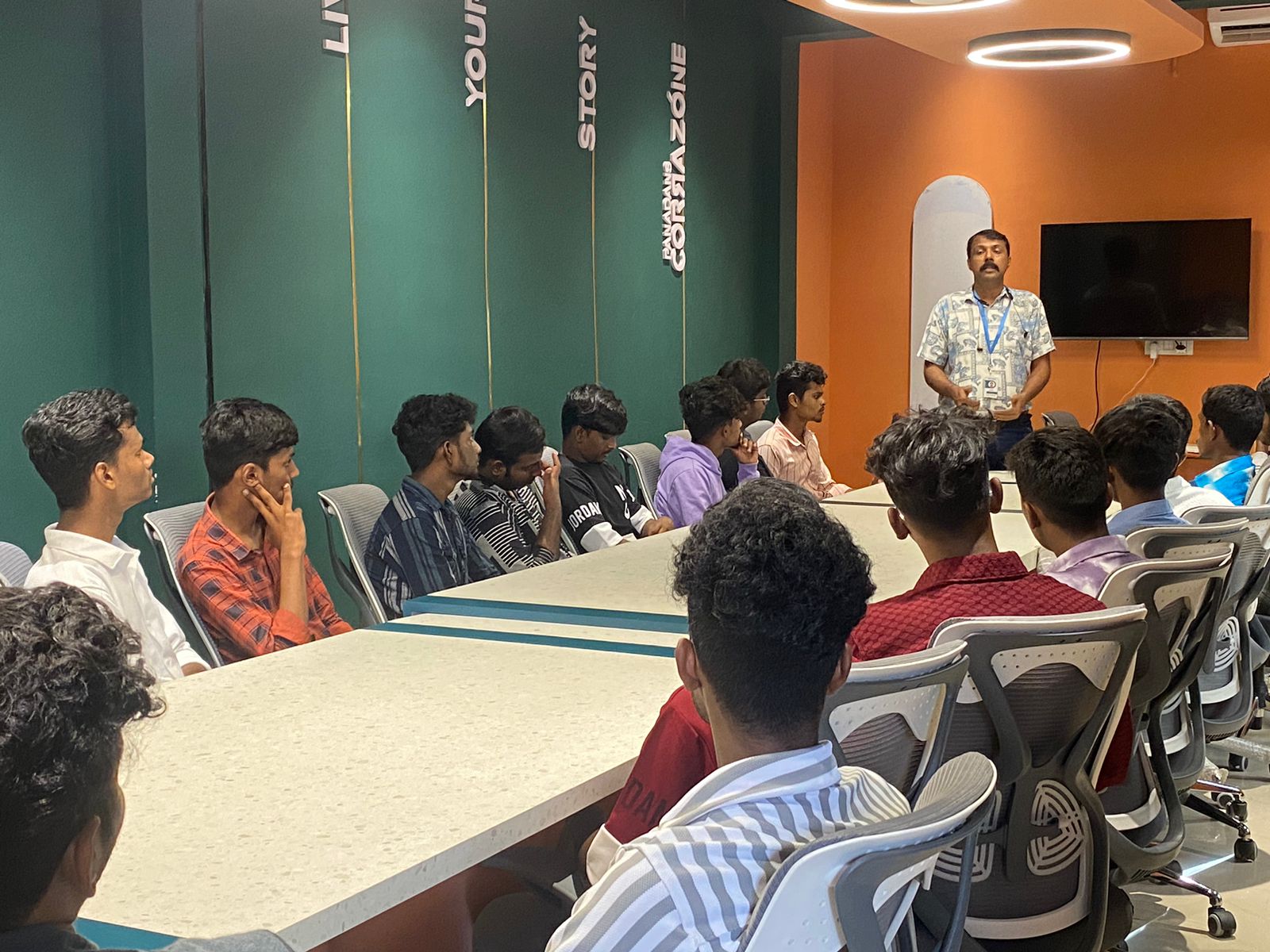
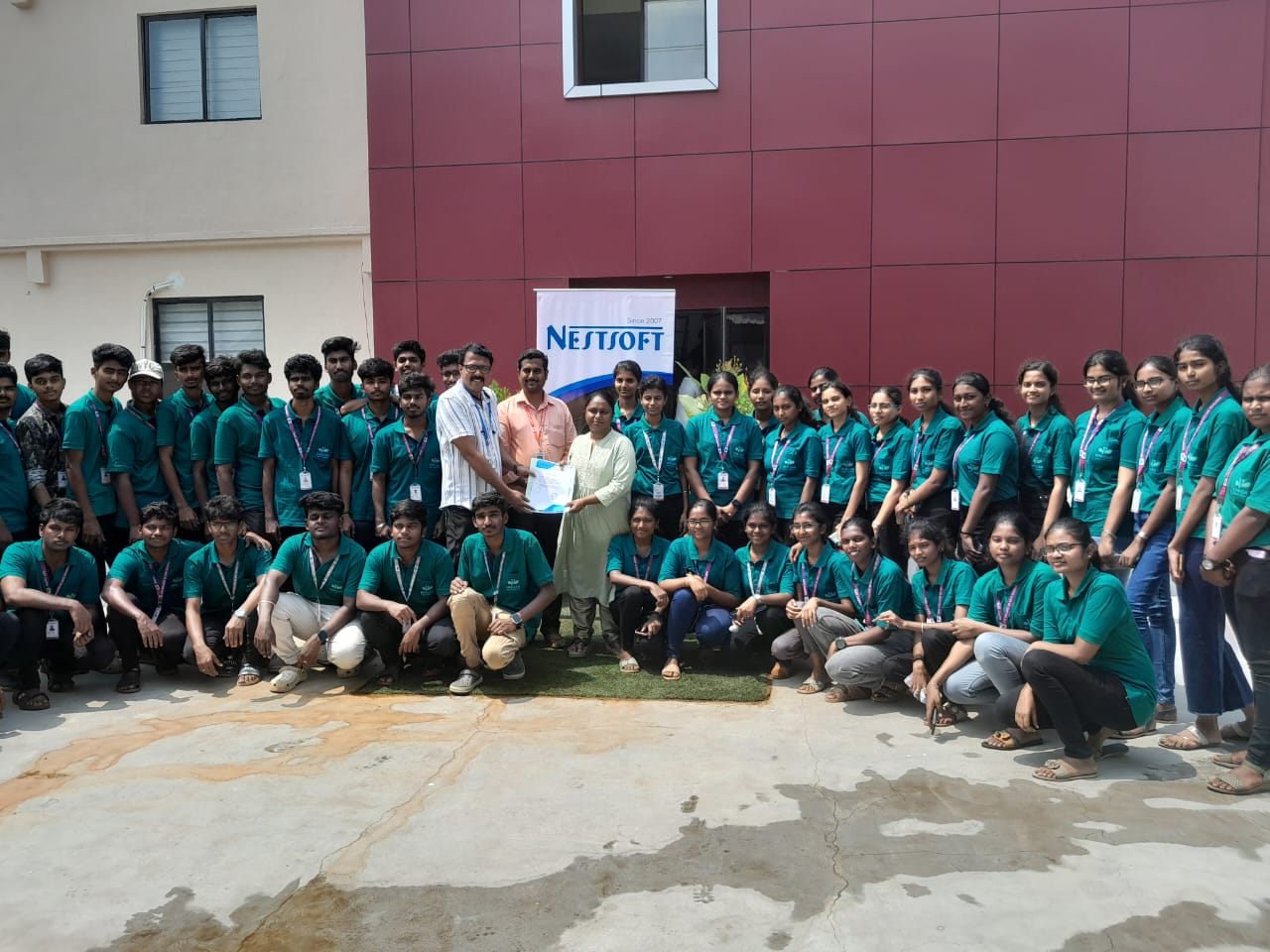
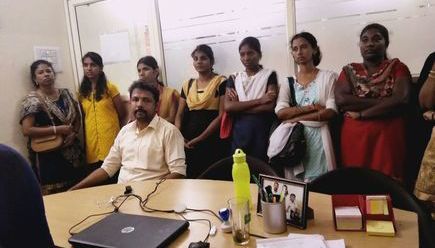
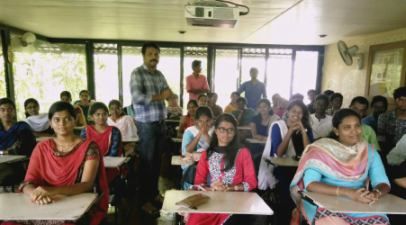
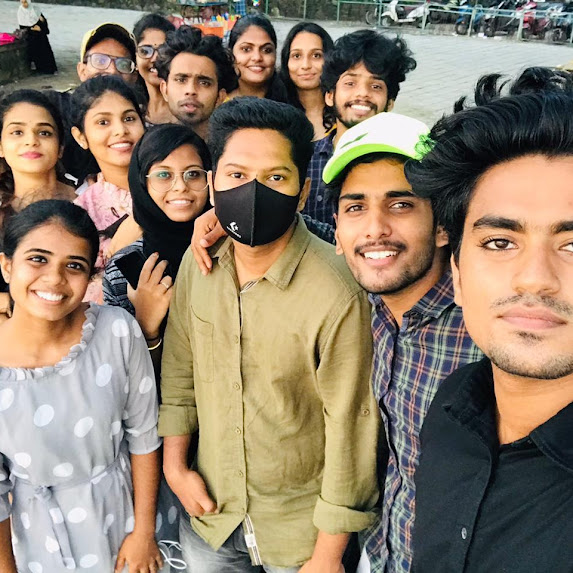
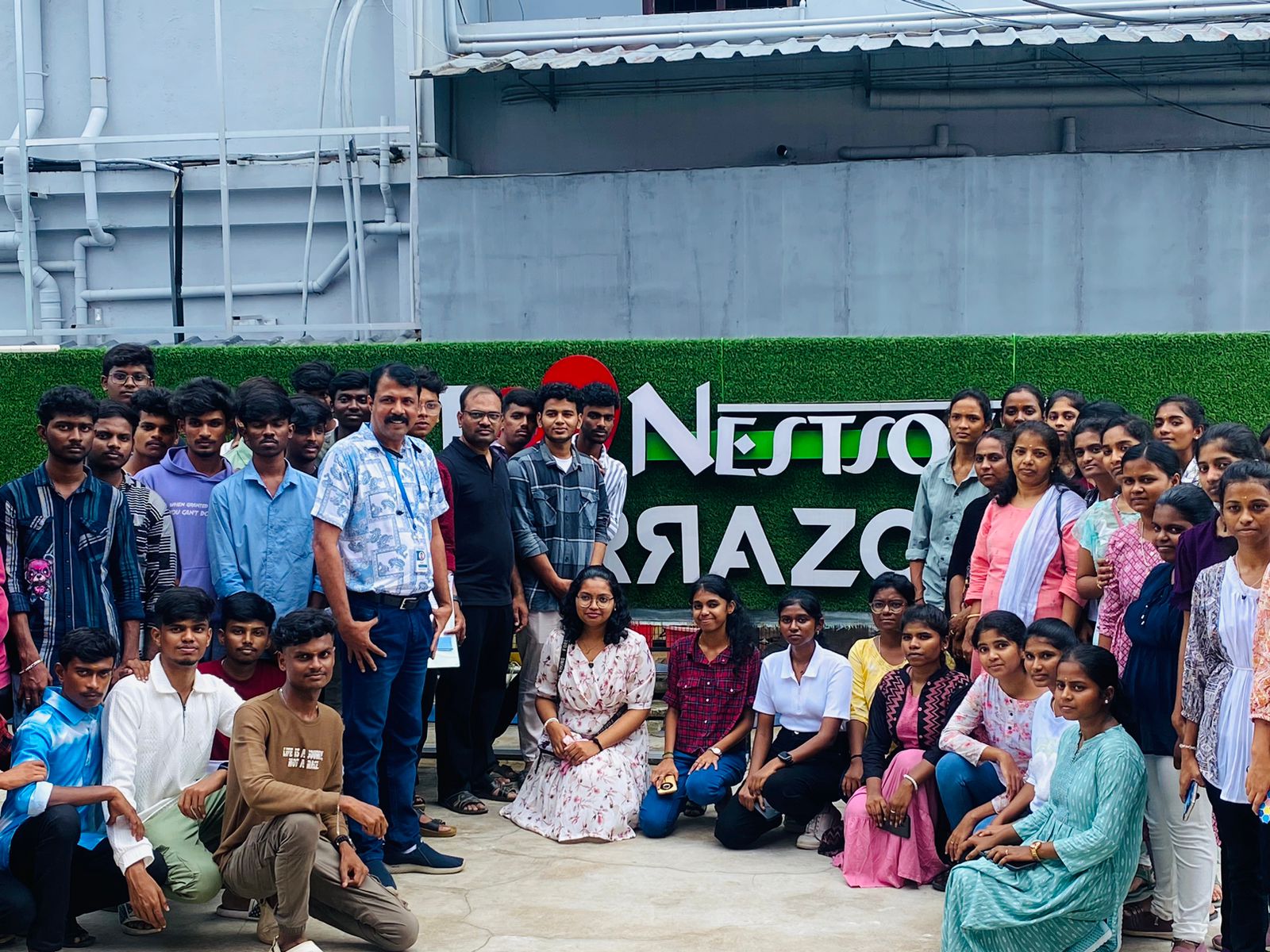
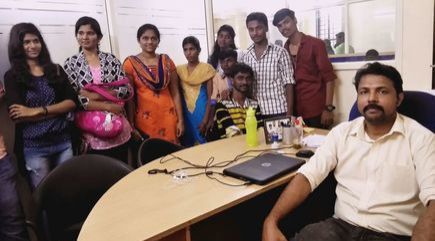
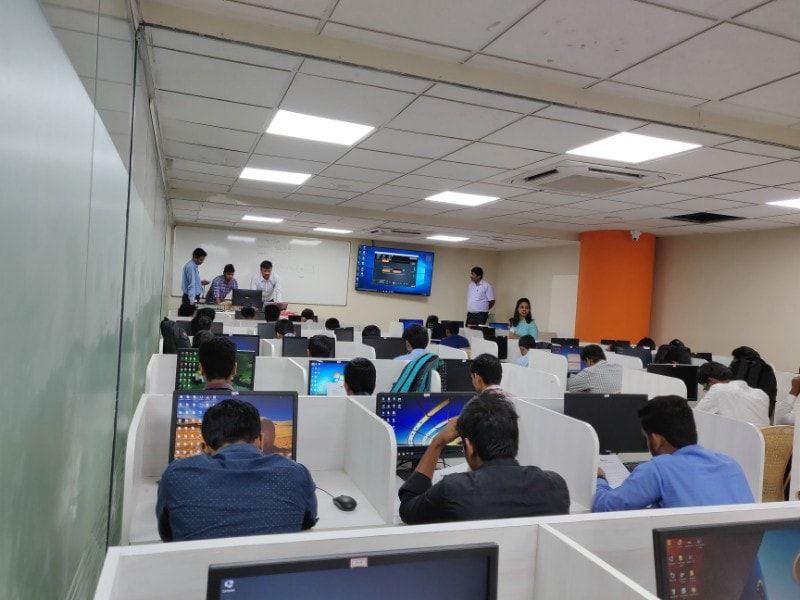
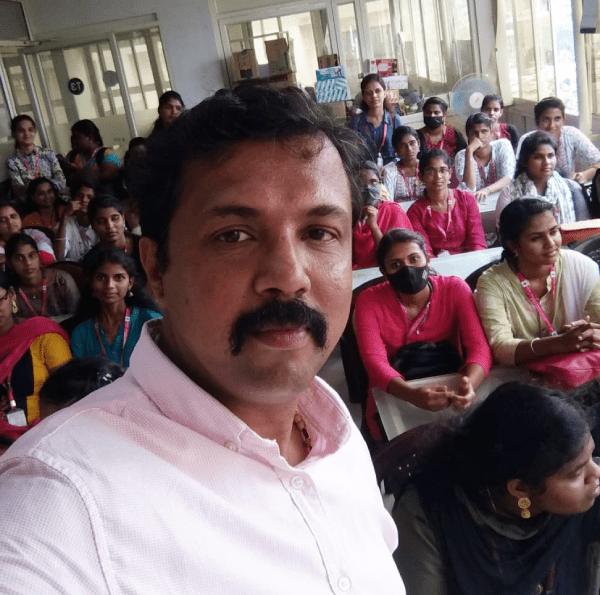
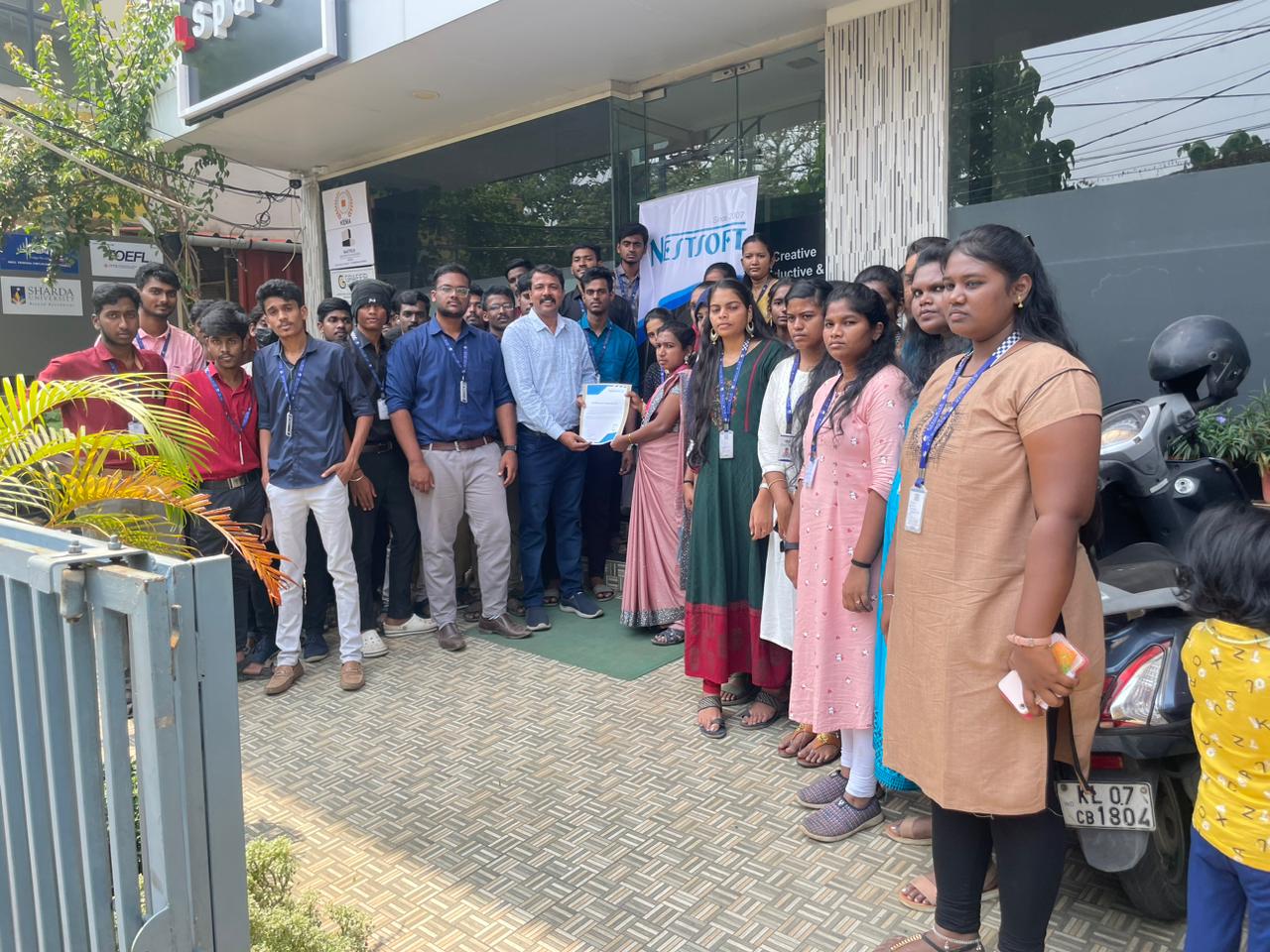
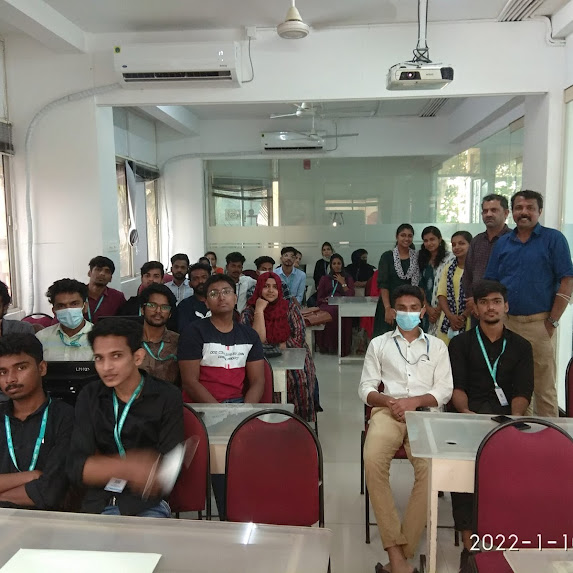
Photos of Training / Internships

Internship/projects in kozhikode

Trained more than 10000+ students who trust Nestsoft TechnoMaster

Get Your Personal Trainer