Send enquiry ⏎

CorelDRAW Online Live Class by Experts

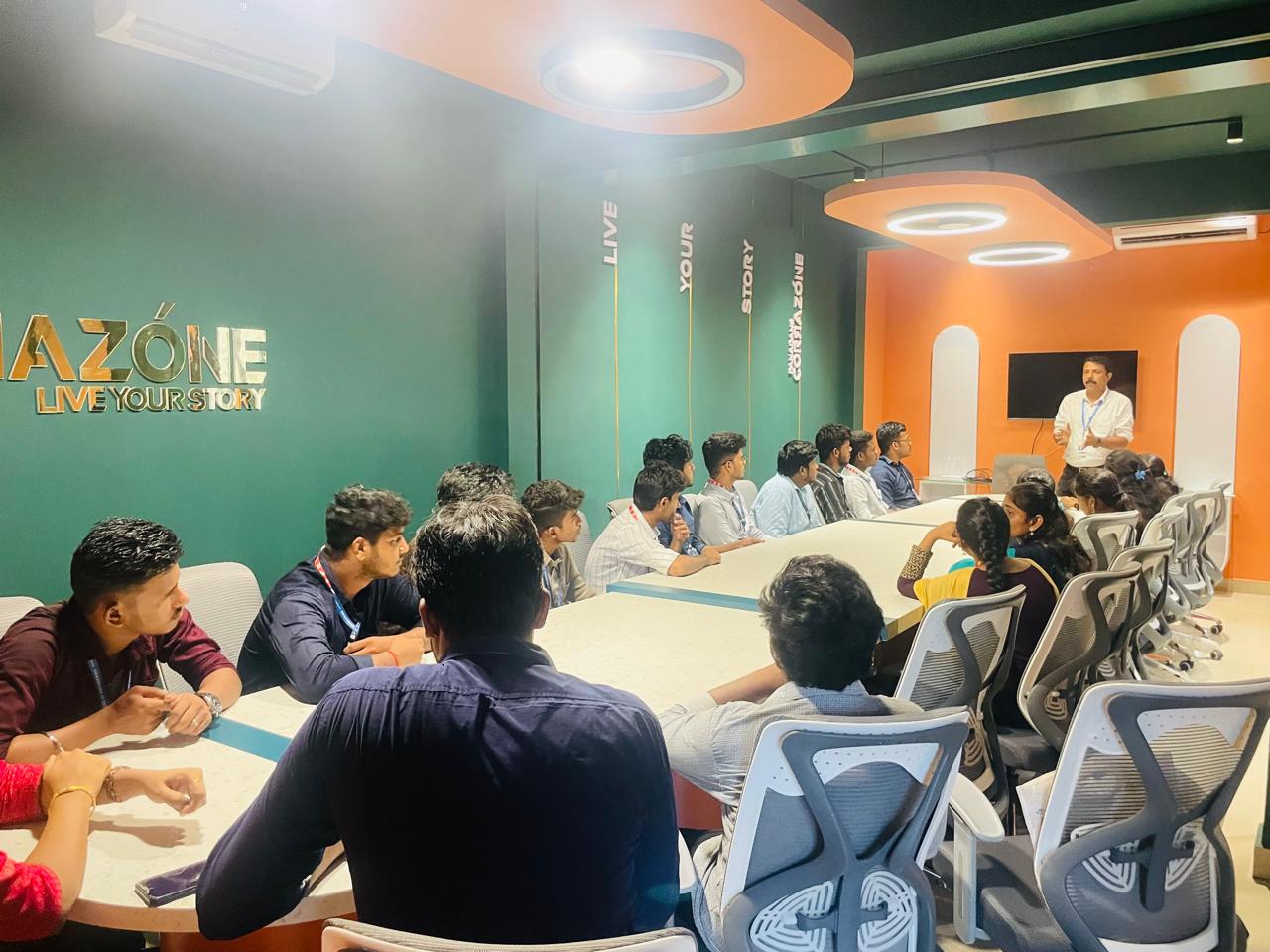
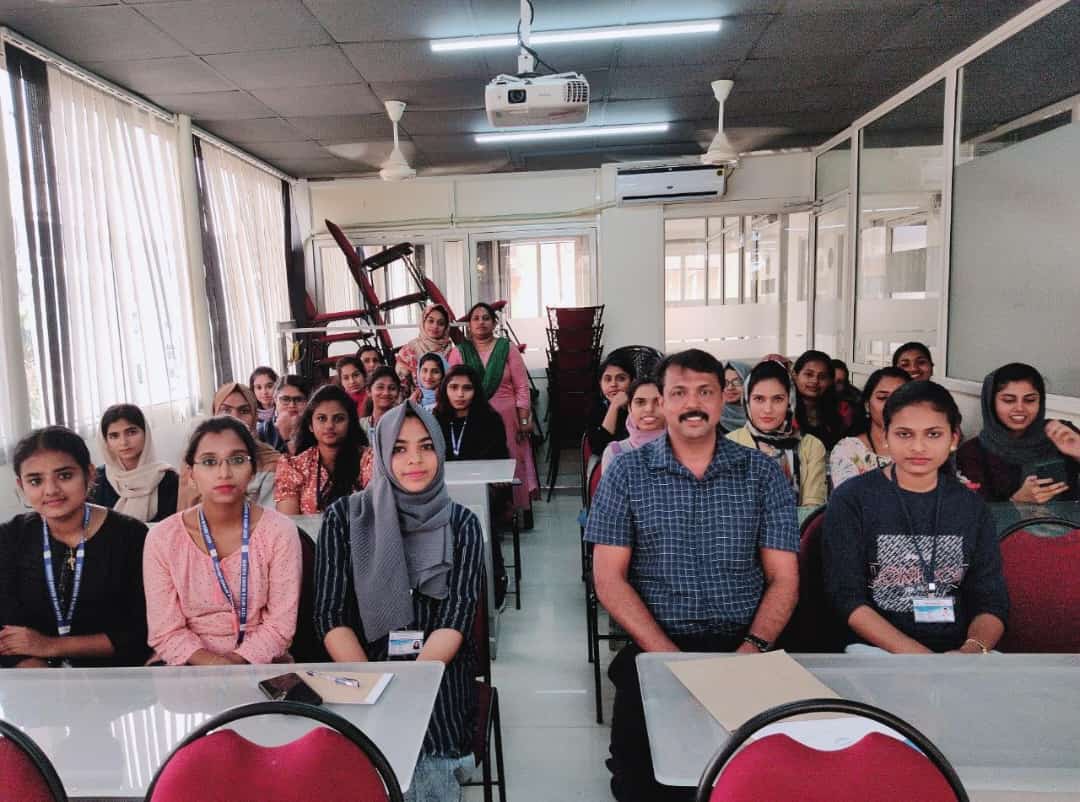
Our Training/Internship Process

CorelDRAW Online Live Classes in Tiruchirappalli | Free Demo Training

CorelDRAW - Syllabus, Fees & Duration

Module 1: Introduction to CorelDRAW

  • Installing CorelDRAW Graphics Suite 2019
  • Basics of CorelDRAW
    • Vector Graphics and Bitmaps
    • Starting and Opening Drawings
    • Previewing Drawings
    • Viewing Modes
    • Saving and Closing Drawings
  • CorelDRAW Workspace
  • Creative Tools and Content
  • Touchscreen and Wheel Devices

Module 2: Lines, Shapes, and Outlines

  • Lines, Outlines, and Brushstrokes
  • Shapes and Shape Objects
  • Symmetrical Drawing

Module 3: Working with Objects, Symbols, and Layers

  • Introduction to Objects
  • Linking and Embedding Objects
  • Layers and Symbols
  • Managing and Tracking Projects

Module 4: Colour, Fills, and Transparencies

  • Colour
    • Colour Models and Depth
    • Choosing Colours
    • Creating and Editing Colour Palettes
  • Uniform Fills and Fountain Fills
  • Vector and Bitmap Pattern Fills
  • Texture, PostScript, and Mesh Fills
  • Object Transparency
  • Managing Colours

Module 5: Exploring Special Effects

  • Lenses
  • Adding 3D Effects
  • Mosaics

Module 6: Working with Text

  • Adding and Manipulating Text
  • Formatting Text
  • Managing Fonts
  • Writing Tools

Module 7: Templates and Styles

  • Templates
    • Using and Finding Templates
    • Managing Templates
    • Creating and Editing Templates
  • Introducing Styles and Style Sets
    • Creating, Applying, and Editing Styles and Style Sets
    • Managing Default Object Properties
    • Importing and Exporting Style Sheets
  • Colour Styles
    • Creating and Applying Colour Styles
    • Editing and Viewing Colour Styles
    • Exporting and Importing Colour Styles

Module 8: Pages and Layout

  • Pages and Layout Tools
    • Page Layout and Background
    • Adding and Deleting Pages
    • Rulers
    • Document Grid and Pixel Grid
  • Tables
    • Adding Tables
    • Selecting, Moving, and Navigating Table Components
    • Inserting and Deleting Table Rows and Columns
    • Formatting Tables and Cells
    • Converting Tables to Text

Module 9: Introduction to Bitmaps

  • Working with Bitmaps
    • Converting Vector Graphics to Bitmaps
    • Importing and Cropping Bitmaps
    • Bitmap Dimensions and Resolution
    • Straightening Bitmaps
    • Image Adjustment Lab
    • Adjusting Colour and Tone
    • Tone Curve Filter
  • Special Effects Categories
  • Bitmap Colour Modes
  • Introducing Trace
    • RAW Camera Files

Module 10: Web Graphics

  • File Formats
    • Importing and Exporting Files
    • Exporting to PDF
    • Supported File Formats
  • Customising and Automating
    • Setting Basic Preferences
    • Customising CorelDRAW
    • Using Macros and Scripts for Automating Ta
  • Download Syllabus - CorelDRAW
    This syllabus is not final and can be customized as per needs/updates
   
10000+
20+
50+
25+

CorelDRAW Jobs in Tiruchirappalli

Enjoy the demand

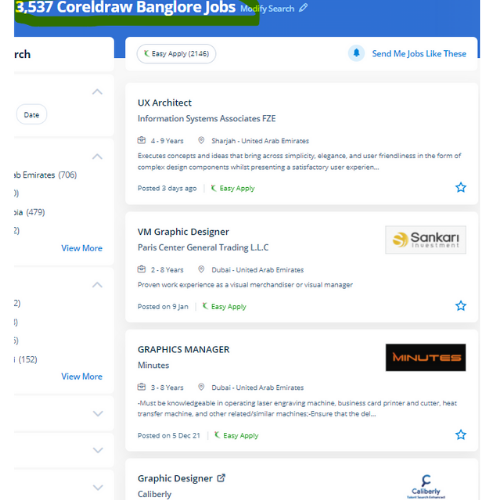
Find jobs related to CorelDRAW in search engines (Google, Bing, Yahoo) and recruitment websites (monsterindia, placementindia, naukri, jobshybrid.com, indeed.co.in, shine.com etc.) based in Tiruchirappalli, chennai and europe countries. You can find many jobs for freshers related to the job positions in Tiruchirappalli.

  • Corel Draw Designer
  • Graphic Designer
  • CorelDraw trainer
  • UI/UX Designer
  • Digital graphic designer
  • Multimedia designer
  • Graphics manager
  • Layout artist
  • Creative graphic designer
  • Interior designer

CorelDRAW Internship/Course Details

CorelDRAW internship jobs in Tiruchirappalli
CorelDRAW CorelDraw Graphics Suite programming is accessible on the lookout, and once introduced on the computer, you will get effectively started together with your realistic planning work. With a vector graphic vogue program that admires this software, laser engraving professionals and hobbyists will transfer and import any image they need to engrave for their projects. Additionally, it has several predesigned templates, Clipart & photographic camera images accessible that help you in exploring your idea of graphics designing throughout working with it. This stunning design software meets the everyday requests of working architects. It's quite probably the foremost thought of illustrations progressing to a program accessible on the lookout. Professionals working in the publishing and advertising business will produce distinctive brand identity assets victimization this software. you'll create professional logos, brochures, business cards, and alternative advertising elements with the help of these tools and would possibly provide them different appearances consistent with the wants of your client. it is a mixture of advanced illustration, image editing, designing planning, vector graphics, page layout designing, typography, pre-press layout designing, and plenty of extra options in one pack. Interested candidates could register for our CorelDraw training course. CorelDraw is also known in several names just like the Corel' Graphics Suite, Corel Photo-Paint, and alternative graphics-related programs.


Meet a Few of our Industry Experts 🚀 Your Pathway to IT Career

Suprit

Mobile: +91 94975 90866
Location: Online (Tiruchirappalli, India)
Qualification: BE

Experience: Odoo development and commercialization Python - orm Decorators server actions scheduled actions Odoo reports Unix hands-on experience Requirements gathered analysed  more..

Rahil

Mobile: +91 89210 61945
Location: Online (Tiruchirappalli, India)
Qualification: B.Tech

Experience: Java developer with 10 years of experience that includes working as Programmer Analyst and in Associate Role in Cognizant Technology  more..

Danish

Mobile: +91 98474 90866
Location: Online (Tiruchirappalli, India)
Qualification: Bachelor of Engineering

Experience: Graphic design intern at Greenbhumi Social media marketing intern at vlebazaar Graphic design intern at TopTrove Foundation   more..

Shivam

Mobile: +91 94975 90866
Location: Online (Tiruchirappalli, India)
Qualification: B.Tech

Experience: I am skills in UXUI Design I am well versed with latest design process and design software tools such as  more..

Abhishek

Mobile: +91 91884 77559
Location: Online (Tiruchirappalli, India)
Qualification: Bachelor of Computer Application(BCA)

Experience: I have a strong foundation in UI UX design specializing in Figma for creating prototypes and mockups during various college  more..

Jyotika

Mobile: +91 91884 77559
Location: Online (Tiruchirappalli, India)
Qualification: B.Sc (H) Computer Science

Experience: For the past 5 months I have been working as a UI UX Intern at Grey to Yellow and then  more..

Mohini

Mobile: +91 8301010866
Location: Online (Tiruchirappalli, India)
Qualification: b.com

Experience: Recently i started my career in graphic design (Canva)now i want to grow myself in graphic industry skills- logo post  more..

Uma

Mobile: +91 98474 90866
Location: Online (Tiruchirappalli, India)
Qualification: NSc

Experience: Looking for opportunities in manual and automation testing to expand my skills knowledge and learnings   more..

Abilasha

Mobile: +91 89210 61945
Location: Online (Tiruchirappalli, India)
Qualification: Advanced diploma in animation and film making

Experience: Skills: Graphic designing illustration 3D modelling drawing logo design character modeling character design poster design video editing Ui design Experience:  more..

Nidarsh

Mobile: +91 8301010866
Location: Online (Tiruchirappalli, India)
Qualification: M.Tech

Experience: Automation frame work and manual testing of 2 5 years experience  more..

Deepesh

Mobile: +91 89210 61945
Location: Online (Tiruchirappalli, India)
Qualification: B.E

Experience: Deepesh has an overall 2 10 YOE as a Developer Automation tester in Deloitte’s Financial Services He has experience in  more..

Tarunvarma

Mobile: +91 89210 61945
Location: Online (Tiruchirappalli, India)
Qualification: Designeer Academy

Experience: Hey this is Tarun varma I'm a certified from the designerrs academy on basis of UX UI Designer I'm good  more..

Ritu

Mobile: +91 91884 77559
Location: Online (Tiruchirappalli, India)
Qualification: post graduation

Experience: Logo posters video editing website design magazine  more..

Fallou

Mobile: +91 91884 77559
Location: Online (Tiruchirappalli, India)
Qualification: Développement web

Experience: Web development with HTML and CSSAdvanced proficiency in the Wix applicationDesigning attractive websitesOptimizing website performanceClient collaborationProblem-solving skills  more..

Aswathy

Mobile: +91 91884 77559
Location: Online (Tiruchirappalli, India)
Qualification: Bsc computer science

Experience: 6 month experience in web developer at Amrita Vishwavidyapeeth   more..

Gautam

Mobile: +91 9895490866
Location: Online (Tiruchirappalli, India)
Qualification: BCA

Experience: C C++ python My SQL Proficiency in Website builder like wix and shopify I have build an website using Wix  more..

Arunkumar

Mobile: +91 94975 90866
Location: Online (Tiruchirappalli, India)
Qualification: BTECH IT

Experience: i am a frontend developer who i has 2 yeaApplication for Meanstack Developer Mean Stack  more..

Utkarsh

Mobile: +91 91884 77559
Location: Online (Tiruchirappalli, India)
Qualification: BCA

Experience: I’ve an experience of 3months working as an UI UX intern with hands on FIGMA and UI designing along with  more..

Abhai

Mobile: +91 98474 90866
Location: Online (Tiruchirappalli, India)
Qualification: D.Computer Science Engineering

Experience: 1 year and above experience in website development take a break from job to learn Node js Application for Node  more..

Chitimelly

Mobile: +91 89210 61945
Location: Online (Tiruchirappalli, India)
Qualification: B.tech

Experience: I am good at python programming c programming SQL and machine learning  more..

Sneha

Mobile: +91 98474 90866
Location: Online (Tiruchirappalli, India)
Qualification: B Tech

Experience: HTML css sass angular figma photoshop sktech illustrate git invision balsamic  more..

Chauhan

Mobile: +91 98474 90866
Location: Online (Tiruchirappalli, India)
Qualification: BCA

Experience: I have experience in Android developer in java 1 year and kotlin 6 month   more..

Ubaid

Mobile: +91 91884 77559
Location: Online (Tiruchirappalli, India)
Qualification: Graduate

Experience: I have an year of experience in Seo I have knowledge in all three forms of seo on page off  more..

Salini

Mobile: +91 98474 90866
Location: Online (Tiruchirappalli, India)
Qualification: Msc Computer Science

Experience: Trained fresher in software testing ISTQB foundation level certified   more..

Success Stories

The enviable salary packages and track record of our previous students are the proof of our excellence. Please go through our students' reviews about our training methods and faculty and compare it to the recorded video classes that most of the other institutes offer. See for yourself how TechnoMaster is truly unique.

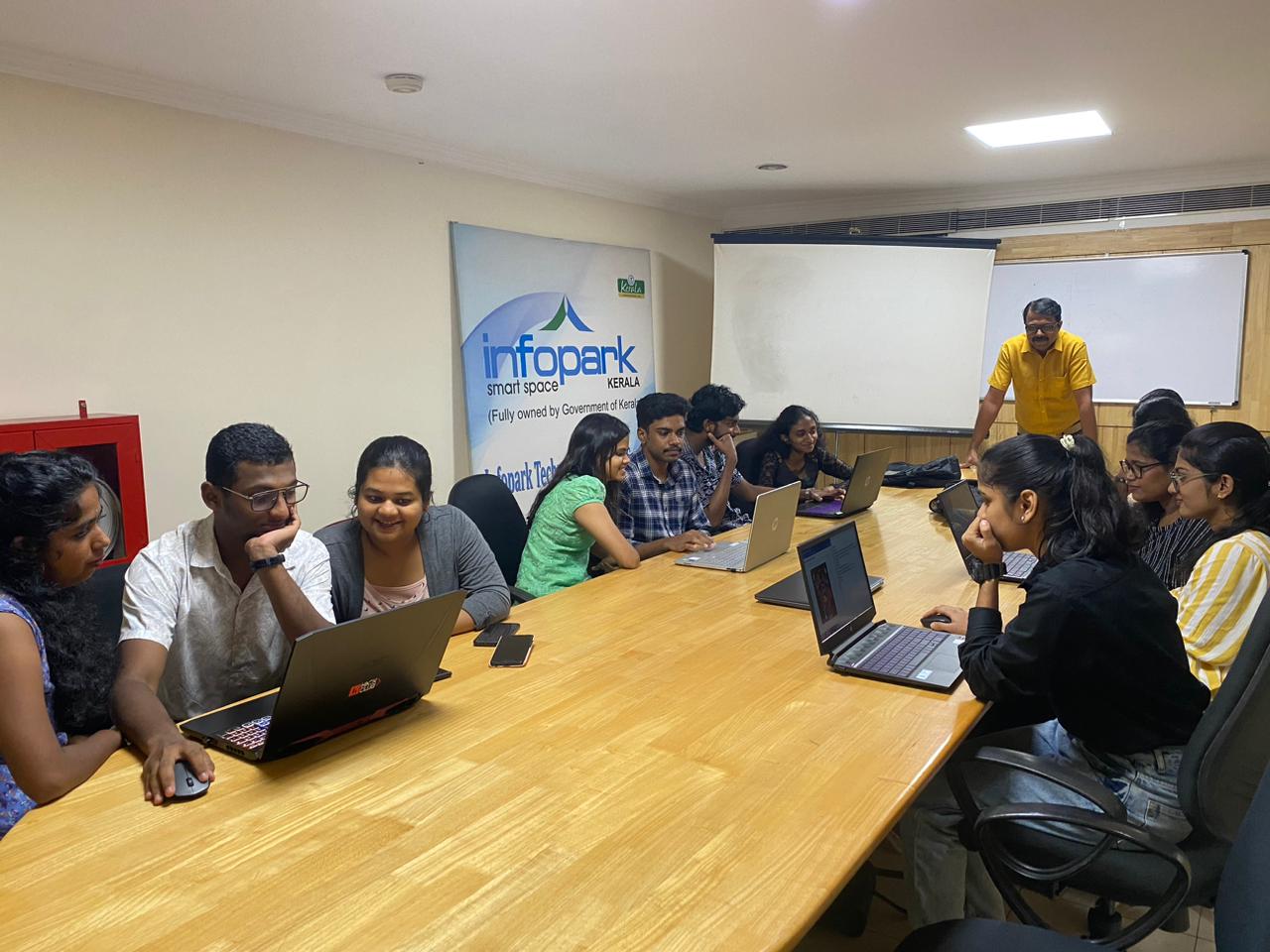
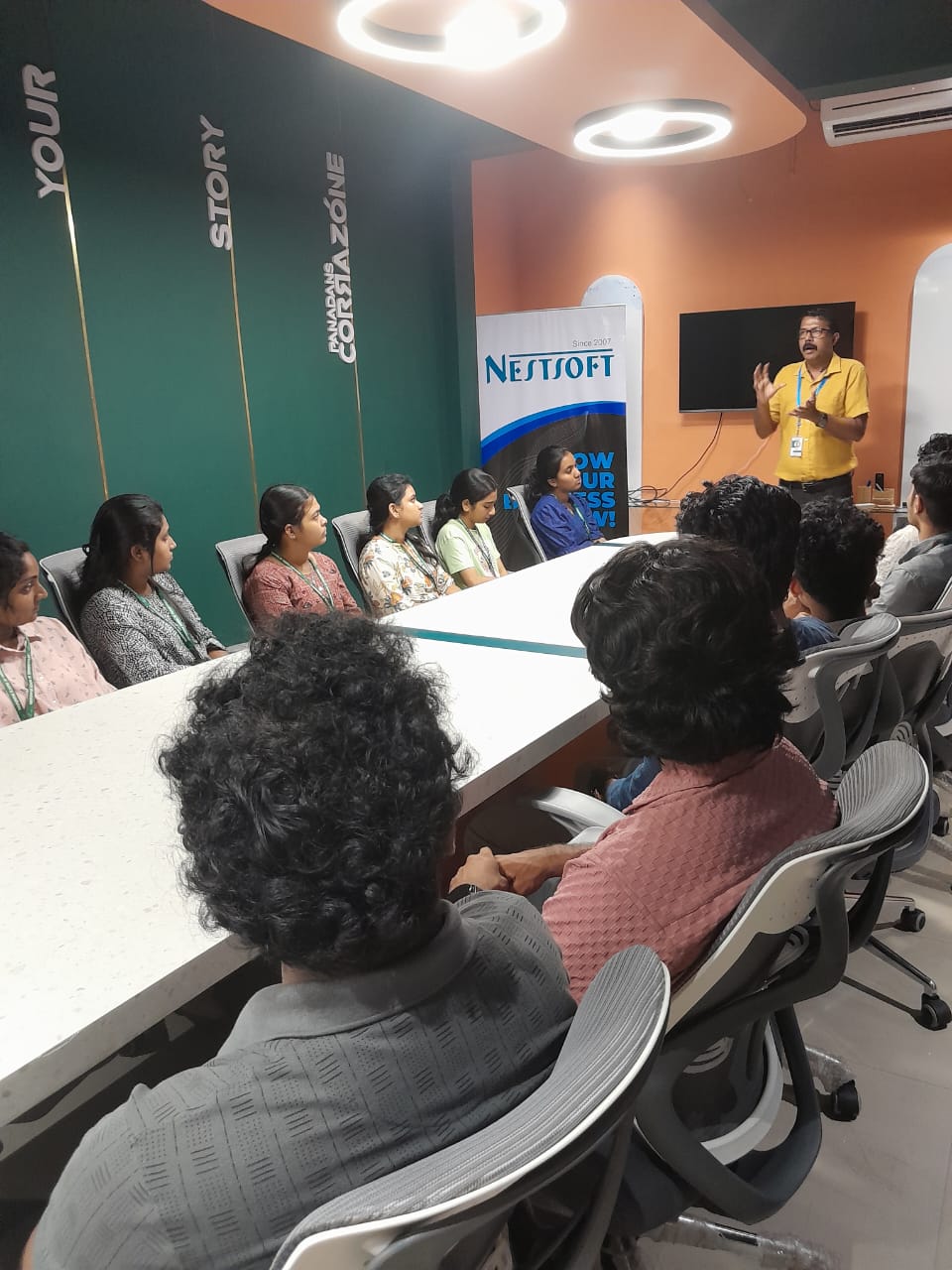
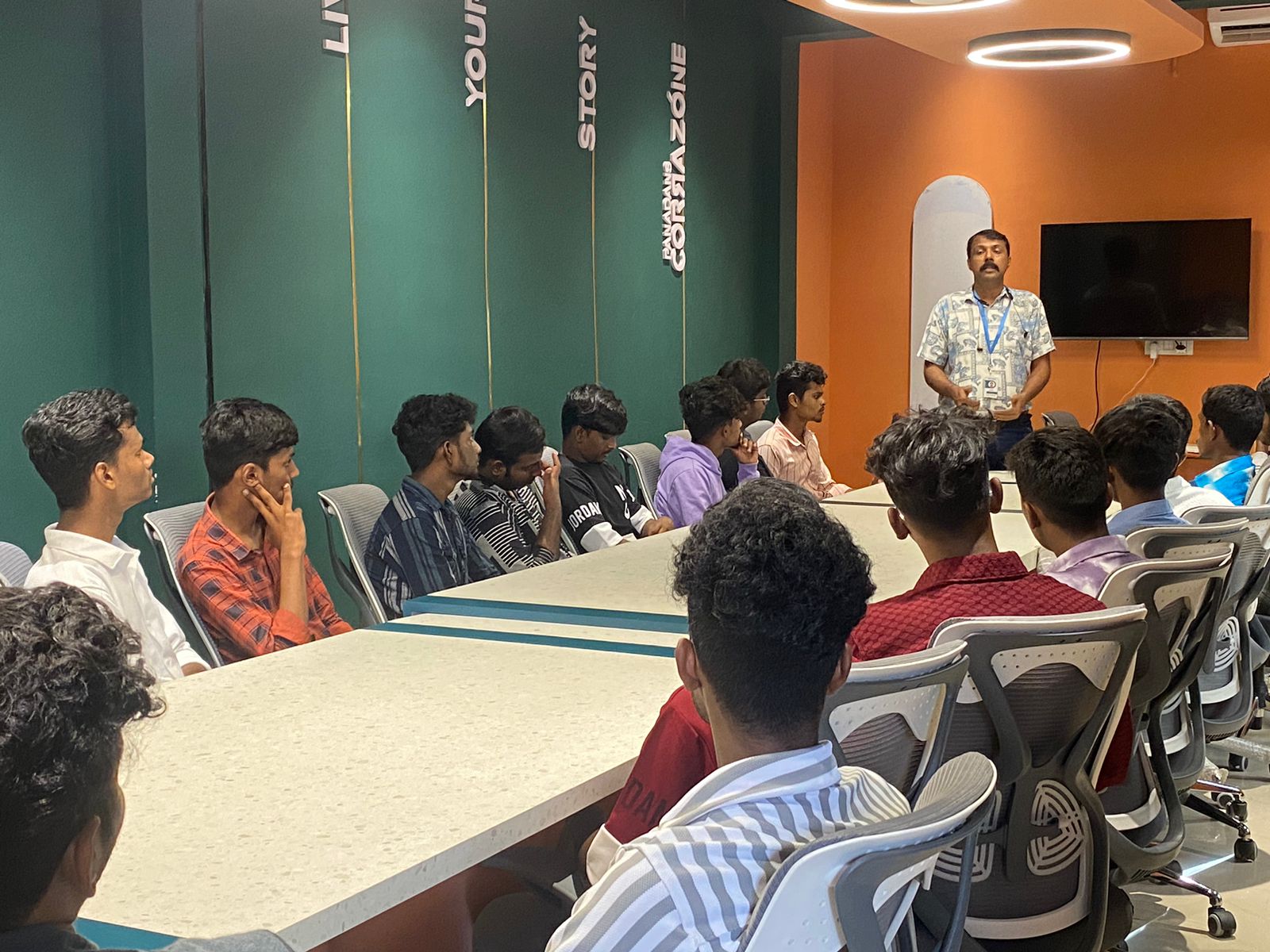
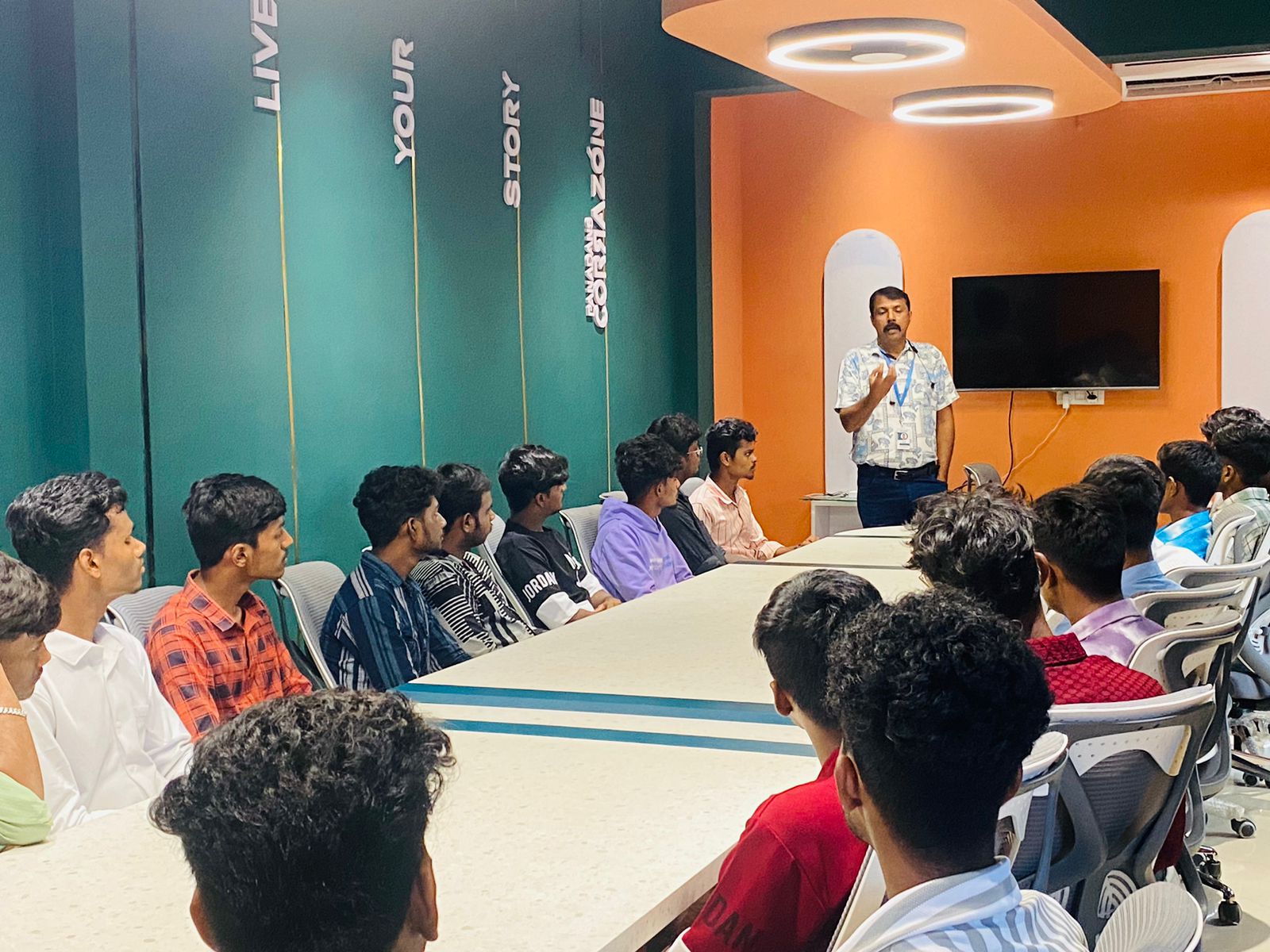
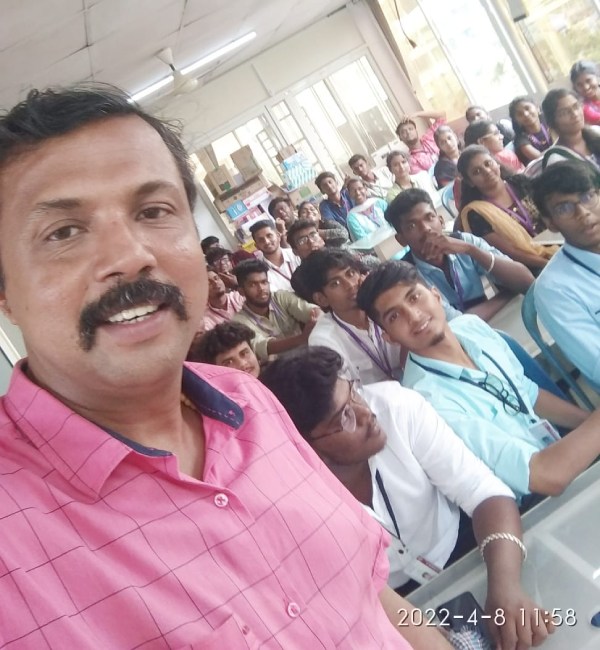
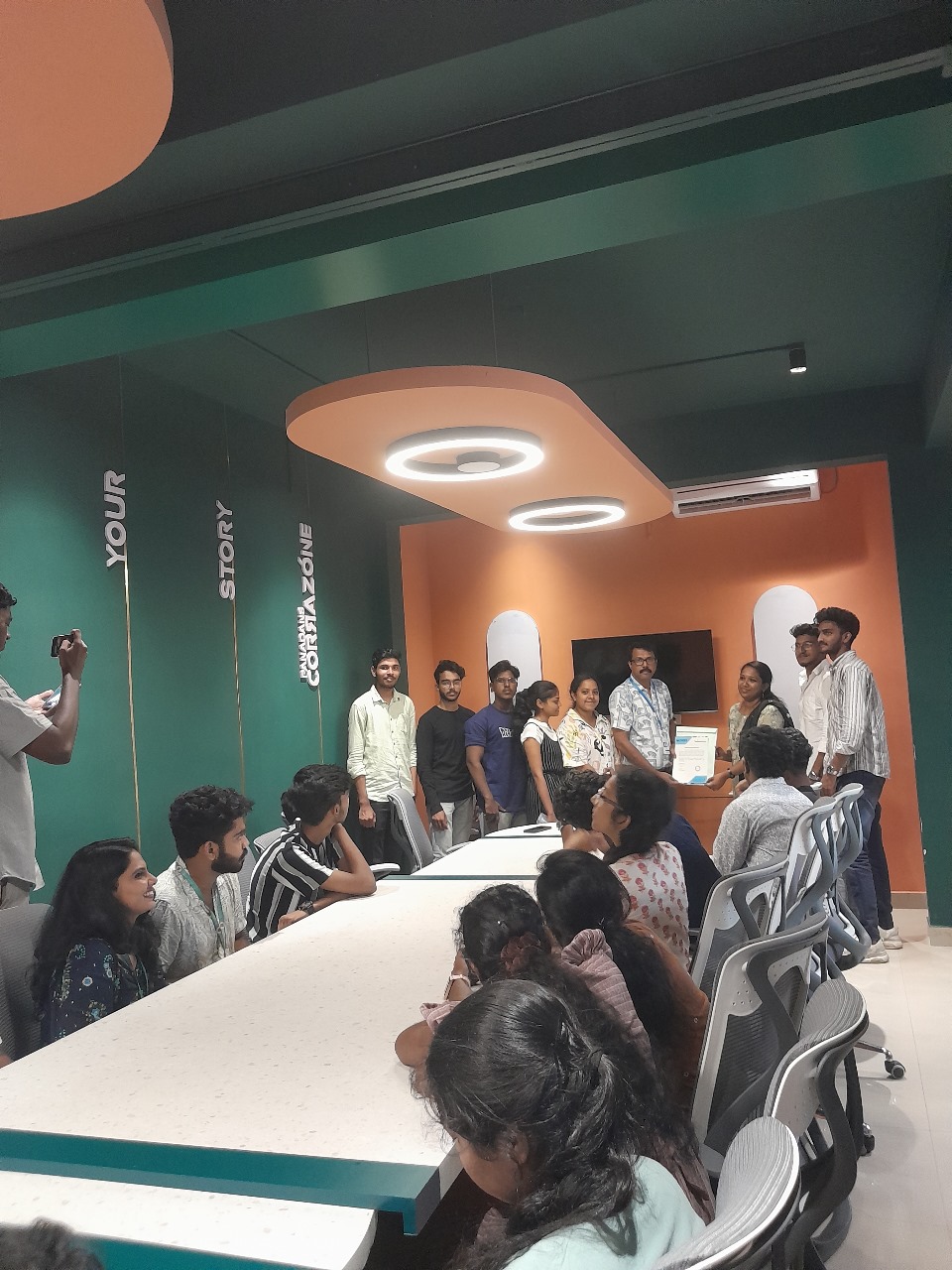
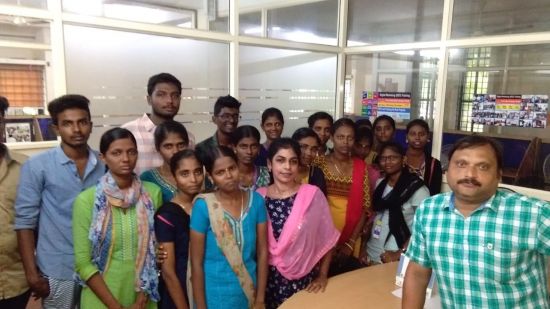
Photos of Training / Internships

Internship/projects in tiruchirappalli

Trained more than 10000+ students who trust Nestsoft TechnoMaster

Get Your Personal Trainer