Send enquiry ⏎

CorelDRAW Online Live Class by Experts

Our Training/Internship Process

CorelDRAW Online Live Classes in Gurgaon | Free Demo Training

CorelDRAW - Syllabus, Fees & Duration

Module 1: Introduction to CorelDRAW

  • Installing CorelDRAW Graphics Suite 2019
  • Basics of CorelDRAW
    • Vector Graphics and Bitmaps
    • Starting and Opening Drawings
    • Previewing Drawings
    • Viewing Modes
    • Saving and Closing Drawings
  • CorelDRAW Workspace
  • Creative Tools and Content
  • Touchscreen and Wheel Devices

Module 2: Lines, Shapes, and Outlines

  • Lines, Outlines, and Brushstrokes
  • Shapes and Shape Objects
  • Symmetrical Drawing

Module 3: Working with Objects, Symbols, and Layers

  • Introduction to Objects
  • Linking and Embedding Objects
  • Layers and Symbols
  • Managing and Tracking Projects

Module 4: Colour, Fills, and Transparencies

  • Colour
    • Colour Models and Depth
    • Choosing Colours
    • Creating and Editing Colour Palettes
  • Uniform Fills and Fountain Fills
  • Vector and Bitmap Pattern Fills
  • Texture, PostScript, and Mesh Fills
  • Object Transparency
  • Managing Colours

Module 5: Exploring Special Effects

  • Lenses
  • Adding 3D Effects
  • Mosaics

Module 6: Working with Text

  • Adding and Manipulating Text
  • Formatting Text
  • Managing Fonts
  • Writing Tools

Module 7: Templates and Styles

  • Templates
    • Using and Finding Templates
    • Managing Templates
    • Creating and Editing Templates
  • Introducing Styles and Style Sets
    • Creating, Applying, and Editing Styles and Style Sets
    • Managing Default Object Properties
    • Importing and Exporting Style Sheets
  • Colour Styles
    • Creating and Applying Colour Styles
    • Editing and Viewing Colour Styles
    • Exporting and Importing Colour Styles

Module 8: Pages and Layout

  • Pages and Layout Tools
    • Page Layout and Background
    • Adding and Deleting Pages
    • Rulers
    • Document Grid and Pixel Grid
  • Tables
    • Adding Tables
    • Selecting, Moving, and Navigating Table Components
    • Inserting and Deleting Table Rows and Columns
    • Formatting Tables and Cells
    • Converting Tables to Text

Module 9: Introduction to Bitmaps

  • Working with Bitmaps
    • Converting Vector Graphics to Bitmaps
    • Importing and Cropping Bitmaps
    • Bitmap Dimensions and Resolution
    • Straightening Bitmaps
    • Image Adjustment Lab
    • Adjusting Colour and Tone
    • Tone Curve Filter
  • Special Effects Categories
  • Bitmap Colour Modes
  • Introducing Trace
    • RAW Camera Files

Module 10: Web Graphics

  • File Formats
    • Importing and Exporting Files
    • Exporting to PDF
    • Supported File Formats
  • Customising and Automating
    • Setting Basic Preferences
    • Customising CorelDRAW
    • Using Macros and Scripts for Automating Ta
  • Download Syllabus - CorelDRAW
    This syllabus is not final and can be customized as per needs/updates
   
10000+
20+
50+
25+

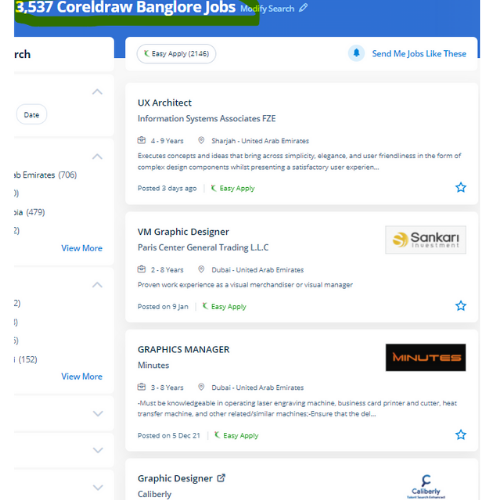
CorelDRAW Jobs in Gurgaon

Enjoy the demand

Find jobs related to CorelDRAW in search engines (Google, Bing, Yahoo) and recruitment websites (monsterindia, placementindia, naukri, jobshybrid.com, indeed.co.in, shine.com etc.) based in Gurgaon, chennai and europe countries. You can find many jobs for freshers related to the job positions in Gurgaon.

  • Corel Draw Designer
  • Graphic Designer
  • CorelDraw trainer
  • UI/UX Designer
  • Digital graphic designer
  • Multimedia designer
  • Graphics manager
  • Layout artist
  • Creative graphic designer
  • Interior designer

CorelDRAW Internship/Course Details

CorelDRAW internship jobs in Gurgaon
CorelDRAW you'll create professional logos, brochures, business cards, and alternative advertising elements with the help of these tools and would possibly provide them different appearances consistent with the wants of your client. . CorelDraw is the best graphic designing and vector designing software, that would be a comprehensive collection of all tools and choices that are used for expert graphic designing fraternities. Interested candidates could register for our CorelDraw training course. we know CorelDraw could be a Vector graphics editor and designer computer code software it offers us a variety of exciting tools that creates the operating of CorelDraw software simple. Our live training classes are handled by specialists in this field and also the syllabus starts from the fundamentals to the most advanced of the subject. it is meant to change two-dimensional pictures, for example, logos, banners, and so on. Professionals working in the publishing and advertising business will produce distinctive brand identity assets victimization this software. This stunning design software meets the everyday requests of working architects. CorelDraw offers some geometrical shapes as a tool that facilitates you in exploring your plan in your own manner with no limitations.


Meet a Few of our Industry Experts 🚀 Your Pathway to IT Career

Rehana

Mobile: +91 9895490866
Location: Online (Gurgaon, India)
Qualification: MSC.IT

Experience: Learned various programming languages such as C C++ Java HTML Python Data structures Php etc  more..

ANKUSH

Mobile: +91 91884 77559
Location: Online (Gurgaon, India)
Qualification: 10+2(Science)

Experience: Abode Photoshop Html Css Bootstrap Wordpress Abode In-design Graphics Design  more..

Manish

Mobile: +91 9895490866
Location: Online (Gurgaon, India)
Qualification: BSC.IT

Experience: I have good knowledge at java full stack i have trained at naresh i technology in Hyderabad I know both  more..

Thejaswarreddy

Mobile: +91 89210 61945
Location: Online (Gurgaon, India)
Qualification: degree

Experience: Striving Digital Marketing excutive bringing 2+ years of experience in creating on-brand marketing content managing online campaigns SEO and Analytics  more..

Anugya

Mobile: +91 98474 90866
Location: Online (Gurgaon, India)
Qualification: Btech

Experience: C cpp python  more..

Sadashiv

Mobile: +91 89210 61945
Location: Online (Gurgaon, India)
Qualification: MCA

Experience: Have 7 years experience in digital marketing working on email marketing portals back end and front end development also done  more..

JINCY

Mobile: +91 98474 90866
Location: Online (Gurgaon, India)
Qualification: MCA

Experience: I have completed course in software testing Manual testing qc qtp  more..

Axar

Mobile: +91 94975 90866
Location: Online (Gurgaon, India)
Qualification: Bca

Experience: I have work experience in native android with Java Kotlin Firebase Third party library s  more..

payal

Mobile: +91 91884 77559
Location: Online (Gurgaon, India)
Qualification: MSC CS

Experience: 1 Html5 2 CSS3 3 wordpress 4 javascript 5 React js  more..

Priyanka

Mobile: +91 91884 77559
Location: Online (Gurgaon, India)
Qualification: Bachelor’s of Engineering

Experience: Having 2 5 year of experience with software developer   more..

Rajvi

Mobile: +91 91884 77559
Location: Online (Gurgaon, India)
Qualification: Bachelor of Computer Applications

Experience: I am writing to express my interest in the iOS developer position at netsoft as advertised indeed With 2 5  more..

Sushmita

Mobile: +91 8301010866
Location: Online (Gurgaon, India)
Qualification: BCA

Experience: I'm working as a WordPress web developer and looking for a part-time position to work to enhance my technical skills  more..

Vinita

Mobile: +91 98474 90866
Location: Online (Gurgaon, India)
Qualification: Mca

Experience: I have 1 5 years of experience in graphic design  more..

Prince

Mobile: +91 8301010866
Location: Online (Gurgaon, India)
Qualification: Graduated from B.com (CA) , Web development course

Experience: MY name is Prince Khedkar❤️ I am a skilled and motivated Web Developer & Designer with a passion for creating  more..

Sunil

Mobile: +91 98474 90866
Location: Online (Gurgaon, India)
Qualification: btecch

Experience: i have 1 5 years of experience as Web developer skills wordpress html css java script sql  more..

ANJANA

Mobile: +91 98474 90866
Location: Online (Gurgaon, India)
Qualification: Btech

Experience: Dedicated and detail-oriented IT professional with a strong passion for cybersecurity and networking Adept atidentifying vulnerabilities implementing security measures and  more..

Vignesh

Mobile: +91 91884 77559
Location: Online (Gurgaon, India)
Qualification: BCA

Experience: HTml css python django ms office and 7 month experience in data entry  more..

Arshida

Mobile: +91 9895490866
Location: Online (Gurgaon, India)
Qualification: Bsc computer science

Experience: Social media marketing Webdesigning using wordpress Google ads   more..

Karuppasamy

Mobile: +91 98474 90866
Location: Online (Gurgaon, India)
Qualification: B.Tech.,IT

Experience: Odoo 11 12 14 python xml NodeJS Postgresql  more..

Ajay

Mobile: +91 9895490866
Location: Online (Gurgaon, India)
Qualification: BE

Experience: manual testing automation testing Api testing core java selenium jira jmeter appium SQL cucumber framework  more..

Rohan

Mobile: +91 91884 77559
Location: Online (Gurgaon, India)
Qualification: Bca

Experience: I worked on node js angular js javascript mongo dB server also completed core java html css webtect certification from  more..

GAURAV

Mobile: +91 91884 77559
Location: Online (Gurgaon, India)
Qualification: M.C.A

Experience: HAVING EXPERIENCE OF 3 YEARS IN MIRCOSOFT AZURE AS A CLOUD ADMIN IN PATANJALI AYURVED LIMITED Managing hardware resources such  more..

Ashwini

Mobile: +91 91884 77559
Location: Online (Gurgaon, India)
Qualification: B.E. computer

Experience: On page off page and technical seo   more..

Rajinder

Mobile: +91 8301010866
Location: Online (Gurgaon, India)
Qualification: BE CSE

Experience: Web development: HTML CSS Javascript Reactjs Firebase Bootstrap MaterialUI Sass Expressjs MongoDB Computer Networking Operating Systems  more..

Success Stories

The enviable salary packages and track record of our previous students are the proof of our excellence. Please go through our students' reviews about our training methods and faculty and compare it to the recorded video classes that most of the other institutes offer. See for yourself how TechnoMaster is truly unique.

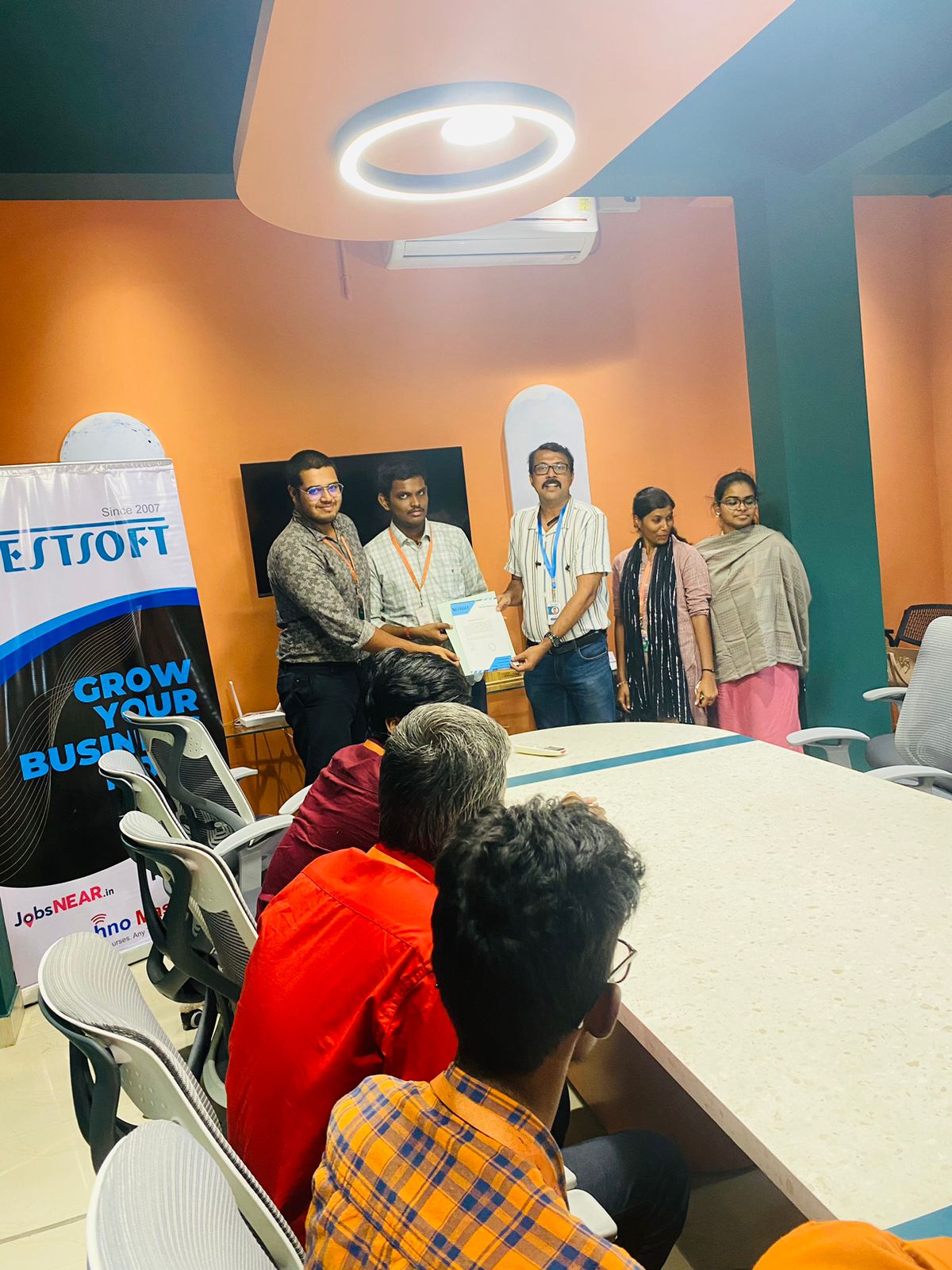
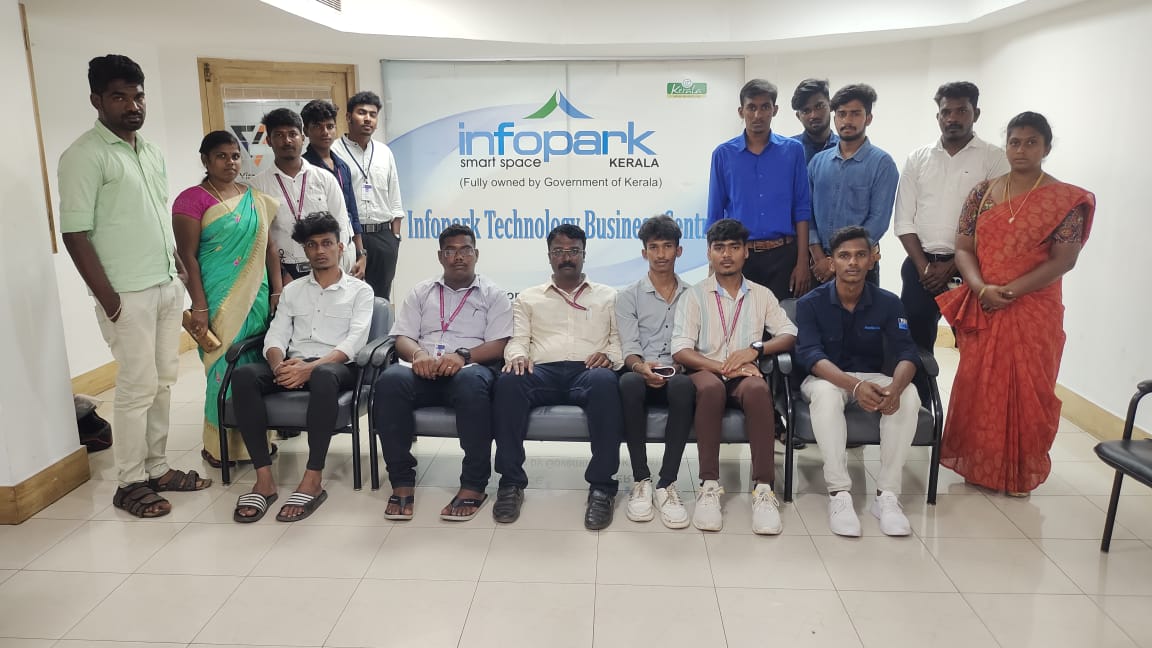
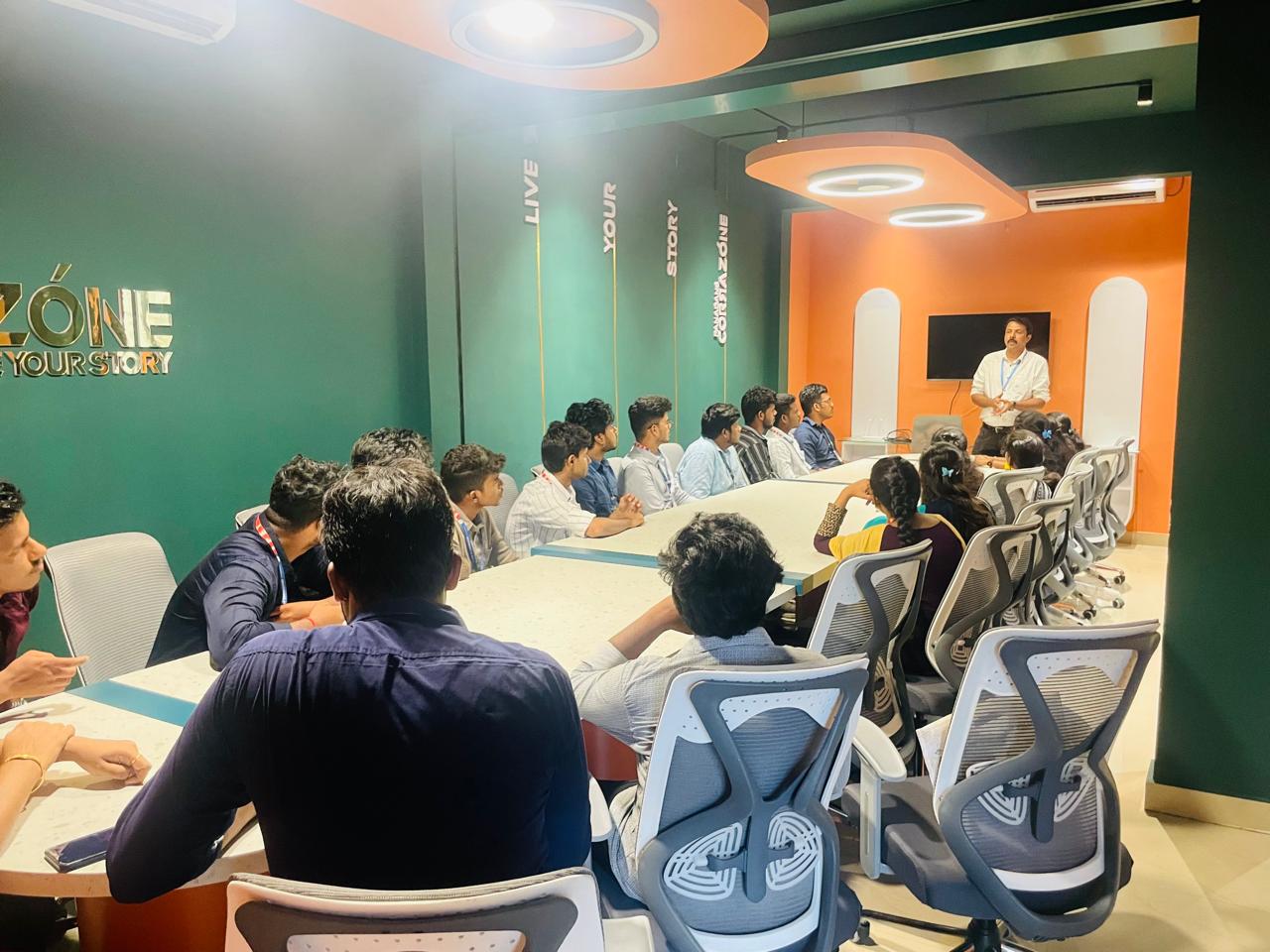
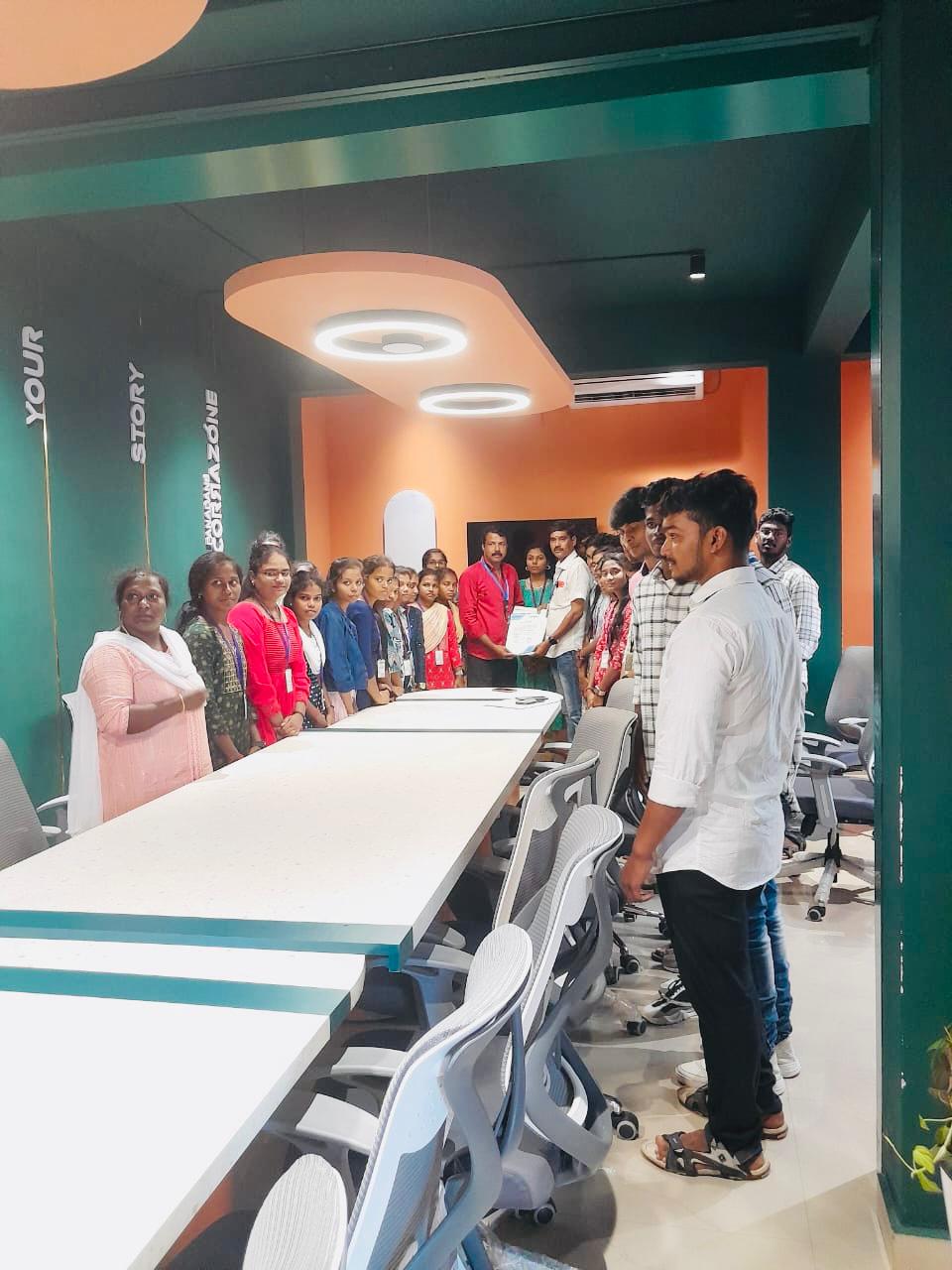
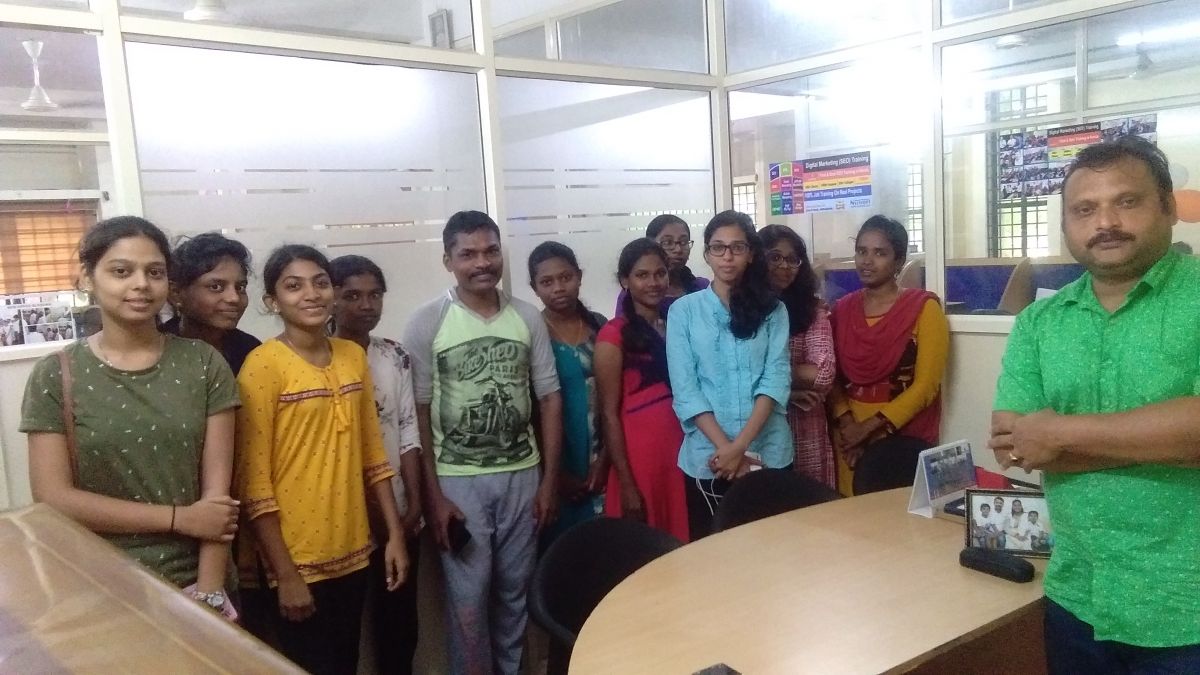
Photos of Training / Internships

Internship/projects in gurgaon

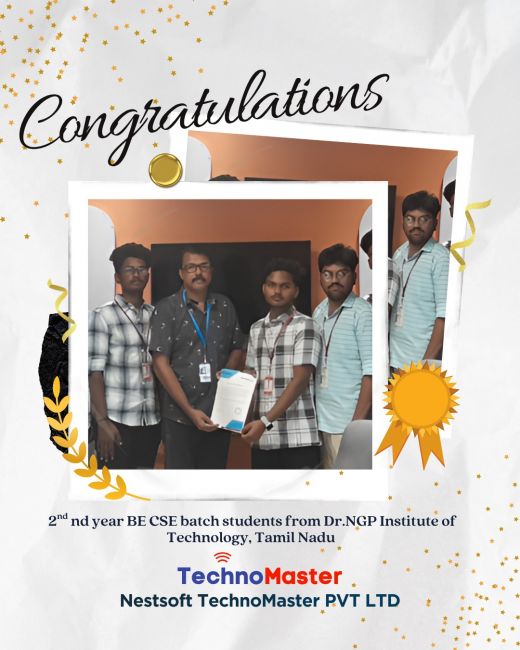
Trained more than 10000+ students who trust Nestsoft TechnoMaster

Get Your Personal Trainer