Send enquiry ⏎

CorelDRAW Online Live Class by Experts

Our Training/Internship Process

CorelDRAW Online Live Classes in Mumbai | Free Demo Training

CorelDRAW - Syllabus, Fees & Duration

Module 1: Introduction to CorelDRAW

  • Installing CorelDRAW Graphics Suite 2019
  • Basics of CorelDRAW
    • Vector Graphics and Bitmaps
    • Starting and Opening Drawings
    • Previewing Drawings
    • Viewing Modes
    • Saving and Closing Drawings
  • CorelDRAW Workspace
  • Creative Tools and Content
  • Touchscreen and Wheel Devices

Module 2: Lines, Shapes, and Outlines

  • Lines, Outlines, and Brushstrokes
  • Shapes and Shape Objects
  • Symmetrical Drawing

Module 3: Working with Objects, Symbols, and Layers

  • Introduction to Objects
  • Linking and Embedding Objects
  • Layers and Symbols
  • Managing and Tracking Projects

Module 4: Colour, Fills, and Transparencies

  • Colour
    • Colour Models and Depth
    • Choosing Colours
    • Creating and Editing Colour Palettes
  • Uniform Fills and Fountain Fills
  • Vector and Bitmap Pattern Fills
  • Texture, PostScript, and Mesh Fills
  • Object Transparency
  • Managing Colours

Module 5: Exploring Special Effects

  • Lenses
  • Adding 3D Effects
  • Mosaics

Module 6: Working with Text

  • Adding and Manipulating Text
  • Formatting Text
  • Managing Fonts
  • Writing Tools

Module 7: Templates and Styles

  • Templates
    • Using and Finding Templates
    • Managing Templates
    • Creating and Editing Templates
  • Introducing Styles and Style Sets
    • Creating, Applying, and Editing Styles and Style Sets
    • Managing Default Object Properties
    • Importing and Exporting Style Sheets
  • Colour Styles
    • Creating and Applying Colour Styles
    • Editing and Viewing Colour Styles
    • Exporting and Importing Colour Styles

Module 8: Pages and Layout

  • Pages and Layout Tools
    • Page Layout and Background
    • Adding and Deleting Pages
    • Rulers
    • Document Grid and Pixel Grid
  • Tables
    • Adding Tables
    • Selecting, Moving, and Navigating Table Components
    • Inserting and Deleting Table Rows and Columns
    • Formatting Tables and Cells
    • Converting Tables to Text

Module 9: Introduction to Bitmaps

  • Working with Bitmaps
    • Converting Vector Graphics to Bitmaps
    • Importing and Cropping Bitmaps
    • Bitmap Dimensions and Resolution
    • Straightening Bitmaps
    • Image Adjustment Lab
    • Adjusting Colour and Tone
    • Tone Curve Filter
  • Special Effects Categories
  • Bitmap Colour Modes
  • Introducing Trace
    • RAW Camera Files

Module 10: Web Graphics

  • File Formats
    • Importing and Exporting Files
    • Exporting to PDF
    • Supported File Formats
  • Customising and Automating
    • Setting Basic Preferences
    • Customising CorelDRAW
    • Using Macros and Scripts for Automating Ta
  • Download Syllabus - CorelDRAW
    This syllabus is not final and can be customized as per needs/updates
   
10000+
20+
50+
25+

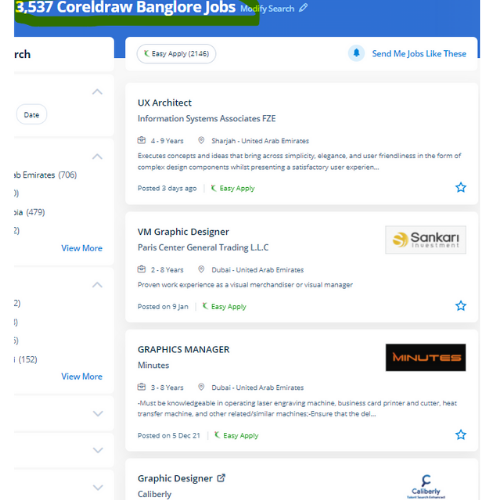
CorelDRAW Jobs in Mumbai

Enjoy the demand

Find jobs related to CorelDRAW in search engines (Google, Bing, Yahoo) and recruitment websites (monsterindia, placementindia, naukri, jobshybrid.com, indeed.co.in, shine.com etc.) based in Mumbai, chennai and europe countries. You can find many jobs for freshers related to the job positions in Mumbai.

  • Corel Draw Designer
  • Graphic Designer
  • CorelDraw trainer
  • UI/UX Designer
  • Digital graphic designer
  • Multimedia designer
  • Graphics manager
  • Layout artist
  • Creative graphic designer
  • Interior designer

CorelDRAW Internship/Course Details

CorelDRAW internship jobs in Mumbai
CorelDRAW We will train you remotely, after completion of the course if you have got any doubt then our team can always assist you. CorelDraw is the best graphic designing and vector designing software, that would be a comprehensive collection of all tools and choices that are used for expert graphic designing fraternities. we know CorelDraw could be a Vector graphics editor and designer computer code software it offers us a variety of exciting tools that creates the operating of CorelDraw software simple. it is simply accessible in other designing software because It works with file format PNG and CDR. Our coaching session is taken in pleasant surroundings and thus members will perceive the ideas simply. Our live training classes are handled by specialists in this field and also the syllabus starts from the fundamentals to the most advanced of the subject. you'll create professional logos, brochures, business cards, and alternative advertising elements with the help of these tools and would possibly provide them different appearances consistent with the wants of your client. Nestsoft conducts the coaching courses for CorelDraw with our industry expert trainers. Interested candidates could register for our CorelDraw training course. With a vector graphic vogue program that admires this software, laser engraving professionals and hobbyists will transfer and import any image they need to engrave for their projects.


Meet a Few of our Industry Experts 🚀 Your Pathway to IT Career

Sneha

Mobile: +91 89210 61945
Location: Online (Mumbai, India)
Qualification: B Tech

Experience: HTML css sass angular figma photoshop sktech illustrate git invision balsamic  more..

Minu

Mobile: +91 8301010866
Location: Online (Mumbai, India)
Qualification: B.Sc electronics and communication science

Experience: Fresher manual testing selenium testng automation testing software testing Java SQL  more..

Praveen

Mobile: +91 8301010866
Location: Online (Mumbai, India)
Qualification: Final year BBA, Digital marketing Executive

Experience: Working for two companies (Vedic Flavors Al- thahbya events Dubai) and 7month experience in Google Ads Campaigns and Website development  more..

Palak

Mobile: +91 91884 77559
Location: Online (Mumbai, India)
Qualification: Bachelor's in computer applications

Experience: Basic computer knowledge (ms excel word) Basic web development skills(html css bootstrap agile scrum) MVC Development  more..

Harsh

Mobile: +91 9895490866
Location: Online (Mumbai, India)
Qualification: B. tech

Experience: Figma user research usability testing post launch testing foundational testing product design life cycle  more..

SRUTHY

Mobile: +91 91884 77559
Location: Online (Mumbai, India)
Qualification: MCA

Experience: Java HTML5 Bootstrap CSS Wordpress Microsoft Word Microsoft Excel Undertaking Software Testing course at Luminartechnolabs Worked as junior php developer  more..

Geerthana

Mobile: +91 94975 90866
Location: Online (Mumbai, India)
Qualification: BE cse

Experience: I had an experience in both manual and automation testing known some frameworks like Testng bdd with cucumber data driven  more..

Safal

Mobile: +91 98474 90866
Location: Online (Mumbai, India)
Qualification: B.Tech CSE with specialisation Cyber Security

Experience: In the last three years I've immersed myself in cybersecurity gaining expertise as a campaign leader and active Mozilla community  more..

Shilpa

Mobile: +91 91884 77559
Location: Online (Mumbai, India)
Qualification: B.E

Experience: Technical Skills:- • Linux Kernel • Shell Scripting • Advance C Programming • OOP’s using C++ • Data Structures and  more..

challur

Mobile: +91 94975 90866
Location: Online (Mumbai, India)
Qualification: B.tech

Experience: C basics of java networking concepts troubleshooting sql  more..

Akshay

Mobile: +91 8301010866
Location: Online (Mumbai, India)
Qualification: Msc-IT

Experience: Backend development: Java (Core & Advanced) Java Servlets JSP Spring (Boot MVC Data) Hibernate Node js Tomcat • Frontend development:  more..

Sameer

Mobile: +91 91884 77559
Location: Online (Mumbai, India)
Qualification: Graduation

Experience: An enthusiastic learner with a strong will to give vision to exceptional ideas that communicate the brand’s mission at large  more..

Raj

Mobile: +91 91884 77559
Location: Online (Mumbai, India)
Qualification: BcA

Experience: This Email is to express my interest in the post of Android Developer With a Bachelor’s degree in Computer Applications(BCA)  more..

Aniket

Mobile: +91 91884 77559
Location: Online (Mumbai, India)
Qualification: Bsc computer science

Experience: Software testing agile methodology API testing hardware software trabulshooting project management  more..

Meenu

Mobile: +91 91884 77559
Location: Online (Mumbai, India)
Qualification: Btech ec

Experience: Knowledge in programming languages Good in team works Good communication skills Strong knowledge in manual testing   more..

J.Praveen

Mobile: +91 8301010866
Location: Online (Mumbai, India)
Qualification: master degree

Experience: I had studied M Sc (Maths) more over TESBO(Manual testing and Automation testing) I have testing Trainer 6 month urban  more..

GOKULNATH

Mobile: +91 91884 77559
Location: Online (Mumbai, India)
Qualification: Bsc

Experience: User research Usability Testing Wireframe Prototype Responsive design Figma Adobe XD Sketch Framer Invision Photoshop illustrator Aftereffects   more..

Harkesh

Mobile: +91 98474 90866
Location: Online (Mumbai, India)
Qualification: 12th and BCA persuing

Experience: excel word ppt python c data entry speak english and many more  more..

Ankit

Mobile: +91 91884 77559
Location: Online (Mumbai, India)
Qualification: Btech

Experience: Git GitHub Linux networking Nginx Docker AWS & It's Services Terraform Kubernetes Grafana & Prometheus  more..

Mohini

Mobile: +91 98474 90866
Location: Online (Mumbai, India)
Qualification: Master's of computer application

Experience: I have all over experience in web development 3 years and I know many technology like html css bootstrap javascript  more..

Selvasuryaprakash

Mobile: +91 89210 61945
Location: Online (Mumbai, India)
Qualification: Mca

Experience: I have knowledge from anroid app development At doing project used for Android studio   more..

ajay

Mobile: +91 98474 90866
Location: Online (Mumbai, India)
Qualification: BCA

Experience: frontend developer reactjs next js angularApplication for Angular JS  more..

Arjundas

Mobile: +91 89210 61945
Location: Online (Mumbai, India)
Qualification: Btech in computer science

Experience: Python odoo xml sql git  more..

Tomin

Mobile: +91 9895490866
Location: Online (Mumbai, India)
Qualification: MCA

Experience: Nearly 3 year experience in php CodeIgniter Working Technologies - PHP CodeIgniter JavaScript jQuery Ajax LAMP Stack Postman REST APIs  more..

Success Stories

The enviable salary packages and track record of our previous students are the proof of our excellence. Please go through our students' reviews about our training methods and faculty and compare it to the recorded video classes that most of the other institutes offer. See for yourself how TechnoMaster is truly unique.

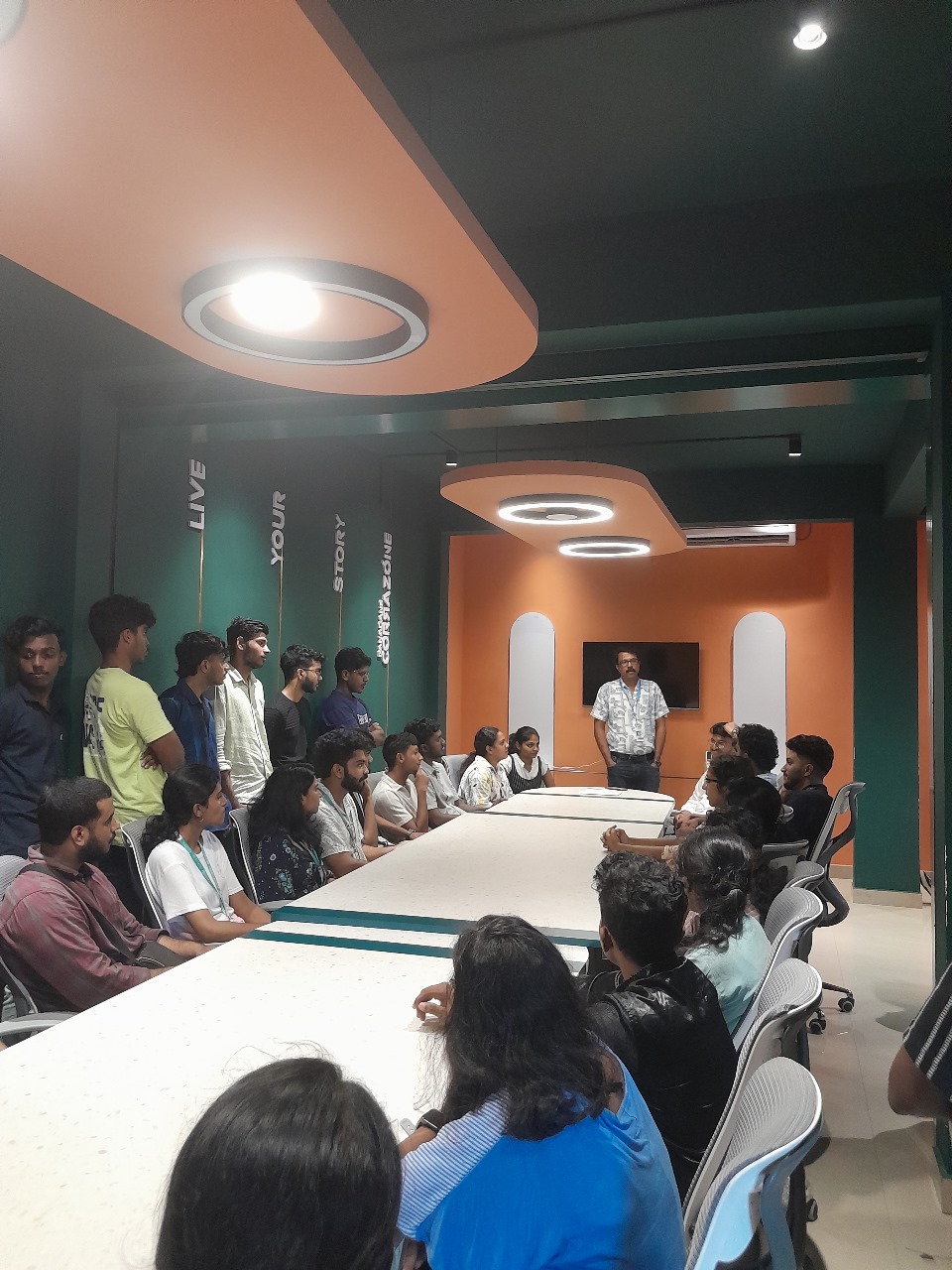
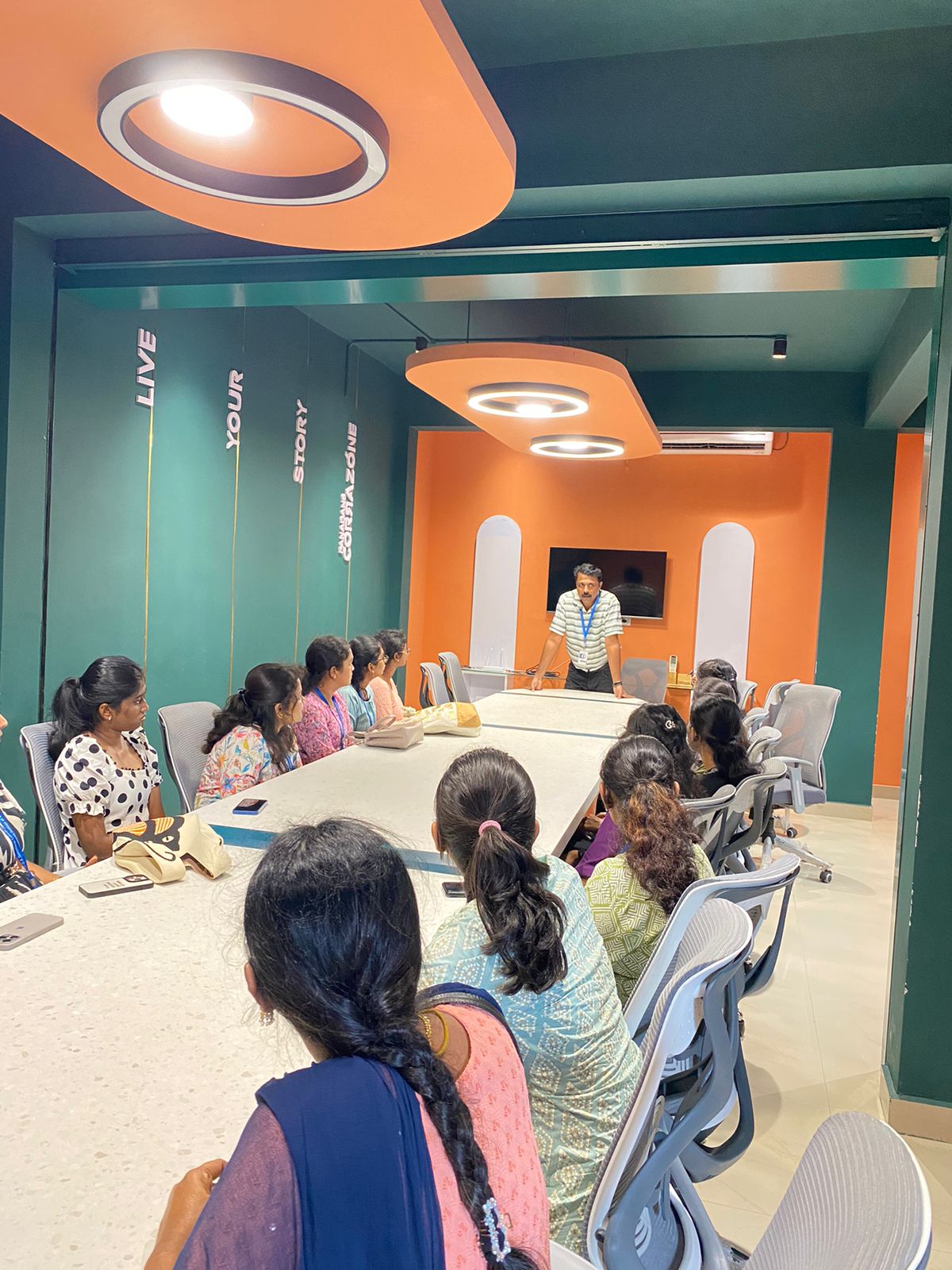
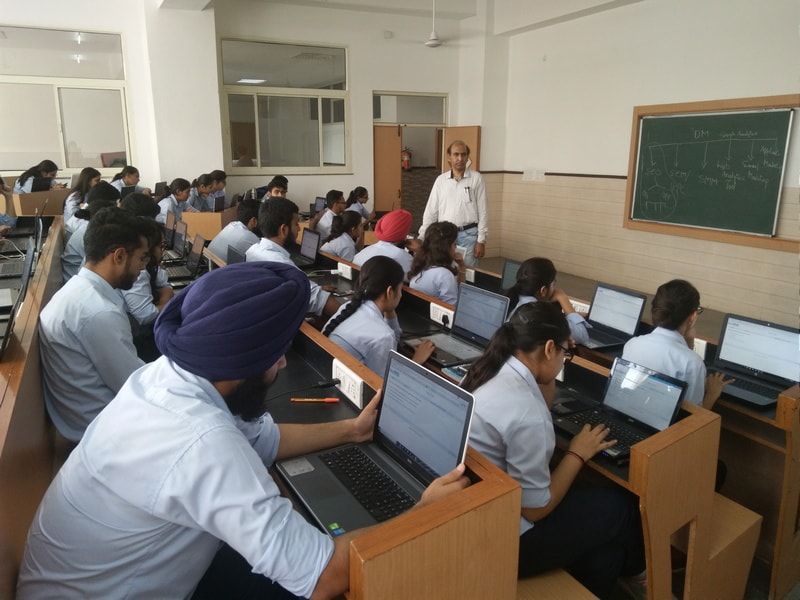
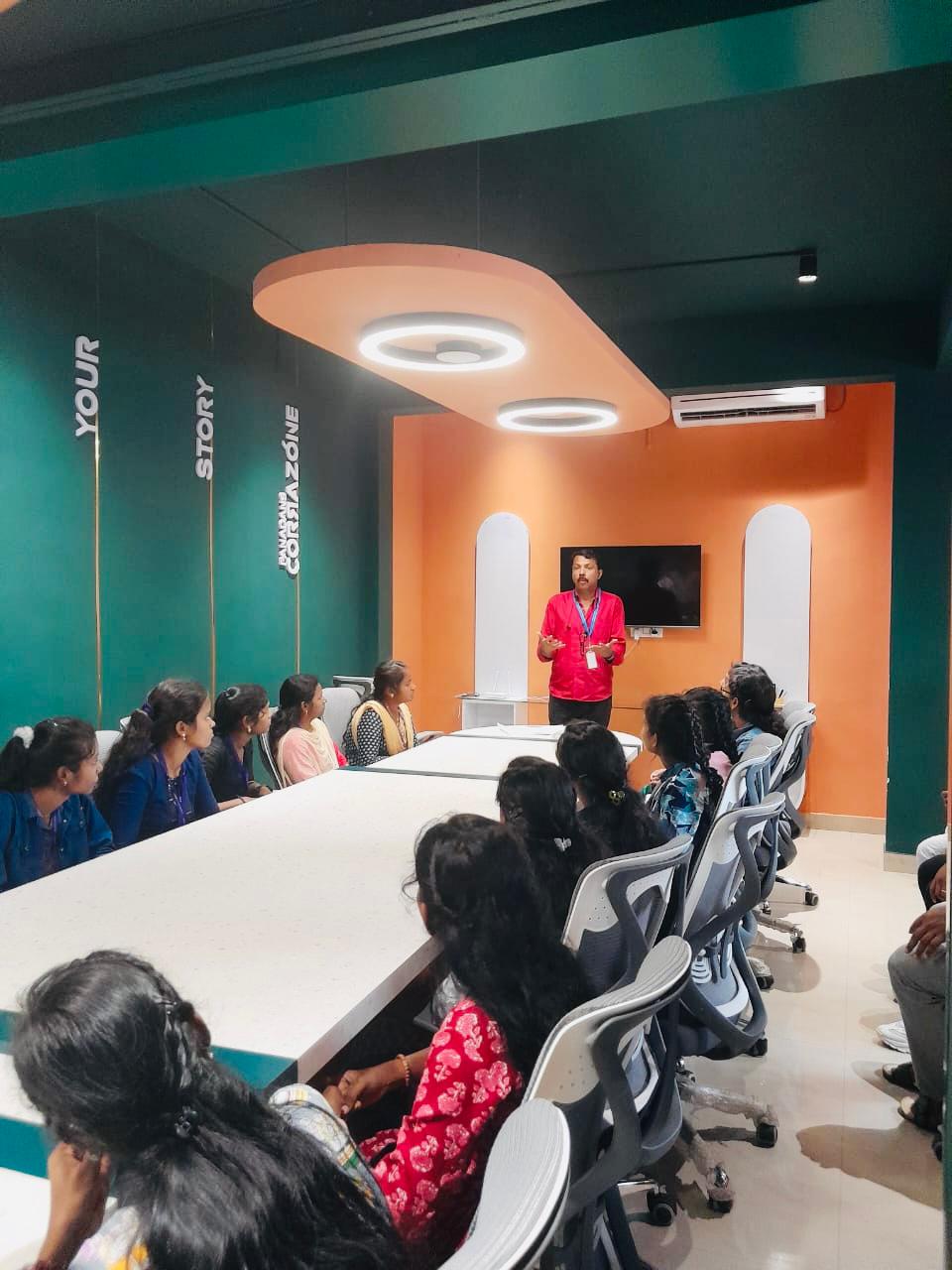
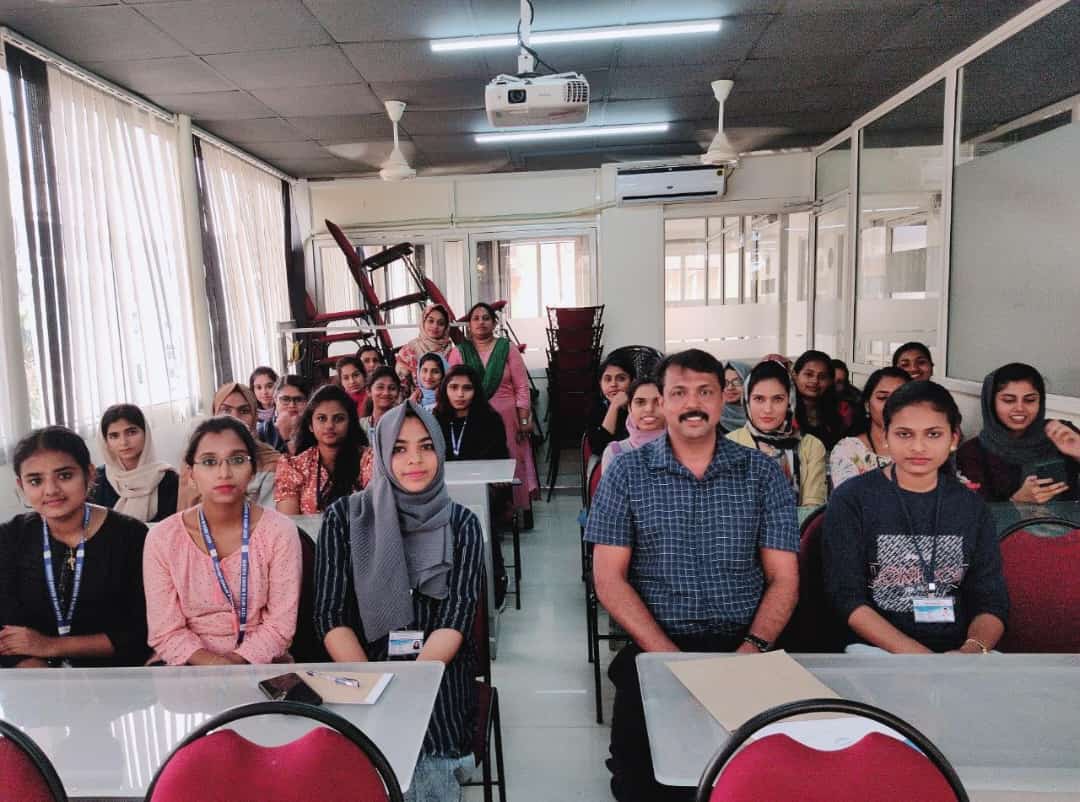
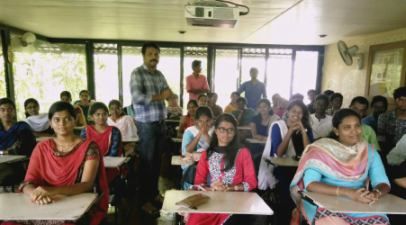
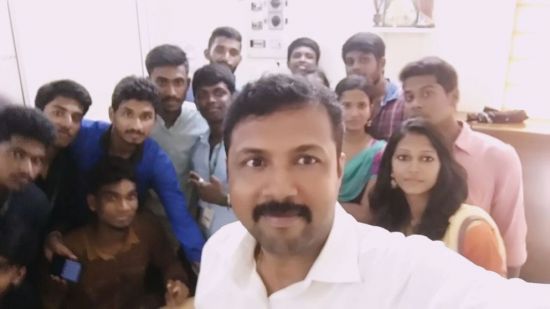
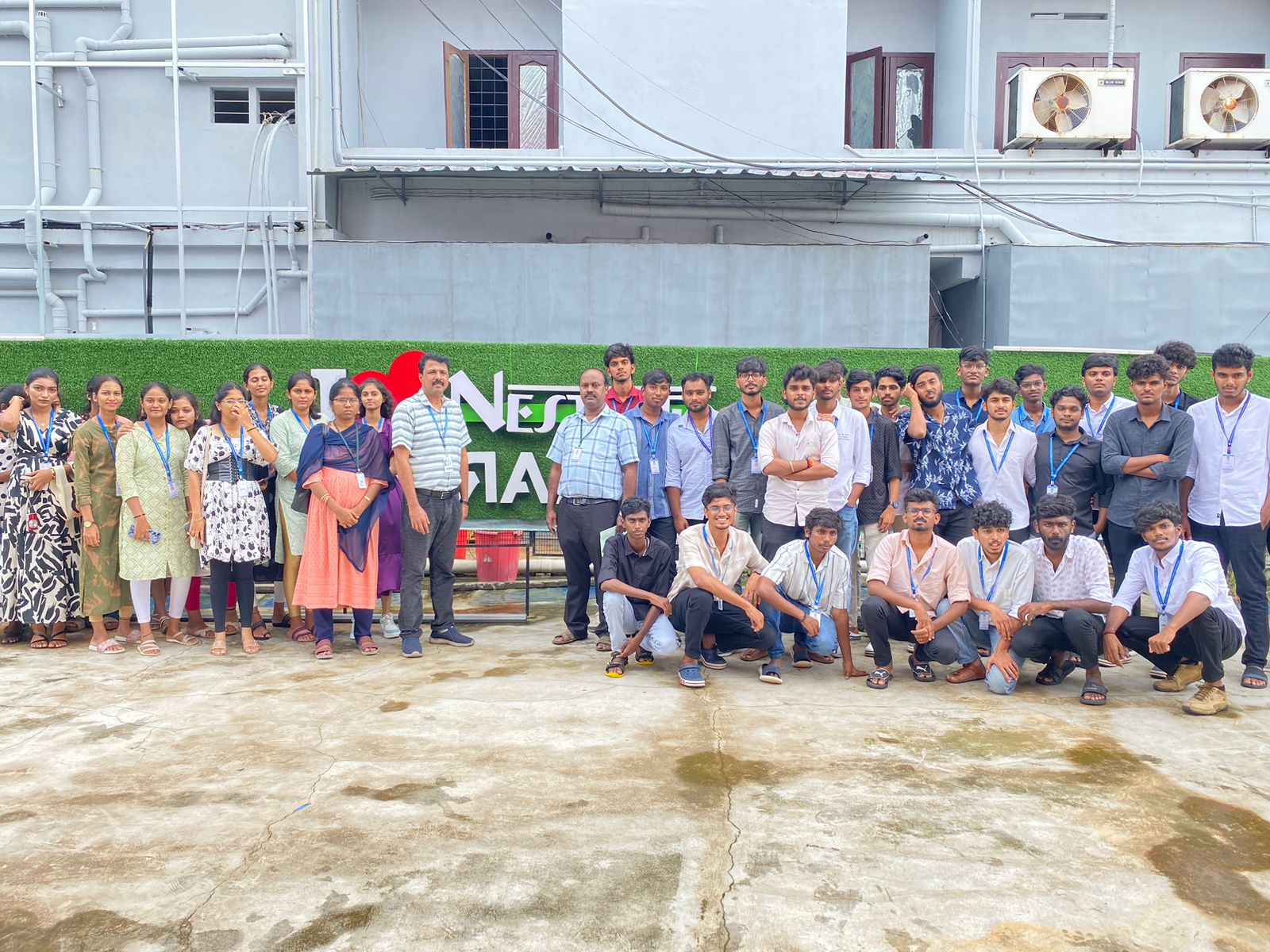
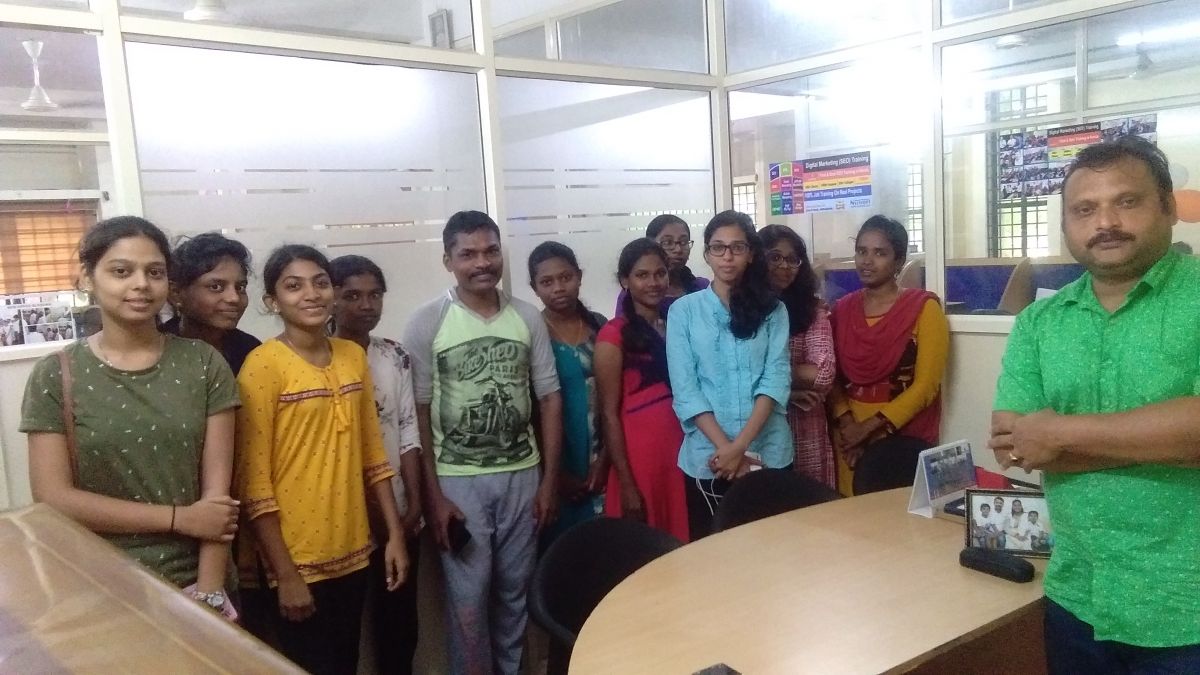
Photos of Training / Internships

Internship/projects in mumbai

Trained more than 10000+ students who trust Nestsoft TechnoMaster

Get Your Personal Trainer