Send enquiry ⏎

CorelDRAW Online Live Class by Experts

Our Training/Internship Process

CorelDRAW Online Live Classes in Noida | Free Demo Training

CorelDRAW - Syllabus, Fees & Duration

Module 1: Introduction to CorelDRAW

  • Installing CorelDRAW Graphics Suite 2019
  • Basics of CorelDRAW
    • Vector Graphics and Bitmaps
    • Starting and Opening Drawings
    • Previewing Drawings
    • Viewing Modes
    • Saving and Closing Drawings
  • CorelDRAW Workspace
  • Creative Tools and Content
  • Touchscreen and Wheel Devices

Module 2: Lines, Shapes, and Outlines

  • Lines, Outlines, and Brushstrokes
  • Shapes and Shape Objects
  • Symmetrical Drawing

Module 3: Working with Objects, Symbols, and Layers

  • Introduction to Objects
  • Linking and Embedding Objects
  • Layers and Symbols
  • Managing and Tracking Projects

Module 4: Colour, Fills, and Transparencies

  • Colour
    • Colour Models and Depth
    • Choosing Colours
    • Creating and Editing Colour Palettes
  • Uniform Fills and Fountain Fills
  • Vector and Bitmap Pattern Fills
  • Texture, PostScript, and Mesh Fills
  • Object Transparency
  • Managing Colours

Module 5: Exploring Special Effects

  • Lenses
  • Adding 3D Effects
  • Mosaics

Module 6: Working with Text

  • Adding and Manipulating Text
  • Formatting Text
  • Managing Fonts
  • Writing Tools

Module 7: Templates and Styles

  • Templates
    • Using and Finding Templates
    • Managing Templates
    • Creating and Editing Templates
  • Introducing Styles and Style Sets
    • Creating, Applying, and Editing Styles and Style Sets
    • Managing Default Object Properties
    • Importing and Exporting Style Sheets
  • Colour Styles
    • Creating and Applying Colour Styles
    • Editing and Viewing Colour Styles
    • Exporting and Importing Colour Styles

Module 8: Pages and Layout

  • Pages and Layout Tools
    • Page Layout and Background
    • Adding and Deleting Pages
    • Rulers
    • Document Grid and Pixel Grid
  • Tables
    • Adding Tables
    • Selecting, Moving, and Navigating Table Components
    • Inserting and Deleting Table Rows and Columns
    • Formatting Tables and Cells
    • Converting Tables to Text

Module 9: Introduction to Bitmaps

  • Working with Bitmaps
    • Converting Vector Graphics to Bitmaps
    • Importing and Cropping Bitmaps
    • Bitmap Dimensions and Resolution
    • Straightening Bitmaps
    • Image Adjustment Lab
    • Adjusting Colour and Tone
    • Tone Curve Filter
  • Special Effects Categories
  • Bitmap Colour Modes
  • Introducing Trace
    • RAW Camera Files

Module 10: Web Graphics

  • File Formats
    • Importing and Exporting Files
    • Exporting to PDF
    • Supported File Formats
  • Customising and Automating
    • Setting Basic Preferences
    • Customising CorelDRAW
    • Using Macros and Scripts for Automating Ta
  • Download Syllabus - CorelDRAW
    This syllabus is not final and can be customized as per needs/updates
   
10000+
20+
50+
25+

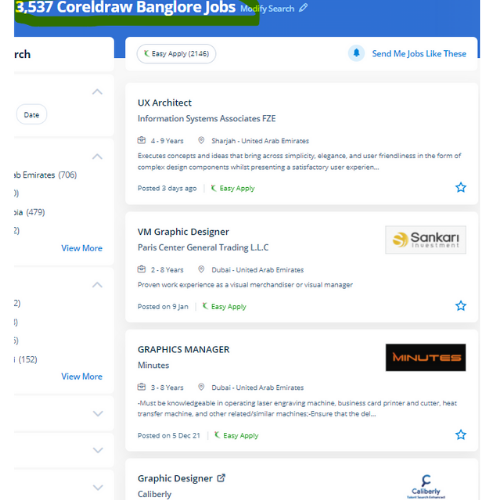
CorelDRAW Jobs in Noida

Enjoy the demand

Find jobs related to CorelDRAW in search engines (Google, Bing, Yahoo) and recruitment websites (monsterindia, placementindia, naukri, jobshybrid.com, indeed.co.in, shine.com etc.) based in Noida, chennai and europe countries. You can find many jobs for freshers related to the job positions in Noida.

  • Corel Draw Designer
  • Graphic Designer
  • CorelDraw trainer
  • UI/UX Designer
  • Digital graphic designer
  • Multimedia designer
  • Graphics manager
  • Layout artist
  • Creative graphic designer
  • Interior designer

CorelDRAW Internship/Course Details

CorelDRAW internship jobs in Noida
CorelDRAW Our coaching session is taken in pleasant surroundings and thus members will perceive the ideas simply. Nestsoft conducts the coaching courses for CorelDraw with our industry expert trainers. CorelDraw is the best graphic designing and vector designing software, that would be a comprehensive collection of all tools and choices that are used for expert graphic designing fraternities. It provides each necessary and value-adding tool for the artistic professionals and aspiring designers who wish to show their imagination into an incredible kind of art. CorelDraw offers some geometrical shapes as a tool that facilitates you in exploring your plan in your own manner with no limitations. we know CorelDraw could be a Vector graphics editor and designer computer code software it offers us a variety of exciting tools that creates the operating of CorelDraw software simple. It's quite probably the foremost thought of illustrations progressing to a program accessible on the lookout. Our live training classes are handled by specialists in this field and also the syllabus starts from the fundamentals to the most advanced of the subject. With a vector graphic vogue program that admires this software, laser engraving professionals and hobbyists will transfer and import any image they need to engrave for their projects. it is meant to change two-dimensional pictures, for example, logos, banners, and so on.


Meet a Few of our Industry Experts 🚀 Your Pathway to IT Career

Vishnu

Mobile: +91 91884 77559
Location: Online (Noida, India)
Qualification: B.com

Experience: As a fresher I have no experience I am fresher I am looking forward for this opportunity Skilled in C  more..

Bikram

Mobile: +91 98474 90866
Location: Online (Noida, India)
Qualification: B.tech

Experience: I have 1 year experience in canva design  more..

SREERAJ

Mobile: +91 89210 61945
Location: Online (Noida, India)
Qualification: Bsc computer science

Experience: Implement new user friendly interfaces Currently working as a front end developer   more..

Hashim

Mobile: +91 8301010866
Location: Online (Noida, India)
Qualification: Diploma

Experience: I am a passionate web developer with a deep expertise in Wix a platform I've mastered to create seamless and  more..

Vishal

Mobile: +91 98474 90866
Location: Online (Noida, India)
Qualification: b.tech

Experience: avaScript react js redux js Redux Toolkit redux-saga react hooks cypress react native es6 dnd mobex Apollo next js storybook  more..

Pratiksha

Mobile: +91 91884 77559
Location: Online (Noida, India)
Qualification: UI/UX Design

Experience: I’m skilled in understanding user needs through research interviews surveys I design user-friendly interfaces and ensure information is organized logically  more..

Afjitha

Mobile: +91 98474 90866
Location: Online (Noida, India)
Qualification: Btech

Experience: 2 5 years of experience in Automation testing using selenium java TestNG framework BDD cucumber selenium TestNG API testing using  more..

yogeshwaran

Mobile: +91 8301010866
Location: Online (Noida, India)
Qualification: msc

Experience: php laravel codeignitor html css js jquery api  more..

Silpa

Mobile: +91 91884 77559
Location: Online (Noida, India)
Qualification: Btech

Experience: Html css javascript bootstrap python Photoshop dreamweaver  more..

Priyanka

Mobile: +91 9895490866
Location: Online (Noida, India)
Qualification: Bachelor’s of Engineering

Experience: Having 2 5 year of experience with software developer   more..

AKash

Mobile: +91 91884 77559
Location: Online (Noida, India)
Qualification: B.Tech in CSE-AI/ML

Experience: I am Akash Meruva currently pursuing a Computer Science degree at SRM University AP I am specialized in the exciting  more..

Navjot

Mobile: +91 98474 90866
Location: Online (Noida, India)
Qualification: M.tech

Experience: I am very good in html css and wordpress I made website for my client I also have knowledge of  more..

Moin

Mobile: +91 8301010866
Location: Online (Noida, India)
Qualification: Bachelor

Experience: Android development Kotlin Jetpack compose XML Firebase Github Version control   more..

Varshini

Mobile: +91 98474 90866
Location: Online (Noida, India)
Qualification: Bachelor of Arts in Mass media and Communications

Experience: I can work well in photoshop premiere pro and after effects I freelance (motion) graphics design for a couple of  more..

Shubham

Mobile: +91 91884 77559
Location: Online (Noida, India)
Qualification: Bse Graduate

Experience: I have total 3 year and 9 month of experience in both manual and automation testing   more..

Amrita

Mobile: +91 94975 90866
Location: Online (Noida, India)
Qualification: BTech

Experience: 1 year and 4 months of experience in odoo python  more..

Anagha

Mobile: +91 8301010866
Location: Online (Noida, India)
Qualification: B.Tech

Experience: Full stack developer MERN c c++ python mongodbApplication for Meanstack Developer Mean Stack  more..

Adarsh

Mobile: +91 91884 77559
Location: Online (Noida, India)
Qualification: Graduate

Experience: Proficient in German writing and speaking German Teaching Analytical thinking and market research MS Office proficiency Excellent communication skills Multi-tasking  more..

Shafeeque

Mobile: +91 94975 90866
Location: Online (Noida, India)
Qualification: Bca Ongoing

Experience: 3+ years experience in php mysql fullstack development   more..

Nayana

Mobile: +91 94975 90866
Location: Online (Noida, India)
Qualification: BTech

Experience: 1 year experience as a software testing Trainee Manual Testing  more..

Kamesh

Mobile: +91 9895490866
Location: Online (Noida, India)
Qualification: BE-ECE

Experience: Accomplished Software Tester with 3 2 years of hands-on experience in manual and automation testing Extensive experience in test automation  more..

Manoj

Mobile: +91 89210 61945
Location: Online (Noida, India)
Qualification: B.com

Experience: Hi i'm Manoj Kumar I have specialized in graphic and UI UX design Through Practical Project during academic Journey I  more..

Sunita

Mobile: +91 94975 90866
Location: Online (Noida, India)
Qualification: MCA

Experience: 5 4 Year experience in Manual and automation testing skills: Selenium Java CUCUMBER TestNg Jira  more..

Ejaj

Mobile: +91 91884 77559
Location: Online (Noida, India)
Qualification: Bsc. IT

Experience: Java Android kotlin Flutter MVVM Sqlite database one year experience in android developer  more..

Success Stories

The enviable salary packages and track record of our previous students are the proof of our excellence. Please go through our students' reviews about our training methods and faculty and compare it to the recorded video classes that most of the other institutes offer. See for yourself how TechnoMaster is truly unique.

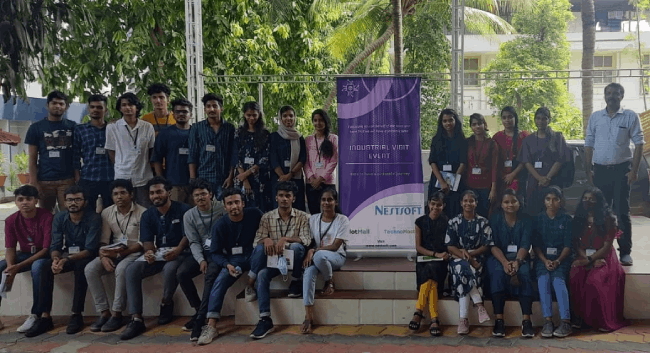
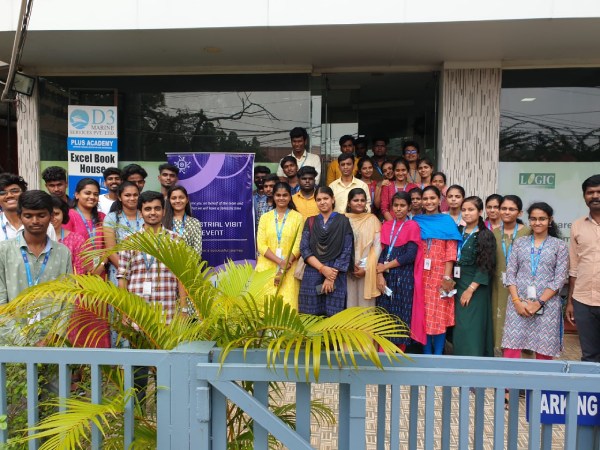
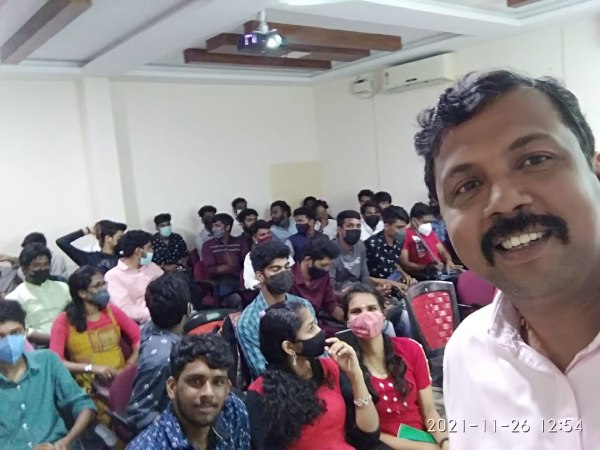
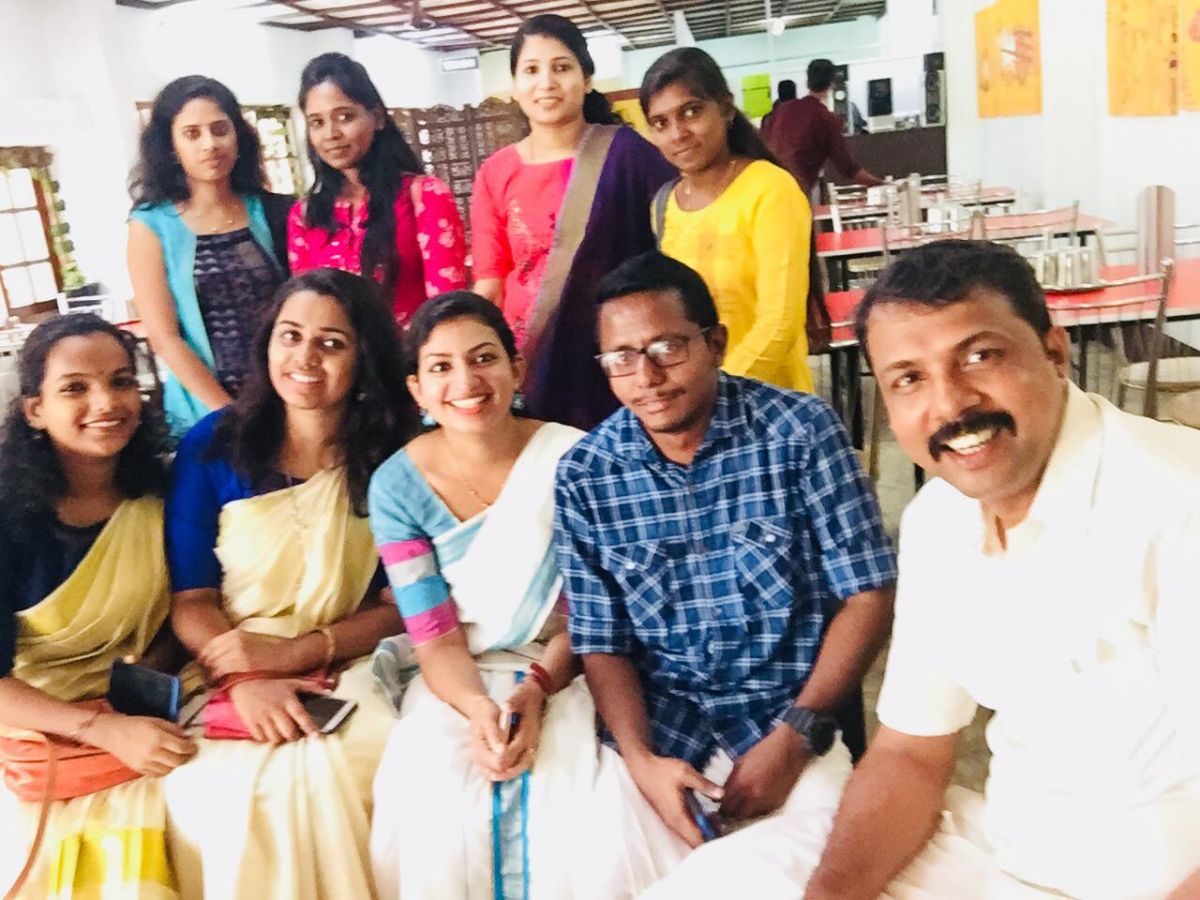
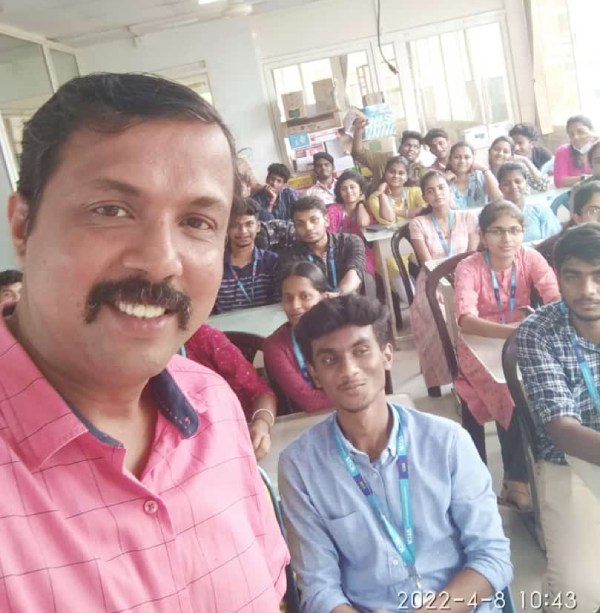
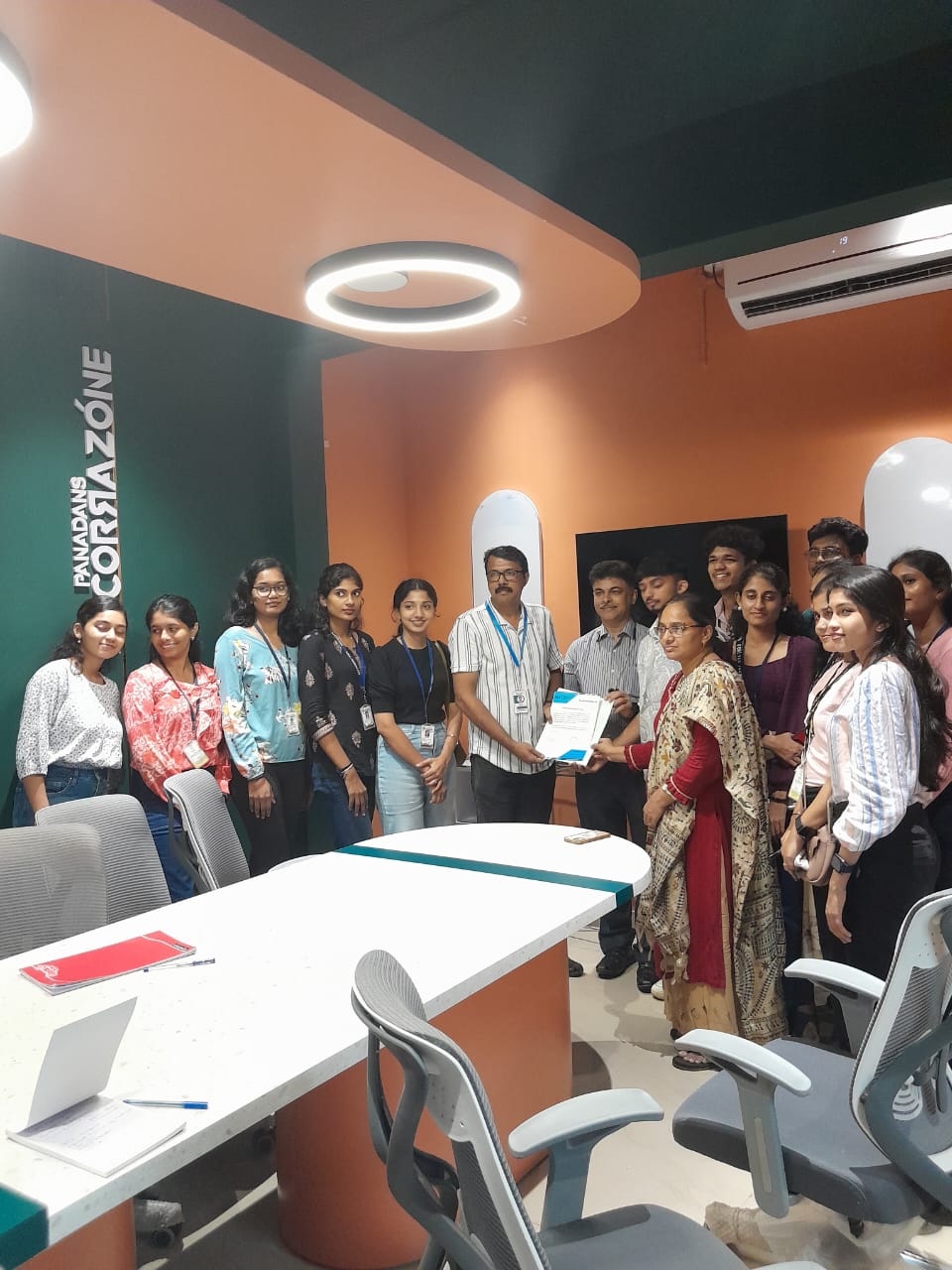
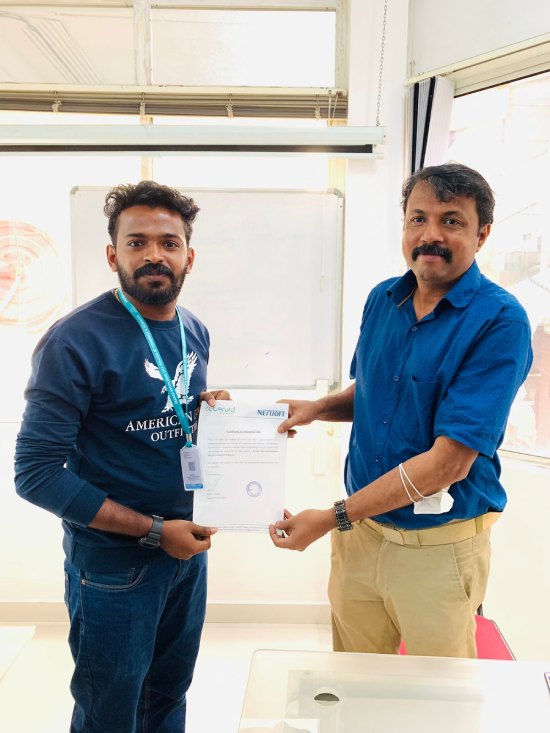
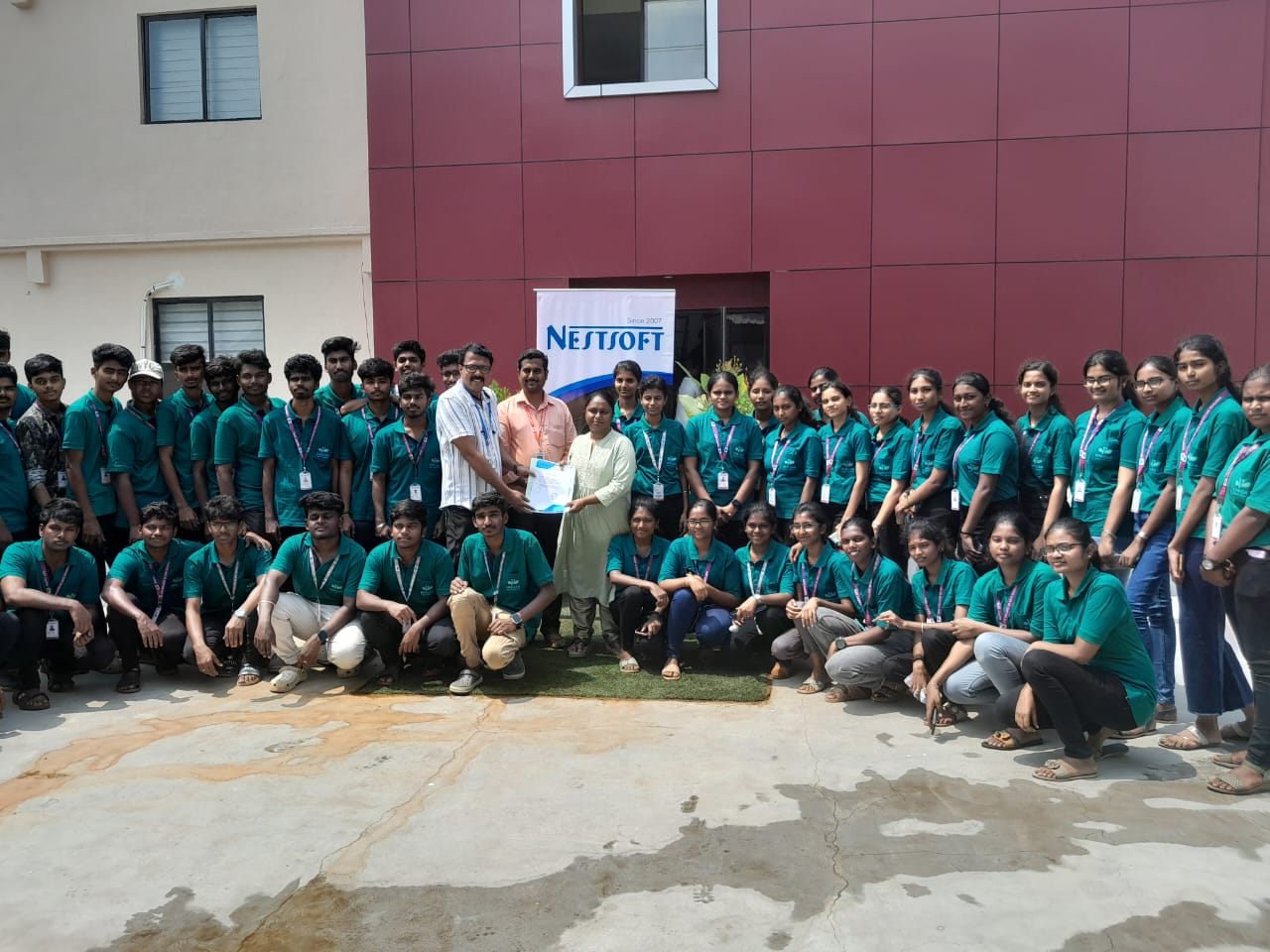
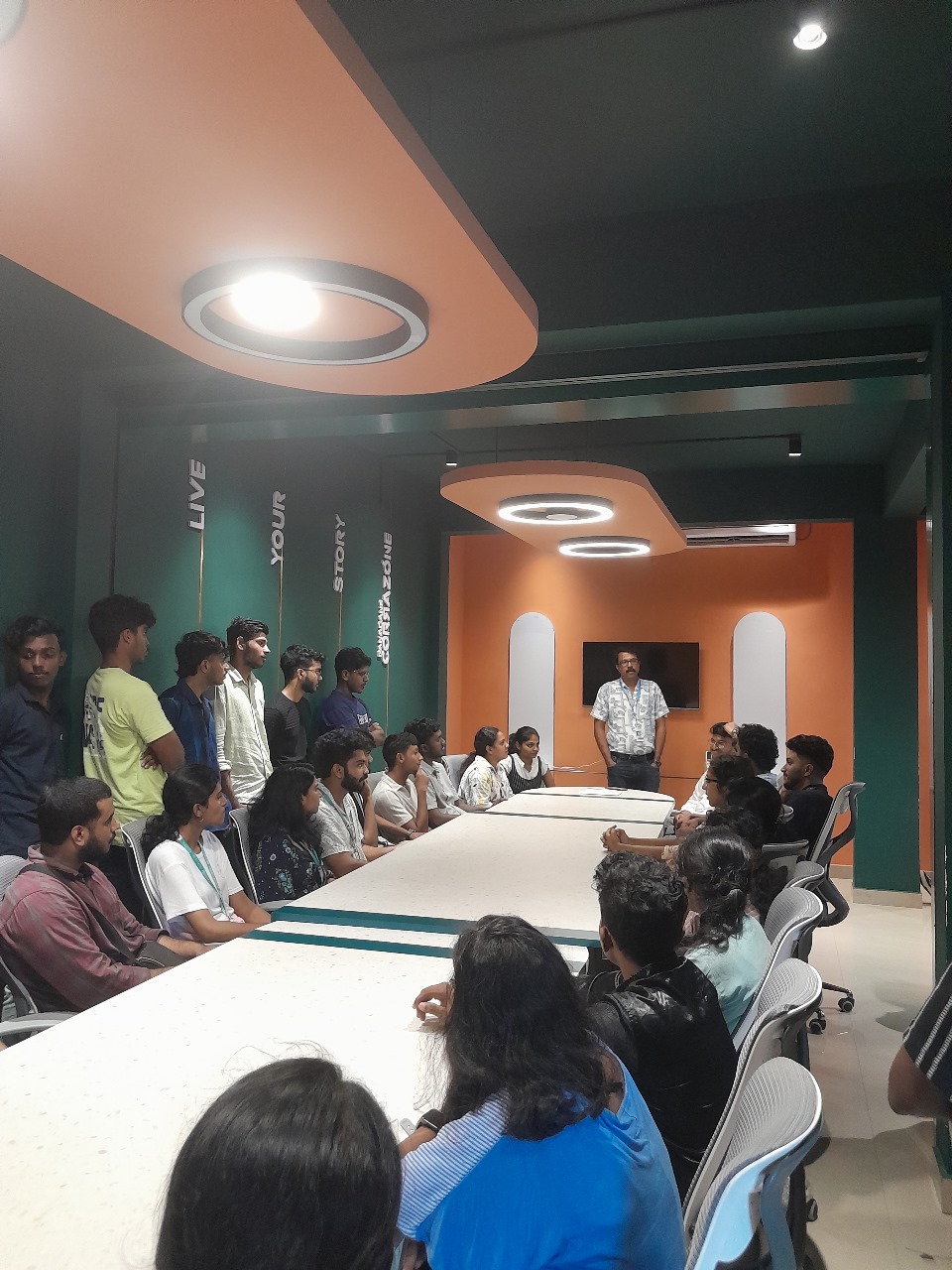
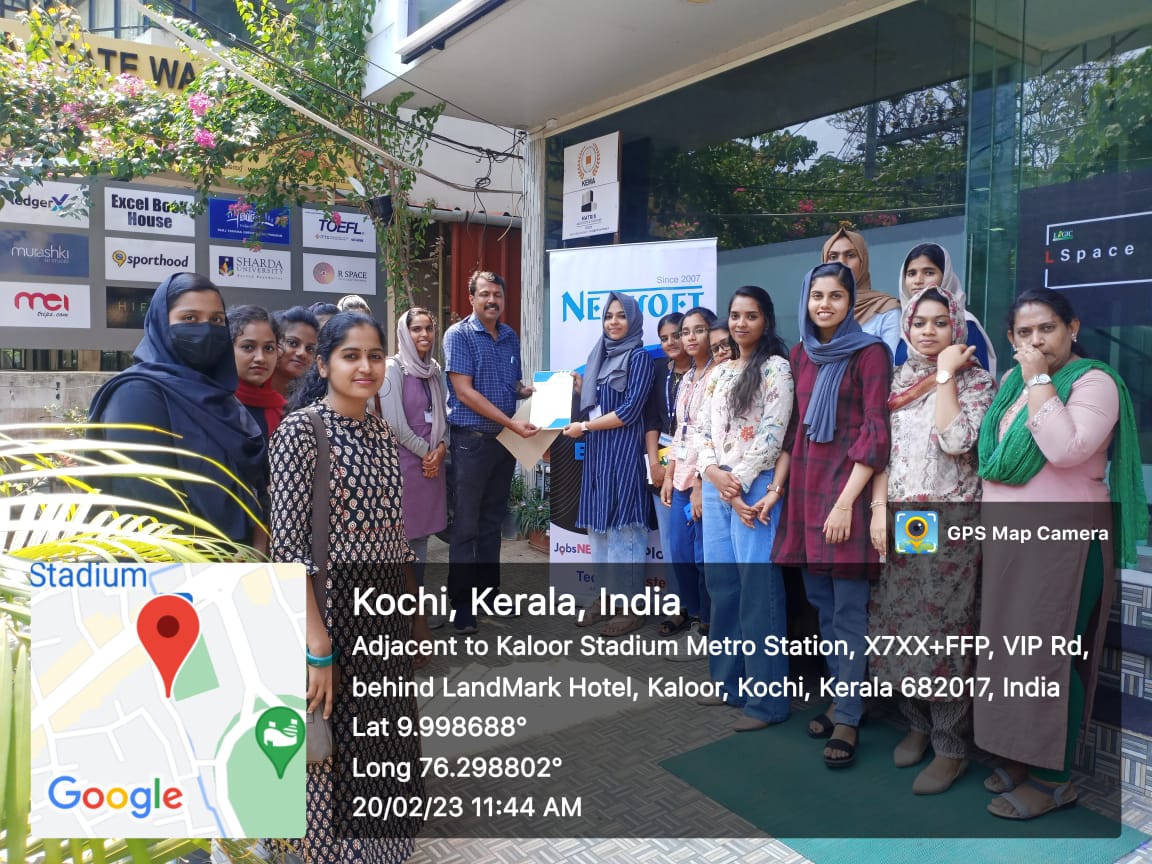
Photos of Training / Internships

Internship/projects in noida

Trained more than 10000+ students who trust Nestsoft TechnoMaster

Get Your Personal Trainer