Send enquiry ⏎

Laravel Online Live Class by Experts

Our Training/Internship Process

Laravel Online Live Classes in Palakkad | Free Demo Training

Laravel - Syllabus, Fees & Duration

Section 1 : Introduction of Laravel PHP Framework

  • Installing Laravel
  • Artisan CLI ( command-line interface )
  • Laravel Directory Structure
  • Configuring a new Laravel project

Section 2 : Architecture & Basics

  • Architecture overview -Basic routing
  • Call a controller method from a route
  • Passing variables from controllers to views
  • CSRF protection
  • Validation
  • Error handling
  • Controller
  • Request
  • Response
  • Views
  • Session

Section 3 : HTML Template to Laravel Blade Template

  • Master layout
  • Extending the master layout
  • Displaying variables
  • Blade conditional statements & loops
  • PHP functions in blade
  • Creating and using a basic views
  • Loading a view into another view/nested views
  • Adding assets
  • Integrating with Bootstrap

Section 4 : Security & Session

  • Authentication
  • Authorization
  • Encryption
  • Hashing
  • Using Security
  • Sessions Effective

Section 5 : Database

  • Introduction
  • Query Builder
  • Migrations
  • Seeding

Section 6 : Eloquent ORM ( Storing and Using Data )

  • Eloquent ORM Models
  • Naming conventions
  • Table name and primary keys
  • Timestamps
  • Eloquent ORM INSERT, READ , UPDATE , DELETE
  • Using models in controllers
  • Displaying data from models in views

Section 7 : Creating a registration & user login form

  • Artisan command to create inbuilt user register and login system
  • Authenticating Your Application
  • Adding Custom Fields to Registration Form
  • Creating user profile page

Section 8 : Admin Panel Setup

  • Introduction
  • Setup Admin Panel using Bootstrap theme
  • Create Admin login
  • Creating an admin authentication system
  • Encrypting and decrypting data

Section 9 : Using Ajax and jQuery

  • Introduction
  • Getting data from another page
  • Setting up a controller to return JSON data

Section 10 : Project

Download Syllabus - Laravel
This syllabus is not final and can be customized as per needs/updates
   
10000+
20+
50+
25+

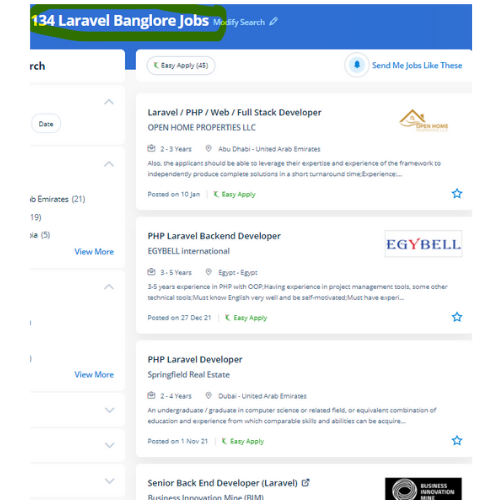
Laravel Jobs in Palakkad

Enjoy the demand

Find jobs related to Laravel in search engines (Google, Bing, Yahoo) and recruitment websites (monsterindia, placementindia, naukri, jobshybrid.com, indeed.co.in, shine.com etc.) based in Palakkad, chennai and europe countries. You can find many jobs for freshers related to the job positions in Palakkad.

  • Full stack Developer
  • PHP Developer Laravel
  • Laravel Developer
  • Backend Developer
  • Senior Php Web Developer
  • Senior Backend Developer
  • Software Engineer-Laravel
  • Systems developer
  • Lead Full Stack Developer
  • Programmer

Laravel Internship/Course Details

Laravel internship jobs in Palakkad
Laravel The Laravel credential procedure is easier by enabling the users to configure the functions by applying effective authorization logic and giving allowances to the resources. Presently, Laravel is engaged by thousands of professionals around the globe. It has the power to deliver a robust, scalable and, flexible web application in a short period. The crucial viewpoint of Laravel is the concern that the software development system should be as simple, high-quality, and quick as possible. Each year there are many cyber attacks taking place. If you're talented and understand logic quickly also it'll be easy to learn. Nestsoft offers the best PHP Laravel architecture training. During this course, you would be learning the advanced options of using Laravel PHP Framework like about Laravel-Localization, Sessions, Forms, Validations, Laravel and AJAX, Laravel, andE-mail, and Error Handling Laravel is a PHP frame for contemporary web apps. . This small feature will prevent thousands of dollars.

Meet a Few of our Industry Experts 🚀 Your Pathway to IT Career

Ratnaparkhe

Mobile: +91 8301010866
Location: Online (Palakkad, India)
Qualification: Bsc computers

Experience: Skills: 1 Manual & Automation Testing 2 selenium Java Experience: Developed automation for POC for SAP Fiori web application involves  more..

Anju

Mobile: +91 91884 77559
Location: Online (Palakkad, India)
Qualification: Btech (EC)

Experience: Have basic knowledge of programming languages like c c++ java Have basic knowledge of html css Have basic knowledge of  more..

Ande

Mobile: +91 89210 61945
Location: Online (Palakkad, India)
Qualification: B-Tech

Experience: Programming skills : python C HTML EXCEL Communication skill   more..

Manoj

Mobile: +91 8301010866
Location: Online (Palakkad, India)
Qualification: B-Tech

Experience: I have a strong technical background with knowledge in software development life cycle testing life cycle and bug life cycle  more..

Gopika

Mobile: +91 91884 77559
Location: Online (Palakkad, India)
Qualification: Btech

Experience: Python developer software developer  more..

Rajeev

Mobile: +91 9895490866
Location: Online (Palakkad, India)
Qualification: B. Tech

Experience: Manual testing api testing postman automation testing  more..

Sivasubramanian.

Mobile: +91 9895490866
Location: Online (Palakkad, India)
Qualification: Diploma

Experience: UI UX Designer cum Graphic Designer with 12+ years of experience in the management of the complete design process from  more..

Aswany

Mobile: +91 89210 61945
Location: Online (Palakkad, India)
Qualification: M.Sc. Computer Science

Experience: Have 2 4 years of experience in php and wordpress   more..

Athulya

Mobile: +91 89210 61945
Location: Online (Palakkad, India)
Qualification: Mca

Experience: 2 5 year of experience in testing  more..

Vinod

Mobile: +91 91884 77559
Location: Online (Palakkad, India)
Qualification: Mba

Experience: Ccna Hardware and networking Mcdst Tally |   more..

Veeresha

Mobile: +91 91884 77559
Location: Online (Palakkad, India)
Qualification: Bachelor of engineering

Experience: I have 2 plus year experience in dotnet developer in  more..

varsha

Mobile: +91 91884 77559
Location: Online (Palakkad, India)
Qualification: mca

Experience: selenium jira jmeter mantis manual testing mobile app testing sql html  more..

Prabhakaran.J

Mobile: +91 91884 77559
Location: Online (Palakkad, India)
Qualification: B.tech

Experience: AD administration firewall proxy server maintenance   more..

Aditya

Mobile: +91 89210 61945
Location: Online (Palakkad, India)
Qualification: B.Tech

Experience: I'm good at C++ python java and also good in web development and Have achieved Good ratings in different different  more..

kummari

Mobile: +91 9895490866
Location: Online (Palakkad, India)
Qualification: bachelors of commerce

Experience: html css Javascript React js Github Sql python and by using the frotend technologies i can build interactive and dynamic  more..

Pooja

Mobile: +91 9895490866
Location: Online (Palakkad, India)
Qualification: Graduation

Experience: I have 1 3 years of experience My skills is seo css html canva  more..

Anagha

Mobile: +91 98474 90866
Location: Online (Palakkad, India)
Qualification: Bachelor

Experience: 1 yr Html css customized Js bootstrape responsive design figma vs code dream viewer adobe illustrator adobe photoshop  more..

Navjot

Mobile: +91 89210 61945
Location: Online (Palakkad, India)
Qualification: M.tech

Experience: I am very good in html css and wordpress I made website for my client I also have knowledge of  more..

Riddhi

Mobile: +91 91884 77559
Location: Online (Palakkad, India)
Qualification: Mca

Experience: 3 years of experience in advance android Firebase room database rest api good designing etc   more..

Sunil

Mobile: +91 8301010866
Location: Online (Palakkad, India)
Qualification: btecch

Experience: i have 1 5 years of experience as Web developer skills wordpress html css java script sql  more..

Asesh

Mobile: +91 89210 61945
Location: Online (Palakkad, India)
Qualification: Bca

Experience: C C++ python  more..

Sameer

Mobile: +91 91884 77559
Location: Online (Palakkad, India)
Qualification: Currently pursuing my Bachelors

Experience: I have a certificate from cisco networking academy you can check it on my linkedin |   more..

Sai

Mobile: +91 91884 77559
Location: Online (Palakkad, India)
Qualification: B.tech (C.S.E)

Experience: Experience In Training students one to one and also group Experience in Training students on real time projects for WordPress  more..

Vishal

Mobile: +91 91884 77559
Location: Online (Palakkad, India)
Qualification: Graduation

Experience: My skills in seo and smo- onpage off page tecnical seo local seo organically grow social media and paid ads  more..

Success Stories

The enviable salary packages and track record of our previous students are the proof of our excellence. Please go through our students' reviews about our training methods and faculty and compare it to the recorded video classes that most of the other institutes offer. See for yourself how TechnoMaster is truly unique.

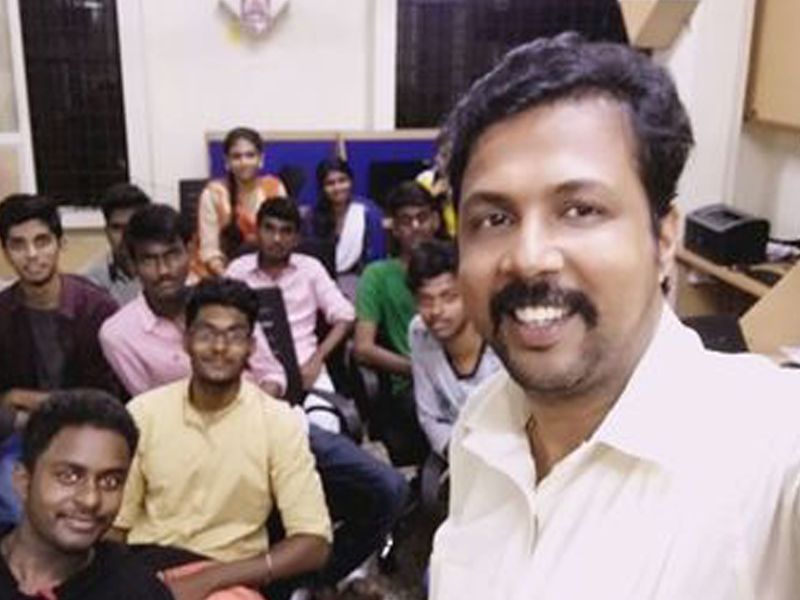
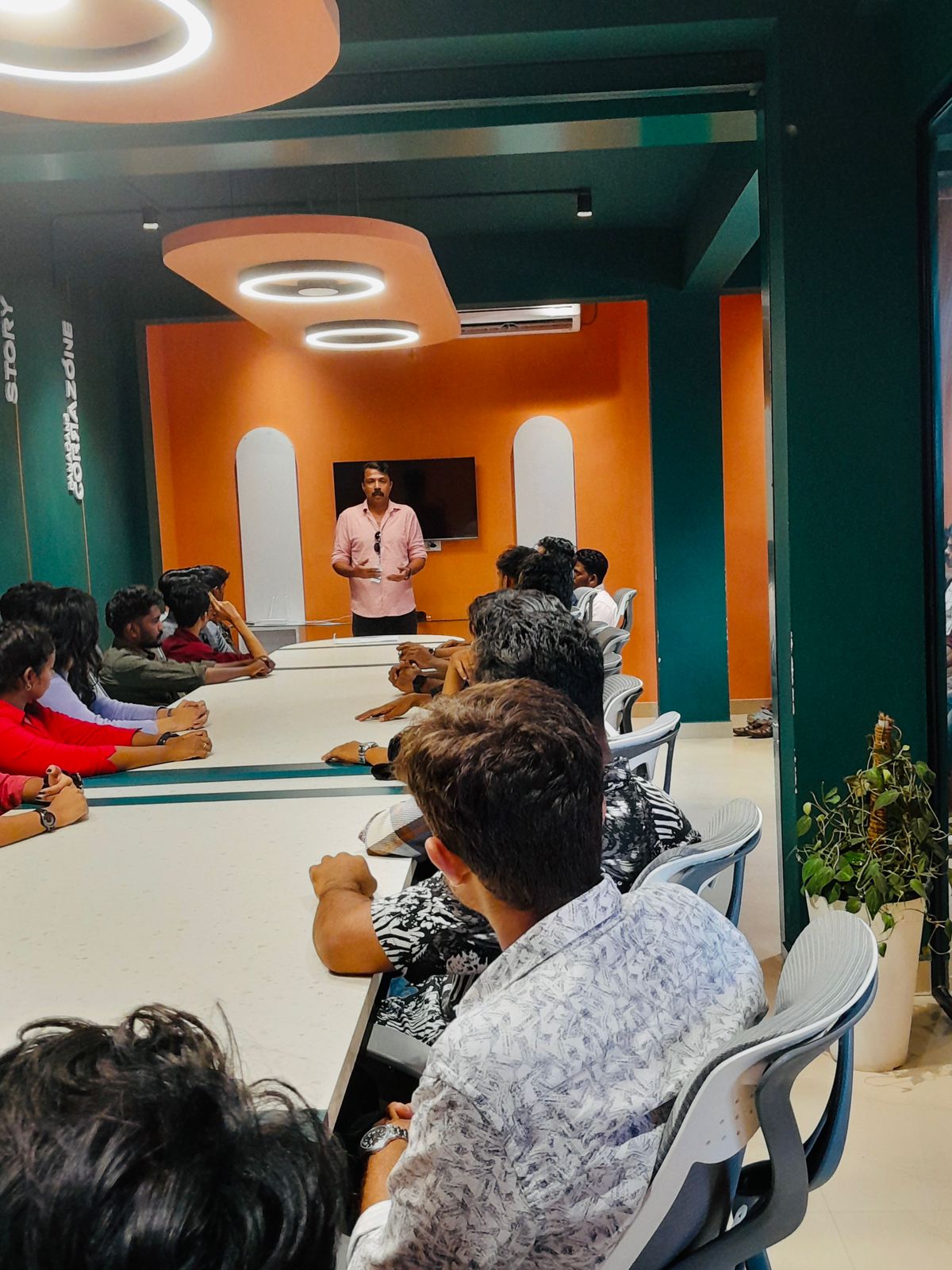
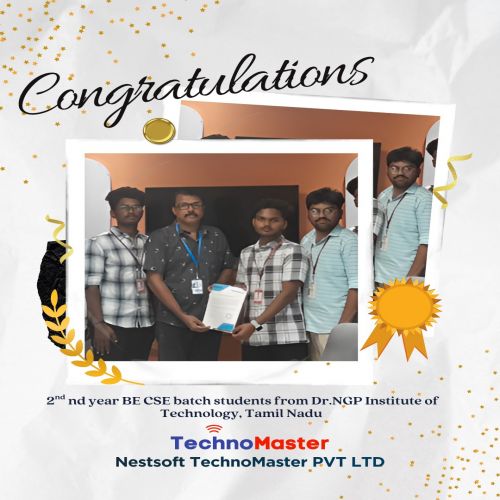
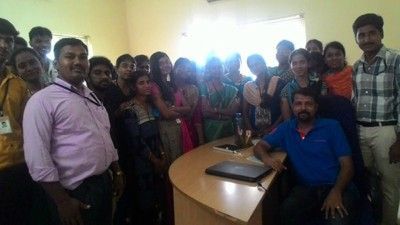
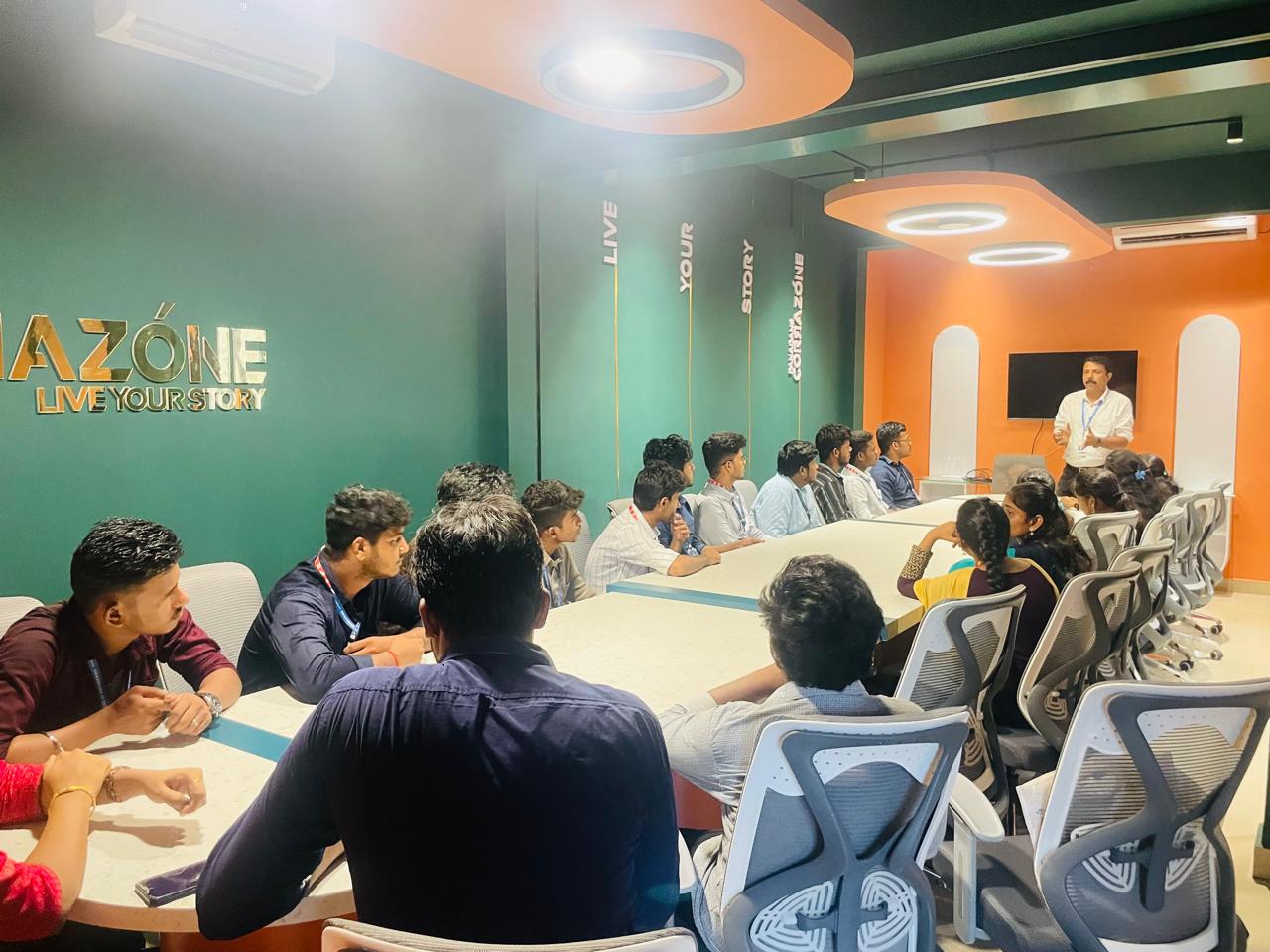
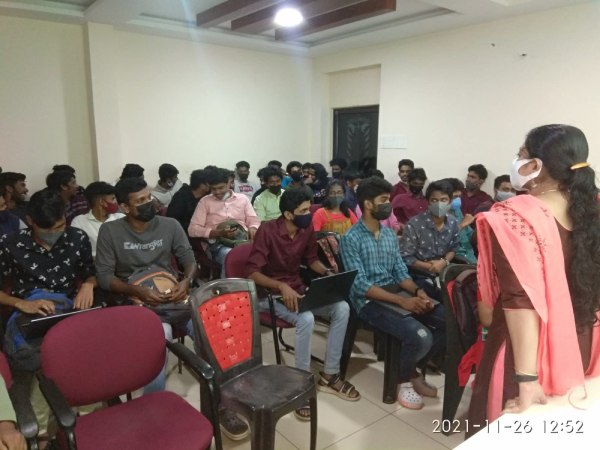
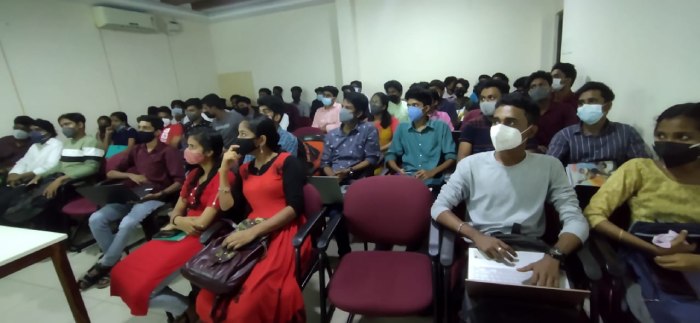
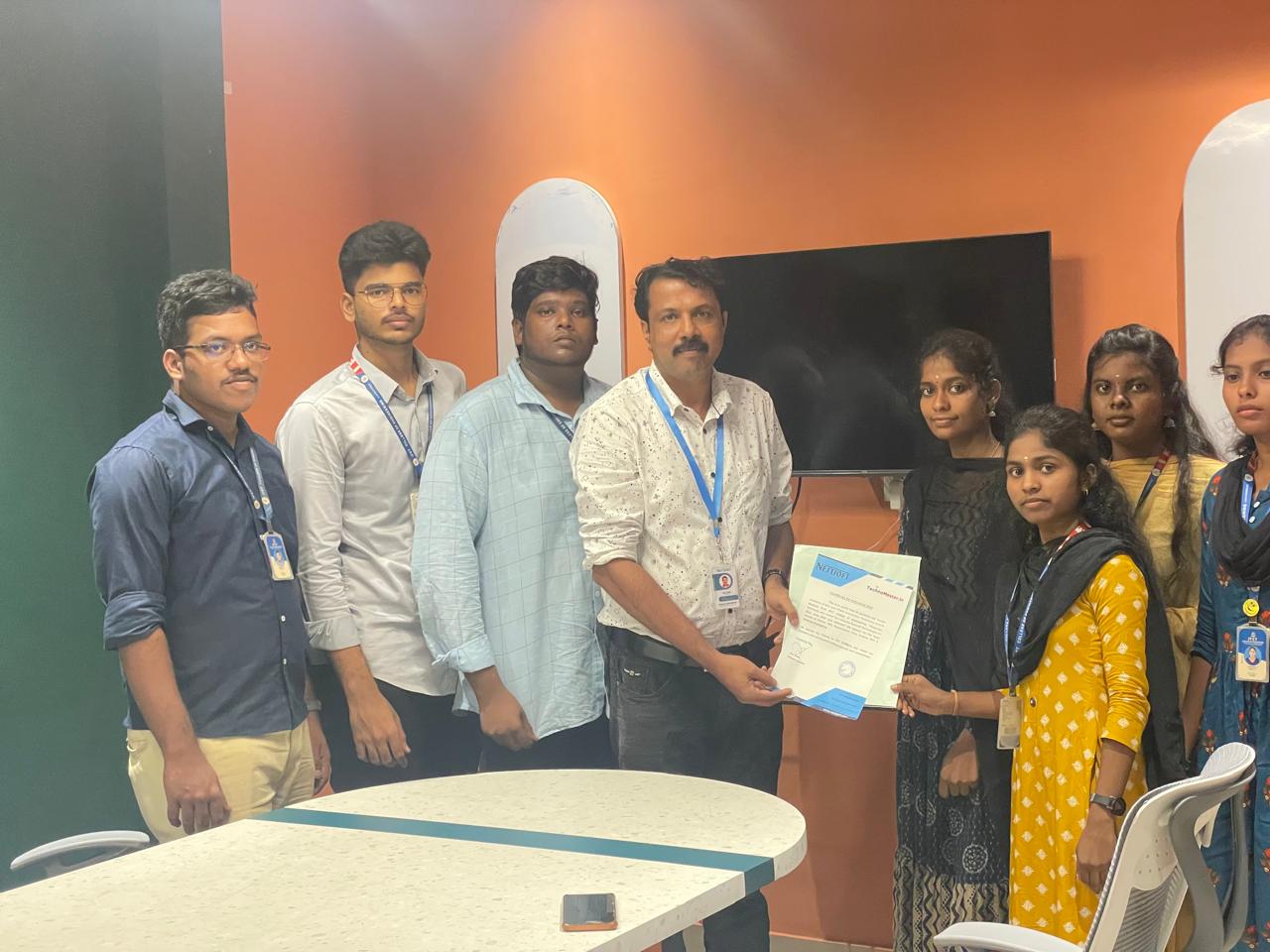
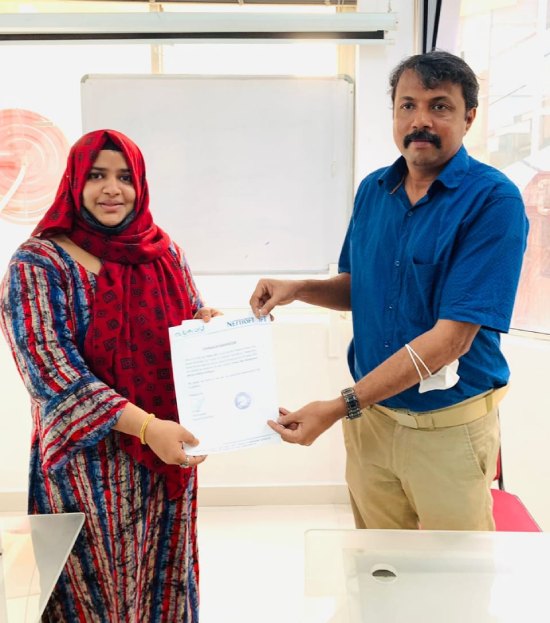
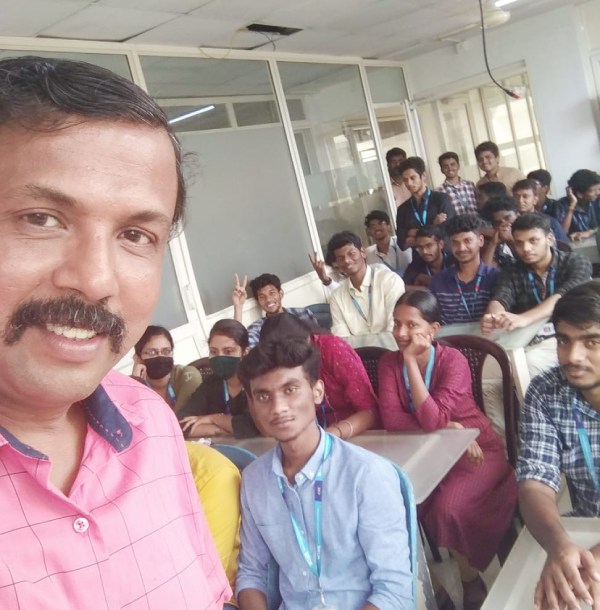
Photos of Training / Internships

Internship/projects in palakkad

Trained more than 10000+ students who trust Nestsoft TechnoMaster

Get Your Personal Trainer