Send enquiry ⏎

Laravel Online Live Class by Experts

Our Training/Internship Process

Laravel Online Live Classes in Bangalore | Free Demo Training

Laravel - Syllabus, Fees & Duration

Section 1 : Introduction of Laravel PHP Framework

  • Installing Laravel
  • Artisan CLI ( command-line interface )
  • Laravel Directory Structure
  • Configuring a new Laravel project

Section 2 : Architecture & Basics

  • Architecture overview -Basic routing
  • Call a controller method from a route
  • Passing variables from controllers to views
  • CSRF protection
  • Validation
  • Error handling
  • Controller
  • Request
  • Response
  • Views
  • Session

Section 3 : HTML Template to Laravel Blade Template

  • Master layout
  • Extending the master layout
  • Displaying variables
  • Blade conditional statements & loops
  • PHP functions in blade
  • Creating and using a basic views
  • Loading a view into another view/nested views
  • Adding assets
  • Integrating with Bootstrap

Section 4 : Security & Session

  • Authentication
  • Authorization
  • Encryption
  • Hashing
  • Using Security
  • Sessions Effective

Section 5 : Database

  • Introduction
  • Query Builder
  • Migrations
  • Seeding

Section 6 : Eloquent ORM ( Storing and Using Data )

  • Eloquent ORM Models
  • Naming conventions
  • Table name and primary keys
  • Timestamps
  • Eloquent ORM INSERT, READ , UPDATE , DELETE
  • Using models in controllers
  • Displaying data from models in views

Section 7 : Creating a registration & user login form

  • Artisan command to create inbuilt user register and login system
  • Authenticating Your Application
  • Adding Custom Fields to Registration Form
  • Creating user profile page

Section 8 : Admin Panel Setup

  • Introduction
  • Setup Admin Panel using Bootstrap theme
  • Create Admin login
  • Creating an admin authentication system
  • Encrypting and decrypting data

Section 9 : Using Ajax and jQuery

  • Introduction
  • Getting data from another page
  • Setting up a controller to return JSON data

Section 10 : Project

Download Syllabus - Laravel
This syllabus is not final and can be customized as per needs/updates
   
10000+
20+
50+
25+

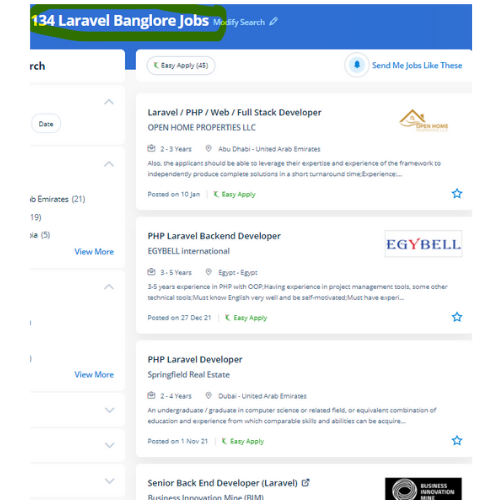
Laravel Jobs in Bangalore

Enjoy the demand

Find jobs related to Laravel in search engines (Google, Bing, Yahoo) and recruitment websites (monsterindia, placementindia, naukri, jobshybrid.com, indeed.co.in, shine.com etc.) based in Bangalore, chennai and europe countries. You can find many jobs for freshers related to the job positions in Bangalore.

  • Full stack Developer
  • PHP Developer Laravel
  • Laravel Developer
  • Backend Developer
  • Senior Php Web Developer
  • Senior Backend Developer
  • Software Engineer-Laravel
  • Systems developer
  • Lead Full Stack Developer
  • Programmer

Laravel Internship/Course Details

Laravel internship jobs in Bangalore
Laravel This Laravel course explains a way to use the Laravel PHP frame to make web operations. Laravel could be a free, modern, dynamic, and important open-source PHP web application framework, designed for the development of model- view- controller (MVC) web applications. The safeguarded resources are entered by authentic and registered users are demanded by web application owners. It abstracts complicated functionalities by giving easy-to-apply functions and methods to do the work for you. Occasionally site performance affects some features and functionalities. Laravel has many inventor-oriented options, which offer progressive work quality. Laravel could be a game-changer For your business. The Laravel credential procedure is easier by enabling the users to configure the functions by applying effective authorization logic and giving allowances to the resources. It has the power to deliver a robust, scalable and, flexible web application in a short period. Each year there are many cyber attacks taking place.


Meet a Few of our Industry Experts 🚀 Your Pathway to IT Career

Santhiya

Mobile: +91 91884 77559
Location: Online (Bangalore, India)
Qualification: MCA

Experience: EXPERIENCE Intern Java Master Class May 2023 - Sep 2023 Java Analyst Java Master Class Oct 2023 - Dec 2023  more..

Alby

Mobile: +91 9895490866
Location: Online (Bangalore, India)
Qualification: Bachelor Degree

Experience: 1 Software Test Engineer QA Manual – Automation Testing training attending at Obsqura Zone Trivandrum Key Skills • Knowledge in  more..

Yedhukrishna

Mobile: +91 9895490866
Location: Online (Bangalore, India)
Qualification: Diploma in computer science

Experience: Automation and manual testing testcase preparation bug report smoke testing sanity testing testNG cucumber jira postman jmeter  more..

Tejas

Mobile: +91 98474 90866
Location: Online (Bangalore, India)
Qualification: B.E.

Experience: Java android studio firebase c c++ mysql  more..

Siddangouda

Mobile: +91 91884 77559
Location: Online (Bangalore, India)
Qualification: B.E Computer Science

Experience: Seo on page off page technical seo back links link building Google Analytics   more..

Rohit

Mobile: +91 91884 77559
Location: Online (Bangalore, India)
Qualification: ADIT Diploma

Experience: html css Bootstrap java script php Laravel my sql mongodb python Django cloud computing mean stack   more..

Jeetesh

Mobile: +91 98474 90866
Location: Online (Bangalore, India)
Qualification: MCA

Experience: Hello there! I'm Jeetesh Surana a senior Android developer with 7+ Years of Experience Developed 200+ Applications in this tenure  more..

Anandkrishnan

Mobile: +91 98474 90866
Location: Online (Bangalore, India)
Qualification: B tech

Experience: Manual and automation testing   more..

Indrajit

Mobile: +91 8301010866
Location: Online (Bangalore, India)
Qualification: B.Tech

Experience: Design: Proficient in design thinking wireframing and visual design Prototyping: Experienced with Figma Adobe Photoshop and Miro for prototyping User  more..

Akshay

Mobile: +91 98474 90866
Location: Online (Bangalore, India)
Qualification: BA Economics

Experience: Manual testing Mysql Java Automation testing Cucumber Test NG Appium Jmeter Postman Api  more..

Syed

Mobile: +91 9895490866
Location: Online (Bangalore, India)
Qualification: B.E CSE

Experience: Java developer core java RDBMS JSP servlets spring spring bootApplication for Java Spring  more..

Anupama

Mobile: +91 94975 90866
Location: Online (Bangalore, India)
Qualification: BSc Computer Science

Experience: Software testing functional testing api testing  more..

Gamini

Mobile: +91 94975 90866
Location: Online (Bangalore, India)
Qualification: MCA

Experience: HTML5 CSS3 JavaScript SCSS Bootstrap Jquery Ant design REST API JSON SOAP API ReactNative Hasura Graphql Socket IO websockets AWS  more..

nilam

Mobile: +91 91884 77559
Location: Online (Bangalore, India)
Qualification: BE(E&TC)

Experience: As a web devloper design a creative website  more..

Priyanka

Mobile: +91 9895490866
Location: Online (Bangalore, India)
Qualification: BTech

Experience: Hi sir ma'am Hope you are doing well My name is Priyanka Priyadarshini I have completed my BTech in 2023  more..

Manoj

Mobile: +91 94975 90866
Location: Online (Bangalore, India)
Qualification: B-tech

Experience: Odoo python xml html css Postgres and Git 1 2 years of experience in odoo  more..

DOGIPARTHI

Mobile: +91 91884 77559
Location: Online (Bangalore, India)
Qualification: B tech

Experience: I have 6+ months experience as a intern in application Developer for web and Mobile I have hands on experience  more..

Pournima

Mobile: +91 91884 77559
Location: Online (Bangalore, India)
Qualification: BE

Experience: I am a NET developer with 3 years of experience in developing and maintaining web applications using ASP NET MVC  more..

Rajagopal

Mobile: +91 91884 77559
Location: Online (Bangalore, India)
Qualification: BCA

Experience: 3yrs exp in ui developer and responsive website design developer  more..

Dumas

Mobile: +91 9895490866
Location: Online (Bangalore, India)
Qualification: MCA

Experience: I have a two years experienced as a WordPress developer in past two companies and taken classes to the few  more..

Nand

Mobile: +91 91884 77559
Location: Online (Bangalore, India)
Qualification: ADIT Diploma

Experience: html css bootstrap java Script php Laravel MYSQL mongodb Python django AWS cloud IBM cloud Angular mean stack node js  more..

siddharth

Mobile: +91 91884 77559
Location: Online (Bangalore, India)
Qualification: 12th,BCA

Experience: i can work in C C++ python html css   more..

Rajin

Mobile: +91 91884 77559
Location: Online (Bangalore, India)
Qualification: B tech

Experience: 2 year experience in manual testing and currently done automation testing looking more Opportunitys  more..

srilakshmi

Mobile: +91 89210 61945
Location: Online (Bangalore, India)
Qualification: B. Tech

Experience: Front end developer (html css bootstrap and javascript) Technical support engineer (international voice)   more..

Success Stories

The enviable salary packages and track record of our previous students are the proof of our excellence. Please go through our students' reviews about our training methods and faculty and compare it to the recorded video classes that most of the other institutes offer. See for yourself how TechnoMaster is truly unique.


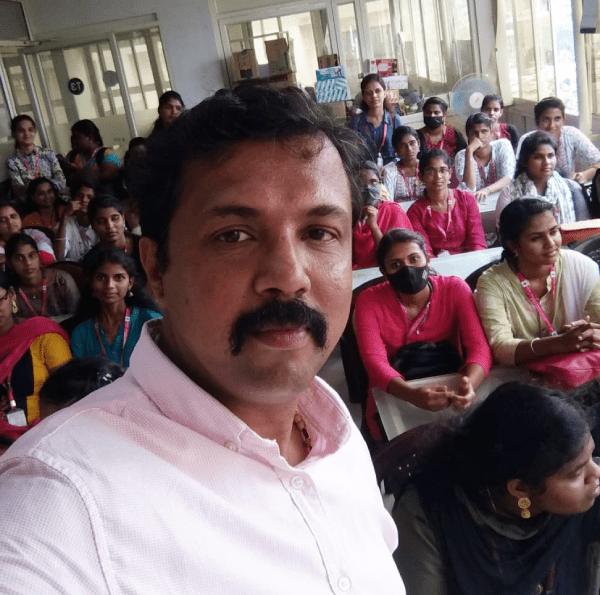
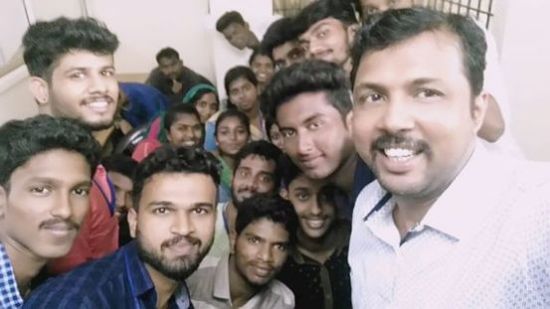
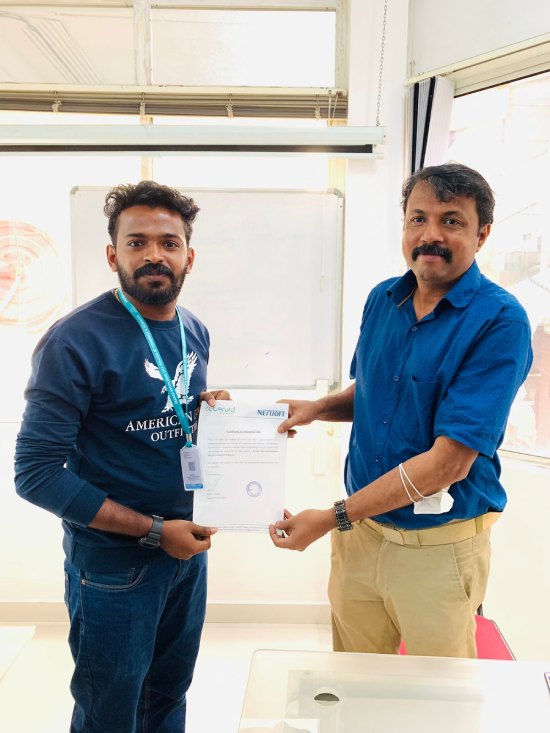
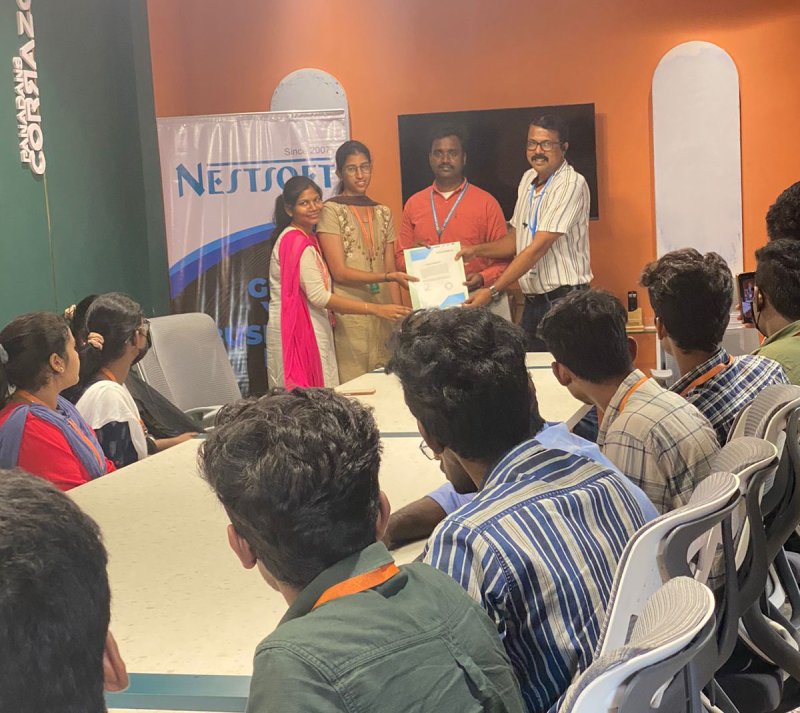
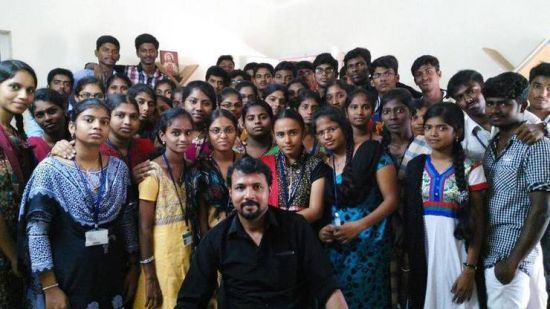
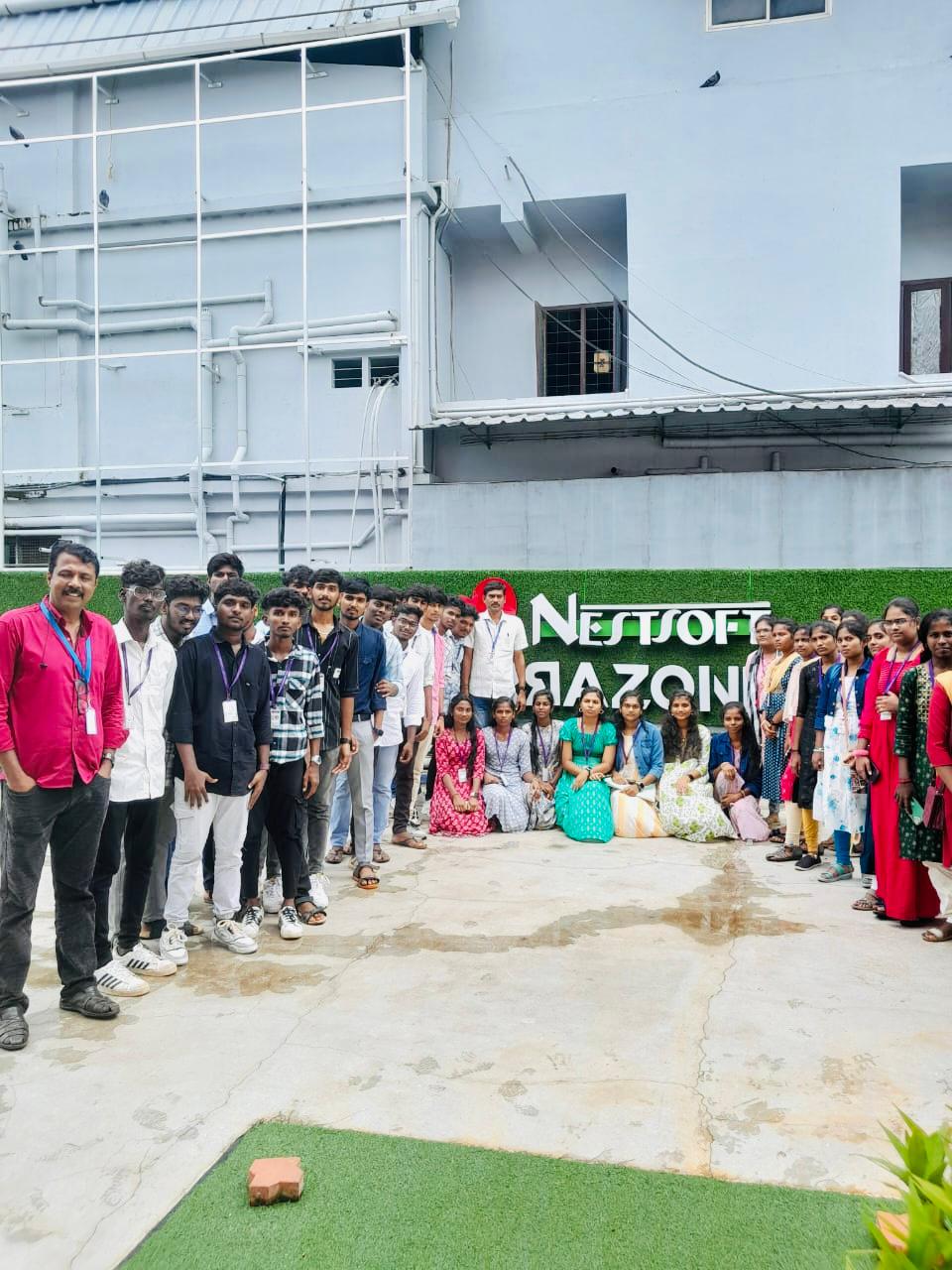
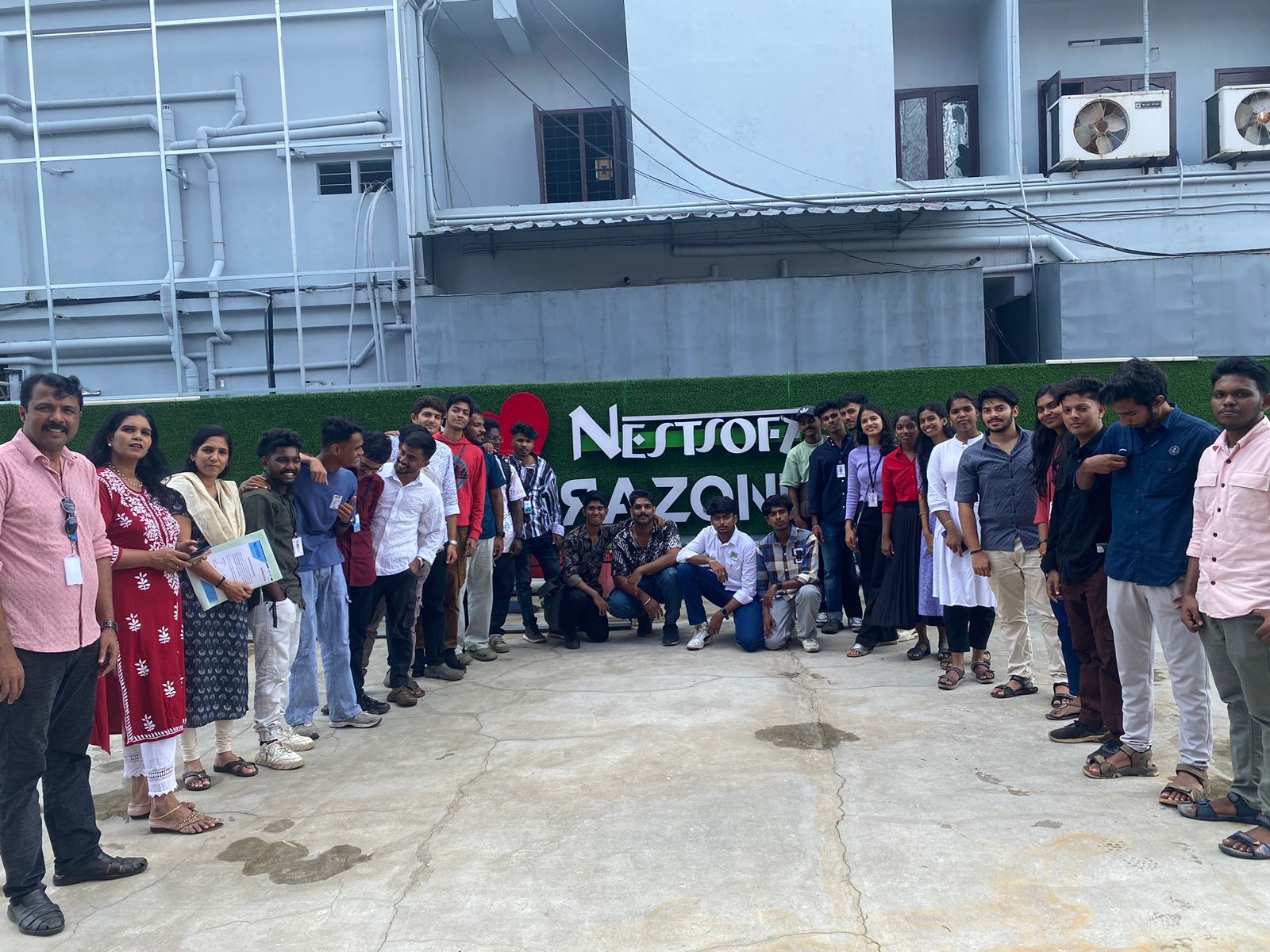
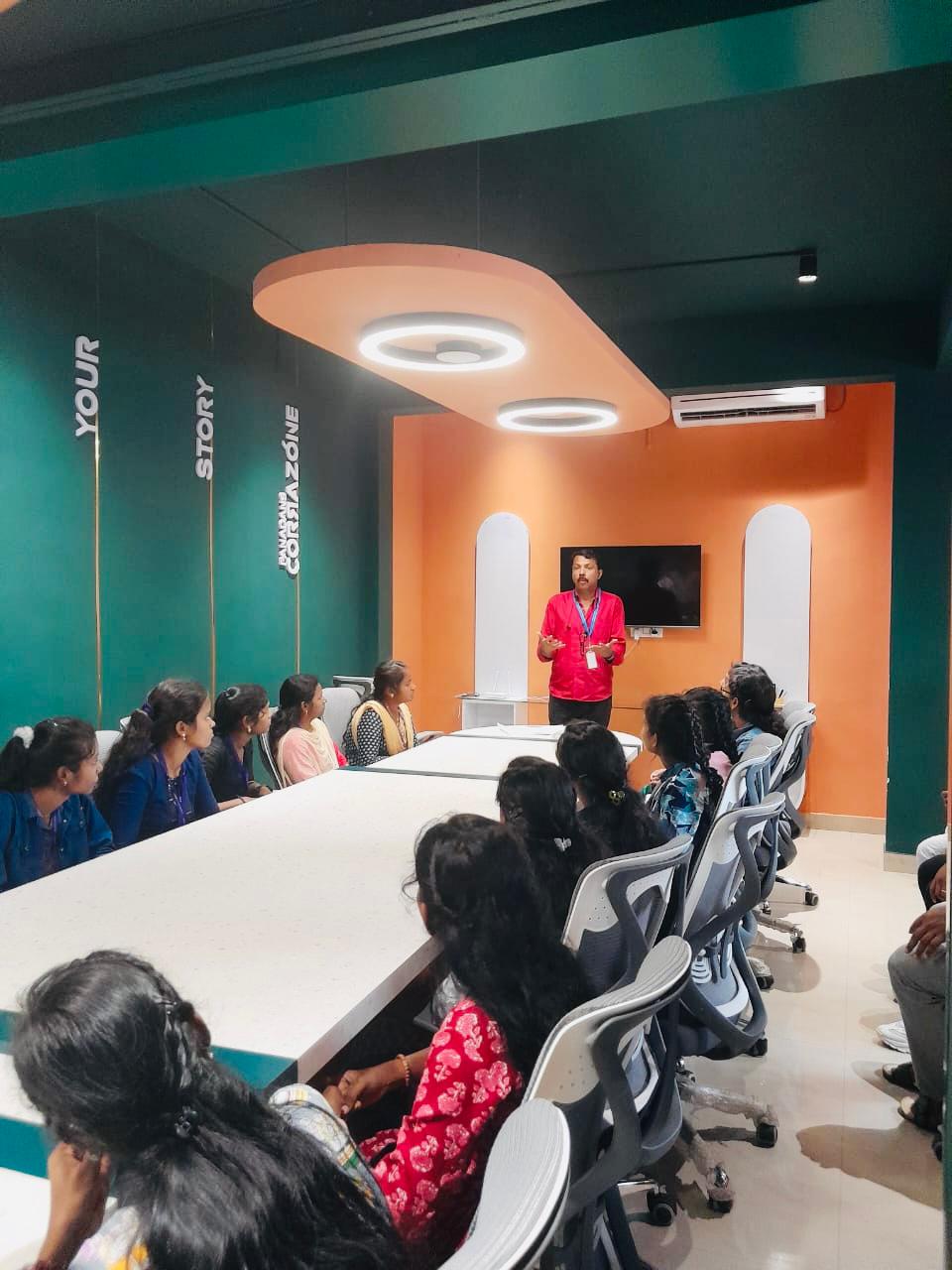
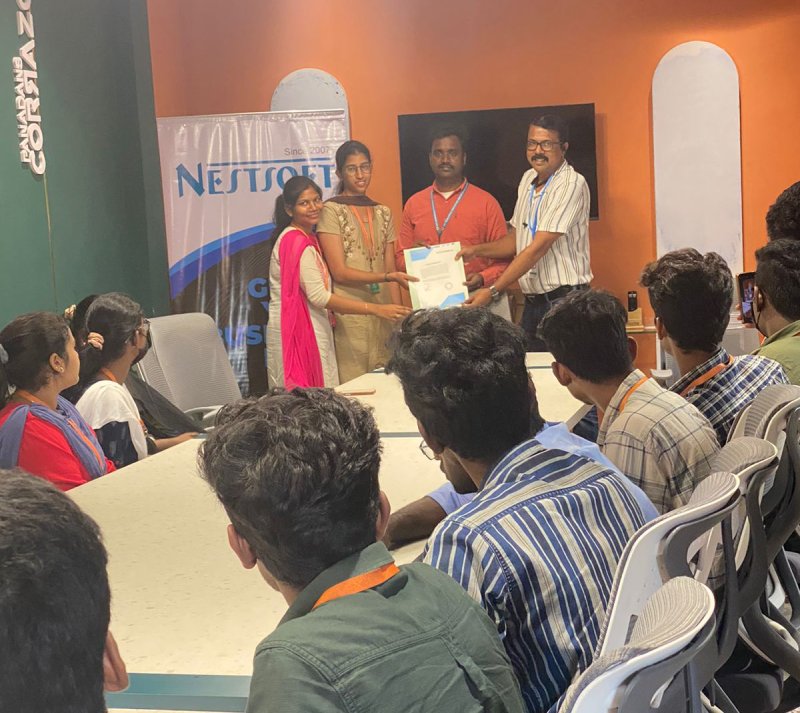
Photos of Training / Internships

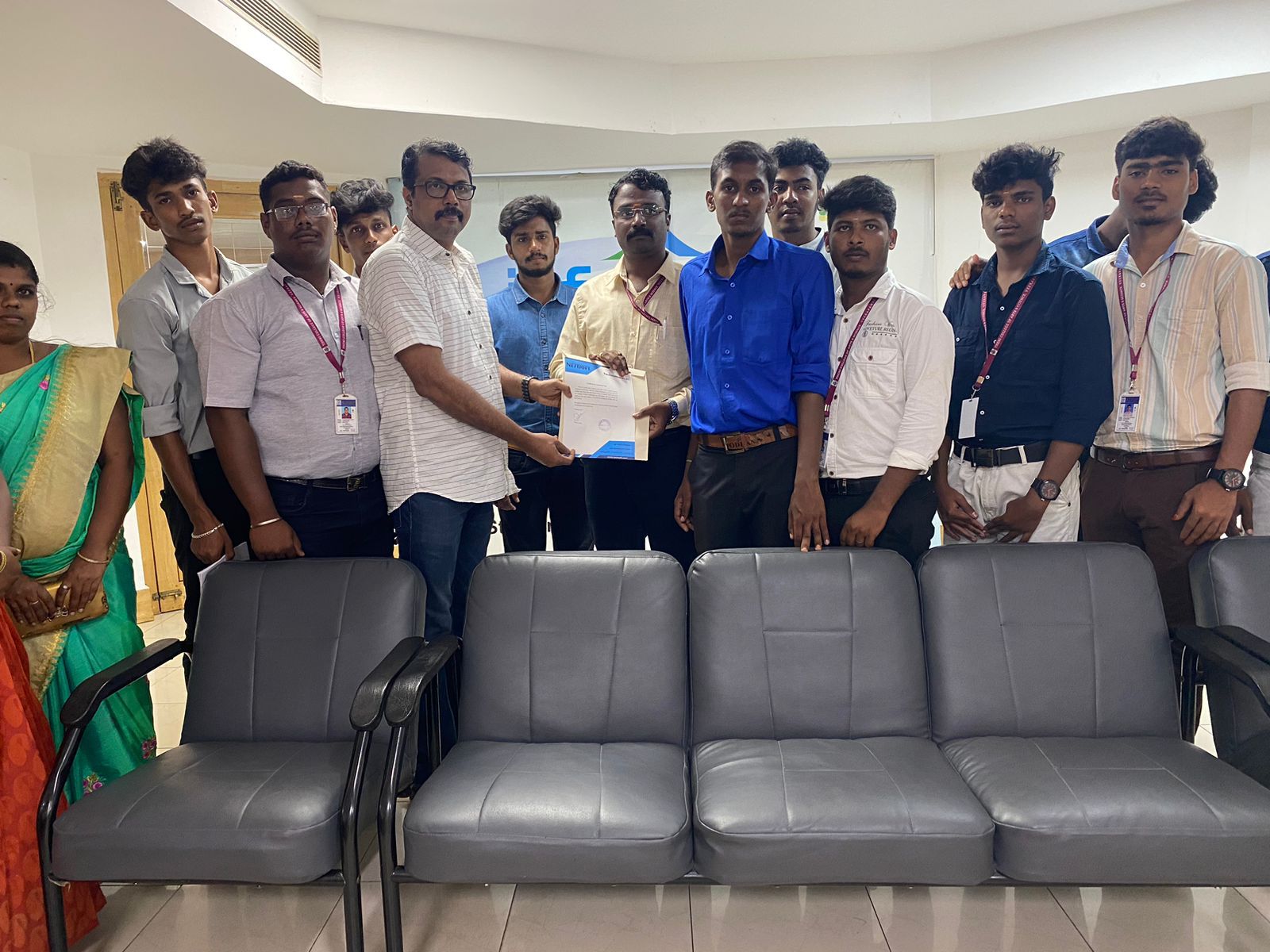
Internship/projects in bangalore

Trained more than 10000+ students who trust Nestsoft TechnoMaster

Get Your Personal Trainer