Send enquiry ⏎

Laravel Online Live Class by Experts

Our Training/Internship Process

Laravel Online Live Classes in Kannur | Free Demo Training

Laravel - Syllabus, Fees & Duration

Section 1 : Introduction of Laravel PHP Framework

  • Installing Laravel
  • Artisan CLI ( command-line interface )
  • Laravel Directory Structure
  • Configuring a new Laravel project

Section 2 : Architecture & Basics

  • Architecture overview -Basic routing
  • Call a controller method from a route
  • Passing variables from controllers to views
  • CSRF protection
  • Validation
  • Error handling
  • Controller
  • Request
  • Response
  • Views
  • Session

Section 3 : HTML Template to Laravel Blade Template

  • Master layout
  • Extending the master layout
  • Displaying variables
  • Blade conditional statements & loops
  • PHP functions in blade
  • Creating and using a basic views
  • Loading a view into another view/nested views
  • Adding assets
  • Integrating with Bootstrap

Section 4 : Security & Session

  • Authentication
  • Authorization
  • Encryption
  • Hashing
  • Using Security
  • Sessions Effective

Section 5 : Database

  • Introduction
  • Query Builder
  • Migrations
  • Seeding

Section 6 : Eloquent ORM ( Storing and Using Data )

  • Eloquent ORM Models
  • Naming conventions
  • Table name and primary keys
  • Timestamps
  • Eloquent ORM INSERT, READ , UPDATE , DELETE
  • Using models in controllers
  • Displaying data from models in views

Section 7 : Creating a registration & user login form

  • Artisan command to create inbuilt user register and login system
  • Authenticating Your Application
  • Adding Custom Fields to Registration Form
  • Creating user profile page

Section 8 : Admin Panel Setup

  • Introduction
  • Setup Admin Panel using Bootstrap theme
  • Create Admin login
  • Creating an admin authentication system
  • Encrypting and decrypting data

Section 9 : Using Ajax and jQuery

  • Introduction
  • Getting data from another page
  • Setting up a controller to return JSON data

Section 10 : Project

Download Syllabus - Laravel
This syllabus is not final and can be customized as per needs/updates
   
10000+
20+
50+
25+

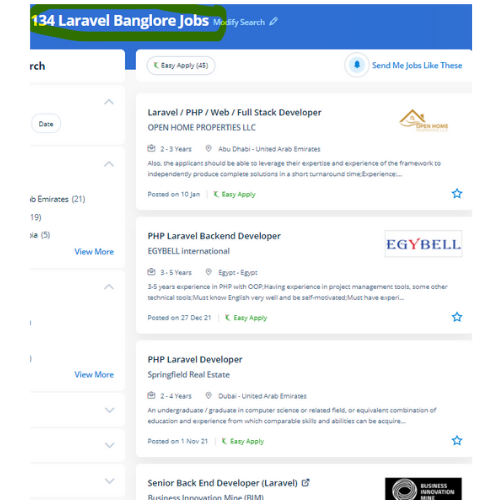
Laravel Jobs in Kannur

Enjoy the demand

Find jobs related to Laravel in search engines (Google, Bing, Yahoo) and recruitment websites (monsterindia, placementindia, naukri, jobshybrid.com, indeed.co.in, shine.com etc.) based in Kannur, chennai and europe countries. You can find many jobs for freshers related to the job positions in Kannur.

  • Full stack Developer
  • PHP Developer Laravel
  • Laravel Developer
  • Backend Developer
  • Senior Php Web Developer
  • Senior Backend Developer
  • Software Engineer-Laravel
  • Systems developer
  • Lead Full Stack Developer
  • Programmer

Laravel Internship/Course Details

Laravel internship jobs in Kannur
Laravel It has the power to deliver a robust, scalable and, flexible web application in a short period. . The safe authentication and consent ability of laravel guarantee the reputed companies in their production field. This small feature will prevent thousands of dollars. One of the most necessary advantages of choosing Laravel for your web app development is its capabilities to supply high-toned security. This coaching covers fabricating ready a development environment, configuration, and step by step moving on to the various factors. If you're talented and understand logic quickly also it'll be easy to learn. The Laravel credential procedure is easier by enabling the users to configure the functions by applying effective authorization logic and giving allowances to the resources. But, Laravel comes up with various tools that facilitate the developers to heft the web app performance. Laravel could be a game-changer For your business.


Meet a Few of our Industry Experts 🚀 Your Pathway to IT Career

Aneesh

Mobile: +91 94975 90866
Location: Online (Kannur, India)
Qualification: B. Tech

Experience: Handson experience with odoo v13 14 15 16 capable of designing developing and maintaining enterprise application   more..

ANAGHA

Mobile: +91 91884 77559
Location: Online (Kannur, India)
Qualification: BTech IT

Experience: I have knowledge in HTML CSS Bootstrap MySQL Python Django Flask Pandas NumPy Data analysis and Github Recently i worked  more..

Govind

Mobile: +91 91884 77559
Location: Online (Kannur, India)
Qualification: Btech

Experience: Skills:- java css html react tailwind javascript bootstrap firebase sql Experience:- 2 5 month frontend developer intern at starzedu classes  more..

Sreekanth

Mobile: +91 94975 90866
Location: Online (Kannur, India)
Qualification: Btech

Experience: Manual testing automation testing SQL core java  more..

Mohammed

Mobile: +91 94975 90866
Location: Online (Kannur, India)
Qualification: Diploma in computer engineering

Experience: 6 months experience in flutter development UI designing State management   more..

Toshin

Mobile: +91 89210 61945
Location: Online (Kannur, India)
Qualification: Bachelor of technology

Experience: Full stack developer java python c++ html css javascript   more..

Dhiraj

Mobile: +91 9895490866
Location: Online (Kannur, India)
Qualification: Bachelor of engineering

Experience: I worked on 2 3 projects in Mern stack I have little bit knowledge in Java I completed web development  more..

Vishnu

Mobile: +91 89210 61945
Location: Online (Kannur, India)
Qualification: MCA

Experience: Html css puthon c c++ php mysql These are my programming skills and my other computer skills are ms office  more..

Rahil

Mobile: +91 91884 77559
Location: Online (Kannur, India)
Qualification: B.Tech

Experience: Java developer with 10 years of experience that includes working as Programmer Analyst and in Associate Role in Cognizant Technology  more..

Geetha

Mobile: +91 98474 90866
Location: Online (Kannur, India)
Qualification: Masters in economics

Experience: Work experience - 4 On page seo Off page seo Technical seo Cms Google adwords   more..

Ankita

Mobile: +91 8301010866
Location: Online (Kannur, India)
Qualification: BE ENTC

Experience: Software testing course completed have good knowledge about manual and automation testing java programming jira eclipse sql  more..

Remya

Mobile: +91 89210 61945
Location: Online (Kannur, India)
Qualification: btech cse

Experience: html css php dreamweaver web designing web developer  more..

Dhiraj

Mobile: +91 91884 77559
Location: Online (Kannur, India)
Qualification: BCA

Experience: Wordpress PHP Html css Jquery Ajax Quick learning Strong Read and development frontend backend  more..

Nauman

Mobile: +91 8301010866
Location: Online (Kannur, India)
Qualification: BCA

Experience: Html css wordpress canva  more..

Shwetali

Mobile: +91 89210 61945
Location: Online (Kannur, India)
Qualification: BE - IT

Experience: I have 2+ years of experience in web development currently working as a Angular developerApplication for Angular JS  more..

Anumol

Mobile: +91 89210 61945
Location: Online (Kannur, India)
Qualification: BA ECONOMICS

Experience: social media marketing seo and sem google analytics email marketing   more..

Sivaranjani

Mobile: +91 8301010866
Location: Online (Kannur, India)
Qualification: B.tech IT

Experience: Web development trainer - 2 year Software development - 5 year  more..

Subashkumar

Mobile: +91 89210 61945
Location: Online (Kannur, India)
Qualification: B.E

Experience: Software testing QA Software developy  more..

Sumanth

Mobile: +91 98474 90866
Location: Online (Kannur, India)
Qualification: B tech

Experience: I have 3 years experience in cyber security analyst soc L1 and L2 firewall siem azure ips ids firewall |  more..

Nihala

Mobile: +91 89210 61945
Location: Online (Kannur, India)
Qualification: M. Tech

Experience: Web design python Django HTML  more..

Sona

Mobile: +91 8301010866
Location: Online (Kannur, India)
Qualification: B tech

Experience: Html css react l fresher  more..

ANKUSH

Mobile: +91 98474 90866
Location: Online (Kannur, India)
Qualification: 10+2(Science)

Experience: Abode Photoshop Html Css Bootstrap Wordpress Abode In-design Graphics Design  more..

sandhya

Mobile: +91 91884 77559
Location: Online (Kannur, India)
Qualification: be.computer

Experience: automation testing Selenium with java manual Testing jira zyphwr squard api with postman database testing basic knwoledge of rest assured  more..

Ravi

Mobile: +91 98474 90866
Location: Online (Kannur, India)
Qualification: Diploma

Experience: I have a Total 2 years of experience 6 months internship for MEAN stack 1st year worked as a mean  more..

Success Stories

The enviable salary packages and track record of our previous students are the proof of our excellence. Please go through our students' reviews about our training methods and faculty and compare it to the recorded video classes that most of the other institutes offer. See for yourself how TechnoMaster is truly unique.

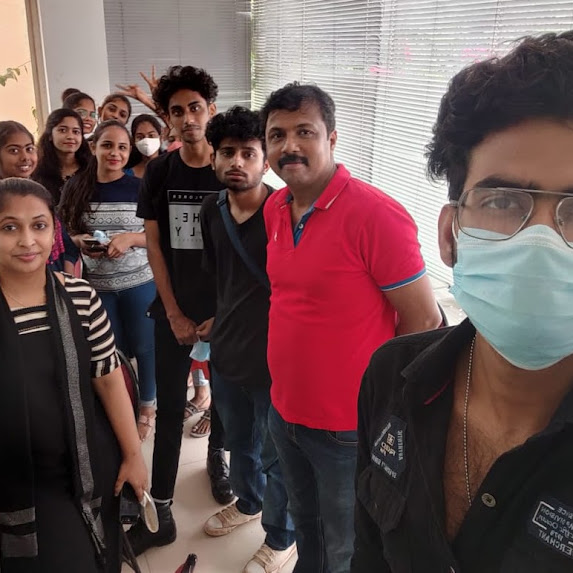
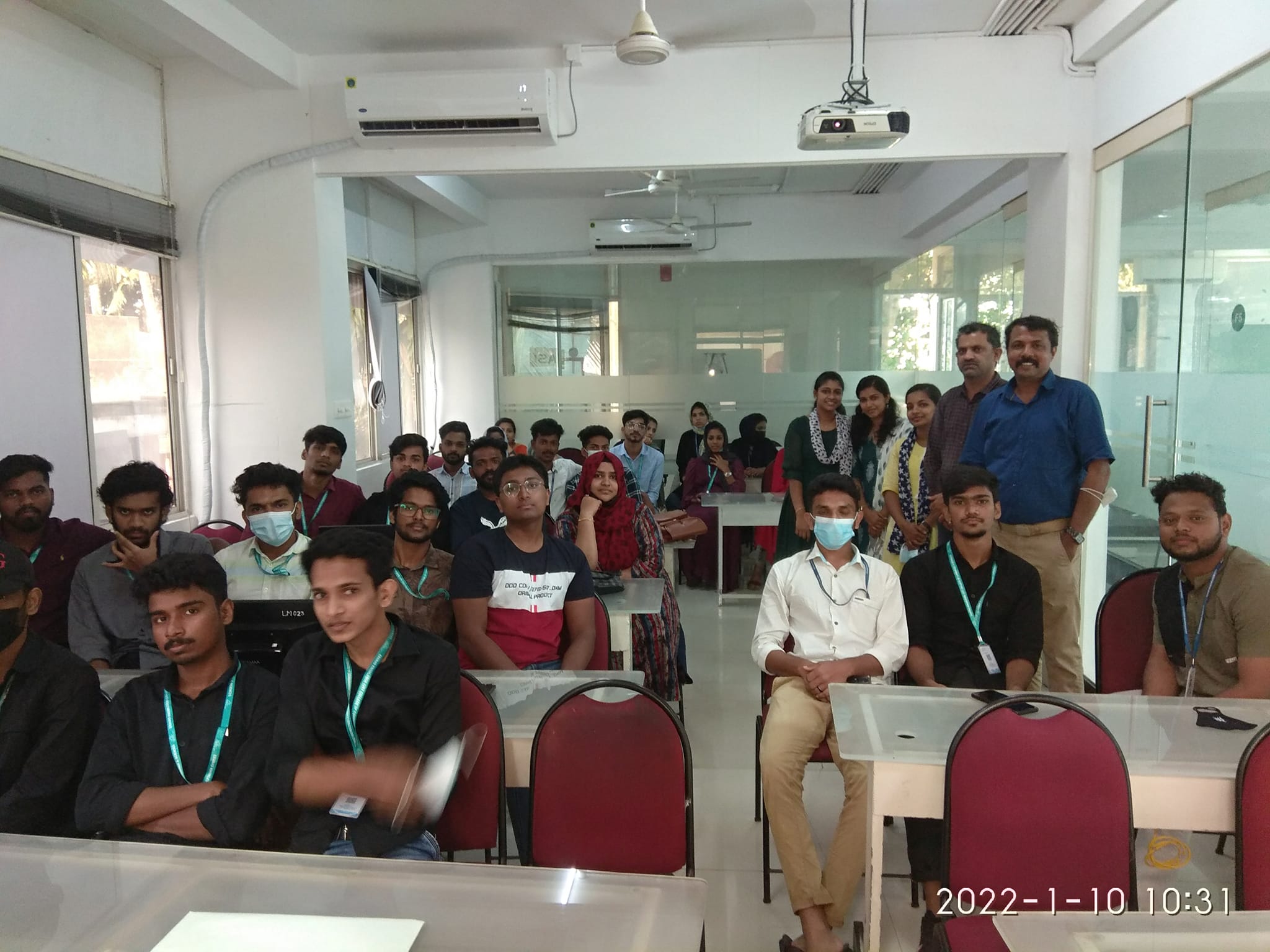
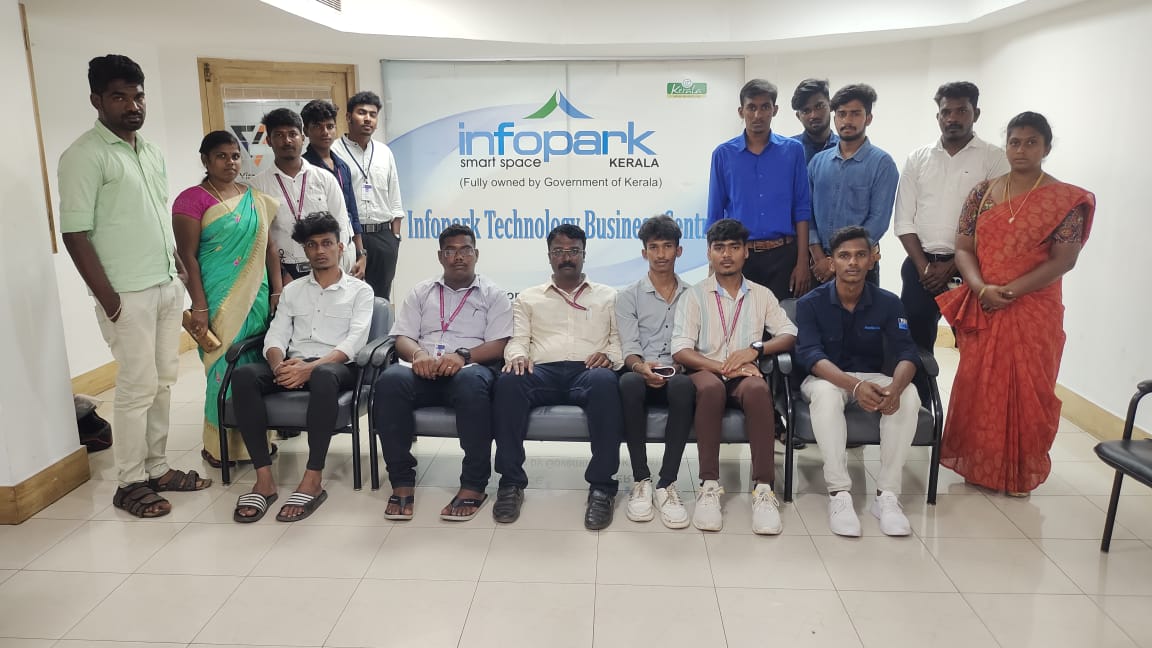
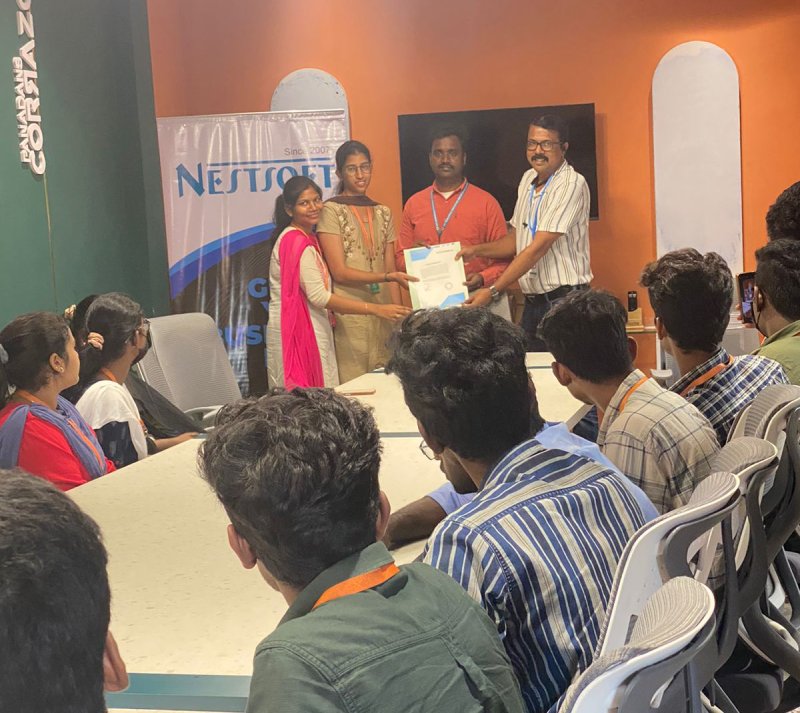
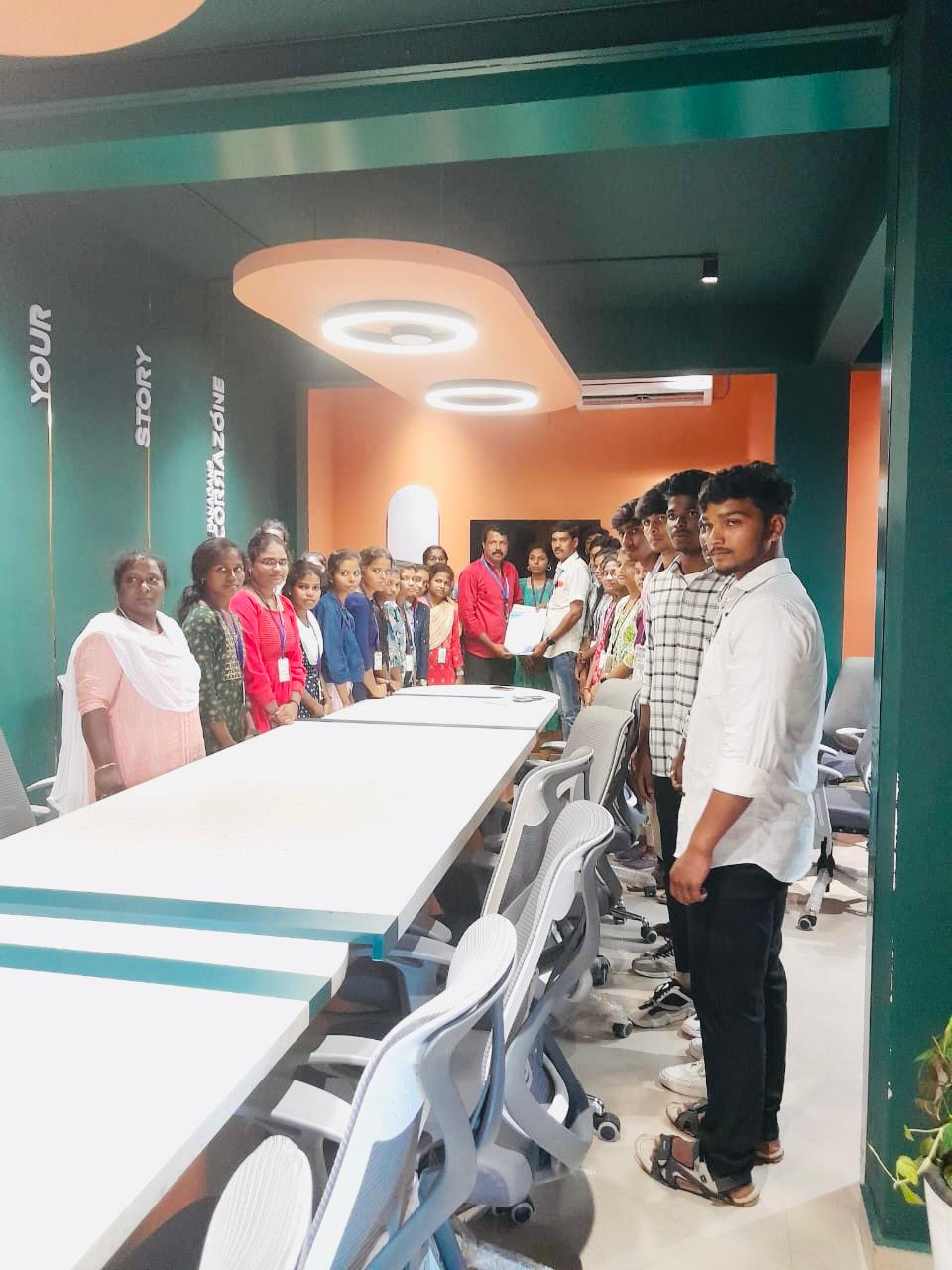
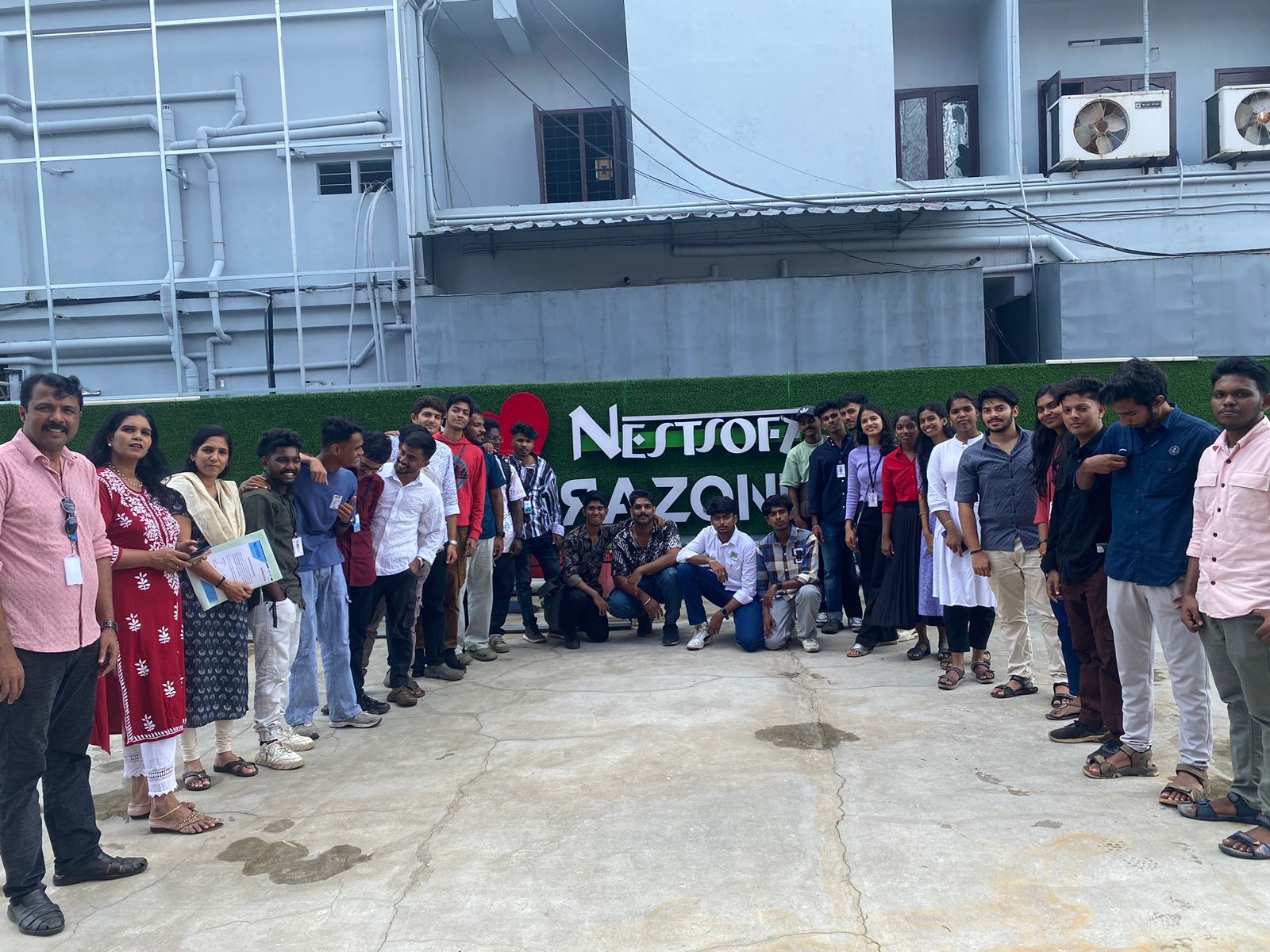
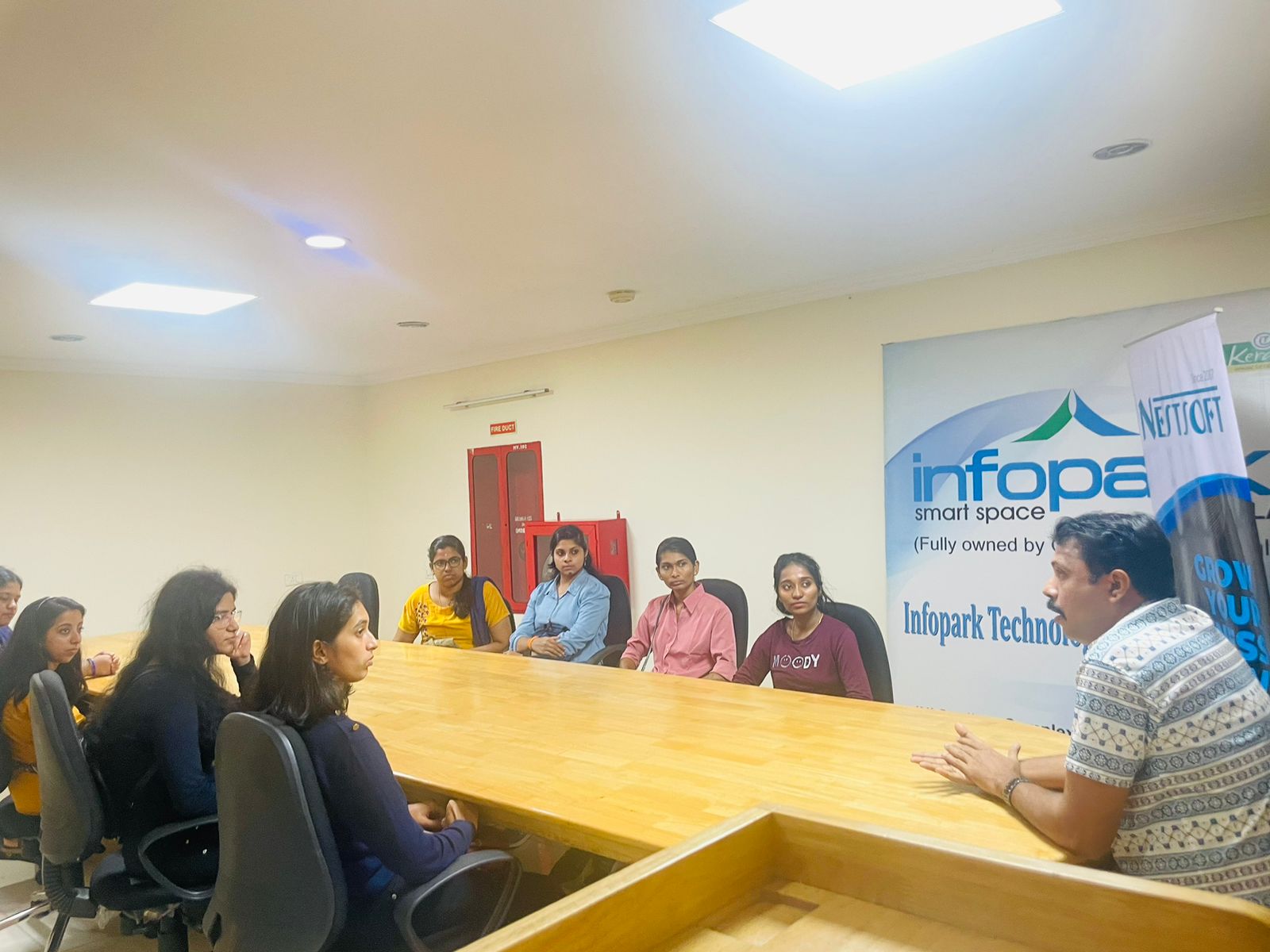
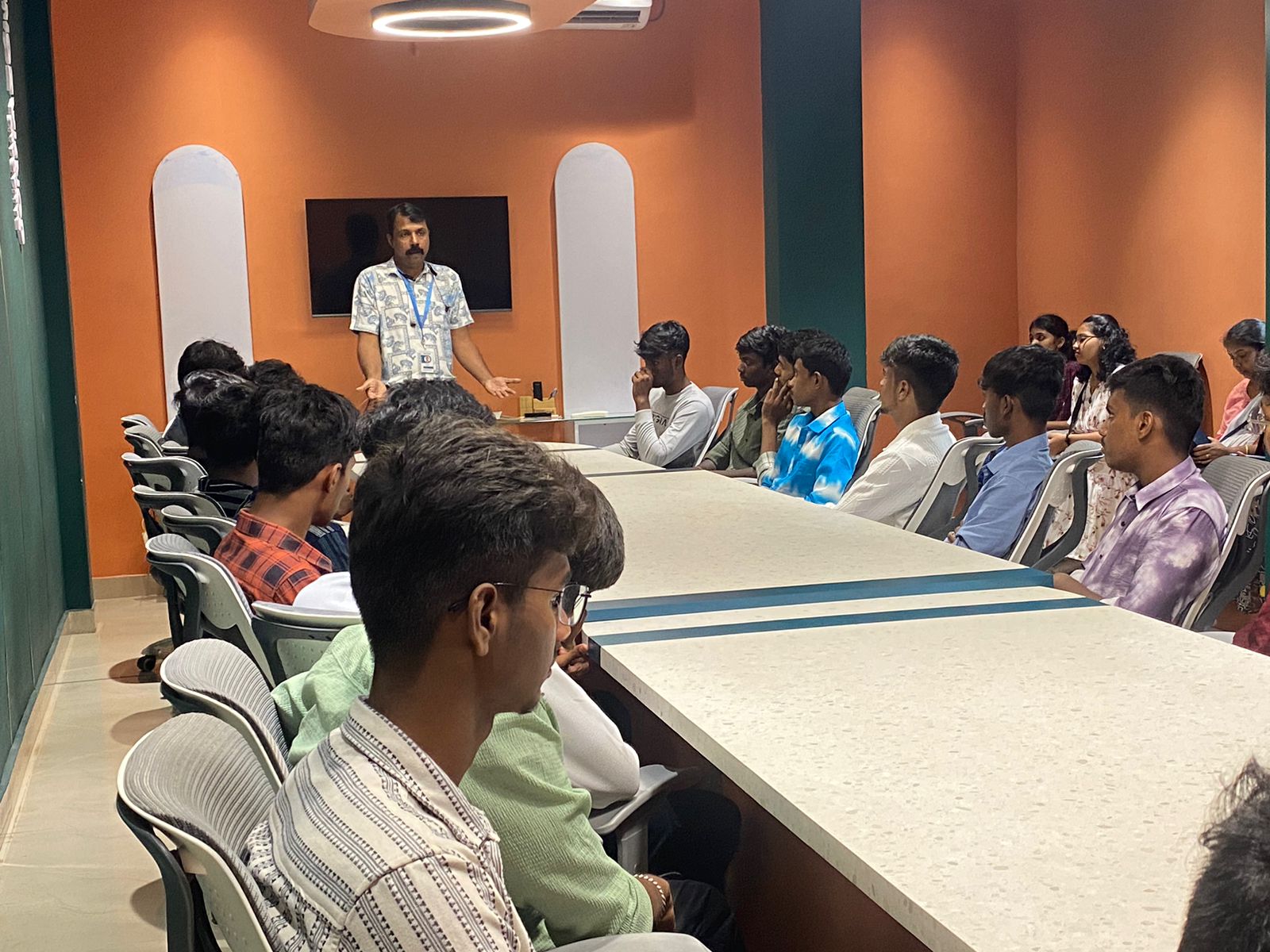
Photos of Training / Internships

Internship/projects in kannur

Trained more than 10000+ students who trust Nestsoft TechnoMaster

Get Your Personal Trainer