Send enquiry ⏎

Laravel Online Live Class by Experts

Our Training/Internship Process

Laravel Online Live Classes in Mangaluru | Free Demo Training

Laravel - Syllabus, Fees & Duration

Section 1 : Introduction of Laravel PHP Framework

  • Installing Laravel
  • Artisan CLI ( command-line interface )
  • Laravel Directory Structure
  • Configuring a new Laravel project

Section 2 : Architecture & Basics

  • Architecture overview -Basic routing
  • Call a controller method from a route
  • Passing variables from controllers to views
  • CSRF protection
  • Validation
  • Error handling
  • Controller
  • Request
  • Response
  • Views
  • Session

Section 3 : HTML Template to Laravel Blade Template

  • Master layout
  • Extending the master layout
  • Displaying variables
  • Blade conditional statements & loops
  • PHP functions in blade
  • Creating and using a basic views
  • Loading a view into another view/nested views
  • Adding assets
  • Integrating with Bootstrap

Section 4 : Security & Session

  • Authentication
  • Authorization
  • Encryption
  • Hashing
  • Using Security
  • Sessions Effective

Section 5 : Database

  • Introduction
  • Query Builder
  • Migrations
  • Seeding

Section 6 : Eloquent ORM ( Storing and Using Data )

  • Eloquent ORM Models
  • Naming conventions
  • Table name and primary keys
  • Timestamps
  • Eloquent ORM INSERT, READ , UPDATE , DELETE
  • Using models in controllers
  • Displaying data from models in views

Section 7 : Creating a registration & user login form

  • Artisan command to create inbuilt user register and login system
  • Authenticating Your Application
  • Adding Custom Fields to Registration Form
  • Creating user profile page

Section 8 : Admin Panel Setup

  • Introduction
  • Setup Admin Panel using Bootstrap theme
  • Create Admin login
  • Creating an admin authentication system
  • Encrypting and decrypting data

Section 9 : Using Ajax and jQuery

  • Introduction
  • Getting data from another page
  • Setting up a controller to return JSON data

Section 10 : Project

Download Syllabus - Laravel
This syllabus is not final and can be customized as per needs/updates
   
10000+
20+
50+
25+

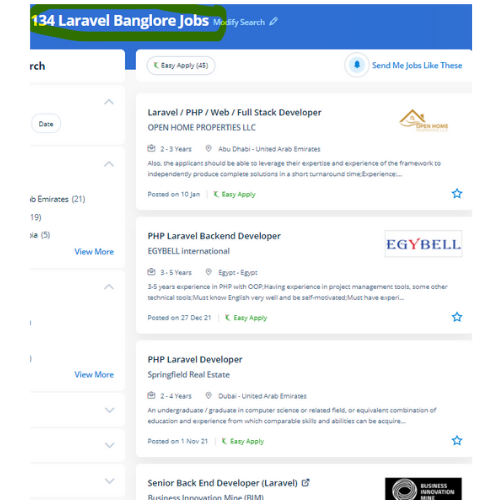
Laravel Jobs in Mangaluru

Enjoy the demand

Find jobs related to Laravel in search engines (Google, Bing, Yahoo) and recruitment websites (monsterindia, placementindia, naukri, jobshybrid.com, indeed.co.in, shine.com etc.) based in Mangaluru, chennai and europe countries. You can find many jobs for freshers related to the job positions in Mangaluru.

  • Full stack Developer
  • PHP Developer Laravel
  • Laravel Developer
  • Backend Developer
  • Senior Php Web Developer
  • Senior Backend Developer
  • Software Engineer-Laravel
  • Systems developer
  • Lead Full Stack Developer
  • Programmer

Laravel Internship/Course Details

Laravel internship jobs in Mangaluru
Laravel Laravel permits you to elaborate applications that are scalable and effective, easy and clean. This Laravel course explains a way to use the Laravel PHP frame to make web operations. Laravel could be a game-changer For your business. The safe authentication and consent ability of laravel guarantee the reputed companies in their production field. Laravel’s frontend code is separate from its back end. The safeguarded resources are entered by authentic and registered users are demanded by web application owners. The crucial viewpoint of Laravel is the concern that the software development system should be as simple, high-quality, and quick as possible. In such situations, you would like architectures that guard your web apps. The Laravel credential procedure is easier by enabling the users to configure the functions by applying effective authorization logic and giving allowances to the resources. This small feature will prevent thousands of dollars.


Meet a Few of our Industry Experts 🚀 Your Pathway to IT Career

Jagadeesh

Mobile: +91 9895490866
Location: Online (Mangaluru, India)
Qualification: MVM TRANSPORT

Experience: AWS Cloud networking CCNA troubleshooting devops VMware ms office git hub pycharm |   more..

Arivarasan

Mobile: +91 98474 90866
Location: Online (Mangaluru, India)
Qualification: B.E(ECE)

Experience: I have 6 years and 7 months of experience in the Odoo Python framework (ERP) as a backend developer I  more..

Gurpreet

Mobile: +91 9895490866
Location: Online (Mangaluru, India)
Qualification: Bca

Experience: Web mobile Api database testing Jira and other   more..

Manikaran

Mobile: +91 98474 90866
Location: Online (Mangaluru, India)
Qualification: B.Tech

Experience: Github Link : github com manikaran21 Certificates: drive google com drive folders 1Q-ptc395b998Lu111wdaudi_Lw73YVZ7?usp=sharing HackerRank Profile : hackerrank com masanmb17tes?hr_r=1 I  more..

santhana

Mobile: +91 98474 90866
Location: Online (Mangaluru, India)
Qualification: B.Com

Experience: Knowledge in Java Selenium manual testing Worked as a java trainer at Greens Technology's (exp-2 months)  more..

Nikhila

Mobile: +91 8301010866
Location: Online (Mangaluru, India)
Qualification: Bca

Experience: Fresher Html angular dbms  more..

Anil

Mobile: +91 98474 90866
Location: Online (Mangaluru, India)
Qualification: B.tech cse

Experience: Fullstack - Node js express js mongodb react js javascript tailwind css html git DBMS MySQL postman RESTFUL apis phyton  more..

Infant

Mobile: +91 94975 90866
Location: Online (Mangaluru, India)
Qualification: B. E. CSE

Experience: nearly 1 year of experience in odoo python development worked in Product pricelist items and Xero Odoo Integration   more..

Dumas

Mobile: +91 8301010866
Location: Online (Mangaluru, India)
Qualification: MCA

Experience: I have a two years experienced as a WordPress developer in past two companies and taken classes to the few  more..

Adinath

Mobile: +91 8301010866
Location: Online (Mangaluru, India)
Qualification: 12 sci pass

Experience: 2 years billing And marketing Graphic design |   more..

Vakkalagadda

Mobile: +91 98474 90866
Location: Online (Mangaluru, India)
Qualification: B.Tech

Experience: I have 3 years of experience in Digital Marketing and 1 year experience as PLSQl developer   more..

VIKRAM

Mobile: +91 8301010866
Location: Online (Mangaluru, India)
Qualification: Graduation

Experience: Adobe photoshop illustration premiere after effect in design |   more..

Ananthu

Mobile: +91 9895490866
Location: Online (Mangaluru, India)
Qualification: MBA

Experience: I am a Fresher in the Digital Marketing domain and have 4 years of experience in business development and  more..

Nitish

Mobile: +91 89210 61945
Location: Online (Mangaluru, India)
Qualification: Mca

Experience: I have 1 year experience in Android development I develop application in kotlin as well as java  more..

Krishna

Mobile: +91 9895490866
Location: Online (Mangaluru, India)
Qualification: MCA

Experience: Five years of experience in Odoo development including creating developing and deploying Odoo solutions for various customer bases capable of  more..

Nilesh

Mobile: +91 98474 90866
Location: Online (Mangaluru, India)
Qualification: Post graduate

Experience: I have more than 4 year of experience in angular 2 4 6 7 8 and 13 along with ui  more..

preritha

Mobile: +91 98474 90866
Location: Online (Mangaluru, India)
Qualification: B.E

Experience: With 4 years of hands-on experience I started cultivating my design skills during my college years where I dedicated myself  more..

Arshida.

Mobile: +91 89210 61945
Location: Online (Mangaluru, India)
Qualification: B.Ed in Mathematics

Experience: As part of my B Ed programme I got an opportunity to teach at SNDP VHSS Adimali I have 2  more..

Vijesh

Mobile: +91 8301010866
Location: Online (Mangaluru, India)
Qualification: Bachelor Degree in IT

Experience: 12 years of experience in native iOS development   more..

Suraj

Mobile: +91 98474 90866
Location: Online (Mangaluru, India)
Qualification: B.Tech

Experience: Hi I’m a MERN Stack developer looking for an opportunity to gain experience and work on real world projects I  more..

Manasi

Mobile: +91 98474 90866
Location: Online (Mangaluru, India)
Qualification: Bca

Experience: Good in typing expert in language like c c++ python  more..

AISWARYA

Mobile: +91 98474 90866
Location: Online (Mangaluru, India)
Qualification: BSC Mathematics

Experience: BPO EXPERIENCE and also studied software testing course  more..

Prabhu

Mobile: +91 94975 90866
Location: Online (Mangaluru, India)
Qualification: MBA, PGDMM, DSCM

Experience: Supply chain management Logistics networking Warehouse Operations Inventory Management Supply Chain Analytics  more..

Bussa

Mobile: +91 94975 90866
Location: Online (Mangaluru, India)
Qualification: B tech

Experience: I have a solid understanding of both Java and python In Java I am comfortable with concepts such as object  more..

Success Stories

The enviable salary packages and track record of our previous students are the proof of our excellence. Please go through our students' reviews about our training methods and faculty and compare it to the recorded video classes that most of the other institutes offer. See for yourself how TechnoMaster is truly unique.

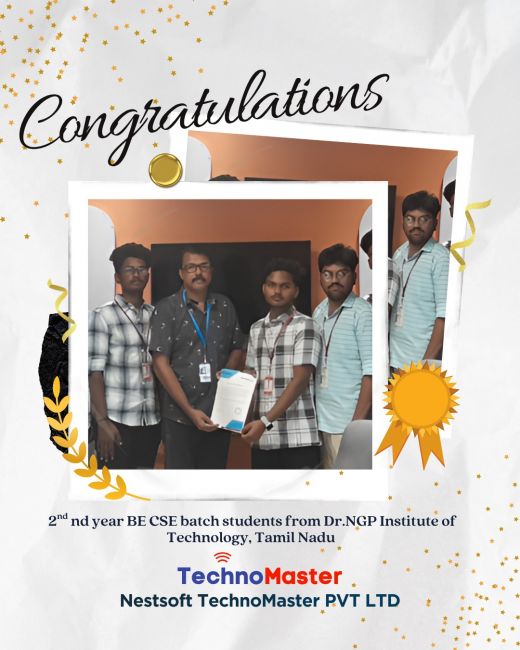
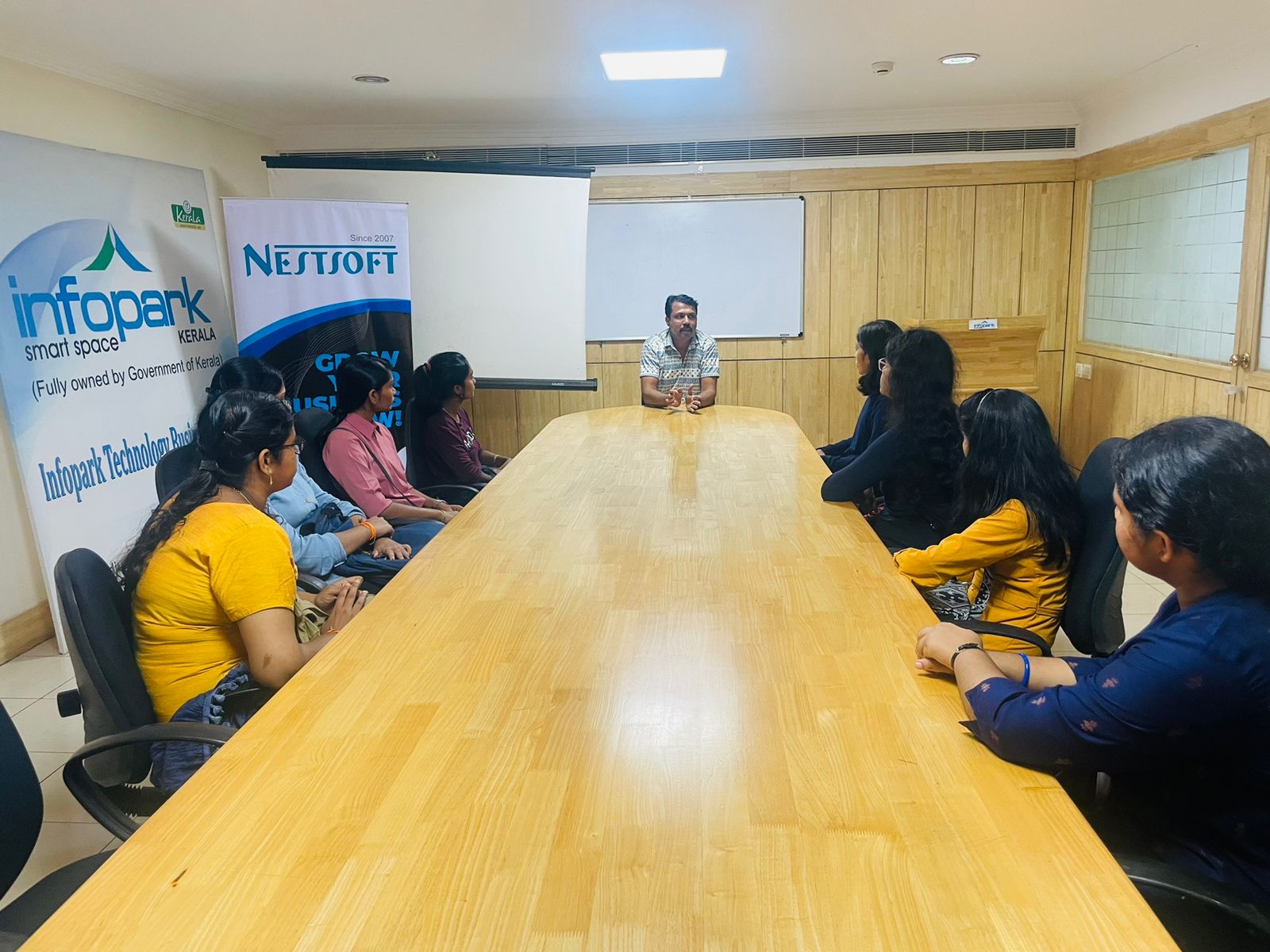
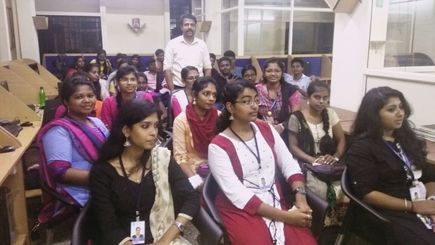
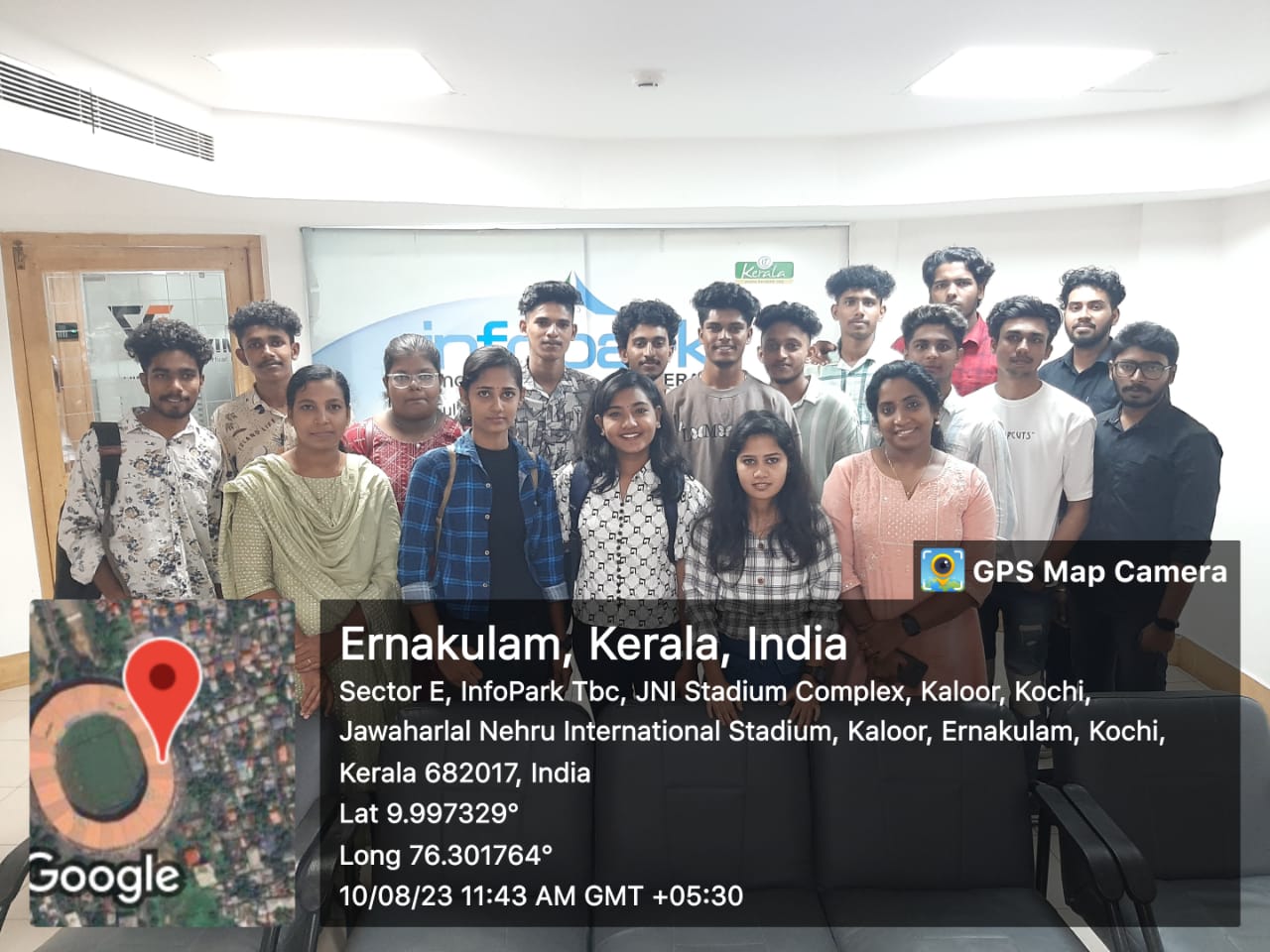
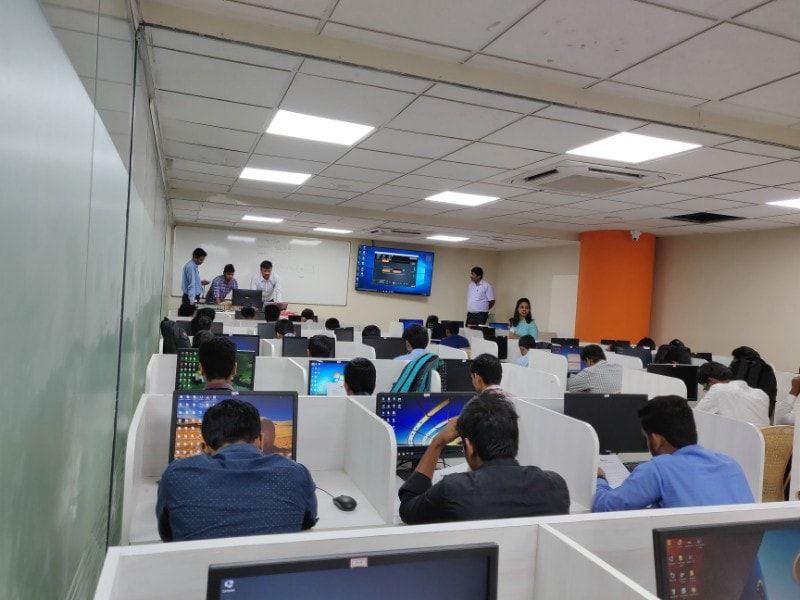
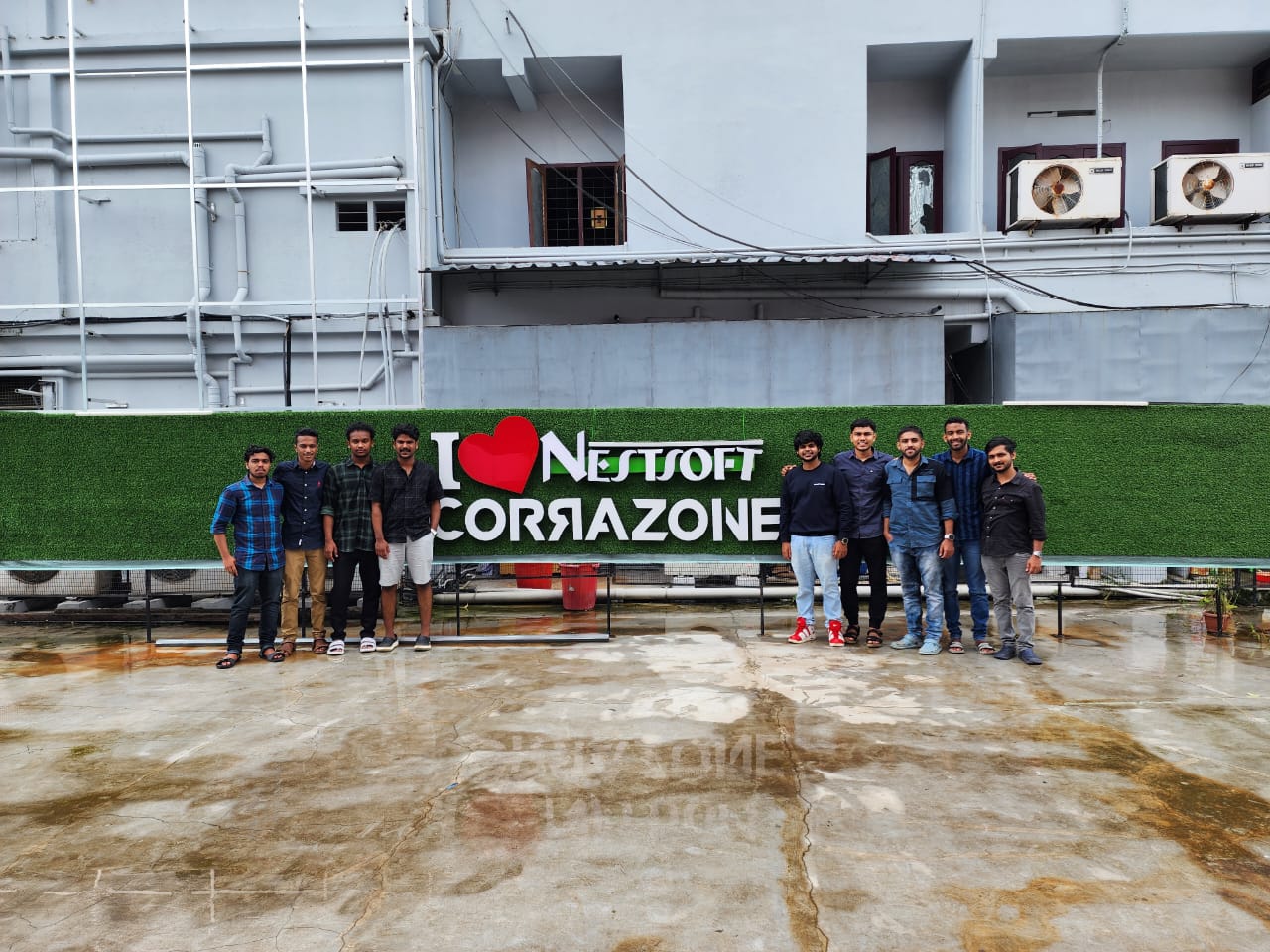
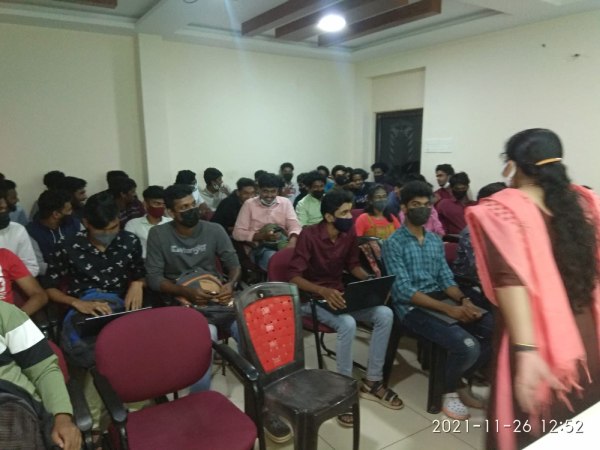
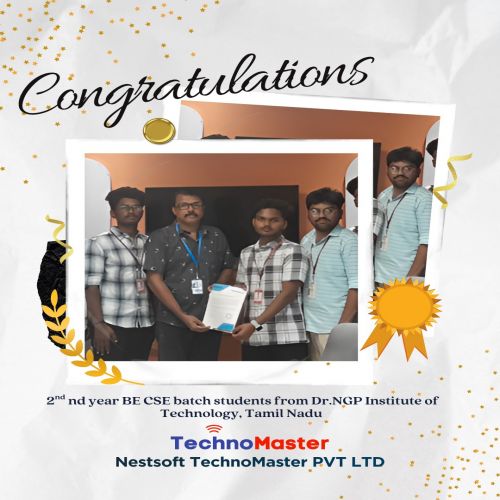
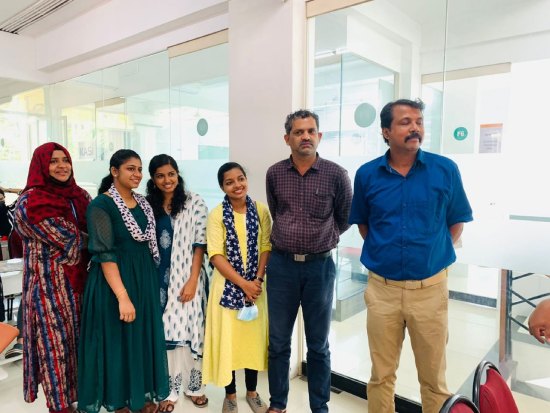
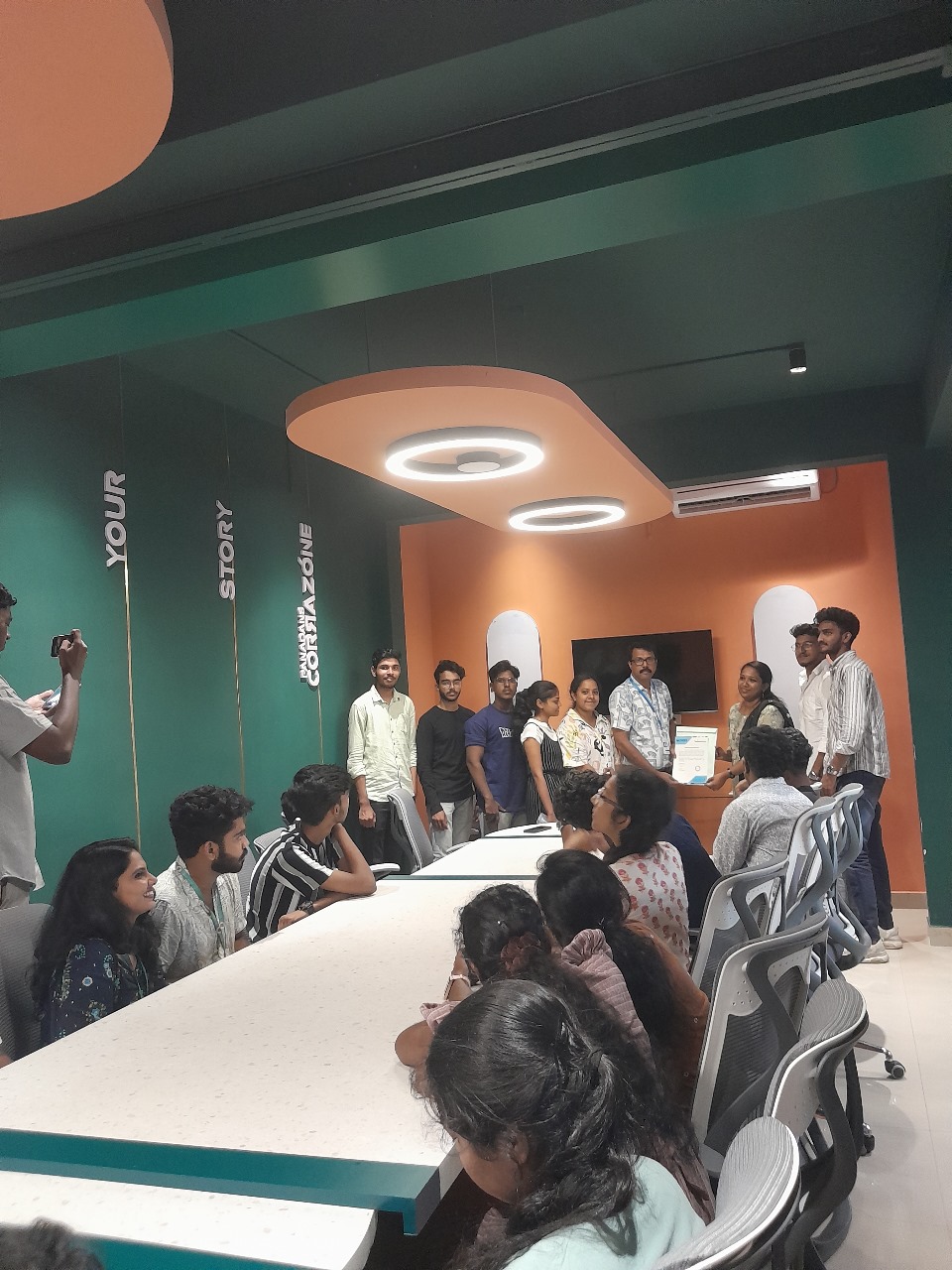
Photos of Training / Internships

Internship/projects in mangaluru

Trained more than 10000+ students who trust Nestsoft TechnoMaster

Get Your Personal Trainer