Send enquiry ⏎

Autodesk 3Ds Max Online Live Class by Experts

Our Training/Internship Process

Autodesk 3Ds Max Online Live Classes in Tiruppur | Free Demo Training

Autodesk 3Ds Max - Syllabus, Fees & Duration

Getting to Know 3ds Max

  • Touring the Interface
  • The Viewports
  • Getting to Know the Command Panel
  • Working with Objects
  • Transforming Objects
  • Copying an Object
  • Understanding the Perspective Viewing Tools
  • Using Multiple Viewports

Introducing 3ds Max Objects

  • Understanding Standard Primitives
  • Adjusting Objects' Parameters
  • Accessing Parameters
  • Modeling Standard Primitives with Modifiers
  • Using the Modifier Stack Tools
  • Making Clones That Share Properties
  • Using Various Modifiers
  • Understanding Extended Primitives
  • Working with Groups

Creating Shapes with Splines

  • Drawing using Splines
  • Lathing a Spline
  • Modifying a Shape Using Sub-object Levels
  • Flipping Surface Normals
  • Creating Thickness with a Spline
  • Combining and Extruding Splines
  • Introducing Other Spline Types
  • Editing Splines

Editing Meshes and Creating Complex Objects

  • Polygon Modeling Techniques
  • Using Graphite Modeling Tools
  • Creating buildings using modifiers

Working with External Design Data

  • Importing AutoCAD Plans into 3ds Max
  • Extruding the Walls

Creating AEC Objects

  • Creating a Parametric Wall
  • Adjusting the Wall’s Parameters
  • Adding Doors and Windows to Walls
  • Creating a Parametric Window
  • Creating Stairs
  • Creating Foliage

Organizing and Editing Objects

  • Naming Objects
  • Organizing Objects by Layers
  • Setting Up Layers
  • Assigning Objects to Layers
  • Assigning Color to Layers
  • Lofting an Object
  • Lofting a Shape Along a Path
  • Using Different Shapes Along the Loft Path
  • Extruding with the Sweep Modifier
  • Aligning Objects

Light and Shadow

  • Understanding the Types of Lights
  • Adding a Spotlight to Simulate the Sun
  • Rendering a View
  • Adding Shadow Effects
  • Softening Shadow Edges

Shading and Texturing

  • Understanding Bitmap Texture Maps
  • Diffuse Color Maps
  • Understanding Surface Properties
  • Adding Materials to Objects
  • Understanding Material Libraries
  • Editing Materials
  • Using Bump Maps
  • Understanding Mapping Coordinates
  • Adjusting the UVW Mapping Gizmo
  • Assigning Materials to Parts of an Object
  • Creating a Multi/Sub-Object Material

Using the 3ds Max Camera

  • Understanding the 3ds Max Camera
  • Adding a Camera
  • Editing the Camera Location with the Viewport Tools
  • Setting Up an Interior View
  • Creating an Environment
  • Working with Walkthrough-Assistant

Creating Animations

  • Using Animation controls
  • Using Keyframe animation
  • Bouncing a Ball
  • Adding Camera Motion
  • Adjusting the Camera Path
  • Creating Preview Animation
  • Compressing and Expanding Time
  • Rendering the Animation

Mental Ray Concepts

  • Understanding Mental Ray
  • Understanding Global Illumination
  • Understanding Final Gather
  • Assigning the Mental Ray Renderer
  • Using the Rendered Frame Window Controls

Gamma Correction

  • Understanding Gamma and Linear Workflow
  • Applying gamma correction

Materials

  • Understanding Autodesk materials
  • Understanding Arch & Design materials
  • Creating various materials

Rendering

  • Improving Rendering Quality
  • Rendering an Exterior Scene
  • Rendering an Interior Scene

VRay

  • What is VRay and how to setup VRay
  • Global Illumination in VRay
  • VRay Image Saving Options
  • VRay Lights
  • VRay Camera

Rendering Scenes

  • Rendering an interior scene using V-Ray
  • Rendering an exterior scene using V-Ray

Download Syllabus - Autodesk 3Ds Max
This syllabus is not final and can be customized as per needs/updates
   
10000+
20+
50+
25+

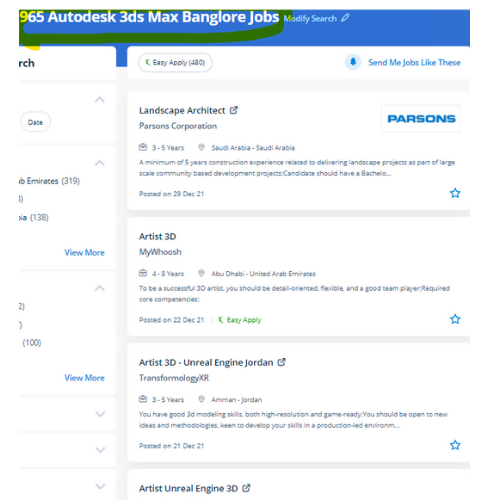
Autodesk 3Ds Max Jobs in Tiruppur

Enjoy the demand

Find jobs related to Autodesk 3Ds Max in search engines (Google, Bing, Yahoo) and recruitment websites (monsterindia, placementindia, naukri, jobshybrid.com, indeed.co.in, shine.com etc.) based in Tiruppur, chennai and europe countries. You can find many jobs for freshers related to the job positions in Tiruppur.

  • 3Ds Max Designer
  • Graphic Designer
  • Visualizer 3d
  • 3Ds Max Trainer
  • Architectural 3d Visualizer
  • 3d Modeling
  • AutoCAD Draftsman
  • Designing Trainer
  • Motion Graphic Designer
  • Generalist 3D

Autodesk 3Ds Max Internship/Course Details

Autodesk 3Ds Max internship jobs in Tiruppur
Autodesk 3Ds Max With it, users area unit ready to create and put along with geometric figures of various shapes, moreover as apply surface and mesh modeling. join our online Autodesk 3ds max coaching Course today to complete Autodesk 3ds max from basic to intermediate & advanced levels. As well as, 3Ds max also has animation controllers that users will produce, edit, and share. Sophisticated models have created a very easy manner. Moreover, the program is ideal for the simulation of mechanical components, as well. Nestsoft offers 3DTraining programs that are self-paced and conducted online using our patent-pending interactive simulator platform together with live-online classes and sessions are handled by industry experts. Being a 3D modeler or animator suggests being well familiar with each kind and choice of 3D modeling and animation software tools that are used to highlight your creations. . Our training solutions are here to assist develop your active skills to unleash your creativity to a future level, whether you're a new user or a professional in Autodesk 3D Max and it has plenty of job opportunities these days. The software is additionally very useful for architectural design, infrastructure and construction, product development, and producing planning.


Meet a Few of our Industry Experts 🚀 Your Pathway to IT Career

Varshini

Mobile: +91 91884 77559
Location: Online (Tiruppur, India)
Qualification: Bachelor of Arts in Mass media and Communications

Experience: I can work well in photoshop premiere pro and after effects I freelance (motion) graphics design for a couple of  more..

Pulakandam

Mobile: +91 91884 77559
Location: Online (Tiruppur, India)
Qualification: B-Tech

Experience: Ethical hacking python cyber security  more..

Dineshkumar

Mobile: +91 9895490866
Location: Online (Tiruppur, India)
Qualification: BE

Experience: Dear Sir Madam Good Morning I am writing to express my interest in the Manual Tester position at your company  more..

Gunjan

Mobile: +91 94975 90866
Location: Online (Tiruppur, India)
Qualification: B.tech

Experience: My name is Gunjan You can hire me for this role because I am a quick learner I will focus  more..

Anandhu

Mobile: +91 89210 61945
Location: Online (Tiruppur, India)
Qualification: Bachelor's of computer Application

Experience: I Anandhu Narayanan i am bca graduate i completed my graduation in 2023 after my graduation i have done 6  more..

Aadi

Mobile: +91 8301010866
Location: Online (Tiruppur, India)
Qualification: MDes

Experience: UX Research Primary research secondary research wireframing user flow mapping user interviews qualitative research quantitative research competitive analysis UI design  more..

Gagandeep

Mobile: +91 9895490866
Location: Online (Tiruppur, India)
Qualification: B. Sc animation multimedia

Experience: 4+ years experience in video editor line and also in graphic design line |   more..

Avinesh

Mobile: +91 91884 77559
Location: Online (Tiruppur, India)
Qualification: Bachelor of Engineering

Experience: I have 2 years experience as a wordpress developer other than that i have good knowledge in SEO html css  more..

Sreedeep

Mobile: +91 8301010866
Location: Online (Tiruppur, India)
Qualification: Mca

Experience: Working as a software developer in bicoders solution kinfra (angular and flutter)Application for Angular JS  more..

DEEPENDRA

Mobile: +91 9895490866
Location: Online (Tiruppur, India)
Qualification: Graduation

Experience: System security implementation Firewall configuration and management Data encryption techniques Backup and recovery planning Disaster recovery planning User training and  more..

Arpit

Mobile: +91 9895490866
Location: Online (Tiruppur, India)
Qualification: Btech

Experience: Oyelabs- nodejs developer Campk12 -coding instructor Codefeast - curriculum development Regex software- Mern stack trainerApplication for Node JS  more..

somasundarm

Mobile: +91 9895490866
Location: Online (Tiruppur, India)
Qualification: master of computer appliacation

Experience: python sql java fdata analiytics  more..

Shagun

Mobile: +91 89210 61945
Location: Online (Tiruppur, India)
Qualification: MCA

Experience: Skills: Java Selenium TestNG cucumber API testing SQL injection Manual Testing Experience: 1 5 years as a automation tester Currently  more..

Nayana

Mobile: +91 91884 77559
Location: Online (Tiruppur, India)
Qualification: BTech

Experience: 1 year experience as a software testing Trainee Manual Testing  more..

Vishup

Mobile: +91 98474 90866
Location: Online (Tiruppur, India)
Qualification: BE Mechanical

Experience: Html css javascript & bootstrap Java and oracle sql 1 year of experience as a Frontend Developer   more..

Silpa

Mobile: +91 91884 77559
Location: Online (Tiruppur, India)
Qualification: BTech

Experience: Python Full stack development training and SAP CRM consultant Client Handling  more..

Sachin

Mobile: +91 91884 77559
Location: Online (Tiruppur, India)
Qualification: Mcom

Experience: rocessed all orders for Machining part supply packaging supplies office supplies maintenance safety supplies research & development and capital expense  more..

Abhay

Mobile: +91 98474 90866
Location: Online (Tiruppur, India)
Qualification: MCA

Experience: I have 2+ years of experience as Frontend developer with these skills HTML CSS Javascript jQuery bootstrap tailwindcss WordPress and  more..

Kumar

Mobile: +91 94975 90866
Location: Online (Tiruppur, India)
Qualification: BE ECE

Experience: I have a basic knowledge in Social media marketing and management I have a knowledge in Technical support role and  more..

Pinki

Mobile: +91 9895490866
Location: Online (Tiruppur, India)
Qualification: M.C.A

Experience: I have 8+ years of experience in odoo erp  more..

Manish

Mobile: +91 98474 90866
Location: Online (Tiruppur, India)
Qualification: BCA

Experience: I am software Java developer and complete Java intern  more..

Pranay

Mobile: +91 91884 77559
Location: Online (Tiruppur, India)
Qualification: BTech computer science engineering

Experience: Recent CS grad skilled in react javascript and python Looking to start career in software development  more..

Nilam

Mobile: +91 91884 77559
Location: Online (Tiruppur, India)
Qualification: Graduation

Experience: I have 2 years experience in seo field   more..

Srividhya

Mobile: +91 8301010866
Location: Online (Tiruppur, India)
Qualification: B.tech information technology

Experience: I have been working as a professional designer for four years collaborating with various companies and products I have a  more..

Success Stories

The enviable salary packages and track record of our previous students are the proof of our excellence. Please go through our students' reviews about our training methods and faculty and compare it to the recorded video classes that most of the other institutes offer. See for yourself how TechnoMaster is truly unique.

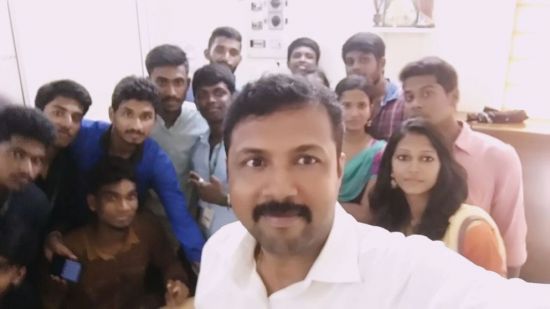
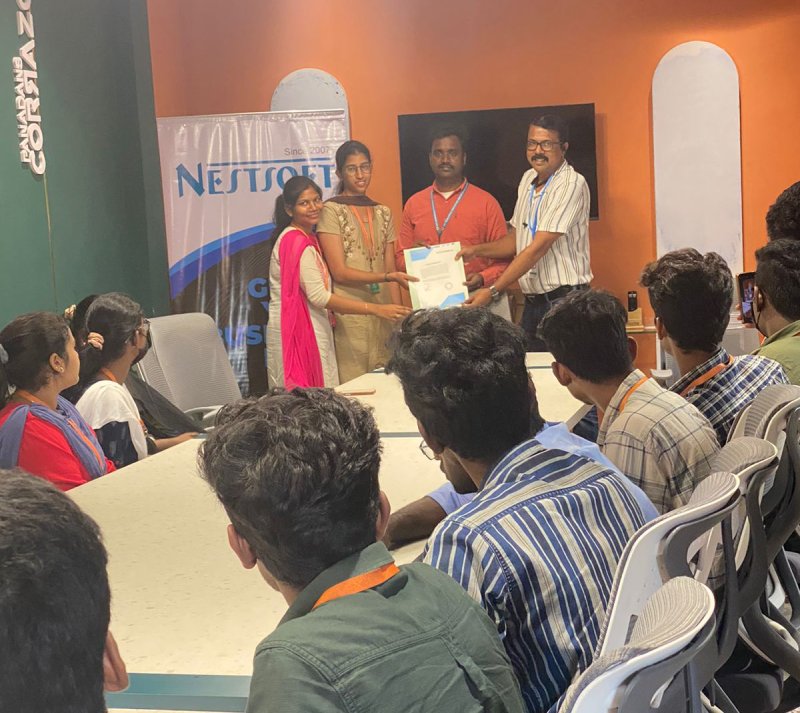
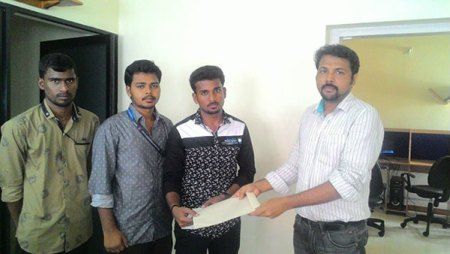
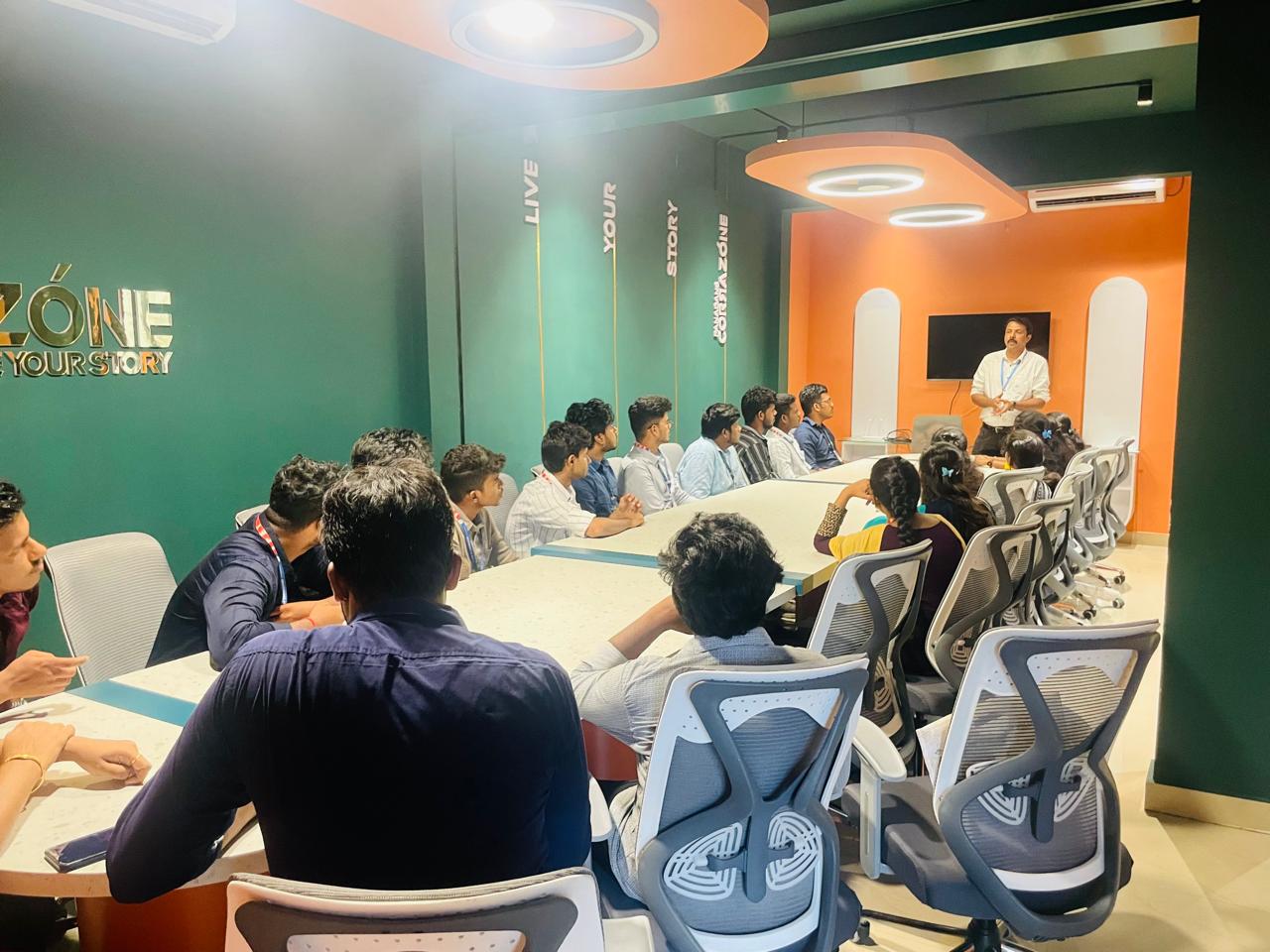
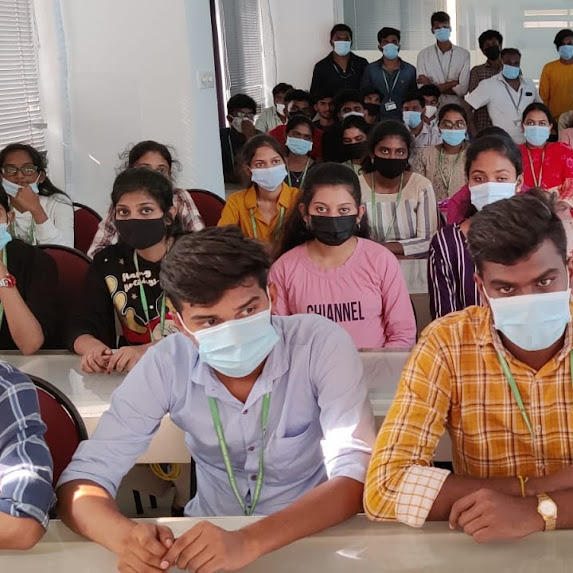
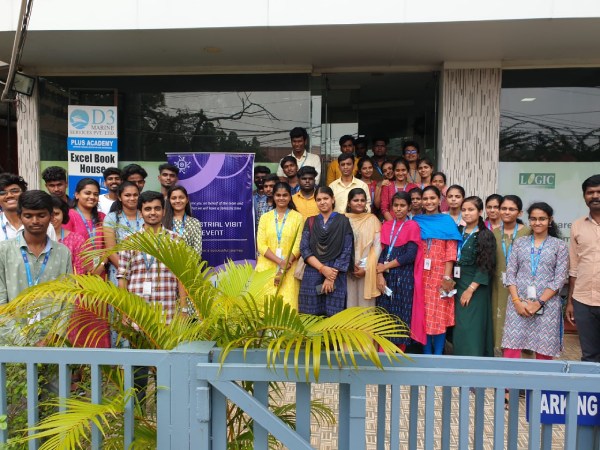
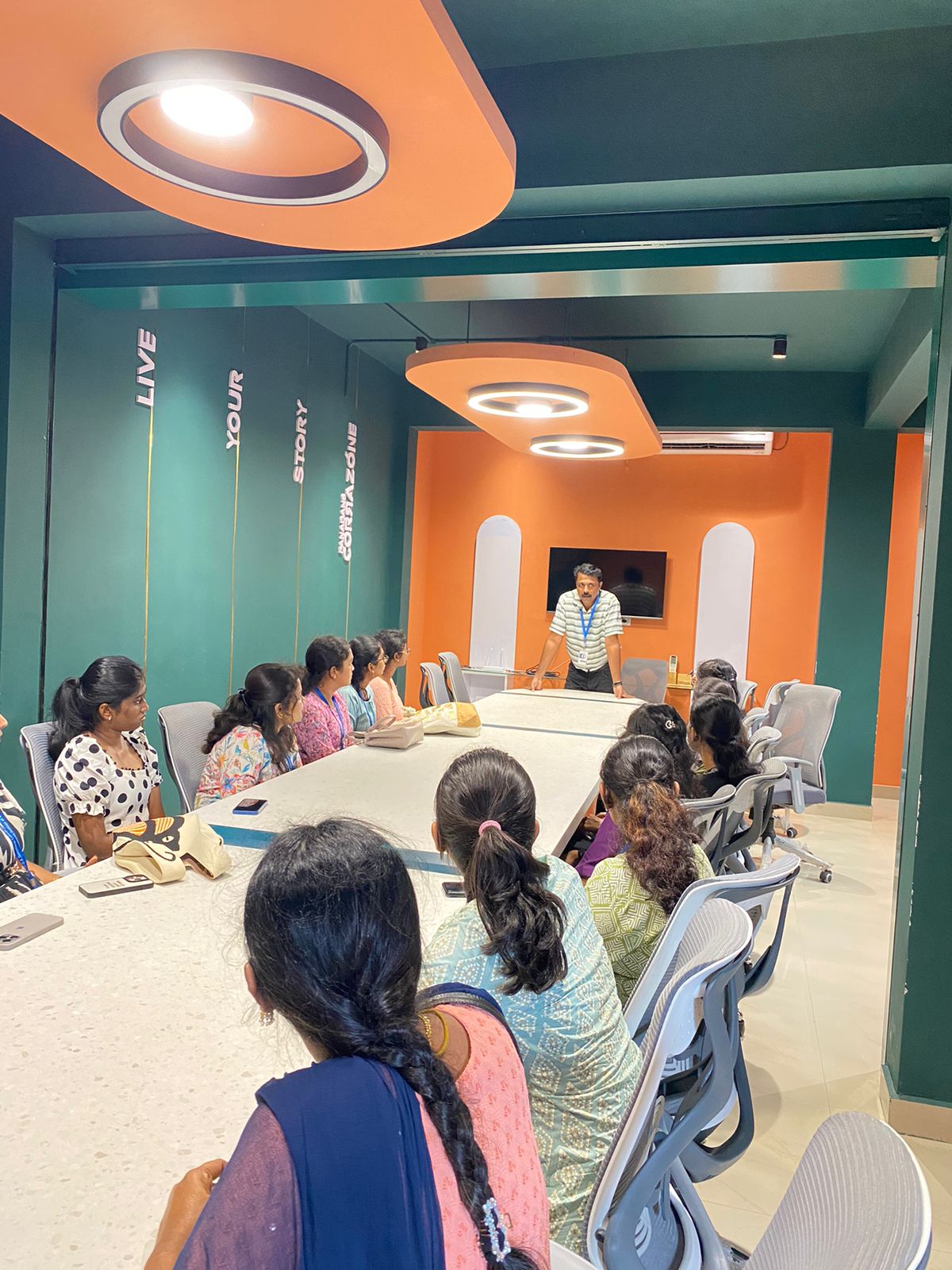
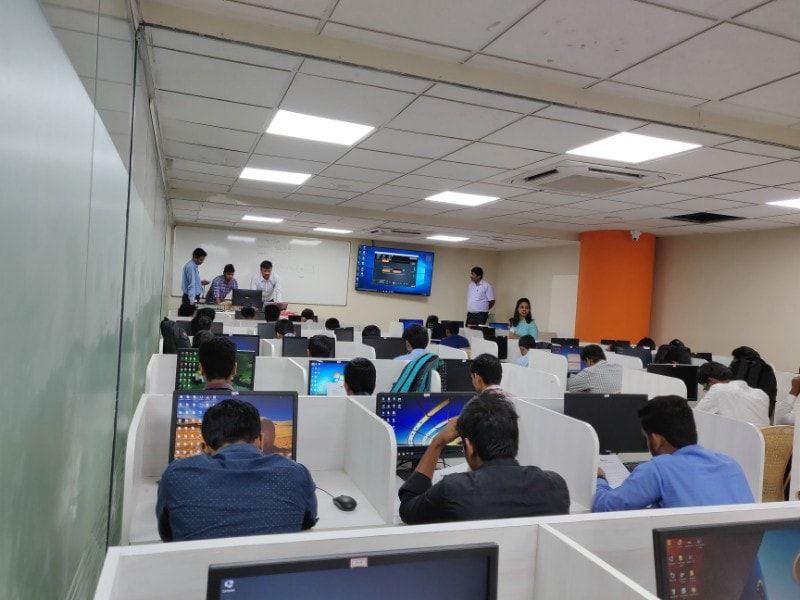
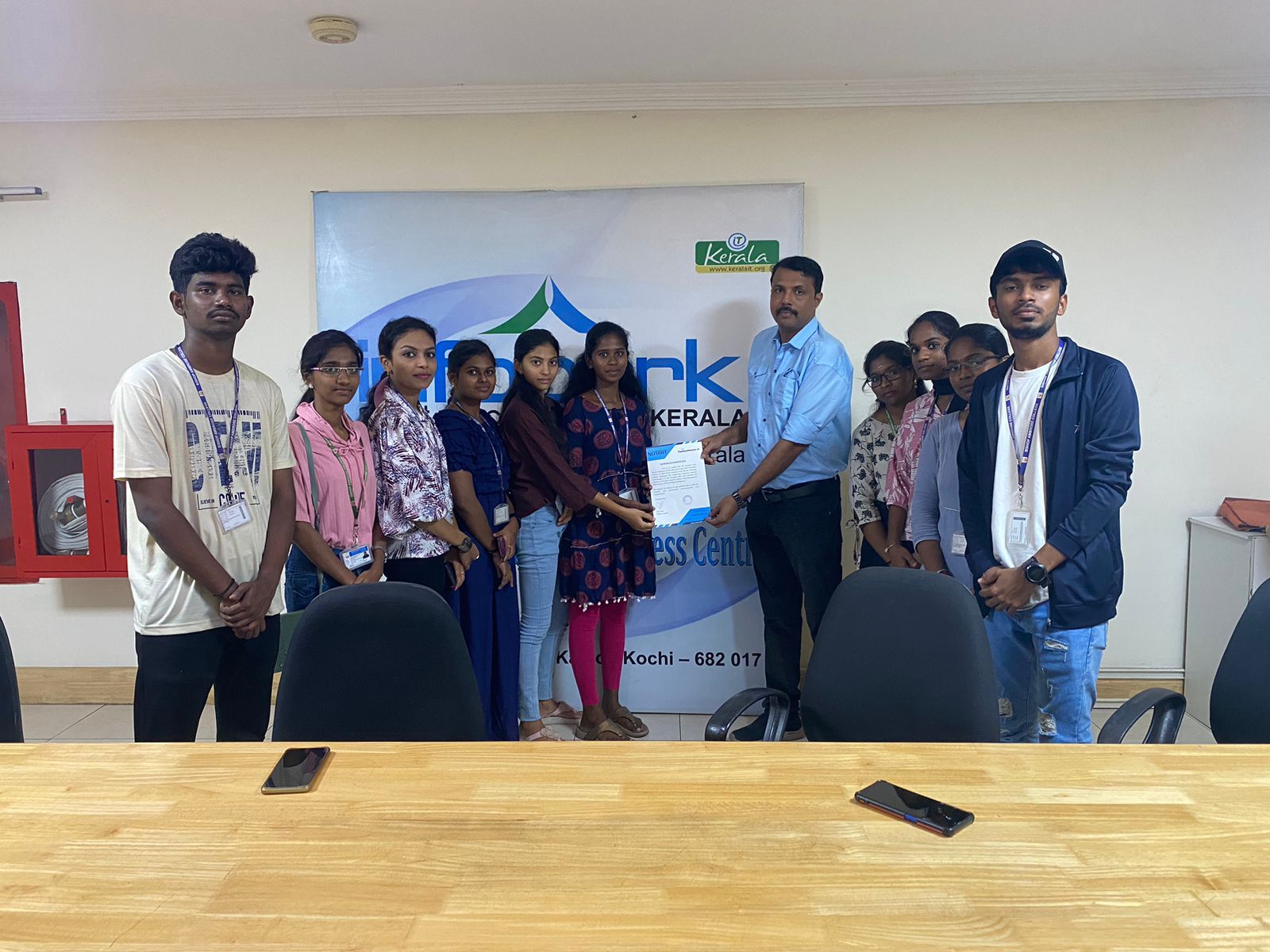
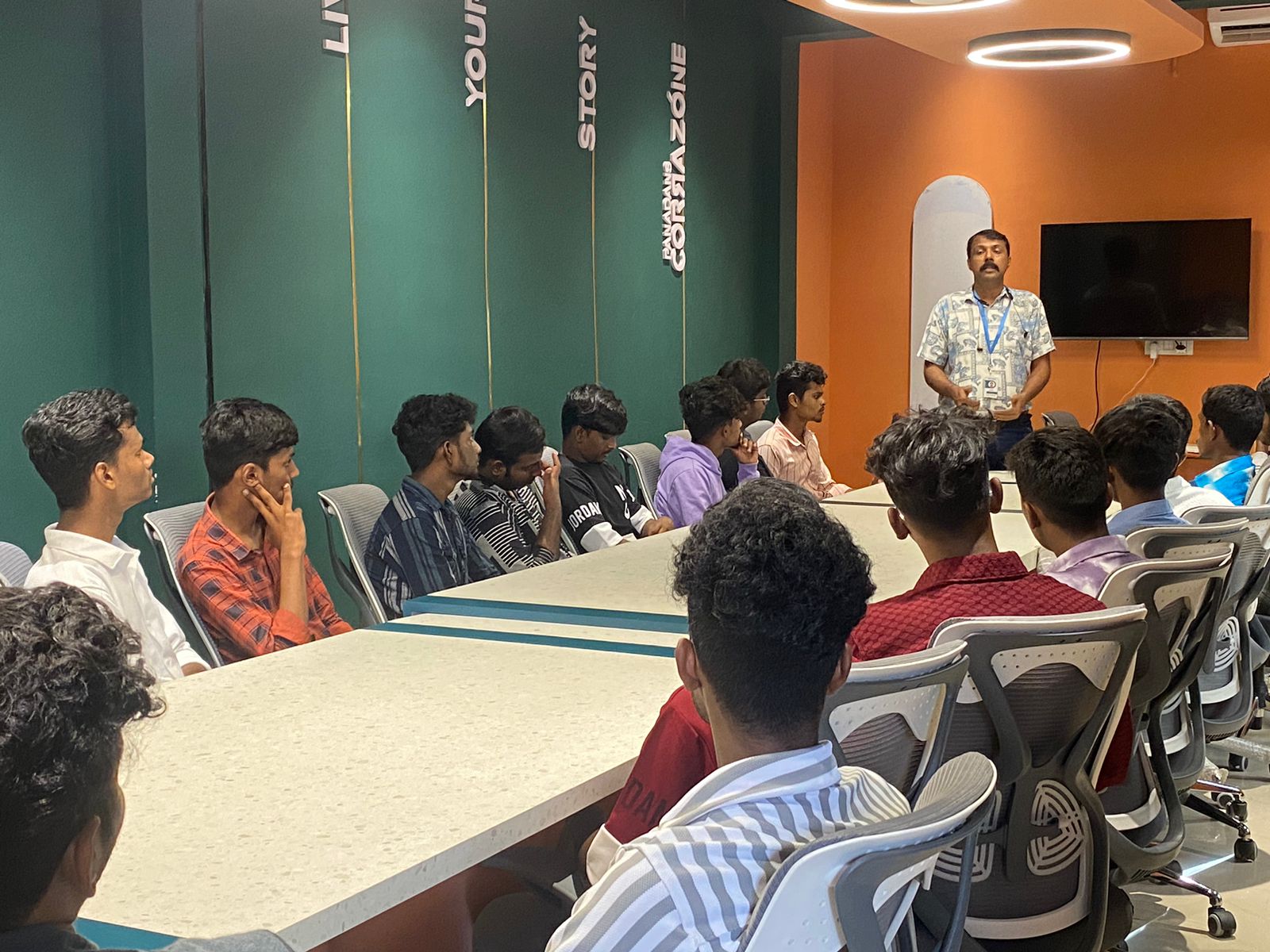
Photos of Training / Internships

Internship/projects in tiruppur

Trained more than 10000+ students who trust Nestsoft TechnoMaster

Get Your Personal Trainer