Send enquiry ⏎

Autodesk 3Ds Max Online Live Class by Experts

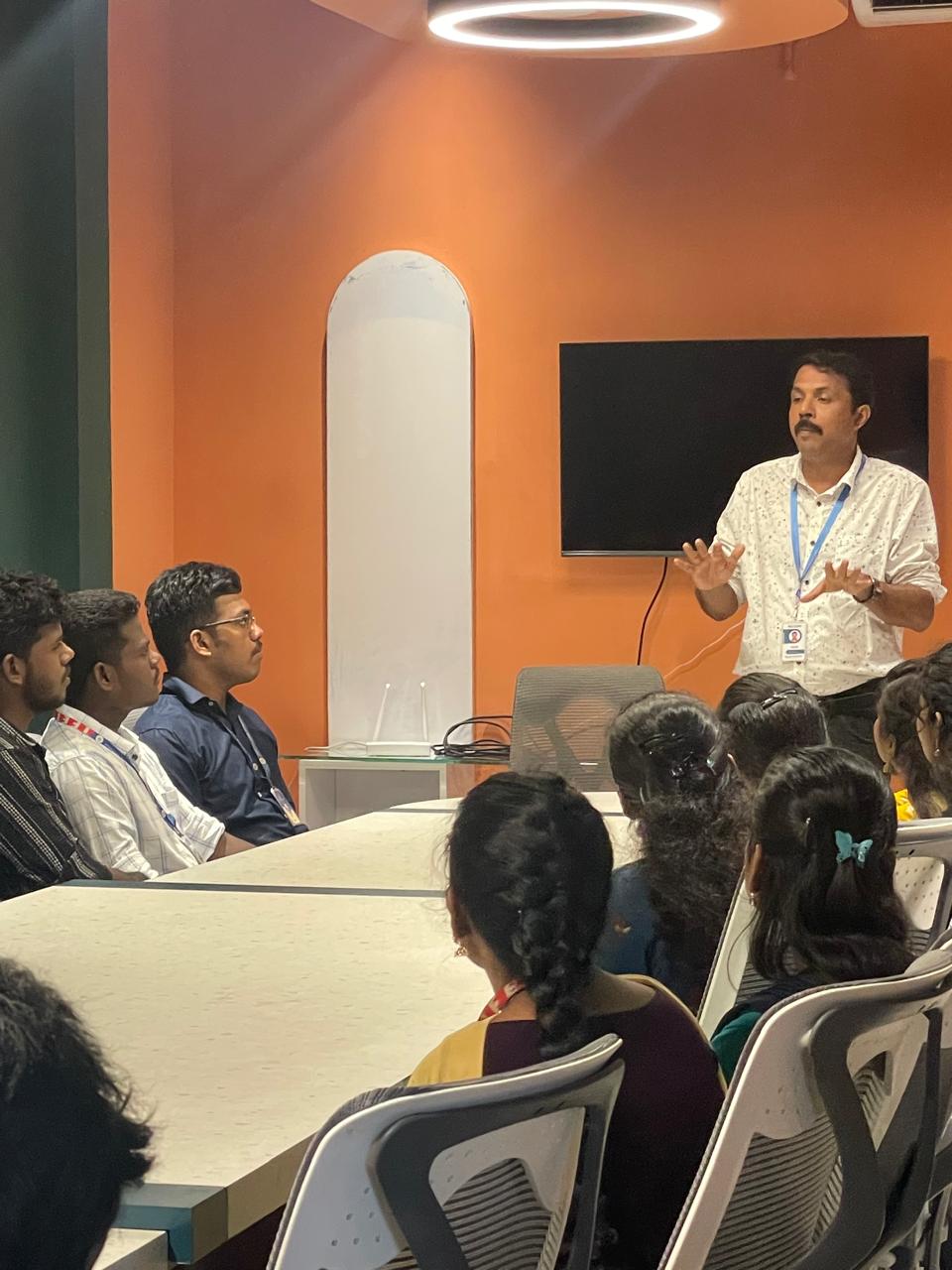
Our Training/Internship Process

Autodesk 3Ds Max Online Live Classes in Palakkad | Free Demo Training

Autodesk 3Ds Max - Syllabus, Fees & Duration

Getting to Know 3ds Max

  • Touring the Interface
  • The Viewports
  • Getting to Know the Command Panel
  • Working with Objects
  • Transforming Objects
  • Copying an Object
  • Understanding the Perspective Viewing Tools
  • Using Multiple Viewports

Introducing 3ds Max Objects

  • Understanding Standard Primitives
  • Adjusting Objects' Parameters
  • Accessing Parameters
  • Modeling Standard Primitives with Modifiers
  • Using the Modifier Stack Tools
  • Making Clones That Share Properties
  • Using Various Modifiers
  • Understanding Extended Primitives
  • Working with Groups

Creating Shapes with Splines

  • Drawing using Splines
  • Lathing a Spline
  • Modifying a Shape Using Sub-object Levels
  • Flipping Surface Normals
  • Creating Thickness with a Spline
  • Combining and Extruding Splines
  • Introducing Other Spline Types
  • Editing Splines

Editing Meshes and Creating Complex Objects

  • Polygon Modeling Techniques
  • Using Graphite Modeling Tools
  • Creating buildings using modifiers

Working with External Design Data

  • Importing AutoCAD Plans into 3ds Max
  • Extruding the Walls

Creating AEC Objects

  • Creating a Parametric Wall
  • Adjusting the Wall’s Parameters
  • Adding Doors and Windows to Walls
  • Creating a Parametric Window
  • Creating Stairs
  • Creating Foliage

Organizing and Editing Objects

  • Naming Objects
  • Organizing Objects by Layers
  • Setting Up Layers
  • Assigning Objects to Layers
  • Assigning Color to Layers
  • Lofting an Object
  • Lofting a Shape Along a Path
  • Using Different Shapes Along the Loft Path
  • Extruding with the Sweep Modifier
  • Aligning Objects

Light and Shadow

  • Understanding the Types of Lights
  • Adding a Spotlight to Simulate the Sun
  • Rendering a View
  • Adding Shadow Effects
  • Softening Shadow Edges

Shading and Texturing

  • Understanding Bitmap Texture Maps
  • Diffuse Color Maps
  • Understanding Surface Properties
  • Adding Materials to Objects
  • Understanding Material Libraries
  • Editing Materials
  • Using Bump Maps
  • Understanding Mapping Coordinates
  • Adjusting the UVW Mapping Gizmo
  • Assigning Materials to Parts of an Object
  • Creating a Multi/Sub-Object Material

Using the 3ds Max Camera

  • Understanding the 3ds Max Camera
  • Adding a Camera
  • Editing the Camera Location with the Viewport Tools
  • Setting Up an Interior View
  • Creating an Environment
  • Working with Walkthrough-Assistant

Creating Animations

  • Using Animation controls
  • Using Keyframe animation
  • Bouncing a Ball
  • Adding Camera Motion
  • Adjusting the Camera Path
  • Creating Preview Animation
  • Compressing and Expanding Time
  • Rendering the Animation

Mental Ray Concepts

  • Understanding Mental Ray
  • Understanding Global Illumination
  • Understanding Final Gather
  • Assigning the Mental Ray Renderer
  • Using the Rendered Frame Window Controls

Gamma Correction

  • Understanding Gamma and Linear Workflow
  • Applying gamma correction

Materials

  • Understanding Autodesk materials
  • Understanding Arch & Design materials
  • Creating various materials

Rendering

  • Improving Rendering Quality
  • Rendering an Exterior Scene
  • Rendering an Interior Scene

VRay

  • What is VRay and how to setup VRay
  • Global Illumination in VRay
  • VRay Image Saving Options
  • VRay Lights
  • VRay Camera

Rendering Scenes

  • Rendering an interior scene using V-Ray
  • Rendering an exterior scene using V-Ray

Download Syllabus - Autodesk 3Ds Max
This syllabus is not final and can be customized as per needs/updates
   
10000+
20+
50+
25+

Autodesk 3Ds Max Jobs in Palakkad

Enjoy the demand

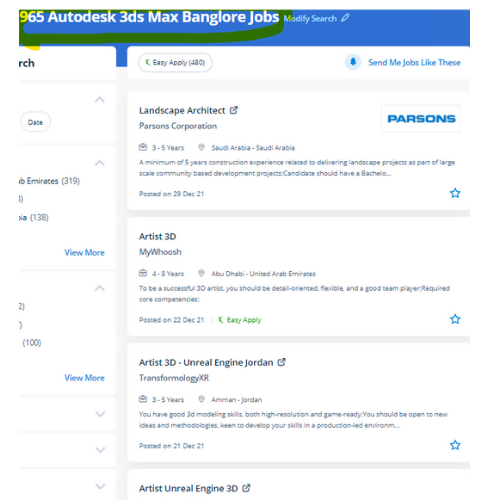
Find jobs related to Autodesk 3Ds Max in search engines (Google, Bing, Yahoo) and recruitment websites (monsterindia, placementindia, naukri, jobshybrid.com, indeed.co.in, shine.com etc.) based in Palakkad, chennai and europe countries. You can find many jobs for freshers related to the job positions in Palakkad.

  • 3Ds Max Designer
  • Graphic Designer
  • Visualizer 3d
  • 3Ds Max Trainer
  • Architectural 3d Visualizer
  • 3d Modeling
  • AutoCAD Draftsman
  • Designing Trainer
  • Motion Graphic Designer
  • Generalist 3D

Autodesk 3Ds Max Internship/Course Details

Autodesk 3Ds Max internship jobs in Palakkad
Autodesk 3Ds Max This software system is intended to develop your modeling techniques, advanced animation, mapping, and advanced lighting. In fact, operating with software becomes simple, and it is a lot more fascinating. Our training solutions are here to assist develop your active skills to unleash your creativity to a future level, whether you're a new user or a professional in Autodesk 3D Max and it has plenty of job opportunities these days. With it, users area unit ready to create and put along with geometric figures of various shapes, moreover as apply surface and mesh modeling. you'll conclude how to configure and render scenes, produce and edit 3D geometry, understand and apply lighting and materials for realism and eventually produce desktop animations. Autodesk 3Ds max is one among the current state of the art tools for architectural visualization, industrial design, animation filmmaking, and game design, formerly referred to as 3d max Studio or 3D Studio. . As well as, 3Ds max also has animation controllers that users will produce, edit, and share. Nestsoft offers 3DTraining programs that are self-paced and conducted online using our patent-pending interactive simulator platform together with live-online classes and sessions are handled by industry experts. 3D max brings options and characters to life with VFX and animation.


Meet a Few of our Industry Experts 🚀 Your Pathway to IT Career

Sadaf

Mobile: +91 98474 90866
Location: Online (Palakkad, India)
Qualification: 10th qualified from IGCSE board and IB diploma program graduate

Experience: I have experieinced IGCSE since I myself graduated from igcse school and I did 12th from IB board I have  more..

Kajal

Mobile: +91 91884 77559
Location: Online (Palakkad, India)
Qualification: BTECH

Experience: NodeJS ExpressJS javascript python AWS Socket IO HTML CSS TypeScript  more..

guddu

Mobile: +91 98474 90866
Location: Online (Palakkad, India)
Qualification: B.tech CSE

Experience: Java kotlin dart flutter  more..

Kamesh

Mobile: +91 91884 77559
Location: Online (Palakkad, India)
Qualification: BE-ECE

Experience: Accomplished Software Tester with 3 2 years of hands-on experience in manual and automation testing Extensive experience in test automation  more..

Abhijit

Mobile: +91 94975 90866
Location: Online (Palakkad, India)
Qualification: Graduate

Experience: Hardware and networking and I am worked in sepl as a desktop support engineer experience in 1 year  more..

Tarun

Mobile: +91 9895490866
Location: Online (Palakkad, India)
Qualification: B-Tech (CSE)

Experience: Java C++ Android development XML REST APIs Firebase DSA OOPS MySQL Kotlin  more..

Shilpa

Mobile: +91 89210 61945
Location: Online (Palakkad, India)
Qualification: B. Tech

Experience: 4years of experience in digital marketing Skilla card design using canva seo techniques social media video uploading and positive thinker  more..

Aswin

Mobile: +91 89210 61945
Location: Online (Palakkad, India)
Qualification: Bsc computer science

Experience: Selenium testing manual testing automation testing java php css html python sql web automation using selenium c++ corejava SDLC STLC  more..

Snehal

Mobile: +91 94975 90866
Location: Online (Palakkad, India)
Qualification: Bsc computer science

Experience: I have 1 yaer experience in wordpress  more..

Sai

Mobile: +91 98474 90866
Location: Online (Palakkad, India)
Qualification: B.tech (C.S.E)

Experience: Experience In Training students one to one and also group Experience in Training students on real time projects for WordPress  more..

Safal

Mobile: +91 91884 77559
Location: Online (Palakkad, India)
Qualification: B.Tech CSE with specialisation Cyber Security

Experience: In the last three years I've immersed myself in cybersecurity gaining expertise as a campaign leader and active Mozilla community  more..

KHAJARAFI

Mobile: +91 91884 77559
Location: Online (Palakkad, India)
Qualification: mca

Experience: This is khajarafi Shaik having 8+experience as a TechnicalTrainer I can able to deliver the training on Corejava Advjava Struts  more..

Aniket

Mobile: +91 91884 77559
Location: Online (Palakkad, India)
Qualification: Msc computer science

Experience: I do have experience in Android application development ivi kotlin java Android sdk mvvm Google sdk retrofit volley firebase  more..

Rajesh

Mobile: +91 98474 90866
Location: Online (Palakkad, India)
Qualification: 12th pass

Experience: Hello 👋 I am writing to express my strong interest in the WordPress Developer With my extensive experience in WordPress  more..

Tarun

Mobile: +91 8301010866
Location: Online (Palakkad, India)
Qualification: Bsc Multimedia

Experience: Skills:- Ethical hacking Cyber security Penetration testing Vulnerability assessment Python Computer Networking Web testing Firewall configuration Security audit  more..

Dheeraj

Mobile: +91 8301010866
Location: Online (Palakkad, India)
Qualification: B.Sc. Information Technology

Experience: As a seasoned Java Developer I bring a diverse skill set and a proven track record of success in designing  more..

Bonula

Mobile: +91 91884 77559
Location: Online (Palakkad, India)
Qualification: B.Tech

Experience: I have 2 8 years of ETL development and testing experience in the retail domain specialising in Azure Databricks Azure  more..

Nayak

Mobile: +91 9895490866
Location: Online (Palakkad, India)
Qualification: BCA

Experience: I have a experience of total 4 mnc company's as a web developer   more..

Aditya

Mobile: +91 9895490866
Location: Online (Palakkad, India)
Qualification: B.Tech

Experience: I'm good at C++ python java and also good in web development and Have achieved Good ratings in different different  more..

sudha

Mobile: +91 8301010866
Location: Online (Palakkad, India)
Qualification: BCA

Experience: hi this is sudha i know and good knowledge in wordpress php seo google analytics google search console sem bootstrap  more..

GAYATRI

Mobile: +91 8301010866
Location: Online (Palakkad, India)
Qualification: B.Tech(pursuing)

Experience: Skills:-java web development Experience:-0  more..

Priyadharshini

Mobile: +91 91884 77559
Location: Online (Palakkad, India)
Qualification: Bachelor of engineering

Experience: Manual testing test cases test planning documentation Microsoft 365 database python agile methodology API SDLC  more..

ajay

Mobile: +91 91884 77559
Location: Online (Palakkad, India)
Qualification: BCA

Experience: frontend developer reactjs next js angularApplication for Angular JS  more..

Bathurdeen

Mobile: +91 8301010866
Location: Online (Palakkad, India)
Qualification: Bachelor of Engineering in Software Engineering(Hons), UK

Experience: 5+ years of experience in web development and teaching as a lecturer I have been working at many MNC companies  more..

Success Stories

The enviable salary packages and track record of our previous students are the proof of our excellence. Please go through our students' reviews about our training methods and faculty and compare it to the recorded video classes that most of the other institutes offer. See for yourself how TechnoMaster is truly unique.

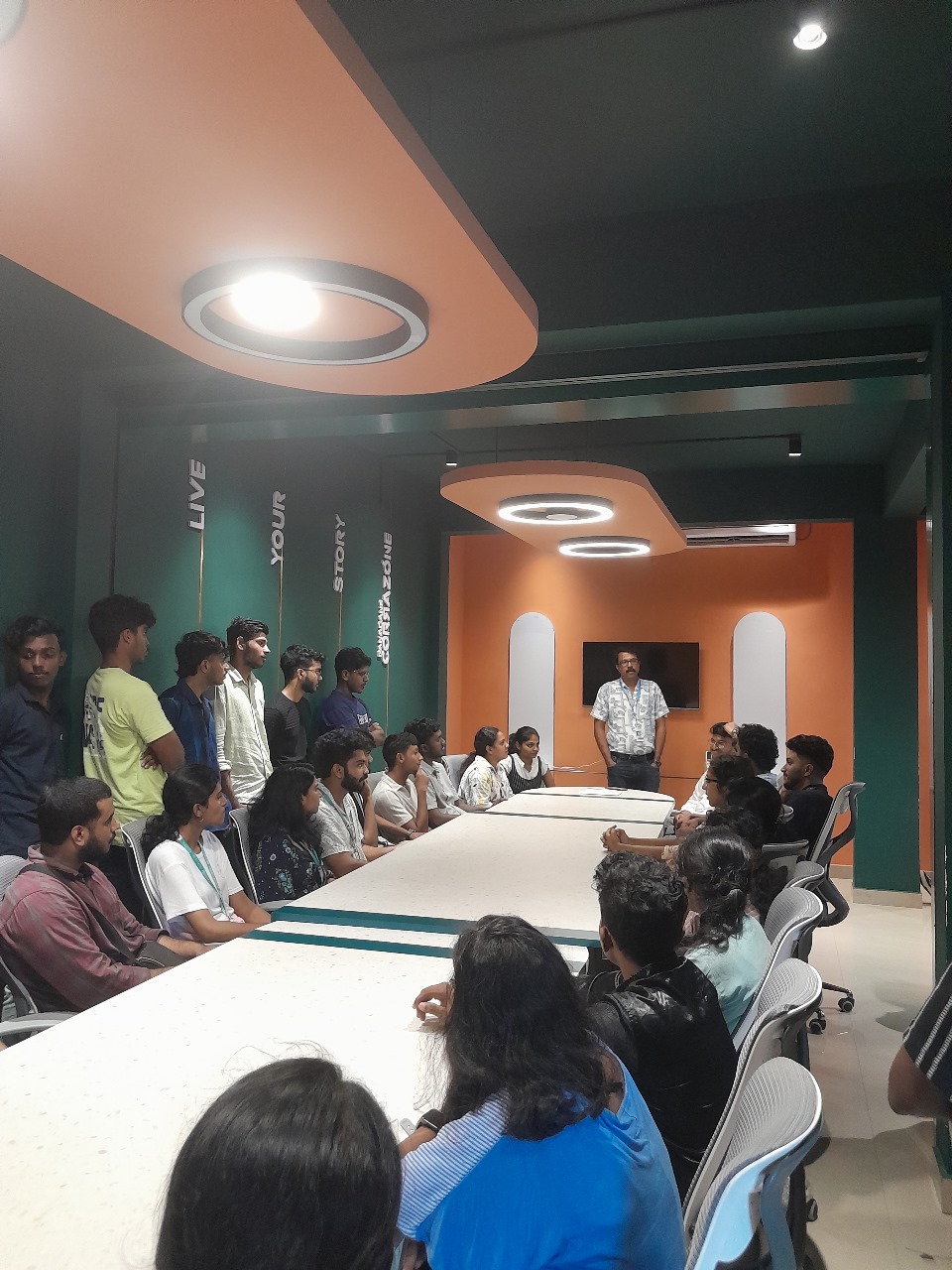
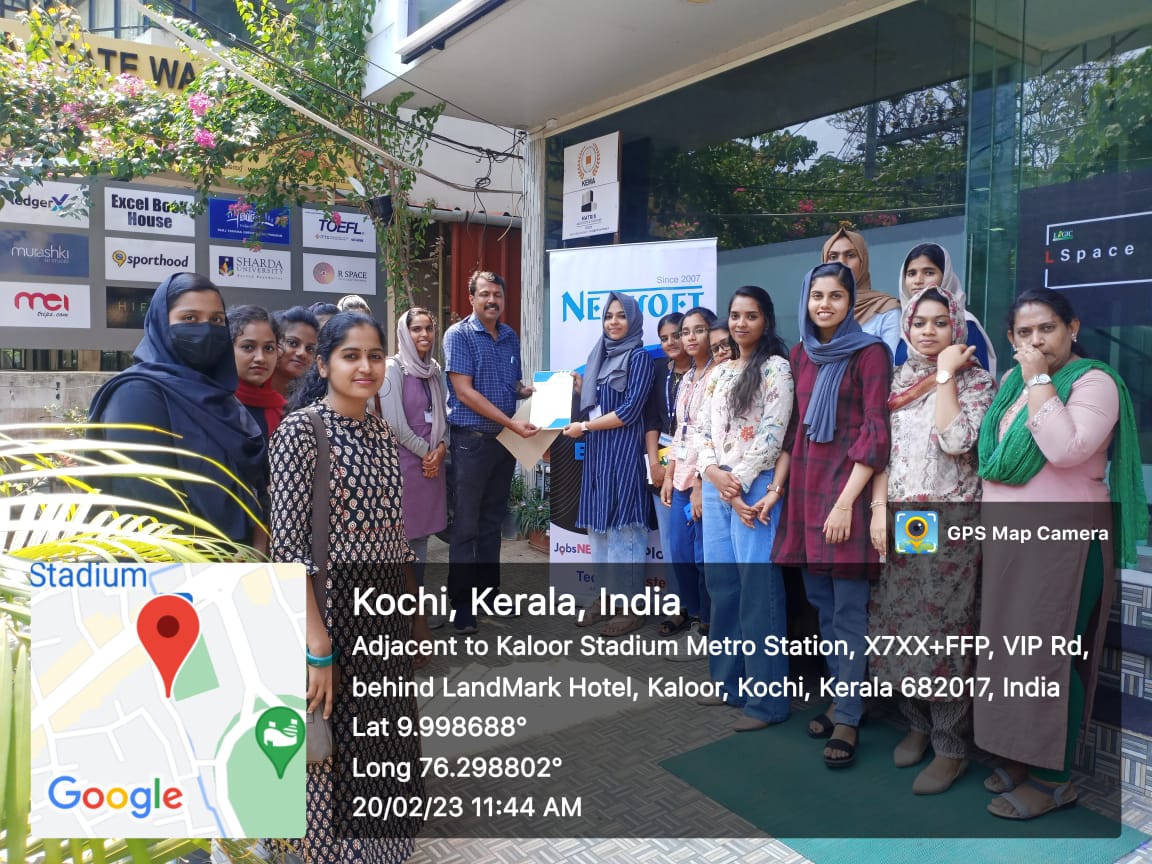
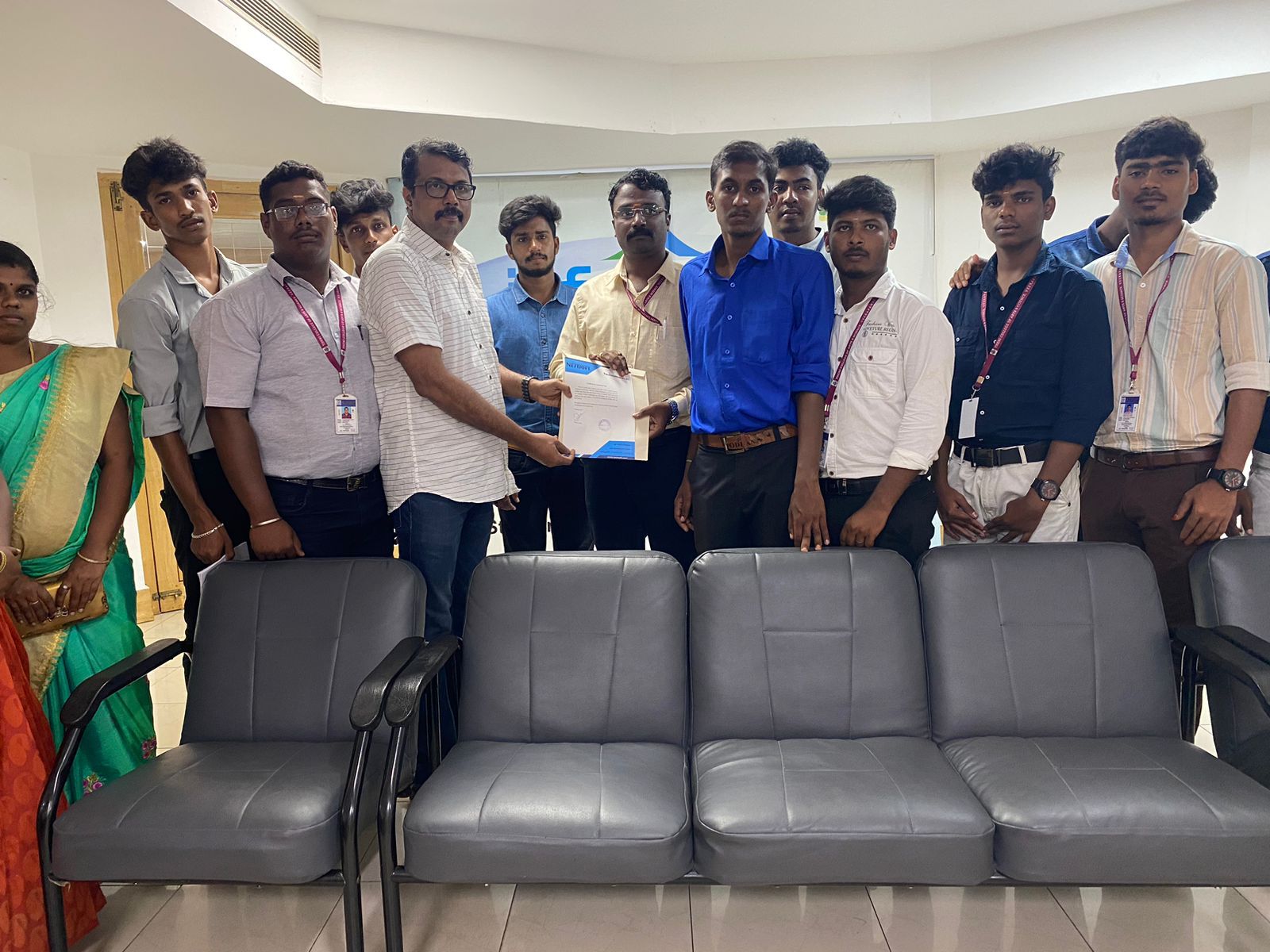
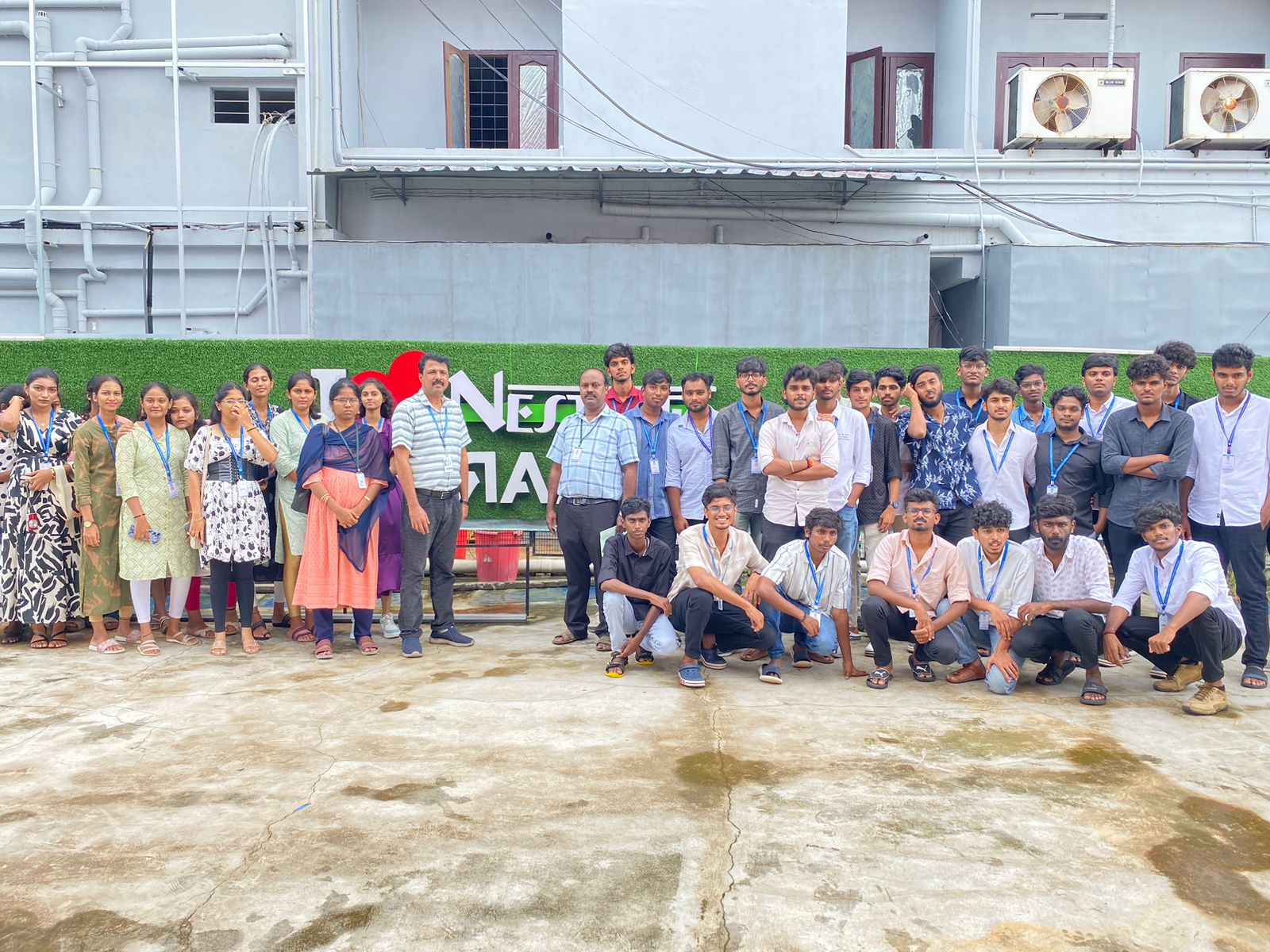
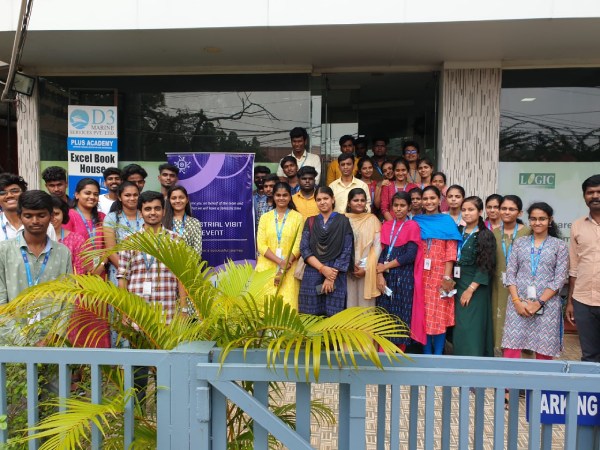
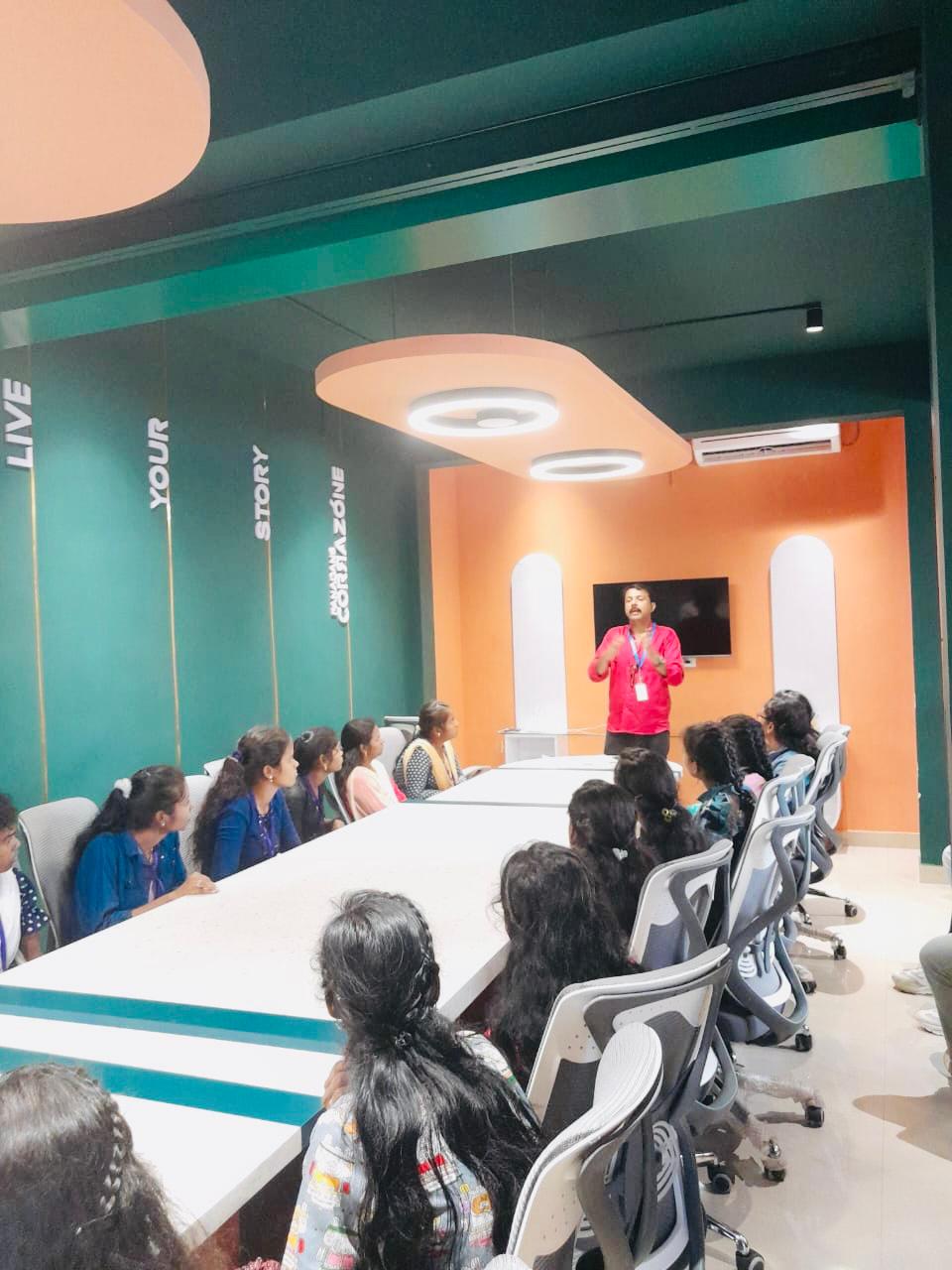
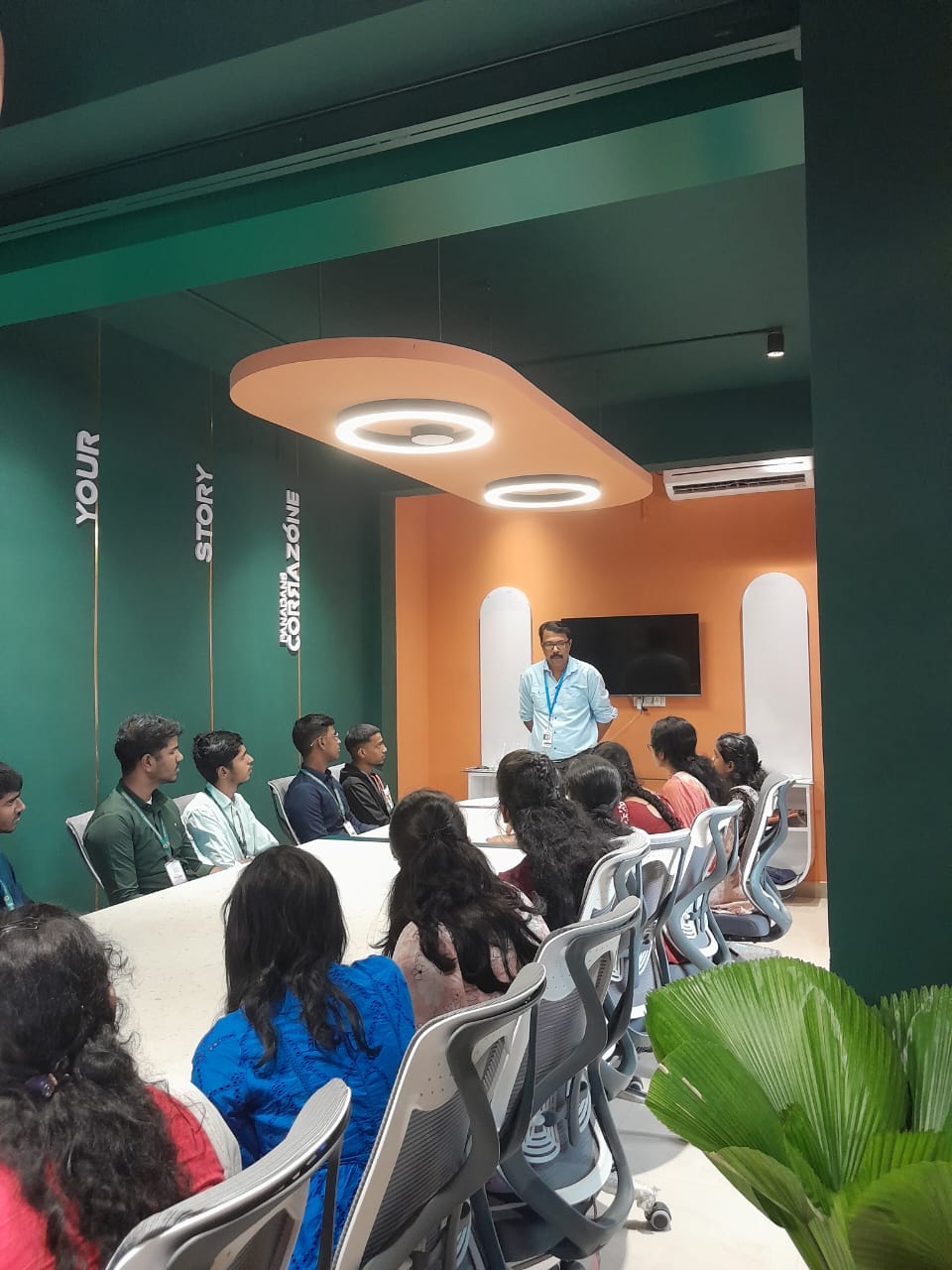
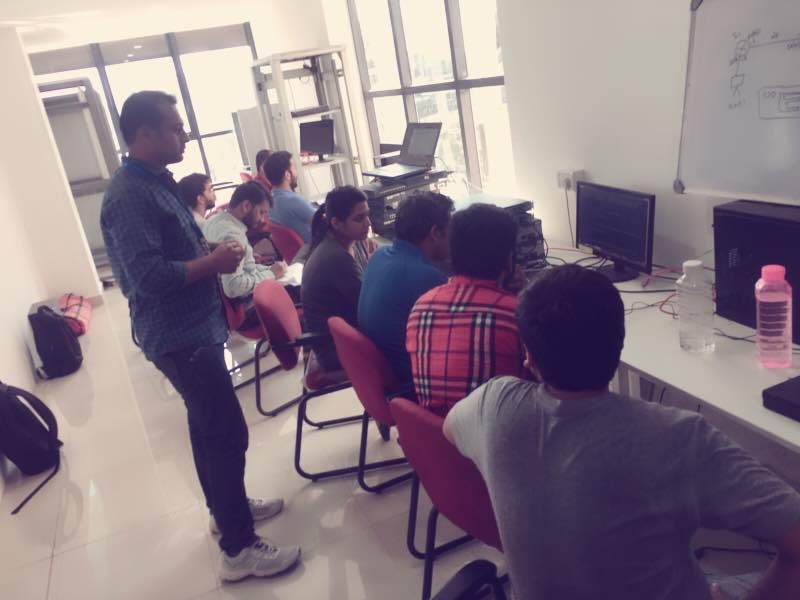
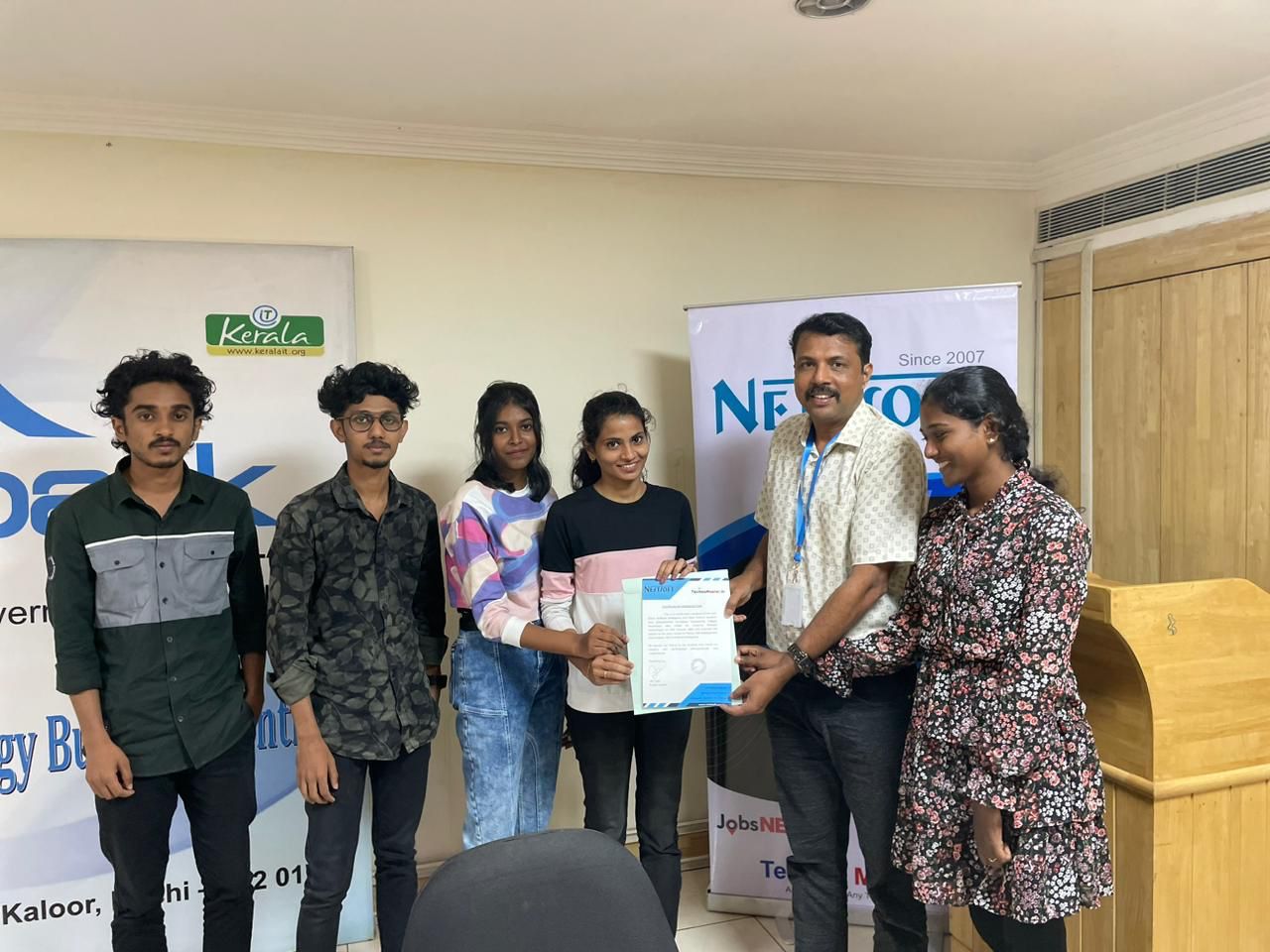
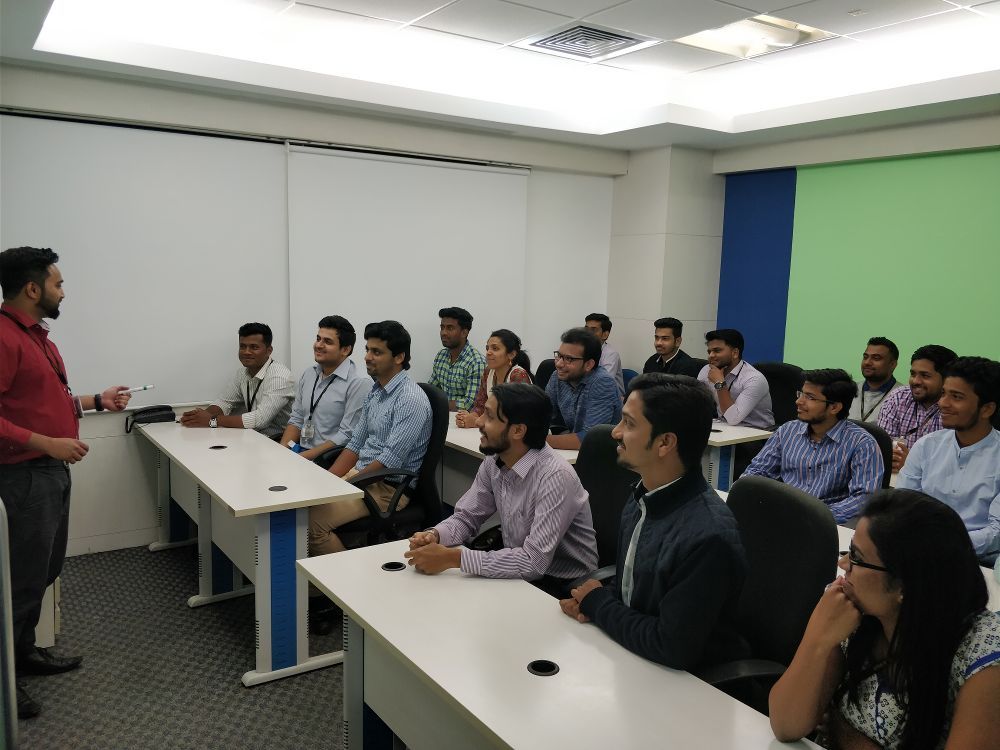
Photos of Training / Internships

Internship/projects in palakkad

Trained more than 10000+ students who trust Nestsoft TechnoMaster

Get Your Personal Trainer