Send enquiry ⏎

Autodesk 3Ds Max Online Live Class by Experts

Our Training/Internship Process

Autodesk 3Ds Max Online Live Classes in Vellore | Free Demo Training

Autodesk 3Ds Max - Syllabus, Fees & Duration

Getting to Know 3ds Max

  • Touring the Interface
  • The Viewports
  • Getting to Know the Command Panel
  • Working with Objects
  • Transforming Objects
  • Copying an Object
  • Understanding the Perspective Viewing Tools
  • Using Multiple Viewports

Introducing 3ds Max Objects

  • Understanding Standard Primitives
  • Adjusting Objects' Parameters
  • Accessing Parameters
  • Modeling Standard Primitives with Modifiers
  • Using the Modifier Stack Tools
  • Making Clones That Share Properties
  • Using Various Modifiers
  • Understanding Extended Primitives
  • Working with Groups

Creating Shapes with Splines

  • Drawing using Splines
  • Lathing a Spline
  • Modifying a Shape Using Sub-object Levels
  • Flipping Surface Normals
  • Creating Thickness with a Spline
  • Combining and Extruding Splines
  • Introducing Other Spline Types
  • Editing Splines

Editing Meshes and Creating Complex Objects

  • Polygon Modeling Techniques
  • Using Graphite Modeling Tools
  • Creating buildings using modifiers

Working with External Design Data

  • Importing AutoCAD Plans into 3ds Max
  • Extruding the Walls

Creating AEC Objects

  • Creating a Parametric Wall
  • Adjusting the Wall’s Parameters
  • Adding Doors and Windows to Walls
  • Creating a Parametric Window
  • Creating Stairs
  • Creating Foliage

Organizing and Editing Objects

  • Naming Objects
  • Organizing Objects by Layers
  • Setting Up Layers
  • Assigning Objects to Layers
  • Assigning Color to Layers
  • Lofting an Object
  • Lofting a Shape Along a Path
  • Using Different Shapes Along the Loft Path
  • Extruding with the Sweep Modifier
  • Aligning Objects

Light and Shadow

  • Understanding the Types of Lights
  • Adding a Spotlight to Simulate the Sun
  • Rendering a View
  • Adding Shadow Effects
  • Softening Shadow Edges

Shading and Texturing

  • Understanding Bitmap Texture Maps
  • Diffuse Color Maps
  • Understanding Surface Properties
  • Adding Materials to Objects
  • Understanding Material Libraries
  • Editing Materials
  • Using Bump Maps
  • Understanding Mapping Coordinates
  • Adjusting the UVW Mapping Gizmo
  • Assigning Materials to Parts of an Object
  • Creating a Multi/Sub-Object Material

Using the 3ds Max Camera

  • Understanding the 3ds Max Camera
  • Adding a Camera
  • Editing the Camera Location with the Viewport Tools
  • Setting Up an Interior View
  • Creating an Environment
  • Working with Walkthrough-Assistant

Creating Animations

  • Using Animation controls
  • Using Keyframe animation
  • Bouncing a Ball
  • Adding Camera Motion
  • Adjusting the Camera Path
  • Creating Preview Animation
  • Compressing and Expanding Time
  • Rendering the Animation

Mental Ray Concepts

  • Understanding Mental Ray
  • Understanding Global Illumination
  • Understanding Final Gather
  • Assigning the Mental Ray Renderer
  • Using the Rendered Frame Window Controls

Gamma Correction

  • Understanding Gamma and Linear Workflow
  • Applying gamma correction

Materials

  • Understanding Autodesk materials
  • Understanding Arch & Design materials
  • Creating various materials

Rendering

  • Improving Rendering Quality
  • Rendering an Exterior Scene
  • Rendering an Interior Scene

VRay

  • What is VRay and how to setup VRay
  • Global Illumination in VRay
  • VRay Image Saving Options
  • VRay Lights
  • VRay Camera

Rendering Scenes

  • Rendering an interior scene using V-Ray
  • Rendering an exterior scene using V-Ray

Download Syllabus - Autodesk 3Ds Max
This syllabus is not final and can be customized as per needs/updates
   
10000+
20+
50+
25+

Autodesk 3Ds Max Jobs in Vellore

Enjoy the demand

Find jobs related to Autodesk 3Ds Max in search engines (Google, Bing, Yahoo) and recruitment websites (monsterindia, placementindia, naukri, jobshybrid.com, indeed.co.in, shine.com etc.) based in Vellore, chennai and europe countries. You can find many jobs for freshers related to the job positions in Vellore.

  • 3Ds Max Designer
  • Graphic Designer
  • Visualizer 3d
  • 3Ds Max Trainer
  • Architectural 3d Visualizer
  • 3d Modeling
  • AutoCAD Draftsman
  • Designing Trainer
  • Motion Graphic Designer
  • Generalist 3D

Autodesk 3Ds Max Internship/Course Details

Autodesk 3Ds Max internship jobs in Vellore
Autodesk 3Ds Max In fact, operating with software becomes simple, and it is a lot more fascinating. 3D max brings options and characters to life with VFX and animation. With it, users area unit ready to create and put along with geometric figures of various shapes, moreover as apply surface and mesh modeling. Scene explorer might be a tool that provides a hierarchical view of scene knowledge and analysis. Moreover, the program is ideal for the simulation of mechanical components, as well. Users have all the commands and functions right before them, and there's nothing that will be confusing. Sophisticated models have created a very easy manner. Nestsoft offers 3DTraining programs that are self-paced and conducted online using our patent-pending interactive simulator platform together with live-online classes and sessions are handled by industry experts. This software system is intended to develop your modeling techniques, advanced animation, mapping, and advanced lighting. The software is additionally very useful for architectural design, infrastructure and construction, product development, and producing planning.


Meet a Few of our Industry Experts 🚀 Your Pathway to IT Career

Nikund

Mobile: +91 9895490866
Location: Online (Vellore, India)
Qualification: MCA

Experience: I have total 5 year of exp in angular and node js I have worked angular 2 to 11   more..

Ashish

Mobile: +91 91884 77559
Location: Online (Vellore, India)
Qualification: Frontend developer

Experience: 4+ years HTML5 CSS3 bootstrap Webflow Unbounse react(basics) Shopify(learning)  more..

Nilam

Mobile: +91 89210 61945
Location: Online (Vellore, India)
Qualification: Graduation

Experience: I have 2 years experience in seo field   more..

Purvesh

Mobile: +91 8301010866
Location: Online (Vellore, India)
Qualification: B.tech

Experience: Currently pursuing a Bachelor's degree in Information Technology at the prestigious Indian Institute of Information Technology Vadodara (IIIT-Vadodara) I have  more..

Jatin

Mobile: +91 89210 61945
Location: Online (Vellore, India)
Qualification: Btech CSE 3rd year Student

Experience: Web development -3 years C++ development- 2 years Supervised ML - 0 5 years Video Editing Graphic Designing Event Management  more..

Dineshkumar

Mobile: +91 94975 90866
Location: Online (Vellore, India)
Qualification: BE

Experience: Dear Sir Madam Good Morning I am writing to express my interest in the Manual Tester position at your company  more..

Nikita

Mobile: +91 9895490866
Location: Online (Vellore, India)
Qualification: Finally year

Experience: I am a CCNA developer and i have certified in CCNA training I am seeking for a job opportunity which  more..

Shreya

Mobile: +91 9895490866
Location: Online (Vellore, India)
Qualification: BA Japanese (Hons)

Experience: While I may not have formal certification from the JLPT I am passionate about the Japanese language and culture and  more..

Aman

Mobile: +91 8301010866
Location: Online (Vellore, India)
Qualification: B.e

Experience: Html css javascript wordpress joomla Shopify Shopify+ SEO Ui Ux   more..

Priyanka

Mobile: +91 8301010866
Location: Online (Vellore, India)
Qualification: BE

Experience: Manual testing-SDLC and STLC and agile methodologies Java Automation-selenium  more..

Kodam

Mobile: +91 8301010866
Location: Online (Vellore, India)
Qualification: Mcom fa

Experience: Functionality testing Regression Testing retesting Blackbox testing ui testing  more..

Pakala

Mobile: +91 94975 90866
Location: Online (Vellore, India)
Qualification: B. Tech(CSE)

Experience: C python java html css javascript mysql bootstrap  more..

Subash

Mobile: +91 91884 77559
Location: Online (Vellore, India)
Qualification: B.A English Language and Literature

Experience: Skills : Python JavaScript Django Flask MySQL PostgreSQL MongoDB React Redux HTML CSS Tailwind CSS Bootstrap Experience: I have an  more..

Baskar

Mobile: +91 94975 90866
Location: Online (Vellore, India)
Qualification: Mca

Experience: My total experience 8 years I have developed most web application and website Mostly i have used Codeigniter and laravel  more..

Jefin

Mobile: +91 9895490866
Location: Online (Vellore, India)
Qualification: B tech

Experience: I am Jefin Jojo an engineering graduate eager to transition my career to web development Through self-learning I have acquired  more..

Dipali

Mobile: +91 98474 90866
Location: Online (Vellore, India)
Qualification: Bsc (Biotechnology)

Experience: I have 3 years of experience as software test engineer in hands-on Automation Testing and Manual with Api testing i  more..

Dhilip

Mobile: +91 94975 90866
Location: Online (Vellore, India)
Qualification: MCA

Experience: As an experienced Android developer for 2 years I have proficiency in Kotlin and Java knowledge in Android Studio and  more..

NITHIN

Mobile: +91 91884 77559
Location: Online (Vellore, India)
Qualification: Bachelors Degree

Experience: Python Django Mongodb SQL NSQL DBMS C programming java HTML PHP   more..

Regz

Mobile: +91 8301010866
Location: Online (Vellore, India)
Qualification: BE

Experience: dot net php sql java perl python  more..

Rahul

Mobile: +91 89210 61945
Location: Online (Vellore, India)
Qualification: BE/ECE

Experience: 5 month networking side overall troubleshooting network issue  more..

Aashi

Mobile: +91 89210 61945
Location: Online (Vellore, India)
Qualification: Bsc. Food Technology

Experience: When it comes to design I'm good at making templates fit specific needs while keeping the brand's look consistent by  more..

Vishal

Mobile: +91 91884 77559
Location: Online (Vellore, India)
Qualification: B.Tech

Experience: Automation Testing Manual Testing API testing Postman JMeter Selenium with Python C++ Python MySQL Jira Git  more..

kishor

Mobile: +91 94975 90866
Location: Online (Vellore, India)
Qualification: BCCA

Experience: As a React Native Developer i have 1 2 years of experience of building cross platform application where i have  more..

Chhayaka

Mobile: +91 89210 61945
Location: Online (Vellore, India)
Qualification: MCA,pgdca

Experience: C php asp python java html  more..

Success Stories

The enviable salary packages and track record of our previous students are the proof of our excellence. Please go through our students' reviews about our training methods and faculty and compare it to the recorded video classes that most of the other institutes offer. See for yourself how TechnoMaster is truly unique.

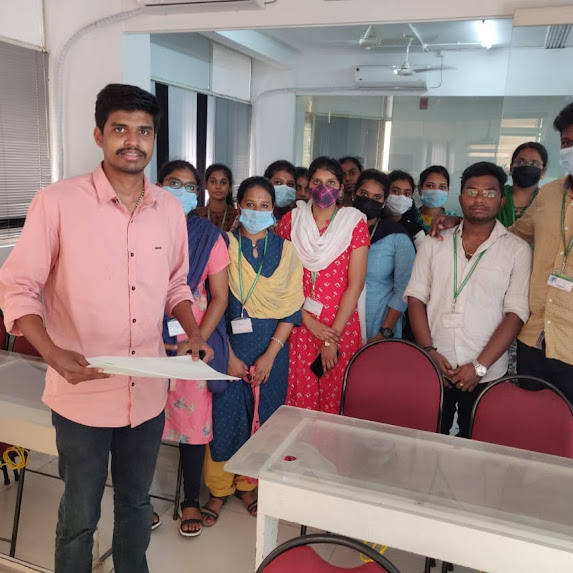
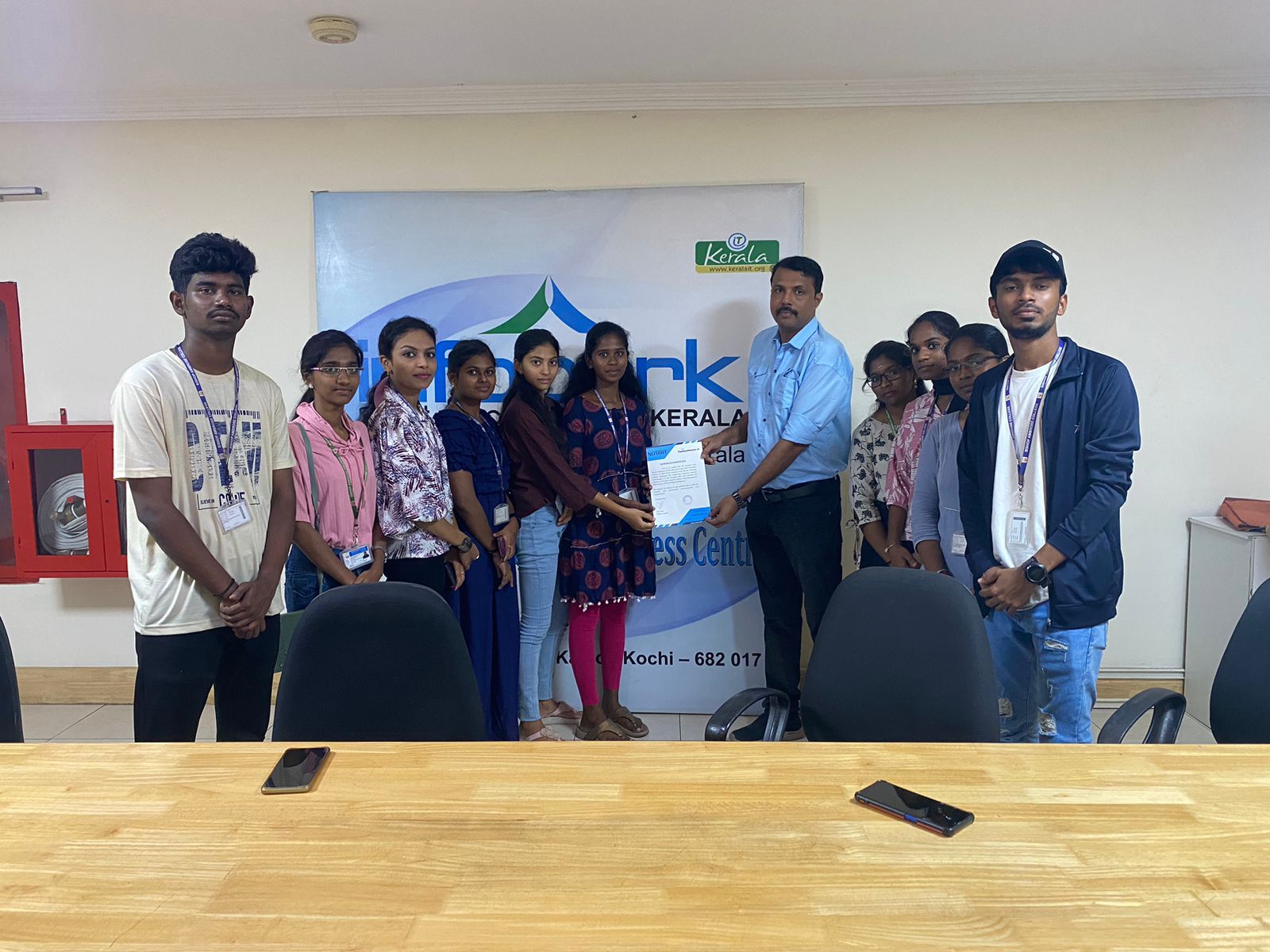
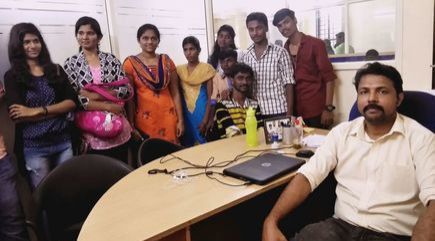
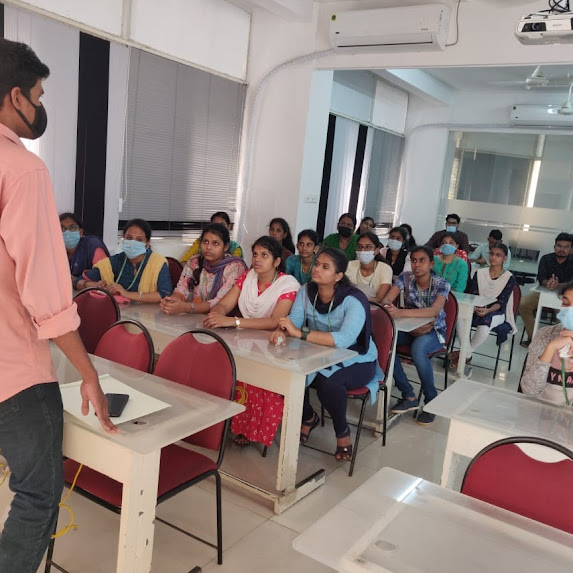
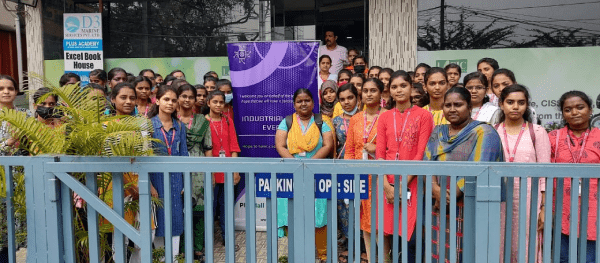
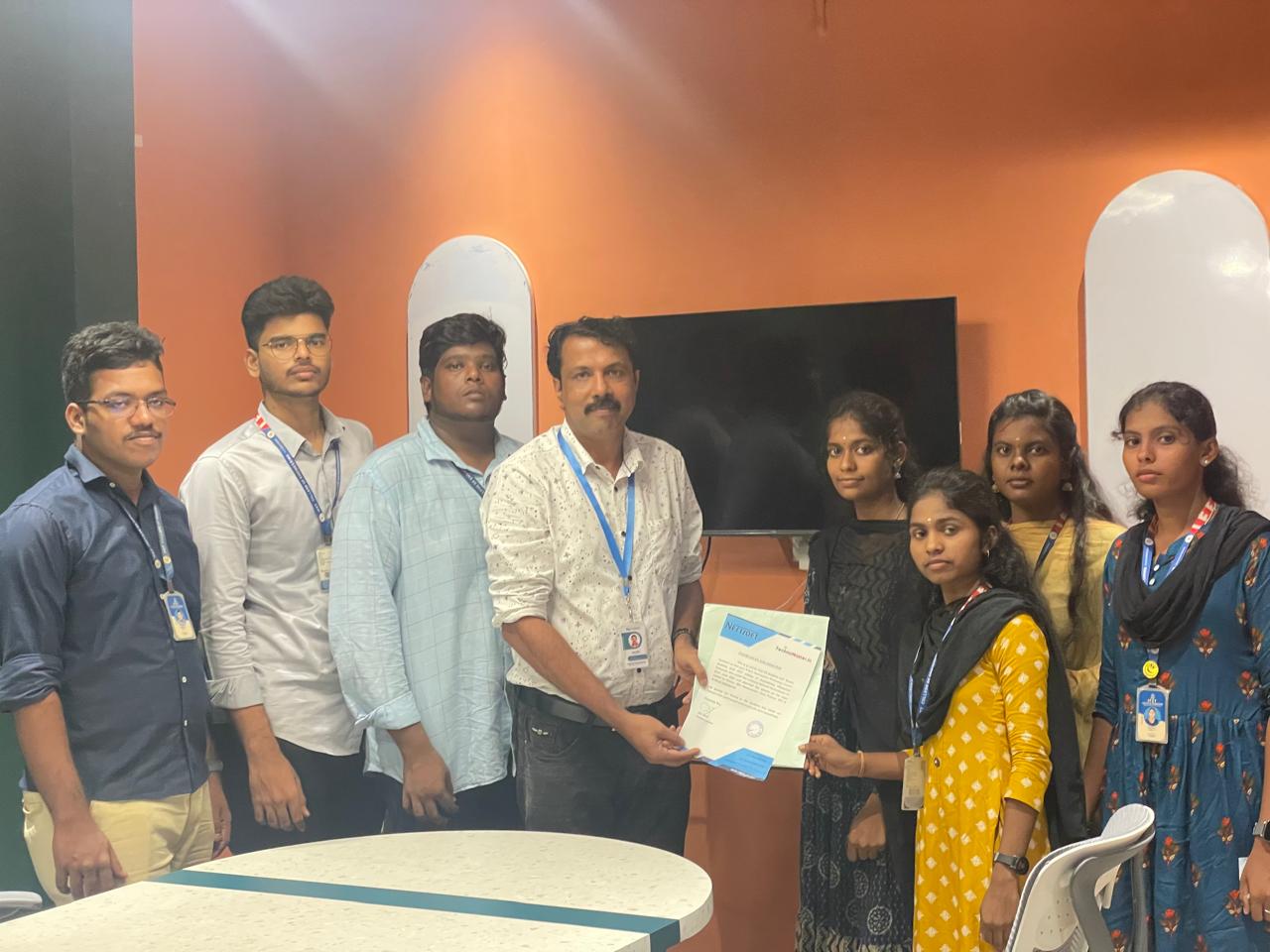
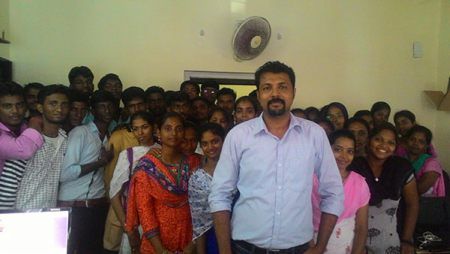
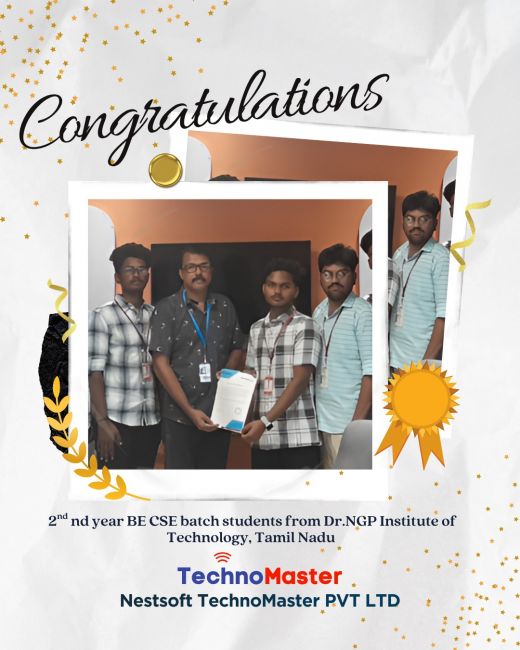
Photos of Training / Internships

Internship/projects in vellore

Trained more than 10000+ students who trust Nestsoft TechnoMaster

Get Your Personal Trainer