Send enquiry ⏎

AutoCAD Online Live Class by Experts

Our Training/Internship Process

AutoCAD Online Live Classes in Dindigul | Free Demo Training

AutoCAD - Syllabus, Fees & Duration

INTRODUCTION OF AUTOCAD

  • Uses of AutoCAD
  • Different versions
  • Installation procedure

BASIC UNDERSTANDING

  • User interface
  • Different units and templates
  • Coordinate systems
  • Drawing settings
  • Concept of views
  • Create and Save

BASIC IDEA OF TOOLS AND MENUS

  • Application button
  • Quick access toolbar
  • Tabs and ribbon areas
  • Panels
  • Drawing area
  • Status bar

BASIC DRAWINGS

  • Making simple lines, polylines, rectangles
  • Creation of arcs, circles, ellipses
  • Use of ortho and polar mode
  • Simple and advance object snaps
  • Object snap tracking

BASIC MODIFY TOOLS

  • Scaling of objects
  • Rotation of objects
  • Move, copy ,trim and extend objects
  • Joining and extend tools
  • Offset, fillet and mirror of objects

MAJOR DRAWINGS

  • Isometric, mechanical and electrical drawings with advanced building drawings
  • Drawing with Hatch tools and their applications
  • Making rectangular, polar and path array
  • Use of multi function grips and dynamic input
  • Drawing of different components of building

REUSING EXISTING CONTENT

  • Creation, understanding and insertion of blocks
  • Modifying and start write block
  • Use of different block libraries
  • Attributes

OBJECT ORGANISATION

  • Understanding and assigning layers
  • By layer and by block
  • Enquiry tools
  • Purge and rename command

ANNOTATIONS

  • Basic and advance dimensions and their style
  • Multileader
  • Creation and modifying table with styles
  • Different text styles

LAYOUT AND PRINTING

  • Page setup and plotting drawing
  • Viewports
  • Creation of annotative dimensions

Download Syllabus - AutoCAD
This syllabus is not final and can be customized as per needs/updates
   
10000+
20+
50+
25+

AutoCAD Jobs in Dindigul

Enjoy the demand

Find jobs related to AutoCAD in search engines (Google, Bing, Yahoo) and recruitment websites (monsterindia, placementindia, naukri, jobshybrid.com, indeed.co.in, shine.com etc.) based in Dindigul, chennai and europe countries. You can find many jobs for freshers related to the job positions in Dindigul.

  • AutoCAD Draughtsman
  • Junior Architect
  • Junior Interior Designer
  • AutoCAD Designer
  • Junior Civil Engineer
  • AutoCAD Civil Drafters
  • 3D Design
  • Junior Design Executive
  • Structural Draughtsman
  • AutoCAD Engineer

AutoCAD Internship/Course Details

AutoCAD internship jobs in Dindigul
AutoCAD It helps in assessing the cost of various products which aids in managing various activities. Its first release only use entities such as polygons, circles, lines, arcs, and text to construct complex objects. AutoCAD was first introduced in the month of December in 1982 as a desktop app running on microcomputers with internal graphics controllers. In electrical engineering, it is used to map out electrical systems, and in civil engineering, it is used to design bridges and roads. Initially AutoCAD was derived from a program called Interact, which was written in a proprietary language. AutoCAD training by TechnoMaster in Dindigul by Industry Experts. . It is also used for tracking the number of orders completed in a required time span. It has a user- friendly interface and saves time, which are great advantages to designers. In mechanical engineering, it is used to create manufacturing processes as well as to design motor parts, robots and other innovative objects.


Meet a Few of our Industry Experts 🚀 Your Pathway to IT Career

KAVERI

Mobile: +91 91884 77559
Location: Online (Dindigul, India)
Qualification: Msc cyber security

Experience: vulnerability assessment penetration testing risk assessment threat modeling ethical hacking etc worked with kerala police red team and senselearner pvt  more..

Vishnu

Mobile: +91 91884 77559
Location: Online (Dindigul, India)
Qualification: B.com and HDCA programming

Experience: I have technical skills c c++ python HTML & CSS sql developer excel I am a fresher I don't have  more..

Nitish

Mobile: +91 9895490866
Location: Online (Dindigul, India)
Qualification: Mca

Experience: I have 1 year experience in Android development I develop application in kotlin as well as java  more..

Sreedeep

Mobile: +91 91884 77559
Location: Online (Dindigul, India)
Qualification: Mca

Experience: Working as a software developer in bicoders solution kinfra (angular and flutter)Application for Angular JS  more..

GAUSWAMI

Mobile: +91 98474 90866
Location: Online (Dindigul, India)
Qualification: B.Sc.IT

Experience: I have 5+ years of experience in web and app development I have experience in Core PHP Drupal WordPress Laravel  more..

KEERTHI

Mobile: +91 9895490866
Location: Online (Dindigul, India)
Qualification: BTech Computer science

Experience: I have an extensive background in software testing with 8 months of professional experience and 4 months of internship experience  more..

Lakshman

Mobile: +91 8301010866
Location: Online (Dindigul, India)
Qualification: MBA

Experience: Good knowledge of MS office Tally ERP-9 and oracle ERP My experience 2 months in teaching and 2 months in  more..

Oleti

Mobile: +91 91884 77559
Location: Online (Dindigul, India)
Qualification: B. Tech

Experience: Python programming c java msword msexcel  more..

RAMACHANDRAN

Mobile: +91 91884 77559
Location: Online (Dindigul, India)
Qualification: B.E

Experience: • Experience in AWS Services like EC2(AMAZON LINUX RHEL) VPC IAM S3 ELB RDS Cloud Watch Cloud Trail Cloud front  more..

Saikat

Mobile: +91 98474 90866
Location: Online (Dindigul, India)
Qualification: B.tech

Experience: Programming Python SQL Data structures and Algorithms Machine Learning Algorithms Linear regression Logistic regression KNN Support Vector Machines Decision Trees  more..

Bhavani

Mobile: +91 91884 77559
Location: Online (Dindigul, India)
Qualification: B Tech

Experience: I am writing to express my interest in the Dot Net developer position and I am excited about the opportunity  more..

Varshini

Mobile: +91 98474 90866
Location: Online (Dindigul, India)
Qualification: B.E Computer Science And Engineering

Experience: I have experience as dot net developer Where My role is developing website and database And maintened existing ones I  more..

Gamini

Mobile: +91 9895490866
Location: Online (Dindigul, India)
Qualification: MCA

Experience: HTML5 CSS3 JavaScript SCSS Bootstrap Jquery Ant design REST API JSON SOAP API ReactNative Hasura Graphql Socket IO websockets AWS  more..

AKHIL

Mobile: +91 98474 90866
Location: Online (Dindigul, India)
Qualification:

Experience: Skilled node js developer having 1 year of experience | Resume for Node JS Developer  more..

Sumeet

Mobile: +91 91884 77559
Location: Online (Dindigul, India)
Qualification: BE

Experience: MEAN Stack developer with 4 years of experience  more..

Renilda

Mobile: +91 94975 90866
Location: Online (Dindigul, India)
Qualification: BE

Experience: Knowledge in Manual and Automation testing Tools knowledge in Selenium Postman JIRA JMeter Basic knowledge in Java Training certification in  more..

Aravindh

Mobile: +91 8301010866
Location: Online (Dindigul, India)
Qualification: BE

Experience: Experience - 1 year Skill : 1 Manual Testing (Functional testing) 2 Automation Testing ( Selenium Maven Junit Testing BDD  more..

Ranjima

Mobile: +91 98474 90866
Location: Online (Dindigul, India)
Qualification: BTech

Experience: Manual testing Automation testing Regression testing   more..

Calvin

Mobile: +91 98474 90866
Location: Online (Dindigul, India)
Qualification: Integrated MCA

Experience: I am currently working as a software developer intern (PHP) with a Bangalore based company I am passionate about working  more..

Tushar

Mobile: +91 8301010866
Location: Online (Dindigul, India)
Qualification: Bachelors

Experience: Computer languages C C++ Java Python JavaScript HTML CSS TypeScript Bash Assembly Solidity Golang Software Packages Git Github Docker Linux  more..

Dhrumil

Mobile: +91 89210 61945
Location: Online (Dindigul, India)
Qualification: Be in computer engeenering

Experience: odoo python  more..

Priyadharshini

Mobile: +91 94975 90866
Location: Online (Dindigul, India)
Qualification: Bachelor of computer science engineering

Experience: Involved in Selenium – Java automation testing Involved in Mobile Testing to verify Test requirements Involved in Web Application Testing  more..

Rutuja

Mobile: +91 8301010866
Location: Online (Dindigul, India)
Qualification: BE civil

Experience: 7 month experience in AutoCAD design consultant - HTJA and associates nashik  more..

Chiranjeevee

Mobile: +91 94975 90866
Location: Online (Dindigul, India)
Qualification: MCA

Experience: Cybersecurity networking Linux OWASP ZAP and many more tools  more..

Success Stories

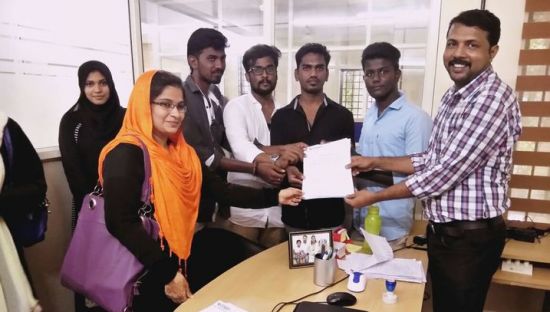
The enviable salary packages and track record of our previous students are the proof of our excellence. Please go through our students' reviews about our training methods and faculty and compare it to the recorded video classes that most of the other institutes offer. See for yourself how TechnoMaster is truly unique.

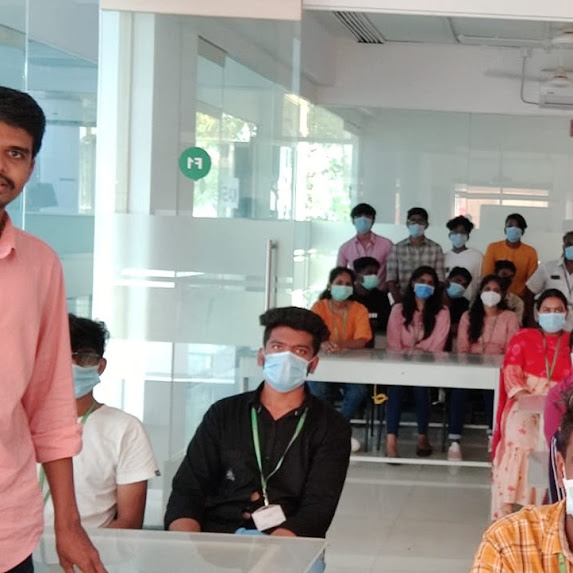
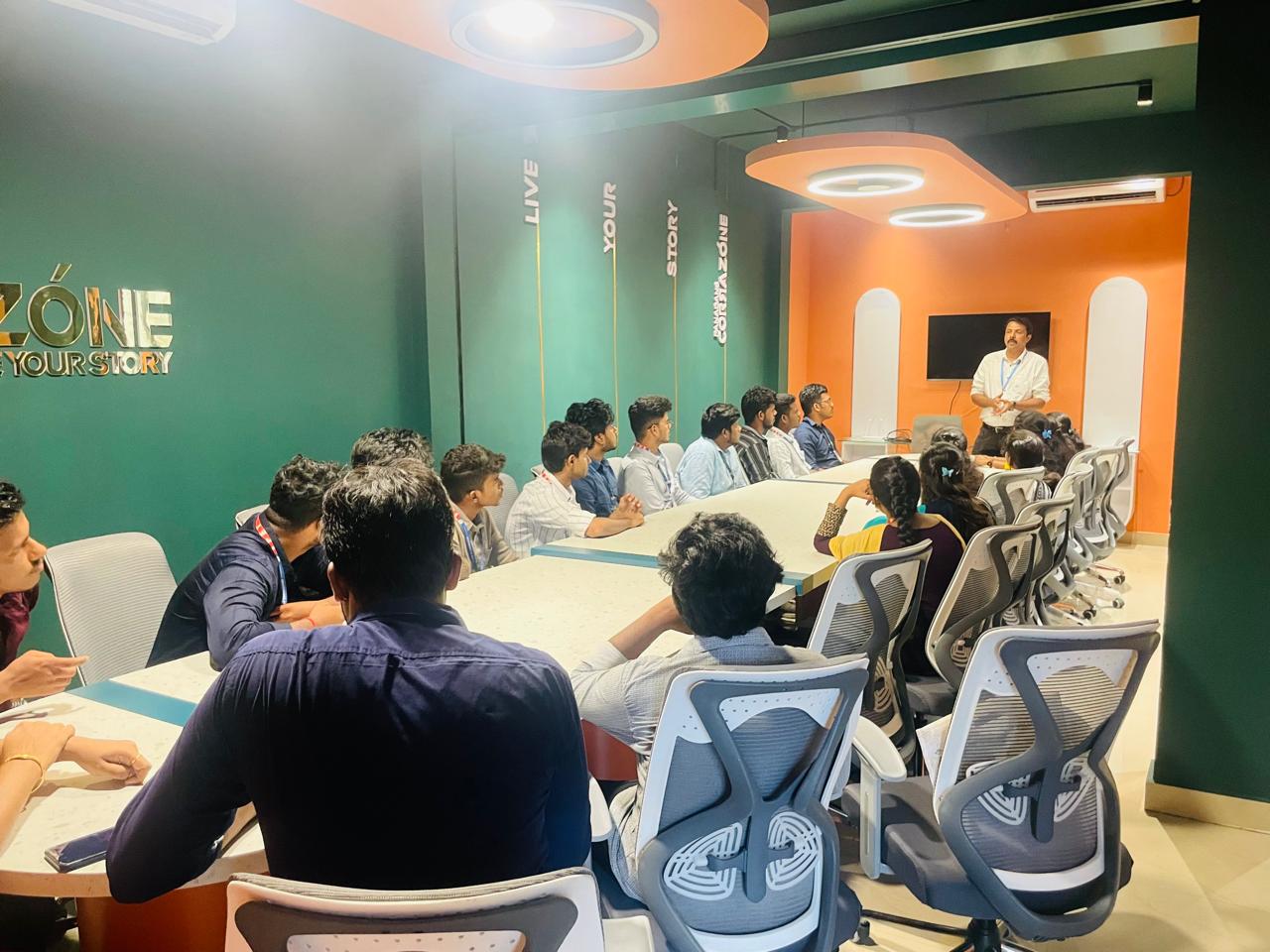
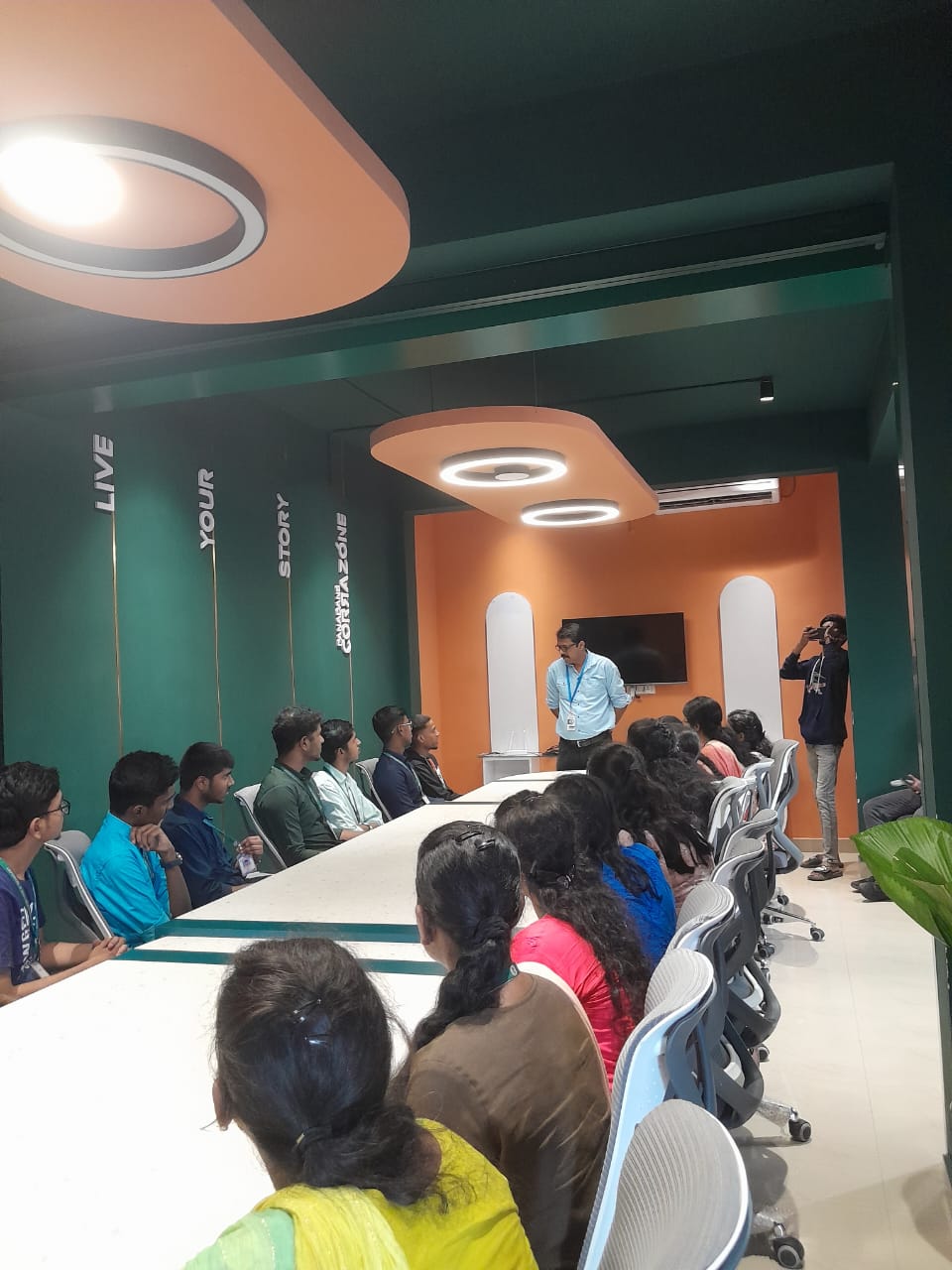
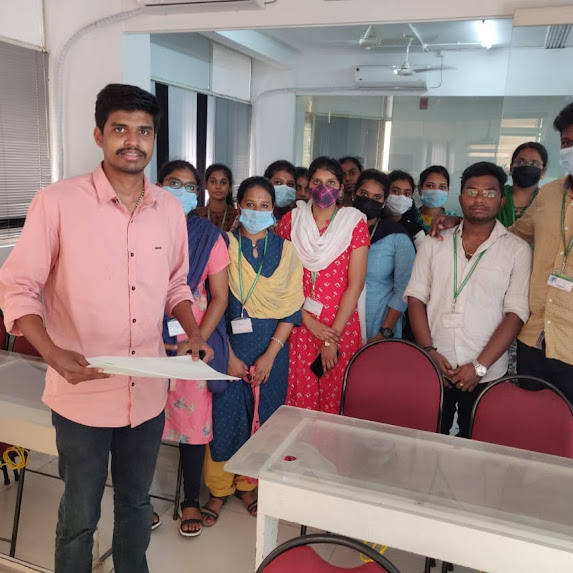
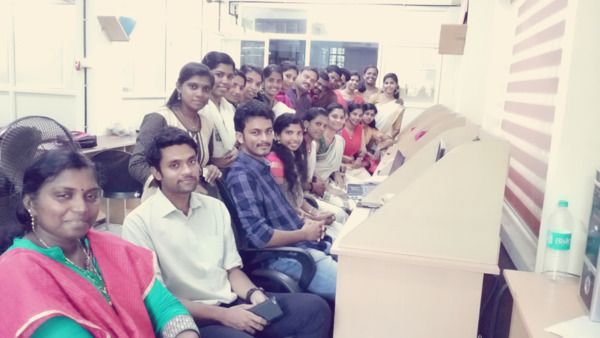
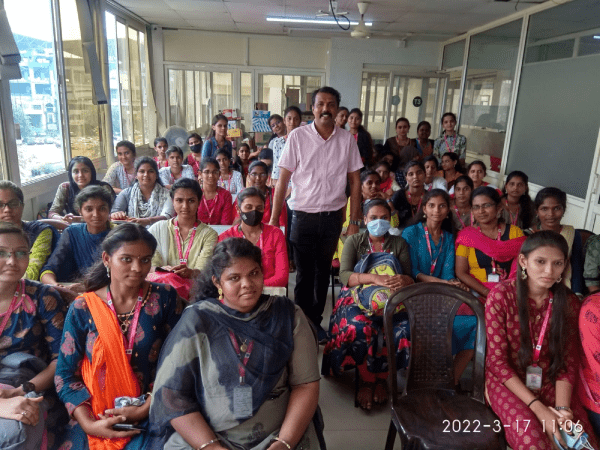
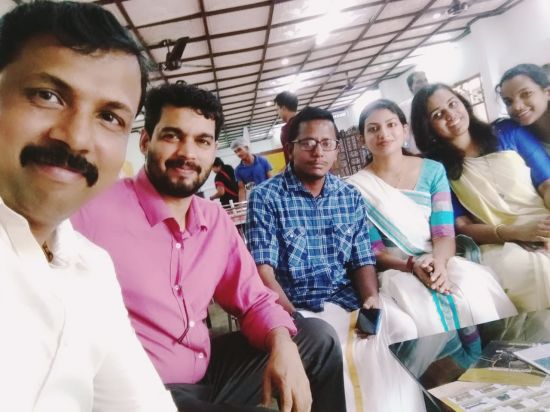
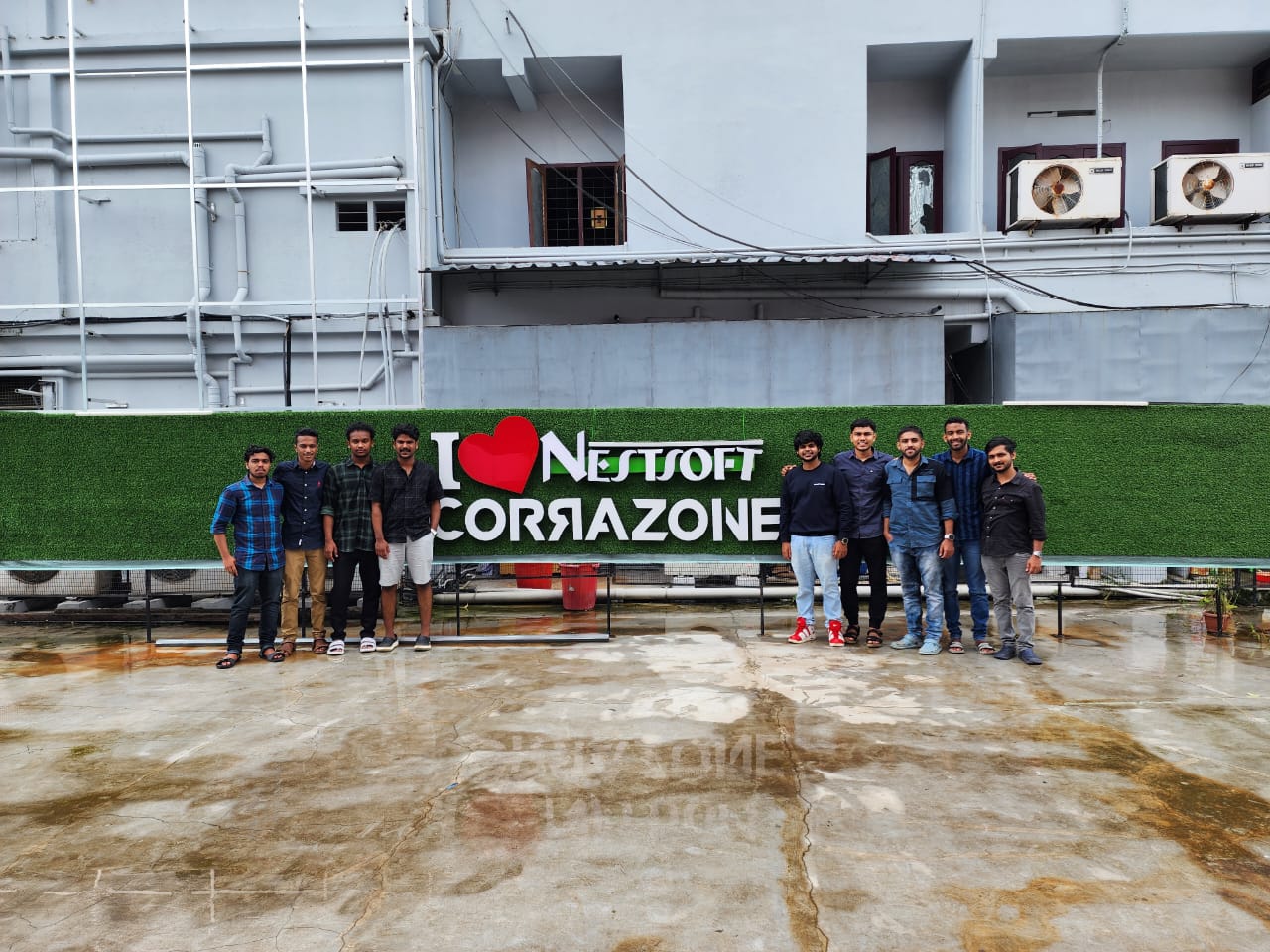
Photos of Training / Internships

Internship/projects in dindigul

Trained more than 10000+ students who trust Nestsoft TechnoMaster

Get Your Personal Trainer