Send enquiry ⏎

AutoCAD Online Live Class by Experts

Our Training/Internship Process

AutoCAD Online Live Classes in Mumbai | Free Demo Training

AutoCAD - Syllabus, Fees & Duration

INTRODUCTION OF AUTOCAD

  • Uses of AutoCAD
  • Different versions
  • Installation procedure

BASIC UNDERSTANDING

  • User interface
  • Different units and templates
  • Coordinate systems
  • Drawing settings
  • Concept of views
  • Create and Save

BASIC IDEA OF TOOLS AND MENUS

  • Application button
  • Quick access toolbar
  • Tabs and ribbon areas
  • Panels
  • Drawing area
  • Status bar

BASIC DRAWINGS

  • Making simple lines, polylines, rectangles
  • Creation of arcs, circles, ellipses
  • Use of ortho and polar mode
  • Simple and advance object snaps
  • Object snap tracking

BASIC MODIFY TOOLS

  • Scaling of objects
  • Rotation of objects
  • Move, copy ,trim and extend objects
  • Joining and extend tools
  • Offset, fillet and mirror of objects

MAJOR DRAWINGS

  • Isometric, mechanical and electrical drawings with advanced building drawings
  • Drawing with Hatch tools and their applications
  • Making rectangular, polar and path array
  • Use of multi function grips and dynamic input
  • Drawing of different components of building

REUSING EXISTING CONTENT

  • Creation, understanding and insertion of blocks
  • Modifying and start write block
  • Use of different block libraries
  • Attributes

OBJECT ORGANISATION

  • Understanding and assigning layers
  • By layer and by block
  • Enquiry tools
  • Purge and rename command

ANNOTATIONS

  • Basic and advance dimensions and their style
  • Multileader
  • Creation and modifying table with styles
  • Different text styles

LAYOUT AND PRINTING

  • Page setup and plotting drawing
  • Viewports
  • Creation of annotative dimensions

Download Syllabus - AutoCAD
This syllabus is not final and can be customized as per needs/updates
   
10000+
20+
50+
25+

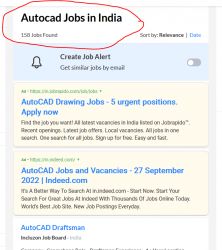
AutoCAD Jobs in Mumbai

Enjoy the demand

Find jobs related to AutoCAD in search engines (Google, Bing, Yahoo) and recruitment websites (monsterindia, placementindia, naukri, jobshybrid.com, indeed.co.in, shine.com etc.) based in Mumbai, chennai and europe countries. You can find many jobs for freshers related to the job positions in Mumbai.

  • AutoCAD Draughtsman
  • Junior Architect
  • Junior Interior Designer
  • AutoCAD Designer
  • Junior Civil Engineer
  • AutoCAD Civil Drafters
  • 3D Design
  • Junior Design Executive
  • Structural Draughtsman
  • AutoCAD Engineer

AutoCAD Internship/Course Details

AutoCAD internship jobs in Mumbai
AutoCAD Initially AutoCAD was derived from a program called Interact, which was written in a proprietary language. This application allows sharing of files with multiple people, no matter how large the file. It is also available as mobile as well as web apps. It is developed and marketed by Autodesk. TechnoMaster provide training on AutoCAD 2D 3D drawings in Mumbai by Industry experts by online/offline. The designed blueprint will be carried with the job for its complete stages of start to delivery in between production teams, quality team and machine handling teams review the design in case of any issues of understanding and continue machining with the reference of blueprint drafters. It can be done in two types of wiring diagram and a surface model diagram for use in the manufacturing, assembling and repairing of parts. But now it can be used for various purposes. Owing to these merits, AutoCAD is undoubtedly the most widely accepted software in many areas around the Mumbai. They are also adopted as a skill development application for a graduate-level of education.


Meet a Few of our Industry Experts 🚀 Your Pathway to IT Career

Kamlesh

Mobile: +91 98474 90866
Location: Online (Mumbai, India)
Qualification: B.Sc

Experience: Computer web design YouTube channel ms office excel PowerPoint etc  more..

Saravanan

Mobile: +91 89210 61945
Location: Online (Mumbai, India)
Qualification: Bsc

Experience: I am flutter developer fresher  more..

Thasleema

Mobile: +91 9895490866
Location: Online (Mumbai, India)
Qualification: B.TECH

Experience: SEO Social media marketing Basic website development(WordPress) Canva   more..

laxmanneela

Mobile: +91 91884 77559
Location: Online (Mumbai, India)
Qualification: Bsc computers

Experience: Having 2 6 years of experience as oracle database administrator My skills are oracle rman asm datapump dataguard  more..

DEEPENDRA

Mobile: +91 89210 61945
Location: Online (Mumbai, India)
Qualification: Graduation

Experience: System security implementation Firewall configuration and management Data encryption techniques Backup and recovery planning Disaster recovery planning User training and  more..

Ramya

Mobile: +91 9895490866
Location: Online (Mumbai, India)
Qualification: BE CSE

Experience: This is Ramya I have 2 4 years experience in both manual and Automation testing I have good knowledge in  more..

sreelakshmi

Mobile: +91 8301010866
Location: Online (Mumbai, India)
Qualification: MCA

Experience: I have recently completed software testing course & Training from STC Technology and i have completed my postgraduation in MCA  more..

Sanjana

Mobile: +91 91884 77559
Location: Online (Mumbai, India)
Qualification: Msc computer science

Experience: Functional testing design testing data base testing mobile application tetsing regression testing web application testing basic automation tetong jira load  more..

challur

Mobile: +91 94975 90866
Location: Online (Mumbai, India)
Qualification: B.tech

Experience: C basics of java networking concepts troubleshooting sql  more..

Deepika

Mobile: +91 98474 90866
Location: Online (Mumbai, India)
Qualification: Bba and currently I done with Ai with python course

Experience: Web developer  more..

Naga

Mobile: +91 8301010866
Location: Online (Mumbai, India)
Qualification: Bachelor Degree

Experience: Hands-on experience in Selenium Automation testing BDD Cucumber and REST Assured API testing Created multiple automation projects for different web  more..

Tanuj

Mobile: +91 91884 77559
Location: Online (Mumbai, India)
Qualification: B.E. in ECE

Experience: I have worked as an Academic counsellor in inurture Skills: Technical skills including Computer programming and MS Excel my soft  more..

Mrunal

Mobile: +91 8301010866
Location: Online (Mumbai, India)
Qualification: MBA

Experience: Skilled in digital marketing SEO PPC social media ads graphic design video marketing and email marketing Experienced in cross-selling market  more..

Sukhwinder

Mobile: +91 94975 90866
Location: Online (Mumbai, India)
Qualification: MSC IT

Experience: Seo on page off page google analytics Google excell power points Google ads ppc graphic designing and well as video  more..

Evelin

Mobile: +91 8301010866
Location: Online (Mumbai, India)
Qualification: MCA

Experience: Html css php  more..

Shilpa

Mobile: +91 9895490866
Location: Online (Mumbai, India)
Qualification: B.E

Experience: Technical Skills:- • Linux Kernel • Shell Scripting • Advance C Programming • OOP’s using C++ • Data Structures and  more..

J.Praveen

Mobile: +91 8301010866
Location: Online (Mumbai, India)
Qualification: master degree

Experience: I had studied M Sc (Maths) more over TESBO(Manual testing and Automation testing) I have testing Trainer 6 month urban  more..

Debarpita

Mobile: +91 9895490866
Location: Online (Mumbai, India)
Qualification: B.Tech

Experience: Machine Learning: Predictive modelling Regression Classification Clustering Statistical modelling Feature Engineering Time Series Analysis Forecasting Natural Language Processing (NLP) and  more..

Varghese

Mobile: +91 98474 90866
Location: Online (Mumbai, India)
Qualification: BCA

Experience: My name is Varghese Elias an Aspiring Software Engineer seeking challenging openings in the field of Full stack web development  more..

PRIYA

Mobile: +91 94975 90866
Location: Online (Mumbai, India)
Qualification: MCA

Experience: I am a MCA Graduate I am interested to work as a junior Php developer  more..

Nikhil

Mobile: +91 98474 90866
Location: Online (Mumbai, India)
Qualification: Graduation

Experience: Main wordpress bahut time se use kar raha hoon aur use per Kai sari website banaa chuka hun  more..

Rajendra

Mobile: +91 98474 90866
Location: Online (Mumbai, India)
Qualification: BCA

Experience: Handling various technical aspects like coding of modules using the given design specifications debugging and fixing the defects as well  more..

Ghanshyam

Mobile: +91 98474 90866
Location: Online (Mumbai, India)
Qualification: graduate

Experience: php laravel Html MySql jQuery Ajax and basic Css  more..

Gunjan

Mobile: +91 94975 90866
Location: Online (Mumbai, India)
Qualification: Web design

Experience: Web design in HTML5 CSS3 Responsive Bootstrap I have 2 months experience   more..

Success Stories

The enviable salary packages and track record of our previous students are the proof of our excellence. Please go through our students' reviews about our training methods and faculty and compare it to the recorded video classes that most of the other institutes offer. See for yourself how TechnoMaster is truly unique.

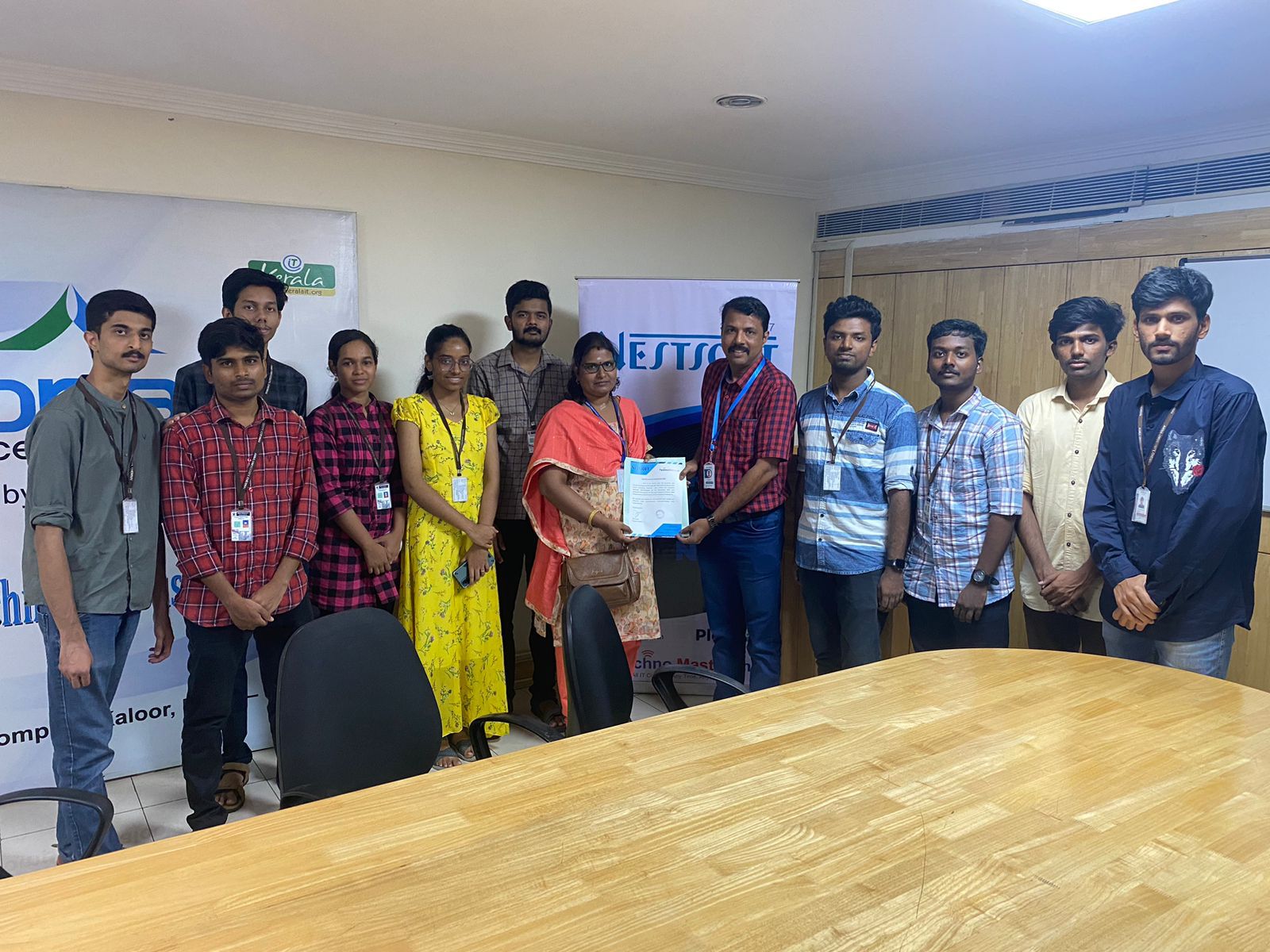
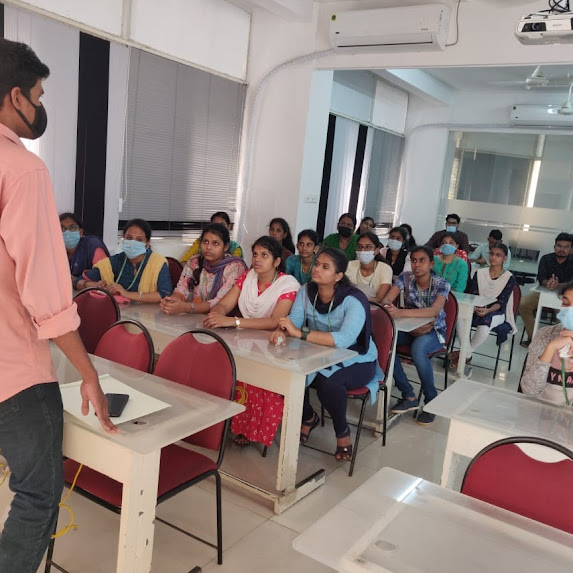
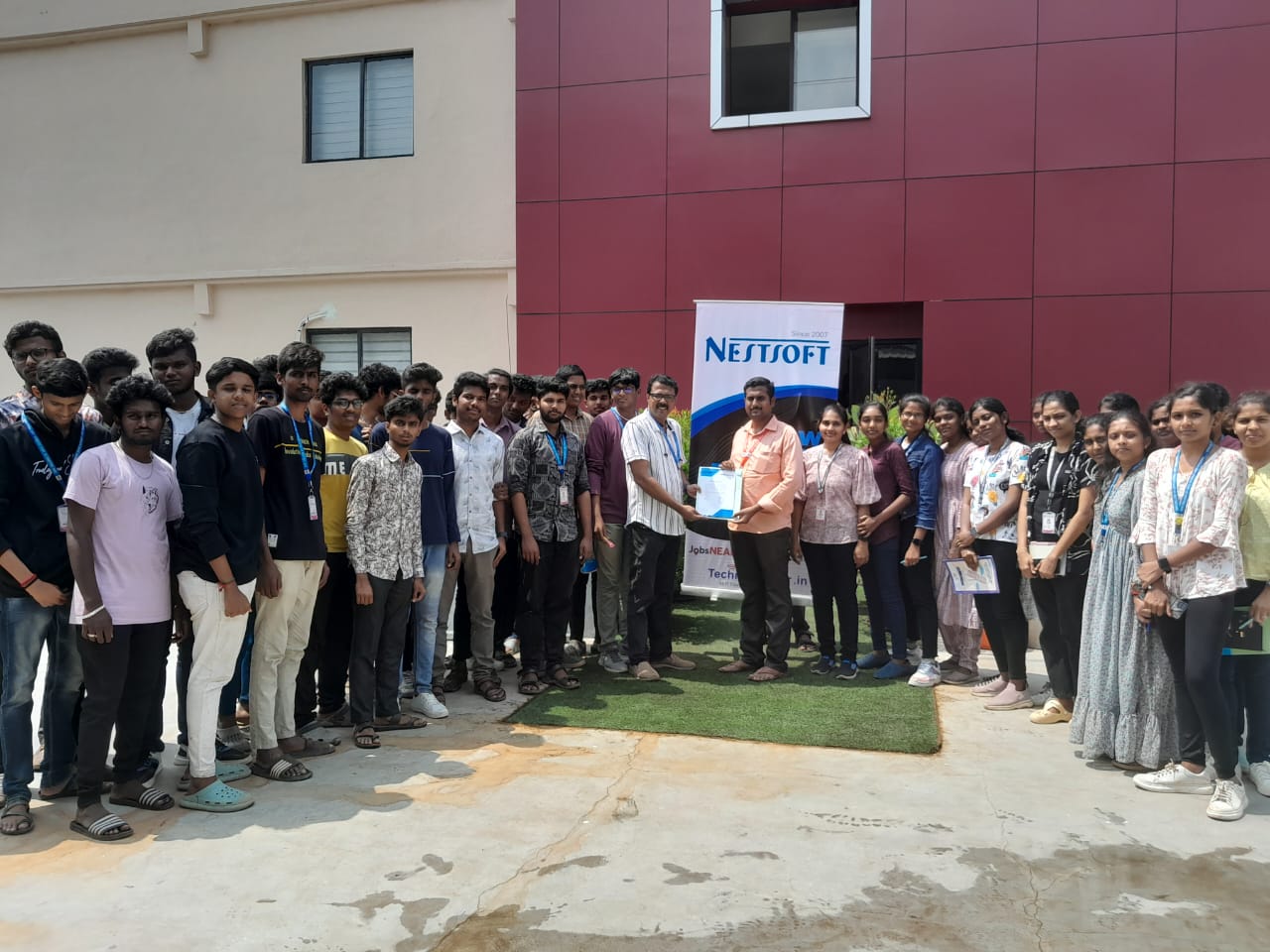
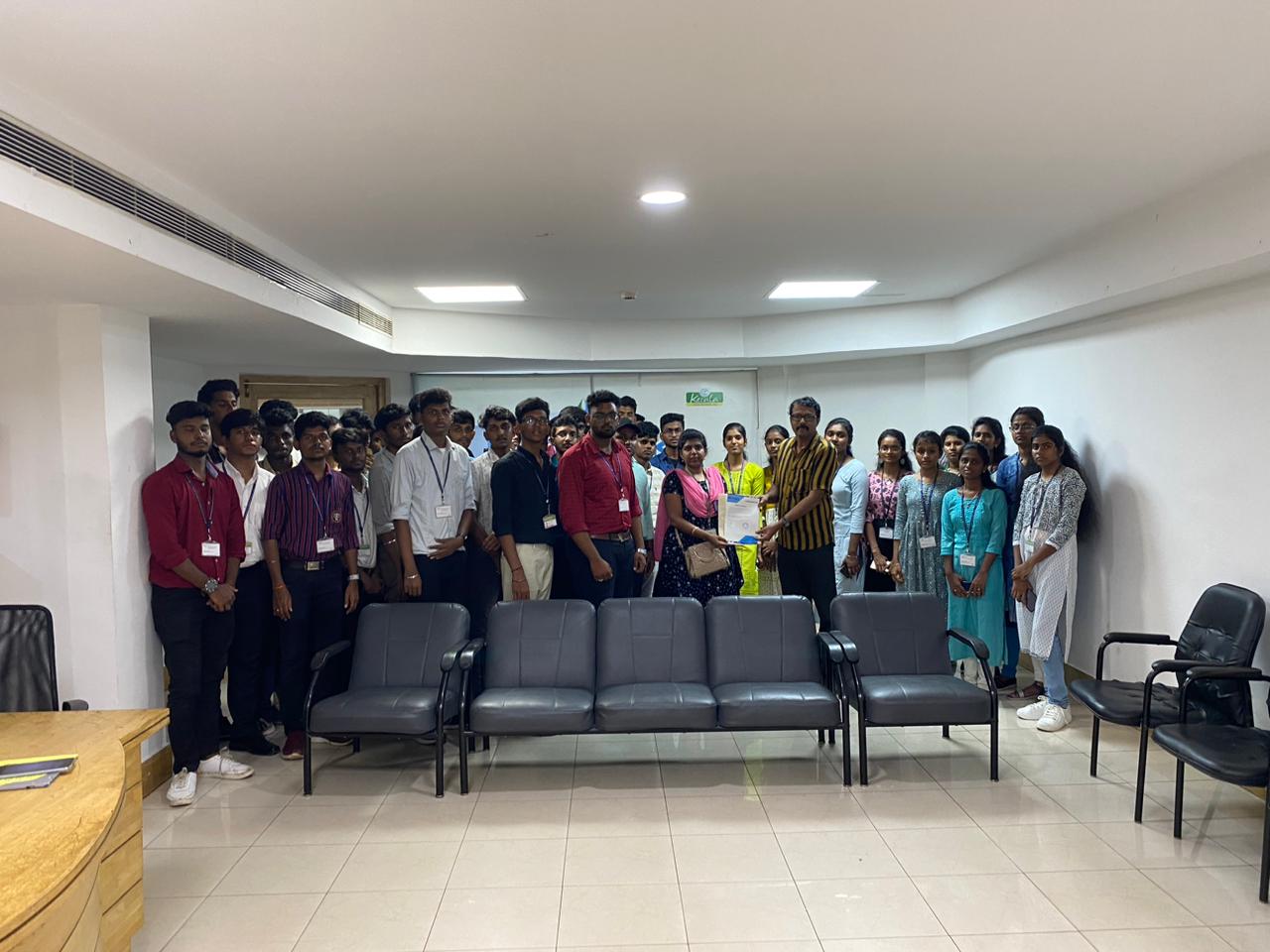
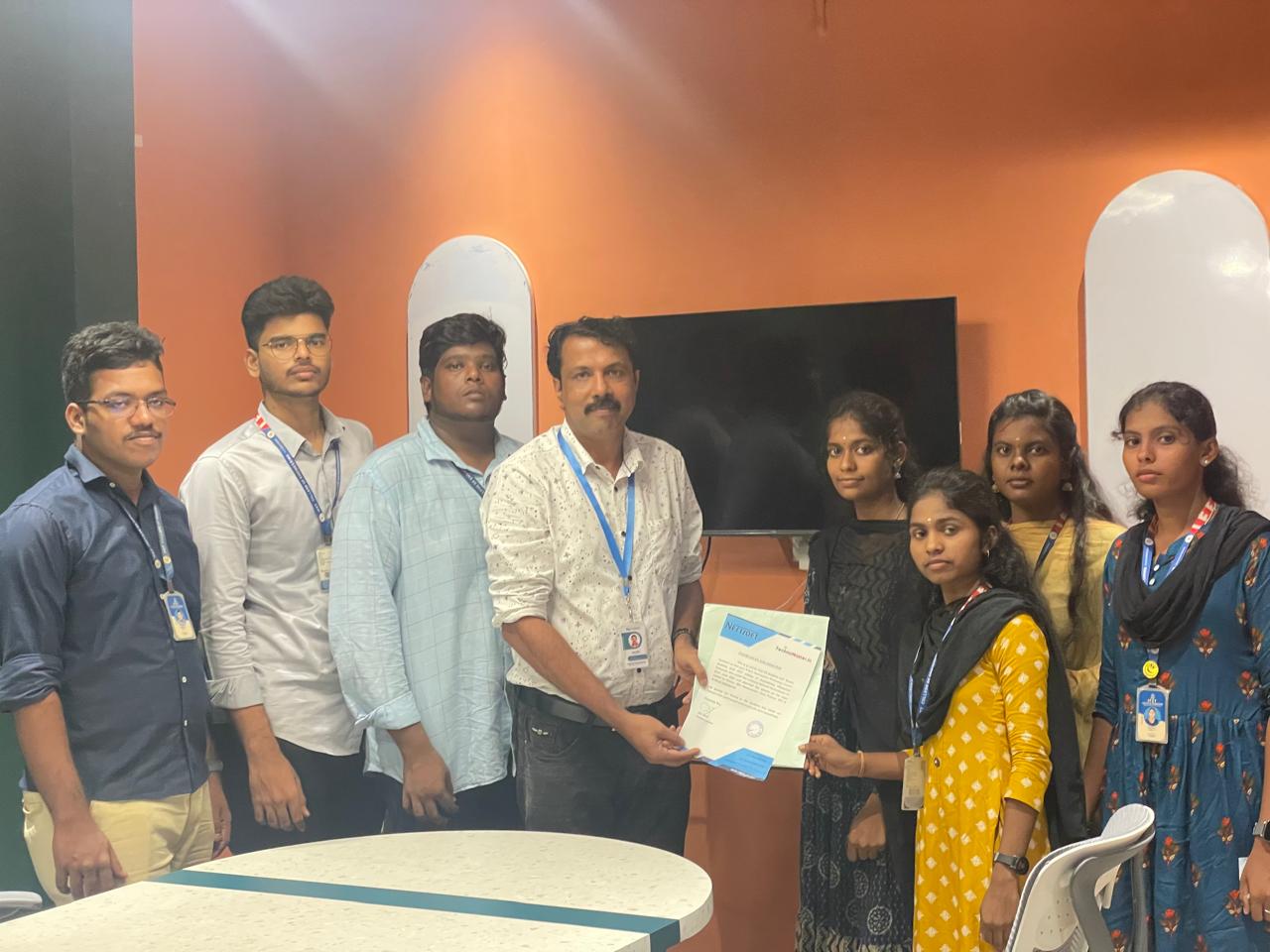
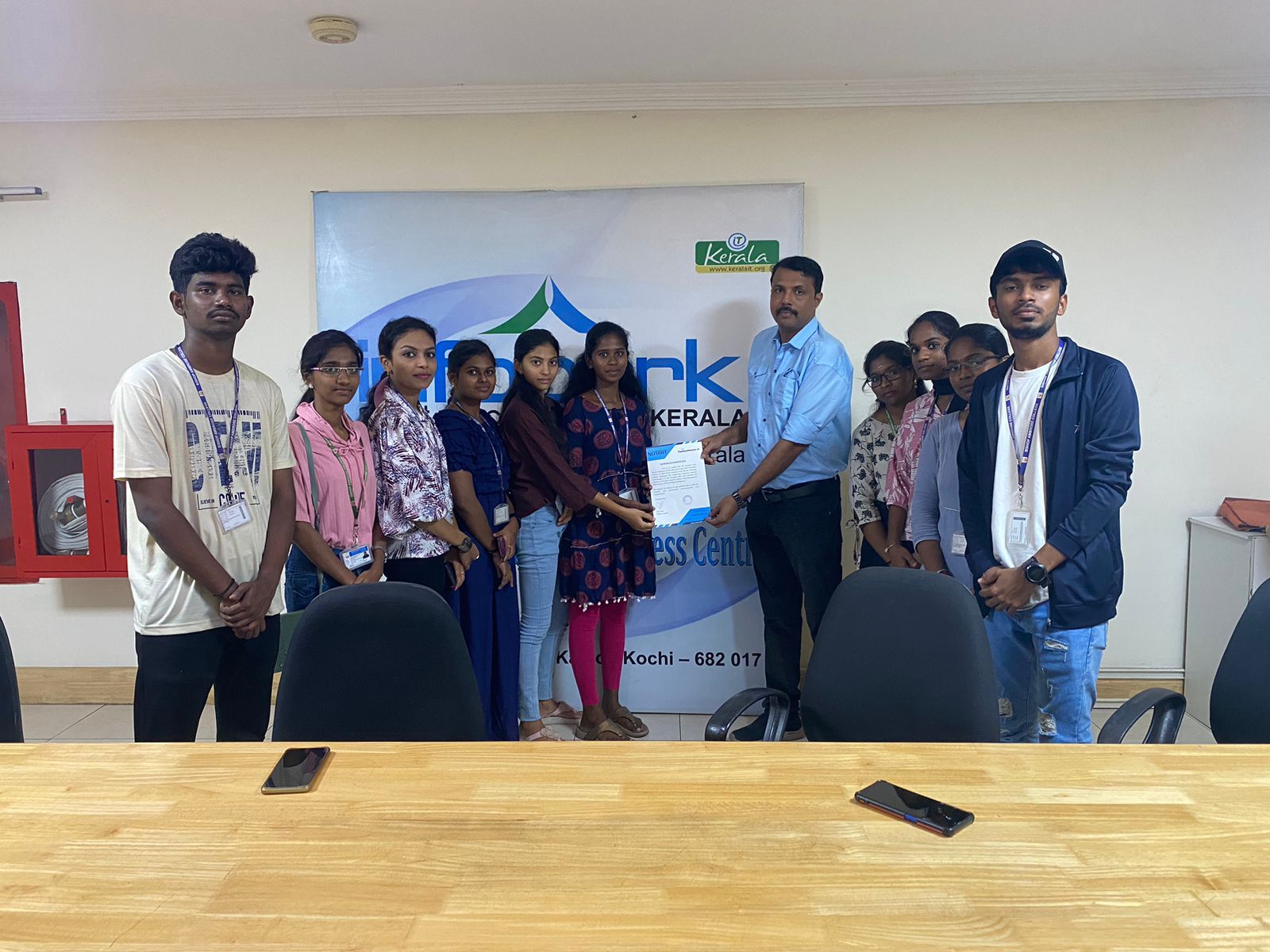
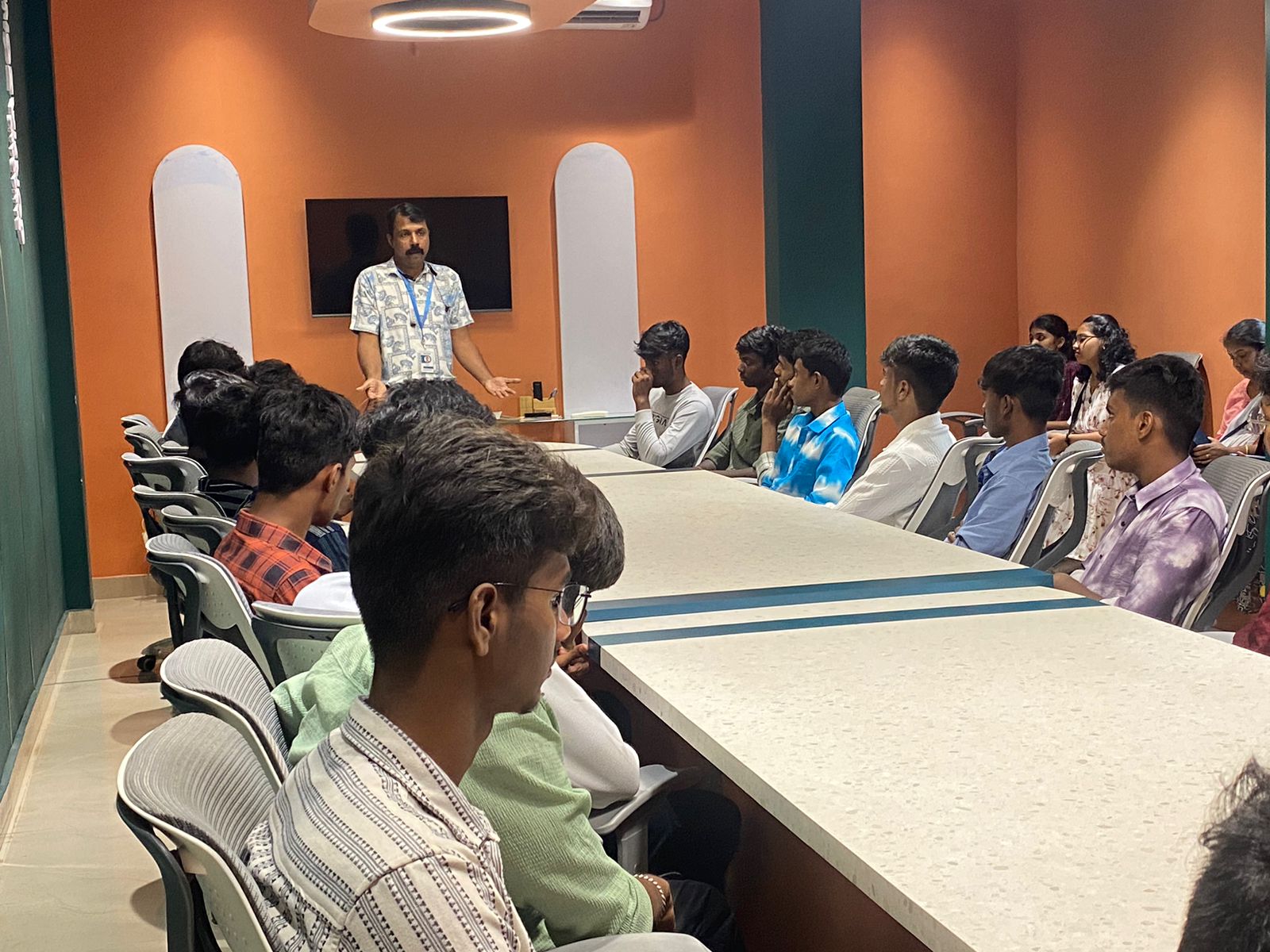
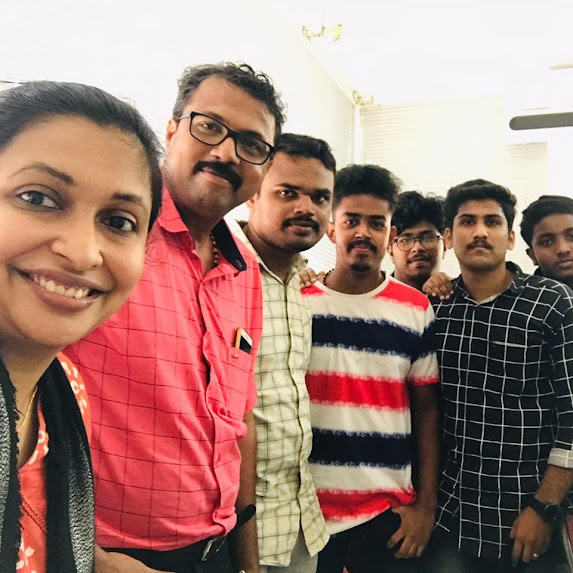
Photos of Training / Internships

Internship/projects in mumbai

Trained more than 10000+ students who trust Nestsoft TechnoMaster

Get Your Personal Trainer