Send enquiry ⏎

AutoCAD Online Live Class by Experts

Our Training/Internship Process

AutoCAD Online Live Classes in Malappuram | Free Demo Training

AutoCAD - Syllabus, Fees & Duration

INTRODUCTION OF AUTOCAD

  • Uses of AutoCAD
  • Different versions
  • Installation procedure

BASIC UNDERSTANDING

  • User interface
  • Different units and templates
  • Coordinate systems
  • Drawing settings
  • Concept of views
  • Create and Save

BASIC IDEA OF TOOLS AND MENUS

  • Application button
  • Quick access toolbar
  • Tabs and ribbon areas
  • Panels
  • Drawing area
  • Status bar

BASIC DRAWINGS

  • Making simple lines, polylines, rectangles
  • Creation of arcs, circles, ellipses
  • Use of ortho and polar mode
  • Simple and advance object snaps
  • Object snap tracking

BASIC MODIFY TOOLS

  • Scaling of objects
  • Rotation of objects
  • Move, copy ,trim and extend objects
  • Joining and extend tools
  • Offset, fillet and mirror of objects

MAJOR DRAWINGS

  • Isometric, mechanical and electrical drawings with advanced building drawings
  • Drawing with Hatch tools and their applications
  • Making rectangular, polar and path array
  • Use of multi function grips and dynamic input
  • Drawing of different components of building

REUSING EXISTING CONTENT

  • Creation, understanding and insertion of blocks
  • Modifying and start write block
  • Use of different block libraries
  • Attributes

OBJECT ORGANISATION

  • Understanding and assigning layers
  • By layer and by block
  • Enquiry tools
  • Purge and rename command

ANNOTATIONS

  • Basic and advance dimensions and their style
  • Multileader
  • Creation and modifying table with styles
  • Different text styles

LAYOUT AND PRINTING

  • Page setup and plotting drawing
  • Viewports
  • Creation of annotative dimensions

Download Syllabus - AutoCAD
This syllabus is not final and can be customized as per needs/updates
   
10000+
20+
50+
25+

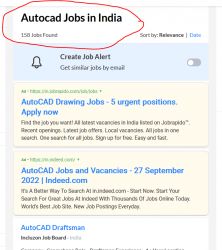
AutoCAD Jobs in Malappuram

Enjoy the demand

Find jobs related to AutoCAD in search engines (Google, Bing, Yahoo) and recruitment websites (monsterindia, placementindia, naukri, jobshybrid.com, indeed.co.in, shine.com etc.) based in Malappuram, chennai and europe countries. You can find many jobs for freshers related to the job positions in Malappuram.

  • AutoCAD Draughtsman
  • Junior Architect
  • Junior Interior Designer
  • AutoCAD Designer
  • Junior Civil Engineer
  • AutoCAD Civil Drafters
  • 3D Design
  • Junior Design Executive
  • Structural Draughtsman
  • AutoCAD Engineer

AutoCAD Internship/Course Details

AutoCAD internship jobs in Malappuram
AutoCAD CAD interface makes it the best technical designing beginners software for study and initial stages of engineering designing career. It was supported by 750 training centers worldwide in the year 1994. TechnoMaster provide training on AutoCAD 2D 3D drawings in Malappuram by Industry experts by online/offline. Initially AutoCAD was derived from a program called Interact, which was written in a proprietary language. The uses of AutoCAD helps to create blueprints for engine valves and engine spare parts for manufacturing with accurate measurement in Malappuram. There are many merits of using AutoCAD. AutoCAD training by TechnoMaster in Malappuram by Industry Experts. It helps in assessing the cost of various products which aids in managing various activities. It is used in industry by architects, civil engineers, graphic designers, city planners and many other professionals. Owing to these merits, AutoCAD is undoubtedly the most widely accepted software in many areas around the Malappuram.


Meet a Few of our Industry Experts 🚀 Your Pathway to IT Career

Aastha

Mobile: +91 89210 61945
Location: Online (Malappuram, India)
Qualification: MCA

Experience: 3+ years of experience in WordPress development in which I have worked on Theme customization Security related issues troubleshooting ACF  more..

Shanthini

Mobile: +91 8301010866
Location: Online (Malappuram, India)
Qualification: 12th pass

Experience: canva web developer web designing full stack communication html css javascript advanced computer skills writing creative leadership Projects: Online Second  more..

Nikhila

Mobile: +91 94975 90866
Location: Online (Malappuram, India)
Qualification: Bca

Experience: Fresher Html angular dbms  more..

Tarun

Mobile: +91 94975 90866
Location: Online (Malappuram, India)
Qualification: MCA

Experience: I have 6-8 months of experience in manual testing   more..

ANJU

Mobile: +91 98474 90866
Location: Online (Malappuram, India)
Qualification: B.Tech

Experience: Worked as 6 month intern at irohub infotech ernamkulam Then i completed a course in python with django framework  more..

Kiran

Mobile: +91 91884 77559
Location: Online (Malappuram, India)
Qualification: Diploma in computer Engineering

Experience: Ethical Hacking Vulnerability Assessment C programming (basics) HTML SQL |   more..

Ranu

Mobile: +91 89210 61945
Location: Online (Malappuram, India)
Qualification: Electrical engineering

Experience: I recently completed my pg diploma in secure software development from cdac Hyderabad I have knowledge or c programming basic  more..

Janvi

Mobile: +91 8301010866
Location: Online (Malappuram, India)
Qualification: Bachelors

Experience: Graphic design   more..

Raghav

Mobile: +91 91884 77559
Location: Online (Malappuram, India)
Qualification: B.Tech

Experience: 1 year selinium experice and testing  more..

Inti

Mobile: +91 94975 90866
Location: Online (Malappuram, India)
Qualification: Mca

Experience: Reactjs ui development python 3 years experience  more..

Piyush

Mobile: +91 91884 77559
Location: Online (Malappuram, India)
Qualification: BTech computer science and engineering

Experience: I have experience in problem solving through c++ and web development through mern stack where I have used react js  more..

Hammad

Mobile: +91 91884 77559
Location: Online (Malappuram, India)
Qualification: Bachelor

Experience: I am skilled in various areas including: * **Language understanding and generation:** I can process information from text and respond  more..

Janish

Mobile: +91 91884 77559
Location: Online (Malappuram, India)
Qualification: Under Graduation

Experience: Expert poster making in canva Expert in video editing in Capcut VN Expert in web design logo crration |   more..

Chauhan

Mobile: +91 9895490866
Location: Online (Malappuram, India)
Qualification: BCA

Experience: I have experience in Android developer in java 1 year and kotlin 6 month   more..

Ritik

Mobile: +91 91884 77559
Location: Online (Malappuram, India)
Qualification: Bachelor

Experience: 2 5 years of experience and programming skills  more..

Navratn

Mobile: +91 8301010866
Location: Online (Malappuram, India)
Qualification: B.Tech

Experience: Skill: Penetration Testing Experience: I bring hands-on experience in penetration testing garnered from my role as a Security Intern at  more..

Priyanka

Mobile: +91 8301010866
Location: Online (Malappuram, India)
Qualification: ECE

Experience: 1 ) 2 2 years of overall Quality Executive experience including 1Year of Automation Testing Experience (Selenium Web Driver) 2  more..

Akshay

Mobile: +91 8301010866
Location: Online (Malappuram, India)
Qualification: Msc-IT

Experience: Backend development: Java (Core & Advanced) Java Servlets JSP Spring (Boot MVC Data) Hibernate Node js Tomcat • Frontend development:  more..

Shreethal

Mobile: +91 94975 90866
Location: Online (Malappuram, India)
Qualification: Btech

Experience: I have studied Computer science and engineering from Universal Engineering college under Abdul kalam technical university I possess rich domain  more..

vimaljoy

Mobile: +91 94975 90866
Location: Online (Malappuram, India)
Qualification: B -Tech - 3rd year

Experience: Machine Learning Computer Vision Deep learning python Unity HTML & CSS  more..

Arpitha

Mobile: +91 9895490866
Location: Online (Malappuram, India)
Qualification: BE

Experience: I have 2 8years experience in front end devlopment skills html5 CSS3 bootstrap javascript jQuery react js   more..

Shilpa

Mobile: +91 98474 90866
Location: Online (Malappuram, India)
Qualification: Be

Experience: Training in software testing   more..

kamal

Mobile: +91 8301010866
Location: Online (Malappuram, India)
Qualification: Btech in computer science

Experience: I am a WordPress developer having 3 years of experience I worked on multiple themes and plugins like elementor elementor  more..

Shubham

Mobile: +91 94975 90866
Location: Online (Malappuram, India)
Qualification: Bse Graduate

Experience: I have total 3 year and 9 month of experience in both manual and automation testing   more..

Success Stories

The enviable salary packages and track record of our previous students are the proof of our excellence. Please go through our students' reviews about our training methods and faculty and compare it to the recorded video classes that most of the other institutes offer. See for yourself how TechnoMaster is truly unique.

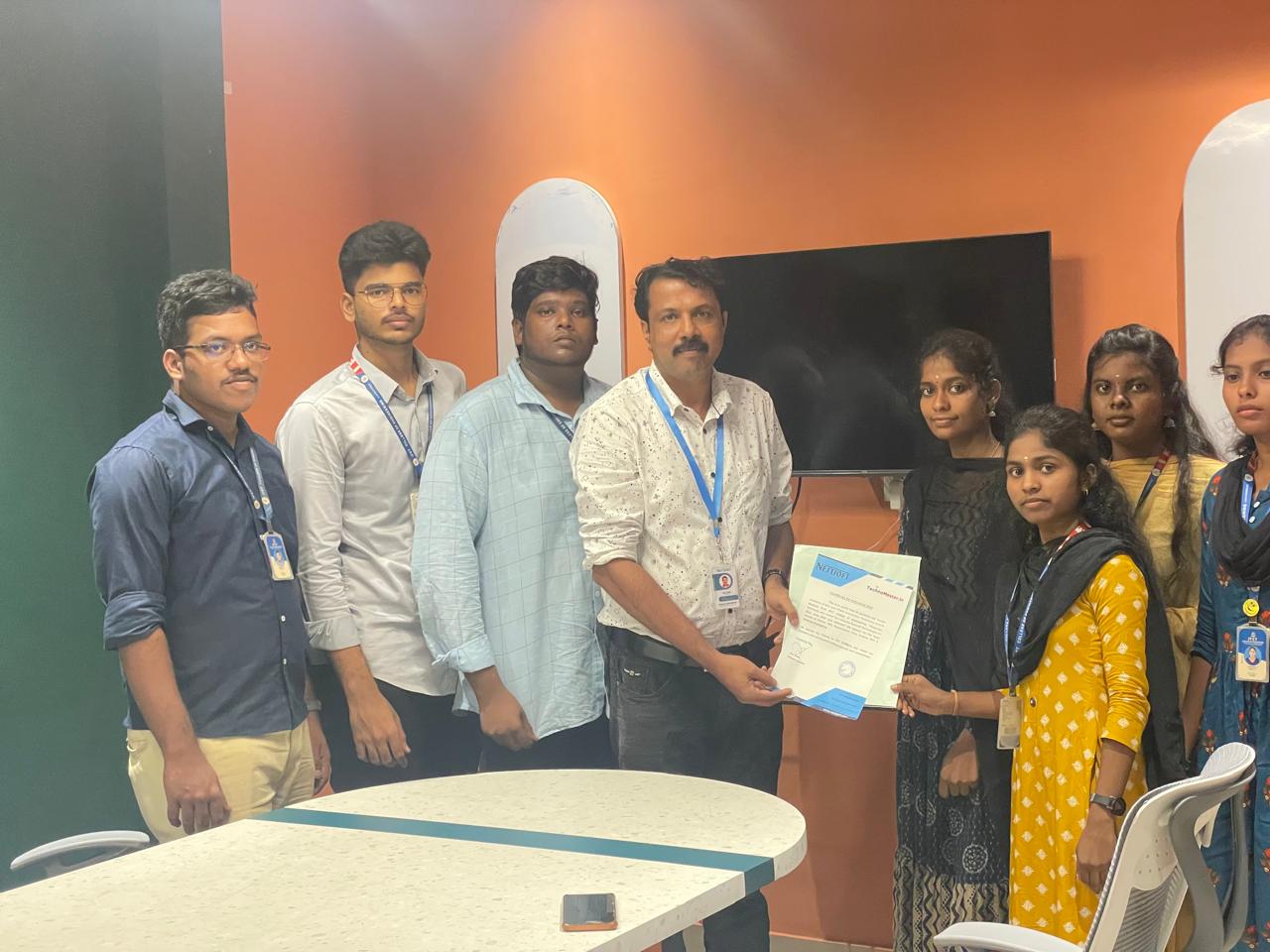
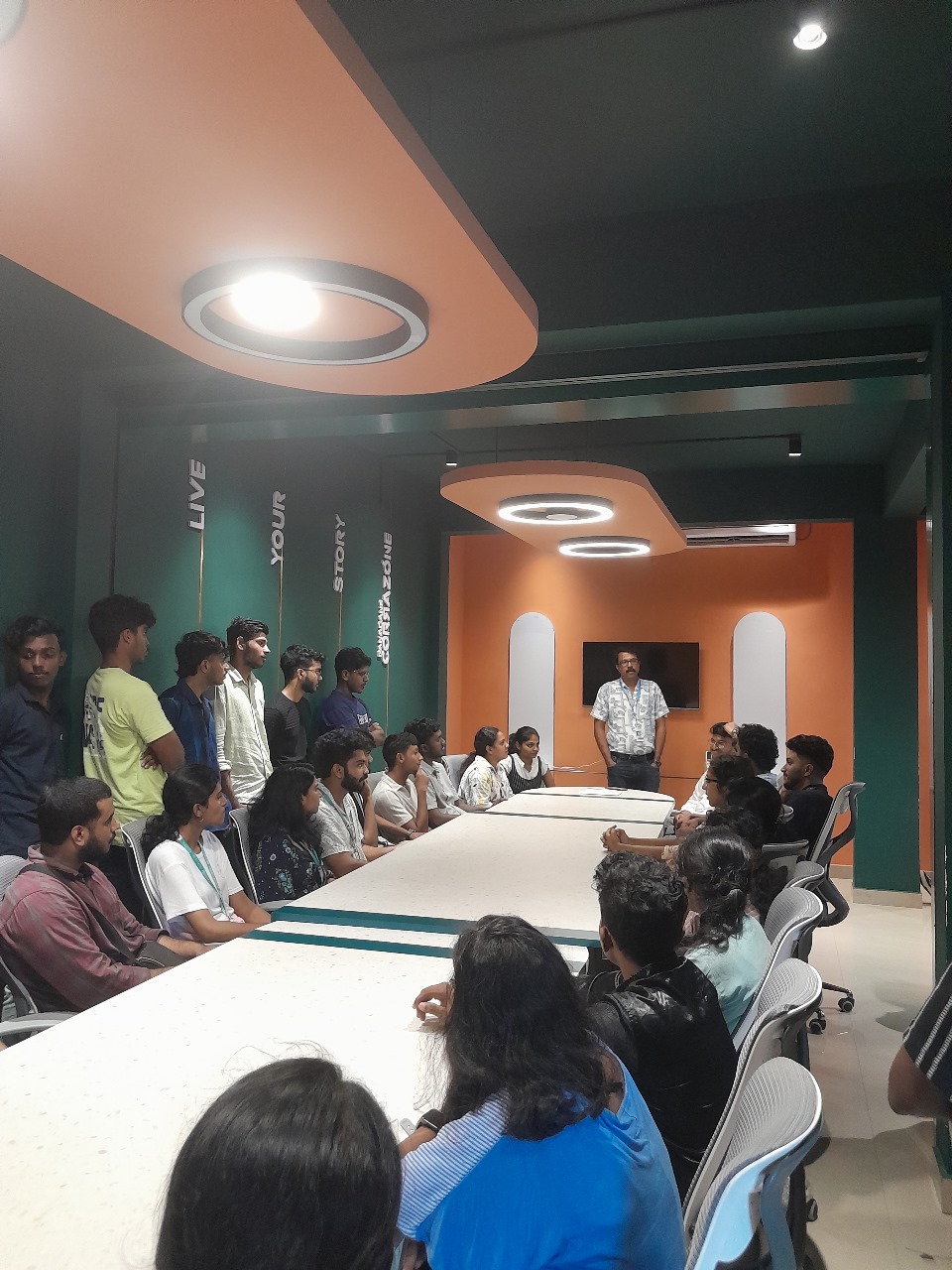
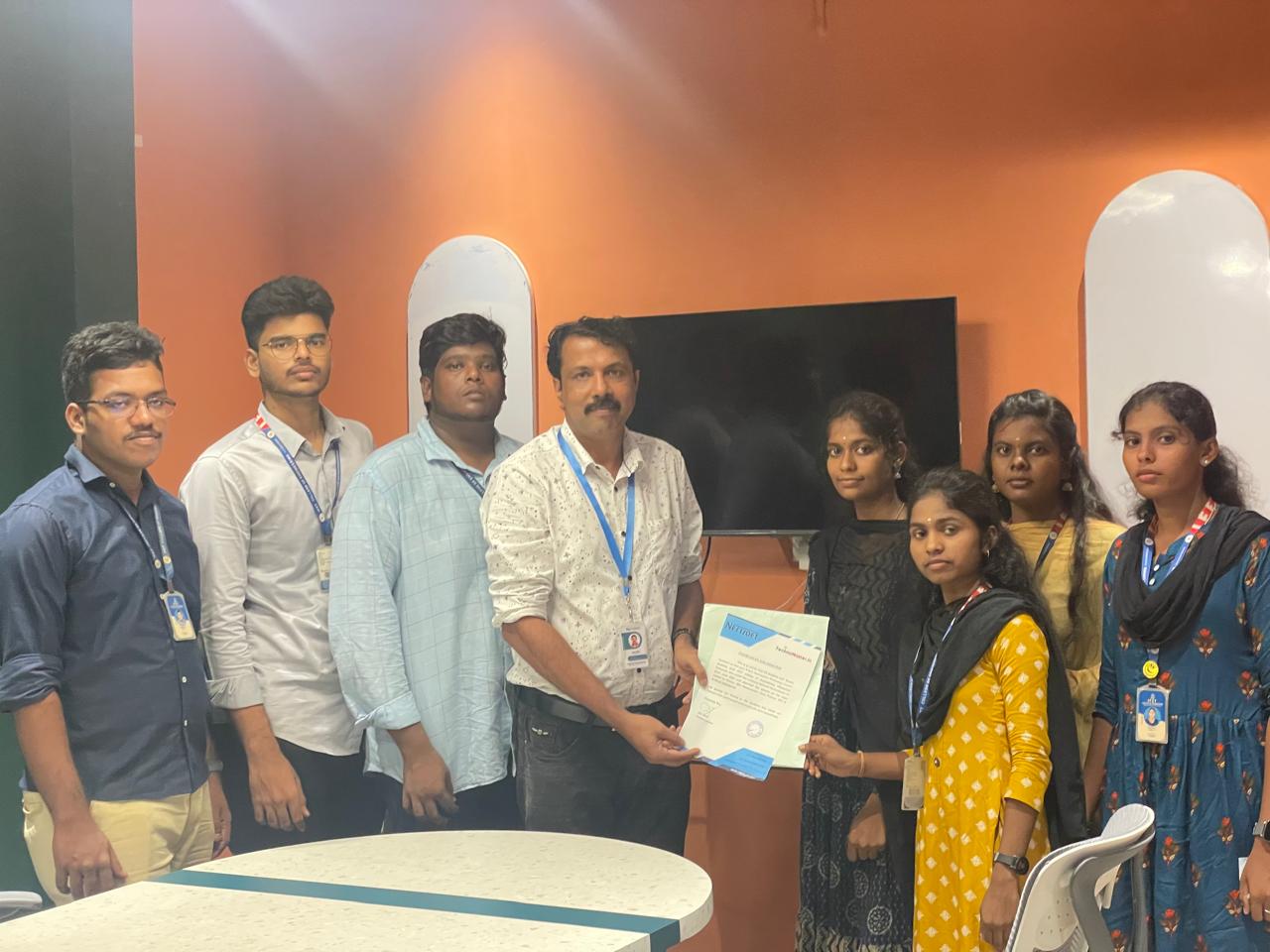
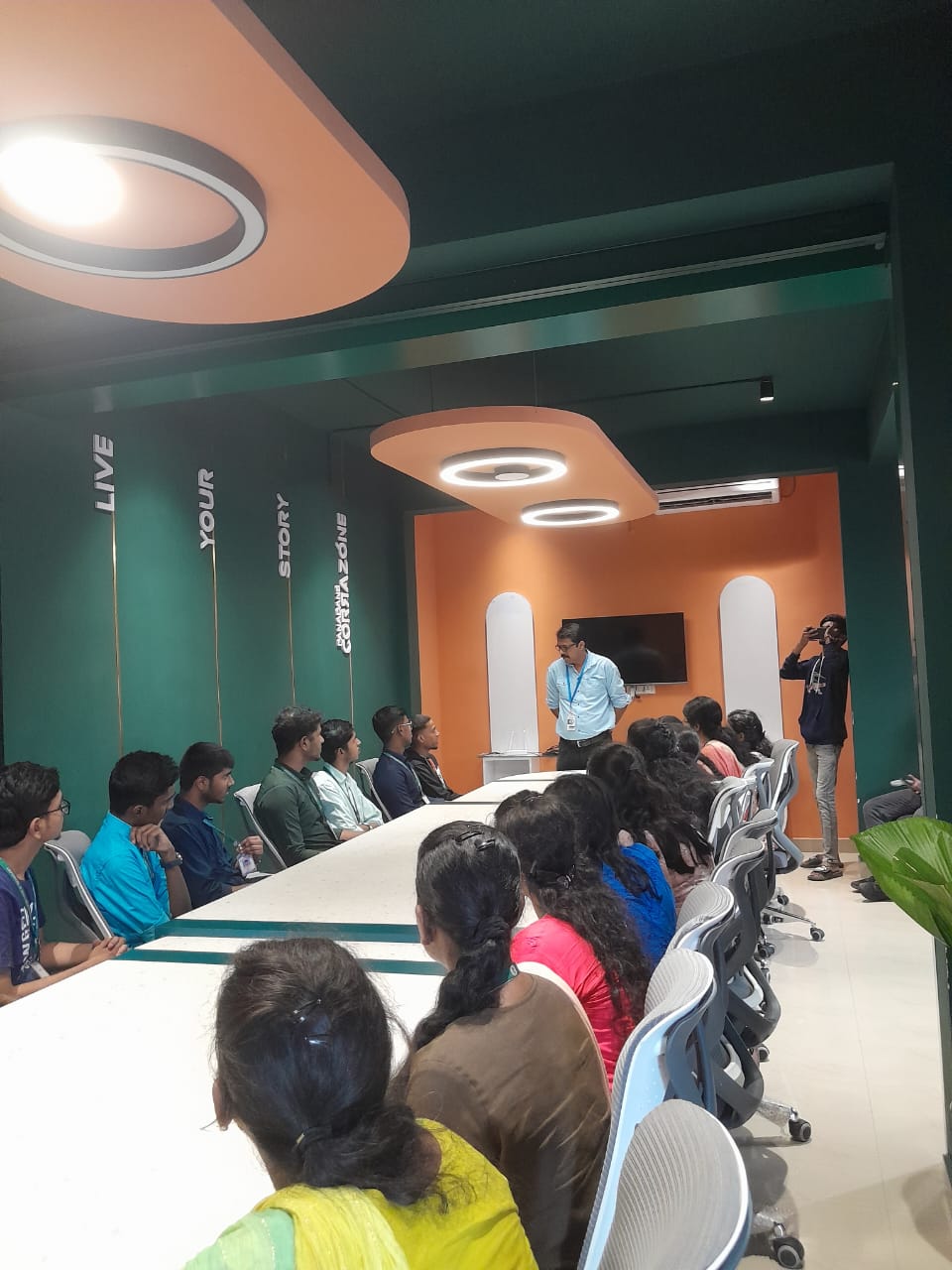
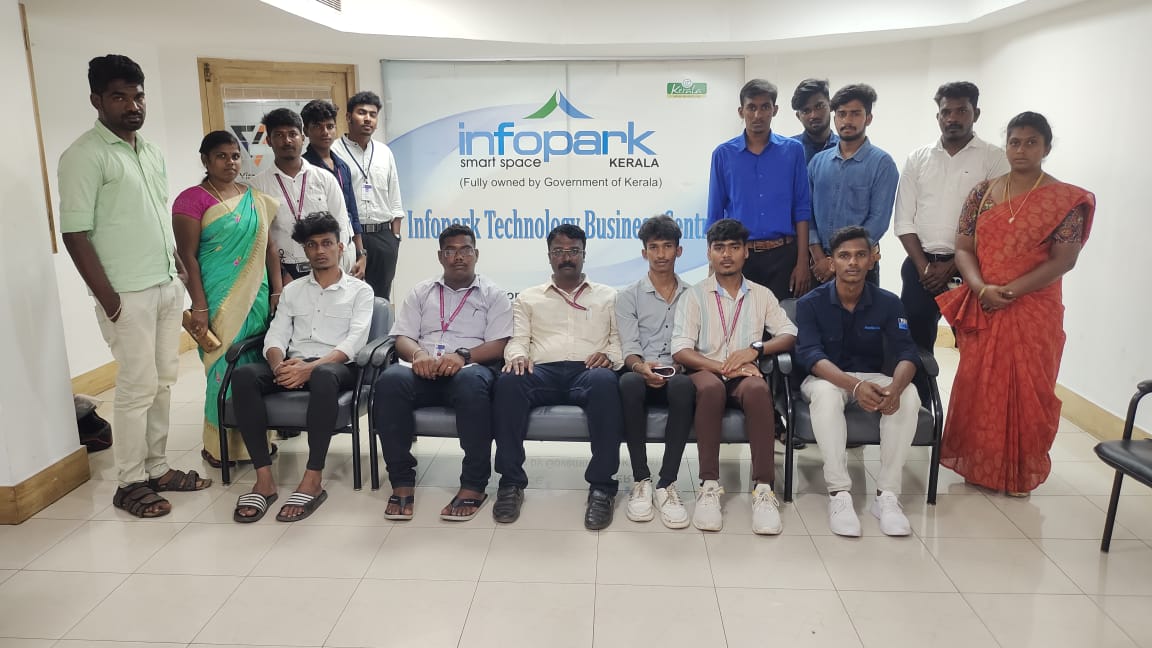
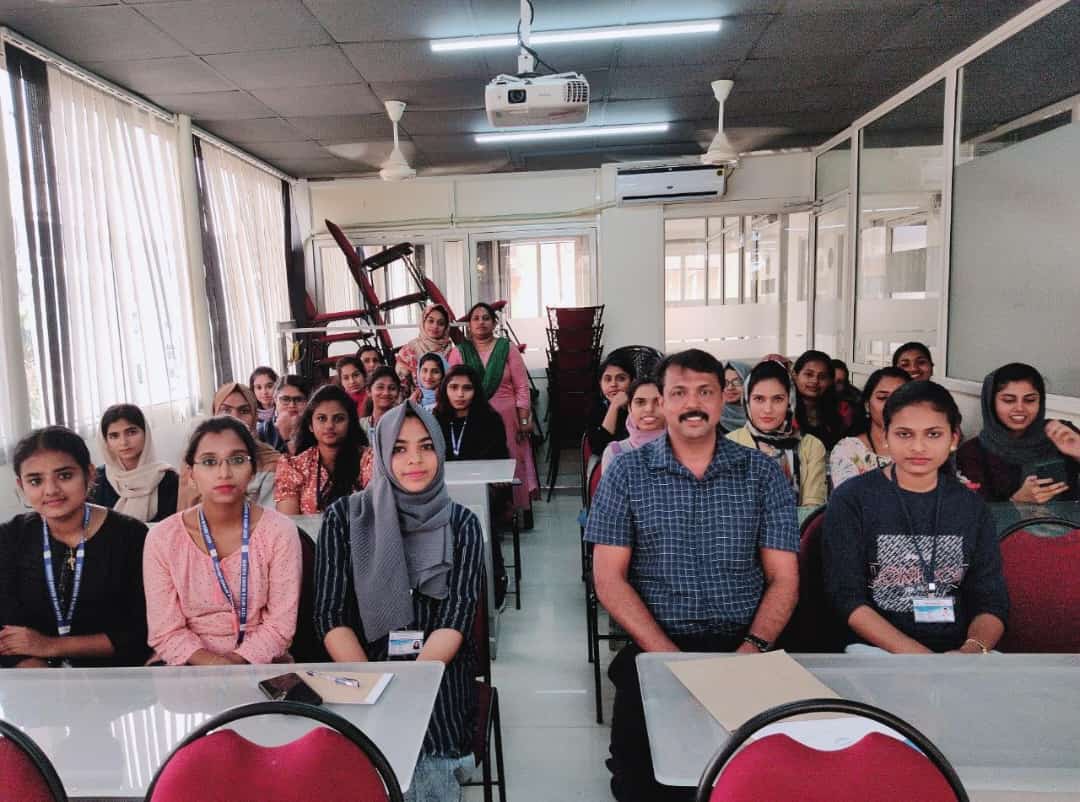
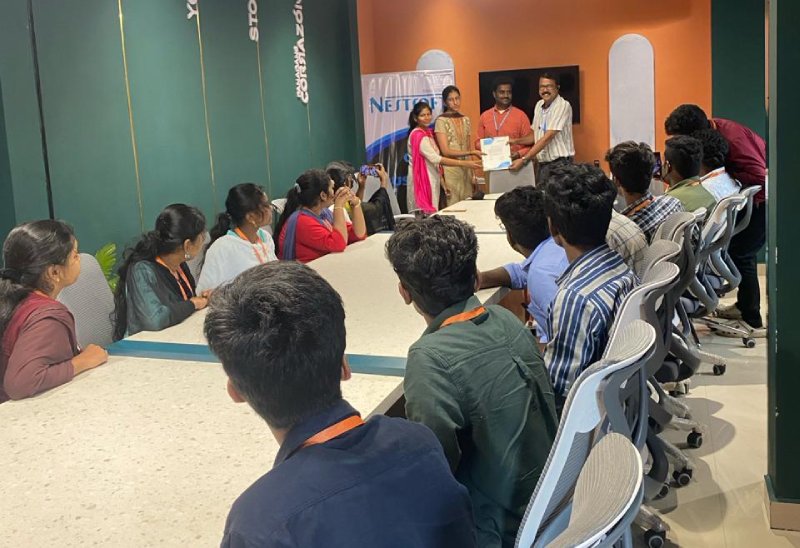
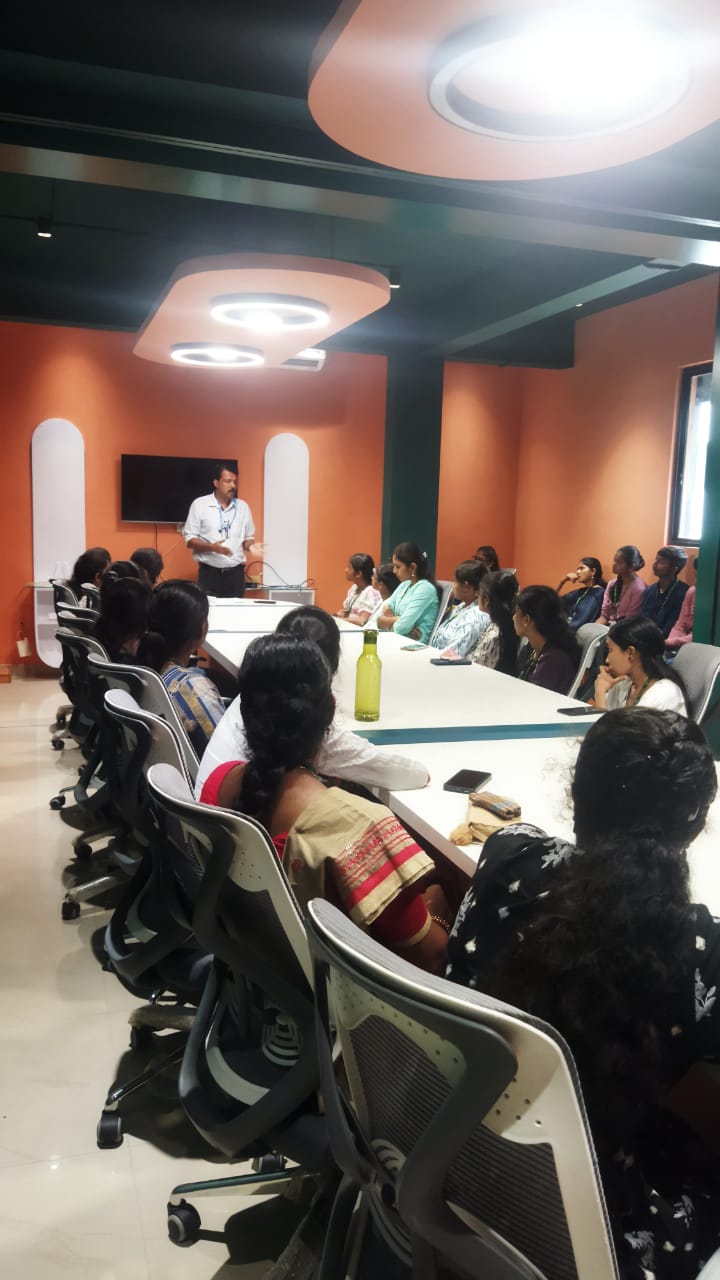
Photos of Training / Internships

Internship/projects in malappuram

Trained more than 10000+ students who trust Nestsoft TechnoMaster

Get Your Personal Trainer