Send enquiry ⏎

Adobe XD Online Live Class by Experts

Our Training/Internship Process

Adobe XD Online Live Classes in Kerala | Free Demo Training

Adobe XD - Syllabus, Fees & Duration

Section 1

Creating New Files & Designing on a Grid
  • Creating a new file
  • Setting up artboards
  • Importing text
  • Creating colored backgrounds for text
Importing & Cropping Photos
  • Importing a photo as an image fill (crop a photo)
  • Rounding corners
Vector Graphics, Colors, Shadows, & More
  • Importing & modifying vector graphics
  • Aligning & distributing layers
  • Layer opacity vs. fill opacity
  • Reusing colors (color swatches)
  • Adding a drop shadow
Character Styles
  • Creating & Editing Character Styles

Section 2

Repeat Grids
  • Creating a Repeat Grid
  • Customizing the content
  • Adjusting the design
Components (Reusable Elements)
  • Creating & editing components
  • Overriding content in one instance vs. globally updating all components
  • Detaching from a component
  • Components versus Repeat Grids
Turning a Design into a Clickable Prototype
  • Linking between artboards Previewing the prototype Creating an overlay Background blur Fixing the position of elements so they don’t scroll Making a recording of a prototype
Exporting Assets for Web: SVG, JPEG, & PNG
  • Exporting individual assets Exporting artboards
Sharing XD Files (For Review, Developers, etc.)
  • Sharing an XD file Commenting on shared files Pinning a comment Updating an existing shared file Sharing for Development

Section 3

Stacks, Padding, & Responsive Resize
  • Creating a Stack & Adjusting the Spacing Rearranging & Adding Items to a Stack Responsive Resize, Stacks, & Padding Keystrokes for Working with Stacks & Padding Nesting Stacks (Stacks Within Stacks)
Linking Up/Down a Page & Scrollable Areas
  • Making Links that Scroll Up/Down a Page Making the Navbar Fixed to the Screen Adjusting the Position & Speed of the Scroll Creating a Scrollable Area Within a Page
Intro to Auto-Animate
  • The Basics of Auto-Animate Different Kinds of Easing Adding a Timed Animation
Parallax Animation
  • Setting Up the Parallax Assets
  • Building the Parallax Animation
Component States (Hover & More)
  • Adding a Hover State to a Button
  • Custom Component States

Section 4

Creating 3D Transforms
  • Adding 3D Transforms
  • Front to Back versus Z Position
Adding Interactions to a Slideshow: Tap, Drag, & Keys
  • Creating a Working Slideshow Prototype
  • Adding Tap Interactions
  • Adding the Ability to Drag
  • Adding Keystrokes
Time Interactions & Adding Audio (Sound Effects)
  • Adding a Drag Interaction
  • Adding a Time Interaction
  • Adding a Sound Effect
  • Adding a Keystroke
Linked Components & Shared Libraries
  • Linked Components
  • Shared Libraries

Download Syllabus - Adobe XD
This syllabus is not final and can be customized as per needs/updates
   
10000+
20+
50+
25+

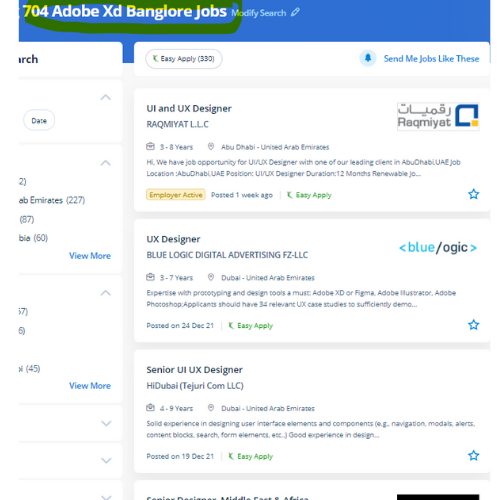
Adobe XD Jobs in Kerala

Enjoy the demand

Find jobs related to Adobe XD in search engines (Google, Bing, Yahoo) and recruitment websites (monsterindia, placementindia, naukri, jobshybrid.com, indeed.co.in, shine.com etc.) based in Kerala, chennai and europe countries. You can find many jobs for freshers related to the job positions in Kerala.

  • Graphic Designer
  • UX/UI Designer
  • Digital Marketing Executive
  • UI/UX Artist
  • Freelance Graphic Designer
  • Ui/ux Mobile Designer
  • Adobe XD Web Design
  • UI/UX Front End Developer
  • Ux Designer
  • Website Designer

Adobe XD Internship/Course Details

Adobe XD internship jobs in Kerala
Adobe XD one among the most fascinating examples is one referred to as Repeat Grid, which permits you to simply copy repeatable elements of an interface, the same as tables or lists, and doesn’t consume plenty of system resources. you have got access to quite twenty applications like Photoshop, artist, Premiere pro, etc because Adobe XD is a component of the Adobe creative Cloud membership. . Our Live online Adobe XD courses give you with a little organization course that you simply might take from every place with a high-speed internet connection. after this course, you may be able to use XD for your production work. In Adobe XD the coaching course, you may learn to speedily design, prototype, and share interactive experiences using Adobe XD CC. do you need to excel in growing seamless UI/UX styles on your websites and apps? Then, Nestsoft’s Adobe XD coaching is simply the proper course for your career. Gain mastery in ideation, Prototype, Sharing, Testing. Our institute offers one of the wonderful Adobe XD courses. Our team helps you to make attractive UI/UX websites and app designs.


Meet a Few of our Industry Experts 🚀 Your Pathway to IT Career

Gurpreet

Mobile: +91 8301010866
Location: Online (Kerala, India)
Qualification: Mca

Experience: 1year experience php devolper  more..

Shubham

Mobile: +91 94975 90866
Location: Online (Kerala, India)
Qualification: Bse Graduate

Experience: I have total 3 year and 9 month of experience in both manual and automation testing   more..

Athira

Mobile: +91 94975 90866
Location: Online (Kerala, India)
Qualification: mtech

Experience: ccna ccnp trainer python trainer  more..

Divyadharshini

Mobile: +91 94975 90866
Location: Online (Kerala, India)
Qualification: BE - CSE

Experience: Skillls : html css javascript python Experience : Worked 5 months in the role of Full stack developer at Black  more..

Virendra

Mobile: +91 9895490866
Location: Online (Kerala, India)
Qualification: BCA

Experience: Thank you for giving me an aportunity to about my skills and experience My name is Virendra Mathur I am  more..

Bhuvan

Mobile: +91 98474 90866
Location: Online (Kerala, India)
Qualification: BE

Experience: Web developer java python  more..

Ishfaq

Mobile: +91 91884 77559
Location: Online (Kerala, India)
Qualification: MCA

Experience: 2 years of experience Two Years Experience in computer literacy customer service computer security data collection and equipment repairs installation  more..

Dharnidhar

Mobile: +91 98474 90866
Location: Online (Kerala, India)
Qualification: MCA

Experience: Html css javascript react mongodb http postman mernApplication for Meanstack Developer Mean Stack  more..

Deepak

Mobile: +91 98474 90866
Location: Online (Kerala, India)
Qualification: Btech

Experience: have Worked in Seek Solution LLP for 2022-2024 as a WordPress developer   more..

Nikund

Mobile: +91 98474 90866
Location: Online (Kerala, India)
Qualification: MCA

Experience: I have total 5 year of exp in angular and node js I have worked angular 2 to 11   more..

Sahal

Mobile: +91 91884 77559
Location: Online (Kerala, India)
Qualification: BCA

Experience: manual testing automation testing test case test scenario bug report selenium basics of Java basics of SQL server jmeter API  more..

Safal

Mobile: +91 9895490866
Location: Online (Kerala, India)
Qualification: B.Tech CSE with specialisation Cyber Security

Experience: In the last three years I've immersed myself in cybersecurity gaining expertise as a campaign leader and active Mozilla community  more..

ajay

Mobile: +91 94975 90866
Location: Online (Kerala, India)
Qualification: BCA

Experience: frontend developer reactjs next js angularApplication for Angular JS  more..

Dabhi

Mobile: +91 9895490866
Location: Online (Kerala, India)
Qualification: BCA

Experience: responsible for creating and maintaining a website using the WordPress content management systems supporting current websites managing client website projects  more..

Mohammed

Mobile: +91 9895490866
Location: Online (Kerala, India)
Qualification: BTech

Experience: I have experience in digital marketing training in SEO SMM PPC wordpress content marketing  more..

Francisraj

Mobile: +91 94975 90866
Location: Online (Kerala, India)
Qualification: BCA

Experience: Currently working in Infosys as System Engineer with 1 1 years experience Freelance android application developer   more..

Sanjana

Mobile: +91 89210 61945
Location: Online (Kerala, India)
Qualification: Msc computer science

Experience: Functional testing design testing data base testing mobile application tetsing regression testing web application testing basic automation tetong jira load  more..

Shweta

Mobile: +91 8301010866
Location: Online (Kerala, India)
Qualification: Btech

Experience: Software development sales analysis Java C C++ C# academic mentor  more..

Shadab

Mobile: +91 9895490866
Location: Online (Kerala, India)
Qualification: High School

Experience: Working with php wordpress and all related technologies from 10 years   more..

Perazhagan

Mobile: +91 8301010866
Location: Online (Kerala, India)
Qualification: Bsc plant biotechnology

Experience: Basic java Basic selenium Software testing Write test cases in manual and automation testing Defect track with using jira tool  more..

Sivaranjani

Mobile: +91 89210 61945
Location: Online (Kerala, India)
Qualification: B.tech IT

Experience: Web development trainer - 2 year Software development - 5 year  more..

Aaryan

Mobile: +91 91884 77559
Location: Online (Kerala, India)
Qualification: Graduate

Experience: I specialise in Java python and DSA and on the development side I'm proficient in android development in Java flutter  more..

Vipul

Mobile: +91 9895490866
Location: Online (Kerala, India)
Qualification: Bca in progress

Experience: seo smm email marketing web designing account managing all over digital marketing projects 6 month experience  more..

kritika

Mobile: +91 98474 90866
Location: Online (Kerala, India)
Qualification: Graduated

Experience: Having more than 1 5 years of experience as Odoo developer Skills - python Odoo php MySQL django html css  more..

Success Stories

The enviable salary packages and track record of our previous students are the proof of our excellence. Please go through our students' reviews about our training methods and faculty and compare it to the recorded video classes that most of the other institutes offer. See for yourself how TechnoMaster is truly unique.

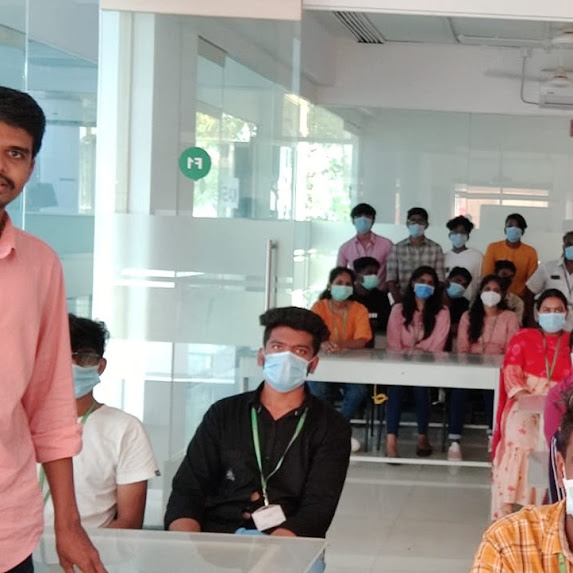
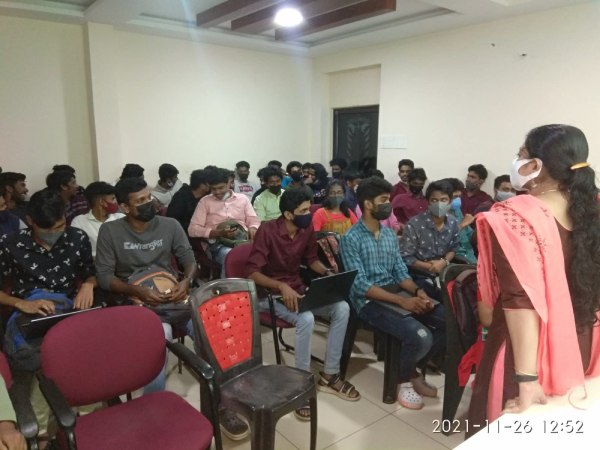
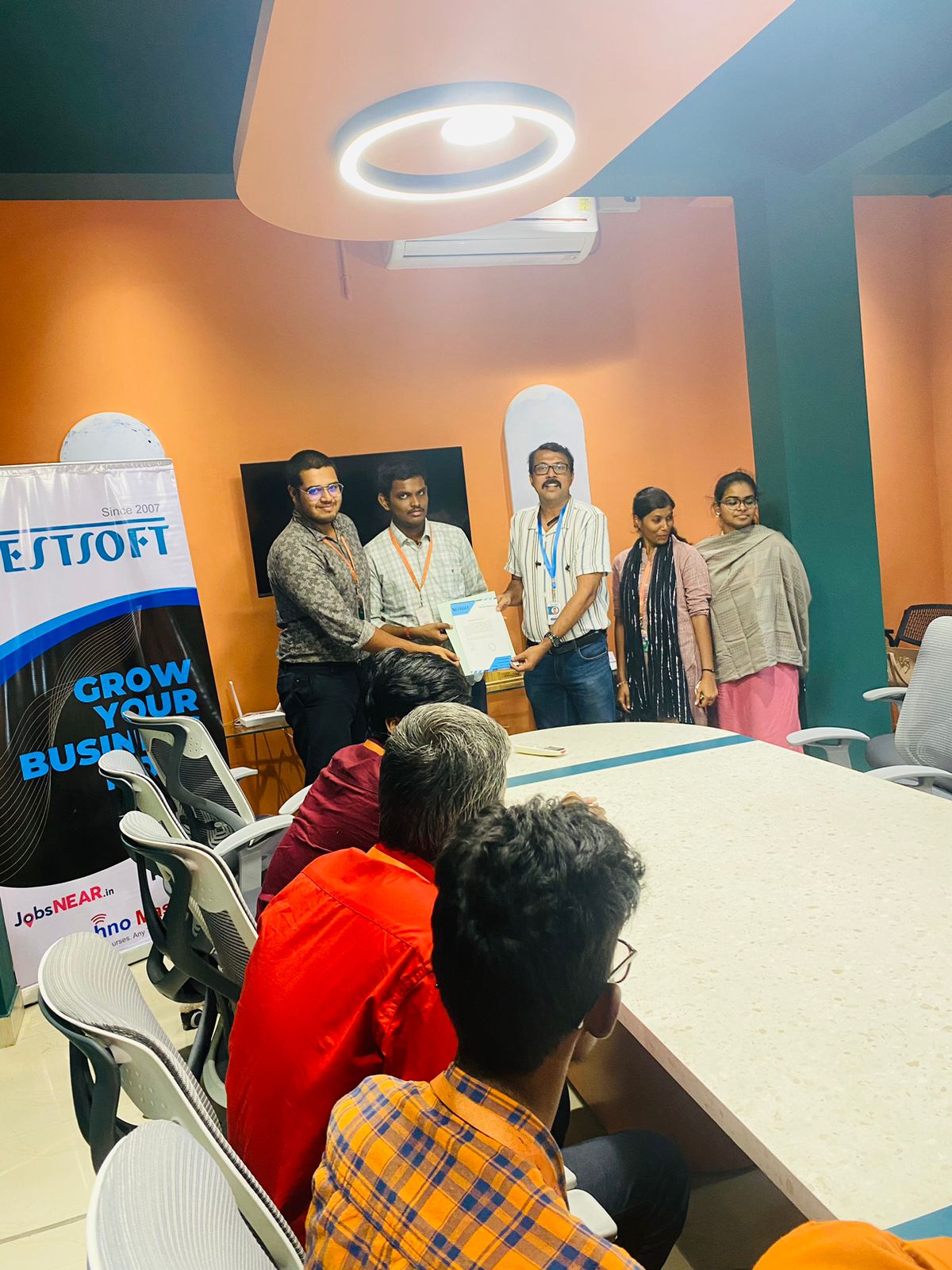
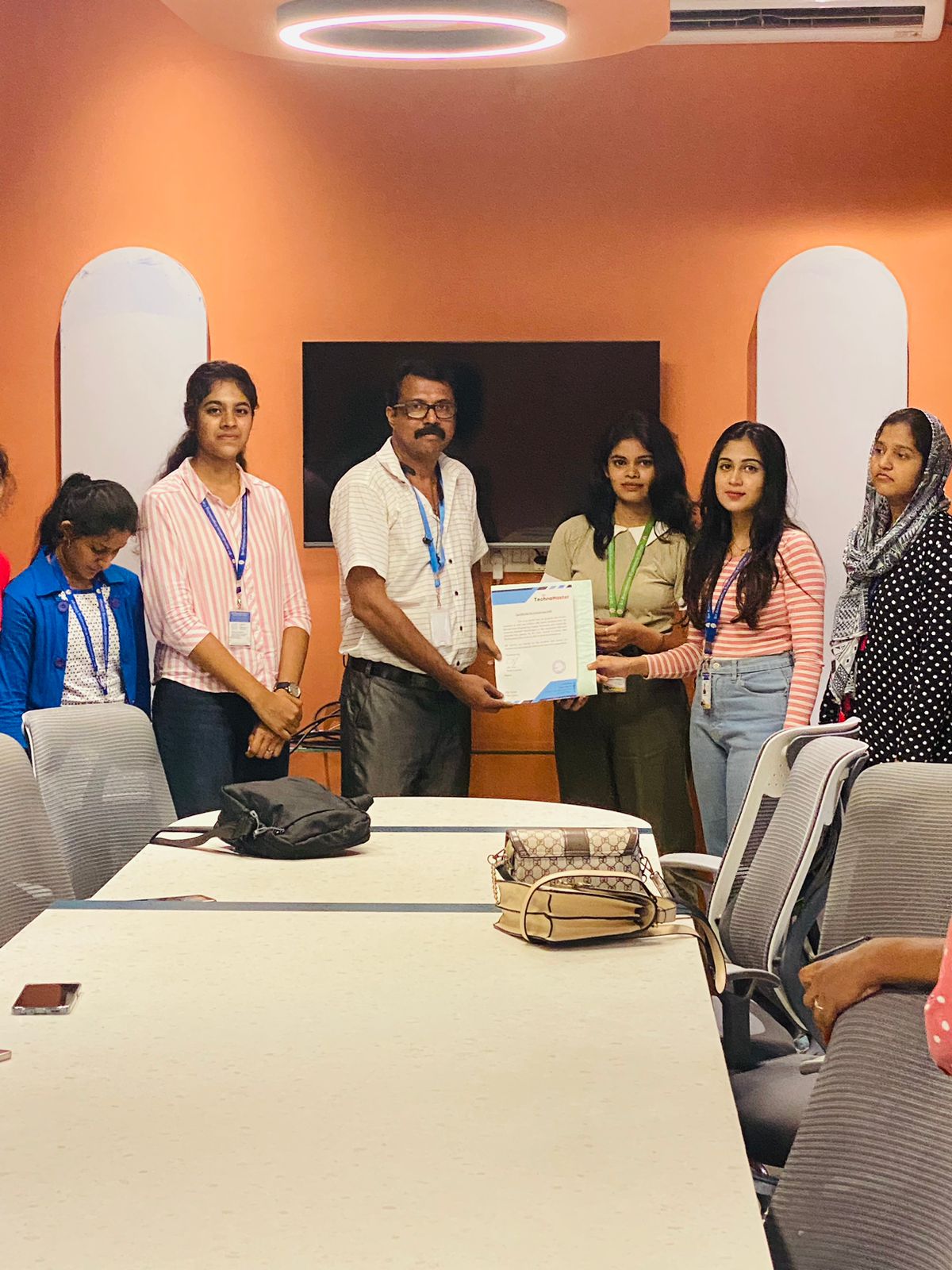
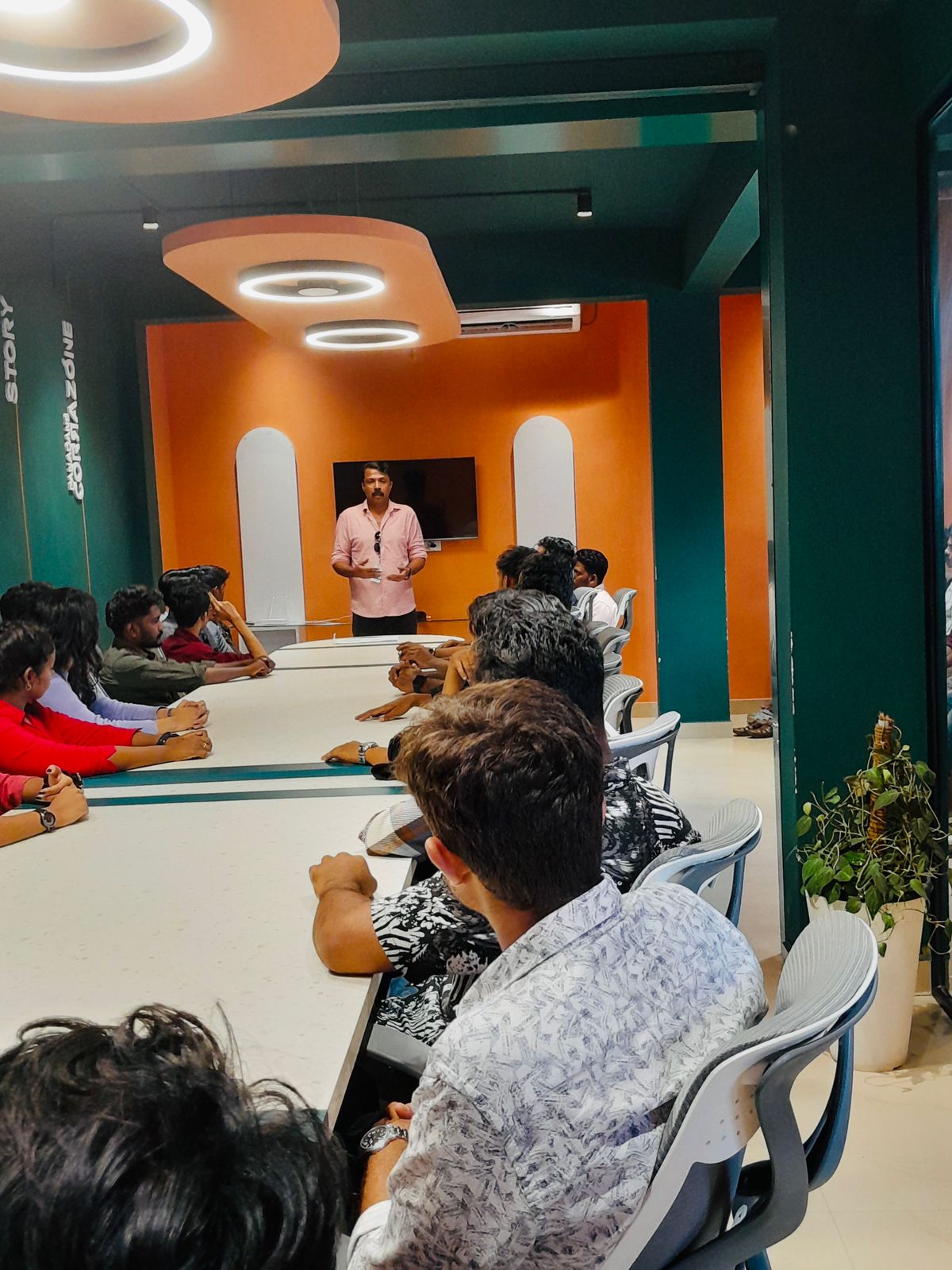
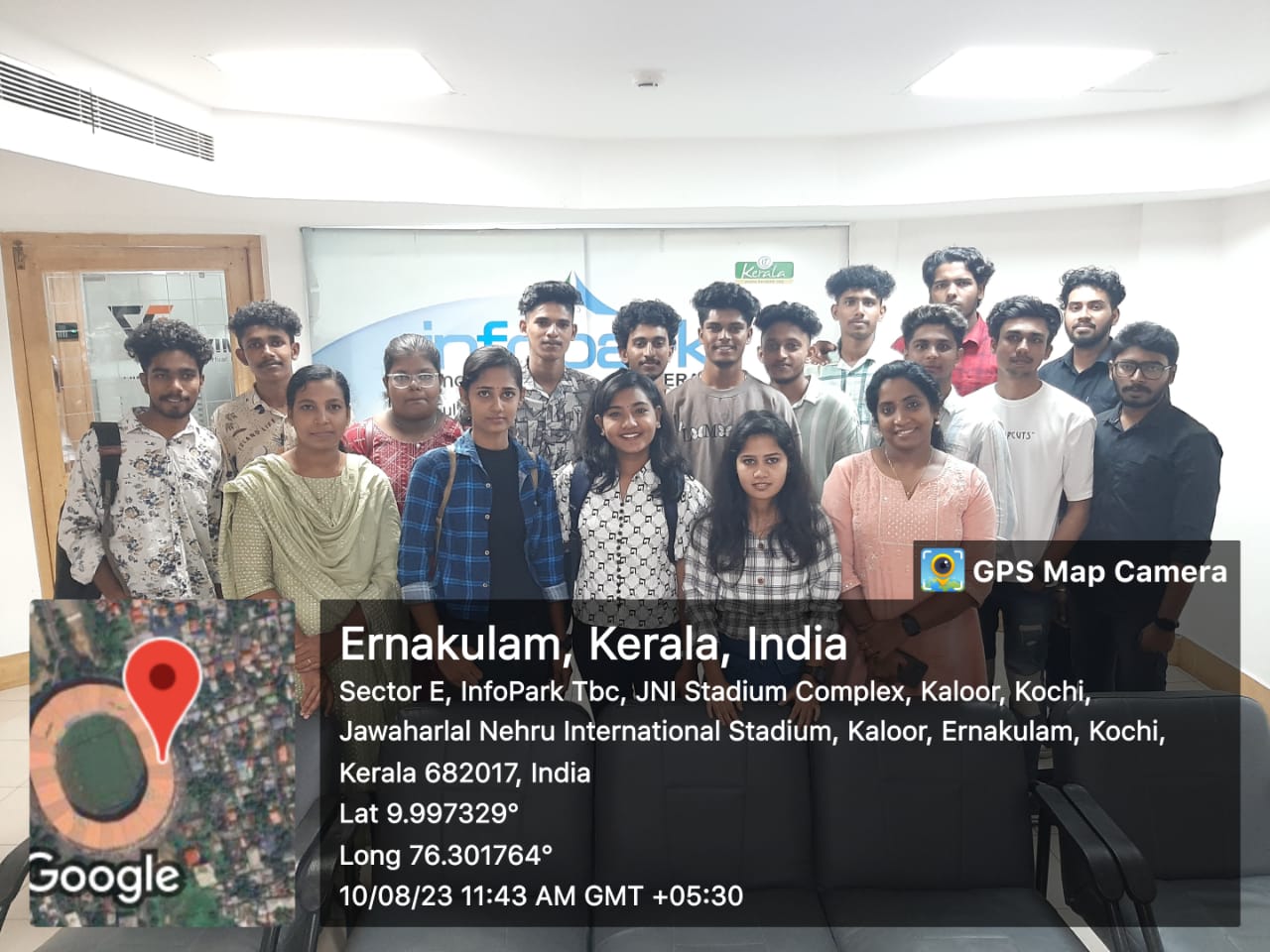
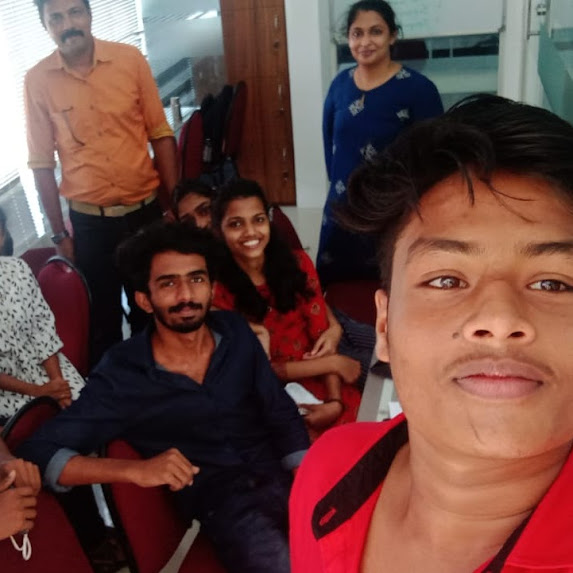
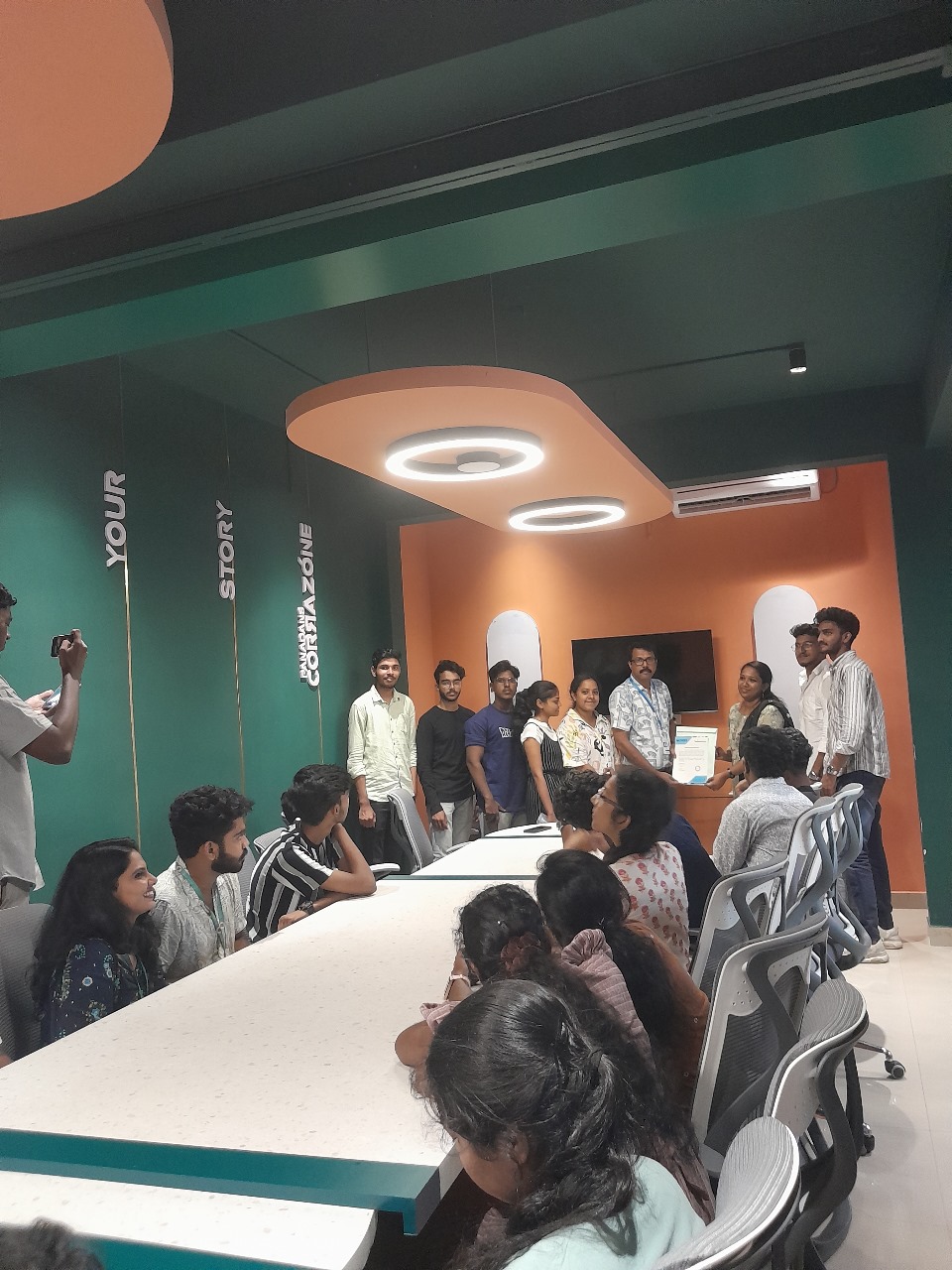
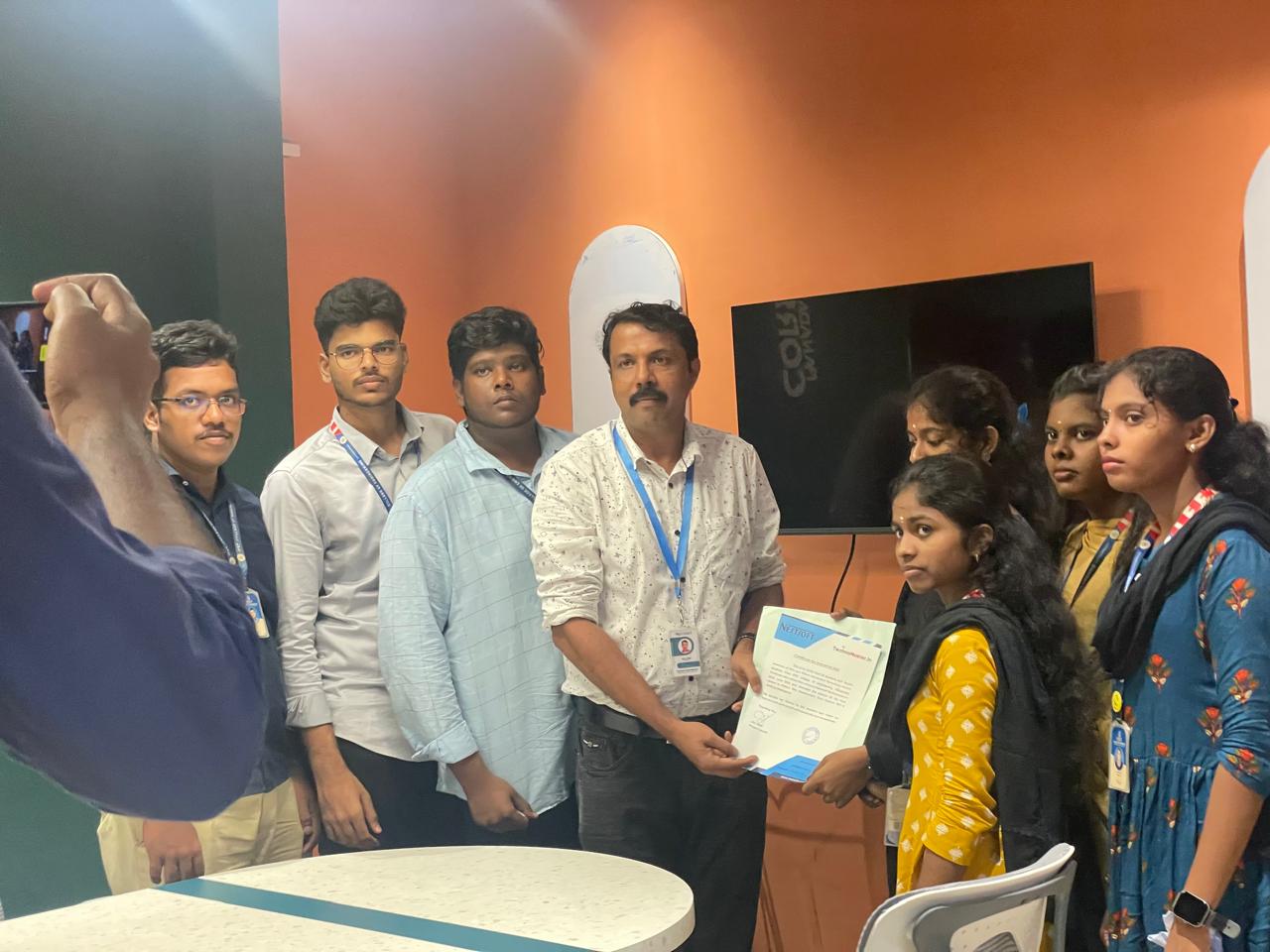
Photos of Training / Internships

Internship/projects in kerala

Trained more than 10000+ students who trust Nestsoft TechnoMaster

Get Your Personal Trainer