Send enquiry ⏎

Adobe XD Online Live Class by Experts

Our Training/Internship Process

Adobe XD Online Live Classes in Lucknow | Free Demo Training

Adobe XD - Syllabus, Fees & Duration

Section 1

Creating New Files & Designing on a Grid
  • Creating a new file
  • Setting up artboards
  • Importing text
  • Creating colored backgrounds for text
Importing & Cropping Photos
  • Importing a photo as an image fill (crop a photo)
  • Rounding corners
Vector Graphics, Colors, Shadows, & More
  • Importing & modifying vector graphics
  • Aligning & distributing layers
  • Layer opacity vs. fill opacity
  • Reusing colors (color swatches)
  • Adding a drop shadow
Character Styles
  • Creating & Editing Character Styles

Section 2

Repeat Grids
  • Creating a Repeat Grid
  • Customizing the content
  • Adjusting the design
Components (Reusable Elements)
  • Creating & editing components
  • Overriding content in one instance vs. globally updating all components
  • Detaching from a component
  • Components versus Repeat Grids
Turning a Design into a Clickable Prototype
  • Linking between artboards Previewing the prototype Creating an overlay Background blur Fixing the position of elements so they don’t scroll Making a recording of a prototype
Exporting Assets for Web: SVG, JPEG, & PNG
  • Exporting individual assets Exporting artboards
Sharing XD Files (For Review, Developers, etc.)
  • Sharing an XD file Commenting on shared files Pinning a comment Updating an existing shared file Sharing for Development

Section 3

Stacks, Padding, & Responsive Resize
  • Creating a Stack & Adjusting the Spacing Rearranging & Adding Items to a Stack Responsive Resize, Stacks, & Padding Keystrokes for Working with Stacks & Padding Nesting Stacks (Stacks Within Stacks)
Linking Up/Down a Page & Scrollable Areas
  • Making Links that Scroll Up/Down a Page Making the Navbar Fixed to the Screen Adjusting the Position & Speed of the Scroll Creating a Scrollable Area Within a Page
Intro to Auto-Animate
  • The Basics of Auto-Animate Different Kinds of Easing Adding a Timed Animation
Parallax Animation
  • Setting Up the Parallax Assets
  • Building the Parallax Animation
Component States (Hover & More)
  • Adding a Hover State to a Button
  • Custom Component States

Section 4

Creating 3D Transforms
  • Adding 3D Transforms
  • Front to Back versus Z Position
Adding Interactions to a Slideshow: Tap, Drag, & Keys
  • Creating a Working Slideshow Prototype
  • Adding Tap Interactions
  • Adding the Ability to Drag
  • Adding Keystrokes
Time Interactions & Adding Audio (Sound Effects)
  • Adding a Drag Interaction
  • Adding a Time Interaction
  • Adding a Sound Effect
  • Adding a Keystroke
Linked Components & Shared Libraries
  • Linked Components
  • Shared Libraries

Download Syllabus - Adobe XD
This syllabus is not final and can be customized as per needs/updates
   
10000+
20+
50+
25+

Adobe XD Jobs in Lucknow

Enjoy the demand

Find jobs related to Adobe XD in search engines (Google, Bing, Yahoo) and recruitment websites (monsterindia, placementindia, naukri, jobshybrid.com, indeed.co.in, shine.com etc.) based in Lucknow, chennai and europe countries. You can find many jobs for freshers related to the job positions in Lucknow.

  • Graphic Designer
  • UX/UI Designer
  • Digital Marketing Executive
  • UI/UX Artist
  • Freelance Graphic Designer
  • Ui/ux Mobile Designer
  • Adobe XD Web Design
  • UI/UX Front End Developer
  • Ux Designer
  • Website Designer

Adobe XD Internship/Course Details

Adobe XD internship jobs in Lucknow
Adobe XD It can be a vector-based user expertise style tool. Apps and websites are designed effectively using Adobe Xd . you have got access to quite twenty applications like Photoshop, artist, Premiere pro, etc because Adobe XD is a component of the Adobe creative Cloud membership. . Adobe XD have several advantages like simple, versatile wireframing, website and app prototypes are simple to make, web site and app prototypes area unit simple to make, website and app prototypes are simple to make, Advance planning tools, designing and navigating artboards is visibly quicker than Photoshop, Connects well with the Adobe library and different applications, etc. Nestsoft helps you to attain job oriented coaching on Adobe XD to boost your design career. one among the most fascinating examples is one referred to as Repeat Grid, which permits you to simply copy repeatable elements of an interface, the same as tables or lists, and doesn’t consume plenty of system resources. Gain mastery in ideation, Prototype, Sharing, Testing. In Adobe XD the coaching course, you may learn to speedily design, prototype, and share interactive experiences using Adobe XD CC. after this course, you may be able to use XD for your production work.


Meet a Few of our Industry Experts 🚀 Your Pathway to IT Career

Karthick

Mobile: +91 91884 77559
Location: Online (Lucknow, India)
Qualification: B.com

Experience: I have the skills in sem seo smm i done a internship for 3 months in inmakes infotech pvt ltd  more..

Surender

Mobile: +91 8301010866
Location: Online (Lucknow, India)
Qualification: B.sc it

Experience: Digital marketing wordpress cms manage   more..

Janvi

Mobile: +91 91884 77559
Location: Online (Lucknow, India)
Qualification: Bachelors

Experience: Graphic design   more..

Alfiya

Mobile: +91 98474 90866
Location: Online (Lucknow, India)
Qualification: BCA

Experience: Software testing in both manual and automation Communication skill Problem solving skill  more..

Rincy

Mobile: +91 91884 77559
Location: Online (Lucknow, India)
Qualification: B-Tech

Experience: My resume showcases my experience as an Instrumentation engineer Post maternity break I am involved in voluntary design works and  more..

Anandhu

Mobile: +91 89210 61945
Location: Online (Lucknow, India)
Qualification: BCA

Experience: 1 5 years of Digital Marketing; social media management content development and project management experience in identifying trends engaging users  more..

Pratiksha

Mobile: +91 89210 61945
Location: Online (Lucknow, India)
Qualification: UI/UX Design

Experience: I’m skilled in understanding user needs through research interviews surveys I design user-friendly interfaces and ensure information is organized logically  more..

Shital

Mobile: +91 89210 61945
Location: Online (Lucknow, India)
Qualification: BCA

Experience: Skills: - Proficient in WordPress theme and plugin development - Strong understanding of HTML CSS JavaScript and PHP - Experienced  more..

karthik

Mobile: +91 89210 61945
Location: Online (Lucknow, India)
Qualification: M-tech

Experience: WordPress Developer UI UX Designer and full stack web development  more..

Anakha

Mobile: +91 94975 90866
Location: Online (Lucknow, India)
Qualification: MCA

Experience: C++ C java javascript python Ms office Mysql HTML CSS Shell Scripting Android basics PHP Communication Leadership adaptability Willingness to  more..

Ubaid

Mobile: +91 91884 77559
Location: Online (Lucknow, India)
Qualification: Graduate

Experience: I have an year of experience in Seo I have knowledge in all three forms of seo on page off  more..

Jefin

Mobile: +91 89210 61945
Location: Online (Lucknow, India)
Qualification: B tech

Experience: I am Jefin Jojo an engineering graduate eager to transition my career to web development Through self-learning I have acquired  more..

SREEKUTTY

Mobile: +91 91884 77559
Location: Online (Lucknow, India)
Qualification: BSC.COMPUTER SCIENCE/DIPLOMA IN MULTIMEDIA WEBDESIGNING

Experience: Iam a good webdesigner and excellent creativity I known HTML CSS boostrap jquery php JavaScript Corel draw etc   more..

Arun

Mobile: +91 8301010866
Location: Online (Lucknow, India)
Qualification: BE(ECE)

Experience: Basically I am Android and web developer and I have more than 7 months of work experience if you think  more..

Sugandha

Mobile: +91 8301010866
Location: Online (Lucknow, India)
Qualification: Interior Designer

Experience: Keen sense of creativity adaptability and ability to meet deadlines in a fast-paced environment Can create Artworks Proficient in Canva  more..

ABHIJITH

Mobile: +91 8301010866
Location: Online (Lucknow, India)
Qualification: B tech Computer science

Experience: Testing Skills 1 Software testing 2 Manual testing 3 Test cases 4 Software development life cycle 5 Software testing life  more..

Avnish

Mobile: +91 98474 90866
Location: Online (Lucknow, India)
Qualification: B. E.

Experience: I have experience in front end developer and I want to change my job in software testing my skills are  more..

Rahul

Mobile: +91 91884 77559
Location: Online (Lucknow, India)
Qualification: BE IT

Experience: Ccna switching routing routing protocol trouble shoot any of networking |   more..

Mohammed

Mobile: +91 9895490866
Location: Online (Lucknow, India)
Qualification: M. A. Islamic studies

Experience: SKILLS • Canva • Macros • Microsoft Office • Autocrat • ChatGPT • Sap ERP EXPERIENCE Arabic Language Expert Mar  more..

Chhayaka

Mobile: +91 91884 77559
Location: Online (Lucknow, India)
Qualification: MCA,pgdca

Experience: C php asp python java html  more..

Kevin

Mobile: +91 89210 61945
Location: Online (Lucknow, India)
Qualification: BTech computer science

Experience: Java python Application for Java Spring  more..

kritika

Mobile: +91 91884 77559
Location: Online (Lucknow, India)
Qualification: Btech

Experience: Magento developer  more..

Salmanul

Mobile: +91 91884 77559
Location: Online (Lucknow, India)
Qualification: Plus two in computer science

Experience: I have acquired expertise in javascript Html css and various components of mean stack development past year i am working  more..

R.Jeniha

Mobile: +91 8301010866
Location: Online (Lucknow, India)
Qualification: B.sc computer science

Experience: 4 years of experience Proficient in figma Certified in web design   more..

Success Stories

The enviable salary packages and track record of our previous students are the proof of our excellence. Please go through our students' reviews about our training methods and faculty and compare it to the recorded video classes that most of the other institutes offer. See for yourself how TechnoMaster is truly unique.

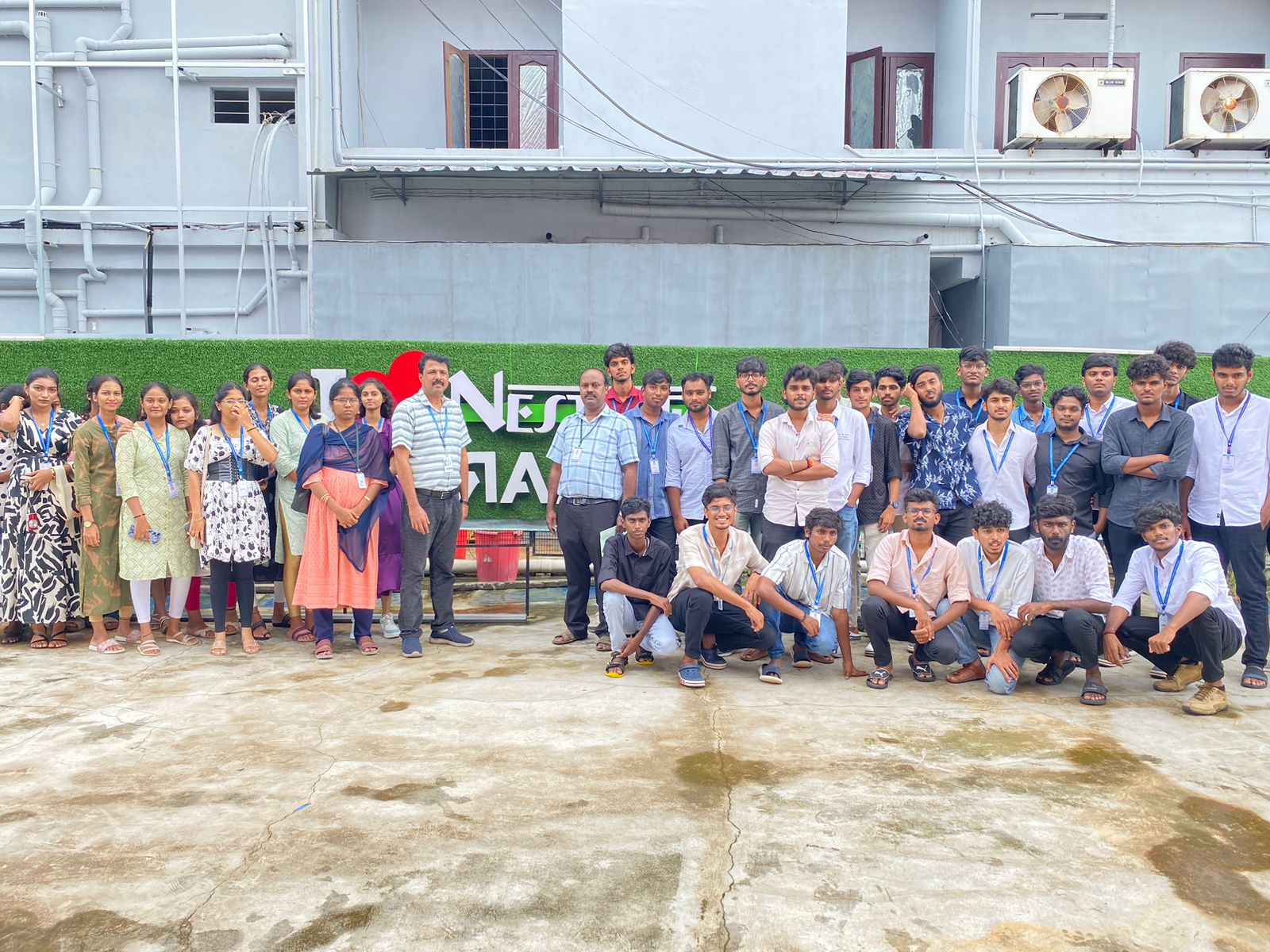
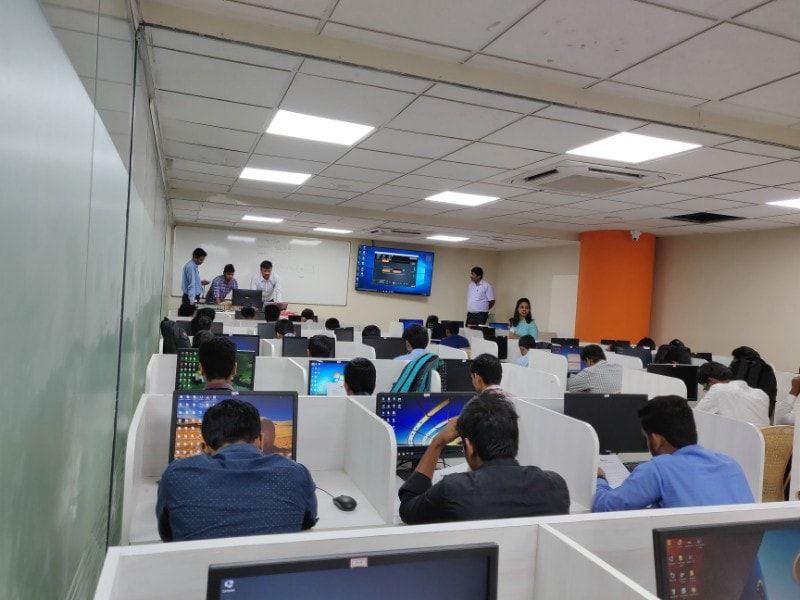
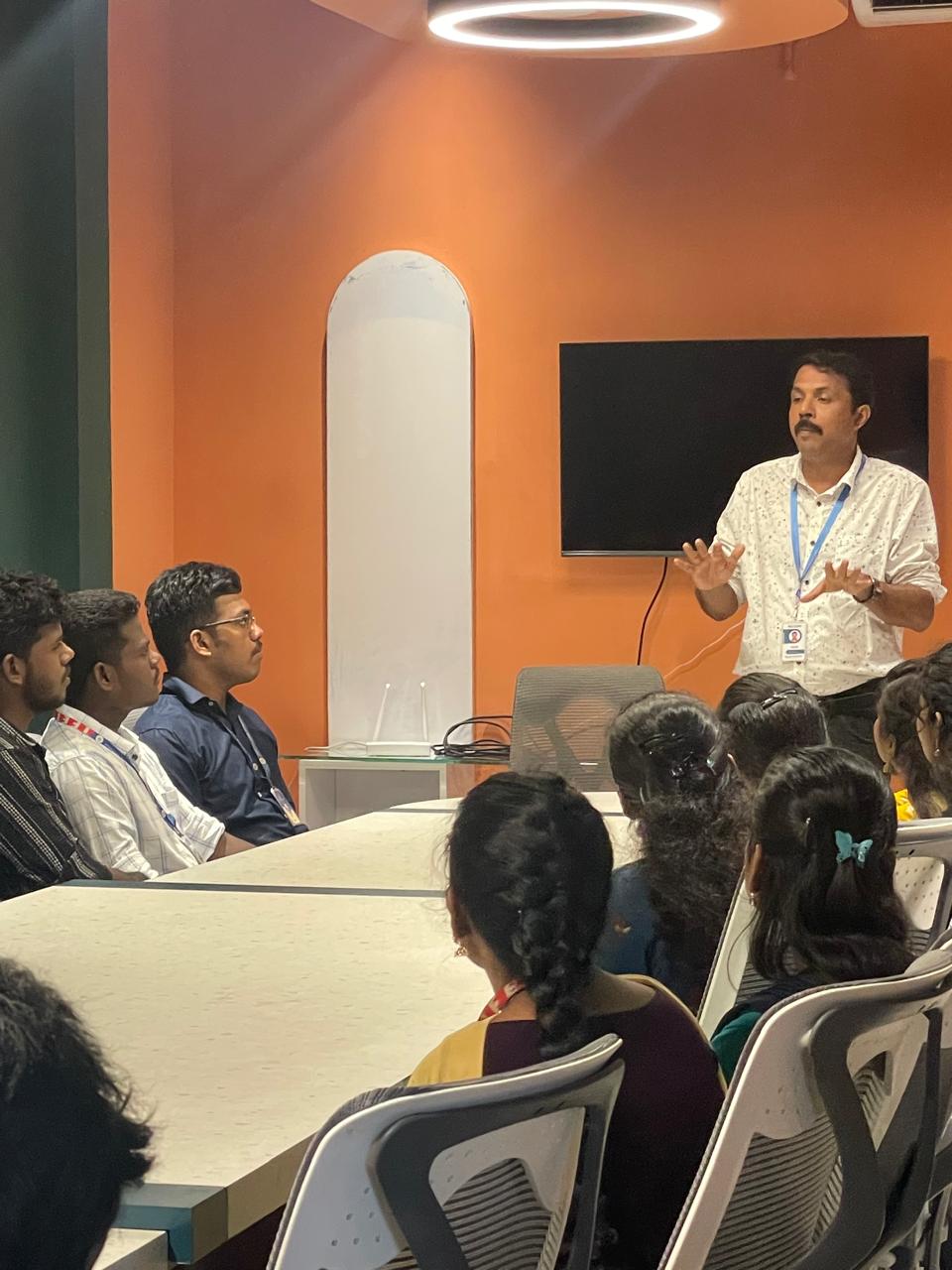
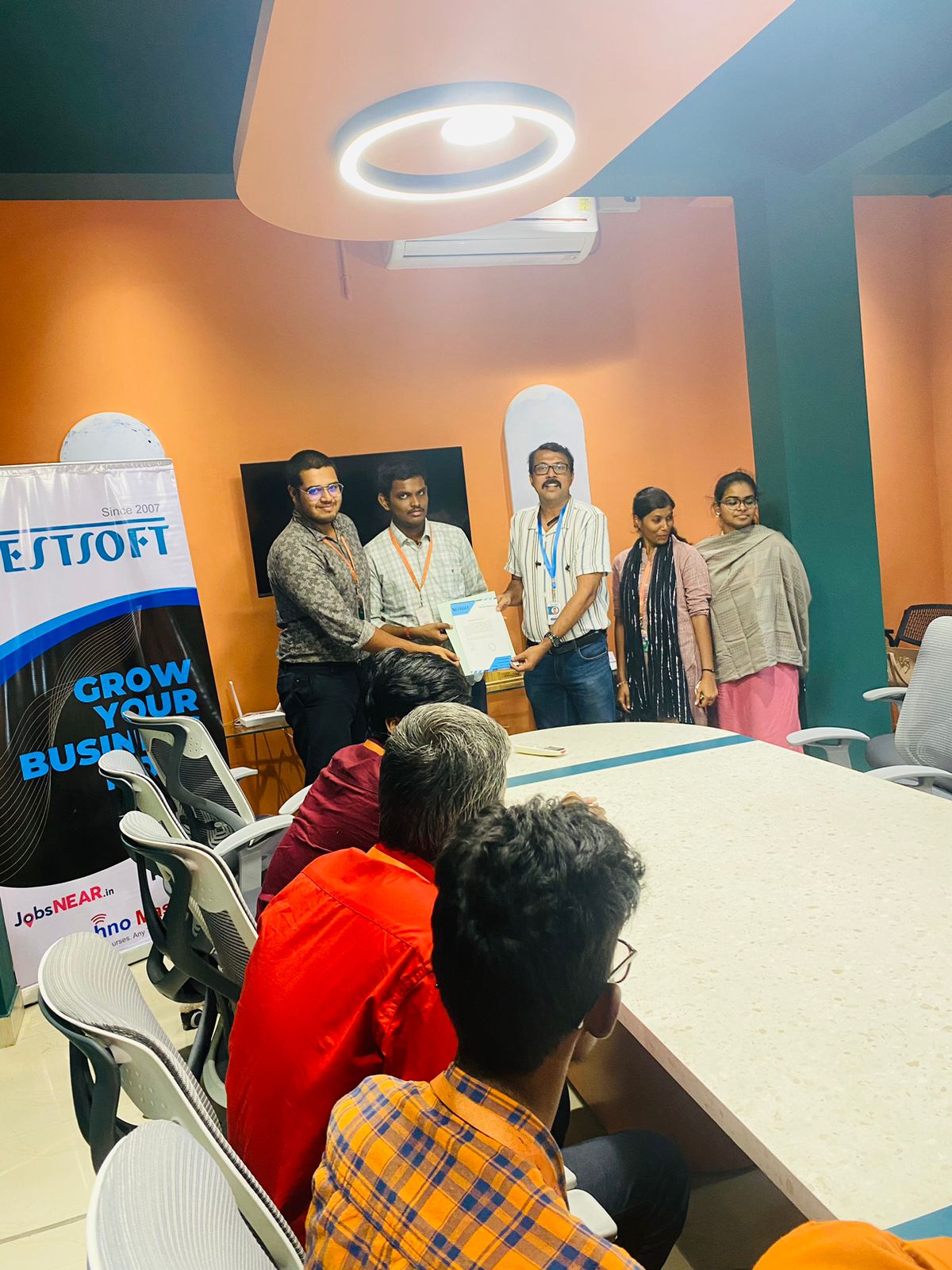
Photos of Training / Internships

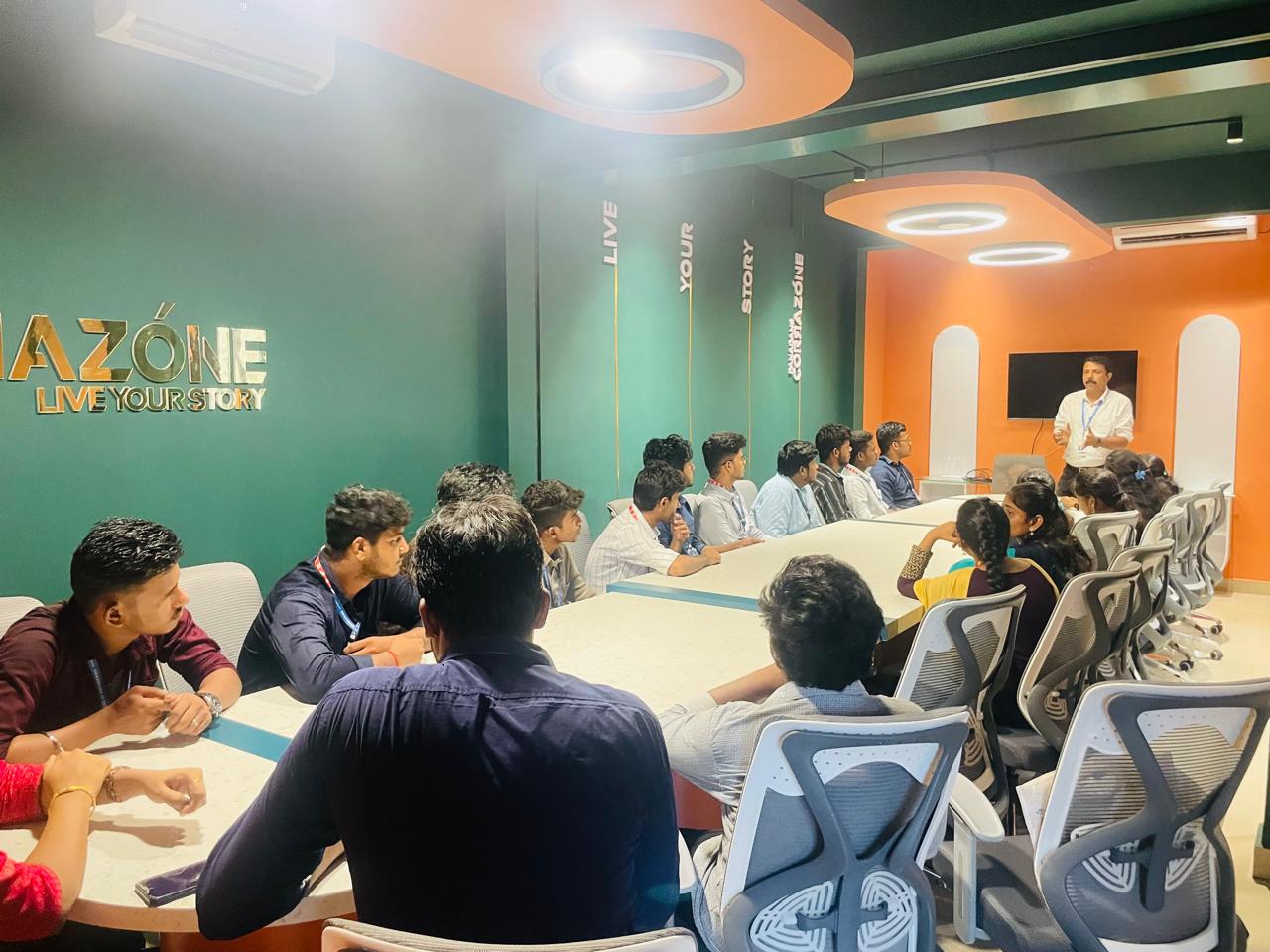
Internship/projects in lucknow

Trained more than 10000+ students who trust Nestsoft TechnoMaster

Get Your Personal Trainer