Send enquiry ⏎

Adobe XD Online Live Class by Experts

Our Training/Internship Process

Adobe XD Online Live Classes in Tiruppur | Free Demo Training

Adobe XD - Syllabus, Fees & Duration

Section 1

Creating New Files & Designing on a Grid
  • Creating a new file
  • Setting up artboards
  • Importing text
  • Creating colored backgrounds for text
Importing & Cropping Photos
  • Importing a photo as an image fill (crop a photo)
  • Rounding corners
Vector Graphics, Colors, Shadows, & More
  • Importing & modifying vector graphics
  • Aligning & distributing layers
  • Layer opacity vs. fill opacity
  • Reusing colors (color swatches)
  • Adding a drop shadow
Character Styles
  • Creating & Editing Character Styles

Section 2

Repeat Grids
  • Creating a Repeat Grid
  • Customizing the content
  • Adjusting the design
Components (Reusable Elements)
  • Creating & editing components
  • Overriding content in one instance vs. globally updating all components
  • Detaching from a component
  • Components versus Repeat Grids
Turning a Design into a Clickable Prototype
  • Linking between artboards Previewing the prototype Creating an overlay Background blur Fixing the position of elements so they don’t scroll Making a recording of a prototype
Exporting Assets for Web: SVG, JPEG, & PNG
  • Exporting individual assets Exporting artboards
Sharing XD Files (For Review, Developers, etc.)
  • Sharing an XD file Commenting on shared files Pinning a comment Updating an existing shared file Sharing for Development

Section 3

Stacks, Padding, & Responsive Resize
  • Creating a Stack & Adjusting the Spacing Rearranging & Adding Items to a Stack Responsive Resize, Stacks, & Padding Keystrokes for Working with Stacks & Padding Nesting Stacks (Stacks Within Stacks)
Linking Up/Down a Page & Scrollable Areas
  • Making Links that Scroll Up/Down a Page Making the Navbar Fixed to the Screen Adjusting the Position & Speed of the Scroll Creating a Scrollable Area Within a Page
Intro to Auto-Animate
  • The Basics of Auto-Animate Different Kinds of Easing Adding a Timed Animation
Parallax Animation
  • Setting Up the Parallax Assets
  • Building the Parallax Animation
Component States (Hover & More)
  • Adding a Hover State to a Button
  • Custom Component States

Section 4

Creating 3D Transforms
  • Adding 3D Transforms
  • Front to Back versus Z Position
Adding Interactions to a Slideshow: Tap, Drag, & Keys
  • Creating a Working Slideshow Prototype
  • Adding Tap Interactions
  • Adding the Ability to Drag
  • Adding Keystrokes
Time Interactions & Adding Audio (Sound Effects)
  • Adding a Drag Interaction
  • Adding a Time Interaction
  • Adding a Sound Effect
  • Adding a Keystroke
Linked Components & Shared Libraries
  • Linked Components
  • Shared Libraries

Download Syllabus - Adobe XD
This syllabus is not final and can be customized as per needs/updates
   
10000+
20+
50+
25+

Adobe XD Jobs in Tiruppur

Enjoy the demand

Find jobs related to Adobe XD in search engines (Google, Bing, Yahoo) and recruitment websites (monsterindia, placementindia, naukri, jobshybrid.com, indeed.co.in, shine.com etc.) based in Tiruppur, chennai and europe countries. You can find many jobs for freshers related to the job positions in Tiruppur.

  • Graphic Designer
  • UX/UI Designer
  • Digital Marketing Executive
  • UI/UX Artist
  • Freelance Graphic Designer
  • Ui/ux Mobile Designer
  • Adobe XD Web Design
  • UI/UX Front End Developer
  • Ux Designer
  • Website Designer

Adobe XD Internship/Course Details

Adobe XD internship jobs in Tiruppur
Adobe XD . do you need to excel in growing seamless UI/UX styles on your websites and apps? Then, Nestsoft’s Adobe XD coaching is simply the proper course for your career. It supports vector style and web site wireframing and manufacture easy interactive click-through prototypes. It can be a vector-based user expertise style tool. This course may be an advanced analysis of Adobe XD working techniques to be used for the creation and later implementation of our project into a totally fleshed, operating website, whereas not even one line of code. Apps and websites are designed effectively using Adobe Xd . you'll be able to use it to share feedback quickly or raise queries directly within the project by using a built-in commenting feature of xd thus your project's sensible speed by providing you with definite choices. you have got access to quite twenty applications like Photoshop, artist, Premiere pro, etc because Adobe XD is a component of the Adobe creative Cloud membership. Our institute offers one of the wonderful Adobe XD courses. In Adobe XD the coaching course, you may learn to speedily design, prototype, and share interactive experiences using Adobe XD CC.


Meet a Few of our Industry Experts 🚀 Your Pathway to IT Career

Harsh

Mobile: +91 8301010866
Location: Online (Tiruppur, India)
Qualification: Pursuing B.Tech IT

Experience: My skills and experience encompass a solid foundation in IT security principles bolstered by my Fortinet Certified Fundamentals (FCF) cybersecurity  more..

saravanakumar

Mobile: +91 89210 61945
Location: Online (Tiruppur, India)
Qualification: BE cse

Experience: php jQuery laravel html css  more..

Vishal

Mobile: +91 8301010866
Location: Online (Tiruppur, India)
Qualification: Diploma

Experience: I have 2 years of experience in product designing I use framer and Figma for Ui design I’m curr Working  more..

KAVERI

Mobile: +91 89210 61945
Location: Online (Tiruppur, India)
Qualification: Msc cyber security

Experience: vulnerability assessment penetration testing risk assessment threat modeling ethical hacking etc worked with kerala police red team and senselearner pvt  more..

Naman

Mobile: +91 91884 77559
Location: Online (Tiruppur, India)
Qualification: Ug final year student

Experience: Seo Google analytics Facebook paid campaign wordpress   more..

Manoj

Mobile: +91 8301010866
Location: Online (Tiruppur, India)
Qualification: Bachelors

Experience: I am Manoj P having a total of 3 5 years of hands-on experience in software testing Key Skills :  more..

Shenia

Mobile: +91 94975 90866
Location: Online (Tiruppur, India)
Qualification: BSC comp science& MCA

Experience: hi I was a software Engineer After marriage due to some personnel reason I took a Career break Web development  more..

Hetvi

Mobile: +91 98474 90866
Location: Online (Tiruppur, India)
Qualification: BCA

Experience: I am skilled wordpress developer with intesne knowledge of digital marketing and SEO I have high proficiency in english language  more..

yogeshwaran

Mobile: +91 91884 77559
Location: Online (Tiruppur, India)
Qualification: msc

Experience: php laravel codeignitor html css js jquery api  more..

Shubhangi

Mobile: +91 89210 61945
Location: Online (Tiruppur, India)
Qualification: BCS

Experience: I have 4 year experiance as UI Developer I work on html css bootstrap Jquery figma photoshop I learn gsap  more..

Vishal

Mobile: +91 91884 77559
Location: Online (Tiruppur, India)
Qualification: Bachelor's of Arts

Experience: Interaction Design | Visual Design | User Research | Wireframing | Information Architecture | Design Thinking |Usability testing | Web  more..

Doigobinda

Mobile: +91 91884 77559
Location: Online (Tiruppur, India)
Qualification: B-tech

Experience: Creation and modification storage account of azure vault creation File & Folder shearing with on premises system knowledge of Azure  more..

Sherin

Mobile: +91 91884 77559
Location: Online (Tiruppur, India)
Qualification: B com

Experience: I am a mern stack developer with good understanding of the work I do and do it thoroughly and fastly  more..

vipin

Mobile: +91 8301010866
Location: Online (Tiruppur, India)
Qualification: Graduation

Experience: My name is vipin and I am a frontend developer and I am proficient in programming langiage such as c  more..

Purvesh

Mobile: +91 94975 90866
Location: Online (Tiruppur, India)
Qualification: B.tech

Experience: Currently pursuing a Bachelor's degree in Information Technology at the prestigious Indian Institute of Information Technology Vadodara (IIIT-Vadodara) I have  more..

Mallari

Mobile: +91 89210 61945
Location: Online (Tiruppur, India)
Qualification: BCA

Experience: Hello good day sir ma'am I have a basic knowledge of python html css sql  more..

ravirajsinh

Mobile: +91 94975 90866
Location: Online (Tiruppur, India)
Qualification: b.sc

Experience: -I'm a front-end developer -I have a completed internship in frontend development -I have completed frontage language in HTML CSS  more..

Pragnesh

Mobile: +91 98474 90866
Location: Online (Tiruppur, India)
Qualification: MCA-III

Experience: Android programming HTML CSS JAVA SCRIPT  more..

Nitesh

Mobile: +91 91884 77559
Location: Online (Tiruppur, India)
Qualification: B.tech

Experience: Ticketing System tools Windows administration Multiple O S envirnment experience firewall and access point lab experience networking Over 7 years  more..

Pankaj

Mobile: +91 98474 90866
Location: Online (Tiruppur, India)
Qualification: B.Tech

Experience: I am an android developer with 2+ years of experience and had gathered skills on kotlin android studio xml room  more..

Soumitra

Mobile: +91 94975 90866
Location: Online (Tiruppur, India)
Qualification: B Tech

Experience: Understanding of cloud computing and hands-on experience of migrating workloads to Azure Deploy and manage Virtual Machines Storage Accounts (Blob  more..

Sanjay

Mobile: +91 9895490866
Location: Online (Tiruppur, India)
Qualification: BCom

Experience: UI design and development UX design UX research prototyping wireframing Visual design front end development created websites and landing pages  more..

Deepika

Mobile: +91 9895490866
Location: Online (Tiruppur, India)
Qualification: Bba and currently I done with Ai with python course

Experience: Web developer  more..

vibha

Mobile: +91 9895490866
Location: Online (Tiruppur, India)
Qualification: BCA

Experience: Wok as Odoo developer python SQL Linux  more..

Success Stories

The enviable salary packages and track record of our previous students are the proof of our excellence. Please go through our students' reviews about our training methods and faculty and compare it to the recorded video classes that most of the other institutes offer. See for yourself how TechnoMaster is truly unique.

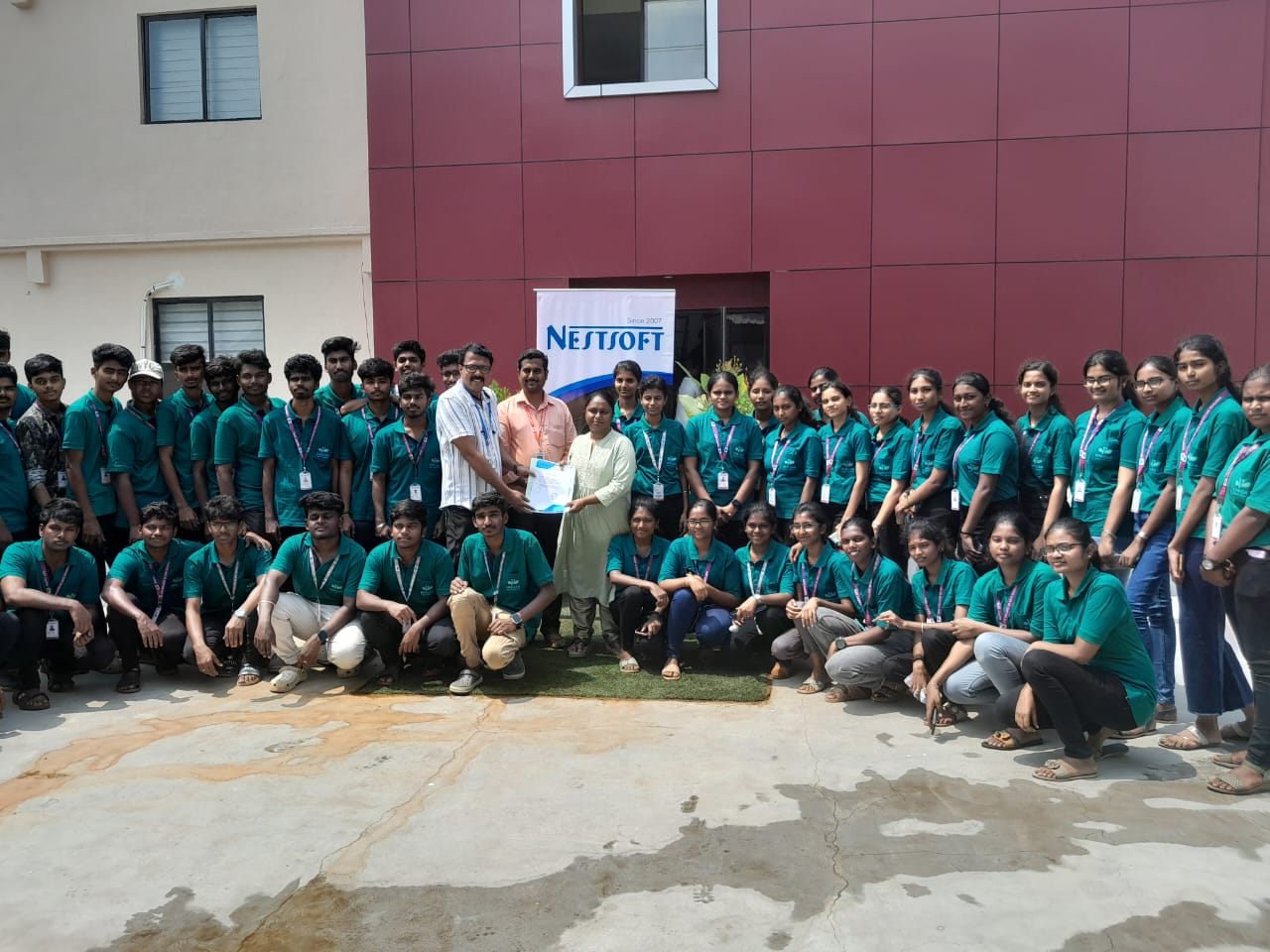
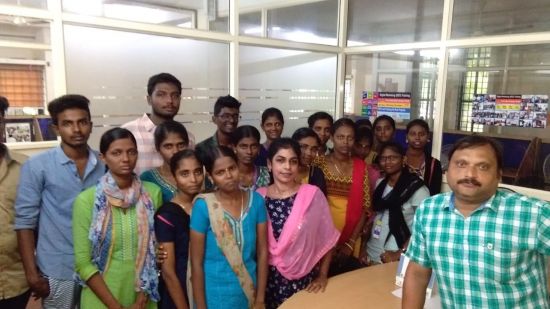
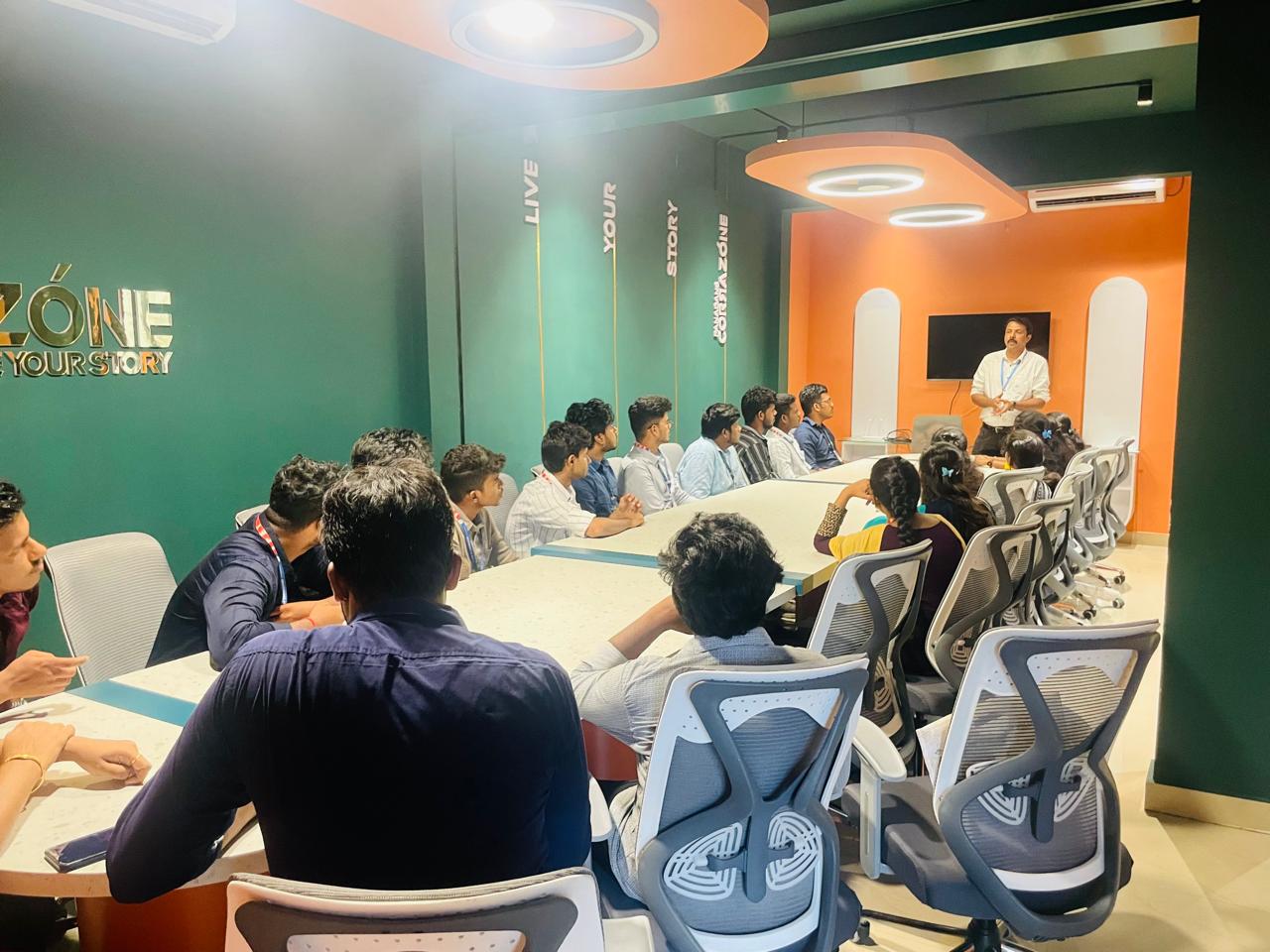
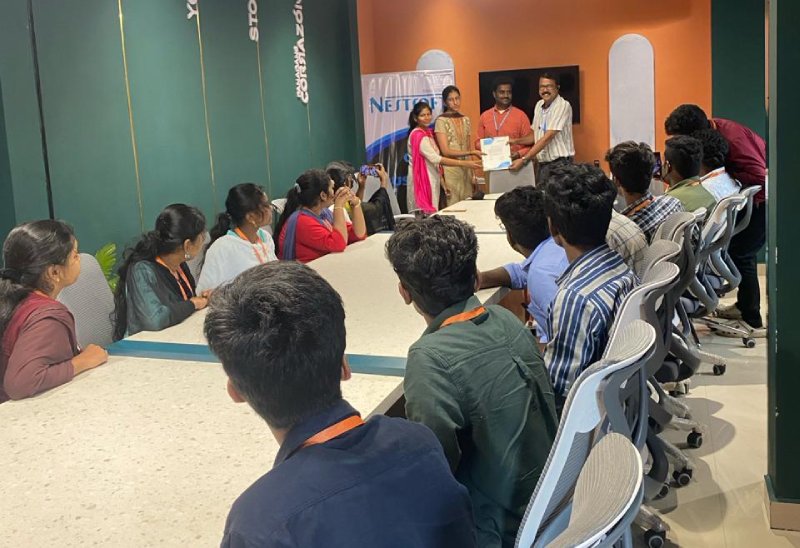
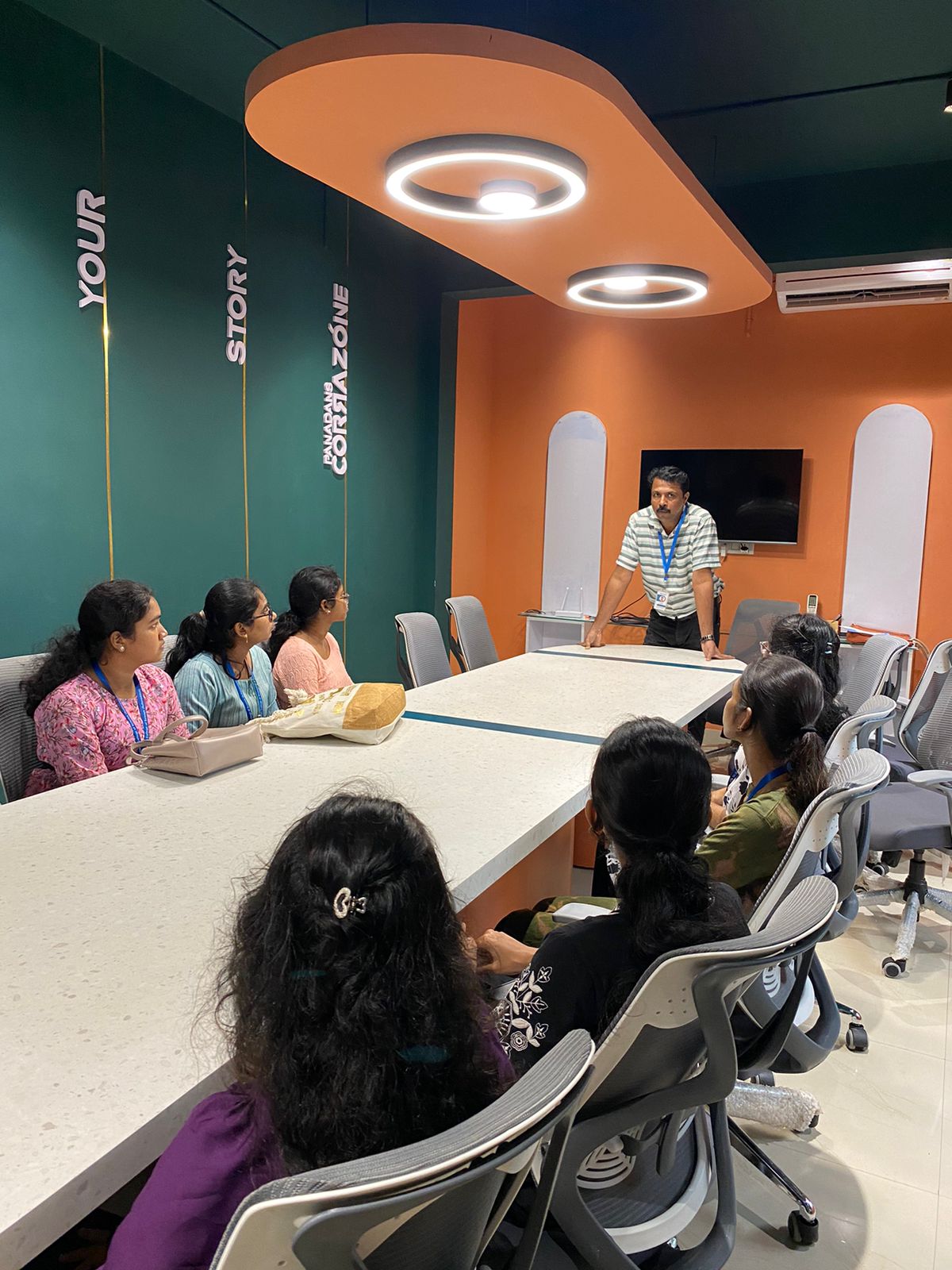
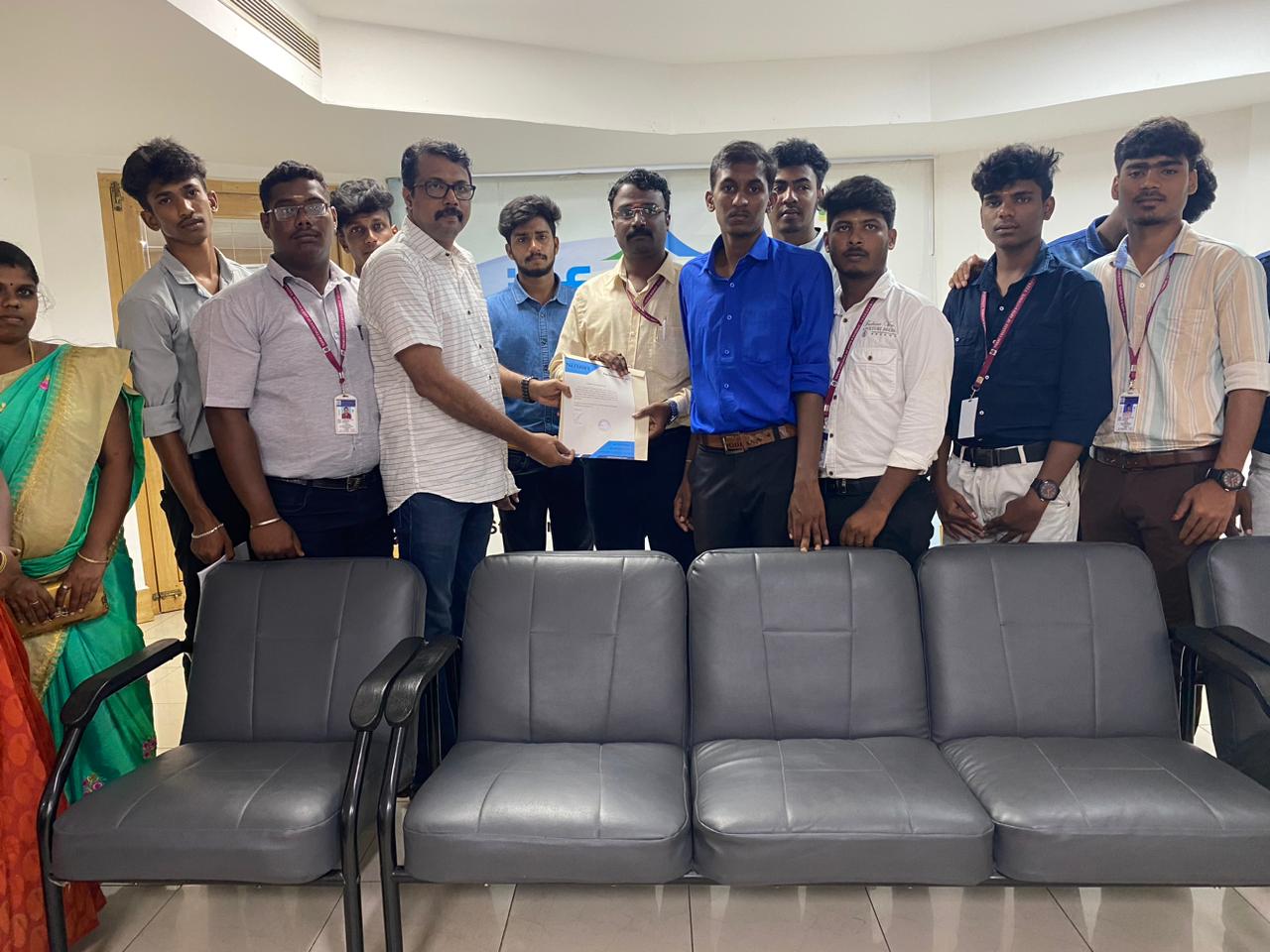
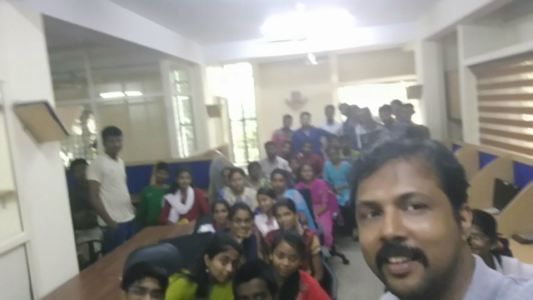
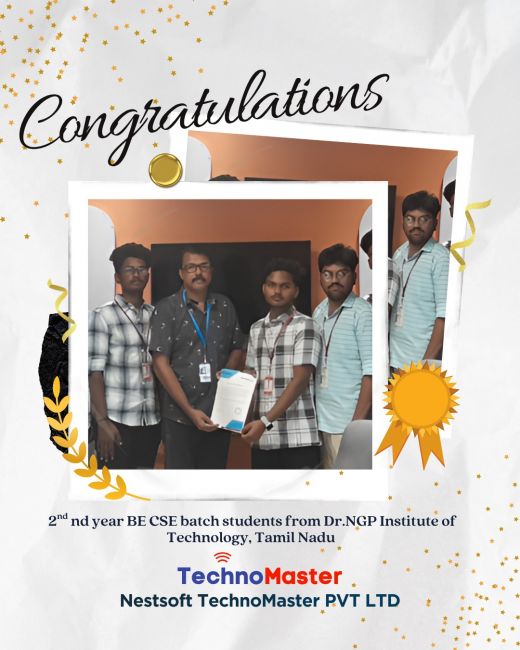
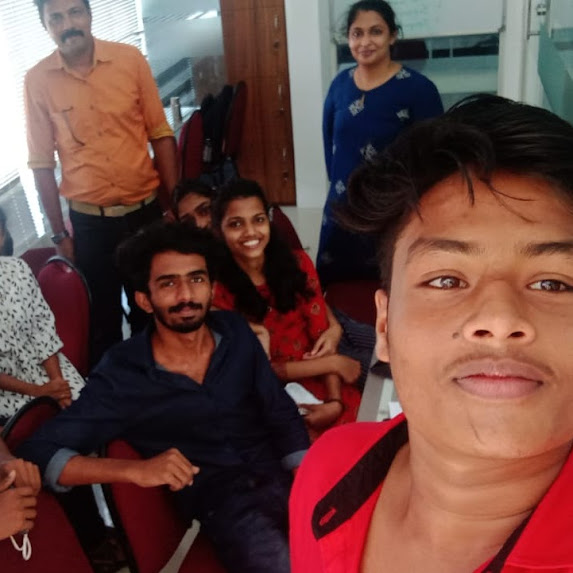
Photos of Training / Internships

Internship/projects in tiruppur

Trained more than 10000+ students who trust Nestsoft TechnoMaster

Get Your Personal Trainer