Send enquiry ⏎

Software Testing (Automation) Online Live Class by Experts

Our Training/Internship Process

Software Testing (Automation) Online Live Classes in Malappuram | Free Demo Training

Software Testing (Automation) - Syllabus, Fees & Duration

Automation Testing Syllabus

    MODULE 1 - SQL
    • Sql introduction
    • Sql Datatypes Sql basics-DDL
    • DML,DCL,Comparison Operators
    • Constraints
    • Aggregate
    • Functions
    • Practice questions
    • Joins
    • Stored Procedures
    • Practice Question
    • Views
    • Group By
    • Having
    • Order By Clauses Practice Question
    MODULE 2 - JAVA
    • Introduction to the course
    • Java Installation
    • Features and JDK
    • First Sample Program Data Types and Variables
    • Operators Control Statements
    • Loops Scanner
    • Array Oops - Polymophism (Method overloading)
    • Constructor Overloading
    • Types of Inheritance and Method Overriding
    • This and Super keyword
    • final and static keyword
    • Abstraction, Encapsulation, Exception, Thread
    • Thread Synchronization
    • Events Collection - List & Set Collection - Map & Queue Exam - Java
    MODULE 3 - Selenium IDE
    • Selenium Introduction
    • IDE Features
    • creating script Using IDE
    • Recording
    • Selenese
    • Assert and verify Export Testcase
    MODULE 4 - Selenium Webdriver
    • Selenium Webdriver Introduction
    • Webdriver manager
    • Junit
    • Locators
    • Screenshot in selenium
    • Handling Alerts
    • BrokenLinks
    • Testng and its Features
    • Waits in Selenium
    • Javascript Executor in Selenium
    • Navigation Commands
    • Dropdown handling using select class
    • Button Text verification
    • Radio buttons Actions class
    • copy paste using action class
    • draganddrop program Double click and right click using Action class
    • Mouse Hover Program
    • File upload
    • File upload using AUTO IT and Robot class
    • Cross browser Testing
    • Handling multiple windows and tabs
    • Handle pops in Chrome
    • Datepicker
    • DataDrivenTesting
    • Extended Reports
    • POM Design Pattern Frameworks
    • Datadriven framework Maven
    • Importance of maven
    • Create Project in Maven
    • Project
    MODULE 5 - JMeter
    • Introduction to Jmeter
    • overview of performance testing
    • Jmeter workflow
    • components of Jmeter
    • Building a web Test plan
    • Report generation
    • Execution in NON-GUI mode Recording in Jmeter
    • Blaze meter plugin Assertions
    • Timers
    • CSV Data set configuration
    • Correlation
    MODULE 6 - POSTMAN
    • Introduction to Postman
    • API testing
    • Download and install postman
    • Collections
    • Request methods
    • Collection Runner
    • Test script
    • Variables
    • Data driven testing
    • API fetching
    • JsonPathfinder
    • Openweathermap API
    • Newman
    MODULE 7 - JIRA
    • Agile methodology
    • scrum
    • Introduction to Jira
    • Jira issue types
    • How to create an Epic/User stories in Jira
    • Creating sprints in Jira
    • Sprint lifecylce in Jira
    • Backlogs
    • Creating bugs
    • Write Test Cases in Jira with Zephyr plugin
    • Jira project flow
    MODULE 8 - GIR & GITH
    • Introduction
    • Git installation
    • Repository creation in GitHub
    • Commands in git

Download Syllabus - Software Testing (Automation)
This syllabus is not final and can be customized as per needs/updates
   
10000+
20+
50+
25+

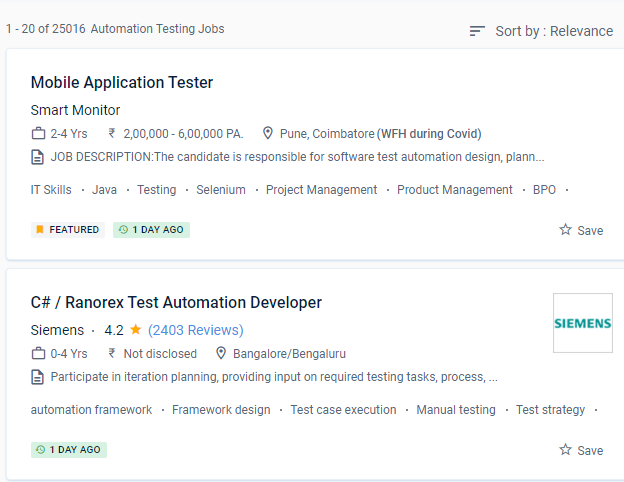
Software Testing (Automation) Jobs in Malappuram

Enjoy the demand

Find jobs related to Software Testing (Automation) in search engines (Google, Bing, Yahoo) and recruitment websites (monsterindia, placementindia, naukri, jobshybrid.com, indeed.co.in, shine.com etc.) based in Malappuram, chennai and europe countries. You can find many jobs for freshers related to the job positions in Malappuram.

  • Network Test Engineer
  • Network Automation Testing
  • Automation Testing
  • Network Engineer
  • Test Automation Engineer
  • QA Test Automation Engineer
  • Automation Test Lead
  • Network Test Engineer
  • Software Test Engineer
  • Senior Network Engineer

Software Testing (Automation) Internship/Course Details

Software Testing (Automation) internship jobs in Malappuram
Software Testing (Automation) It is dependent on the project, the timeline, the budget, the quality, and the technique. To get started, enrol in the speciality programme directly or browse their courses to choose one that interests you. Implement mechanisms for doing inspections and test code reviews that are accurate. You'll learn about black-box and white-box testing, automated testing, web & mobile testing, and formal testing theory and practises throughout four courses, preparing you to plan and execute effective software testing. Manual testing is inferior to automated tests. One of the most popular test automation fallacies is that everything can be automated. You will receive a certificate once you have completed all of the courses and the practical project, which you can share with potential employers and your professional network. Understand the complications and benefits of automation in diverse software projects and know how to spot them. Furthermore, everything he does must be predicated on achieving the goals in the most efficient manner feasible, using the greatest methods, tools, and talents available. Learn how to use web automation tools for Continuous Integration and put them into practice.

Meet a Few of our Industry Experts 🚀 Your Pathway to IT Career

Rakshitha

Mobile: +91 89210 61945
Location: Online (Malappuram, India)
Qualification: Masters in Biochemistry

Experience: I have an year of experience in designing with the design software expertise in Canva Adobe Photoshop Adobe Illustrator and  more..

Jijnasa

Mobile: +91 8301010866
Location: Online (Malappuram, India)
Qualification: BCA

Experience: Manual testing automation testing postman jmeter jira GitHub sdlc requirement analysis  more..

Sabna

Mobile: +91 98474 90866
Location: Online (Malappuram, India)
Qualification: 3yr diploma in computer engineering at IPT & GPTC Shoranur

Experience: I have one year experience in php and am currently working as a node js developer I have experience in  more..

Vishal

Mobile: +91 9895490866
Location: Online (Malappuram, India)
Qualification: B.Tech

Experience: Automation Testing Manual Testing API testing Postman JMeter Selenium with Python C++ Python MySQL Jira Git  more..

Fallou

Mobile: +91 91884 77559
Location: Online (Malappuram, India)
Qualification: Développement web

Experience: Web development with HTML and CSSAdvanced proficiency in the Wix applicationDesigning attractive websitesOptimizing website performanceClient collaborationProblem-solving skills  more..

Shalu

Mobile: +91 98474 90866
Location: Online (Malappuram, India)
Qualification: b.tech

Experience: seo link building backling create 3 year exp  more..

Diksha

Mobile: +91 91884 77559
Location: Online (Malappuram, India)
Qualification: Btech

Experience: C c++ python web development by youtube Time management documentation  more..

Hanzalah

Mobile: +91 8301010866
Location: Online (Malappuram, India)
Qualification: BSc.IT

Experience: I have some prior experience with some programming languages like python html css js and django other then that i  more..

Amit

Mobile: +91 91884 77559
Location: Online (Malappuram, India)
Qualification: Mba

Experience: 4 years of experience in seo   more..

Krishna

Mobile: +91 8301010866
Location: Online (Malappuram, India)
Qualification: MCA

Experience: Manual testing -1+ years of experience in Testing Mobile testing JIRA Automation selenium-c#   more..

Abitha

Mobile: +91 8301010866
Location: Online (Malappuram, India)
Qualification: B. Tech

Experience: About 4 to 5 year experience on php along with framework such as laravel and knowledge of frontend technologies like  more..

Ankita

Mobile: +91 91884 77559
Location: Online (Malappuram, India)
Qualification: Graduate

Experience: 1 Year Experience of Data entry Diploma in computer basics Basic knowledge of programming   more..

athul

Mobile: +91 9895490866
Location: Online (Malappuram, India)
Qualification: +2

Experience: angular nodejs expressjs mongodb ejs typescript javascript jquery html css aws docker jenkins  more..

sreena

Mobile: +91 91884 77559
Location: Online (Malappuram, India)
Qualification: B-tech, CSE

Experience: I have 6 year experience in web designing and content management system and from last one and half years i  more..

Utkarsha

Mobile: +91 94975 90866
Location: Online (Malappuram, India)
Qualification: BE Computer

Experience: I have recently graduated in Computer Science Engineering from Pravara Rural College Of Engineering and I am currently looking  more..

Abhishek

Mobile: +91 98474 90866
Location: Online (Malappuram, India)
Qualification: B.Tech in computer science

Experience: I'm an experienced mobile app developer with 6 months experience in developing real world applications and loves to make cutting  more..

Sourab

Mobile: +91 91884 77559
Location: Online (Malappuram, India)
Qualification: B.Tech

Experience: Having 2 years of Experience in Android Development Worked with medical sector public sector and IT Sector Developed 7+ Android  more..

Gamini

Mobile: +91 94975 90866
Location: Online (Malappuram, India)
Qualification: MCA

Experience: HTML5 CSS3 JavaScript SCSS Bootstrap Jquery Ant design REST API JSON SOAP API ReactNative Hasura Graphql Socket IO websockets AWS  more..

Harkesh

Mobile: +91 8301010866
Location: Online (Malappuram, India)
Qualification: 12th and BCA persuing

Experience: excel word ppt python c data entry speak english and many more  more..

Priyanka

Mobile: +91 8301010866
Location: Online (Malappuram, India)
Qualification: BBA Graduated

Experience: Working with a Youtuber "Biology at Ease" for past 2 years which recently crossed 1 Million subscribers & have great  more..

Zainab

Mobile: +91 98474 90866
Location: Online (Malappuram, India)
Qualification: Msc in Computer Science

Experience: 4+ years in python programming 3+ years in odoo development   more..

Aditya

Mobile: +91 94975 90866
Location: Online (Malappuram, India)
Qualification: be mechanical

Experience: java selenium spring api bavkend testing manual testing  more..

Vinu

Mobile: +91 8301010866
Location: Online (Malappuram, India)
Qualification: B.Tech

Experience: I am having 5 years in android application (java) and support for android projects in kotlin which utilizes sqlite database  more..

Yogalakshmi

Mobile: +91 8301010866
Location: Online (Malappuram, India)
Qualification: B.E( Electronics and Communication Engineering)

Experience: Java Python C HTML CSS Javascript jQuery Bootstrap Selenium Automation testing using python I have 2 years of experience as  more..

Success Stories

The enviable salary packages and track record of our previous students are the proof of our excellence. Please go through our students' reviews about our training methods and faculty and compare it to the recorded video classes that most of the other institutes offer. See for yourself how TechnoMaster is truly unique.


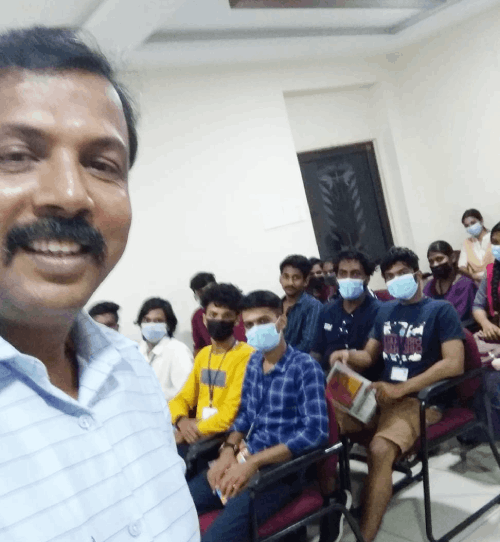
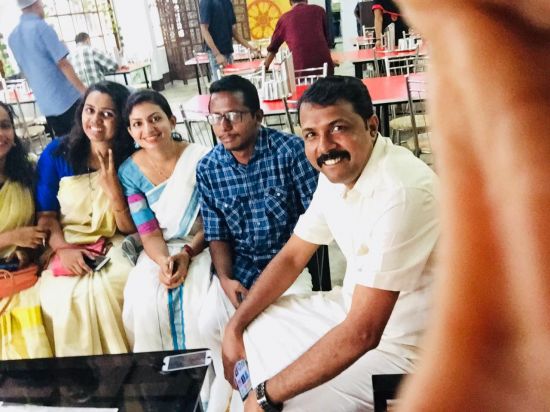
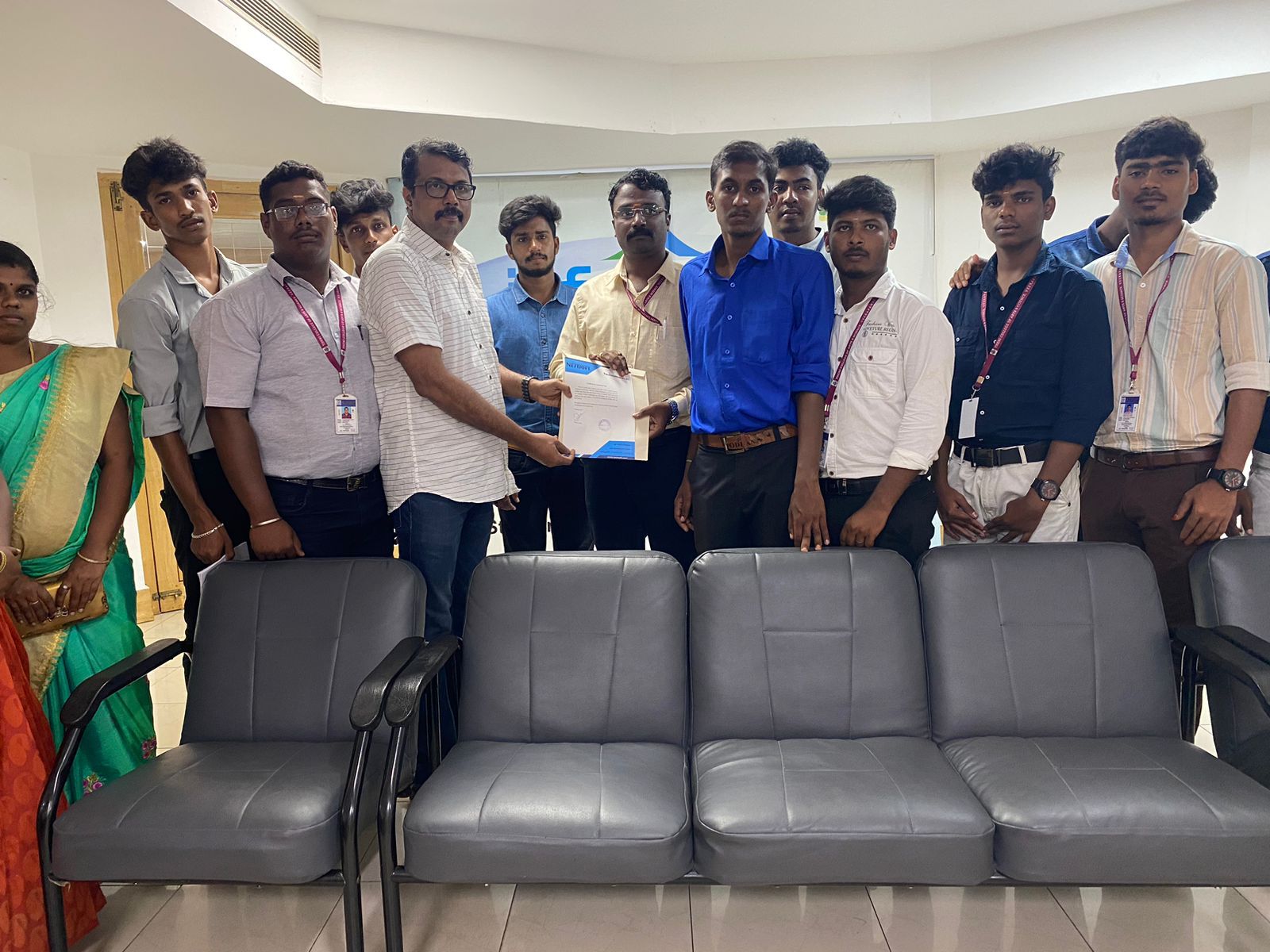
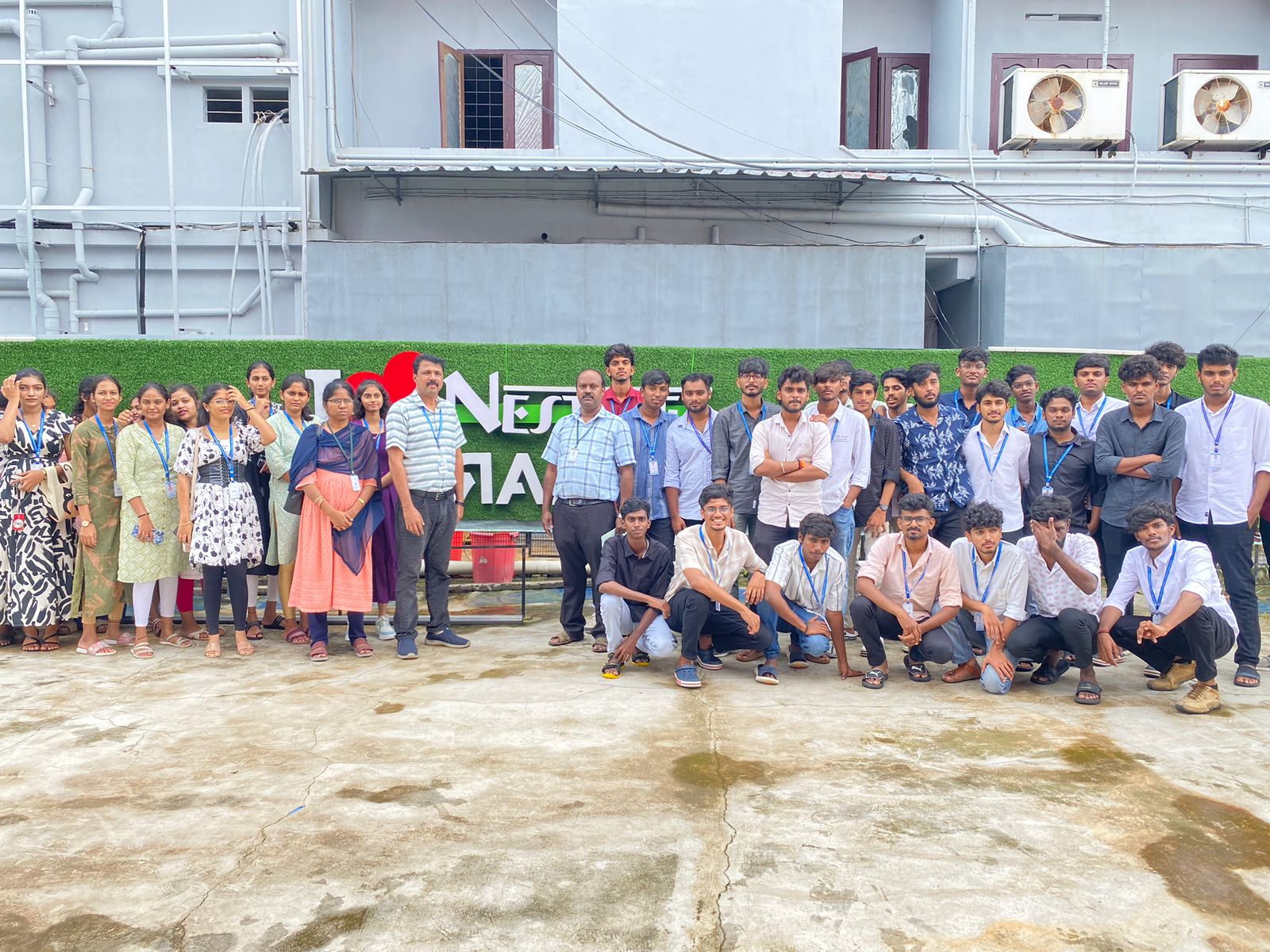
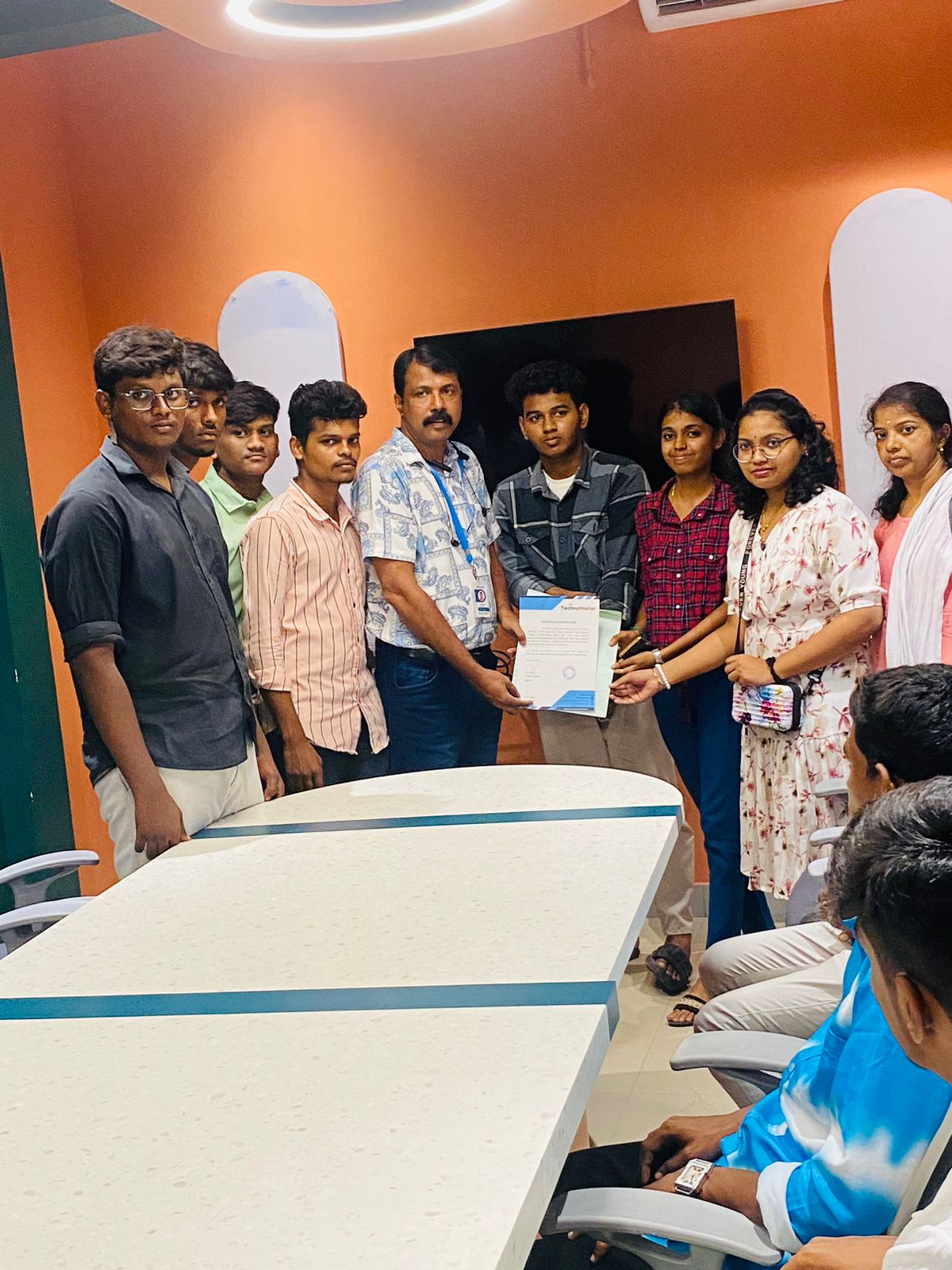
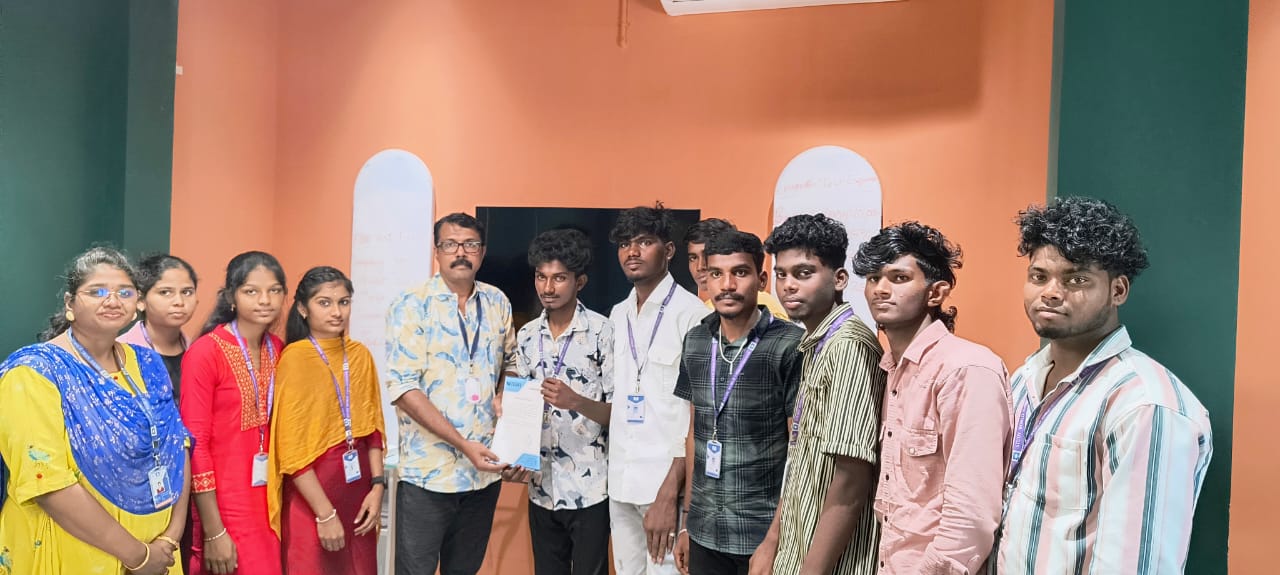
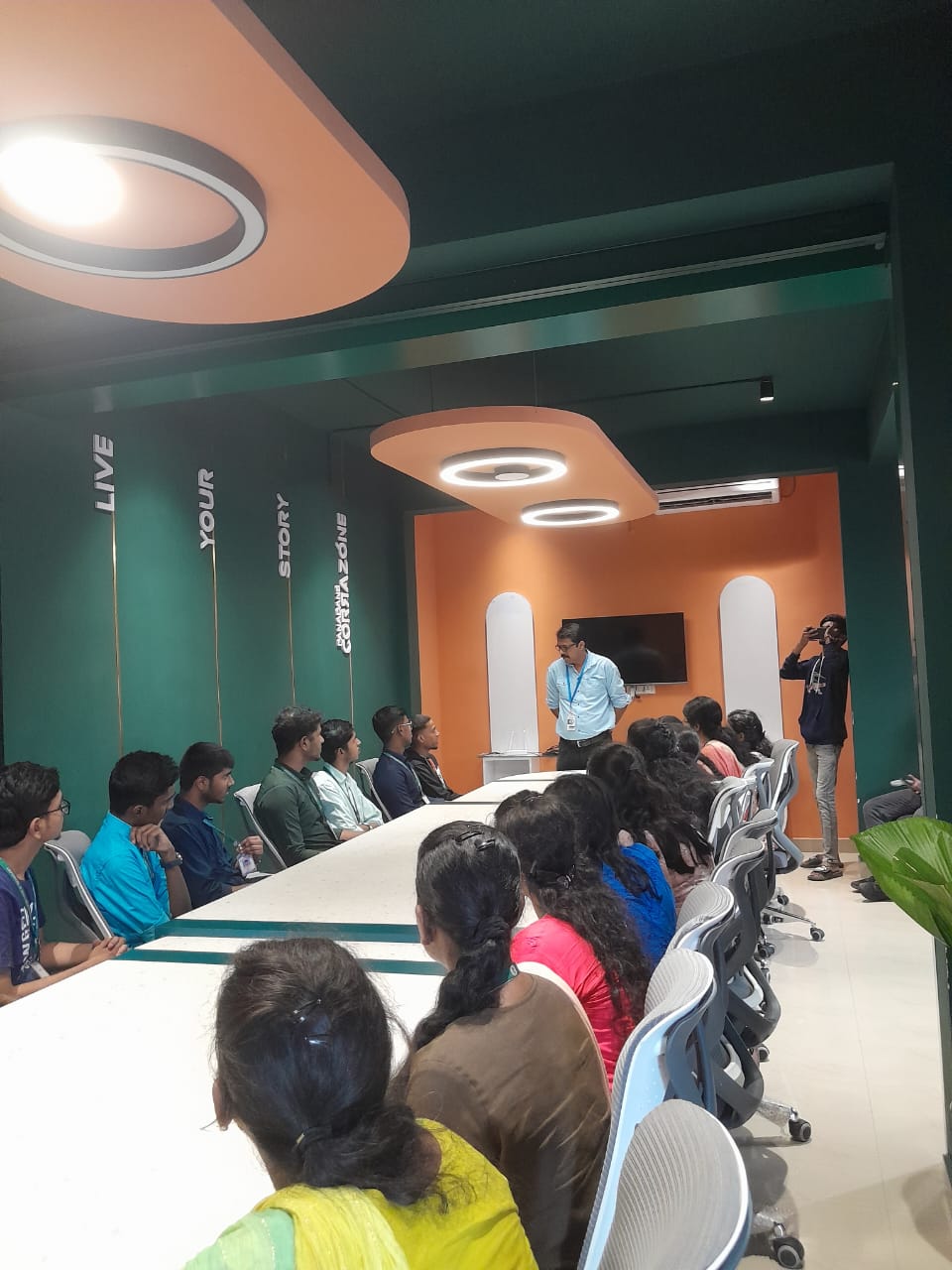
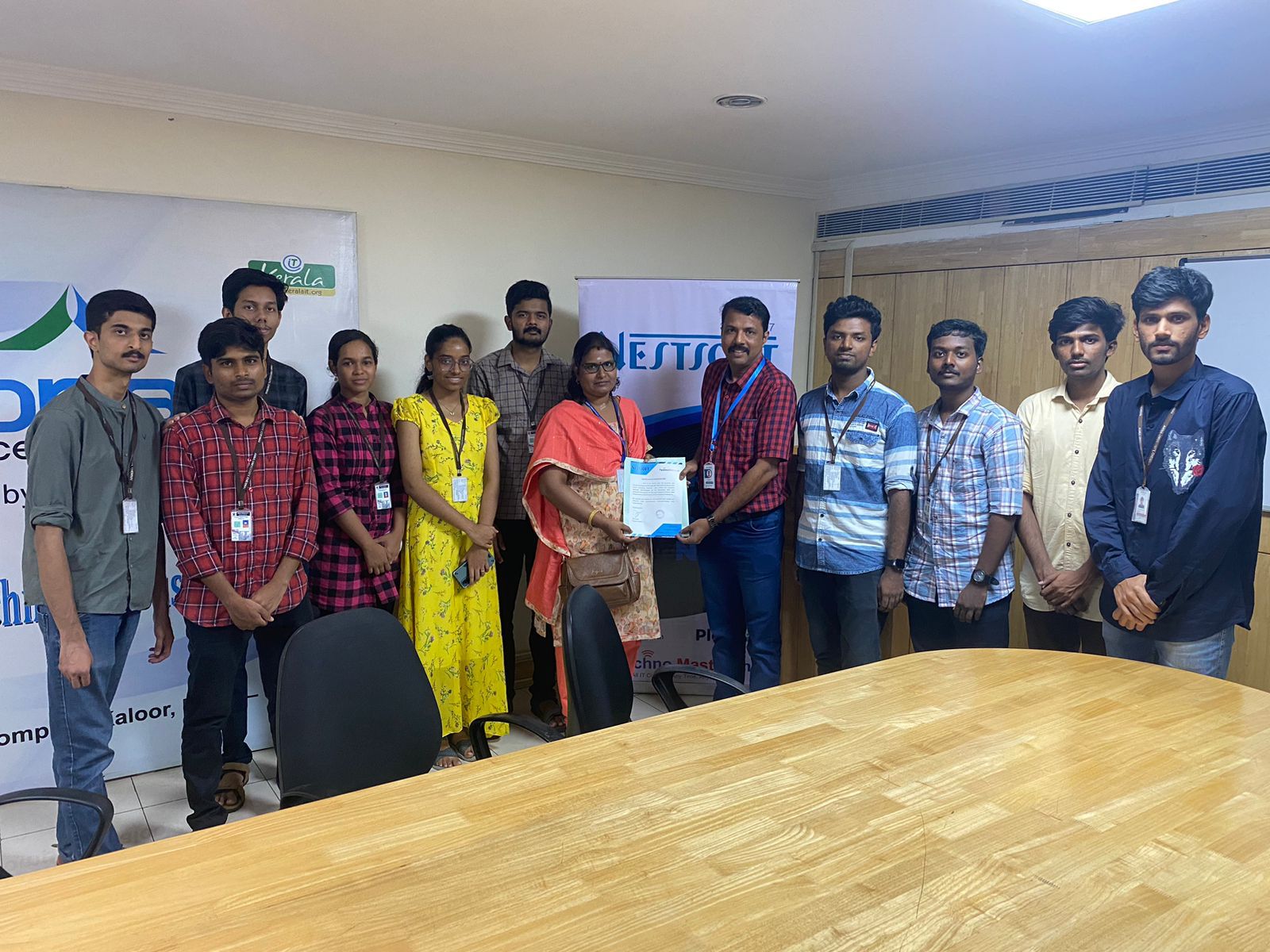
Photos of Training / Internships

Internship/projects in malappuram

Trained more than 10000+ students who trust Nestsoft TechnoMaster

Get Your Personal Trainer