Send enquiry ⏎

Software Testing (Automation) Online Live Class by Experts

Our Training/Internship Process

Software Testing (Automation) Online Live Classes in Mumbai | Free Demo Training

Software Testing (Automation) - Syllabus, Fees & Duration

Automation Testing Syllabus

    MODULE 1 - SQL
    • Sql introduction
    • Sql Datatypes Sql basics-DDL
    • DML,DCL,Comparison Operators
    • Constraints
    • Aggregate
    • Functions
    • Practice questions
    • Joins
    • Stored Procedures
    • Practice Question
    • Views
    • Group By
    • Having
    • Order By Clauses Practice Question
    MODULE 2 - JAVA
    • Introduction to the course
    • Java Installation
    • Features and JDK
    • First Sample Program Data Types and Variables
    • Operators Control Statements
    • Loops Scanner
    • Array Oops - Polymophism (Method overloading)
    • Constructor Overloading
    • Types of Inheritance and Method Overriding
    • This and Super keyword
    • final and static keyword
    • Abstraction, Encapsulation, Exception, Thread
    • Thread Synchronization
    • Events Collection - List & Set Collection - Map & Queue Exam - Java
    MODULE 3 - Selenium IDE
    • Selenium Introduction
    • IDE Features
    • creating script Using IDE
    • Recording
    • Selenese
    • Assert and verify Export Testcase
    MODULE 4 - Selenium Webdriver
    • Selenium Webdriver Introduction
    • Webdriver manager
    • Junit
    • Locators
    • Screenshot in selenium
    • Handling Alerts
    • BrokenLinks
    • Testng and its Features
    • Waits in Selenium
    • Javascript Executor in Selenium
    • Navigation Commands
    • Dropdown handling using select class
    • Button Text verification
    • Radio buttons Actions class
    • copy paste using action class
    • draganddrop program Double click and right click using Action class
    • Mouse Hover Program
    • File upload
    • File upload using AUTO IT and Robot class
    • Cross browser Testing
    • Handling multiple windows and tabs
    • Handle pops in Chrome
    • Datepicker
    • DataDrivenTesting
    • Extended Reports
    • POM Design Pattern Frameworks
    • Datadriven framework Maven
    • Importance of maven
    • Create Project in Maven
    • Project
    MODULE 5 - JMeter
    • Introduction to Jmeter
    • overview of performance testing
    • Jmeter workflow
    • components of Jmeter
    • Building a web Test plan
    • Report generation
    • Execution in NON-GUI mode Recording in Jmeter
    • Blaze meter plugin Assertions
    • Timers
    • CSV Data set configuration
    • Correlation
    MODULE 6 - POSTMAN
    • Introduction to Postman
    • API testing
    • Download and install postman
    • Collections
    • Request methods
    • Collection Runner
    • Test script
    • Variables
    • Data driven testing
    • API fetching
    • JsonPathfinder
    • Openweathermap API
    • Newman
    MODULE 7 - JIRA
    • Agile methodology
    • scrum
    • Introduction to Jira
    • Jira issue types
    • How to create an Epic/User stories in Jira
    • Creating sprints in Jira
    • Sprint lifecylce in Jira
    • Backlogs
    • Creating bugs
    • Write Test Cases in Jira with Zephyr plugin
    • Jira project flow
    MODULE 8 - GIR & GITH
    • Introduction
    • Git installation
    • Repository creation in GitHub
    • Commands in git

Download Syllabus - Software Testing (Automation)
This syllabus is not final and can be customized as per needs/updates
   
10000+
20+
50+
25+

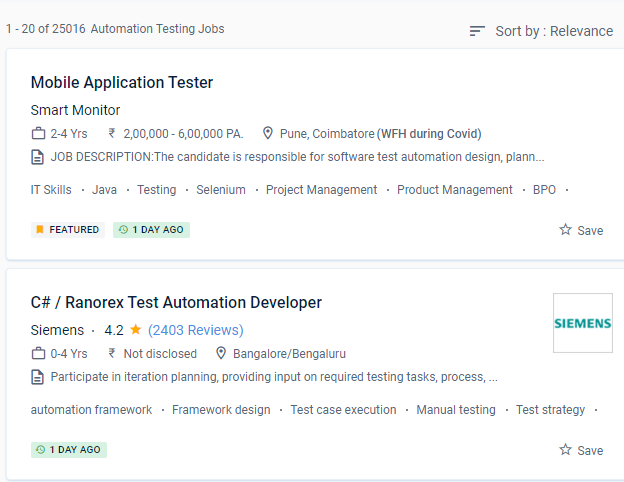
Software Testing (Automation) Jobs in Mumbai

Enjoy the demand

Find jobs related to Software Testing (Automation) in search engines (Google, Bing, Yahoo) and recruitment websites (monsterindia, placementindia, naukri, jobshybrid.com, indeed.co.in, shine.com etc.) based in Mumbai, chennai and europe countries. You can find many jobs for freshers related to the job positions in Mumbai.

  • Network Test Engineer
  • Network Automation Testing
  • Automation Testing
  • Network Engineer
  • Test Automation Engineer
  • QA Test Automation Engineer
  • Automation Test Lead
  • Network Test Engineer
  • Software Test Engineer
  • Senior Network Engineer

Software Testing (Automation) Internship/Course Details

Software Testing (Automation) internship jobs in Mumbai
Software Testing (Automation) This System Administration course inMumbai is for beginner to intermediate software engineers who want to improve their knowledge and skills in incorporating testing approaches and tools into their projects' development. There are benefits and drawbacks to automating software testing. Automation invariably results in higher software quality. For each type of software, create and implement test automation methodologies. One of the most popular test automation fallacies is that everything can be automated. Manual testing is inferior to automated tests. Automation has a high rate of return on investment. Cases for Continuous Integration and/or Continuous Deliverables can be applied, designed, and executed. You'll learn about black-box and white-box testing, automated testing, web & mobile testing, and formal testing theory and practises throughout four courses, preparing you to plan and execute effective software testing. Furthermore, everything he does must be predicated on achieving the goals in the most efficient manner feasible, using the greatest methods, tools, and talents available.


Meet a Few of our Industry Experts 🚀 Your Pathway to IT Career

Danish

Mobile: +91 91884 77559
Location: Online (Mumbai, India)
Qualification: Bachelor of Engineering

Experience: Graphic design intern at Greenbhumi Social media marketing intern at vlebazaar Graphic design intern at TopTrove Foundation   more..

Shaly

Mobile: +91 9895490866
Location: Online (Mumbai, India)
Qualification: B.E Electronics and Instrumentation

Experience: Quality Analyst Data Quality Elastic search Kibana Software testing Selenium Jmeter  more..

Pranay

Mobile: +91 91884 77559
Location: Online (Mumbai, India)
Qualification: BTech computer science engineering

Experience: Recent CS grad skilled in react javascript and python Looking to start career in software development  more..

Talari

Mobile: +91 98474 90866
Location: Online (Mumbai, India)
Qualification: B Tech

Experience: Hello Sir Madam First of all thank you for giving this opportunity to introduce myself My name is Sudharani I'm  more..

Harini

Mobile: +91 94975 90866
Location: Online (Mumbai, India)
Qualification: BE civil

Experience: Logo design Poster making Video editing Innovative Invitations Professional designs  more..

ANKUSH

Mobile: +91 94975 90866
Location: Online (Mumbai, India)
Qualification: 10+2(Science)

Experience: Abode Photoshop Html Css Bootstrap Wordpress Abode In-design Graphics Design  more..

DUSHYANT

Mobile: +91 91884 77559
Location: Online (Mumbai, India)
Qualification: B.Tech

Experience: i have 3 year web developement skill In wix specially i am doing coding part till now i handled to  more..

Susmi

Mobile: +91 91884 77559
Location: Online (Mumbai, India)
Qualification: BCA

Experience: php laravel ajax jquery html api  more..

SHUBHAM

Mobile: +91 9895490866
Location: Online (Mumbai, India)
Qualification: Under Graduate

Experience: I'm Shubham Mehrotra a Senior Digital Marketing Executive & Graphic Designer at Space Technology and Education Pvt Ltd I have  more..

Sreejith

Mobile: +91 89210 61945
Location: Online (Mumbai, India)
Qualification: Diploma/degree

Experience: On page seo Keyword optimization Offpage Hardware and networking   more..

vaishnavi

Mobile: +91 9895490866
Location: Online (Mumbai, India)
Qualification: BE in Computer Engineering

Experience: I've completed Diploma in Computer Engineering currently pursuing a BE and a certified course in Web Designing I have strong  more..

Achutha

Mobile: +91 94975 90866
Location: Online (Mumbai, India)
Qualification: B.Sc

Experience: I have experience in manual testing and automation testing with jira software Jenkins automation testing of Selenium with Java testNG  more..

Sourab

Mobile: +91 8301010866
Location: Online (Mumbai, India)
Qualification: B.Tech

Experience: Having 2 years of Experience in Android Development Worked with medical sector public sector and IT Sector Developed 7+ Android  more..

kishor

Mobile: +91 8301010866
Location: Online (Mumbai, India)
Qualification: BCCA

Experience: As a React Native Developer i have 1 2 years of experience of building cross platform application where i have  more..

Komal

Mobile: +91 8301010866
Location: Online (Mumbai, India)
Qualification: B tech

Experience: I have 4 years experience and my skills is php html css WordPress cms  more..

Anisha

Mobile: +91 8301010866
Location: Online (Mumbai, India)
Qualification: Masters

Experience: Basic computer knowledge - Excel Powerpoint presentqtion Word 9 and half months experience in Analytical testing lab as junior Analyst  more..

Kevin

Mobile: +91 9895490866
Location: Online (Mumbai, India)
Qualification: BTech computer science

Experience: Java python Application for Java Spring  more..

YASHDEEP

Mobile: +91 91884 77559
Location: Online (Mumbai, India)
Qualification: BTECH

Experience: django python Java c css  more..

J.Praveen

Mobile: +91 94975 90866
Location: Online (Mumbai, India)
Qualification: master degree

Experience: I had studied M Sc (Maths) more over TESBO(Manual testing and Automation testing) I have testing Trainer 6 month urban  more..

Jeetesh

Mobile: +91 91884 77559
Location: Online (Mumbai, India)
Qualification: MCA

Experience: Hello there! I'm Jeetesh Surana a senior Android developer with 7+ Years of Experience Developed 200+ Applications in this tenure  more..

Tarun

Mobile: +91 91884 77559
Location: Online (Mumbai, India)
Qualification: MCA

Experience: I have 6-8 months of experience in manual testing   more..

Vijaya

Mobile: +91 89210 61945
Location: Online (Mumbai, India)
Qualification: MCM

Experience: I have foundation knowledge of angular web development Hands on projects Practice on angular projects also knwoledge of bootstrap mongodb  more..

Aayush

Mobile: +91 94975 90866
Location: Online (Mumbai, India)
Qualification: 12pass

Experience: I used for canava for 2year experience for logo design   more..

lingudu

Mobile: +91 98474 90866
Location: Online (Mumbai, India)
Qualification: B.tech

Experience: AUTO CAD CATIA ANSYS basic C python  more..

Success Stories

The enviable salary packages and track record of our previous students are the proof of our excellence. Please go through our students' reviews about our training methods and faculty and compare it to the recorded video classes that most of the other institutes offer. See for yourself how TechnoMaster is truly unique.


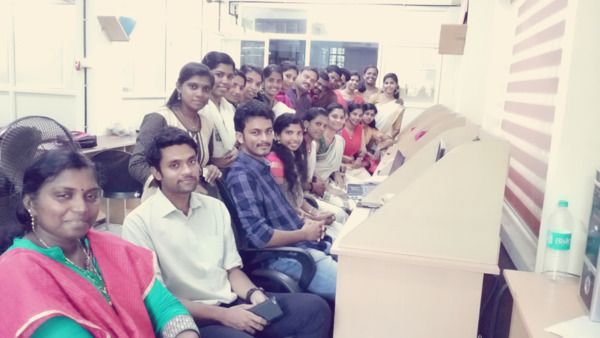
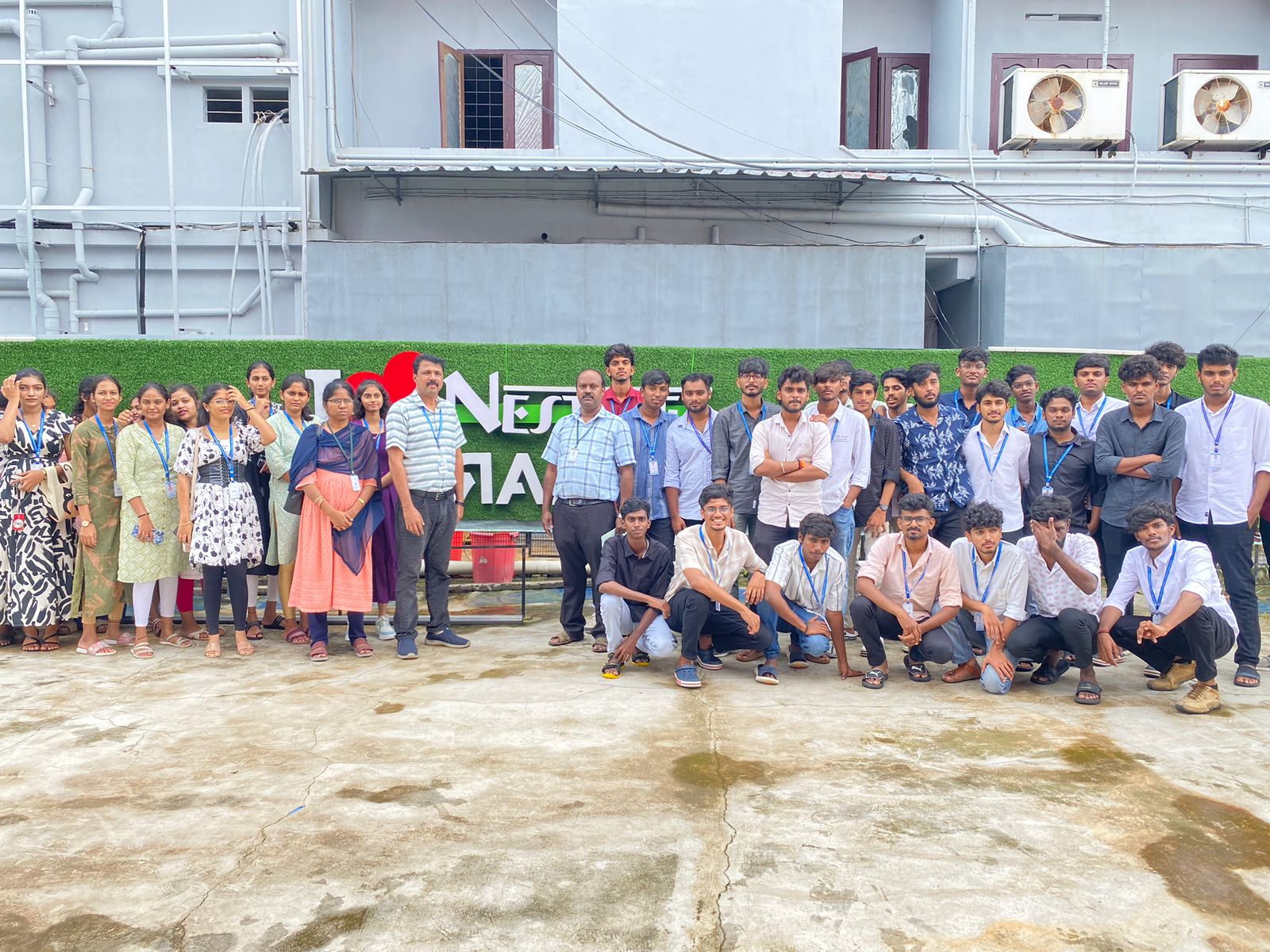
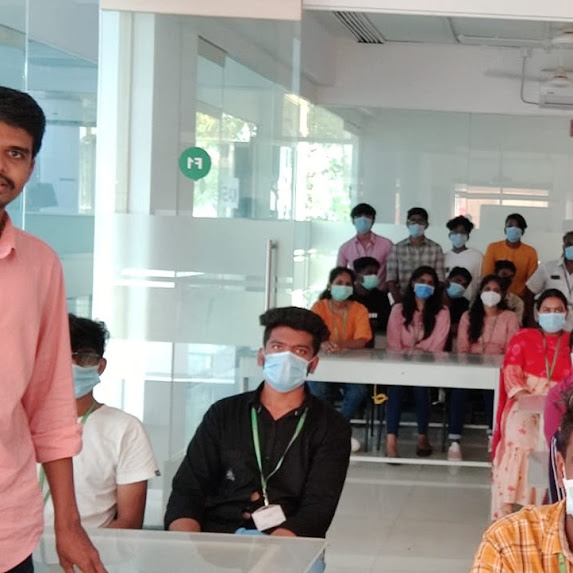
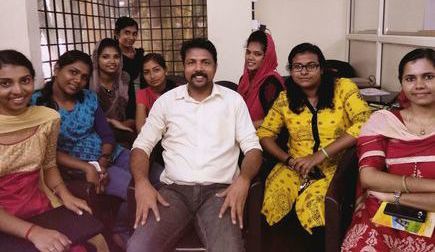
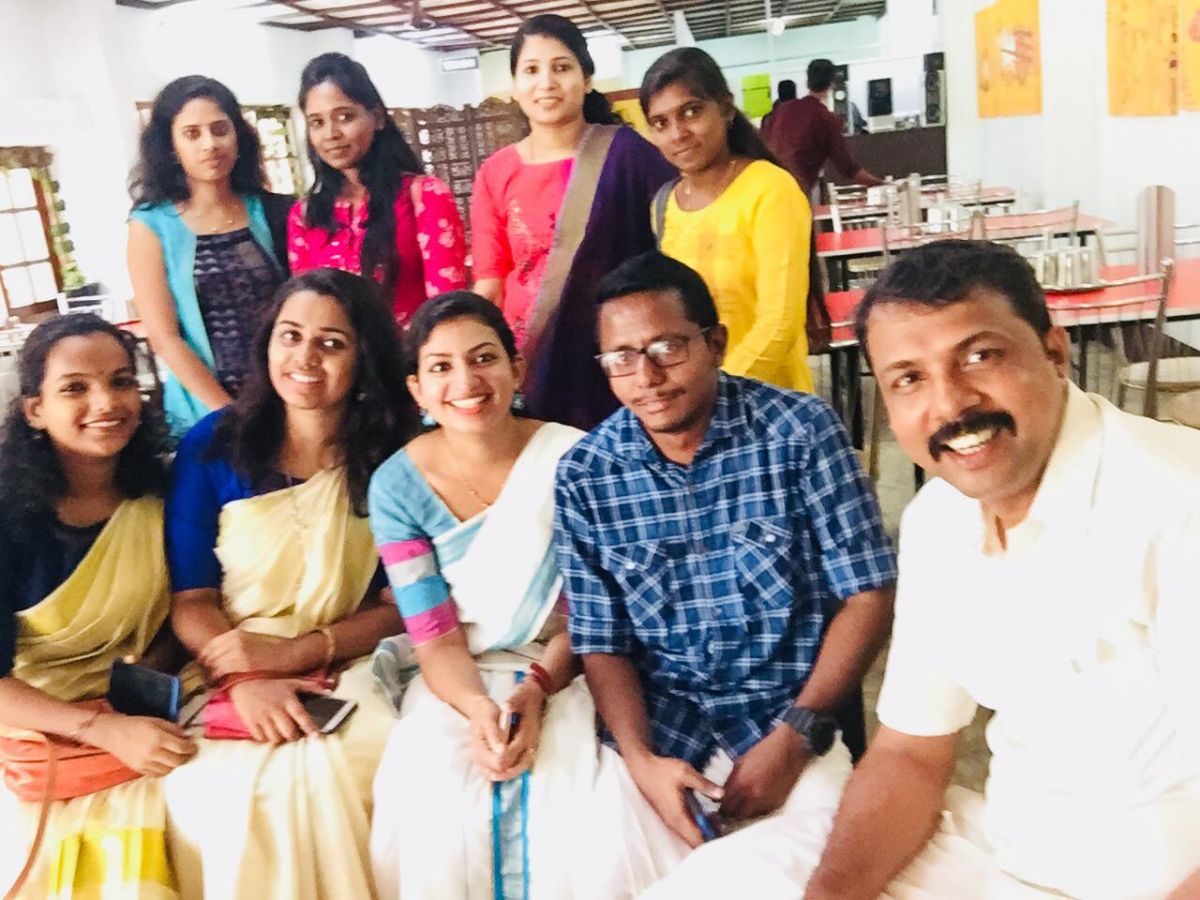
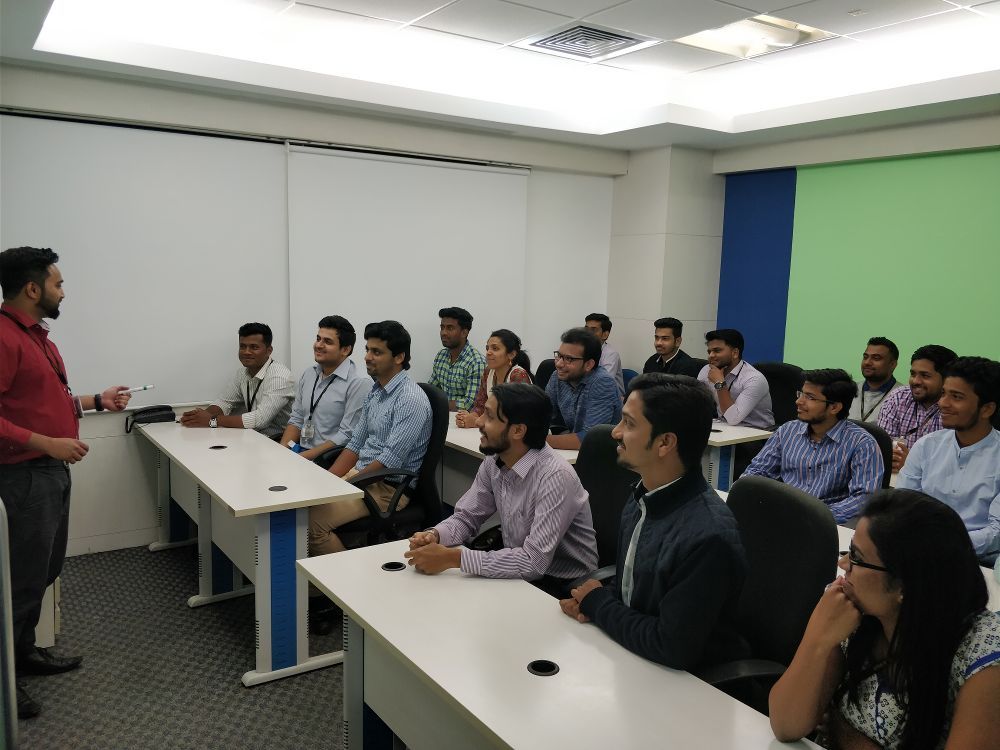
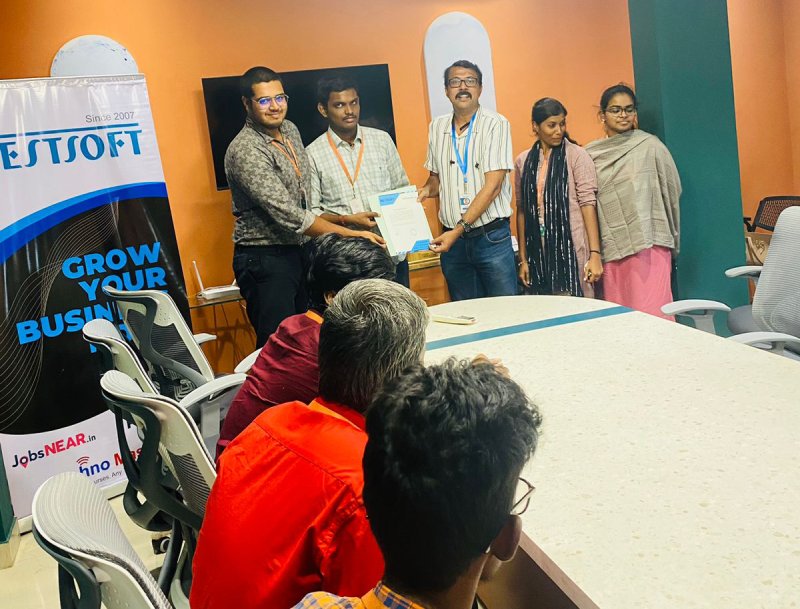
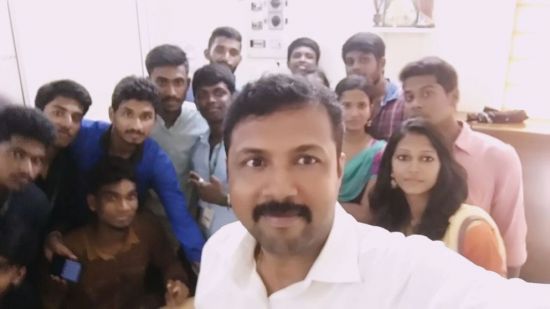
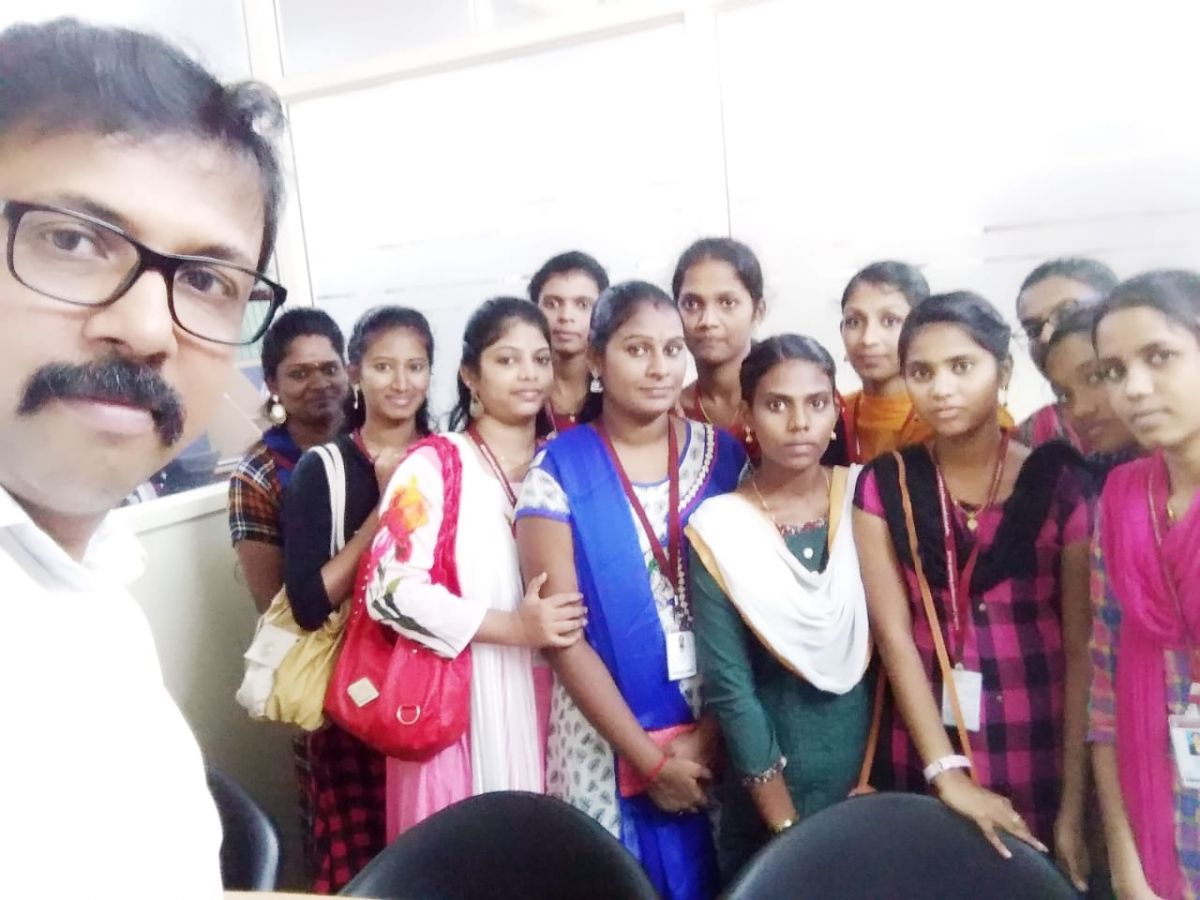
Photos of Training / Internships

Internship/projects in mumbai

Trained more than 10000+ students who trust Nestsoft TechnoMaster

Get Your Personal Trainer