Send enquiry ⏎

React JS Online Live Class by Experts

Our Training/Internship Process

React JS Online Live Classes in Mysuru | Free Demo Training

React JS - Syllabus, Fees & Duration

Module 1: Introduction to React

  • What is React?
  • Why React?
  • React version history
  • React 16 vs React 15
  • Just React – Hello World
  • Using create-react-app
  • Anatomy of react project
  • Running the app
  • Debugging first react app

Module 2: Templating using JSX

  • Working with React. create Element
  • Expressions
  • Using logical operators
  • Specifying attributes
  • Specifying children
  • Fragments

Module 3: About Components

  • Significance of component architecture
  • Types of components
  • Functional
  • Class based
  • Pure
  • Component Composition

Module 4: Working with state and props

  • What is state and it significance
  • Read state and set state
  • Passing data to component using props
  • Validating props using prop Types
  • Supplying default values to props using default Props

Module 5: Rendering lists

  • Using react key prop
  • Using map function to iterate on arrays to generate elements

Module 6: Event handling in React

  • Understanding React event system
  • Understanding Synthetic event
  • Passing arguments to event handlers

Module 7: Understanding component lifecycle and  handling errors

  • Understand the lifecycle methods
  • Handle errors using error boundaries

Module 8: Working with forms

  • Controlled components
  • Uncontrolled components
  • Understand the significance to default Value prop
  • Using react ref prop to get access to DOM element

Module 9: Context

  • What is context
  • When to use context
  • Create Context
  • Context Provider
  • Context Consumer
  • Reading context in class

Module 10: Code-Splitting

  • What is code splitting
  • Why do you need code splitting
  • React lazy
  • Suspense
  • Route-based code splitting

Module 11: hooks

  • What are hooks
  • Why do you need hooks
  • Different types of hooks
  • Using state and effect hooks
  • Rules of hooks

Module 12: Routing with react router

  • Setting up react router
  • Understand routing in single page applications
  • Working with Browser Router and Hash Router components
  • Configuring route with Route component
  • Using Switch component to define routing rules
  • Making routes dynamic using route params
  • Working with nested routes
  • Navigating to pages using Link and NavLink component
  • Redirect routes using Redirect Component
  • Using Prompt component to get consent of user for navigation
  • Path less Route to handle failed matches

Module 14: Immutable.js

  • What is Immutable.js?
  • Immutable collections
  • Lists
  • Maps
  • Sets

Module 17: Unit Testing

  • Understand the significance of unit testing
  • Understand unit testing jargon and tools
  • Unit testing react components with Jest
  • Unit testing react components with enzyme

Module 18: Web pack Primer

  • What is web pack
  • Why web pack
  • Install and setup web pack
  • Working with web pack configuration file
  • Working with loaders
  • Working with plugins
  • Setting up Hot Module Replacement

Module 19: Isomorphic React

  • What is server-side rendering (SSR)?
  • Why SSR
  • Working with render To String and render To Static Markup methods

Download Syllabus - React JS
This syllabus is not final and can be customized as per needs/updates
   
10000+
20+
50+
25+

React JS Jobs in Mysuru

Enjoy the demand

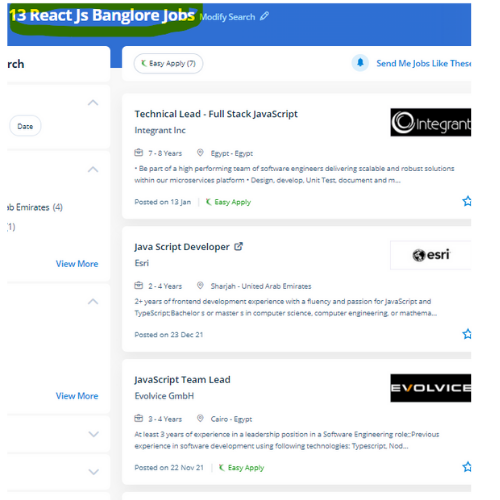
Find jobs related to React JS in search engines (Google, Bing, Yahoo) and recruitment websites (monsterindia, placementindia, naukri, jobshybrid.com, indeed.co.in, shine.com etc.) based in Mysuru, chennai and europe countries. You can find many jobs for freshers related to the job positions in Mysuru.

  • Full stack Developer
  • Web Developer
  • React JS Developer
  • Web developer Intern
  • React Native Developer
  • Lead ReactJS Developer
  • Front-End Developer
  • Java Full Stack Developer
  • Frontend Lead Developer
  • Senior Frontend Developer

React JS Internship/Course Details

React JS internship jobs in Mysuru
React JS Begin your journey towards turning into a React skilled by enrolling during this course, which is based on Version 16. It presents to the developers an incredible mechanism for debugging the user interface errors alongside the information relating to the bugs that are causing the errors. however is it achievable that an easy library has gotten thus popular? you will have caught on to ReactJS before, seeing plenty of people talking concerning it, a lot of individuals using it, and a bunch of products created by this technology. . Actually, React has been formed to arrange the development, maintenance, and updating of the UI with the goal of helping the development teams operate on projects of average and intensely tough. js or ReactJS) could be a free and open-source front-end JavaScript Library for building user interface or UI elements. React JS is created via means of Facebook and is the most effective solution for front-end developers of mobile and web apps. Nestsoft coaching sessions are taken in pleasant surroundings and thus members will perceive the ideas simply. React has countless benefits, the most reason for people to choose react is its quicker performance and smart interface. The modular design of ReactJS permits you to provide little fluctuations with ease.


Meet a Few of our Industry Experts 🚀 Your Pathway to IT Career

Neethu

Mobile: +91 89210 61945
Location: Online (Mysuru, India)
Qualification: B.Tech

Experience: java Core java advanced java Basics of python Sql HTML DBMSApplication for Java Spring  more..

Viharika

Mobile: +91 8301010866
Location: Online (Mysuru, India)
Qualification: B.tech

Experience: To be honest I'm so concerned how these websites work with taht curiosity I started learning few web technologies And  more..

Jemsiya

Mobile: +91 9895490866
Location: Online (Mysuru, India)
Qualification: B.tech computer science

Experience: HTML css javascript bootstrap Angular react js express js node jsApplication for Meanstack Developer Mean Stack  more..

Vishal

Mobile: +91 8301010866
Location: Online (Mysuru, India)
Qualification: Diploma

Experience: I have 2 years of experience in product designing I use framer and Figma for Ui design I’m curr Working  more..

Ankita

Mobile: +91 89210 61945
Location: Online (Mysuru, India)
Qualification: M E

Experience: Selenium testing functional testing regression testing core java jira  more..

Soniya

Mobile: +91 91884 77559
Location: Online (Mysuru, India)
Qualification: BE computer science engineering

Experience: Having 5+ years experience in IT - training and development field Having good knowledge of programming language like c c++  more..

Chaitanya

Mobile: +91 94975 90866
Location: Online (Mysuru, India)
Qualification: B.Des Product Design

Experience: I’m your go-to remote UI UX Designer bringing a rich blend of product design experience from 3D modeling and prototyping  more..

dinesh

Mobile: +91 91884 77559
Location: Online (Mysuru, India)
Qualification: msc

Experience: I have an experience in API development and web development   more..

Zakir

Mobile: +91 94975 90866
Location: Online (Mysuru, India)
Qualification: BSC IT

Experience: With over 2+ years of experience developing applications for international clients in Card and Payments domain I believe I would  more..

Prapti

Mobile: +91 8301010866
Location: Online (Mysuru, India)
Qualification: MCA

Experience: C# net net core asp net MVC ef core javascript rest api  more..

SWATHI

Mobile: +91 94975 90866
Location: Online (Mysuru, India)
Qualification: Msc in Computer science

Experience: Fresher & Automation testing in selenium TestNG Maven XPATH and CSS core java manual testing SDLC STLC Agile Methodology with  more..

RAHIL

Mobile: +91 91884 77559
Location: Online (Mysuru, India)
Qualification: B.TECH

Experience: Java developer with 10 years of experience that includes working as Programmer Analyst and in Associate Role in Cognizant Technology  more..

Arunkumar

Mobile: +91 89210 61945
Location: Online (Mysuru, India)
Qualification: BTECH IT

Experience: i am a frontend developer who i has 2 yeaApplication for Meanstack Developer Mean Stack  more..

Abiramisri.J

Mobile: +91 94975 90866
Location: Online (Mysuru, India)
Qualification: B.E - ECE

Experience: I have 6 months of learning experience in ui ux design   more..

NITHIN

Mobile: +91 98474 90866
Location: Online (Mysuru, India)
Qualification: BCA

Experience: HTML CSS bootstrap javascript angular Nodejs express Mongodb react 6 month internship at luminar Technolab Calicut Application for Meanstack Developer  more..

Akhil

Mobile: +91 91884 77559
Location: Online (Mysuru, India)
Qualification: BTech in ECE

Experience: 3 years in manual testing and automation testing  more..

Beena

Mobile: +91 89210 61945
Location: Online (Mysuru, India)
Qualification:

Experience: I am very much interested in applying for the QA position in your company My Name is Beena Babu I  more..

Ridhin

Mobile: +91 94975 90866
Location: Online (Mysuru, India)
Qualification: BTech(IT)

Experience: odoo python javascript psql xml and git  more..

Elavarasan

Mobile: +91 94975 90866
Location: Online (Mysuru, India)
Qualification: BE mechanical engineering

Experience: Hi am completed in BE mechanical engineering and Python certificate course complete then I have attended in odoo Internship 3months  more..

Muhammad

Mobile: +91 94975 90866
Location: Online (Mysuru, India)
Qualification: Bca

Experience: Manual testing SDLC STLC agile methodology scrum methodology testcase preparation levels of testing j meter post man problem solving decision  more..

Madhu

Mobile: +91 91884 77559
Location: Online (Mysuru, India)
Qualification: Bca

Experience: Skills : HTML CSS JavaScript Bootstrap WordPress Python Mongodb MYSQL Experience : 1 years as Jr front-end developer  more..

Dnyaneshwar

Mobile: +91 91884 77559
Location: Online (Mysuru, India)
Qualification: BE E& TC

Experience: Palo alto firewall ccna course vlan VTP ipsec ip tcp switch &router configuration |   more..

Akbar

Mobile: +91 8301010866
Location: Online (Mysuru, India)
Qualification: B.Tech

Experience: Computer hardware and networking CCNA |   more..

SREERAJ

Mobile: +91 94975 90866
Location: Online (Mysuru, India)
Qualification: Bsc computer science

Experience: Implement new user friendly interfaces Currently working as a front end developer   more..

Success Stories

The enviable salary packages and track record of our previous students are the proof of our excellence. Please go through our students' reviews about our training methods and faculty and compare it to the recorded video classes that most of the other institutes offer. See for yourself how TechnoMaster is truly unique.


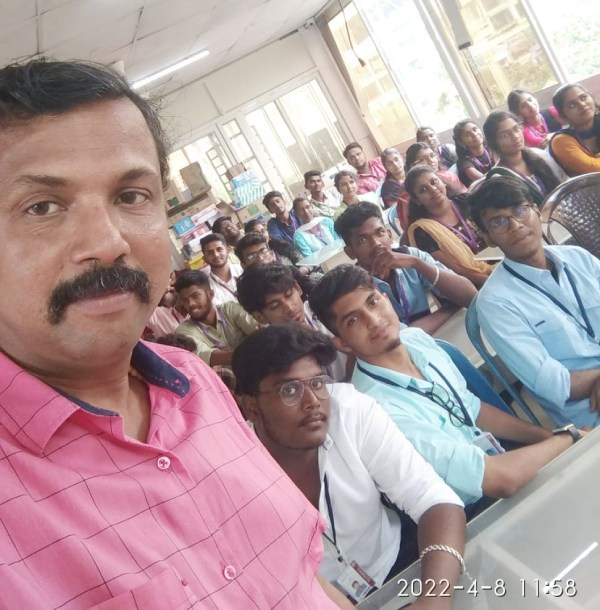
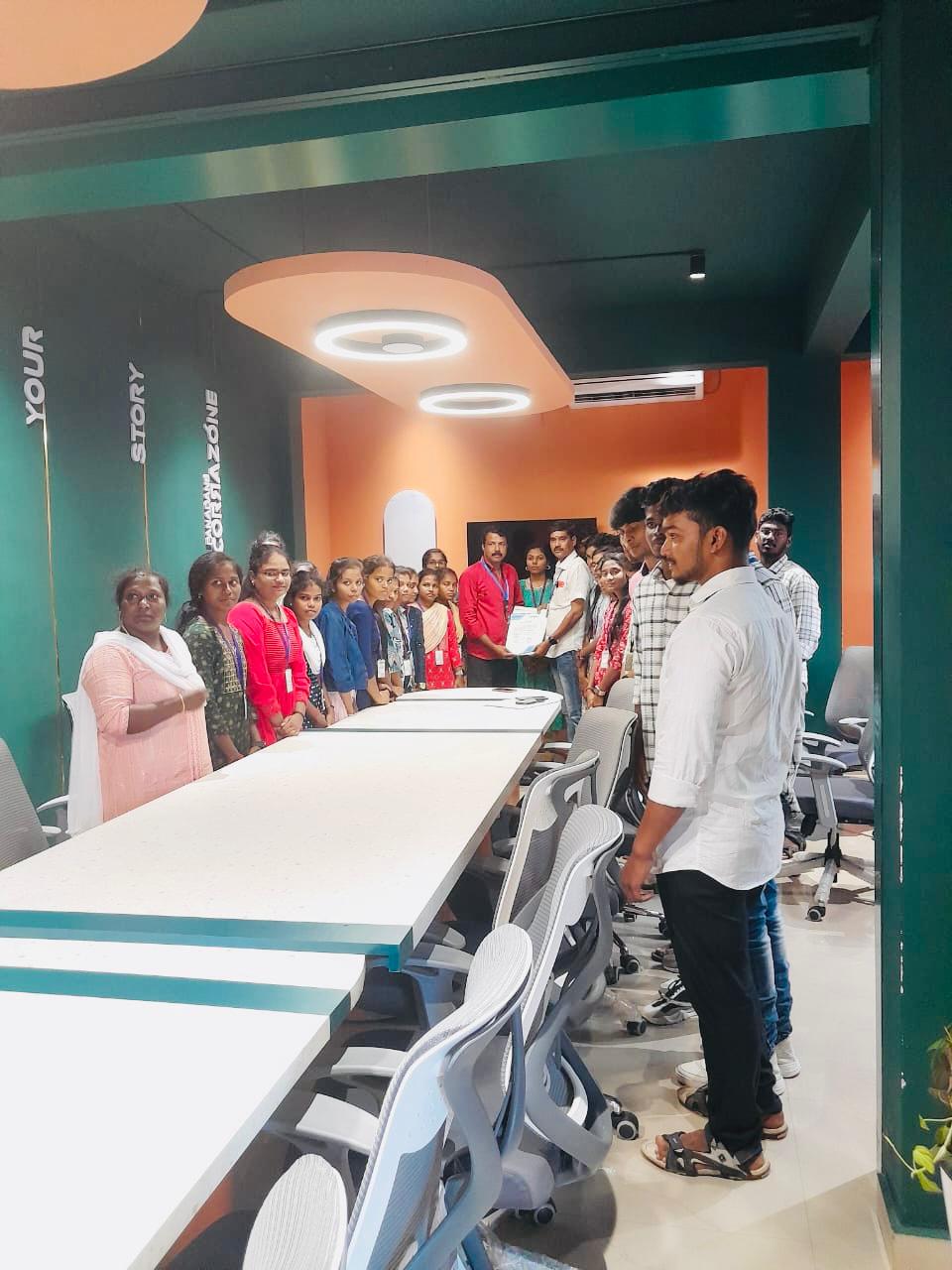
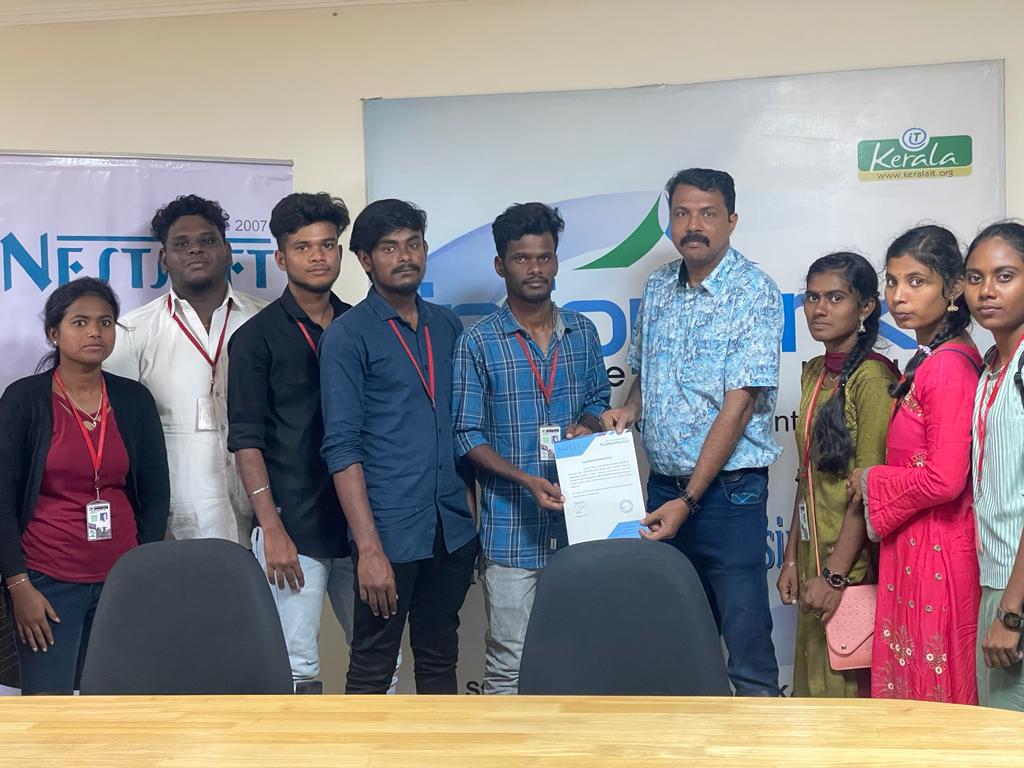
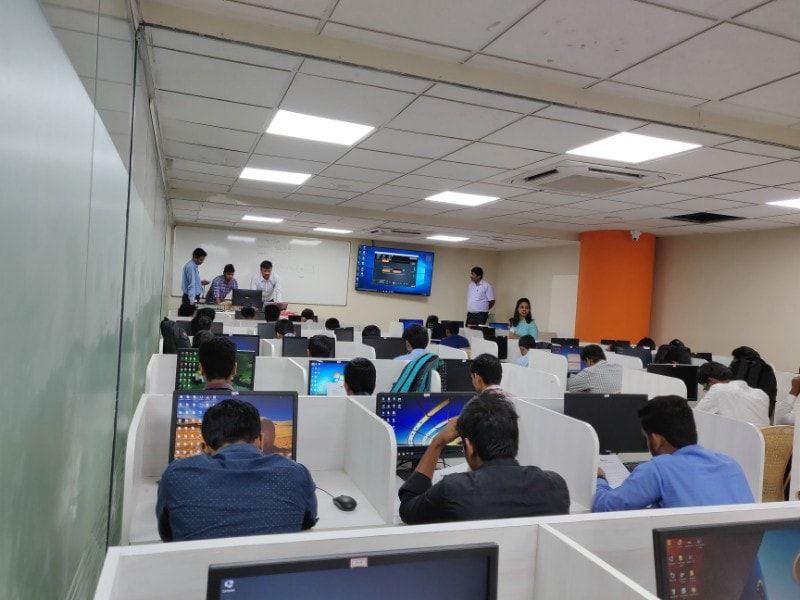
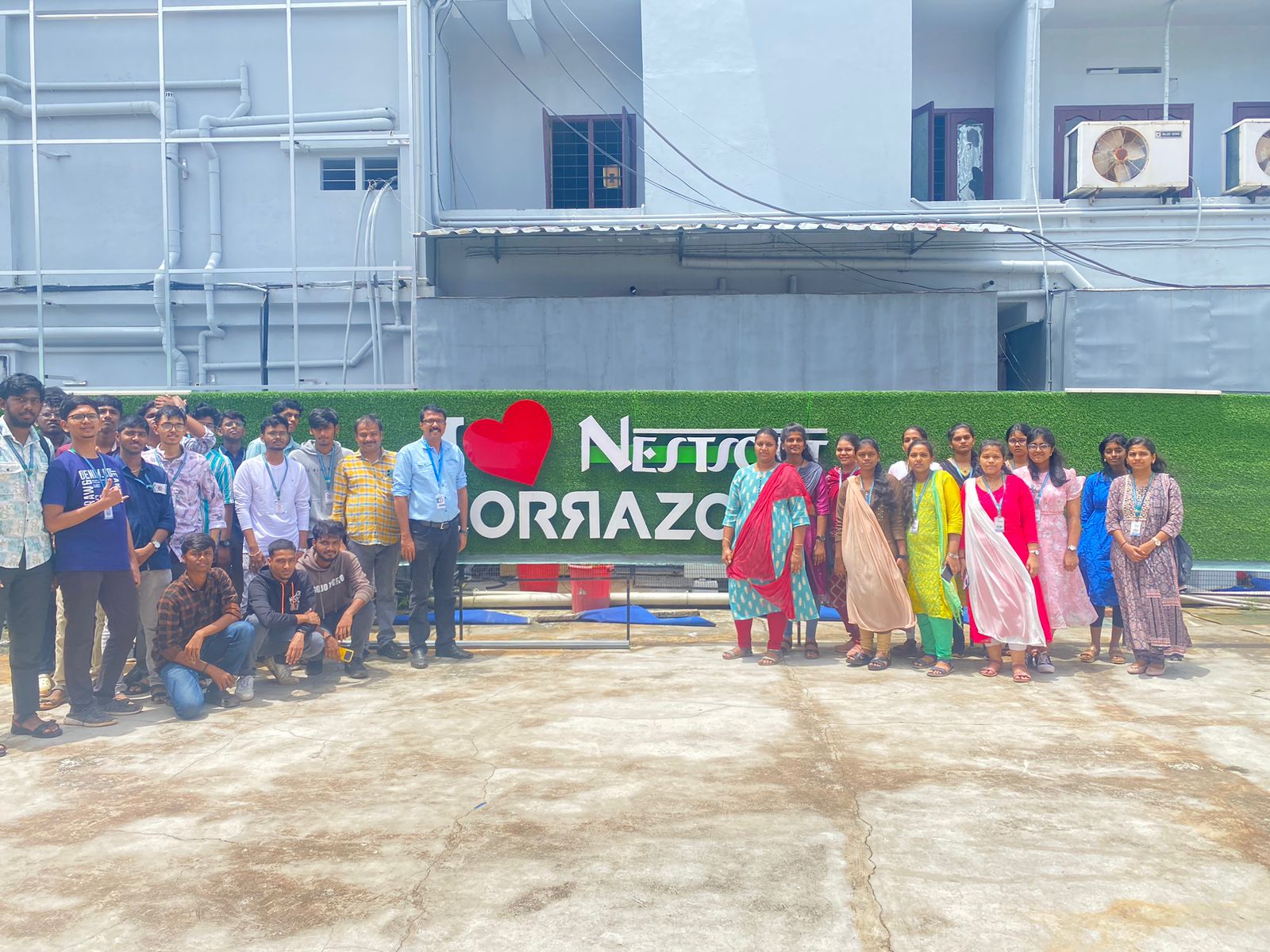
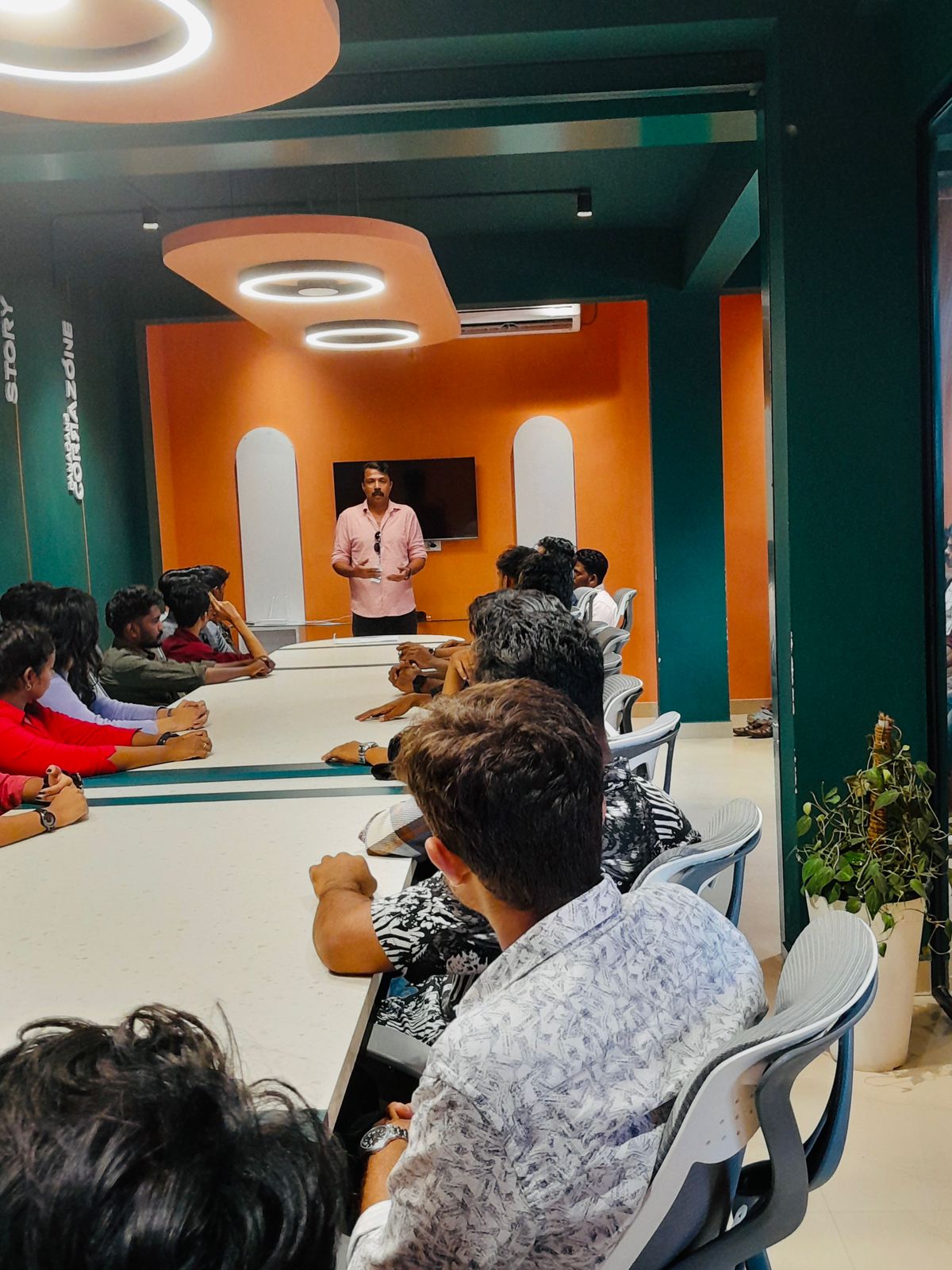
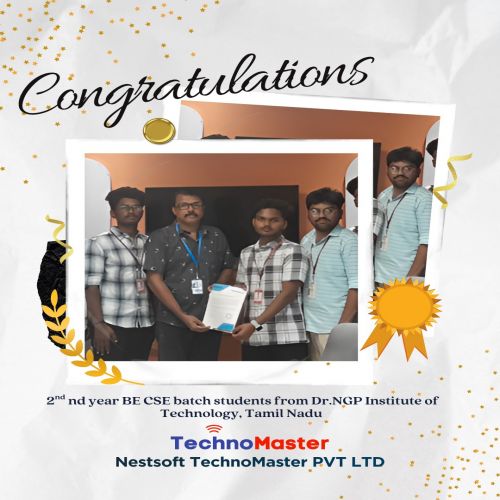
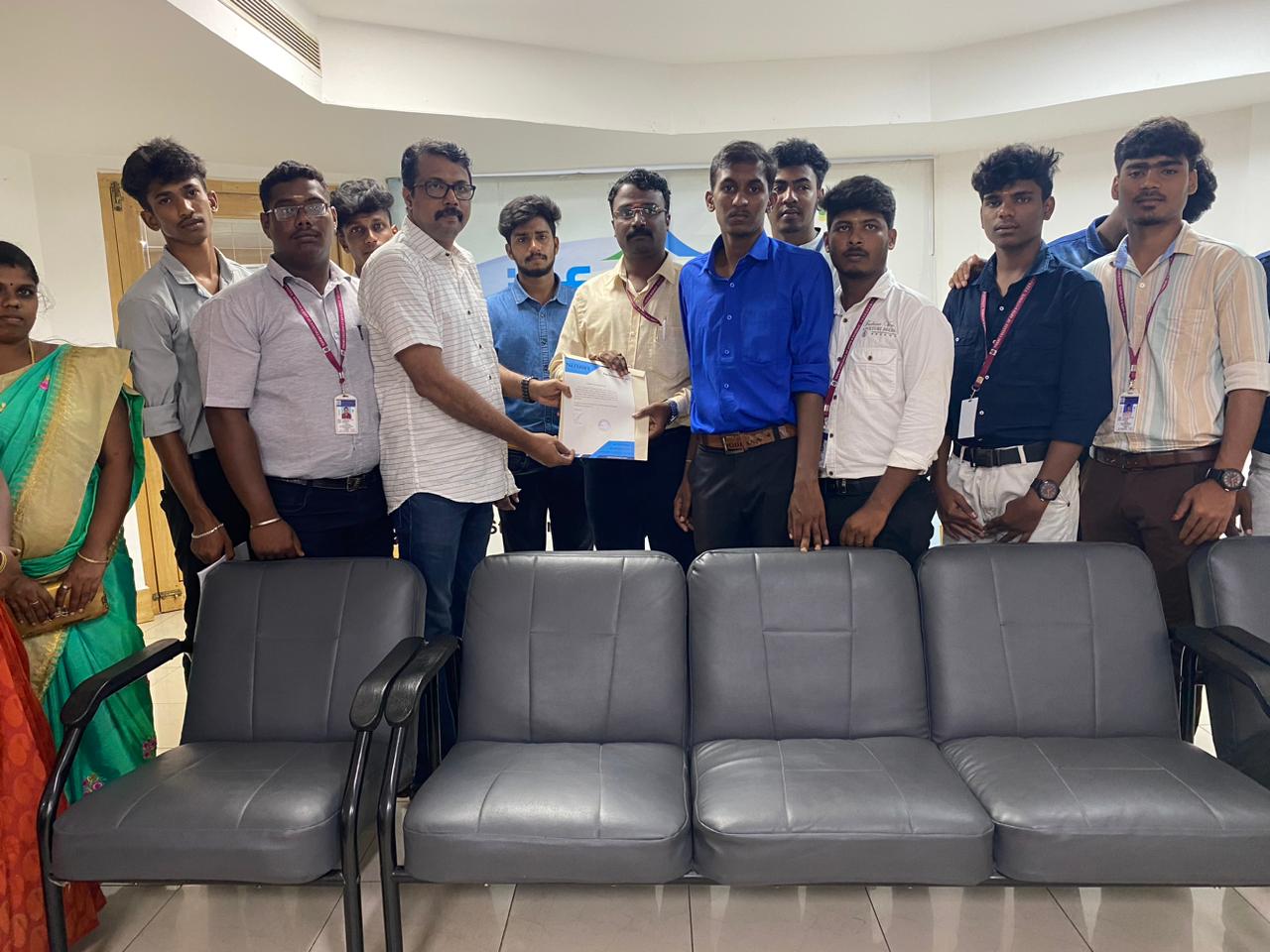
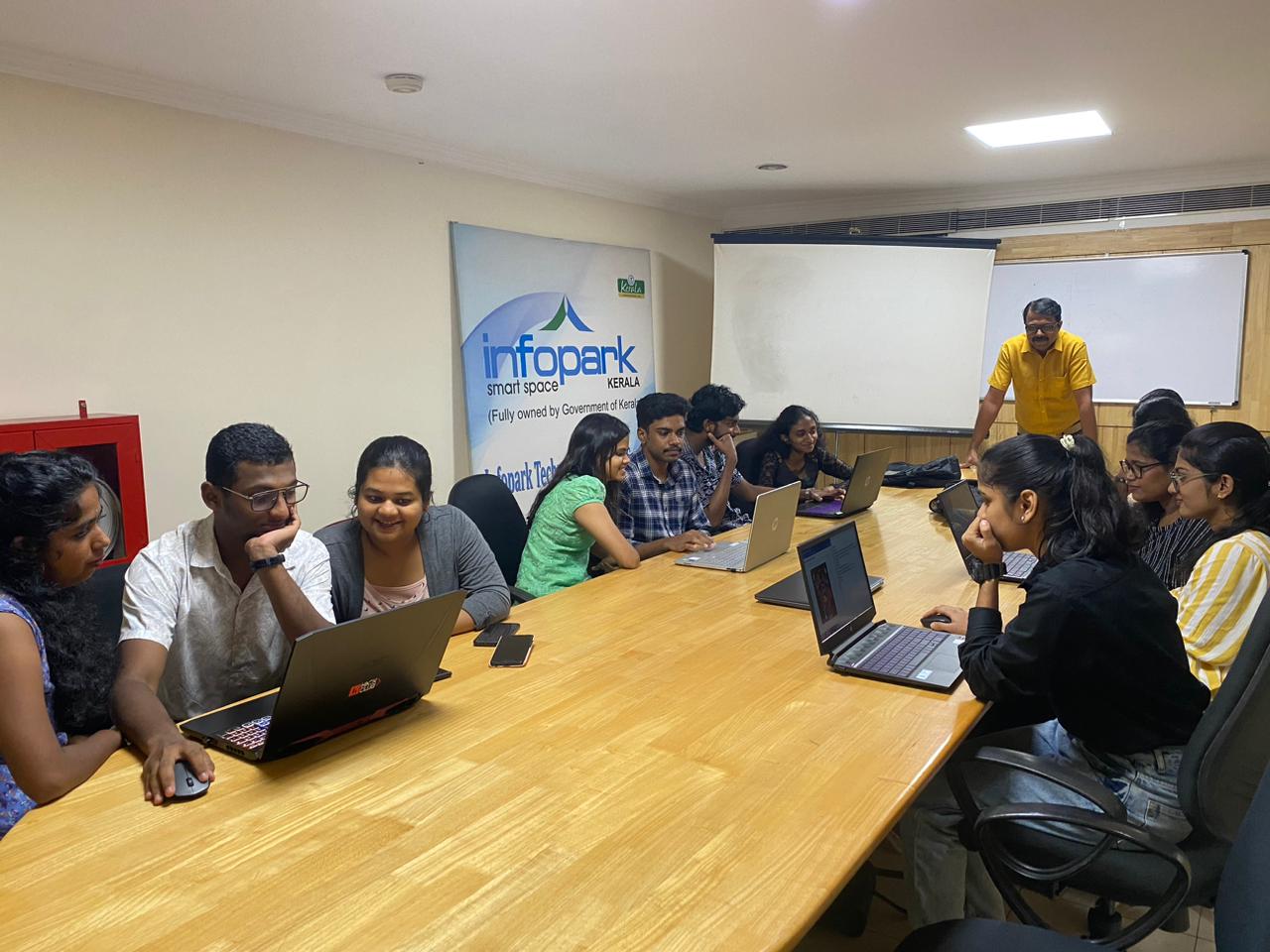
Photos of Training / Internships

Internship/projects in mysuru

Trained more than 10000+ students who trust Nestsoft TechnoMaster

Get Your Personal Trainer