Send enquiry ⏎

React JS Online Live Class by Experts

Our Training/Internship Process

React JS Online Live Classes in Bellary | Free Demo Training

React JS - Syllabus, Fees & Duration

Module 1: Introduction to React

  • What is React?
  • Why React?
  • React version history
  • React 16 vs React 15
  • Just React – Hello World
  • Using create-react-app
  • Anatomy of react project
  • Running the app
  • Debugging first react app

Module 2: Templating using JSX

  • Working with React. create Element
  • Expressions
  • Using logical operators
  • Specifying attributes
  • Specifying children
  • Fragments

Module 3: About Components

  • Significance of component architecture
  • Types of components
  • Functional
  • Class based
  • Pure
  • Component Composition

Module 4: Working with state and props

  • What is state and it significance
  • Read state and set state
  • Passing data to component using props
  • Validating props using prop Types
  • Supplying default values to props using default Props

Module 5: Rendering lists

  • Using react key prop
  • Using map function to iterate on arrays to generate elements

Module 6: Event handling in React

  • Understanding React event system
  • Understanding Synthetic event
  • Passing arguments to event handlers

Module 7: Understanding component lifecycle and  handling errors

  • Understand the lifecycle methods
  • Handle errors using error boundaries

Module 8: Working with forms

  • Controlled components
  • Uncontrolled components
  • Understand the significance to default Value prop
  • Using react ref prop to get access to DOM element

Module 9: Context

  • What is context
  • When to use context
  • Create Context
  • Context Provider
  • Context Consumer
  • Reading context in class

Module 10: Code-Splitting

  • What is code splitting
  • Why do you need code splitting
  • React lazy
  • Suspense
  • Route-based code splitting

Module 11: hooks

  • What are hooks
  • Why do you need hooks
  • Different types of hooks
  • Using state and effect hooks
  • Rules of hooks

Module 12: Routing with react router

  • Setting up react router
  • Understand routing in single page applications
  • Working with Browser Router and Hash Router components
  • Configuring route with Route component
  • Using Switch component to define routing rules
  • Making routes dynamic using route params
  • Working with nested routes
  • Navigating to pages using Link and NavLink component
  • Redirect routes using Redirect Component
  • Using Prompt component to get consent of user for navigation
  • Path less Route to handle failed matches

Module 14: Immutable.js

  • What is Immutable.js?
  • Immutable collections
  • Lists
  • Maps
  • Sets

Module 17: Unit Testing

  • Understand the significance of unit testing
  • Understand unit testing jargon and tools
  • Unit testing react components with Jest
  • Unit testing react components with enzyme

Module 18: Web pack Primer

  • What is web pack
  • Why web pack
  • Install and setup web pack
  • Working with web pack configuration file
  • Working with loaders
  • Working with plugins
  • Setting up Hot Module Replacement

Module 19: Isomorphic React

  • What is server-side rendering (SSR)?
  • Why SSR
  • Working with render To String and render To Static Markup methods

Download Syllabus - React JS
This syllabus is not final and can be customized as per needs/updates
   
10000+
20+
50+
25+

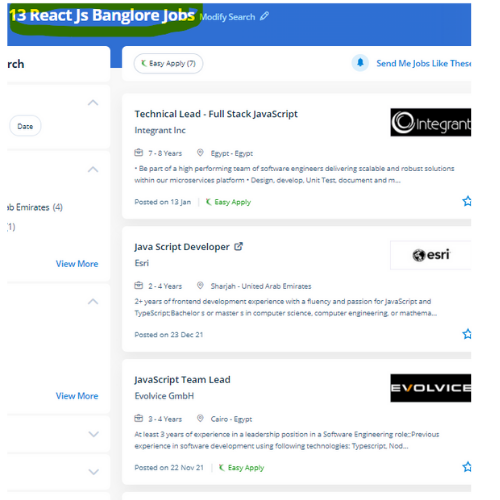
React JS Jobs in Bellary

Enjoy the demand

Find jobs related to React JS in search engines (Google, Bing, Yahoo) and recruitment websites (monsterindia, placementindia, naukri, jobshybrid.com, indeed.co.in, shine.com etc.) based in Bellary, chennai and europe countries. You can find many jobs for freshers related to the job positions in Bellary.

  • Full stack Developer
  • Web Developer
  • React JS Developer
  • Web developer Intern
  • React Native Developer
  • Lead ReactJS Developer
  • Front-End Developer
  • Java Full Stack Developer
  • Frontend Lead Developer
  • Senior Frontend Developer

React JS Internship/Course Details

React JS internship jobs in Bellary
React JS . React web framework is presently being used by reputed companies as well as Netflix, NASA, BBC, Facebook, Paypal, etc. Our instructor-led React work course could also be a decent manner for you to induce up to hurry with Facebook's React JavaScript library to rapidly-produce well-structured front-end applications. React(also named React. ReactJS contains a reputation for being a strong tool for creating user interfaces. The course of study is intended by industry experts in such a way that it's job-oriented . Begin your journey towards turning into a React skilled by enrolling during this course, which is based on Version 16. the chance of reusing the codes and additionally creating component modules for convenience enabling the developers to perform unit tests that guarantee no system crashes within the close to future is the great thing of using ReactJS. Nestsoft coaching sessions are taken in pleasant surroundings and thus members will perceive the ideas simply. Actually, React has been formed to arrange the development, maintenance, and updating of the UI with the goal of helping the development teams operate on projects of average and intensely tough.


Meet a Few of our Industry Experts 🚀 Your Pathway to IT Career

Nikunj

Mobile: +91 91884 77559
Location: Online (Bellary, India)
Qualification: B.E computer

Experience: Created 25+ applications including native and flutter  more..

Seema

Mobile: +91 8301010866
Location: Online (Bellary, India)
Qualification: B.Tech IT

Experience: Highly skilled Android developer with 4+ years of experience in designing and developing innovative mobile applications Proficient in Java and  more..

priyanshu

Mobile: +91 91884 77559
Location: Online (Bellary, India)
Qualification: BCA

Experience: Experienced full stack android application developer with expertise in front-end and back-end development experienced in leading cross-functional teams   more..

Arpit

Mobile: +91 91884 77559
Location: Online (Bellary, India)
Qualification: Btech

Experience: Oyelabs- nodejs developer Campk12 -coding instructor Codefeast - curriculum development Regex software- Mern stack trainerApplication for Node JS  more..

Murali

Mobile: +91 8301010866
Location: Online (Bellary, India)
Qualification: Bsc computer science

Experience: Fresher Web design i know   more..

Anant

Mobile: +91 89210 61945
Location: Online (Bellary, India)
Qualification: B.TECH

Experience: I have 1 4 years of experience in Android development I have key knowledge of Java Kotlin and Android Development  more..

Sivakumar

Mobile: +91 8301010866
Location: Online (Bellary, India)
Qualification: MCA

Experience: Hi Sir Madam I'm Sivakumar  I'm Google certified and 4 years of experience UI UX Designer I have completed the  more..

SWATHI

Mobile: +91 89210 61945
Location: Online (Bellary, India)
Qualification: Msc in Computer science

Experience: Fresher & Automation testing in selenium TestNG Maven XPATH and CSS core java manual testing SDLC STLC Agile Methodology with  more..

Vinu

Mobile: +91 9895490866
Location: Online (Bellary, India)
Qualification: B.Tech

Experience: I am having 5 years in android application (java) and support for android projects in kotlin which utilizes sqlite database  more..

Manoj

Mobile: +91 91884 77559
Location: Online (Bellary, India)
Qualification: B.com

Experience: Hi i'm Manoj Kumar I have specialized in graphic and UI UX design Through Practical Project during academic Journey I  more..

challur

Mobile: +91 89210 61945
Location: Online (Bellary, India)
Qualification: B.tech

Experience: C basics of java networking concepts troubleshooting sql  more..

Midhun

Mobile: +91 91884 77559
Location: Online (Bellary, India)
Qualification: Mca

Experience: 1 5 year experience in laravel Still working remotely I completed 6 project in laravel version 7 8 and 9  more..

Minha

Mobile: +91 91884 77559
Location: Online (Bellary, India)
Qualification: Bsc electronics

Experience: Recently completed Web development diploma course  more..

RAHUL

Mobile: +91 9895490866
Location: Online (Bellary, India)
Qualification: btech cse

Experience: As a WordPress developer with three years of experience I have honed my skills in creating dynamic and user-friendly websites  more..

sandhya

Mobile: +91 89210 61945
Location: Online (Bellary, India)
Qualification: be.computer

Experience: automation testing Selenium with java manual Testing jira zyphwr squard api with postman database testing basic knwoledge of rest assured  more..

Himna

Mobile: +91 98474 90866
Location: Online (Bellary, India)
Qualification: MSc Computer Science with specialization in Data Science

Experience: I am confident that with my strong technical skills and experience in both full-stack development and data science I possess  more..

Vanshika

Mobile: +91 91884 77559
Location: Online (Bellary, India)
Qualification: B.A. Hons English

Experience: I possess a background in instructing German language courses at Sarvodaya Co-ed Vidyalaya where I demonstrated proficiency in curriculum development  more..

Fahid

Mobile: +91 91884 77559
Location: Online (Bellary, India)
Qualification: Diploma

Experience: Strong analytical skills >Troubleshooting computer problems and solutions > Information security > Burp suite > Mobile Security Framework >Wireshark >  more..

Apeksha

Mobile: +91 8301010866
Location: Online (Bellary, India)
Qualification: B.E(computer engineering)

Experience: My name is Apeksha and I am currently passout from Savitribai phule University pune I have done my bachelor's degree  more..

Ashwini

Mobile: +91 91884 77559
Location: Online (Bellary, India)
Qualification: B.E. computer

Experience: On page off page and technical seo   more..

Lakshman

Mobile: +91 91884 77559
Location: Online (Bellary, India)
Qualification: MBA

Experience: Good knowledge of MS office Tally ERP-9 and oracle ERP My experience 2 months in teaching and 2 months in  more..

Jitendra

Mobile: +91 94975 90866
Location: Online (Bellary, India)
Qualification: B.tech Mechincal engineering

Experience: Sap ERP Power Bi Inventory management Procurement operations Vendor development Localization of import  more..

ARAKANTI

Mobile: +91 9895490866
Location: Online (Bellary, India)
Qualification: Btech mechanical engineering

Experience: I have skills like python CFD AUTO CAD I am a fresher I am very eager to learn new things  more..

Shrikant

Mobile: +91 89210 61945
Location: Online (Bellary, India)
Qualification: B.Tech

Experience: Hello HR Manager I hope this message finds you well My name is Shrikant Suryawanshi I have a solid background  more..

Success Stories

The enviable salary packages and track record of our previous students are the proof of our excellence. Please go through our students' reviews about our training methods and faculty and compare it to the recorded video classes that most of the other institutes offer. See for yourself how TechnoMaster is truly unique.

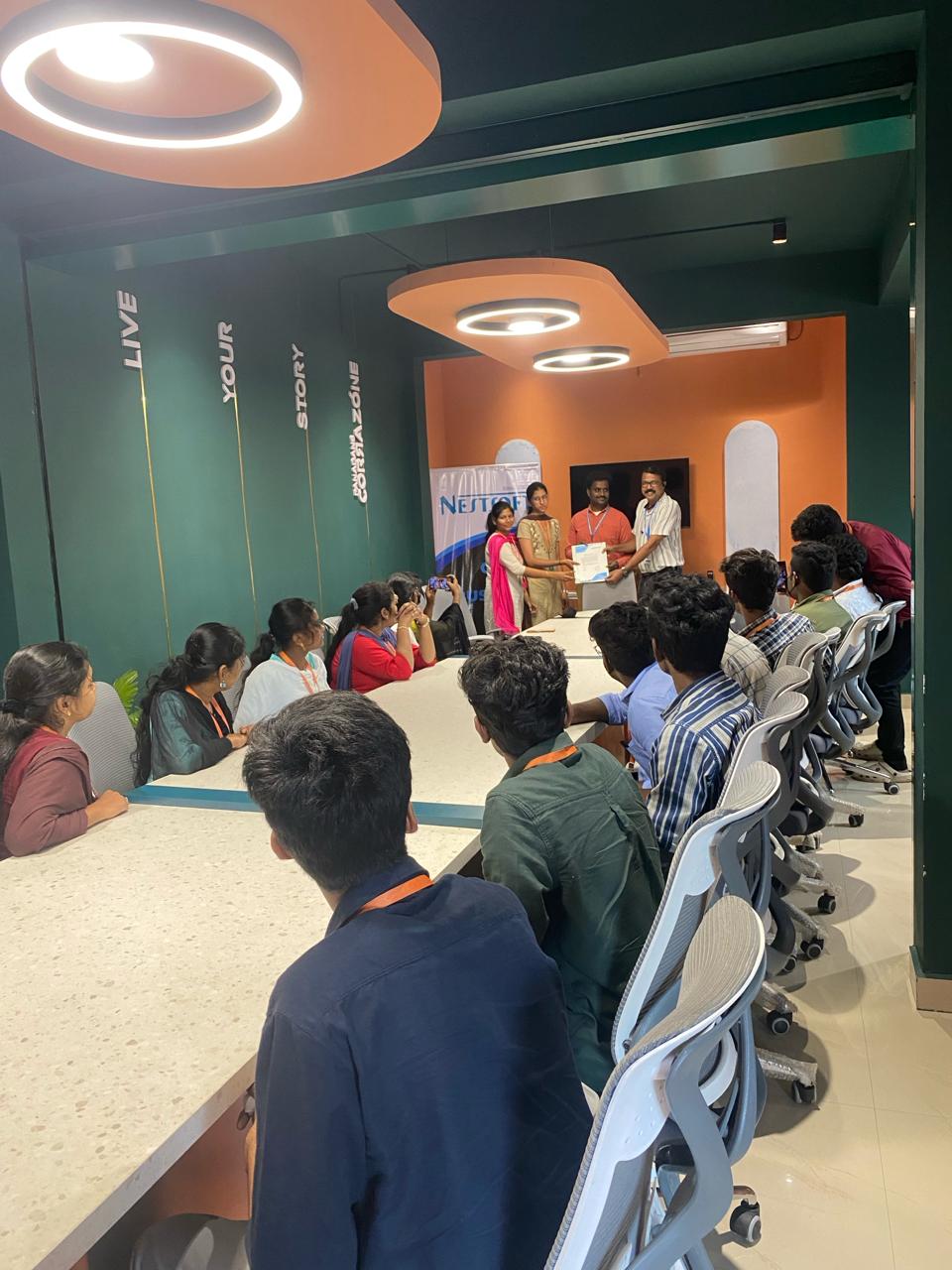
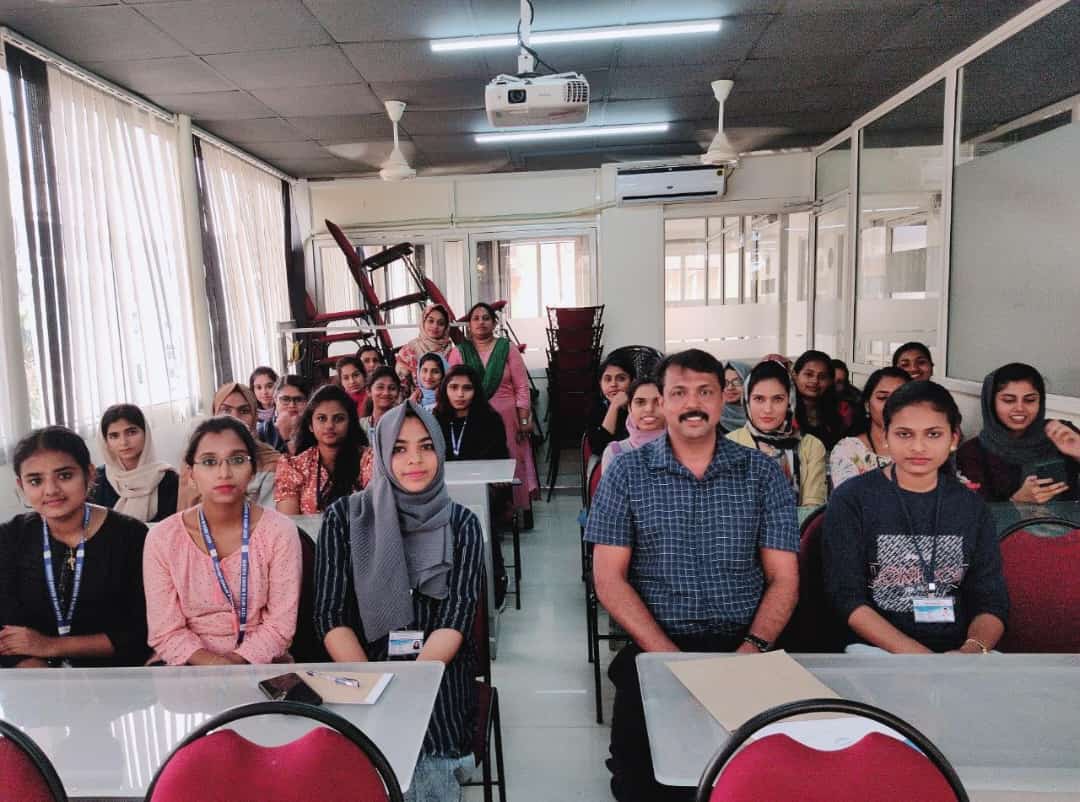
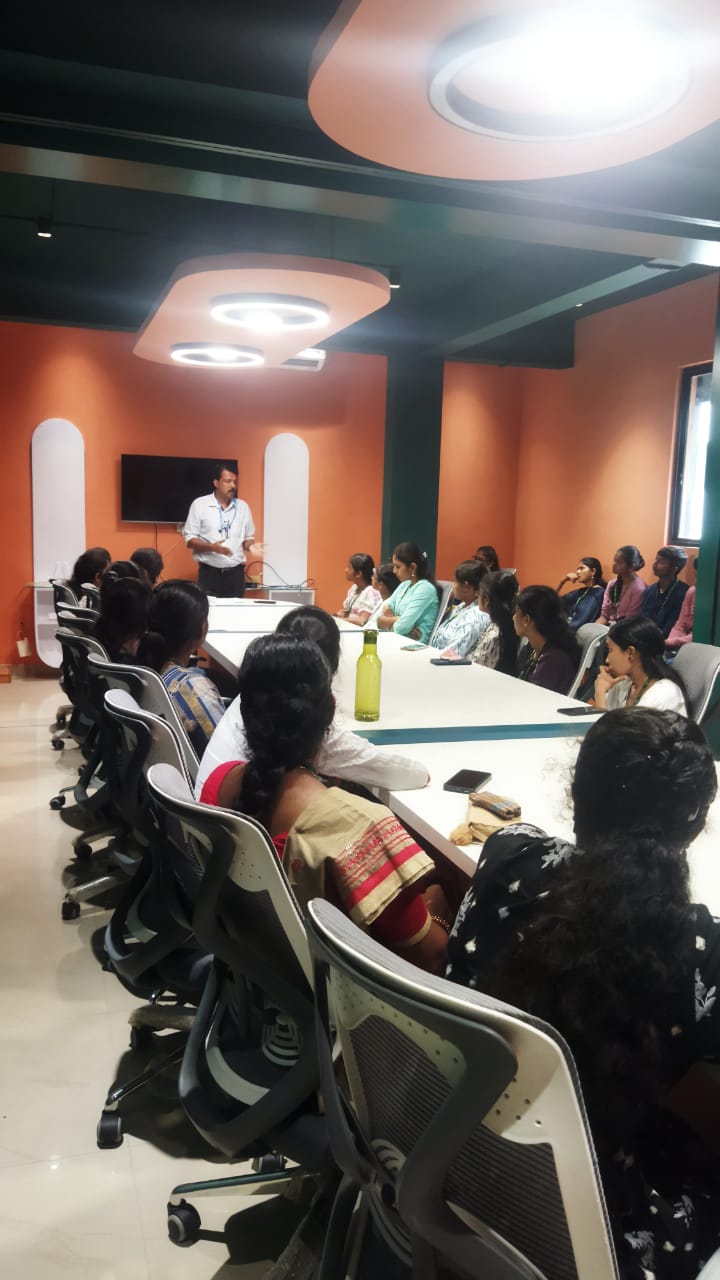
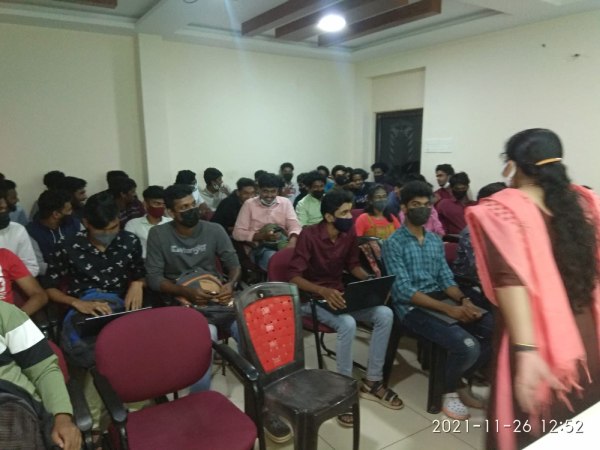
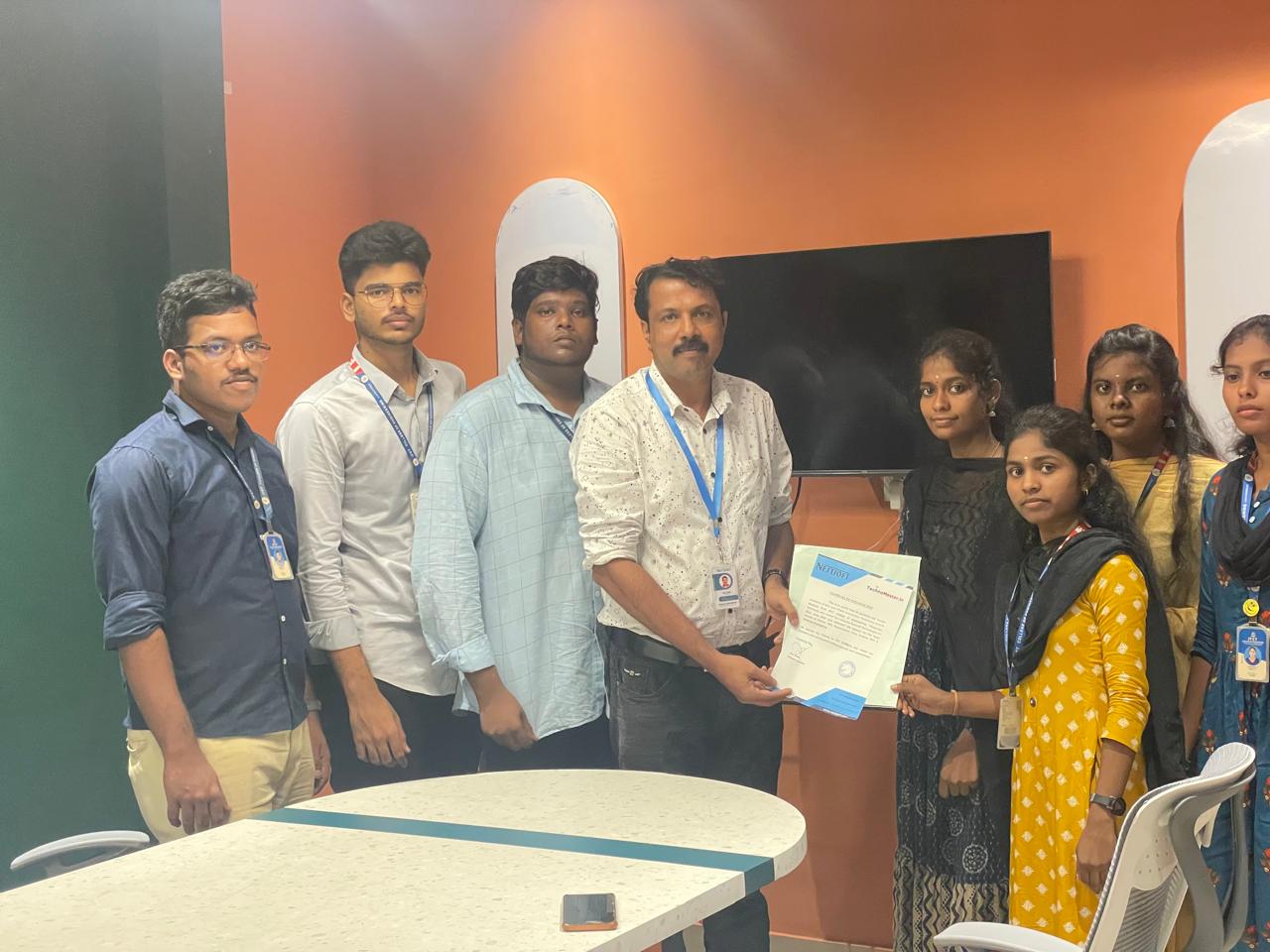
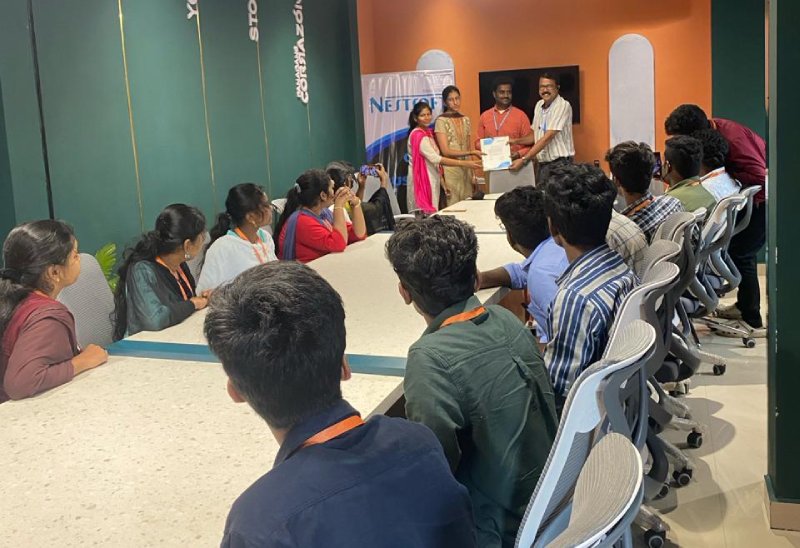
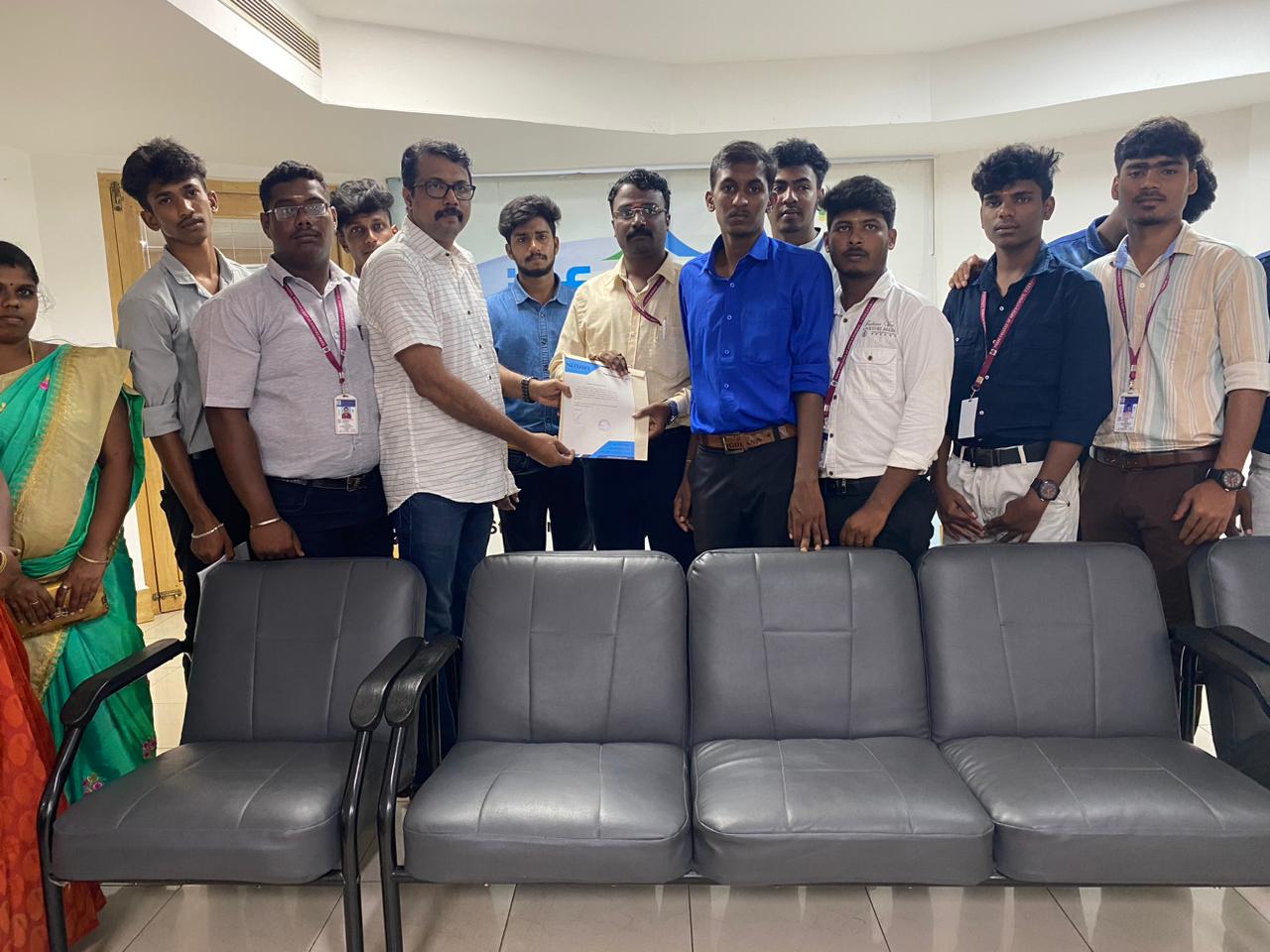
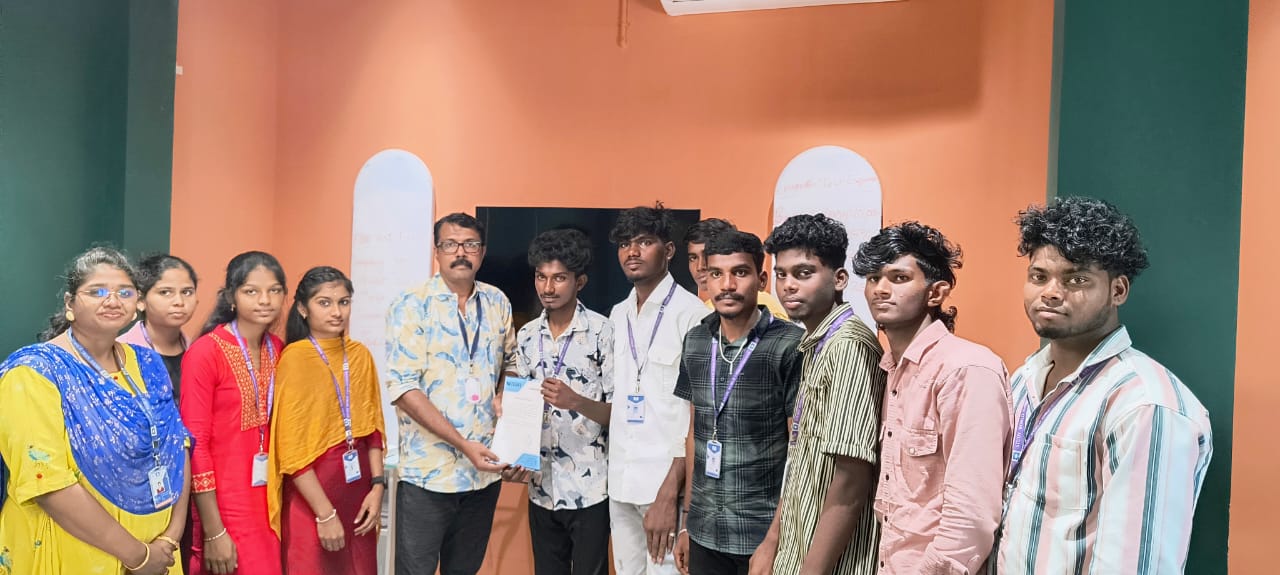
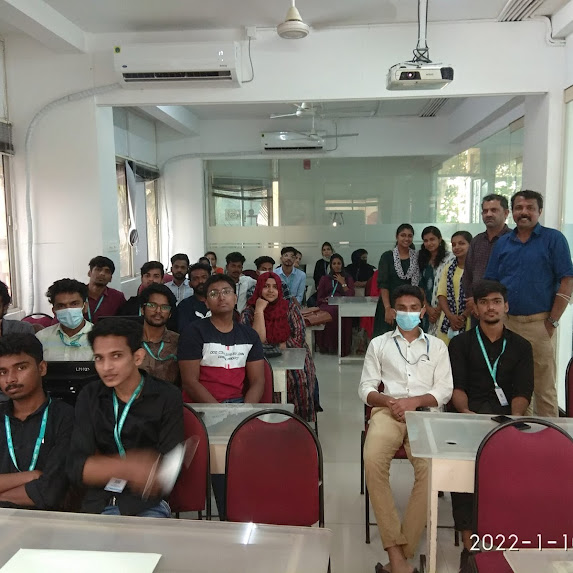
Photos of Training / Internships

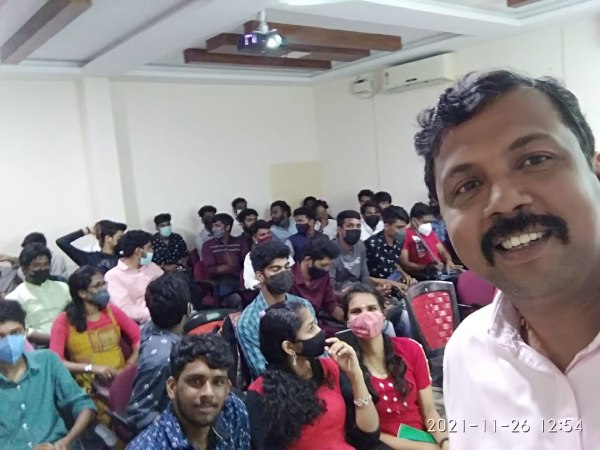
Internship/projects in bellary

Trained more than 10000+ students who trust Nestsoft TechnoMaster

Get Your Personal Trainer