Send enquiry ⏎

React JS Online Live Class by Experts

Our Training/Internship Process

React JS Online Live Classes in Malappuram | Free Demo Training

React JS - Syllabus, Fees & Duration

Module 1: Introduction to React

  • What is React?
  • Why React?
  • React version history
  • React 16 vs React 15
  • Just React – Hello World
  • Using create-react-app
  • Anatomy of react project
  • Running the app
  • Debugging first react app

Module 2: Templating using JSX

  • Working with React. create Element
  • Expressions
  • Using logical operators
  • Specifying attributes
  • Specifying children
  • Fragments

Module 3: About Components

  • Significance of component architecture
  • Types of components
  • Functional
  • Class based
  • Pure
  • Component Composition

Module 4: Working with state and props

  • What is state and it significance
  • Read state and set state
  • Passing data to component using props
  • Validating props using prop Types
  • Supplying default values to props using default Props

Module 5: Rendering lists

  • Using react key prop
  • Using map function to iterate on arrays to generate elements

Module 6: Event handling in React

  • Understanding React event system
  • Understanding Synthetic event
  • Passing arguments to event handlers

Module 7: Understanding component lifecycle and  handling errors

  • Understand the lifecycle methods
  • Handle errors using error boundaries

Module 8: Working with forms

  • Controlled components
  • Uncontrolled components
  • Understand the significance to default Value prop
  • Using react ref prop to get access to DOM element

Module 9: Context

  • What is context
  • When to use context
  • Create Context
  • Context Provider
  • Context Consumer
  • Reading context in class

Module 10: Code-Splitting

  • What is code splitting
  • Why do you need code splitting
  • React lazy
  • Suspense
  • Route-based code splitting

Module 11: hooks

  • What are hooks
  • Why do you need hooks
  • Different types of hooks
  • Using state and effect hooks
  • Rules of hooks

Module 12: Routing with react router

  • Setting up react router
  • Understand routing in single page applications
  • Working with Browser Router and Hash Router components
  • Configuring route with Route component
  • Using Switch component to define routing rules
  • Making routes dynamic using route params
  • Working with nested routes
  • Navigating to pages using Link and NavLink component
  • Redirect routes using Redirect Component
  • Using Prompt component to get consent of user for navigation
  • Path less Route to handle failed matches

Module 14: Immutable.js

  • What is Immutable.js?
  • Immutable collections
  • Lists
  • Maps
  • Sets

Module 17: Unit Testing

  • Understand the significance of unit testing
  • Understand unit testing jargon and tools
  • Unit testing react components with Jest
  • Unit testing react components with enzyme

Module 18: Web pack Primer

  • What is web pack
  • Why web pack
  • Install and setup web pack
  • Working with web pack configuration file
  • Working with loaders
  • Working with plugins
  • Setting up Hot Module Replacement

Module 19: Isomorphic React

  • What is server-side rendering (SSR)?
  • Why SSR
  • Working with render To String and render To Static Markup methods

Download Syllabus - React JS
This syllabus is not final and can be customized as per needs/updates
   
10000+
20+
50+
25+

React JS Jobs in Malappuram

Enjoy the demand

Find jobs related to React JS in search engines (Google, Bing, Yahoo) and recruitment websites (monsterindia, placementindia, naukri, jobshybrid.com, indeed.co.in, shine.com etc.) based in Malappuram, chennai and europe countries. You can find many jobs for freshers related to the job positions in Malappuram.

  • Full stack Developer
  • Web Developer
  • React JS Developer
  • Web developer Intern
  • React Native Developer
  • Lead ReactJS Developer
  • Front-End Developer
  • Java Full Stack Developer
  • Frontend Lead Developer
  • Senior Frontend Developer

React JS Internship/Course Details

React JS internship jobs in Malappuram
React JS React web framework is presently being used by reputed companies as well as Netflix, NASA, BBC, Facebook, Paypal, etc. Be it net development or mobile application development, developers intimate with JavaScript will effortlessly learn ReactJS. ReactJS contains a reputation for being a strong tool for creating user interfaces. . It presents to the developers an incredible mechanism for debugging the user interface errors alongside the information relating to the bugs that are causing the errors. Nestsoft coaching sessions are taken in pleasant surroundings and thus members will perceive the ideas simply. however is it achievable that an easy library has gotten thus popular? you will have caught on to ReactJS before, seeing plenty of people talking concerning it, a lot of individuals using it, and a bunch of products created by this technology. Actually, React has been formed to arrange the development, maintenance, and updating of the UI with the goal of helping the development teams operate on projects of average and intensely tough. Begin your journey towards turning into a React skilled by enrolling during this course, which is based on Version 16. Our established ReactJS coaching Institute can make you ready for technical interviews.


Meet a Few of our Industry Experts 🚀 Your Pathway to IT Career

Shaikh

Mobile: +91 91884 77559
Location: Online (Malappuram, India)
Qualification: Diploma in IT

Experience: Web development Multimedia Graphics Editing Wix  more..

Nikhila

Mobile: +91 9895490866
Location: Online (Malappuram, India)
Qualification: Bca

Experience: Fresher Html angular dbms  more..

Abishek

Mobile: +91 91884 77559
Location: Online (Malappuram, India)
Qualification: Be ece

Experience: 1 9 year experience in automation testing  more..

Nitish

Mobile: +91 89210 61945
Location: Online (Malappuram, India)
Qualification: Master's

Experience: Experience 2 years User Research wireframing mobile design Prototyping  more..

Pooja

Mobile: +91 98474 90866
Location: Online (Malappuram, India)
Qualification: BBA

Experience: I am a energetic ambitious person I have all leadership qualities and completed my full digital marketing course seo on  more..

Saniya

Mobile: +91 98474 90866
Location: Online (Malappuram, India)
Qualification: Graduated

Experience: I have knowledge in Html css js tailwind css bootstrap angular and designing Softwares like figma and photoshop and core  more..

Kamesh

Mobile: +91 9895490866
Location: Online (Malappuram, India)
Qualification: BE-ECE

Experience: Accomplished Software Tester with 3 2 years of hands-on experience in manual and automation testing Extensive experience in test automation  more..

Roshan

Mobile: +91 94975 90866
Location: Online (Malappuram, India)
Qualification: undergraduation

Experience: html CSS php known to design brouchers completed project based on online voting system  more..

shanid

Mobile: +91 91884 77559
Location: Online (Malappuram, India)
Qualification: bca

Experience: angular mongodb express node html git Application for Node JS  more..

Mahalakshmi

Mobile: +91 94975 90866
Location: Online (Malappuram, India)
Qualification: B.Tech

Experience: 1 HTML 2 CSS 3 Java Programming 4 Web development 5 Microsoft word 6 Video editing 7 Git and github  more..

Abiramisri.J

Mobile: +91 94975 90866
Location: Online (Malappuram, India)
Qualification: B.E - ECE

Experience: I have 6 months of learning experience in ui ux design   more..

Manik

Mobile: +91 91884 77559
Location: Online (Malappuram, India)
Qualification: M.com

Experience: SEO and Content development Experience:- 1 2 years  more..

Ashutosh

Mobile: +91 91884 77559
Location: Online (Malappuram, India)
Qualification: B.tech CSE

Experience: Front end developer HTML CSS Javascript Bootstrap 1+ year experienced as a Web developer at Invisor Technologies   more..

Moksh

Mobile: +91 91884 77559
Location: Online (Malappuram, India)
Qualification: Undergraduate

Experience: I am a Computer Science Engineering student with great proficiency in front end development skills such as react js css  more..

Amol

Mobile: +91 9895490866
Location: Online (Malappuram, India)
Qualification: Bsc computer science

Experience: I have 3 years of experience in software testing   more..

Rinil

Mobile: +91 8301010866
Location: Online (Malappuram, India)
Qualification: 3year diploma in software engneering &digital marketing

Experience: Ms office seo Google ads social media marketing email marketing 1year experience in jiopoint assistant manager   more..

Lekshmi

Mobile: +91 89210 61945
Location: Online (Malappuram, India)
Qualification: B tech

Experience: Software testing in Selenium IDE JIRA MS SQL Server Apache JMeter Test NG Mevan Project Bitnami Redmine SDLC STLC Test  more..

Fathima

Mobile: +91 91884 77559
Location: Online (Malappuram, India)
Qualification: Bachelor of computer Application

Experience: Seo wordpress social media marketing i have six months of experience in digital marketing and seo from spyrosys kochi  more..

Febin

Mobile: +91 98474 90866
Location: Online (Malappuram, India)
Qualification: Diploma in Web technology & Graphic designing

Experience: Graphic design skills web tech proficiency creative vision project management ability   more..

Vinodha

Mobile: +91 91884 77559
Location: Online (Malappuram, India)
Qualification: M.C.A

Experience: java Seleniunm manual testing and Automation testing  more..

Muhammad

Mobile: +91 91884 77559
Location: Online (Malappuram, India)
Qualification: Bachelor's

Experience: Android SDK Android Developer Kotlin programming language Mvvm architecture  more..

varsha

Mobile: +91 94975 90866
Location: Online (Malappuram, India)
Qualification: mca

Experience: selenium jira jmeter mantis manual testing mobile app testing sql html  more..

KRISHNAPRIYA

Mobile: +91 89210 61945
Location: Online (Malappuram, India)
Qualification: Mtech cs

Experience: Manual testing Sdlc Test cases Test scenarios Bug Reporting Sql July 2014- Dec 2014 - Software Engineer Trainee Image Infosystems  more..

Pravallika

Mobile: +91 9895490866
Location: Online (Malappuram, India)
Qualification: B tech

Experience: Taking the training on the Java full stack development   more..

Success Stories

The enviable salary packages and track record of our previous students are the proof of our excellence. Please go through our students' reviews about our training methods and faculty and compare it to the recorded video classes that most of the other institutes offer. See for yourself how TechnoMaster is truly unique.

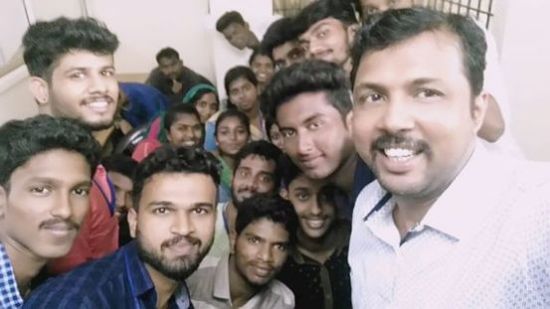
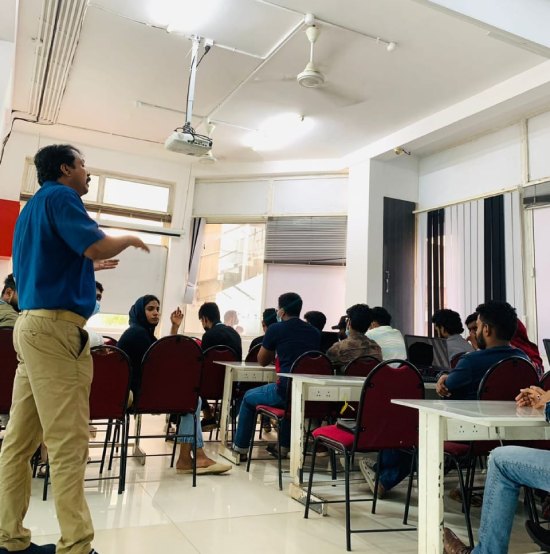
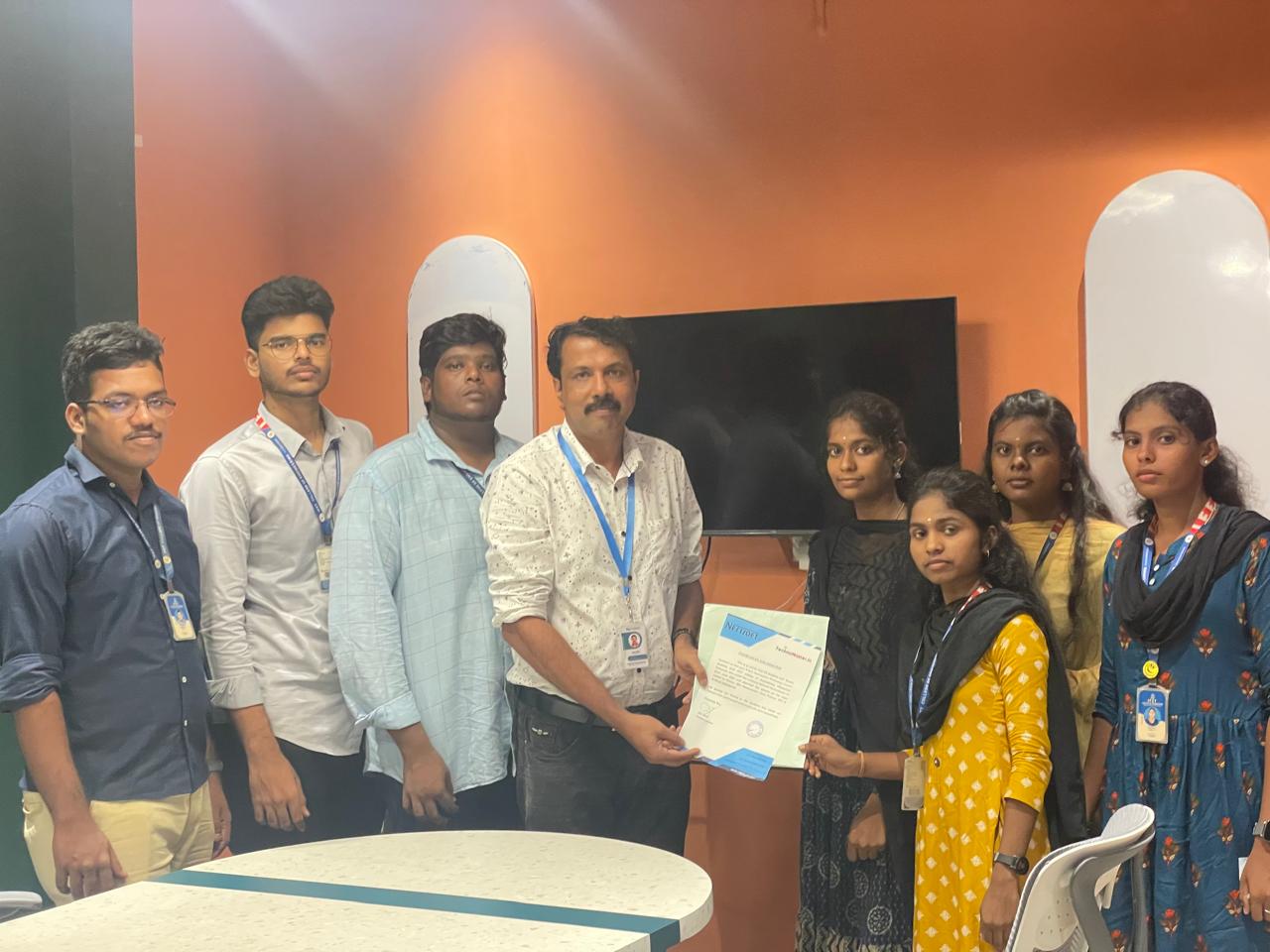
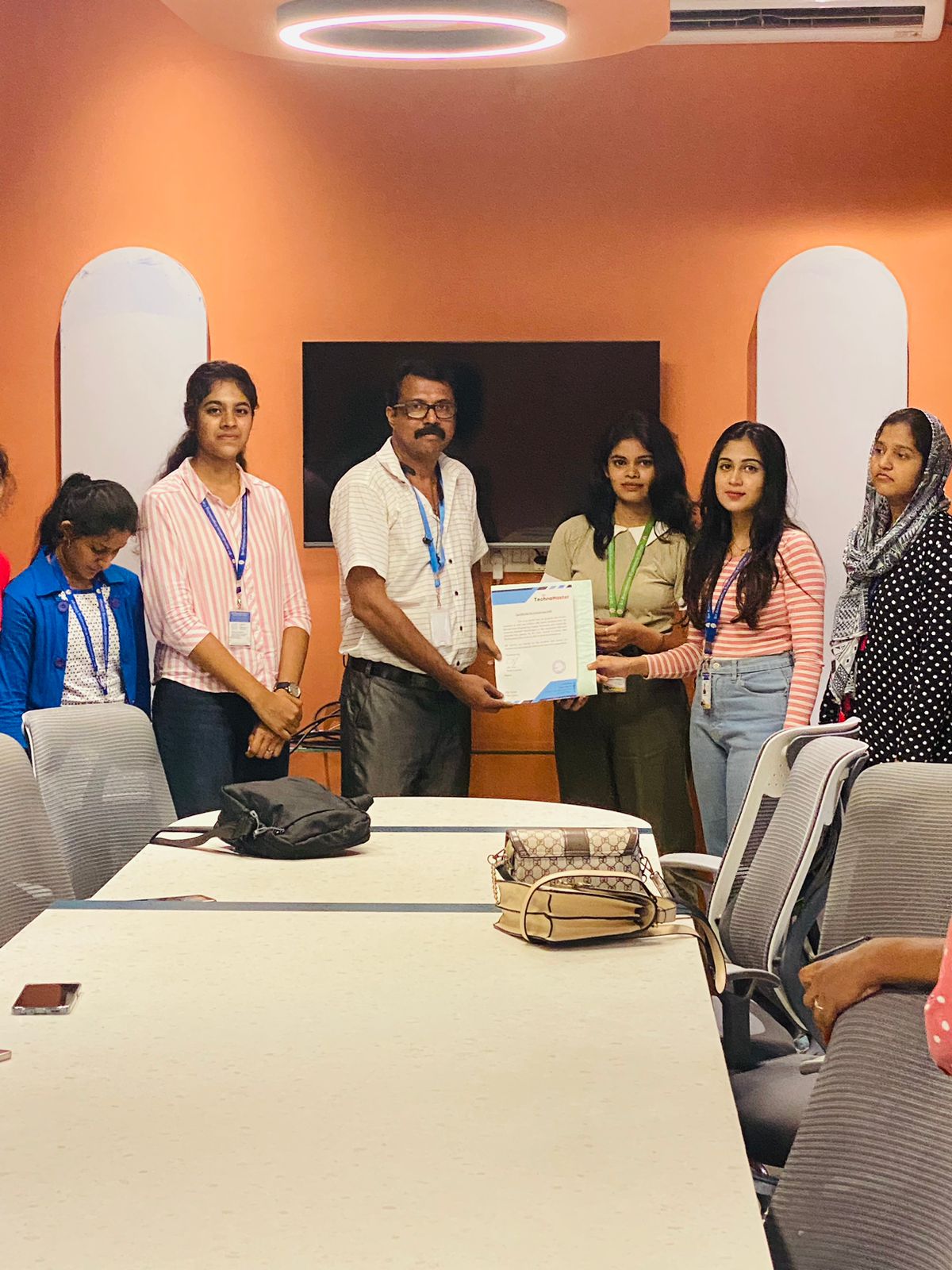
Photos of Training / Internships

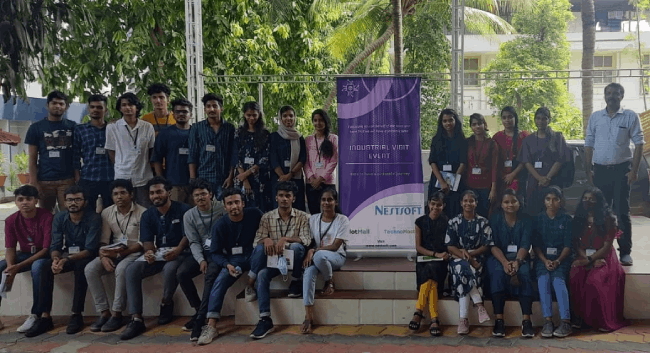
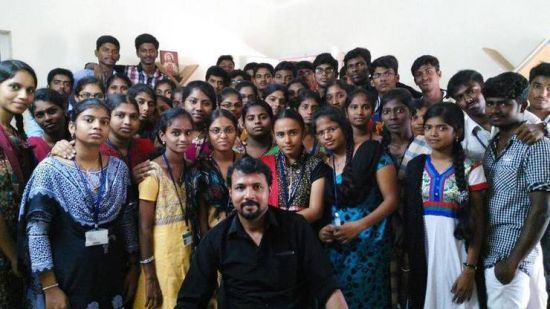
Internship/projects in malappuram

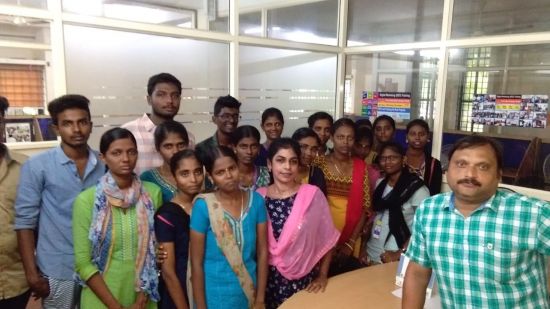
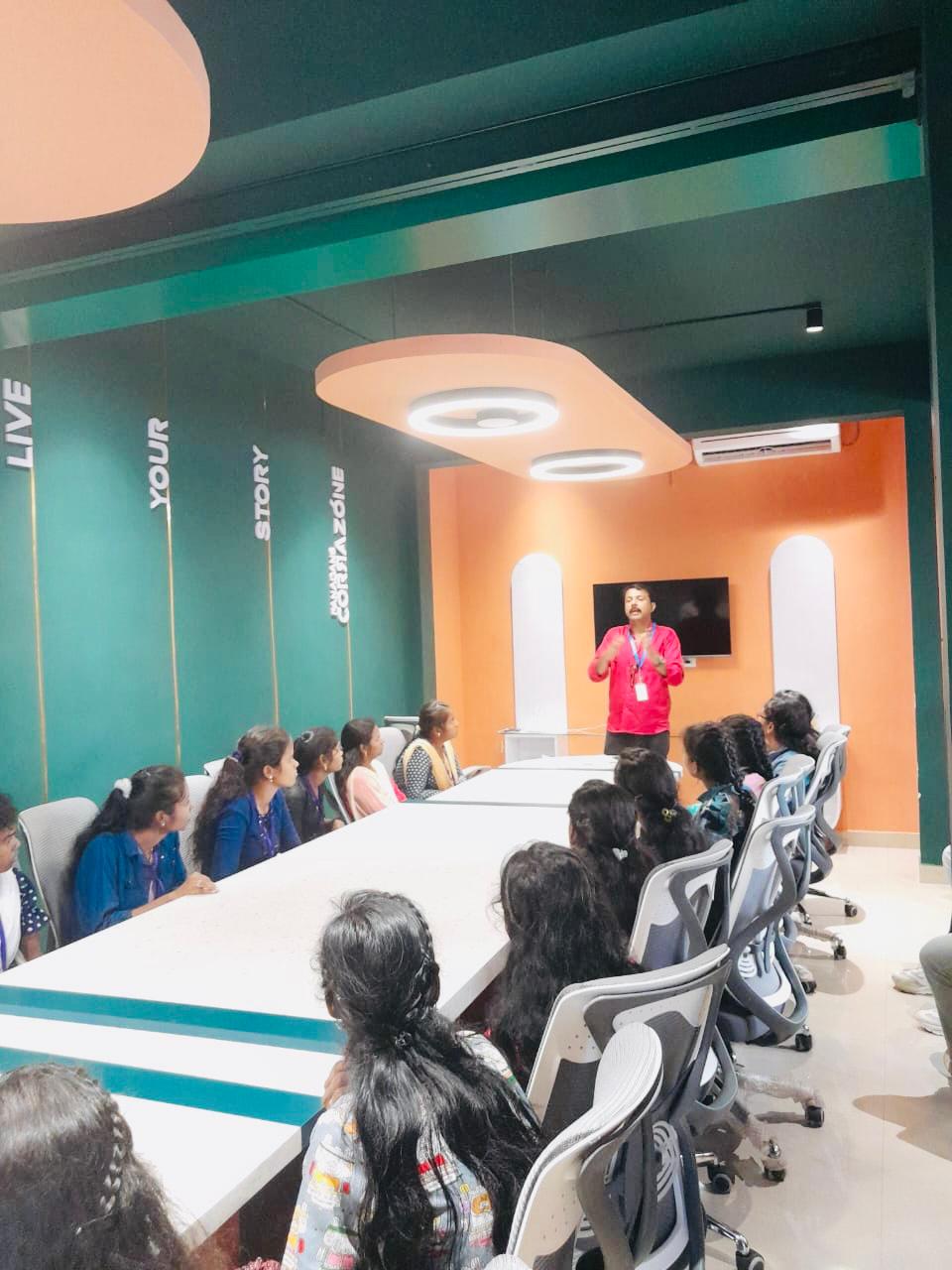
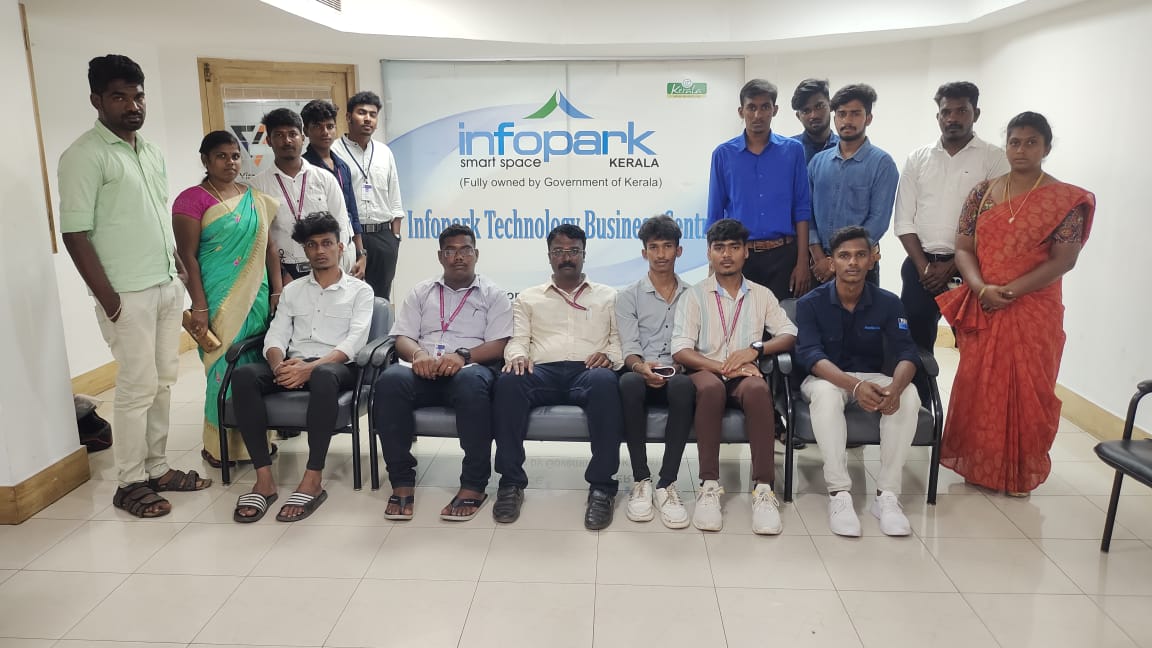
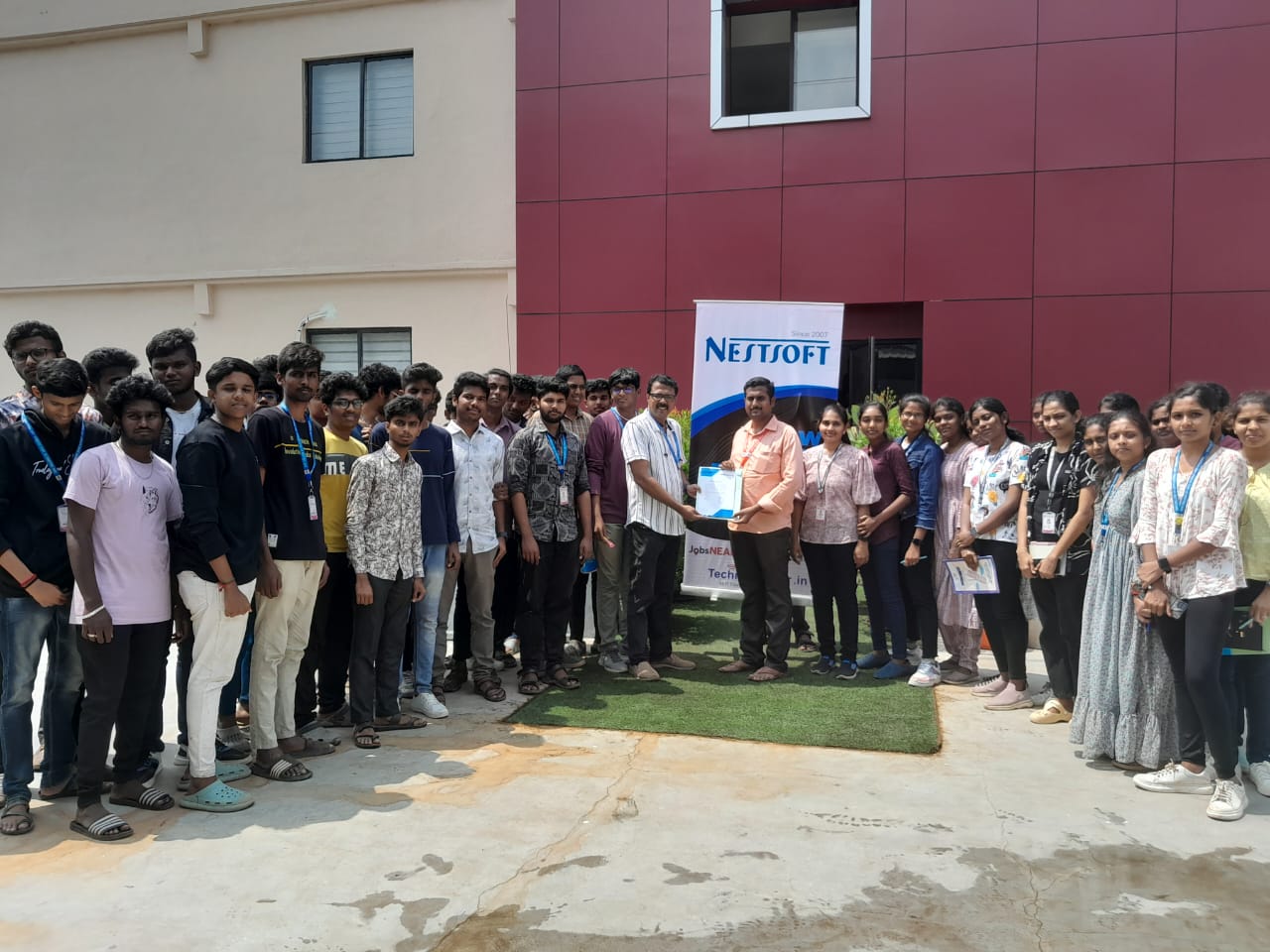
Trained more than 10000+ students who trust Nestsoft TechnoMaster

Get Your Personal Trainer