Send enquiry ⏎

Codeigniter Online Live Class by Experts

Our Training/Internship Process

Codeigniter Online Live Classes in Mumbai | Free Demo Training

Codeigniter - Syllabus, Fees & Duration

Module 1: Introduction To Codeigniter Object Oriented Programming

  • What is use of oops programming?
  • What is Class in PHP?
  • Declaration of Class.
  • Creating an object for class
  • PHP Access Specifier Private, protected and public
  • Inheritance
  • Encapsulation
  • Polymorphism
  • Abstract Class
  • Final Class in oops
  • Constructor – php 4
  • Constructor and Destructor – php5
  • Scope Resolution Operator (::) in php
  • Parent keyword in oops
  • Self keyword in oops
  • This keyword in oops
  • Class constants

Module 2: What’s Model-View-Controller

  • Making Life Easier for the Developer
  • Model
  • Views
  • Helpers and Libraries

Module 3: Revisiting The Opening Example

  • First Things First: The Model
  • Creating the Controller
  • Creating the View

Module 4: A Slightly Different Approach: Templates

  • Modifying the Controller
  • Modifying the View

Module 5: CodeIgniter At A Glance

  • The system/Folder
  • The system/application Folder

Module 6: Initial Configuration

  • config.php
  • database.php
  • autoload.php
  • routes.php

Module 7: CodeIgniter Libraries

  • The Database Library
  • The Session Library

Module 8: CodeIgniter Helpers

  • The Form Helper
  • The URL Helper

Module 9: Creating Models, Views, And Controllers

  • Models and Database Tables
  • Controllers
  • Views

Module 10: Creating A Rudimentary Admin Framework

  • Using Folders to Organize Controllers
  • Creating the Login Mechanism
  • Creating the Home Page of the Admin Panel

Module 11: Importing And Exporting

  • Creating an Export Function for Categories
  • Creating an Export Function for Products
  • Importing a CSV Import Library for Products

Module 12: Creating A Page Manager

  • Creating the Database Table
  • Creating the Model
  • Creating the Admin/Pages Controller
  • Creating the Administrative Views
  • Choosing and Integrating a WYSIWYG
  • Editor
  • Updating the Welcome Controller

Module 13: Creating A Page Manager

  • Creating the Database Table and Model
  • Adding a subscribe() Function
  • Creating the Form
  • Creating Administrative Screens

Module 14: Security

  • Filtering User Input
  • Encrypting Sessions
  • Additional Security Resources

Download Syllabus - Codeigniter
This syllabus is not final and can be customized as per needs/updates
   
10000+
20+
50+
25+

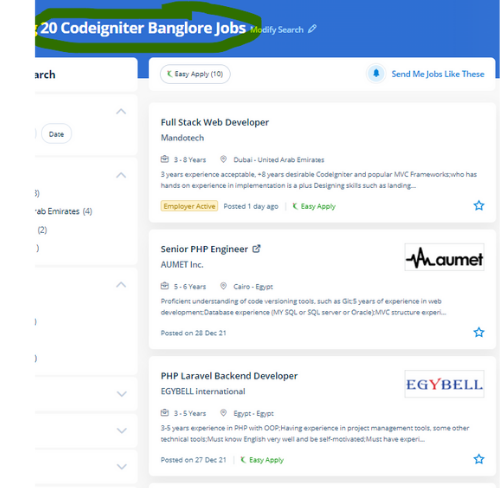
Codeigniter Jobs in Mumbai

Enjoy the demand

Find jobs related to Codeigniter in search engines (Google, Bing, Yahoo) and recruitment websites (monsterindia, placementindia, naukri, jobshybrid.com, indeed.co.in, shine.com etc.) based in Mumbai, chennai and europe countries. You can find many jobs for freshers related to the job positions in Mumbai.

  • PHP - Codeigniter Developer
  • Web Engineer-PHP
  • Full Stack Developer
  • Website Developer
  • PHP Magento Developer
  • Back end codeigniter
  • Senior Php Developer
  • Codeigniter Trainer
  • Web Developer Intern
  • Software Developer

Codeigniter Internship/Course Details

Codeigniter internship jobs in Mumbai
Codeigniter you'll modify (software) to be used on a distinct machine or platform for existing codes by using the PHP framework. Our experts are working on the Codeigniter platform and connected technologies for a lot of years. it is very little in size but has a whole toolkit that will equip a web developer to weave magic. the amount of code needed to develop an application of PHP is extremely low thus you'll target your project. Most of the businesses opt for Codeigniter because it's quick, reliable, and its time and speed are important as compared to others. Its framework depends on the system of the model view controller that is what makes the platform considerably reliable. Learn Codeigniter online course from Nestsoft with help of industry experts. Codeigniter helps developers with a simple and trendy toolkit to create full-featured web applications. . To focus on your project, Codeigniter permits you to by minimizing the number of code needed for a given task.


Meet a Few of our Industry Experts 🚀 Your Pathway to IT Career

Ankit

Mobile: +91 89210 61945
Location: Online (Mumbai, India)
Qualification: Graduate

Experience: Web design social media gogle Add WordPress php  more..

Shreethal

Mobile: +91 91884 77559
Location: Online (Mumbai, India)
Qualification: Btech

Experience: I have studied Computer science and engineering from Universal Engineering college under Abdul kalam technical university I possess rich domain  more..

Nidhinsha

Mobile: +91 89210 61945
Location: Online (Mumbai, India)
Qualification: bsc

Experience: As a recent graduate with a BSc in Electronics I bring a comprehensive understanding of web development to the table  more..

Ratnaparkhe

Mobile: +91 94975 90866
Location: Online (Mumbai, India)
Qualification: Bsc computers

Experience: Skills: 1 Manual & Automation Testing 2 selenium Java Experience: Developed automation for POC for SAP Fiori web application involves  more..

Dhilna

Mobile: +91 9895490866
Location: Online (Mumbai, India)
Qualification: B.tech

Experience: Html css javascript angular mongoDB nodejsApplication for Meanstack Developer Mean Stack  more..

Aaryan

Mobile: +91 91884 77559
Location: Online (Mumbai, India)
Qualification: Graduate

Experience: I specialise in Java python and DSA and on the development side I'm proficient in android development in Java flutter  more..

Kowsikkumar

Mobile: +91 91884 77559
Location: Online (Mumbai, India)
Qualification: Bba

Experience: Manual testing 1 year and automation 1 year  more..

Adarsh

Mobile: +91 91884 77559
Location: Online (Mumbai, India)
Qualification: HSc

Experience: Website design app Design prototype   more..

Ashutosh

Mobile: +91 98474 90866
Location: Online (Mumbai, India)
Qualification: PG diploma in computer application

Experience: Hardware and networking and basic CCNA and Red Hat knowledge  more..

Kuldip

Mobile: +91 98474 90866
Location: Online (Mumbai, India)
Qualification: B.E(Information Technology)

Experience: Hello sir mam Myself Mulani Kuldip I have 1 year experience in Android development I came to know that you’re  more..

MEGHANA

Mobile: +91 89210 61945
Location: Online (Mumbai, India)
Qualification: BE in computer science and Engineering

Experience: I have skills like designing creative posters logo and thumbnails i use Canva as my designing tool and i have  more..

Shawn

Mobile: +91 89210 61945
Location: Online (Mumbai, India)
Qualification: B.E

Experience: Manual testing Automation Testing Api testing Database testing Mobile testing Web app testing  more..

Gaikwad

Mobile: +91 98474 90866
Location: Online (Mumbai, India)
Qualification: Btech

Experience: Iam writing to express my interest in the Frontend Developer position at infogrowth With three years of experience in frontend  more..

Sandra

Mobile: +91 9895490866
Location: Online (Mumbai, India)
Qualification: MCA

Experience: Web design and development  more..

Naman

Mobile: +91 89210 61945
Location: Online (Mumbai, India)
Qualification: Ug final year student

Experience: Seo Google analytics Facebook paid campaign wordpress   more..

Rahma

Mobile: +91 98474 90866
Location: Online (Mumbai, India)
Qualification: Bachelor

Experience: 4 years experience of graphic design and concept art |   more..

Dhanalakshmi

Mobile: +91 98474 90866
Location: Online (Mumbai, India)
Qualification: BE

Experience: Back end developer C c++ AI ML  more..

Abhishek

Mobile: +91 91884 77559
Location: Online (Mumbai, India)
Qualification: int mtech

Experience: 2 years of work experience in frontend angular development currently working in payment gateway systemsApplication for Angular JS  more..

Ankita

Mobile: +91 98474 90866
Location: Online (Mumbai, India)
Qualification: Graduate

Experience: 1 Year Experience of Data entry Diploma in computer basics Basic knowledge of programming   more..

dharini

Mobile: +91 91884 77559
Location: Online (Mumbai, India)
Qualification: b.des

Experience: experience - 2 years skills - ux design visual design information architecture figma prototyping wireframes user personas user experience  more..

Nitin

Mobile: +91 94975 90866
Location: Online (Mumbai, India)
Qualification: M.Sc(IT)

Experience: Android Kotlin Kotlin Coroutines Java GitHub Xml Restful API's Postman I have a total 1 years + 2 months of  more..

BIBINA

Mobile: +91 94975 90866
Location: Online (Mumbai, India)
Qualification: bca

Experience: knowledge about automation testing and manual testing  more..

vaishnavi

Mobile: +91 94975 90866
Location: Online (Mumbai, India)
Qualification: BE

Experience: I have 2+ years of experience in software testing with core skills of selenium tool automation testing Java Eclipse IDE  more..

Asif

Mobile: +91 8301010866
Location: Online (Mumbai, India)
Qualification: B-Tech Computer Science and Engineering

Experience: • Angular AngularJS • MongoDB • Expressjs • NodeJS • javascript typescript • ES6 • Rxjs • React • Git  more..

Success Stories

The enviable salary packages and track record of our previous students are the proof of our excellence. Please go through our students' reviews about our training methods and faculty and compare it to the recorded video classes that most of the other institutes offer. See for yourself how TechnoMaster is truly unique.

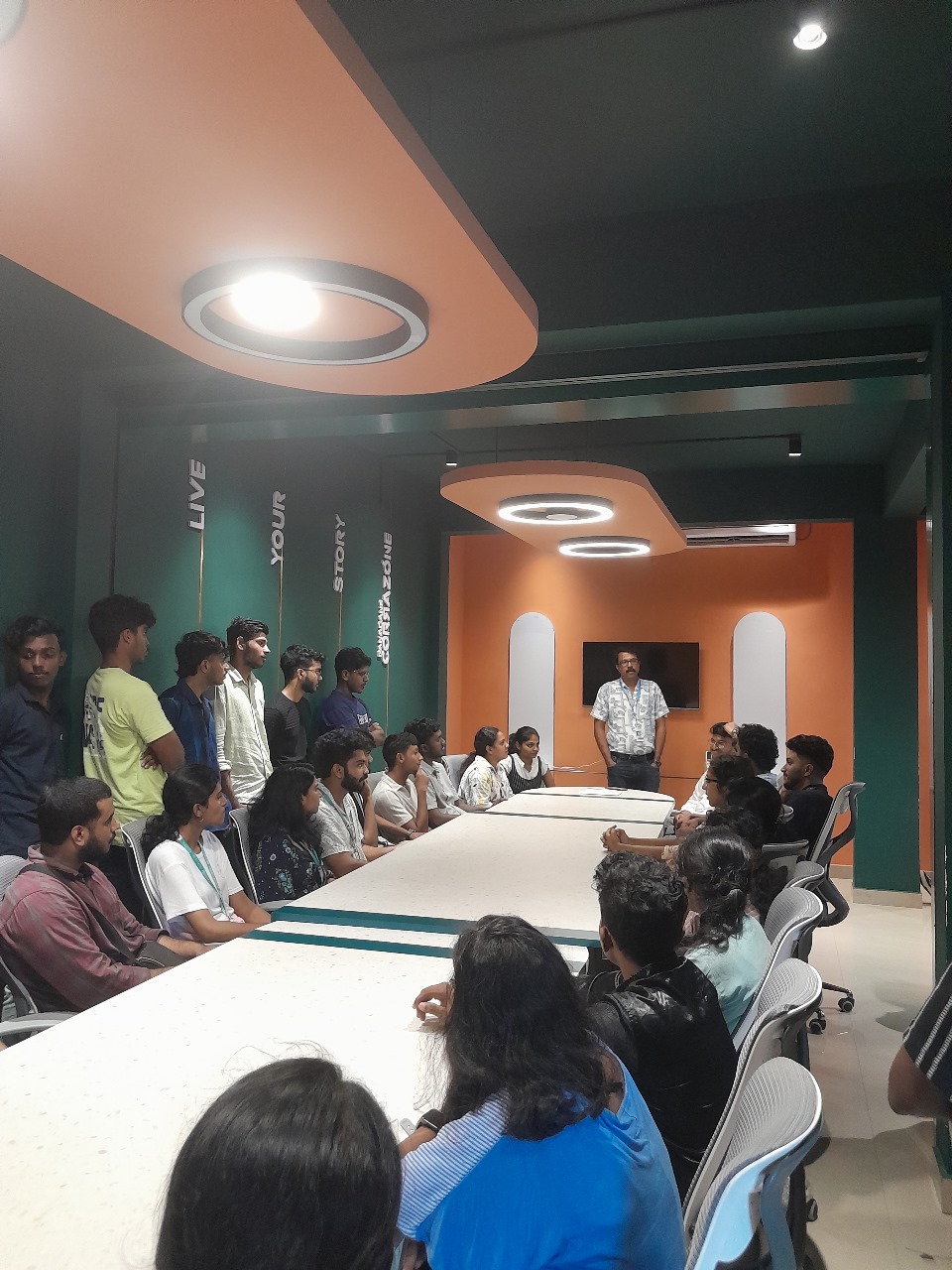
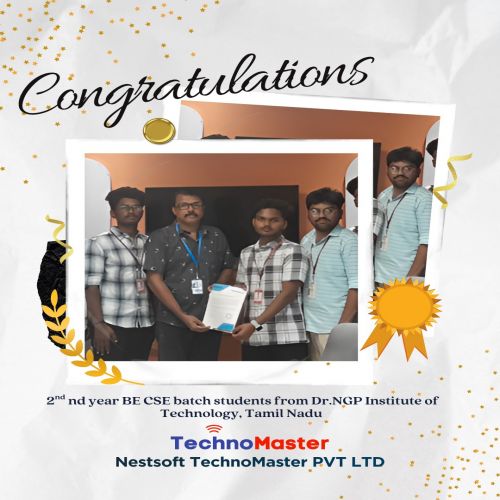
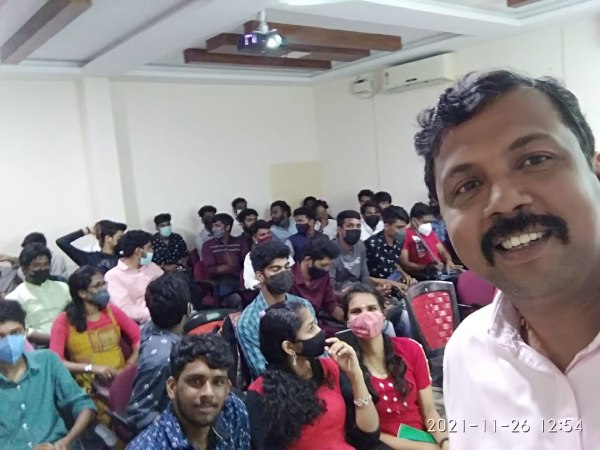
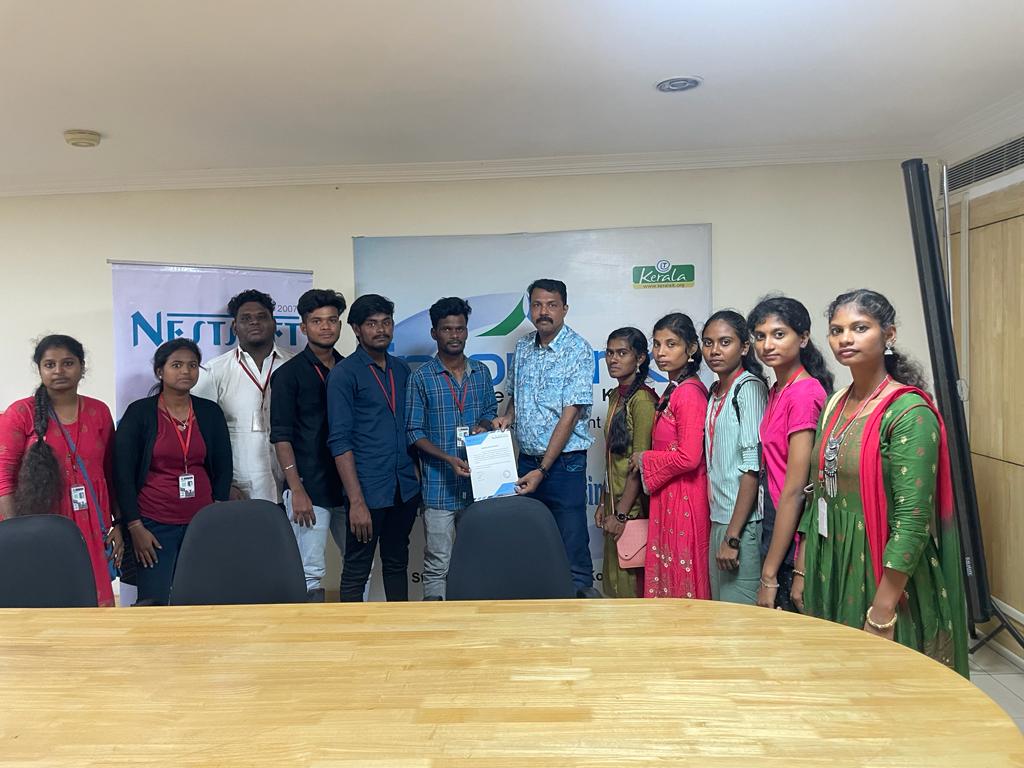
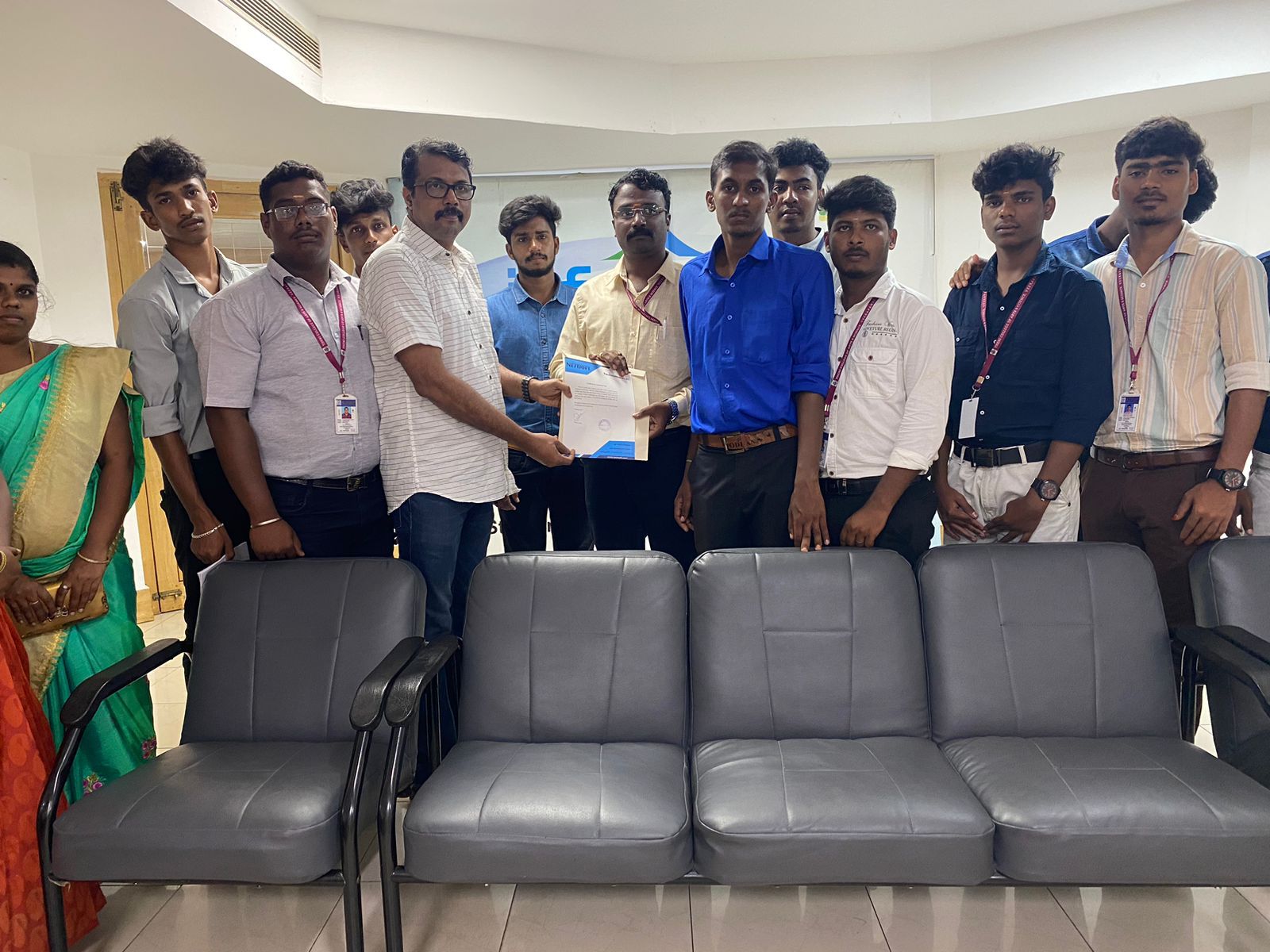
Photos of Training / Internships

Internship/projects in mumbai

Trained more than 10000+ students who trust Nestsoft TechnoMaster

Get Your Personal Trainer