Send enquiry ⏎

Codeigniter Online Live Class by Experts

Our Training/Internship Process

Codeigniter Online Live Classes in Kerala | Free Demo Training

Codeigniter - Syllabus, Fees & Duration

Module 1: Introduction To Codeigniter Object Oriented Programming

  • What is use of oops programming?
  • What is Class in PHP?
  • Declaration of Class.
  • Creating an object for class
  • PHP Access Specifier Private, protected and public
  • Inheritance
  • Encapsulation
  • Polymorphism
  • Abstract Class
  • Final Class in oops
  • Constructor – php 4
  • Constructor and Destructor – php5
  • Scope Resolution Operator (::) in php
  • Parent keyword in oops
  • Self keyword in oops
  • This keyword in oops
  • Class constants

Module 2: What’s Model-View-Controller

  • Making Life Easier for the Developer
  • Model
  • Views
  • Helpers and Libraries

Module 3: Revisiting The Opening Example

  • First Things First: The Model
  • Creating the Controller
  • Creating the View

Module 4: A Slightly Different Approach: Templates

  • Modifying the Controller
  • Modifying the View

Module 5: CodeIgniter At A Glance

  • The system/Folder
  • The system/application Folder

Module 6: Initial Configuration

  • config.php
  • database.php
  • autoload.php
  • routes.php

Module 7: CodeIgniter Libraries

  • The Database Library
  • The Session Library

Module 8: CodeIgniter Helpers

  • The Form Helper
  • The URL Helper

Module 9: Creating Models, Views, And Controllers

  • Models and Database Tables
  • Controllers
  • Views

Module 10: Creating A Rudimentary Admin Framework

  • Using Folders to Organize Controllers
  • Creating the Login Mechanism
  • Creating the Home Page of the Admin Panel

Module 11: Importing And Exporting

  • Creating an Export Function for Categories
  • Creating an Export Function for Products
  • Importing a CSV Import Library for Products

Module 12: Creating A Page Manager

  • Creating the Database Table
  • Creating the Model
  • Creating the Admin/Pages Controller
  • Creating the Administrative Views
  • Choosing and Integrating a WYSIWYG
  • Editor
  • Updating the Welcome Controller

Module 13: Creating A Page Manager

  • Creating the Database Table and Model
  • Adding a subscribe() Function
  • Creating the Form
  • Creating Administrative Screens

Module 14: Security

  • Filtering User Input
  • Encrypting Sessions
  • Additional Security Resources

Download Syllabus - Codeigniter
This syllabus is not final and can be customized as per needs/updates
   
10000+
20+
50+
25+

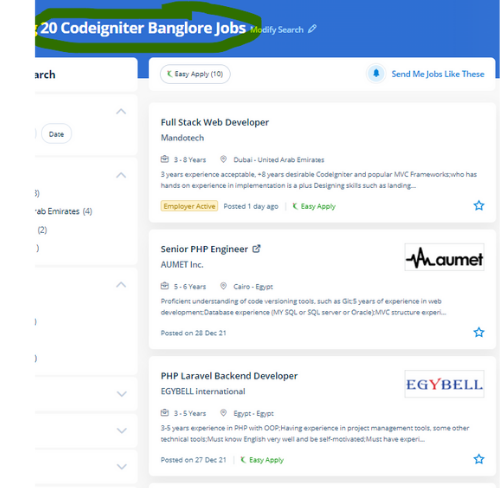
Codeigniter Jobs in Kerala

Enjoy the demand

Find jobs related to Codeigniter in search engines (Google, Bing, Yahoo) and recruitment websites (monsterindia, placementindia, naukri, jobshybrid.com, indeed.co.in, shine.com etc.) based in Kerala, chennai and europe countries. You can find many jobs for freshers related to the job positions in Kerala.

  • PHP - Codeigniter Developer
  • Web Engineer-PHP
  • Full Stack Developer
  • Website Developer
  • PHP Magento Developer
  • Back end codeigniter
  • Senior Php Developer
  • Codeigniter Trainer
  • Web Developer Intern
  • Software Developer

Codeigniter Internship/Course Details

Codeigniter internship jobs in Kerala
Codeigniter using the Codeigniter framework a developer will build each front and back end effectively. the amount of code needed to develop an application of PHP is extremely low thus you'll target your project. Our experts are working on the Codeigniter platform and connected technologies for a lot of years. . Most of the businesses opt for Codeigniter because it's quick, reliable, and its time and speed are important as compared to others. Codeigniter could be used in building full-featured dynamic websites with PHP, additionally, it is a powerful open-source web application framework. The libraries which are provided by Codeigniter, facilitate connecting to the database and performing various operations. the main engaging options of the Codeigniter are Model-View-Controller based system, a full-featured database class with support for many platforms, an extremely lightweight, question Builder database Support, form. it is a strong PHP framework that will facilitate building web applications that don't demand significant resources to run swimmingly. Learn Codeigniter online course from Nestsoft with help of industry experts.


Meet a Few of our Industry Experts 🚀 Your Pathway to IT Career

Varshini

Mobile: +91 91884 77559
Location: Online (Kerala, India)
Qualification: Bachelor of Arts in Mass media and Communications

Experience: I can work well in photoshop premiere pro and after effects I freelance (motion) graphics design for a couple of  more..

Srinivas

Mobile: +91 91884 77559
Location: Online (Kerala, India)
Qualification: Bachelors of engineering

Experience: AWS devop linux and python   more..

S

Mobile: +91 94975 90866
Location: Online (Kerala, India)
Qualification: PURUSING GRADUATION

Experience: HTML css Javascript ReactJs AngularJs Flask Java python php mysql mongodb  more..

Adarsh

Mobile: +91 8301010866
Location: Online (Kerala, India)
Qualification: Graduate

Experience: Proficient in German writing and speaking German Teaching Analytical thinking and market research MS Office proficiency Excellent communication skills Multi-tasking  more..

SANTANU

Mobile: +91 91884 77559
Location: Online (Kerala, India)
Qualification: M.Sc on Physics

Experience: Skills - python C++ matlab Experience - 3 years   more..

Aishwarya

Mobile: +91 94975 90866
Location: Online (Kerala, India)
Qualification: MCA

Experience: I am an ideal candidate for the position of Cyber Security for several compelling reasons With a strong educational background  more..

shivani

Mobile: +91 91884 77559
Location: Online (Kerala, India)
Qualification: MscIT

Experience: In total 4 years of experience as a developer 2 years as a dot net developer 2 years of Node  more..

Bijitha

Mobile: +91 98474 90866
Location: Online (Kerala, India)
Qualification: MCA

Experience: I have a total work experience of 1 year 1 month I worked as a System administrator (Oracle support) during  more..

Anakha

Mobile: +91 8301010866
Location: Online (Kerala, India)
Qualification: MCA

Experience: C++ C java javascript python Ms office Mysql HTML CSS Shell Scripting Android basics PHP Communication Leadership adaptability Willingness to  more..

Aiswarya

Mobile: +91 91884 77559
Location: Online (Kerala, India)
Qualification: btech

Experience: You should hire me for this role because I bring a unique blend of expertise and innovation My passion for  more..

Mohit

Mobile: +91 8301010866
Location: Online (Kerala, India)
Qualification: BE

Experience: Lean Manufacturing Front end developer  more..

Maitry

Mobile: +91 89210 61945
Location: Online (Kerala, India)
Qualification: Btech in computer science

Experience: Having 2 3 years of experience in IT industry woked on industry level projects and have knowledge about SQL server  more..

Sharique

Mobile: +91 91884 77559
Location: Online (Kerala, India)
Qualification: MBA - Public Health Informatics

Experience: I am an MBA graduate in PUBLIC HEALTH INFORMATICS with FELLOWSHIP in HMIS having certification in DATA ANALYTICS from IIM-R  more..

Nikund

Mobile: +91 8301010866
Location: Online (Kerala, India)
Qualification: MCA

Experience: I have total 5 year of exp in angular and node js I have worked angular 2 to 11   more..

Pandiyarajan

Mobile: +91 9895490866
Location: Online (Kerala, India)
Qualification: MSc Information Technology

Experience: Core Java Selenium Automation testing Manual Testing SQL CUCUMBER Framework testNG Jenkins Jira tool   more..

Shamna

Mobile: +91 8301010866
Location: Online (Kerala, India)
Qualification: Under Graduate

Experience: I am a self taught MERN Stack developer In the period of 1 year i have completed several mini projects  more..

Satyam

Mobile: +91 89210 61945
Location: Online (Kerala, India)
Qualification: Graduation

Experience: With a background as a front-end developer at IncreTech Pvt Ltd specializing in HTML CSS and JavaScript I bring a  more..

Pogula

Mobile: +91 89210 61945
Location: Online (Kerala, India)
Qualification: Fresher

Experience: Lightly I know about php and HTML  more..

Sona

Mobile: +91 91884 77559
Location: Online (Kerala, India)
Qualification: B tech

Experience: Html css react l fresher  more..

Smruti

Mobile: +91 98474 90866
Location: Online (Kerala, India)
Qualification: Master in Application

Experience: Coding(c c++ java javascript php python) Photo Video editting Logo poster quote post design  more..

Arivarasan

Mobile: +91 91884 77559
Location: Online (Kerala, India)
Qualification: B.E(ECE)

Experience: I have 6 years and 7 months of experience in the Odoo Python framework (ERP) as a backend developer I  more..

Rakshitha

Mobile: +91 91884 77559
Location: Online (Kerala, India)
Qualification: Masters in Biochemistry

Experience: I have an year of experience in designing with the design software expertise in Canva Adobe Photoshop Adobe Illustrator and  more..

vipin

Mobile: +91 94975 90866
Location: Online (Kerala, India)
Qualification: Graduation

Experience: My name is vipin and I am a frontend developer and I am proficient in programming langiage such as c  more..

Ragul

Mobile: +91 98474 90866
Location: Online (Kerala, India)
Qualification: BE-ECE

Experience: Manual testing Selenium Java Api Sql  more..

Success Stories

The enviable salary packages and track record of our previous students are the proof of our excellence. Please go through our students' reviews about our training methods and faculty and compare it to the recorded video classes that most of the other institutes offer. See for yourself how TechnoMaster is truly unique.

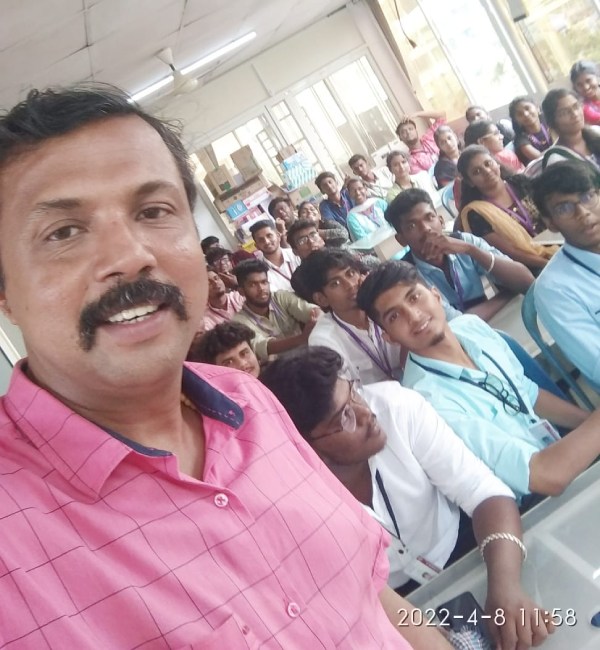
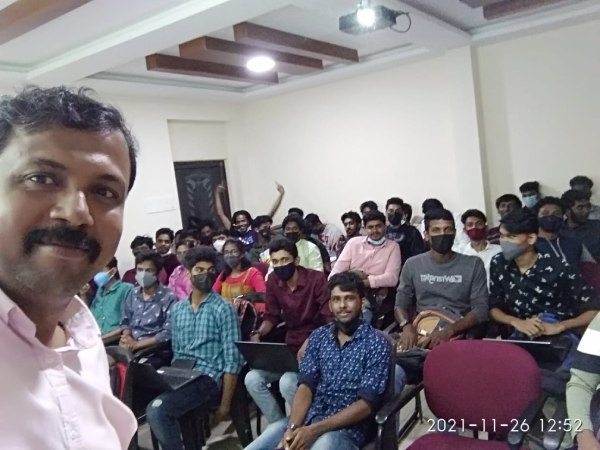
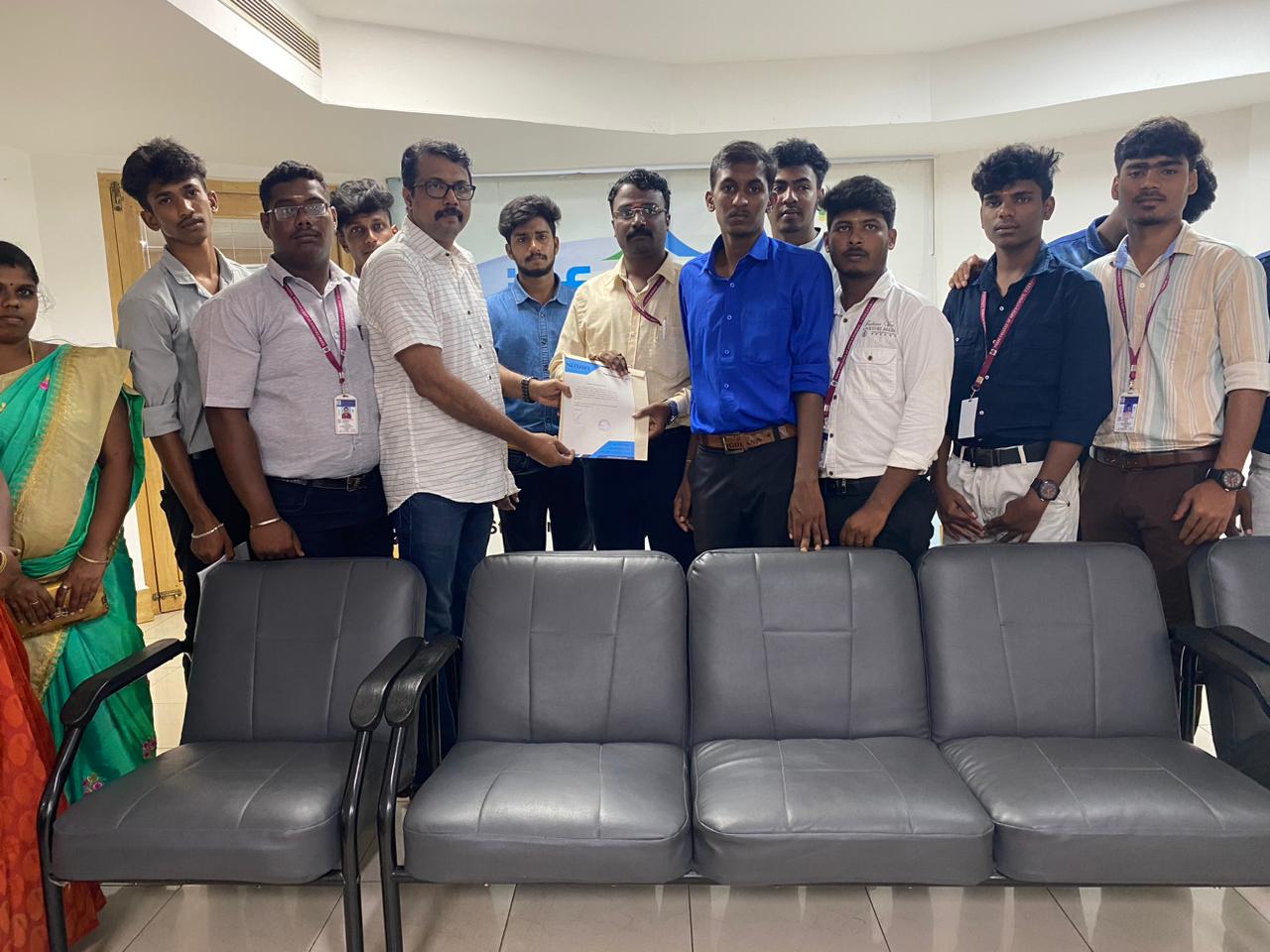
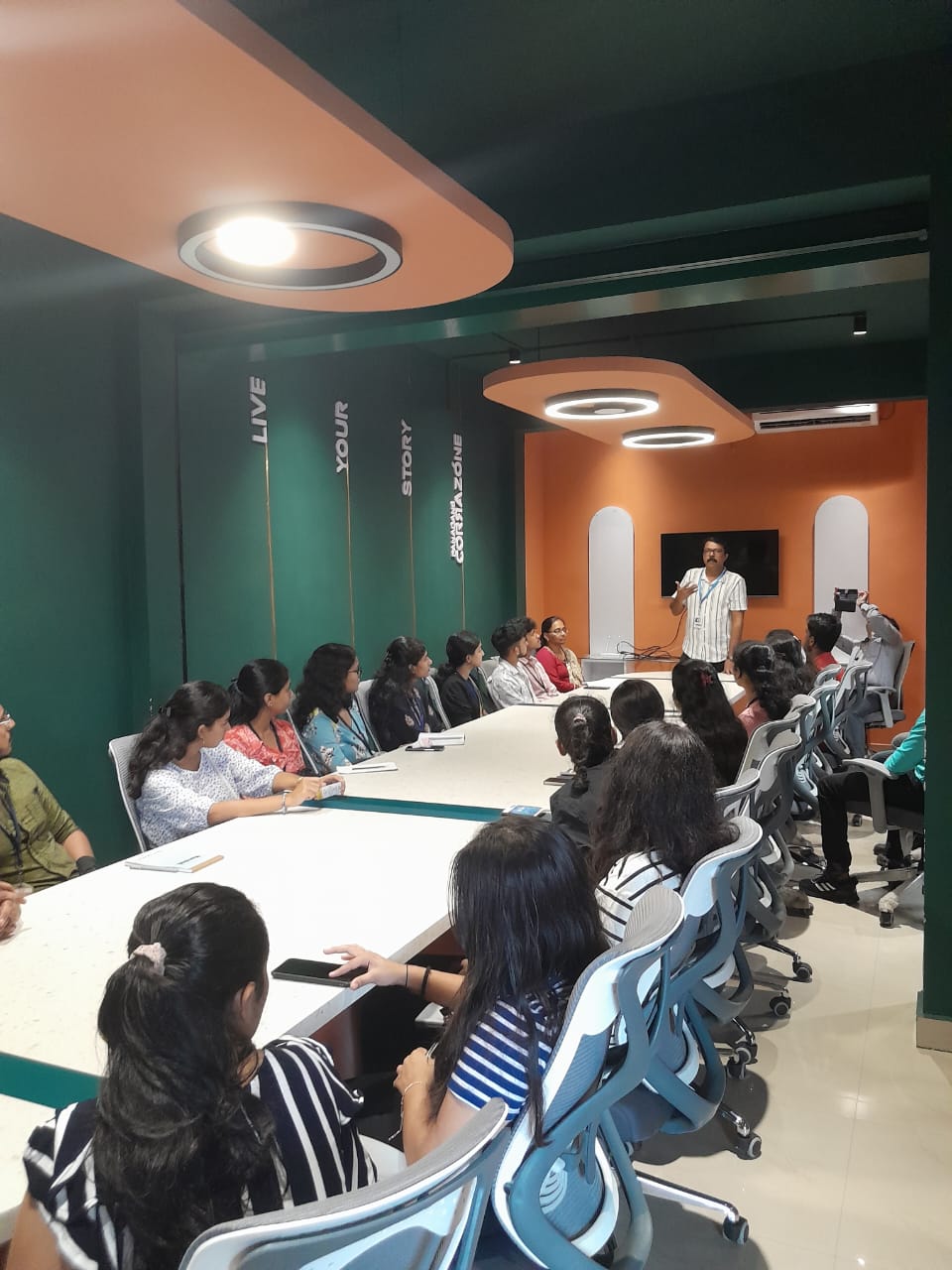
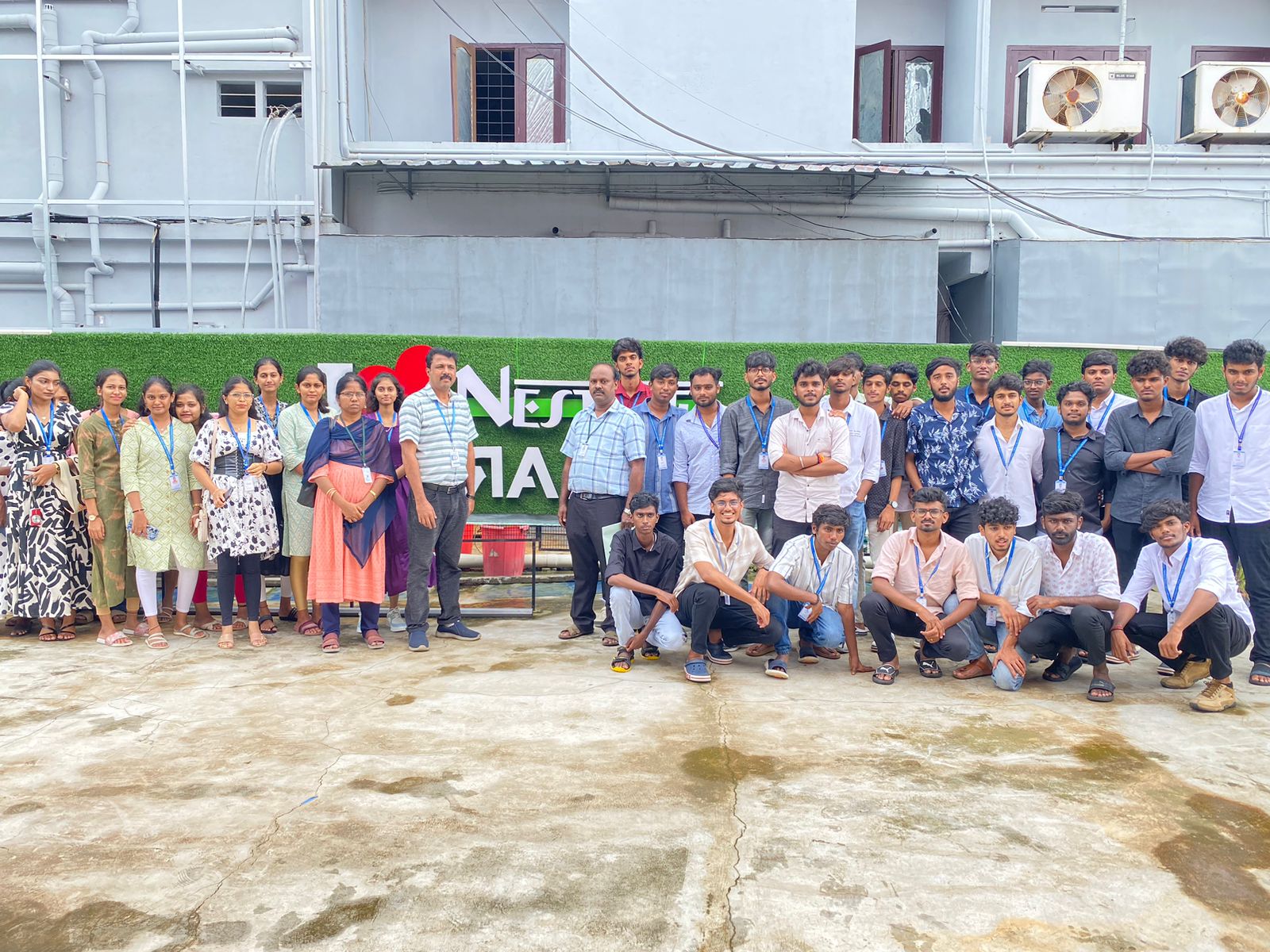
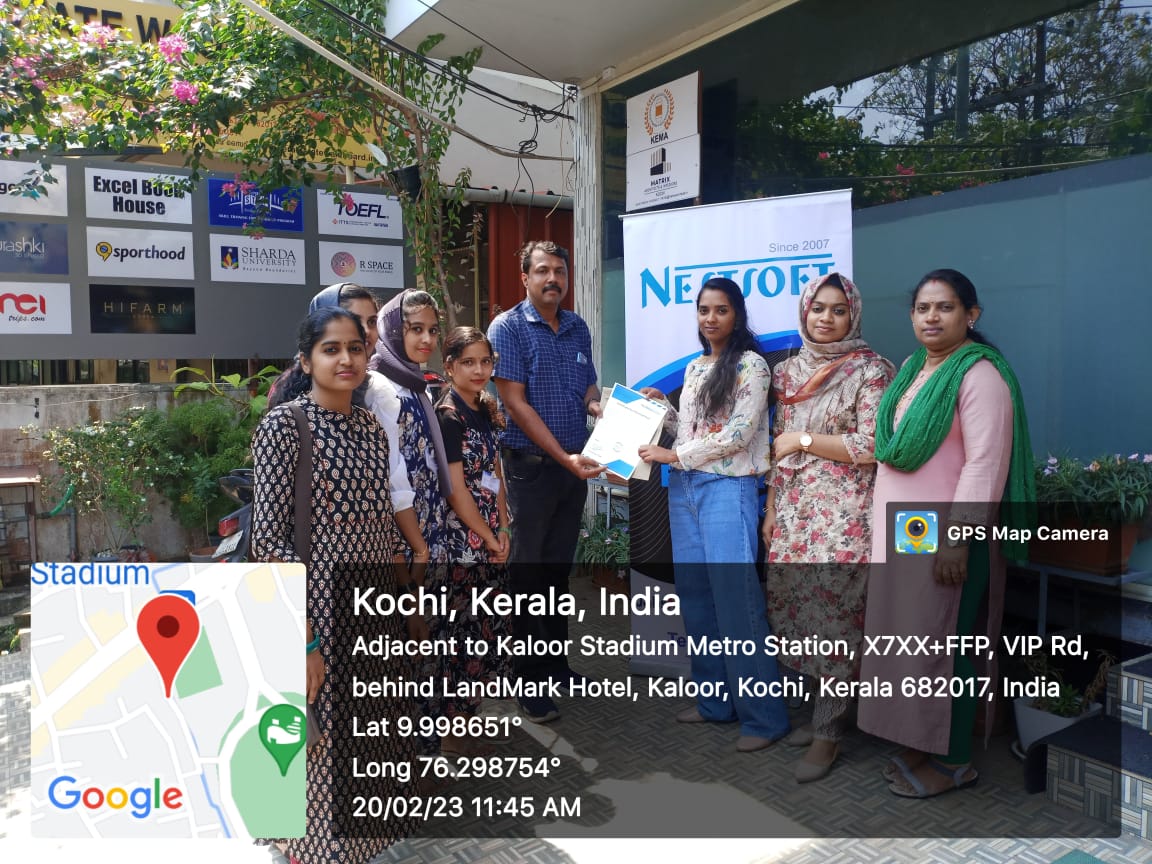
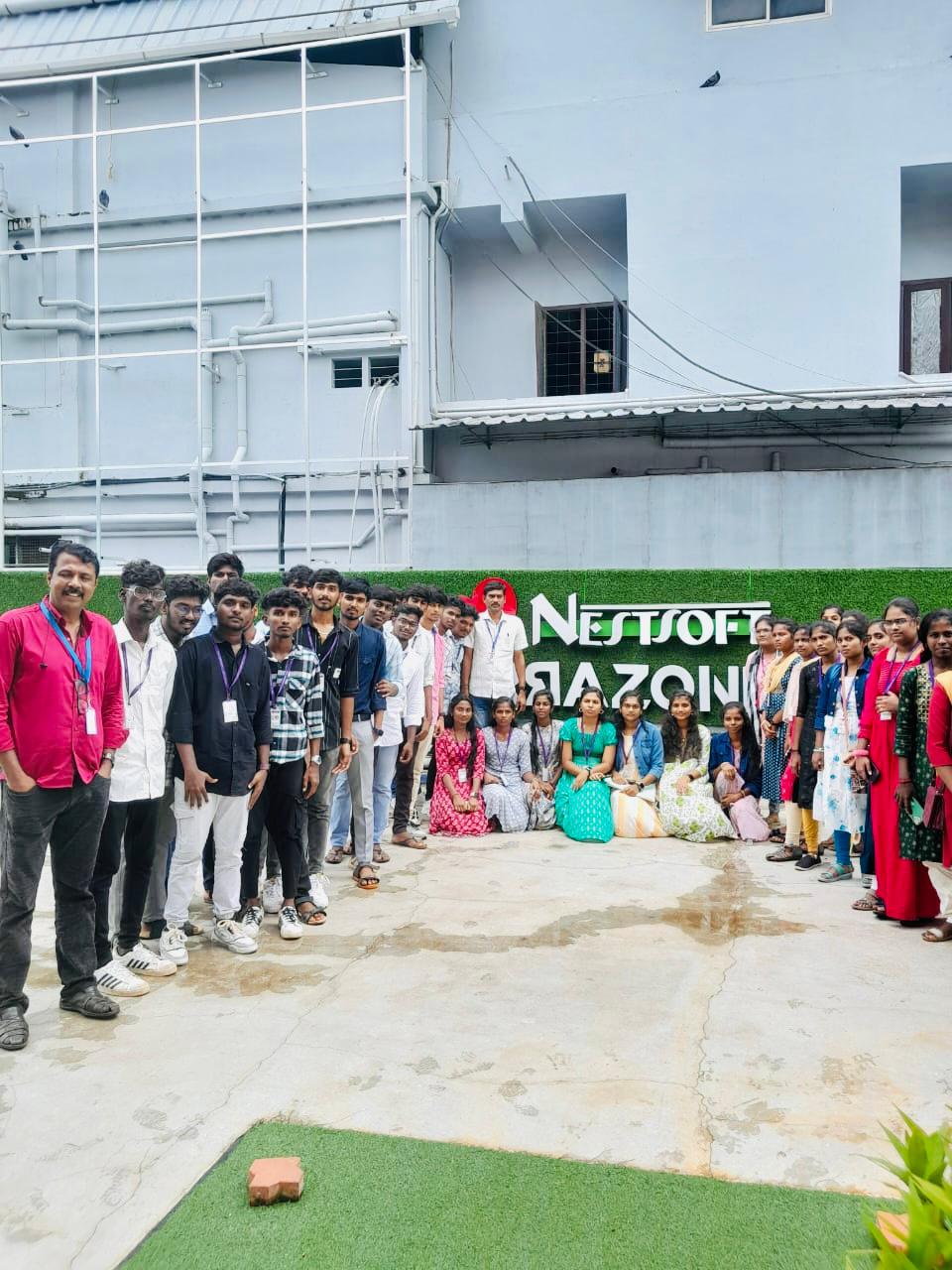
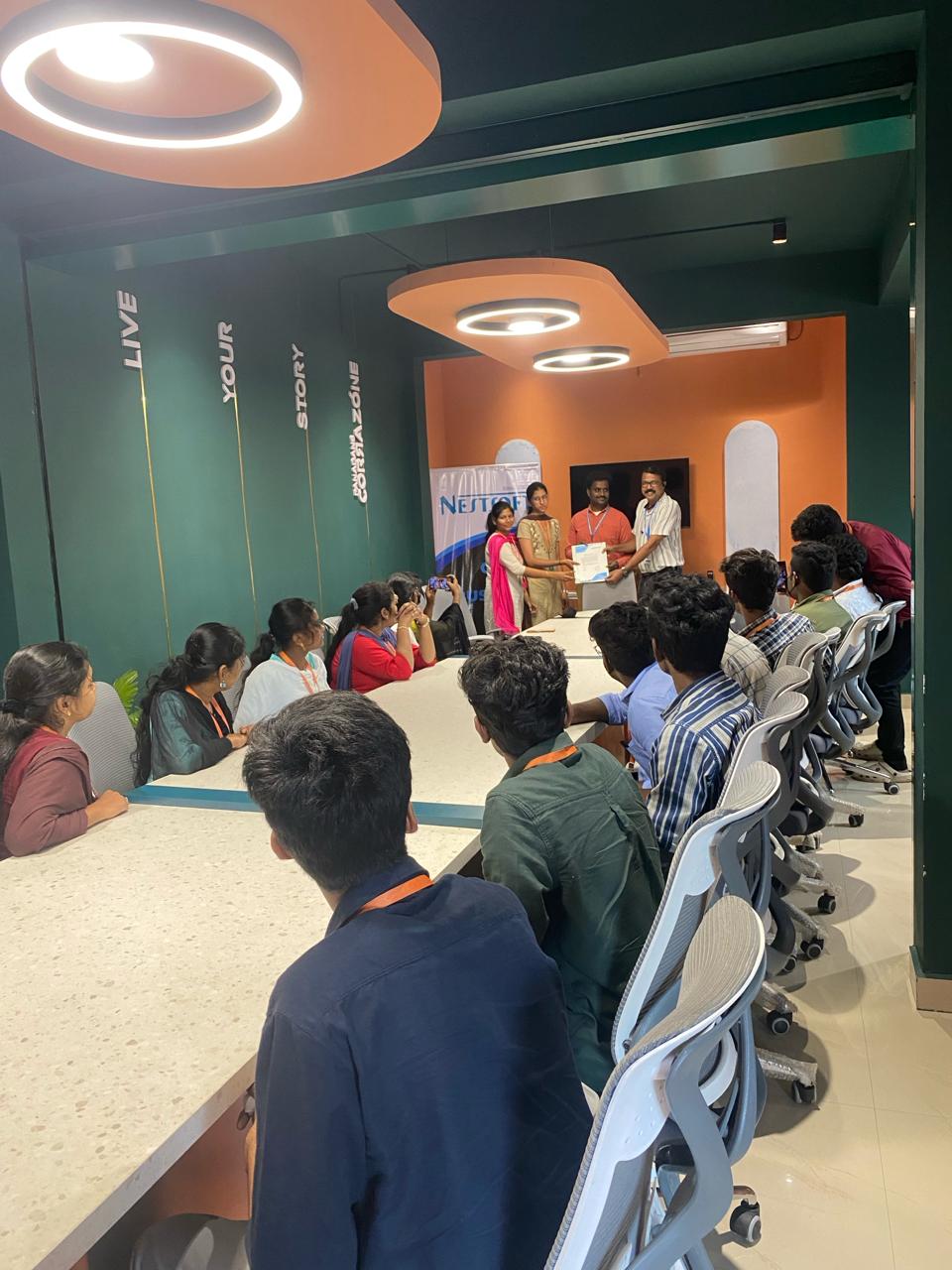
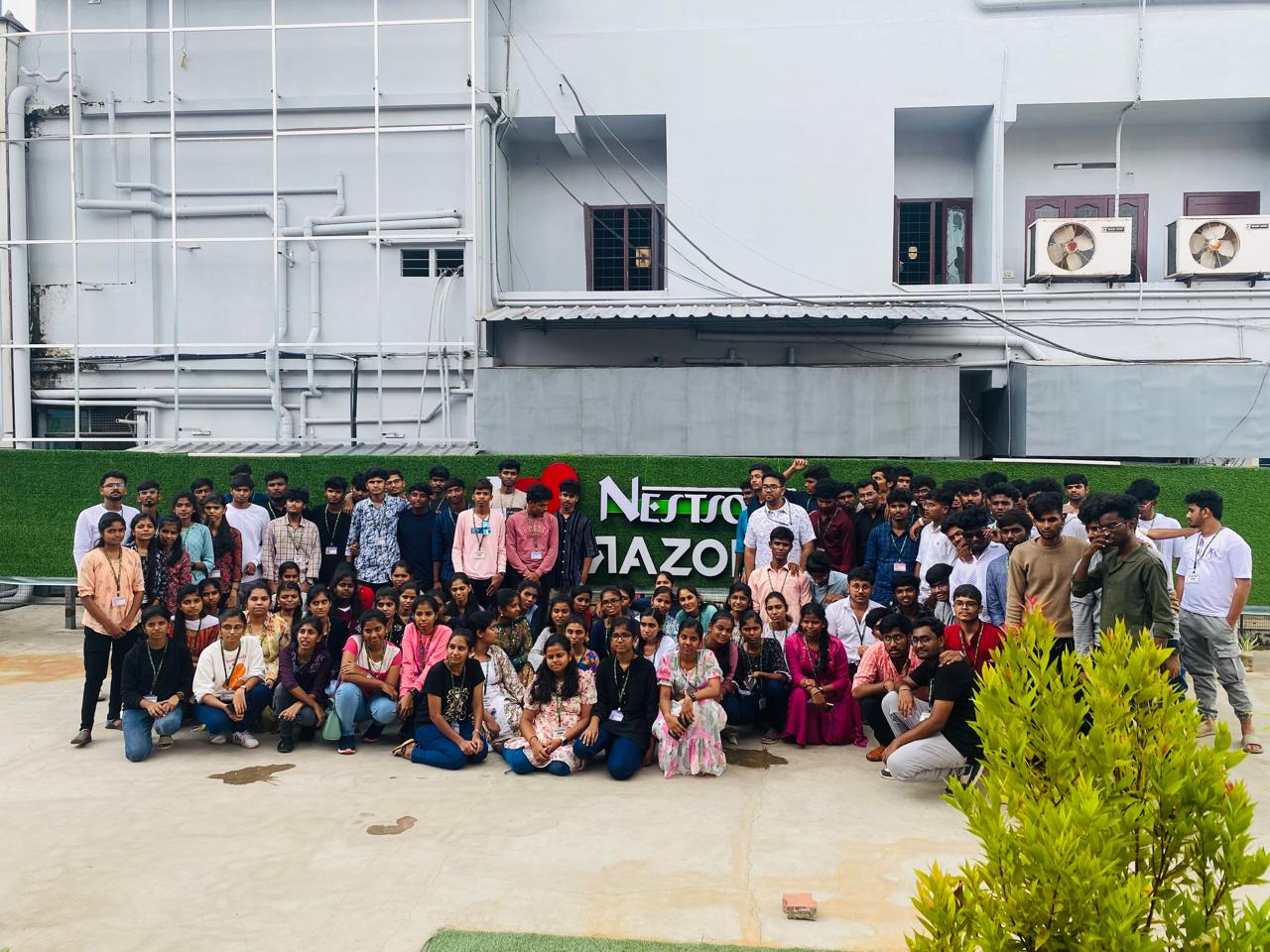
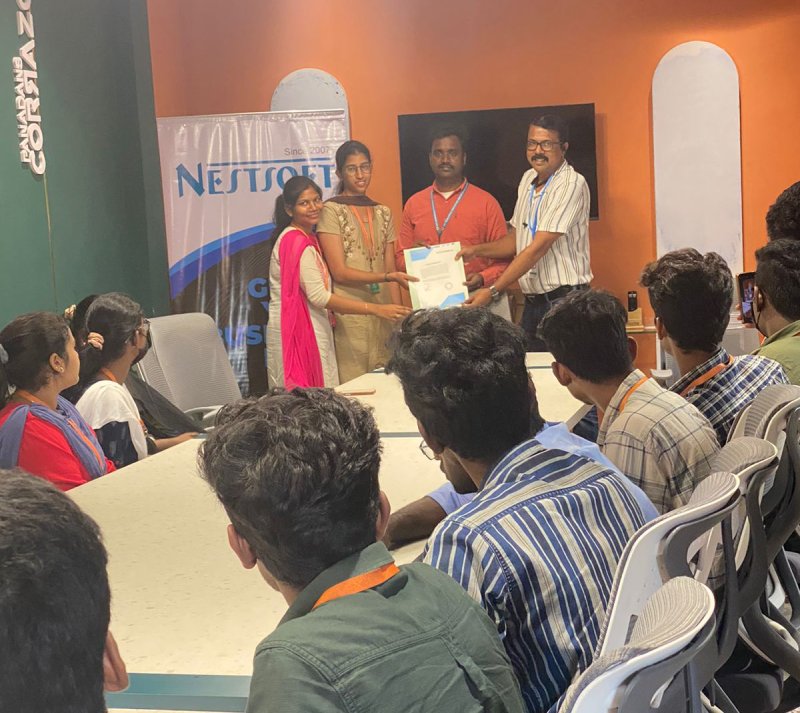
Photos of Training / Internships

Internship/projects in kerala

Trained more than 10000+ students who trust Nestsoft TechnoMaster

Get Your Personal Trainer